Generate RFPs Instantly
Simplify your vendor selection process with our AI-powered Request for Proposal Generator. Create detailed, professional RFPs in minutes without complex formatting or procurement expertise.
How to Create a Request for Proposal Online
Enter Project Details
Start by entering your organization name, project title, and background information in the Request for Proposal Generator. You can type details manually or paste from your project brief. Providing clear project context ensures vendors understand your needs from the start.
Define Scope & Requirements
Outline the scope of work, deliverables, and technical requirements using the Request for Proposal Generator. Include specific performance expectations and quality standards. A well-defined scope ensures respondents submit relevant and directly comparable proposals for your.
Set Evaluation Criteria
Configure how you will evaluate vendor proposals within the Request for Proposal Generator. Define scoring weights for experience, technical approach, pricing, and timeline. Clear criteria help ensure a fair, transparent selection process that identifies the best-qualified.
Download & Distribute
Download the finished RFP from the Request for Proposal Generator as a Word or PDF file, then distribute it to prospective vendors. Both formats are professional and ready for distribution. Track all responses and compare proposals against your defined evaluation criteria.
Import Details
Import your project details, organization information, and vendor requirements directly into the Request for Proposal Generator. The the tool parses your input to pre-fill the RFP document, saving you time on manual data entry for each new solicitation.
Professional Templates
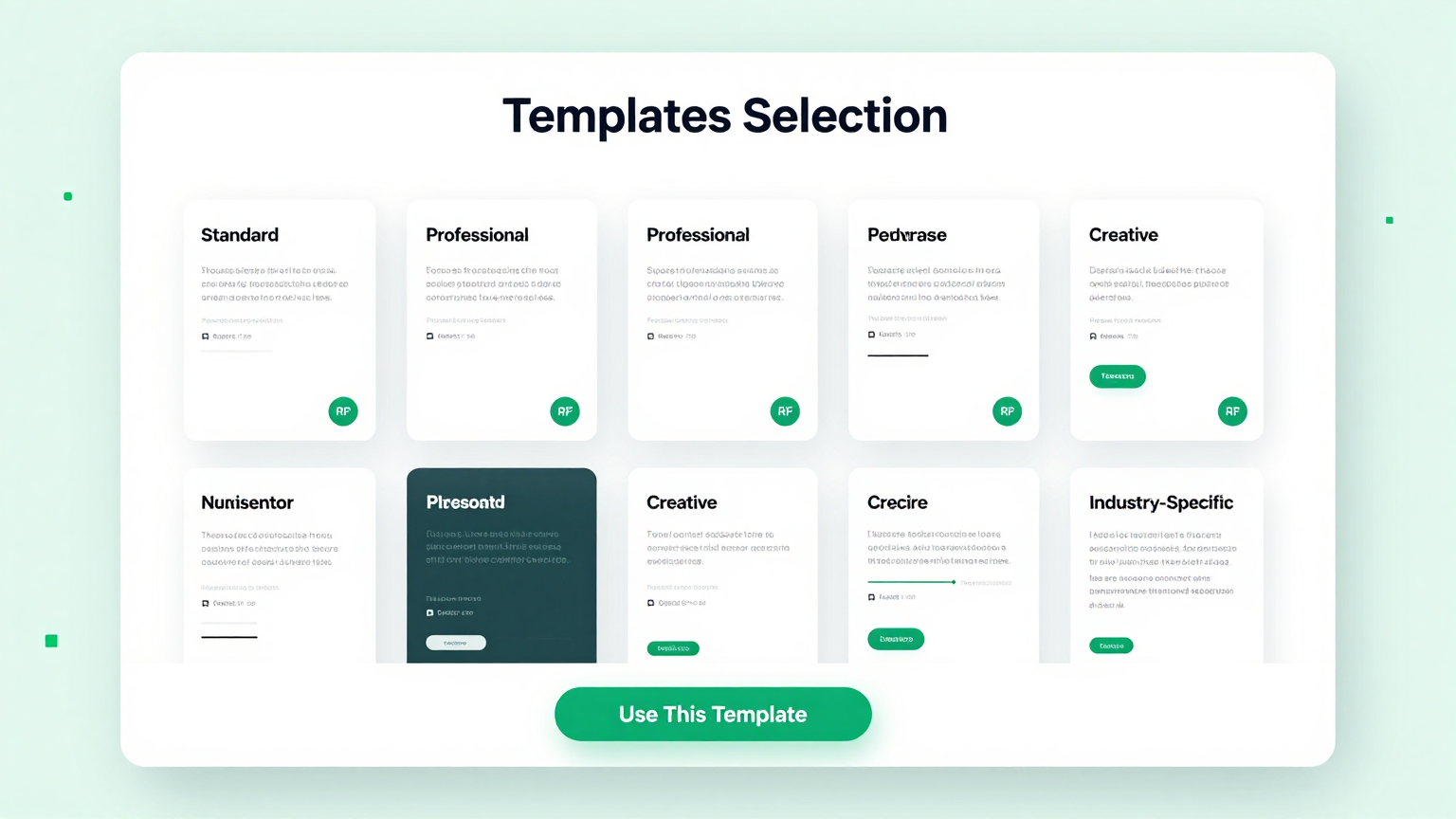
Choose from a library of professionally drafted templates within the Request for Proposal Generator. Each template in the the tool covers different industries including IT, construction, marketing, and consulting to match your vendor selection needs.
Edit Online
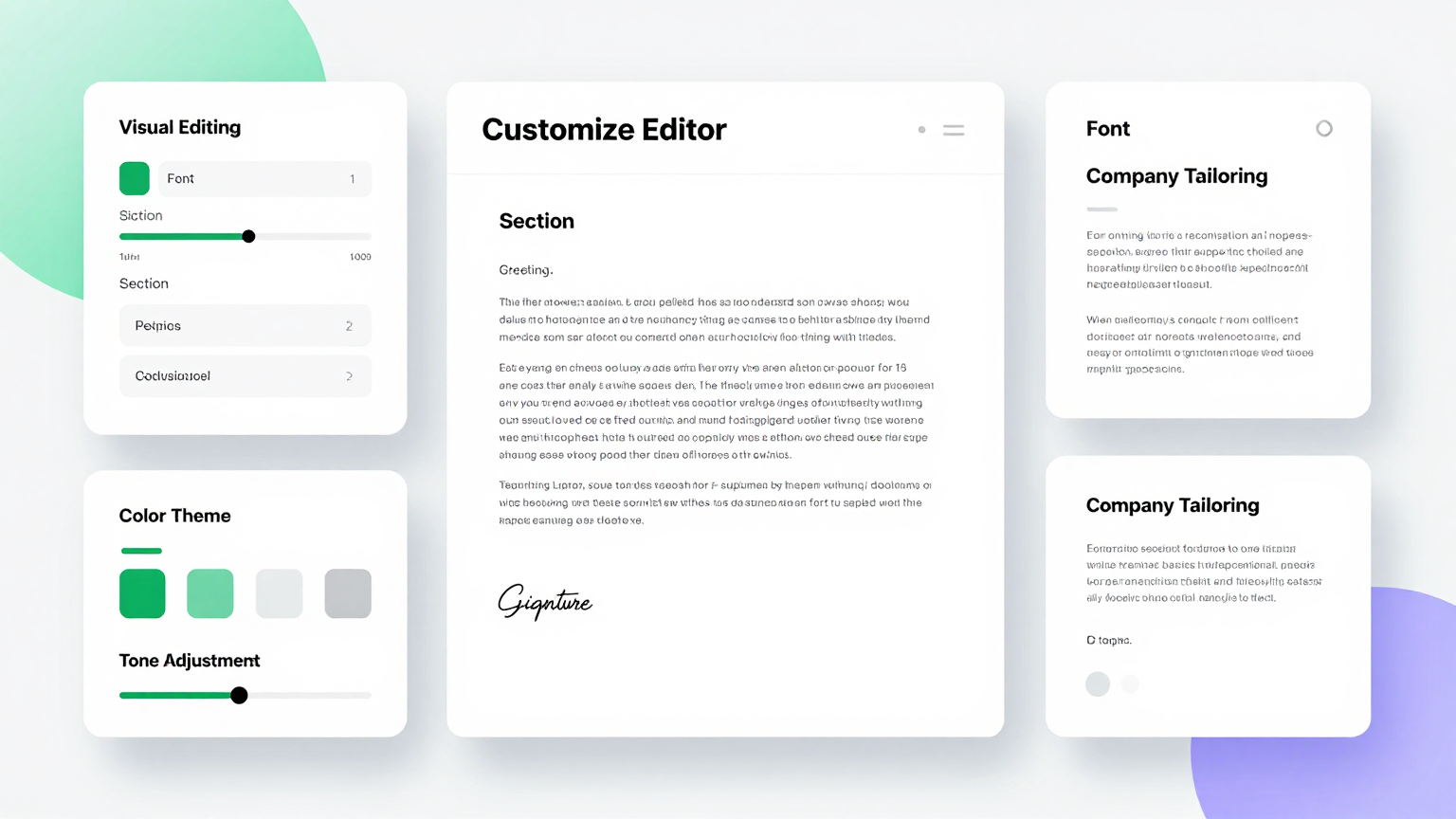
Refine every section and requirement using the Request for Proposal Generator editor. Adjust project scopes, add evaluation criteria, modify submission deadlines, and customize contract terms directly in the the tool to attract the best-qualified proposals.
Download & Share
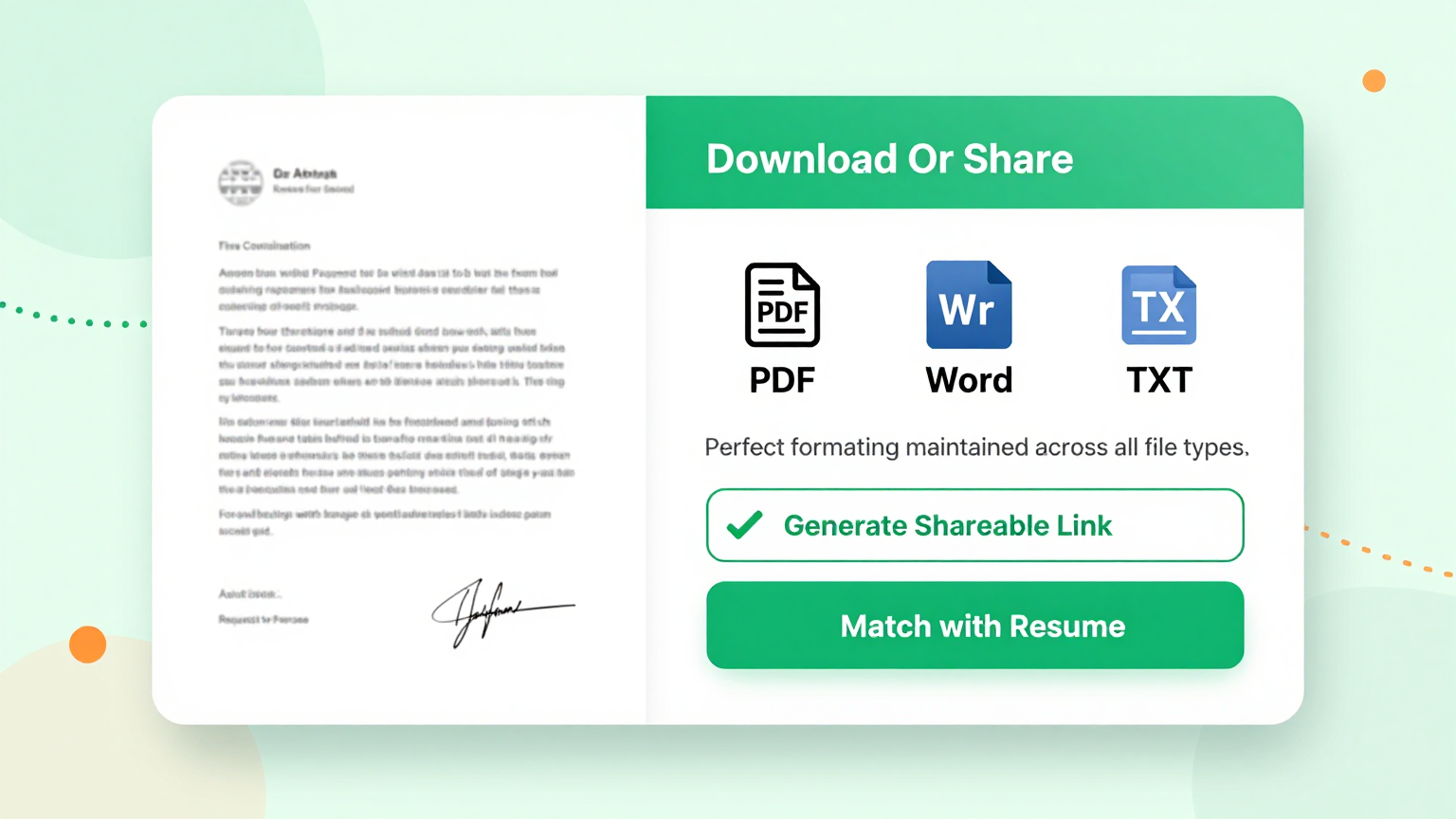
Export your completed RFP from the Request for Proposal Generator as a Word document or PDF. The the tool produces professional files you can share with prospective vendors via email or post on procurement portals for immediate responses.
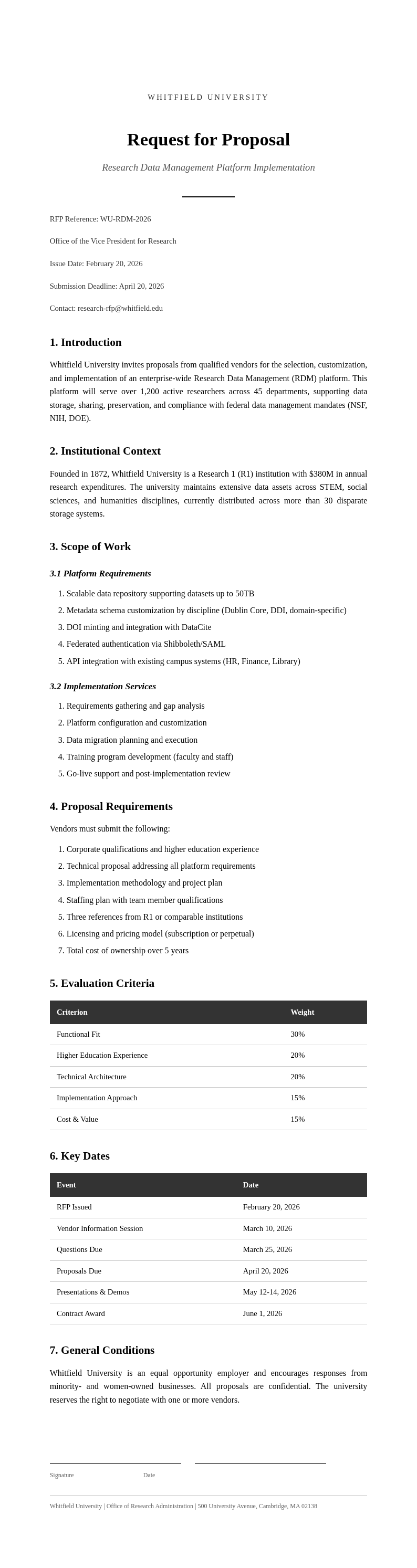
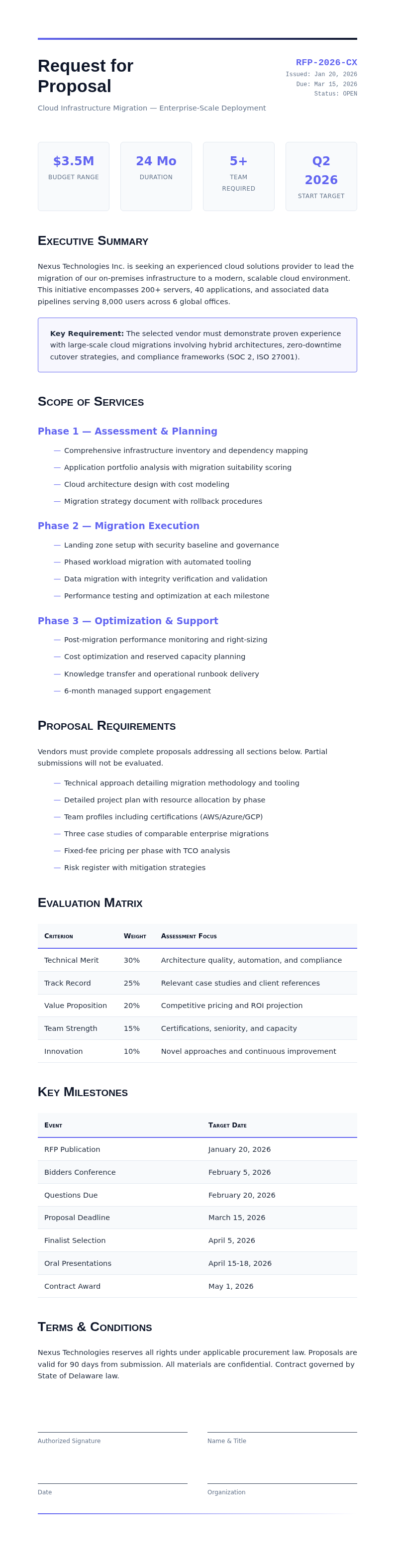
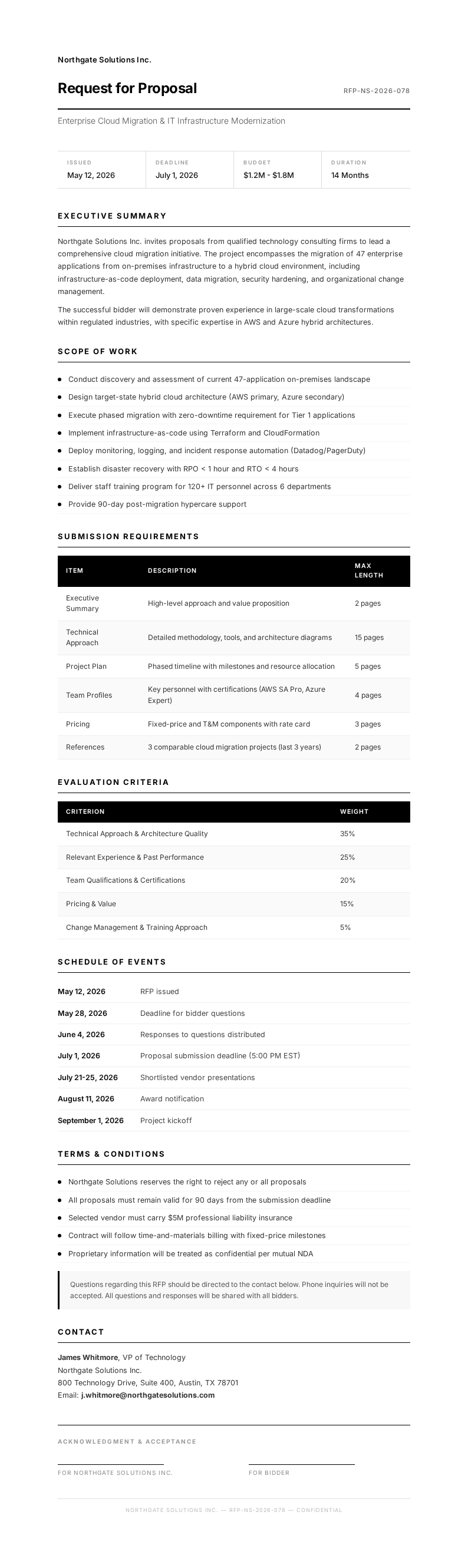
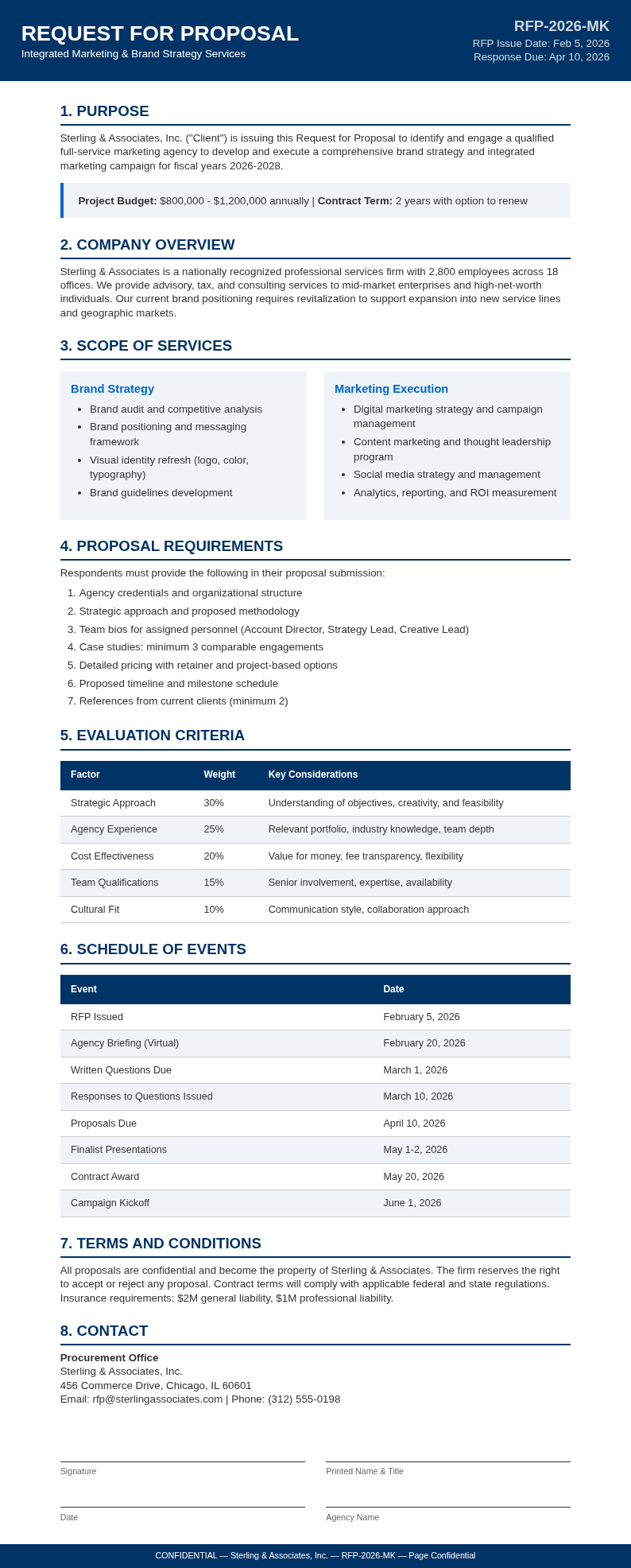
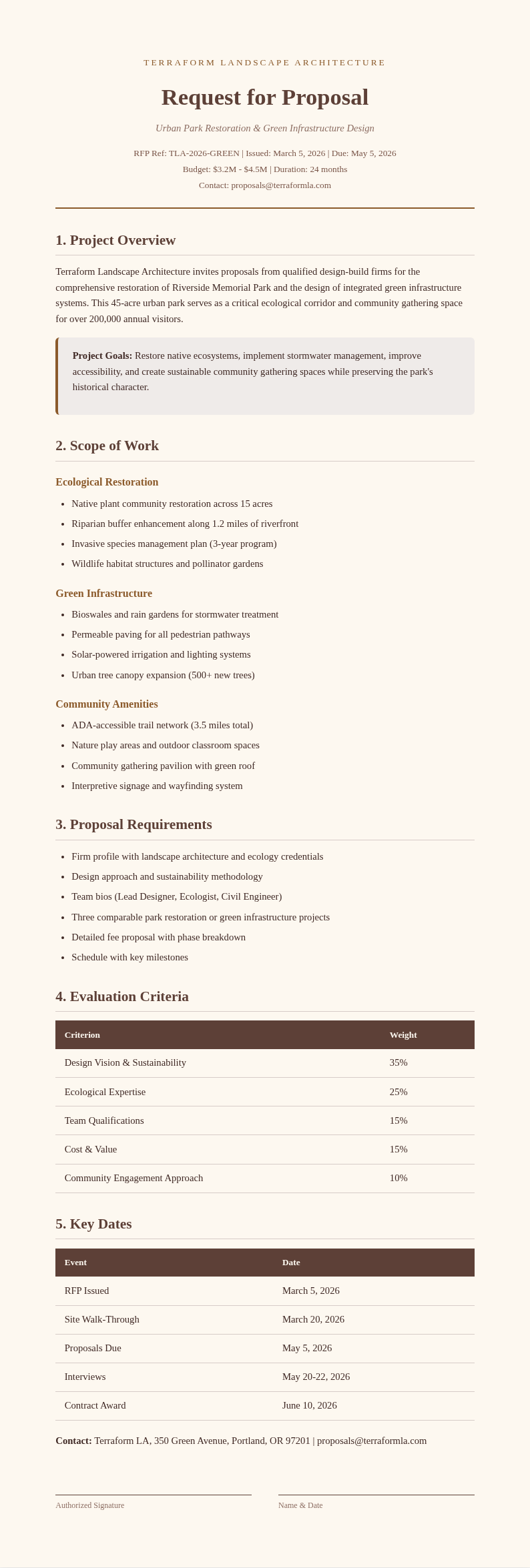
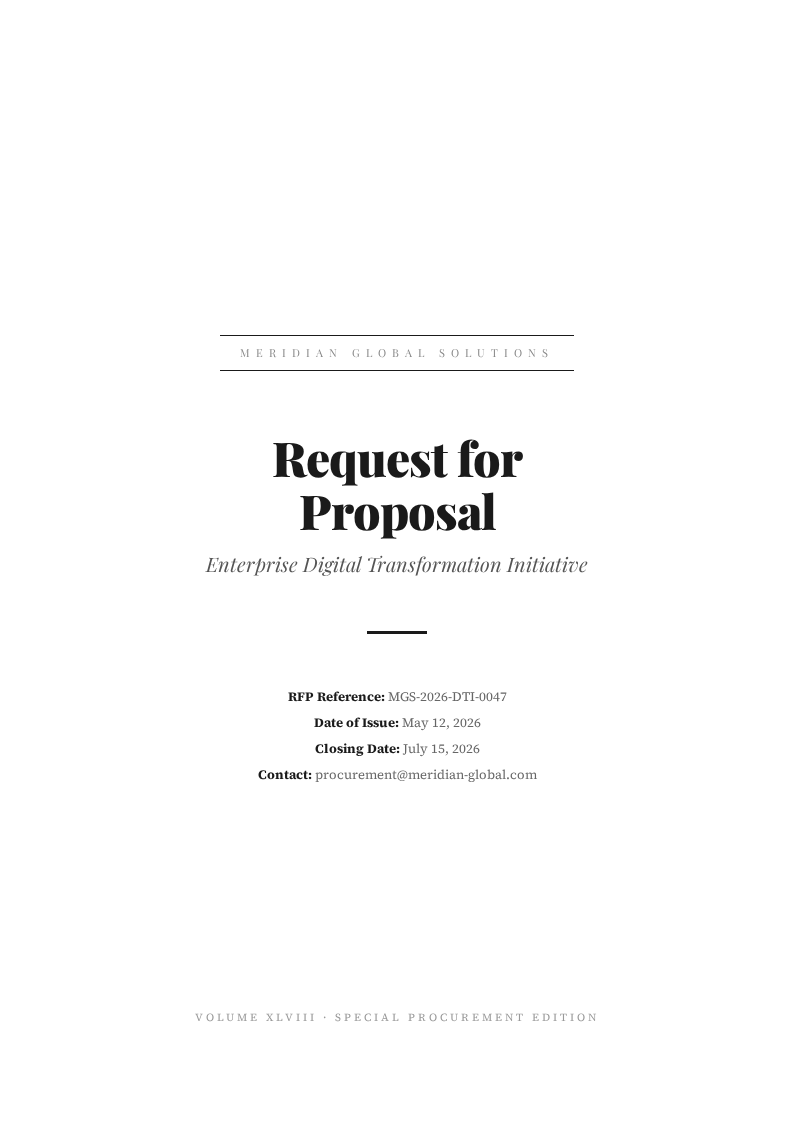
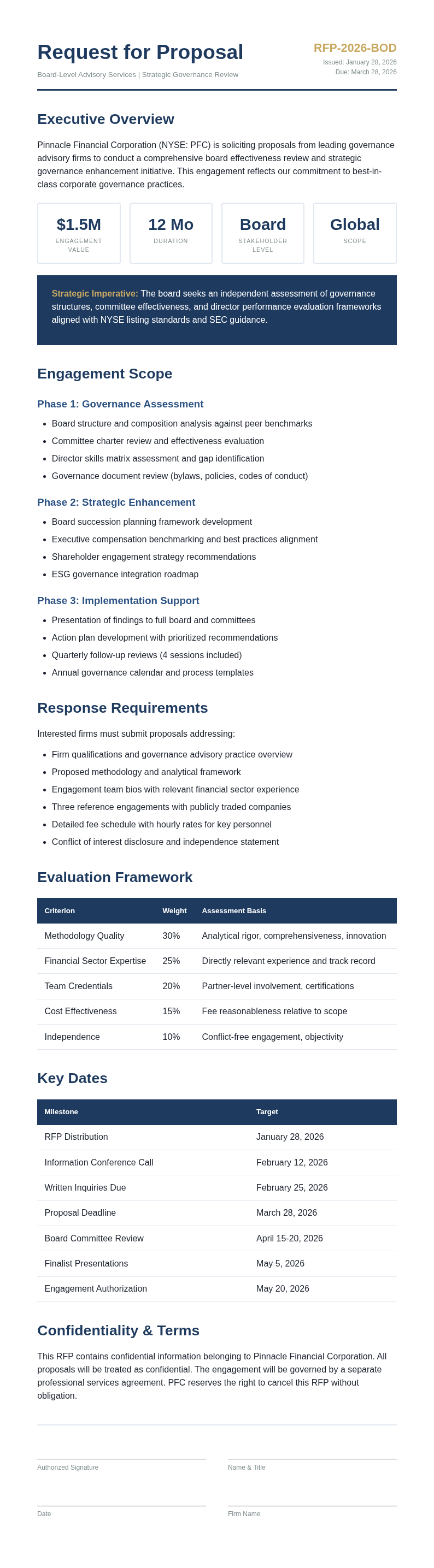
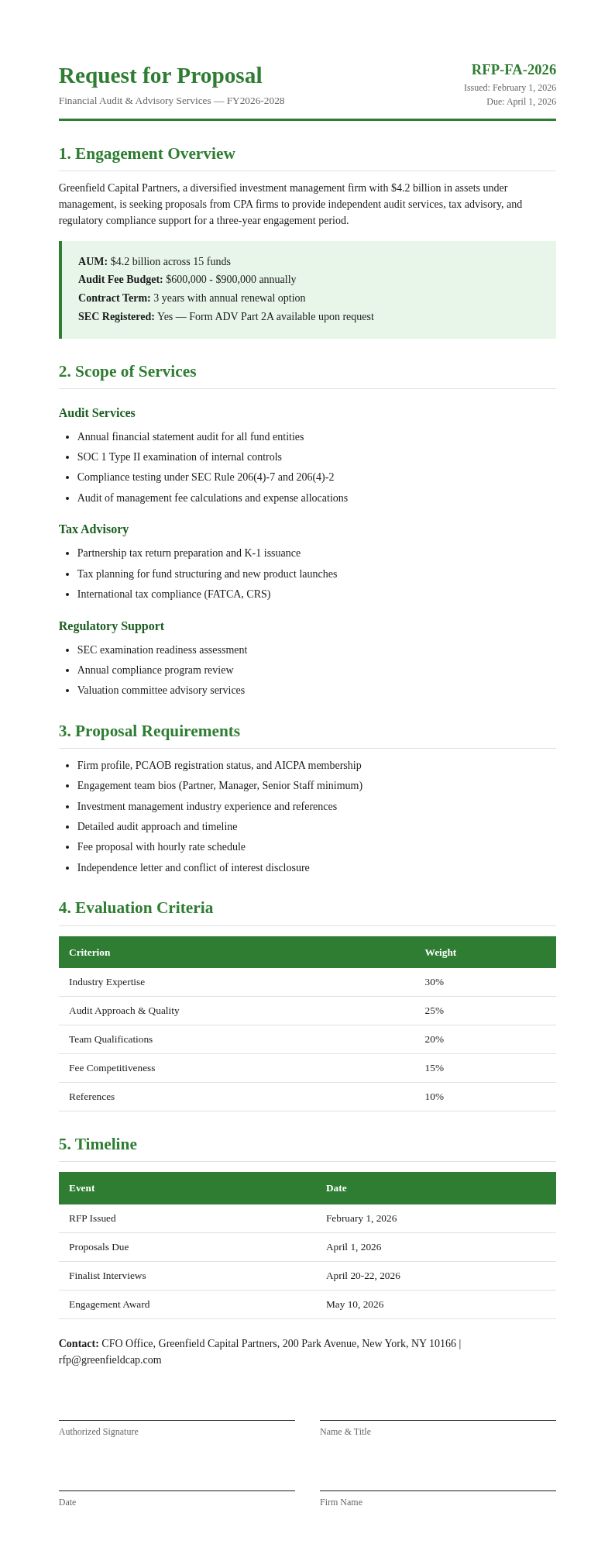
Explore Professional RFP Templates
Need a starting point? Browse our collection of pre-made Request for Proposal templates for various industries and project types.


Frequently Asked Questions
Helpful information about using our RFP generator tool.
- Is the Request for Proposal Generator free?
- Yes. This Request for Proposal Generator is completely free to use with no hidden fees or subscriptions required whatsoever. You can create unlimited RFPs without creating an account or providing any payment information. The tool gives every organization full access to professional solicitation documents at absolutely zero cost. You can complete everything in just a few minutes without any prior experience.
- What types of RFPs can I create with the Request for Proposal Generator?
- The it Generator supports IT services RFPs, construction project RFPs, marketing agency RFPs, consulting RFPs, and general procurement RFPs. Each template in the tool is carefully tailored for different industries, so you can solicit the right proposals for your specific project requirements. This approach ensures consistency and accuracy throughout your entire document preparation workflow.
- Are the generated RFPs professional quality?
- Yes, RFPs created by the tool follow industry-standard formats with comprehensive sections for project background, scope of work, evaluation criteria, and submission requirements. The the tool Generator produces documents that reflect professional procurement practices and consistently attract quality vendor responses. A well-prepared document reflects professionalism and helps build trust with all parties involved.
- Can I edit the RFP after generating it?
- Absolutely. The the tool Generator includes a full online editor that lets you modify sections, add custom requirements, adjust timelines, or change evaluation criteria before downloading. You can return to the tool anytime to make changes until the document is officially distributed to prospective vendors. Everything is designed to be simple, fast, and accessible to everyone.
- What formats can I export from the RFP tool?
- The the tool Generator lets you download your completed RFP as a Microsoft Word document or a PDF file for maximum flexibility. Both formats produced by the tool are professionally formatted and ready for emailing to vendors, posting on procurement portals, or printing for review committees. Everything is designed to be simple, fast, and accessible to everyone.
- How long does it take to generate an RFP?
- Most users complete an RFP in under ten minutes using the tool thanks to its intuitive guided interface. The the tool Generator pre-fills standard sections and guides you through each part, so you only need to provide the project-specific details relevant to your vendor solicitation process. This makes the entire process quick and hassle-free for all users.
- Can I use the RFP tool for government procurement?
- Yes, the tool includes templates suitable for government procurement with dedicated sections for compliance requirements, budget disclosures, and regulatory terms. The the tool Generator helps public sector organizations create transparent solicitation documents that meet all required procurement standards. This approach ensures consistency and accuracy throughout your entire document preparation workflow.
- Does the RFP tool work for small businesses?
- Absolutely. The tool is ideal for small businesses that need to solicit vendor proposals without dedicated procurement staff on board. The the tool Generator helps small businesses create professional RFPs that attract qualified vendors and establish clear project expectations from the very start. This approach ensures consistency and accuracy throughout your entire document preparation workflow.
- Can I add custom evaluation criteria in the RFP tool?
- Yes, the tool allows you to define custom evaluation criteria with weighted scoring for factors like vendor experience, technical approach, pricing, and timeline. Setting clear criteria in the the tool Generator ensures a structured, fair, and transparent vendor comparison process every time. This saves valuable time compared to starting from scratch or using outdated methods.
- What information do I need to provide to the RFP tool?
- The tool needs your organization name, project title and description, scope of work, expected deliverables, timeline, evaluation criteria, submission deadline, and contact information. The the tool Generator guides you through each required field systematically so nothing is missed in the solicitation document. A well-prepared document reflects professionalism and helps build trust with all parties involved.
- Can I save my progress in the RFP tool?
- Yes, the tool allows you to save your work in progress and return later to complete it at your convenience. Your partially completed RFP stays securely in the the tool Generator so you can gather any missing project details or consult with stakeholders before finalizing the document. The result is a professional document you can share with confidence.
- Is my data secure when using the RFP tool?
- Yes. The tool processes your information securely using encryption and does not store your sensitive data after you download the completed document. The the tool Generator protects your information throughout the process, ensuring your project details and vendor requirements remain completely private and confidential. You can complete everything in just a few minutes without any prior experience.
Create Your RFP Now
Don't delay your vendor selection. Use our free Request for Proposal Generator to create a professional RFP in minutes and attract the best-qualified proposals for your project.
No credit card required • AI-powered formatting • Instant download