Create Grocery Receipt Templates Online
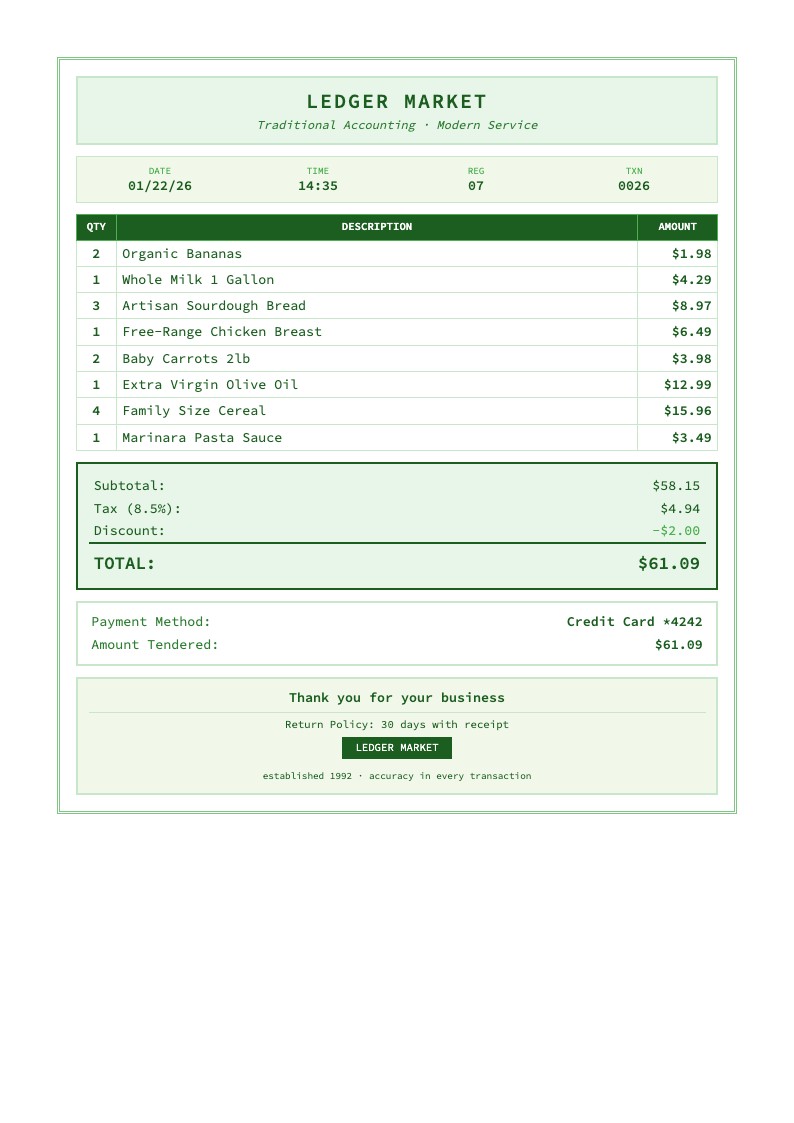
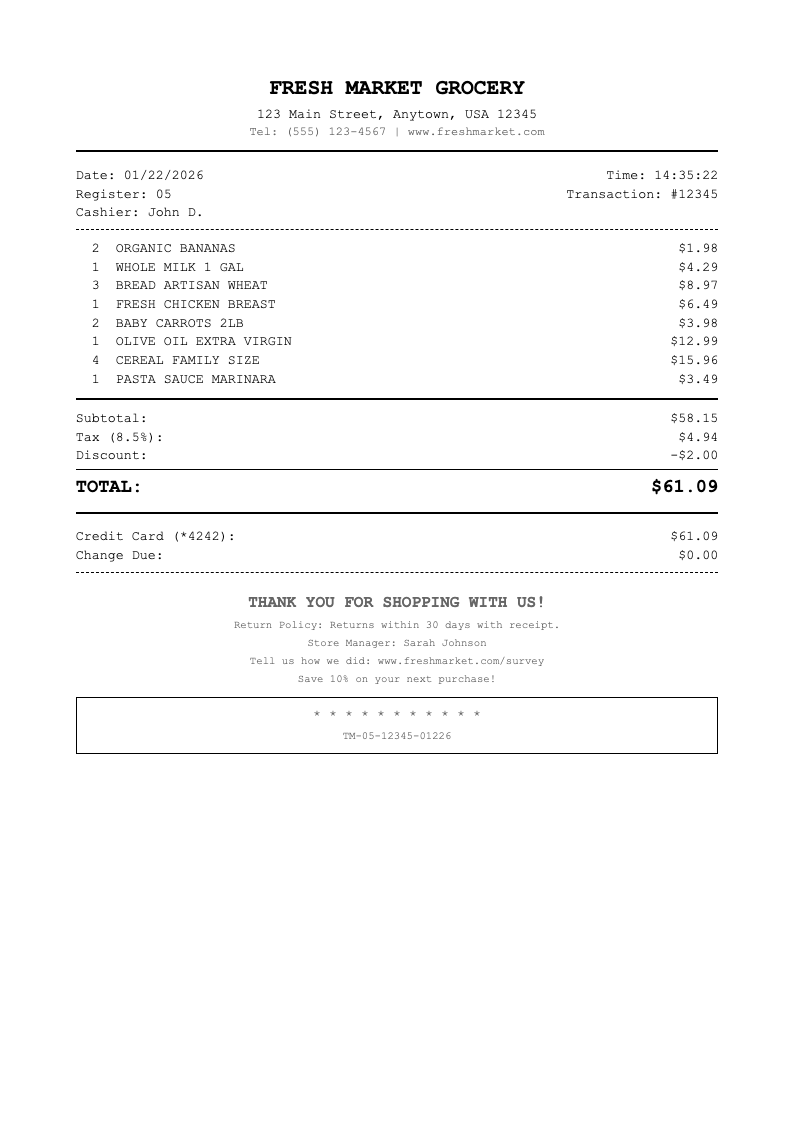
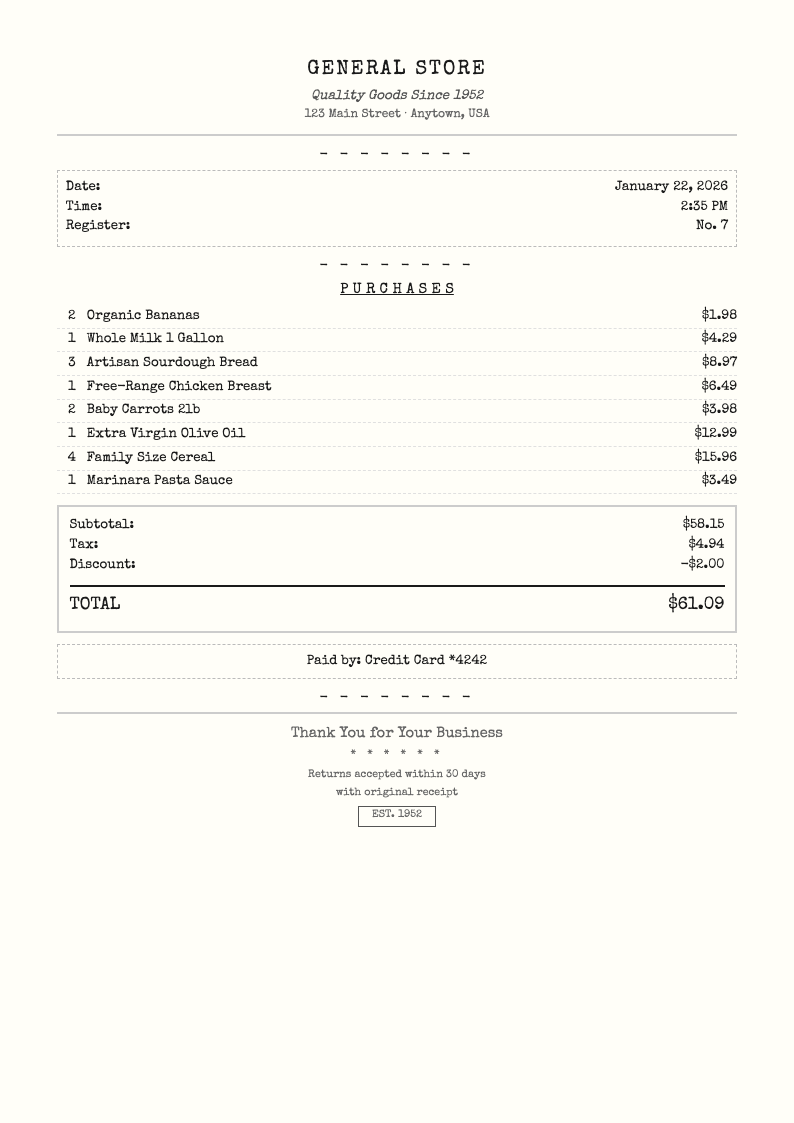
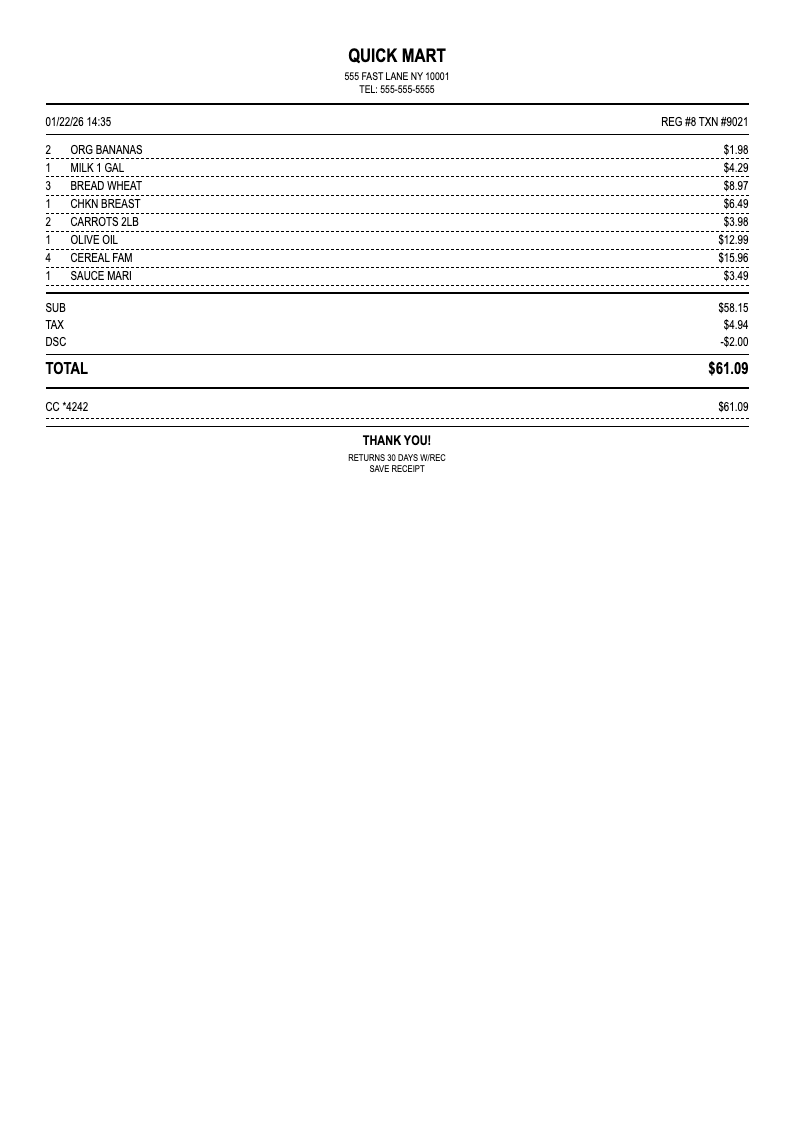
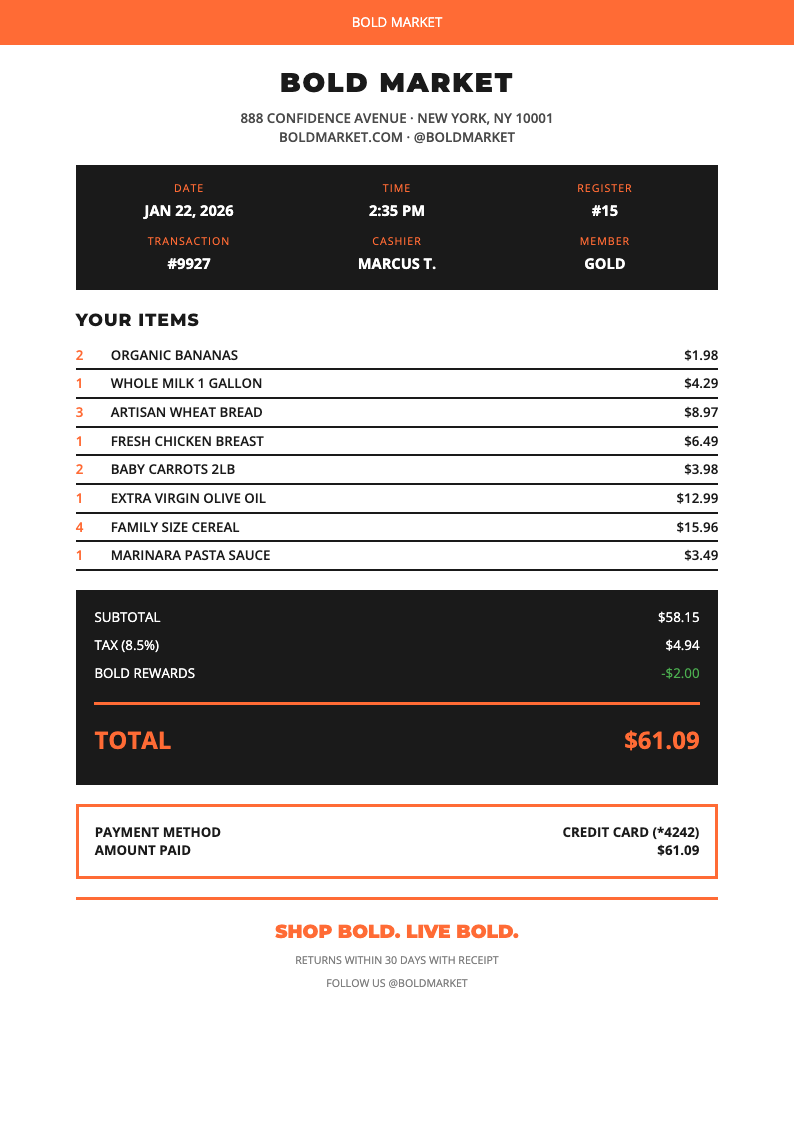
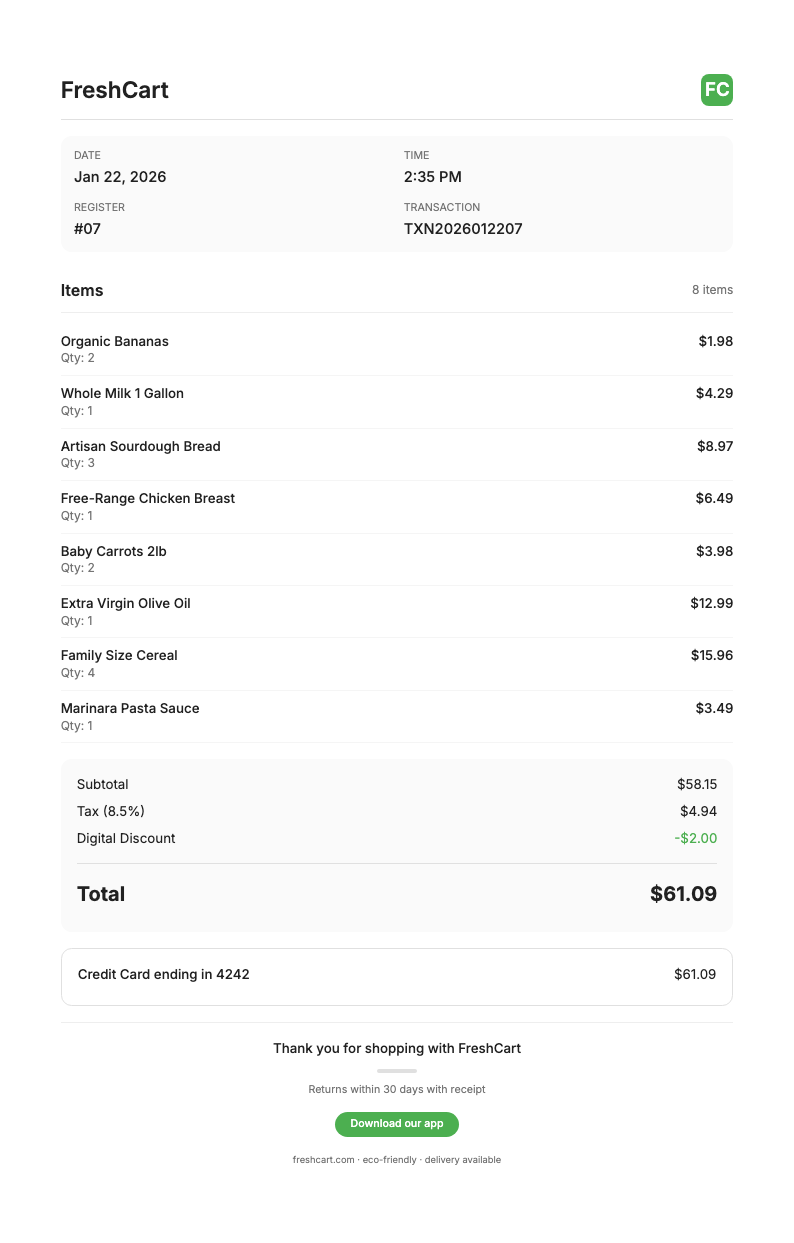
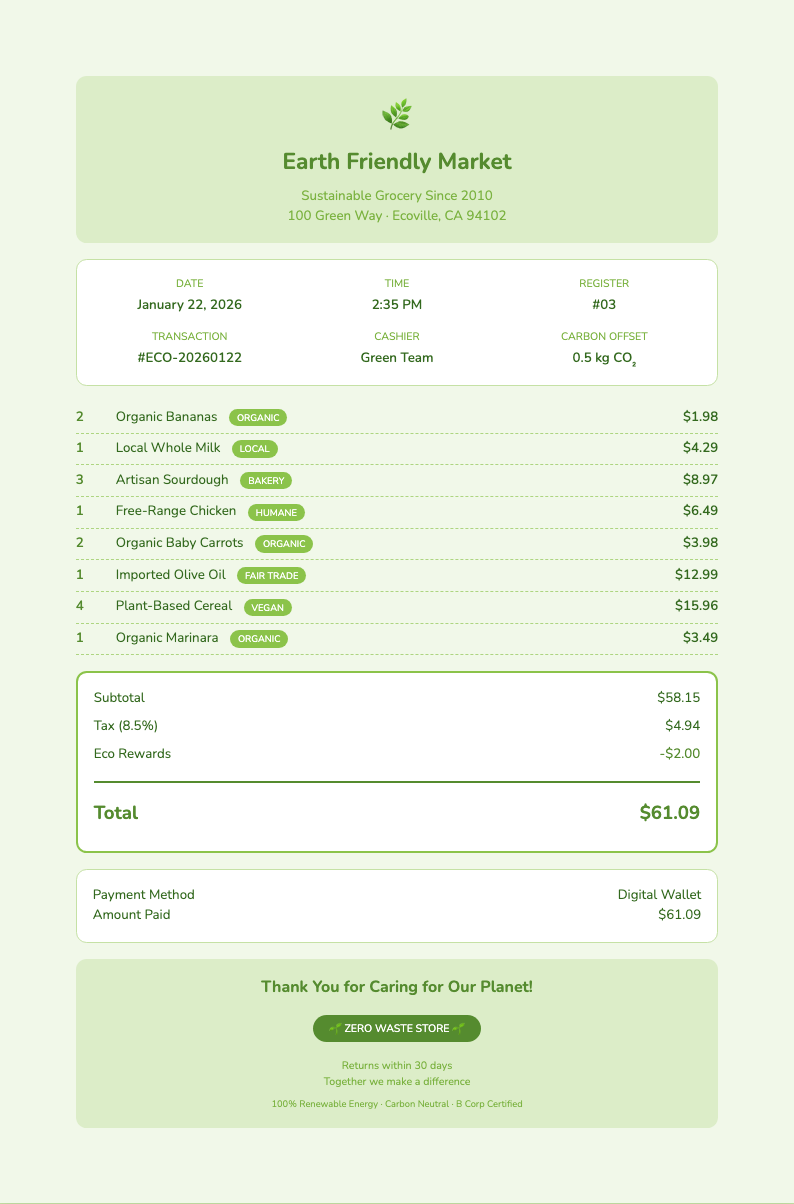
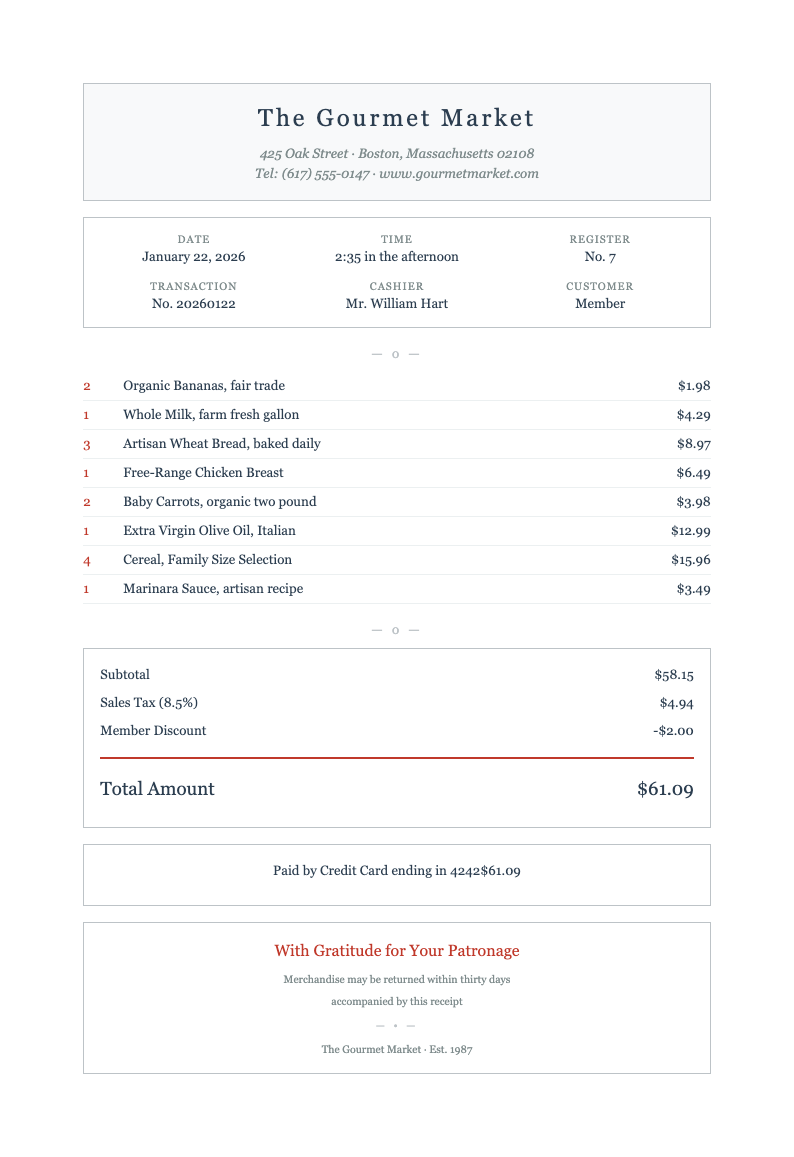
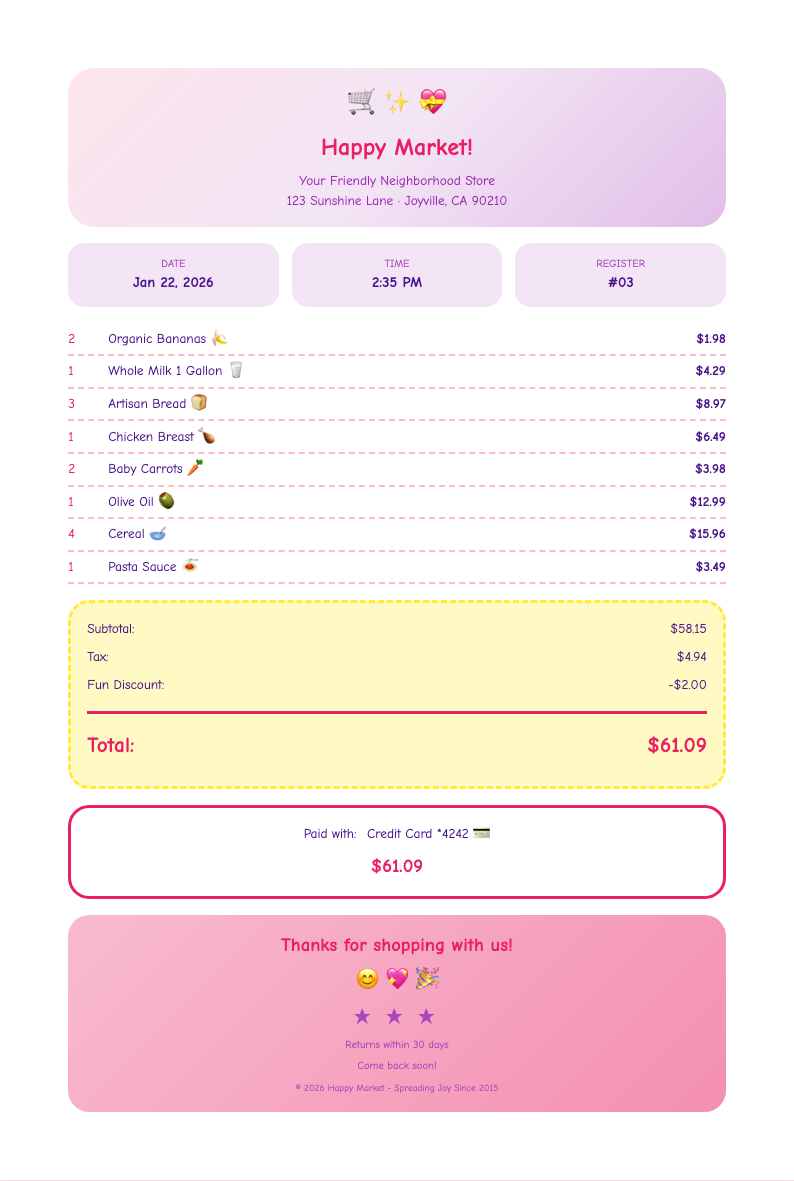
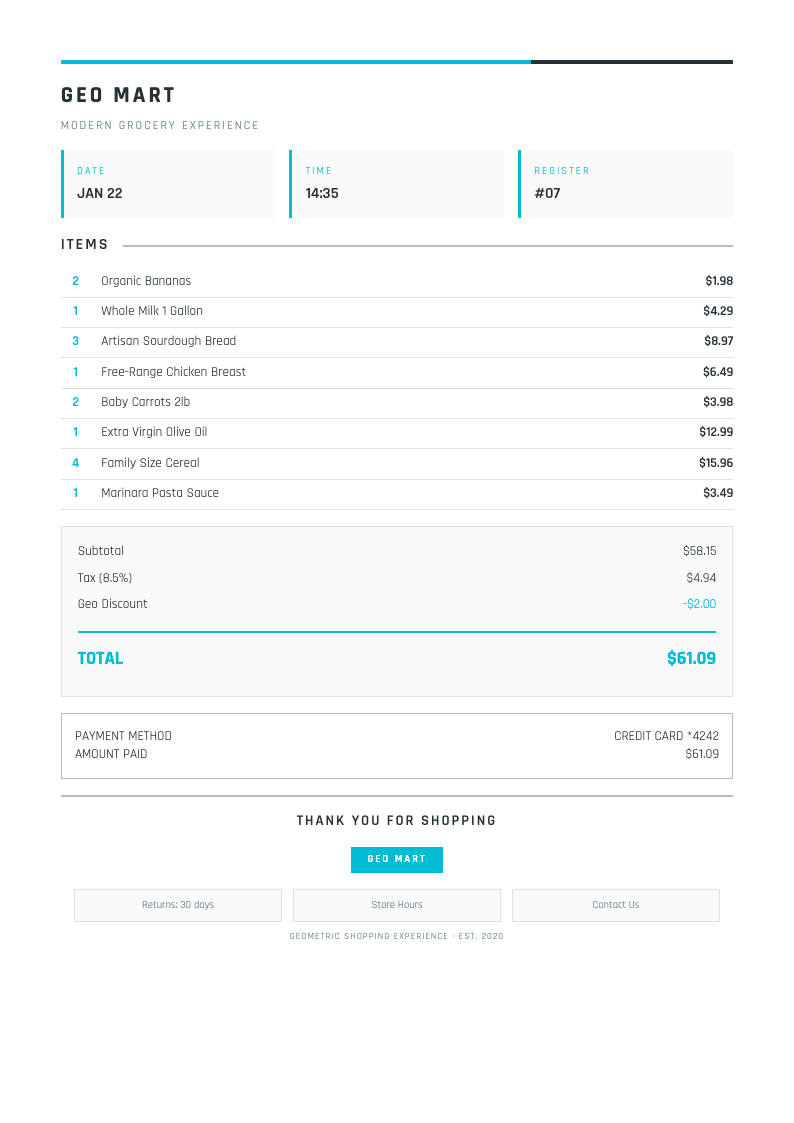
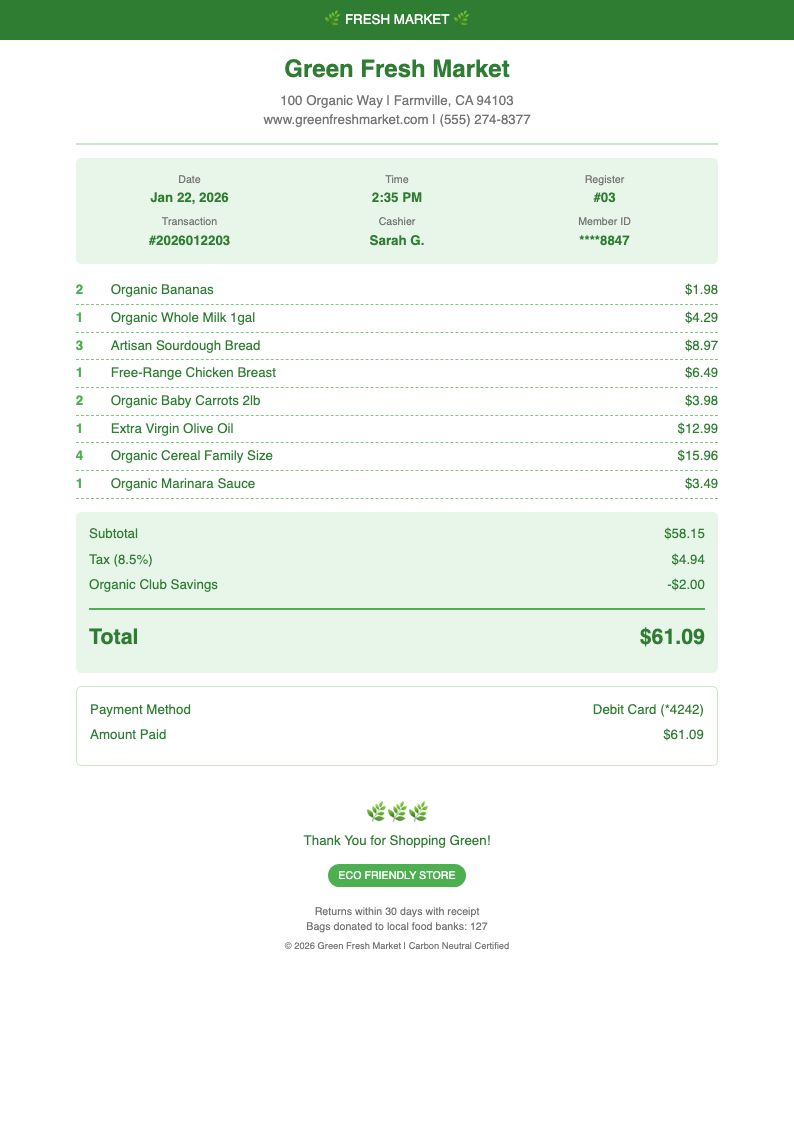
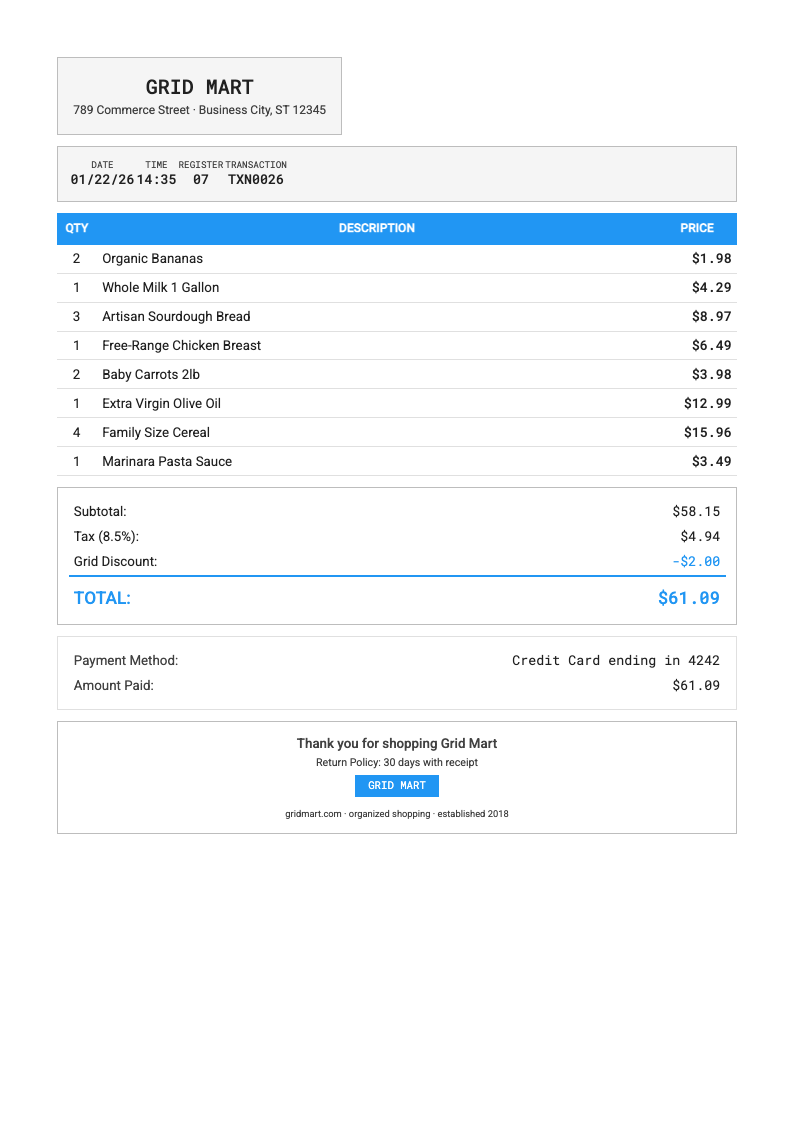
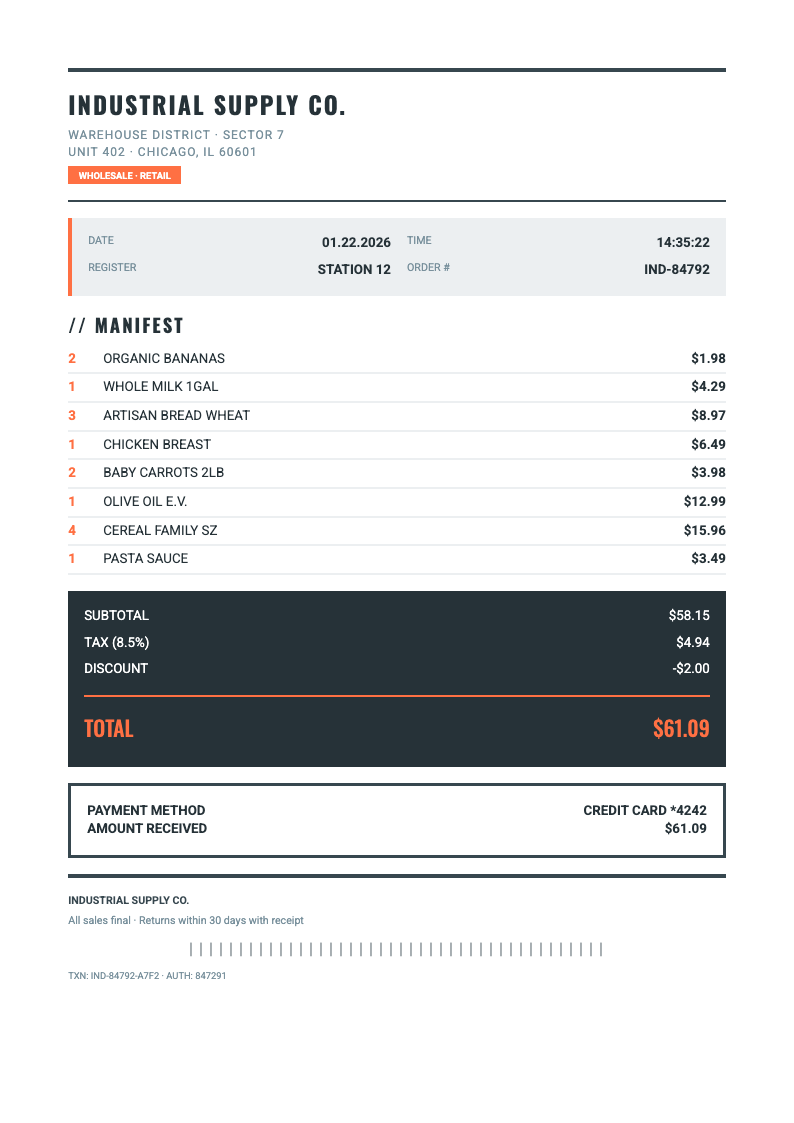
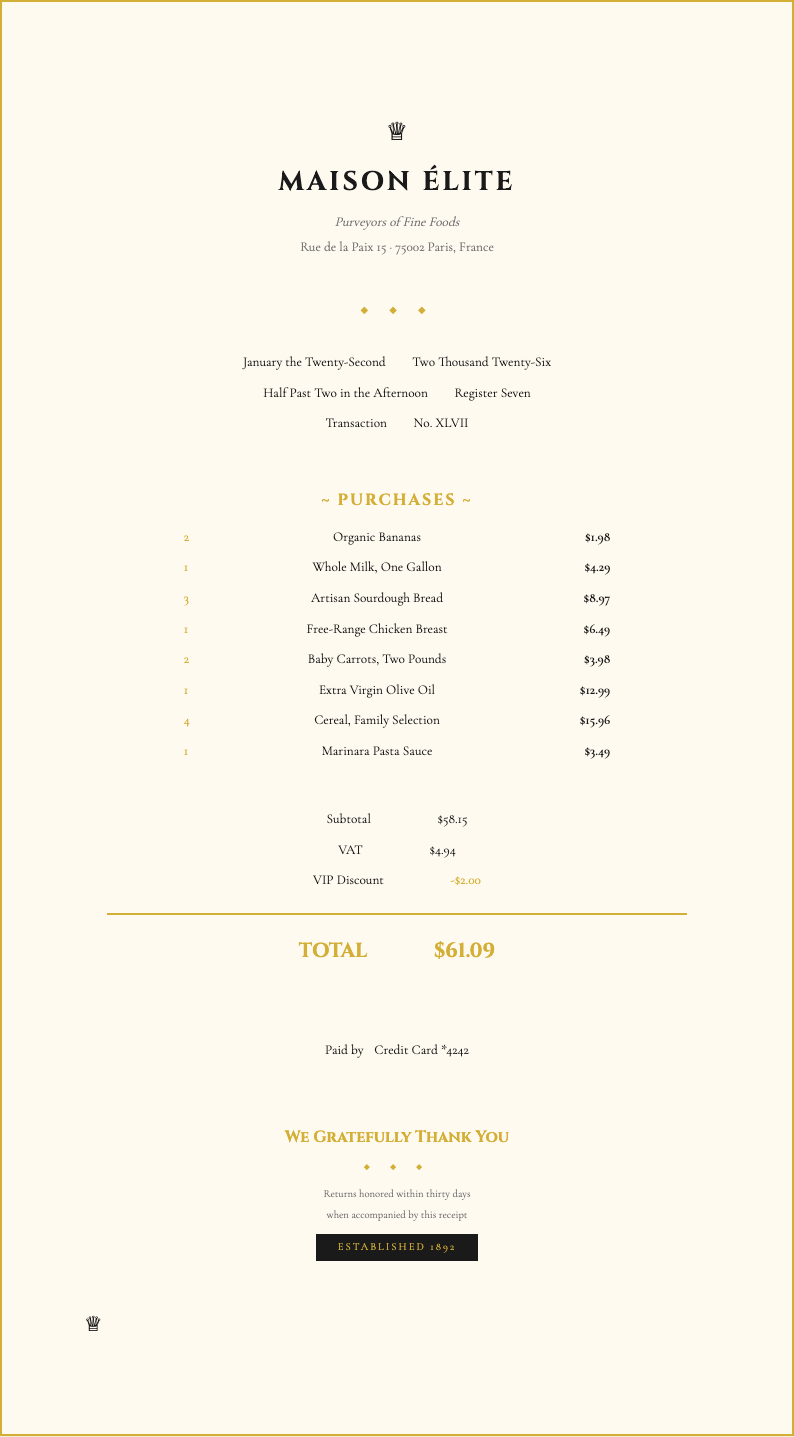
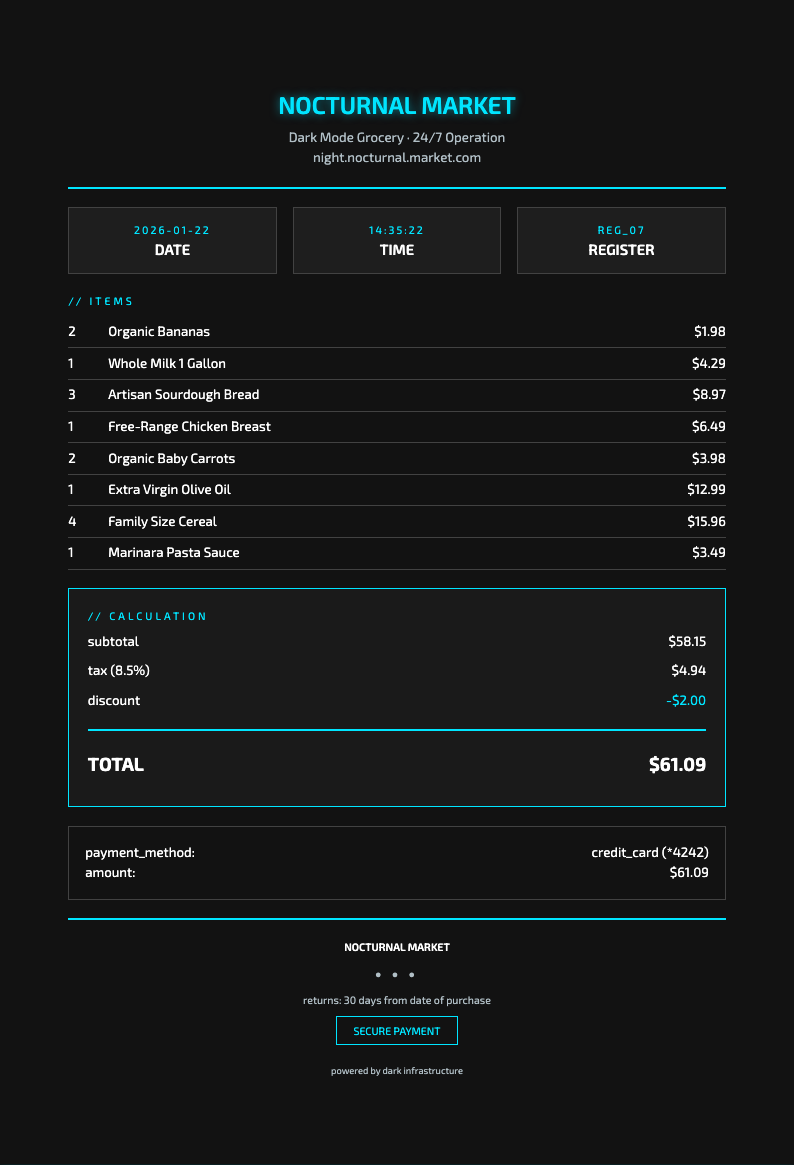
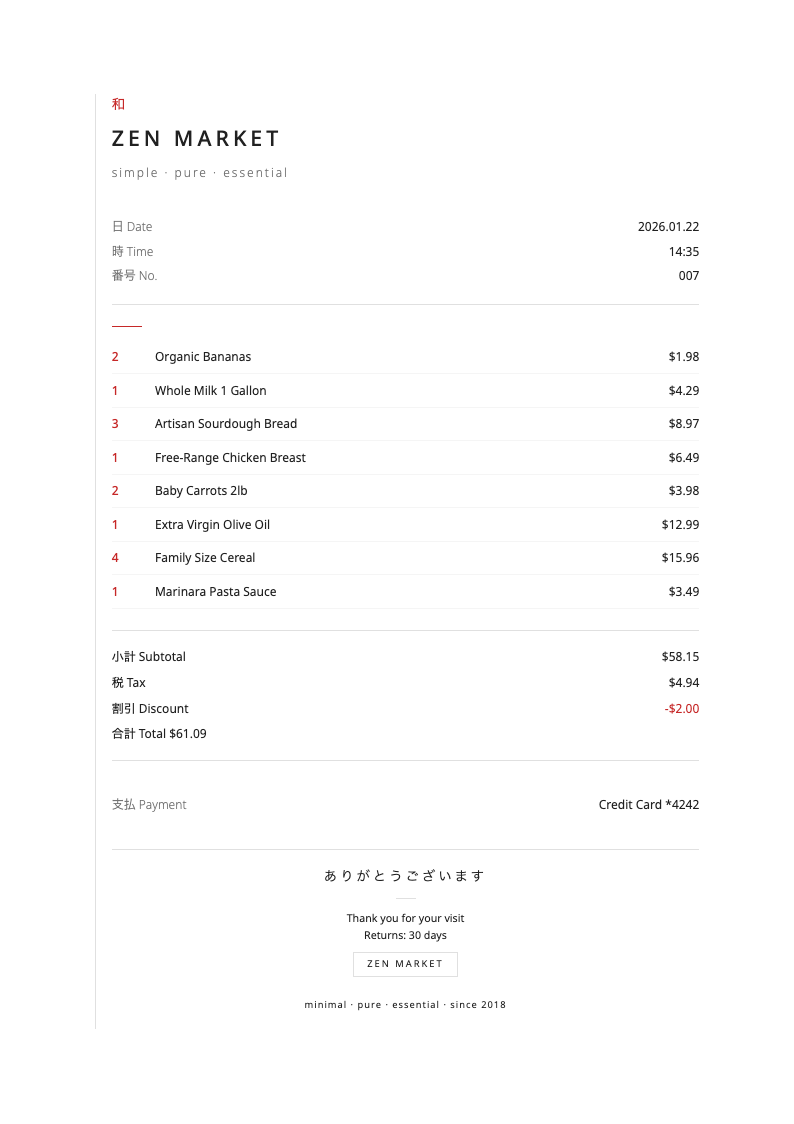
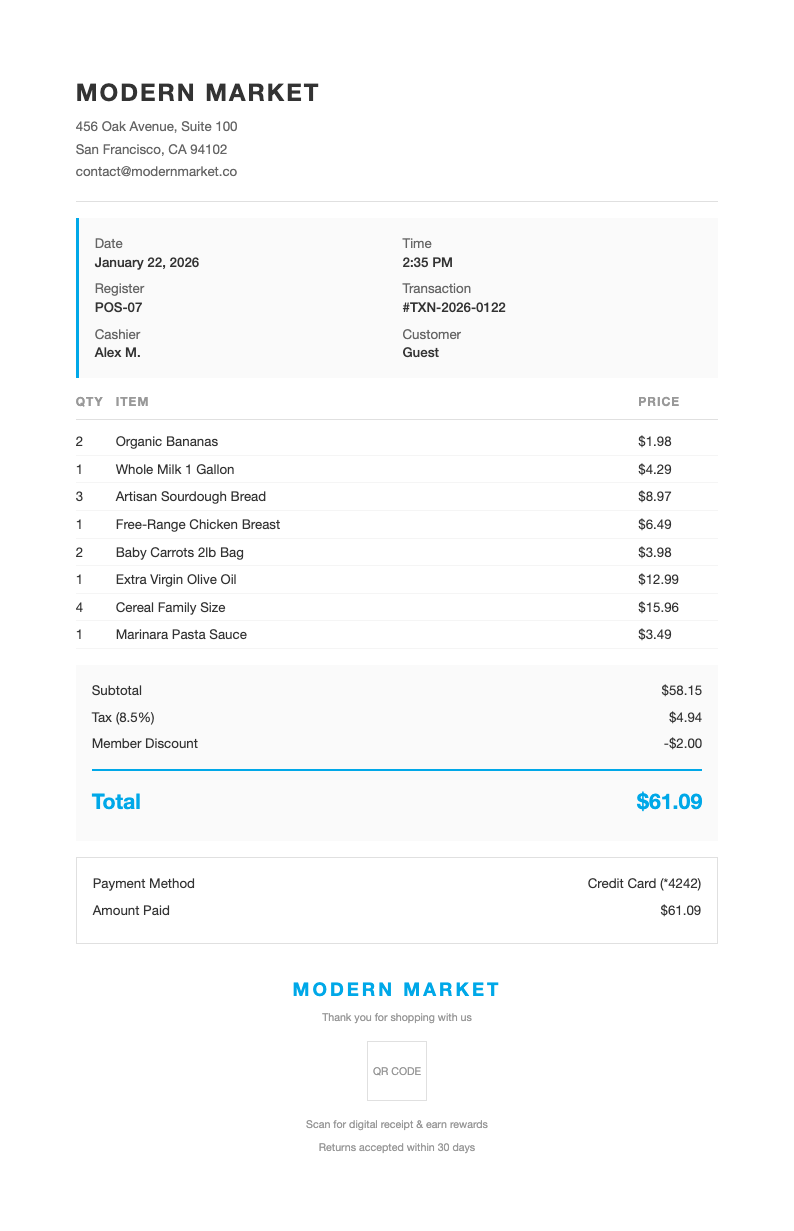
Generate professional grocery receipts with our free templates. Add items, prices, quantities, and totals with automatic calculations. Our receipt generator creates professional documentation for expense tracking, budgeting practice, and record keeping. Create custom templates for any store with our free tools.
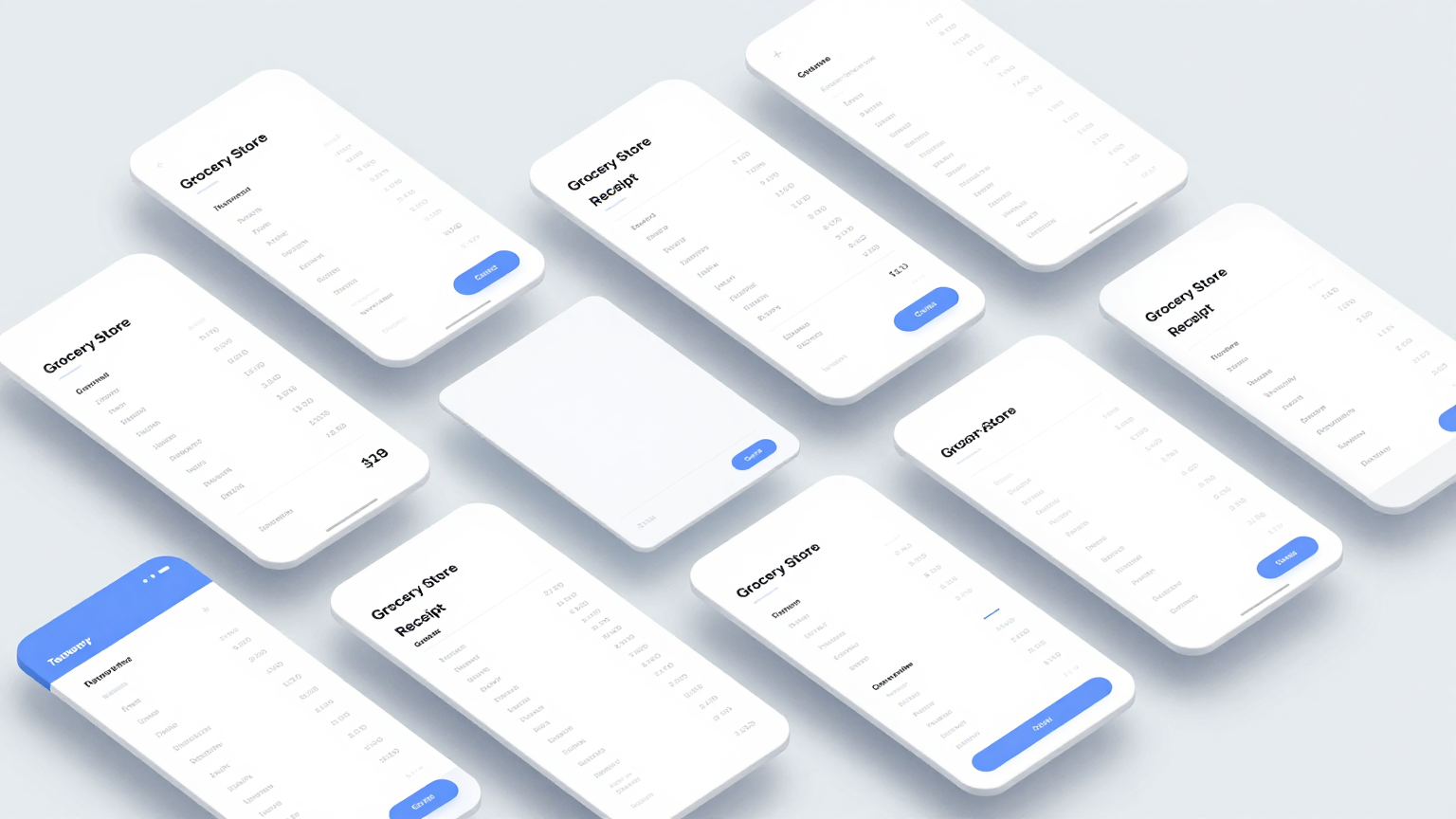
Showing 20 of 34 templates
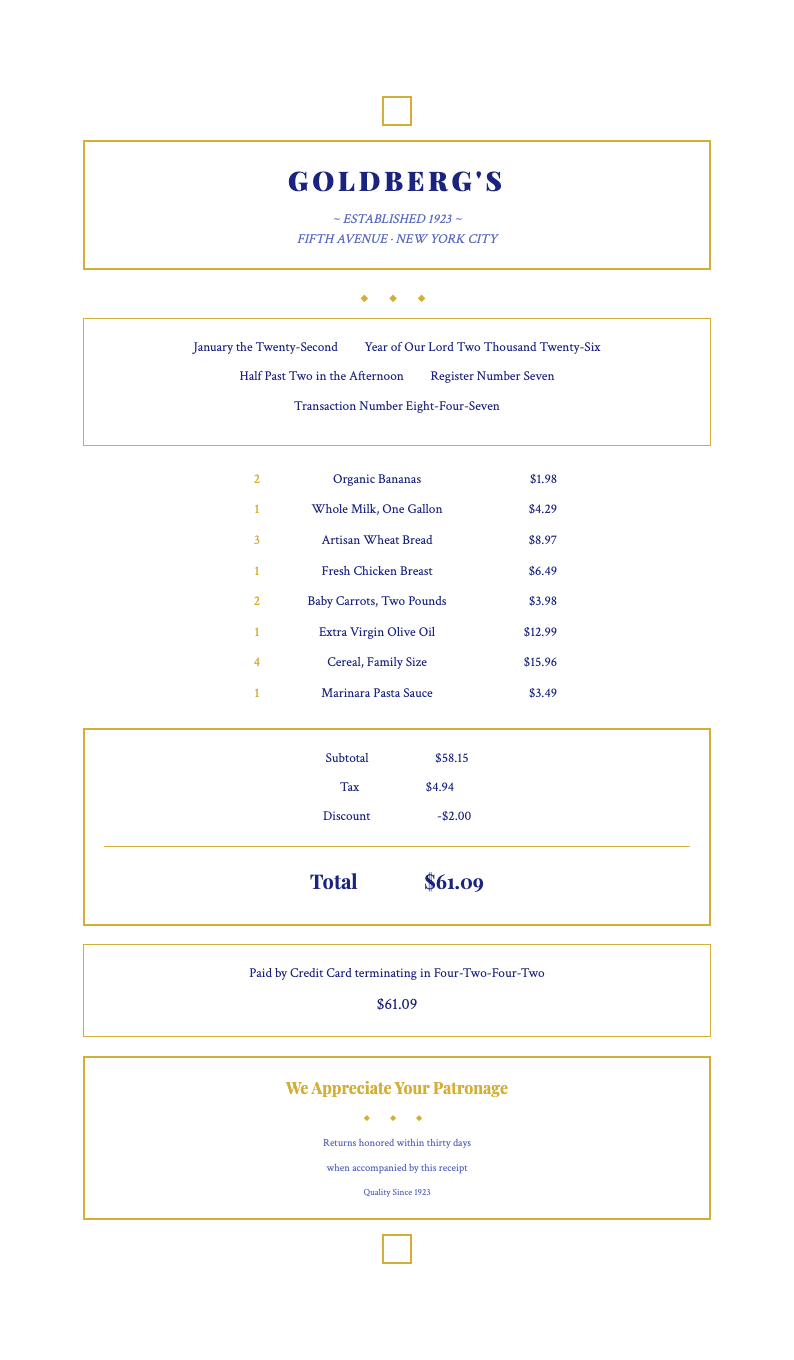
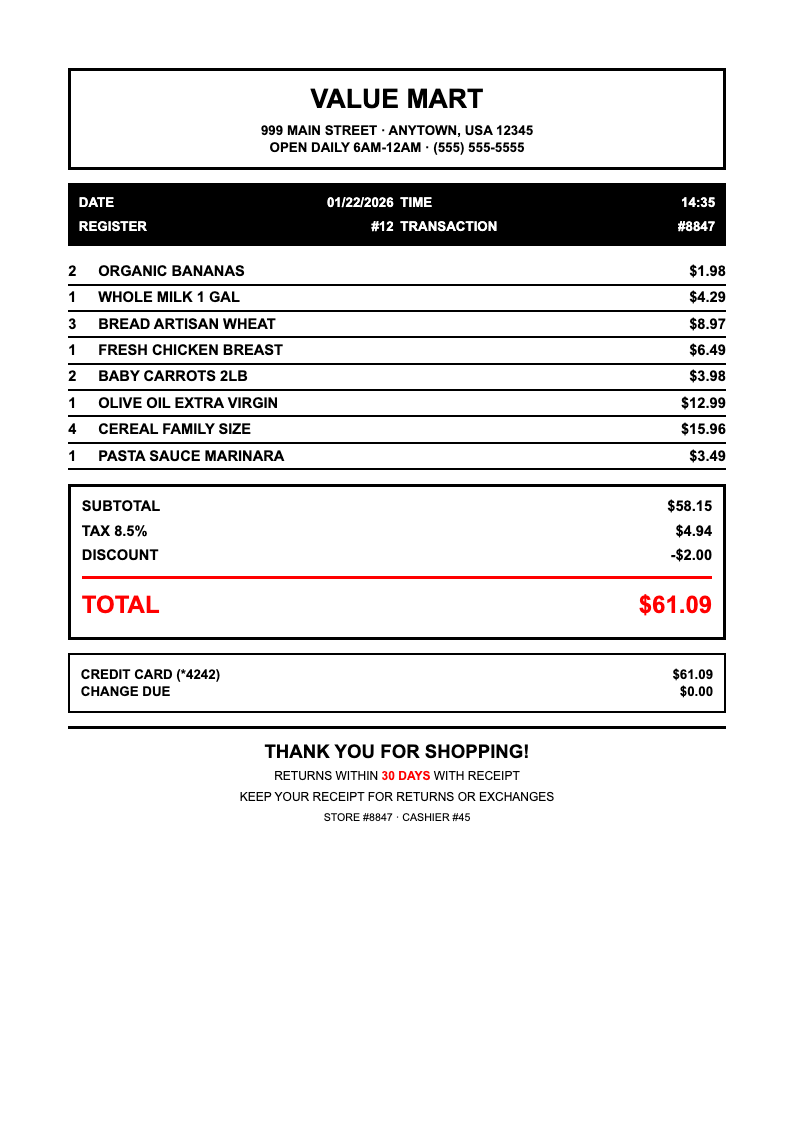
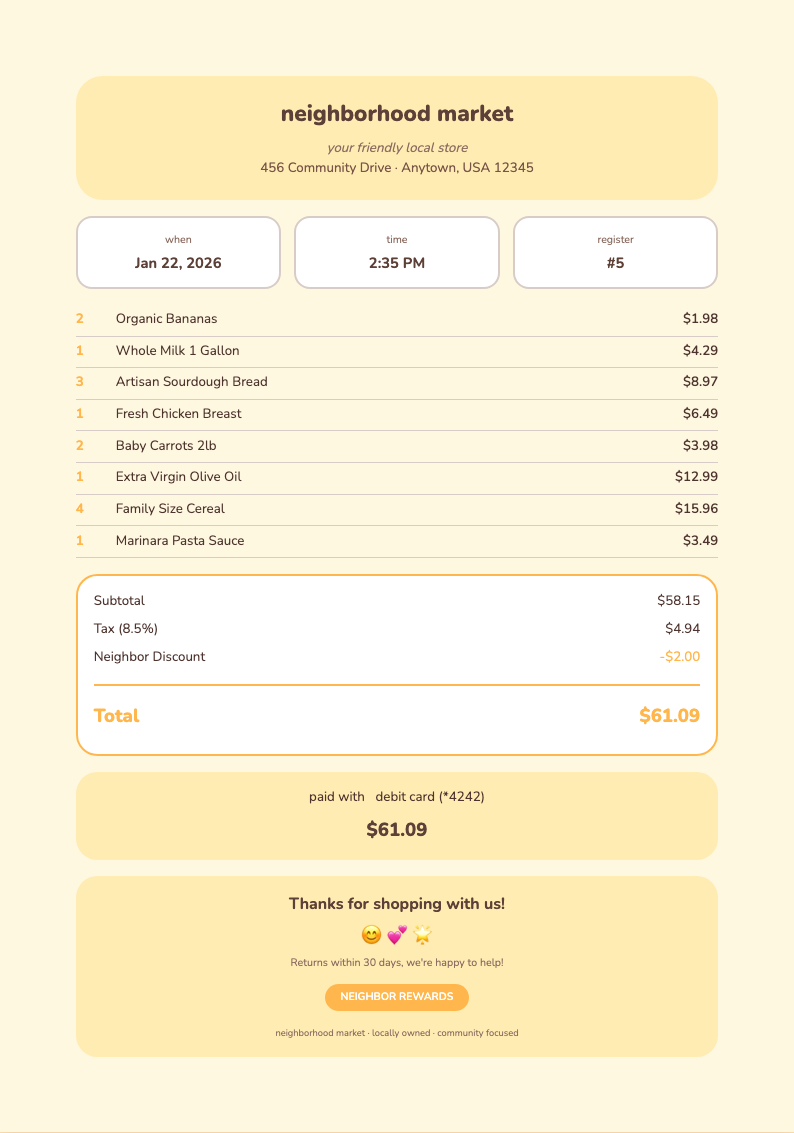
Frequently Asked Questions About Grocery Store Receipt Templates
Get answers to common questions about our Grocery Store Receipt generator and creating custom receipts.
- Are your Grocery Store Receipt templates really free to use?
- Yes, completely free with no hidden fees, credit card requirements, or mandatory signup. You can generate unlimited Grocery Store Receipt templates without paying anything or creating an account. We believe everyone should have access to quality receipt generation tools without financial barriers or unnecessary registration steps. Our free generator helps you create professional documentation for personal or business use without any cost commitment.
- Can I customize the Grocery Store Receipt template for my needs?
- Absolutely. You can customize store name, address, logo, and contact information on any receipt template. Add or remove line items, adjust quantities and prices, include tax calculations, add discount fields, modify the receipt layout, and create a personalized document that matches your specific requirements perfectly for your business or personal needs. The flexible formatting options ensure your receipts look exactly how you want them.
- What can I use a Grocery Store Receipt template for?
- Use Grocery Store Receipt templates for personal expense tracking and household budgeting, practice categorizing purchases for better financial awareness, create documentation for business expense reimbursements, maintain records for tax deductible purchases, generate proof of purchase documentation for returns, or create realistic receipts for educational and training purposes. The versatile format works for various record-keeping and documentation needs.
- Can I add my store branding to the Grocery Store Receipt?
- Yes, add your store name in a prominent header position on your receipt template. Include your store logo or trademark, add address and contact information, customize fonts and colors to match your brand identity, include store policy information or return policies at the bottom, and create a professional branded receipt that represents your business properly. Custom branding reinforces your professional image and helps customers remember your business.
- Do the Grocery Store Receipt templates calculate totals automatically?
- Yes, our generator automatically calculates line item totals by multiplying quantity by unit price, calculates the subtotal of all items listed, computes tax based on your specified tax rate, and provides the final total amount due. All calculations happen instantly as you input items and prices into the template, saving you time and ensuring accuracy. Automatic calculations eliminate mathematical errors and speed up receipt creation significantly.
- Can I save multiple Grocery Store Receipt templates for record keeping?
- Yes, generate unlimited receipts and save each with a unique filename for your records. Organize by date, store name, or expense category for easy tracking. Create digital archives of your grocery spending for budgeting purposes, tax preparation documentation, or expense tracking with our comprehensive system. Proper organization helps you maintain accurate financial records throughout the year and simplifies tax preparation.
- What format are the Grocery Store Receipt templates available in?
- Download your completed receipt as PDF for professional sharing and printing purposes, or as an image format for digital storage and easy sharing via messaging apps and email. Both formats maintain the professional appearance and clear layout of your documentation, ensuring your records look professional and are easily readable. PDF format is ideal for printing and official documentation while images work well for digital sharing.
- Are Grocery Store Receipt templates suitable for expense tracking?
- Yes, itemized templates are perfect for personal expense tracking and monitoring household spending patterns, budgeting practice and financial awareness development, business expense reimbursement documentation, tax deduction records and proof of purchase, and analyzing where your money goes each month for better financial management and planning. Detailed tracking helps identify spending patterns and opportunities for saving money over time.
- Do I need to create an account to use the Grocery Store Receipt generator?
- No signup required. Access the generator immediately and start creating receipts without creating an account. No email verification, password setup, or personal information required beyond what you choose to include on the template itself. We've removed all barriers so you can get straight to creating your receipts. Start generating professional documentation instantly without sharing any personal information or going through registration processes.
- Can I add tax calculations to my Grocery Store Receipt?
- Yes, specify your tax rate as a percentage and the generator automatically calculates tax on the subtotal amount. Disable tax for tax-exempt purchases or zero-tax items easily. You can also include multiple tax rates for different item categories if needed, making your template flexible for various tax situations and locations. Accurate tax calculation ensures compliance with local regulations and provides clear documentation for financial records.
- Are the Grocery Store Receipt templates mobile-friendly?
- Yes, create and download templates from any device with internet access. Our mobile-friendly interface works on phones, tablets, and computers. Generate receipts on the go or from the comfort of your home with equal ease and full functionality. The responsive design ensures all features work properly on any device. Mobile access means you can create receipts while shopping or traveling without needing a computer.
- Can I print the Grocery Store Receipt templates for physical records?
- Yes, all templates are formatted for standard letter-size paper. Print directly after downloading for physical records and documentation. Perfect for maintaining paper files, submitting documentation for reimbursement claims to employers, or creating hard copy backups of your expense records and important financial documentation archives. Physical copies provide reliable backup for important financial documents and can be easily filed for future reference.
- Can I share Grocery Store Receipt templates digitally with others?
- After downloading, share your receipt via email for expense submissions and documentation, messaging apps for quick sharing and communication, cloud storage for backup and access across multiple devices, or print and share physical copies as needed for documentation purposes and official record keeping requirements. Digital sharing facilitates quick reimbursement processing and enables collaboration on expense tracking with family members or business partners.
- What makes your Grocery Store Receipt generator different from others?
- Our generator is completely free with no hidden costs or surprise fees, requires no signup or registration to access, provides automatic calculations for totals and tax amounts, offers professional formatting and clean layouts, allows unlimited use without restrictions, includes customizable store information and branding, and creates realistic receipt templates suitable for any purpose. These features combine to deliver exceptional value without requiring payment or personal information.
- Can I use Grocery Store Receipt templates for budgeting practice?
- Yes, creating itemized templates helps you track spending patterns and identify areas where you can reduce expenses, practice categorizing purchases for better budget management and financial awareness, monitor grocery spending over time to see trends, and make more informed purchasing decisions based on your documented history and spending analysis. Regular receipt tracking builds financial literacy and helps you achieve savings goals through conscious spending decisions.
- How do I handle multiple payment methods on a Grocery Store Receipt?
- Our generator allows you to specify various payment methods including cash, credit card, debit card, check, or split payments between multiple methods. Document the specific payment method used and include change information if applicable for cash transactions. This creates a complete and accurate record of the transaction on your template. Proper payment documentation is essential for accounting purposes and provides clear records for both parties involved in the transaction.
Ready to Create Professional Grocery Receipts?
Generate custom Grocery Store Receipt templates with automatic calculations and professional formatting in seconds using our free tools.
Free templates • No sign-up required