Invoice Generator Create Professional Bills Instantly
Generate professional invoices in seconds with this invoice generator. Automatic calculations, professional templates, and instant delivery make it perfect for businesses of all sizes. Intelligent automation streamlines your entire billing workflow.
How to Create Professional Bills with Invoice Generator
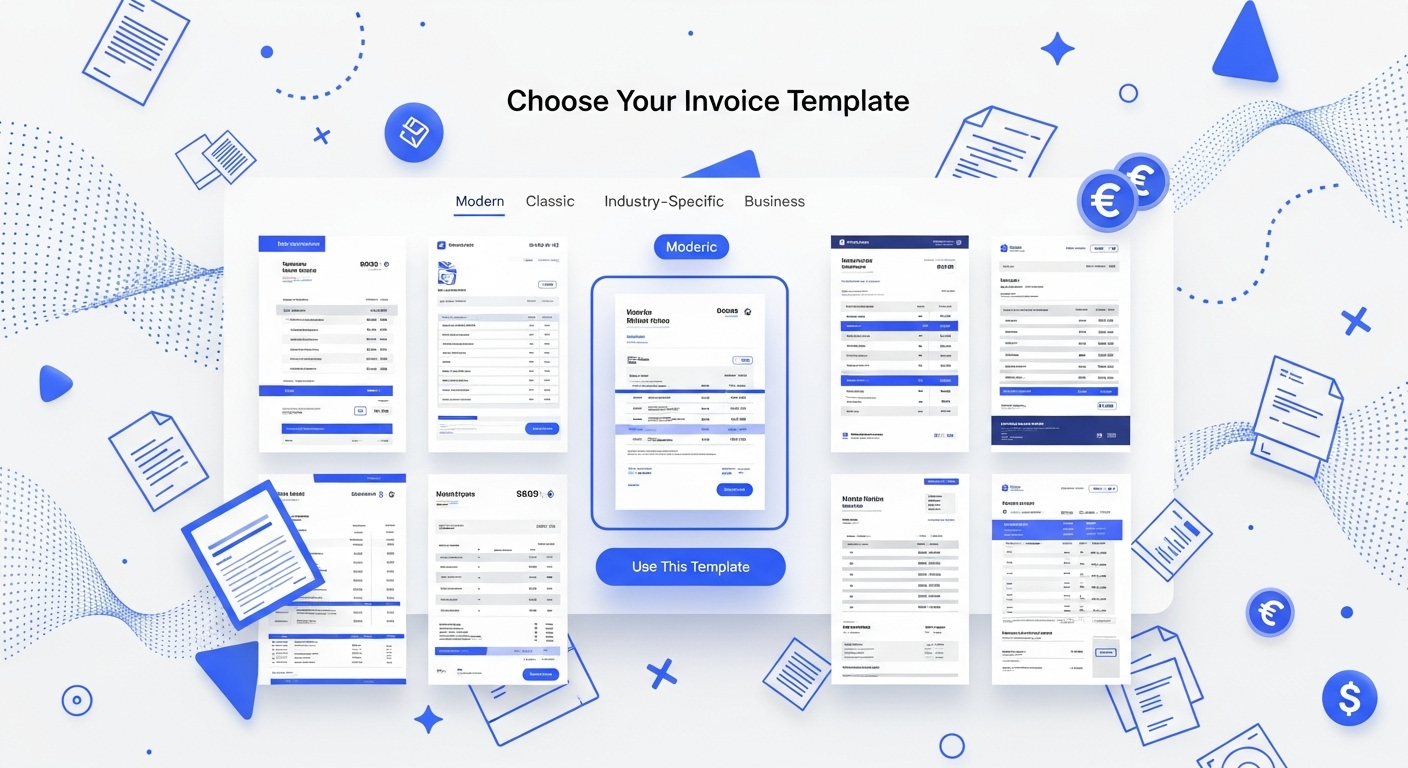
Select Your Invoice Generator Template
Browse this invoice generator to select from hundreds of professional designs. Choose a layout that matches your business style - modern, classic, or industry-specific. Pre-designed templates are optimized for different business types and billing needs.
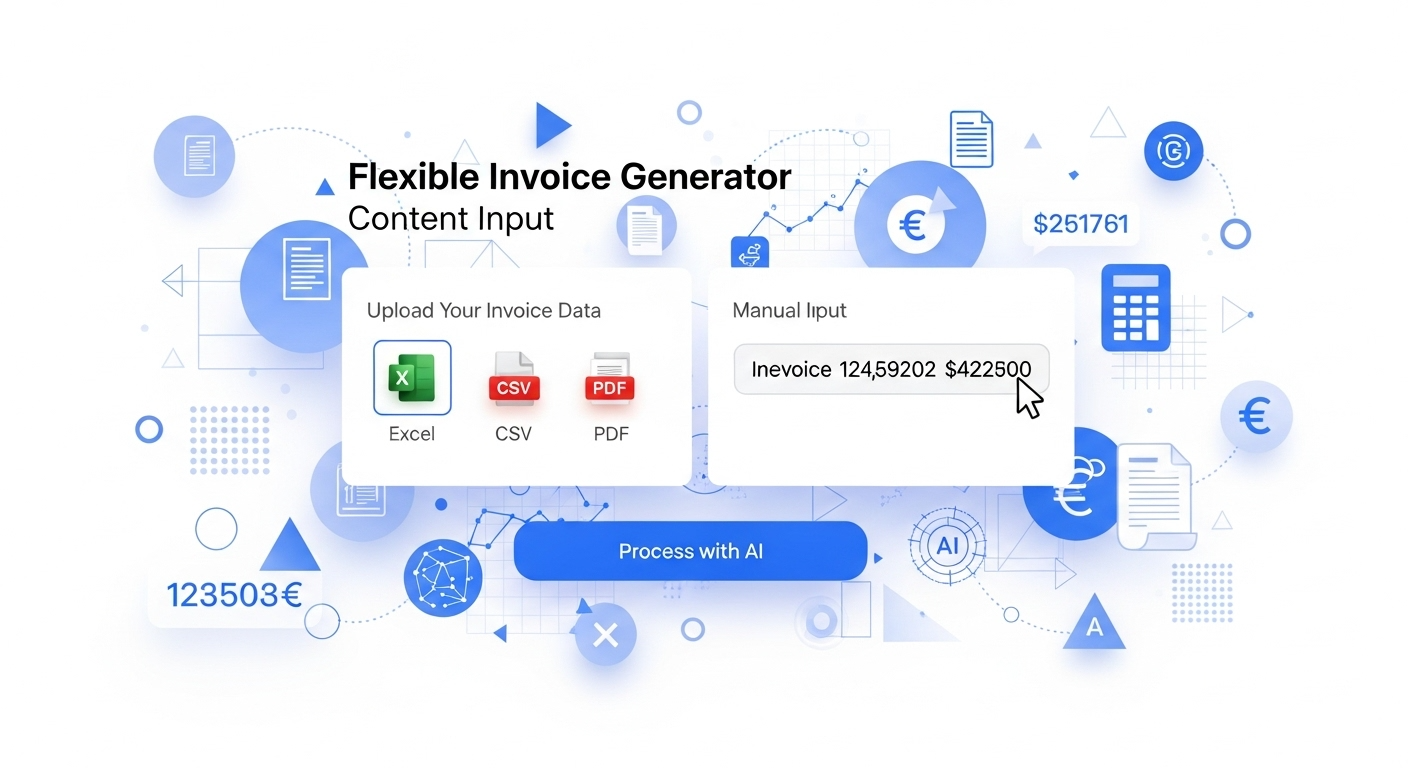
Upload or input your content
Upload data files (Excel, CSV, PDF) or manually input billing information. The system accepts file uploads, copy-paste content, and direct text entry. Include your business details, client information, line items, and payment terms.
Generate Invoice with One Click
Click to instantly apply your content to the selected template. This invoice generator automatically formats all information, calculates totals, and organizes line items professionally. Your document renders perfectly within seconds.
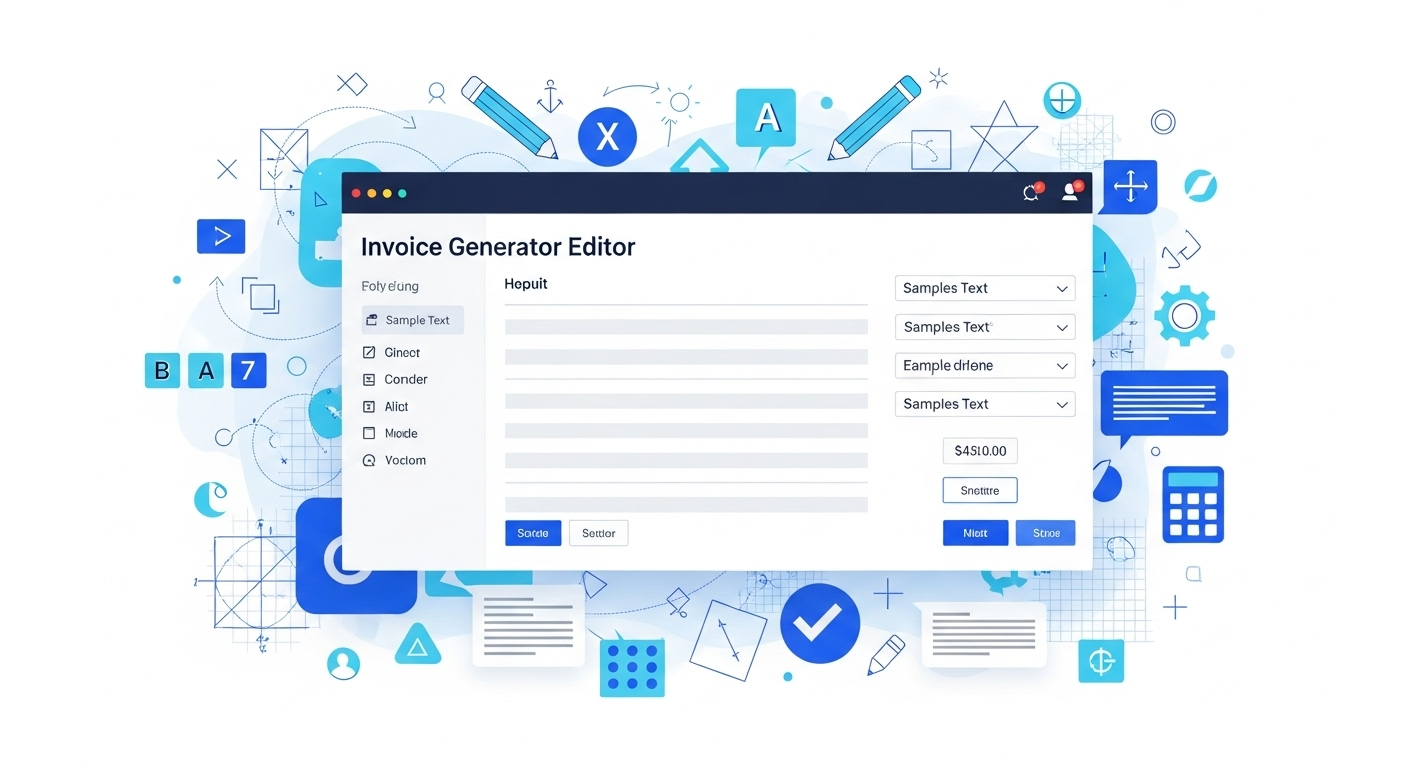
Edit, download, or share
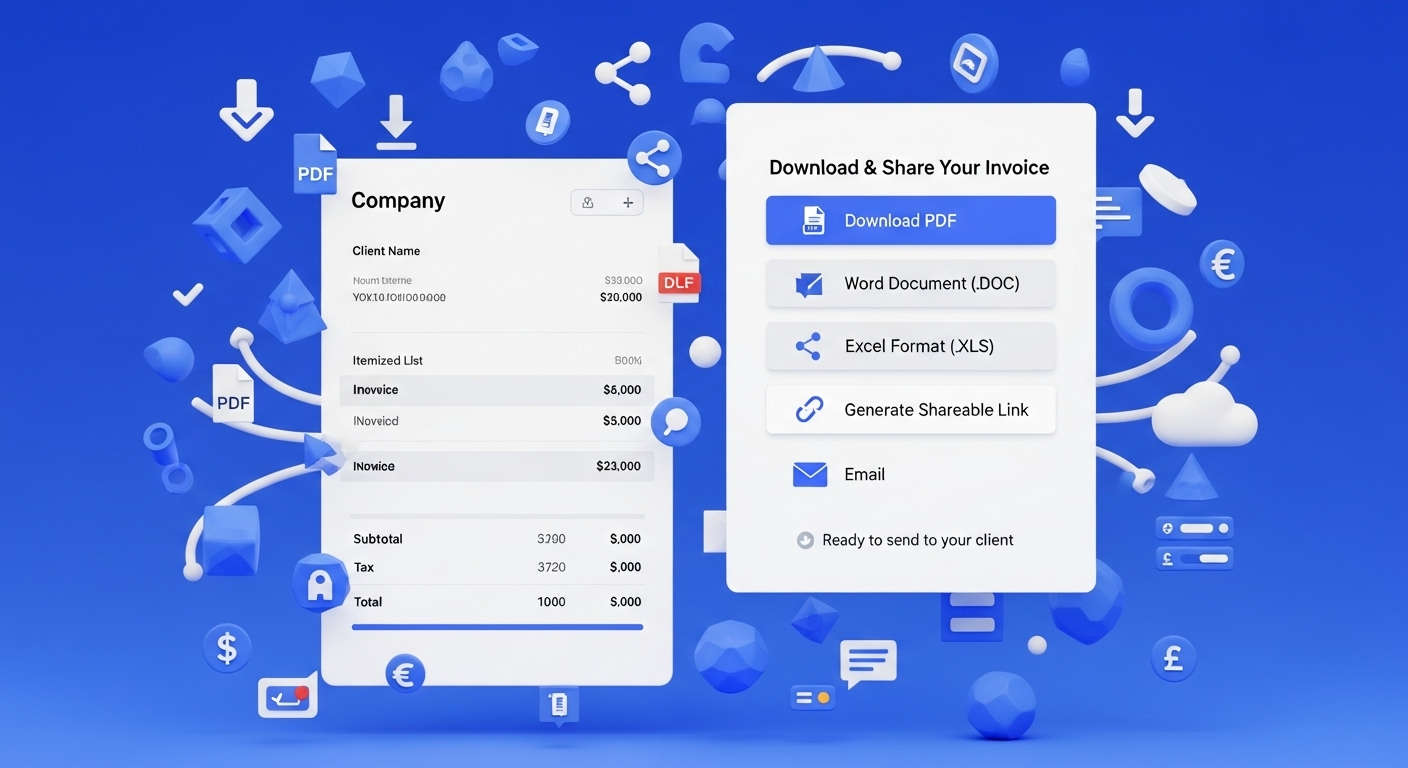
Fine-tune your rendered document using the built-in online editor. Make real-time adjustments to formatting, content, or calculations. Then download in PDF, Word, or Excel format, or generate a shareable link for instant client access.
Import Billing Data
Load client information into this invoice generator from spreadsheets or accounting systems. Enter line items once and reuse client profiles for recurring billing. Streamline data entry with bulk import capabilities for efficient document creation.
Business-Grade Invoice Generator Templates
Select layouts in this invoice generator that project professionalism and match your brand identity. Industry-specific designs for consulting, retail, services, and manufacturing. Each template includes essential billing elements - payment terms, tax calculations, and legal disclaimers.
Auto-Calculate Totals
Use this invoice generator to add line items with automatic subtotal, tax, and discount calculations. Modify quantities or rates and watch totals update instantly. Smart math eliminates manual calculation errors and ensures accuracy in every document you send.
Invoice Generator Client Delivery
Use this invoice generator to send documents directly to clients via email with payment links embedded. Download accounting-ready files for bookkeeping software integration. Track which bills were opened and when for better payment follow-up.
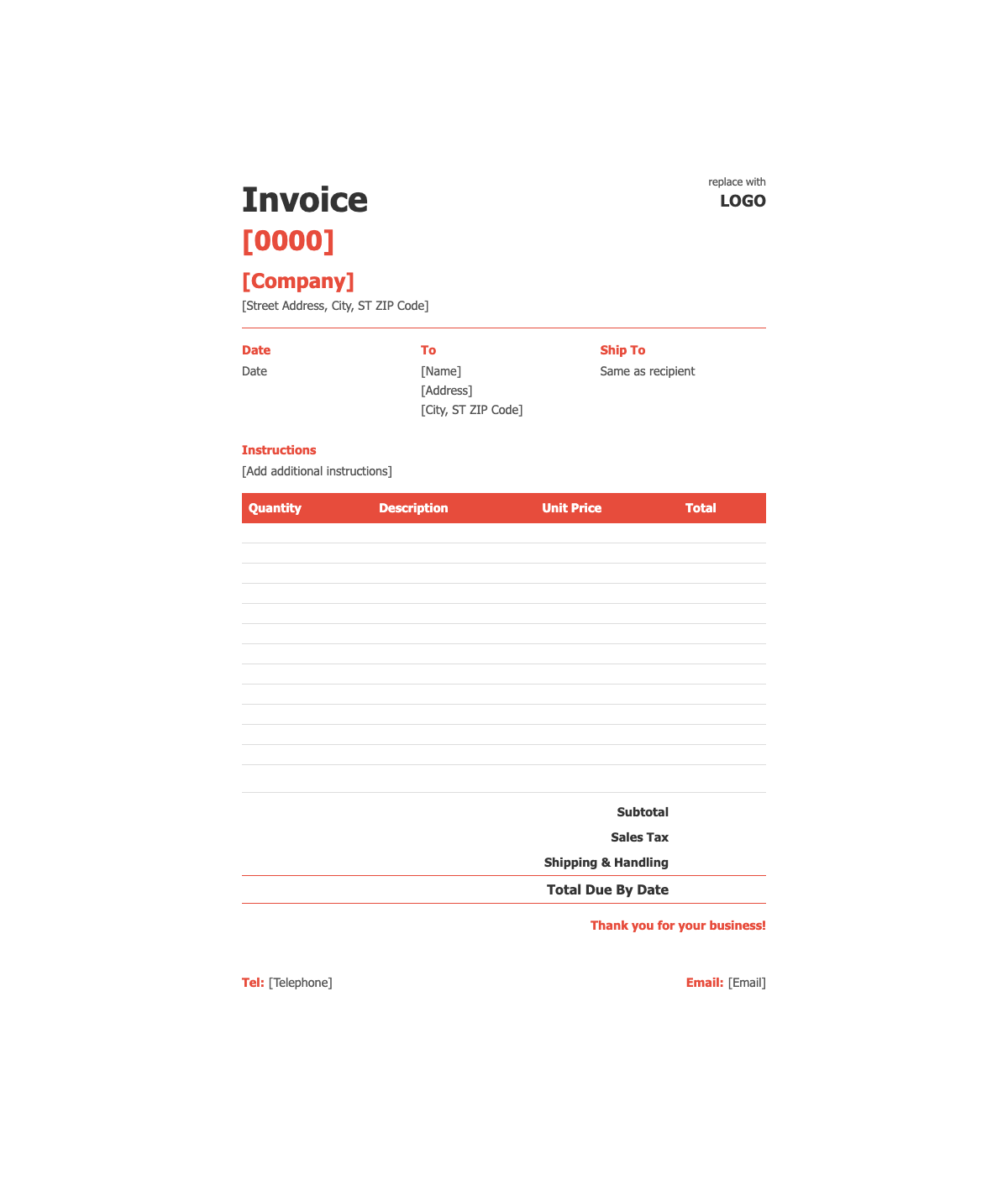
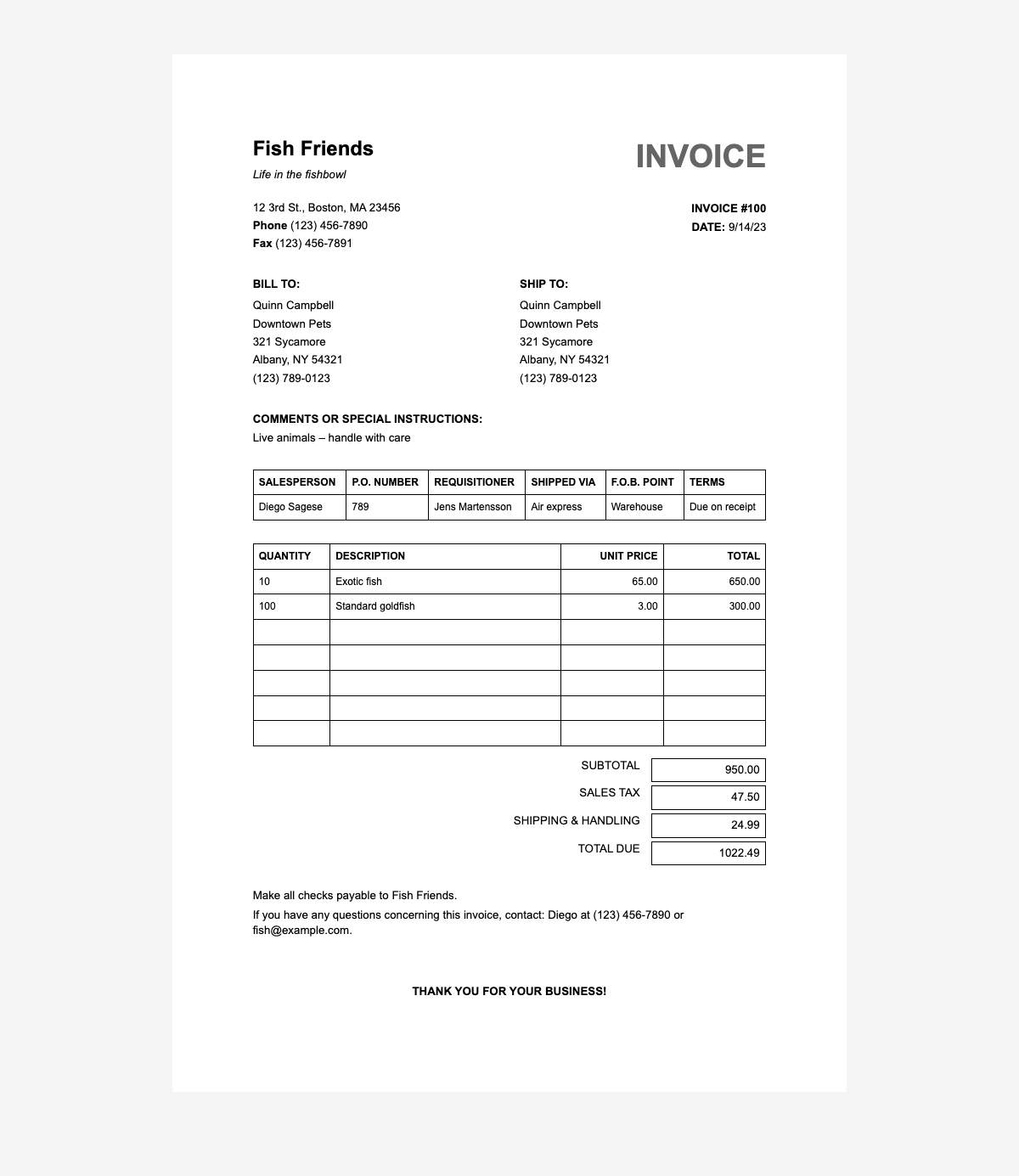
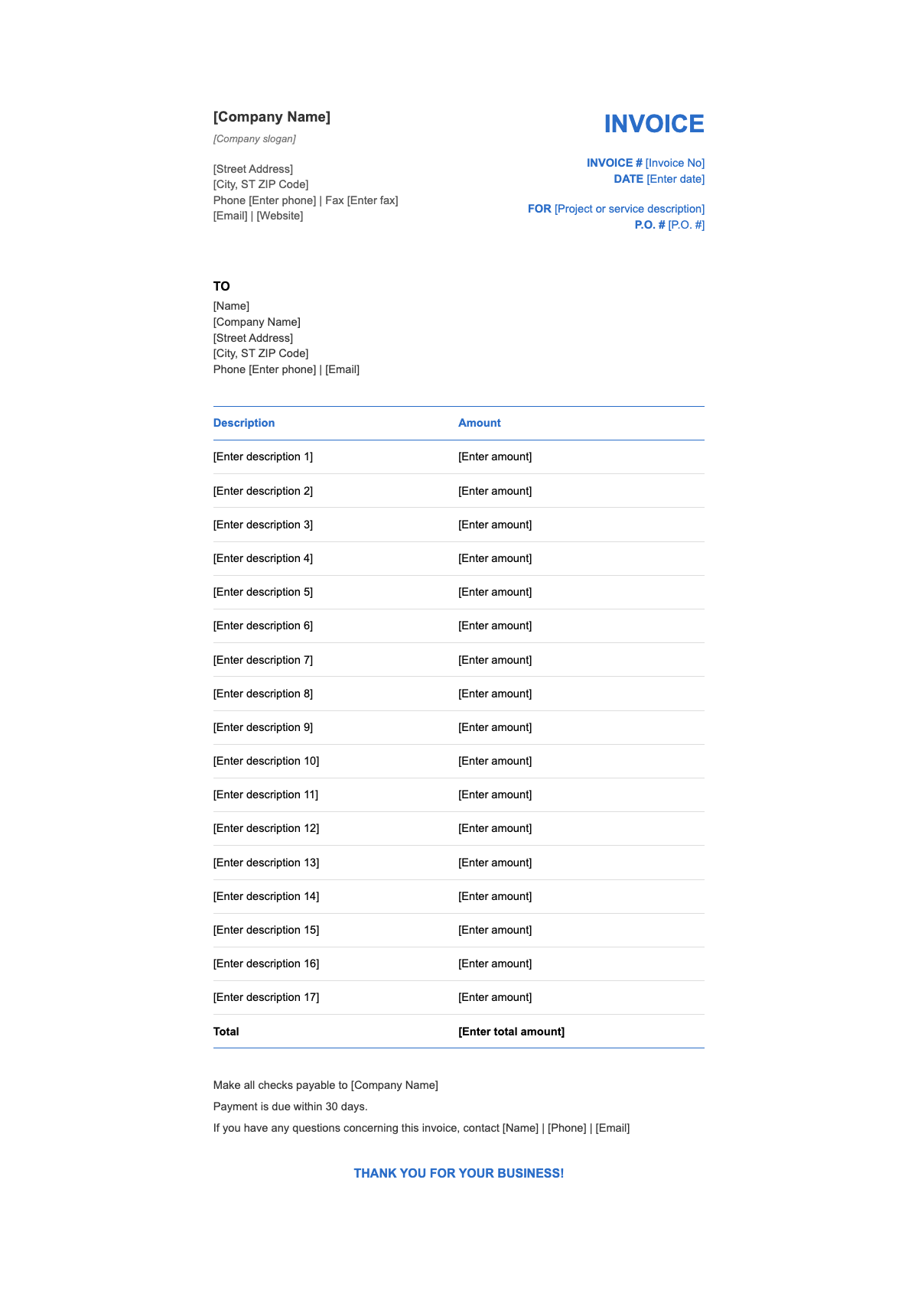
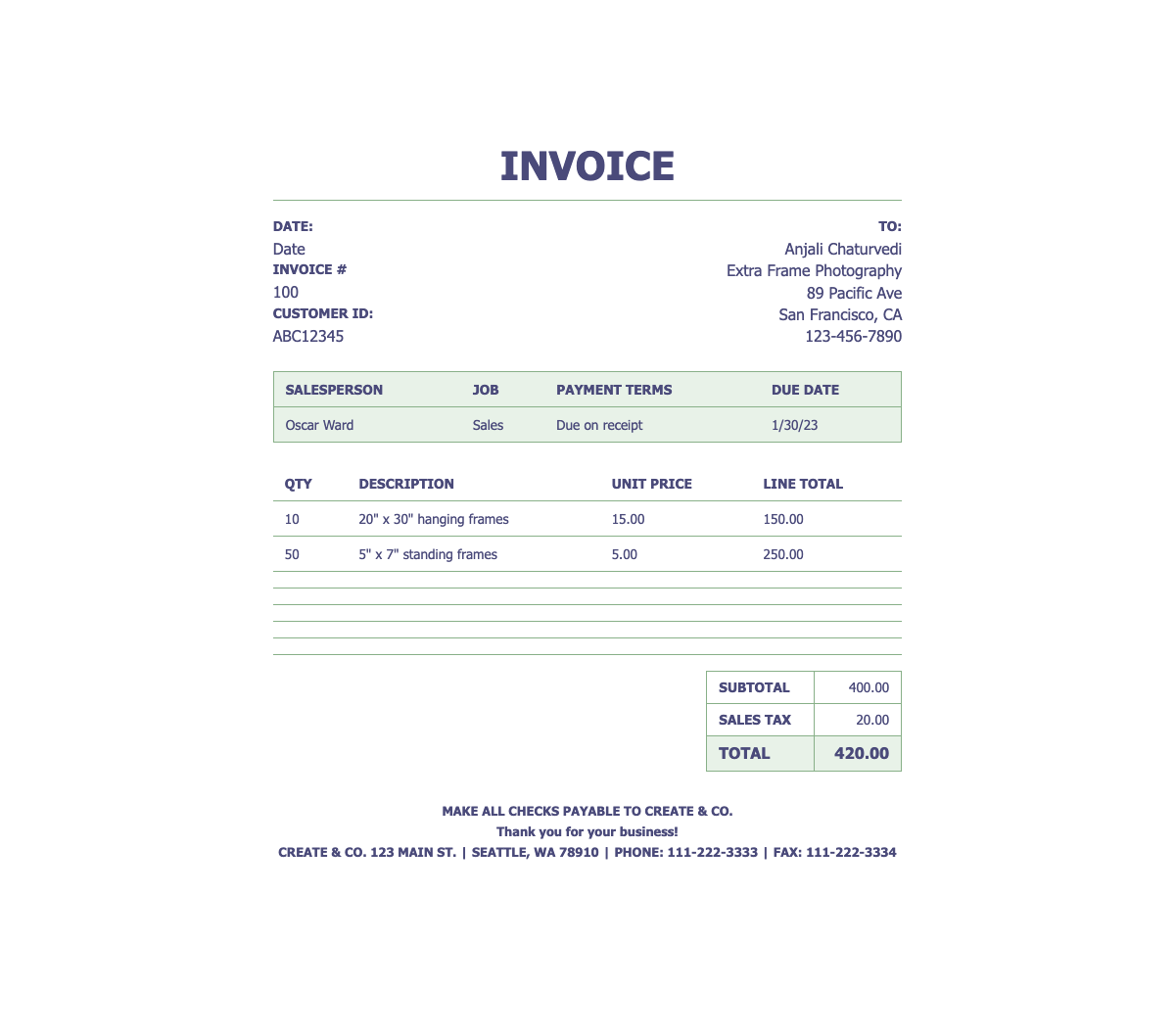
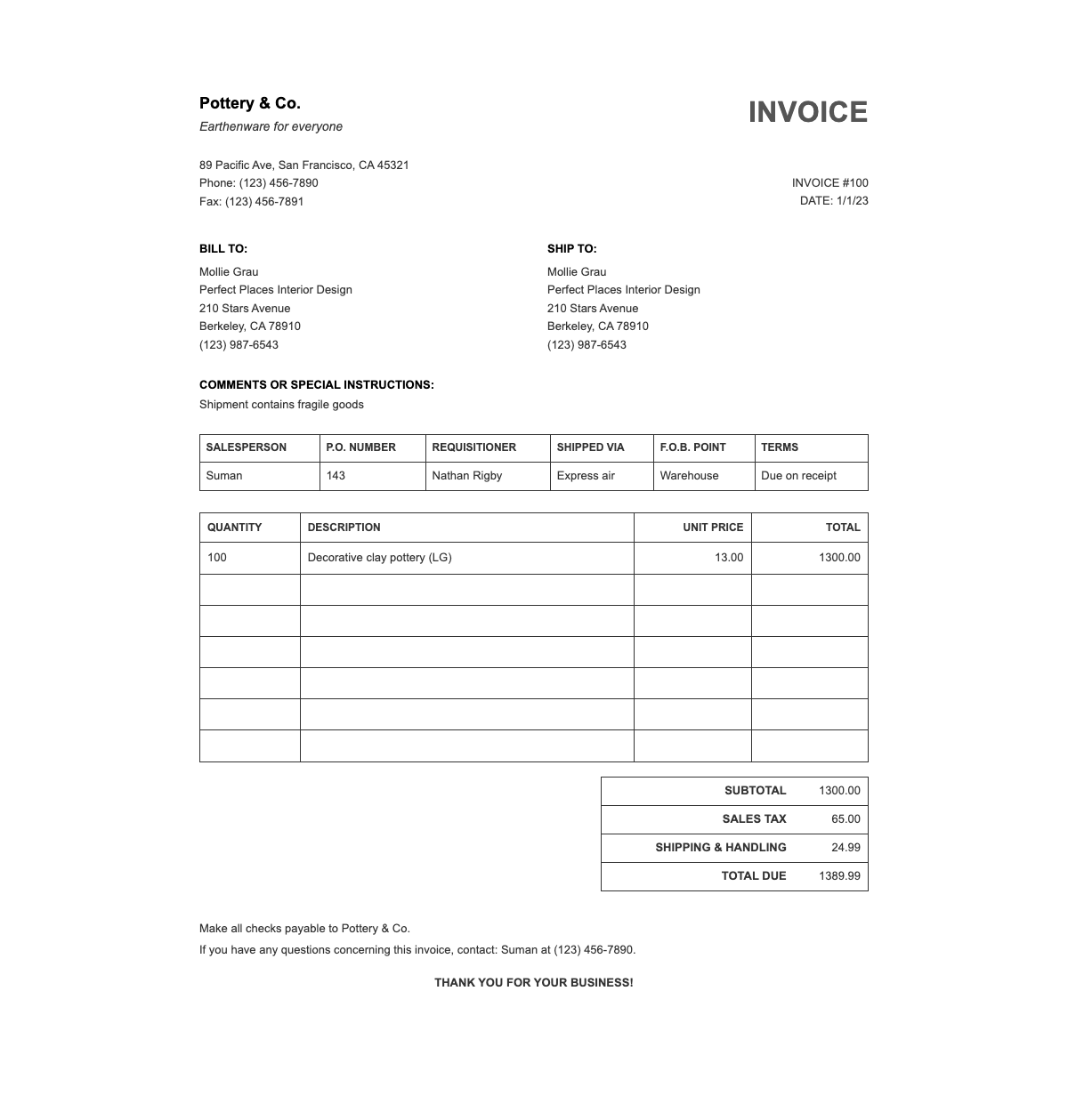
Professional Invoice Templates
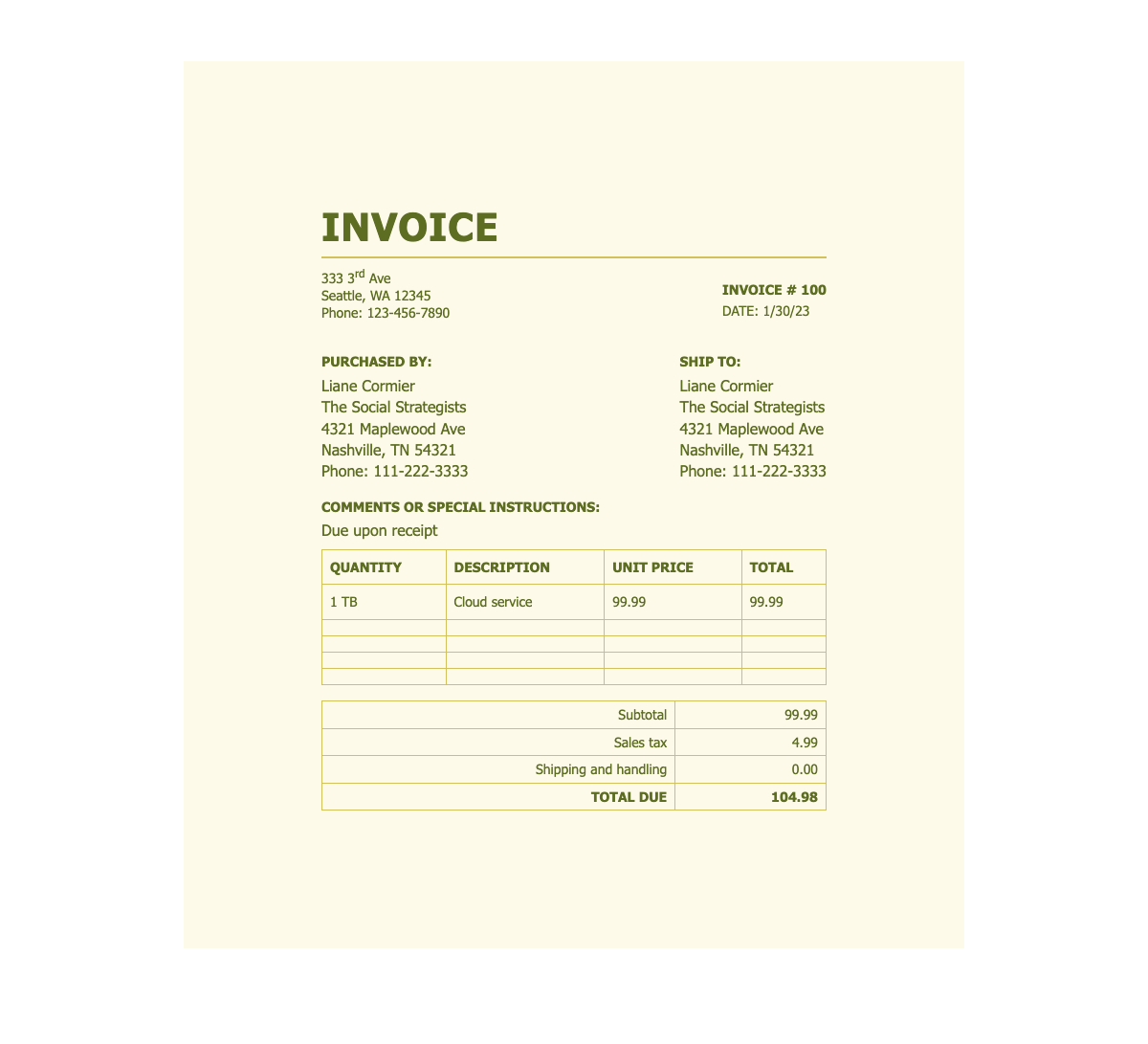
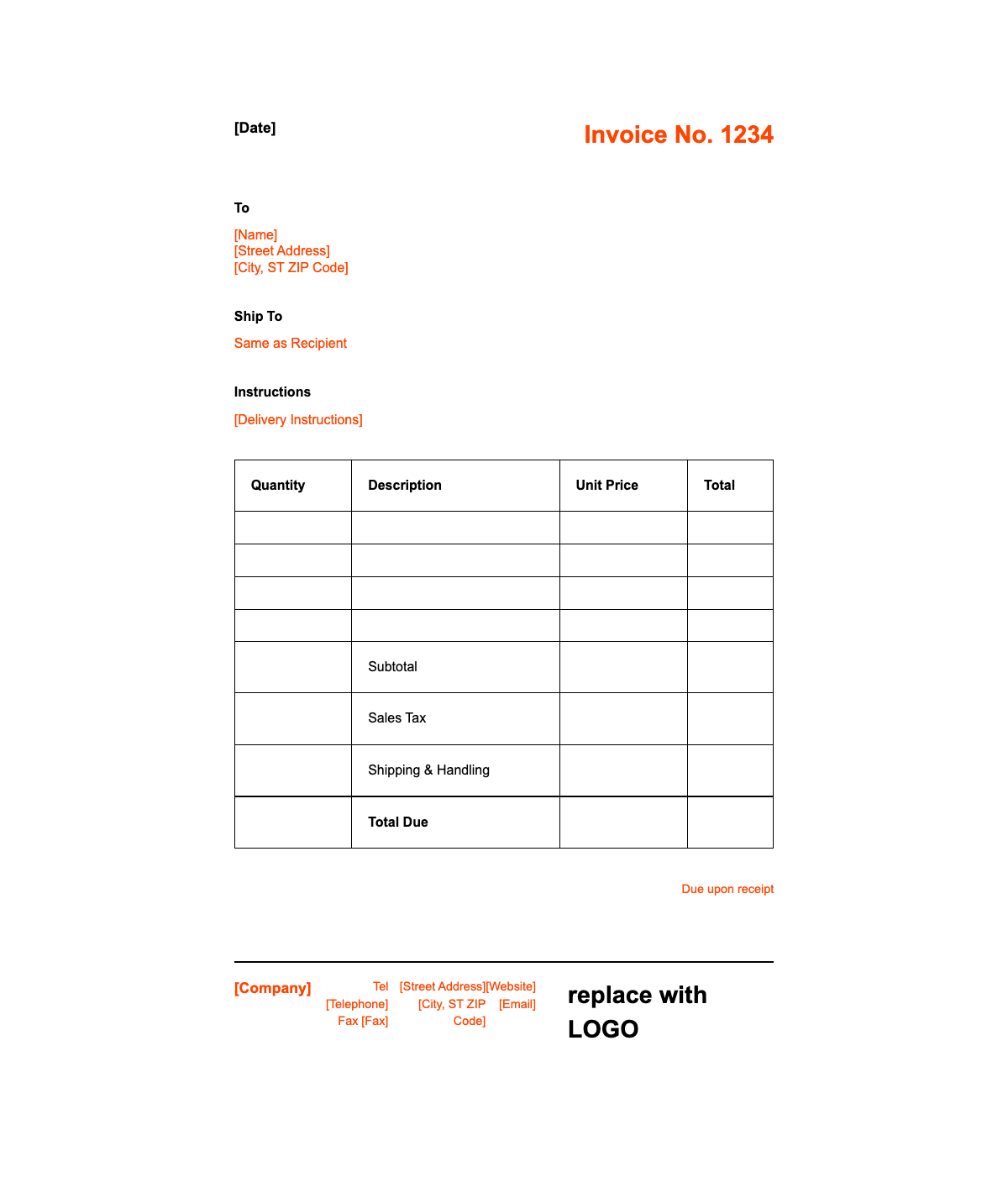
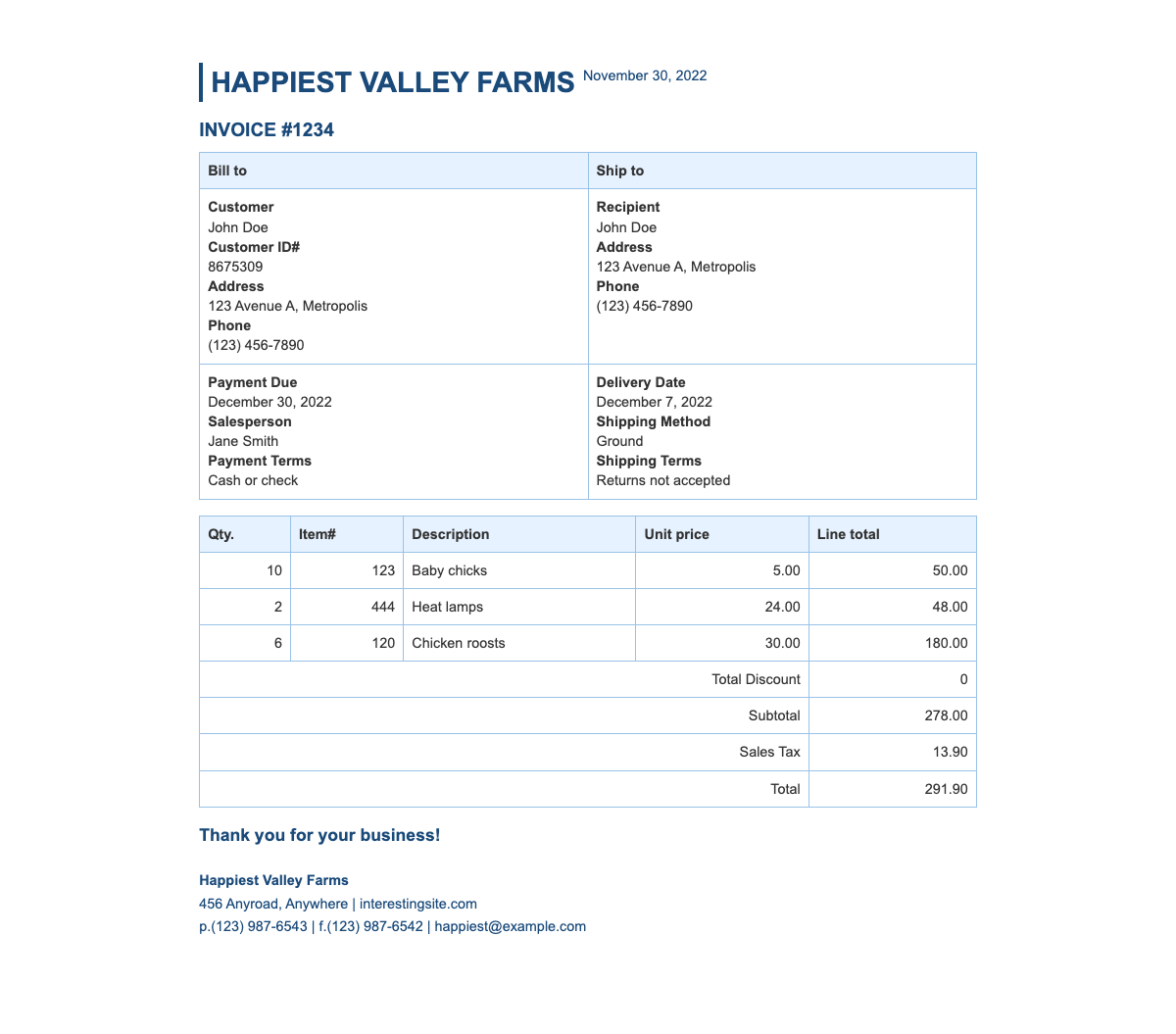
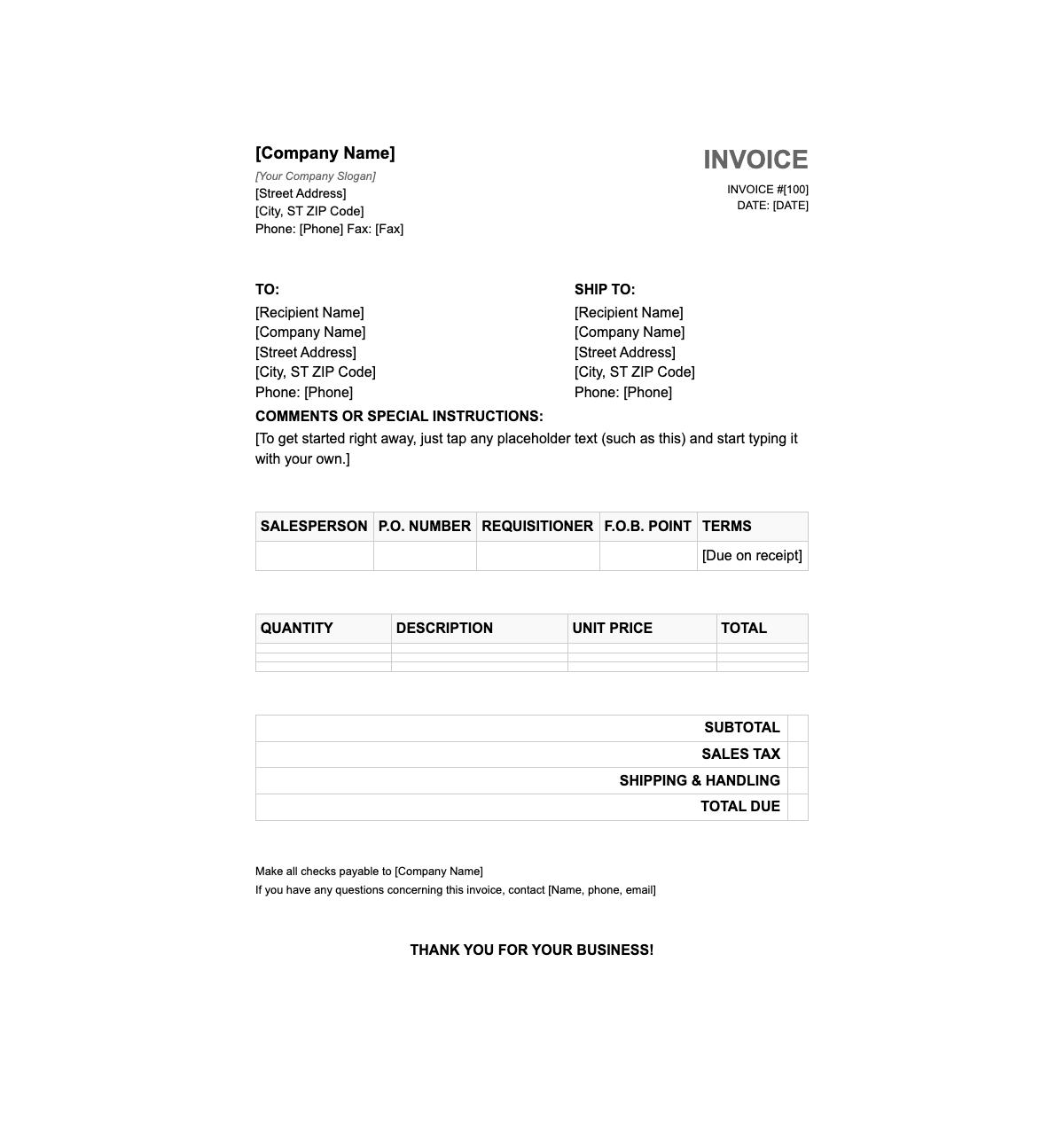
Choose from our collection of business invoice templates designed for accurate billing and professional presentation.
Billing Tool FAQ - Complete Guide
Complete guide to using AI Formatter's free tool. Learn how to create professional documents with automatic calculations and smart templates.
- What makes this the best invoice generator online?
- AI Formatter stands out as a premier invoice generator for several reasons. Our platform uses intelligent automation to create professional documents in seconds with automatic calculations, tax computation, and professional templates. Smart features include automatic item numbering, currency conversion, and payment tracking. This invoice generator is completely free with unlimited document creation, making it the most cost-effective solution for businesses of all sizes.
- How are calculations handled automatically?
- The system employs sophisticated algorithms that automatically compute subtotals, taxes, discounts, and grand totals. Calculations update instantly when you modify quantities, rates, or tax percentages. Multiple tax rates, compound taxes, and percentage-based discounts are supported. All mathematical calculations are verified for accuracy, eliminating manual errors and saving valuable time.
- Can I create professional-looking invoices for my business?
- Absolutely! Hundreds of professional templates are available, designed by business experts. Complete customization is possible - add your business logo, adjust colors, modify layouts, and include payment terms. Every invoice looks polished and professional. Whether you need modern, classic, or industry-specific designs, templates are available that make your business look established and trustworthy.
- What information is required to create invoices?
- Basic business information is needed including your company name, address, contact details, and tax ID. For each invoice, you'll need client information, invoice date, due date, and line items with descriptions, quantities, and rates. Information can be saved for future invoices, making subsequent creation even faster. Optional fields include purchase order numbers, payment terms, and custom notes.
- How quickly can I create invoices?
- Lightning fast! Professional invoices are created in under 30 seconds. For returning clients, saved information reduces creation time to just 10 seconds. The intuitive interface and automatic calculations eliminate time-consuming manual work. Businesses report 70% time savings compared to manual creation or traditional software.
- Does this service require payment or subscriptions?
- Not at all! Unlimited invoice creation with zero fees, no credit card needed, and no recurring charges. Full access to every template, customization option, and export format is included at no cost. There are no premium tiers, upgrades, or hidden restrictions. Professional billing tools should be available to all businesses, from freelancers to enterprises.
- Can invoices be sent directly to clients?
- Yes! Email delivery functionality sends invoices directly to clients from within the platform. Shareable links can also be generated for online viewing. Delivery status is tracked and payment reminders are provided. Alternatively, download as PDF or Word files for manual distribution. Multiple delivery options make it flexible for any business workflow.
- Are different currencies and tax rates supported?
- Absolutely! 150+ currencies are supported with automatic symbol formatting and currency conversion options. Multiple tax rates including VAT, GST, sales tax, and compound taxes are handled. Correct tax calculations are automatically applied based on your location and settings. Whether invoicing domestically or internationally, all currency and tax requirements are accommodated with precision.
- How does this help with payment collection?
- Features are specifically designed to accelerate payment collection. Payment links for major payment processors can be included, along with clear payment instructions and prominently highlighted due dates. Payment reminders and overdue notices can also be generated. Businesses report 45% faster payment collection due to clear, professional invoicing and integrated payment features.
- Can client information be saved for repeat invoices?
- Yes! Robust client management features are included. Save client information once and details auto-fill for future invoices. A client database maintains contact information, billing addresses, payment terms, and invoice history. This saved client feature reduces data entry time by 80% for repeat customers and ensures consistency across all invoices.
- What invoice formats can I export?
- Professional invoices export in multiple formats including PDF for professional delivery, Word documents for additional editing, and Excel spreadsheets for accounting integration. HTML versions for web embedding and plain text for basic systems are also available. Perfect formatting is maintained across all export types, with each format optimized for its intended use case.
- How is invoice security and data privacy ensured?
- Security is paramount. Bank-level encryption is used for all data transmission and storage. Your invoice information is isolated in secure sessions with automatic data deletion options. We don't share, sell, or analyze your business data. All client information and invoice details remain completely confidential with our privacy-first approach.
Start Creating Professional Invoices Now
Join thousands of businesses using our invoice generator to streamline billing. Create professional invoices instantly with automatic calculations and smart templates. Experience the most trusted platform online - completely free with no hidden costs.
100% Free • No Credit Card Required • Unlimited Invoices