The Smart Way to Generate Construction Daily Reports
Professional templates, AI-powered formatting, and one-click export using the Construction Daily Report Generator—save hours on daily site documentation.
How to Create a Construction Daily Report in 4 Steps
Input Your Project Details
Start by entering essential information like project name, date, location, weather conditions, and crew attendance into the Construction Daily Report Generator. You can also paste raw field notes or import data from past reports to ensure accuracy.
Customize Your Report Layout
Select a professional template that matches your company standards or project type. Add sections for safety observations, equipment usage, delays, or material deliveries. The Construction Daily Report Generator lets you toggle fields on or off based on your specific needs.
Review and Finalize Content
Proofread your report with our built-in preview mode. Check for completeness, correct any typos, and ensure all required sign-offs are included. The tool highlights missing fields so you never submit an incomplete output.
Download or Share Instantly
Once finalized, export your report as a PDF, DOCX, or print directly from the Construction Daily Report Generator. You can also generate a shareable link for team members or clients. All documents retain professional formatting for consistency.
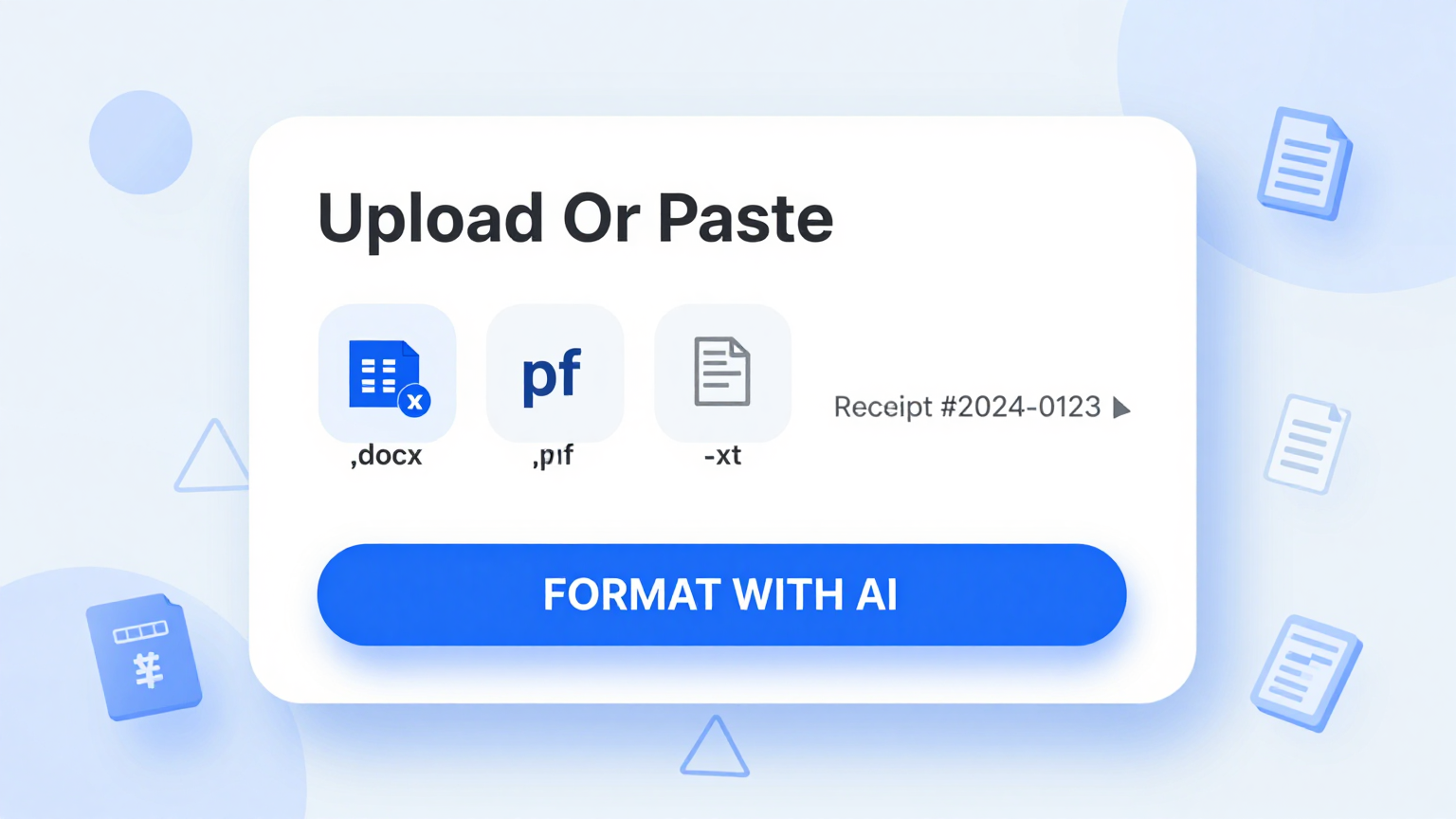
Import Data
Load or input your source content for processing. Paste notes from the field, upload spreadsheets, or manually enter crew details, weather, and progress updates into the Construction Daily Report Generator.
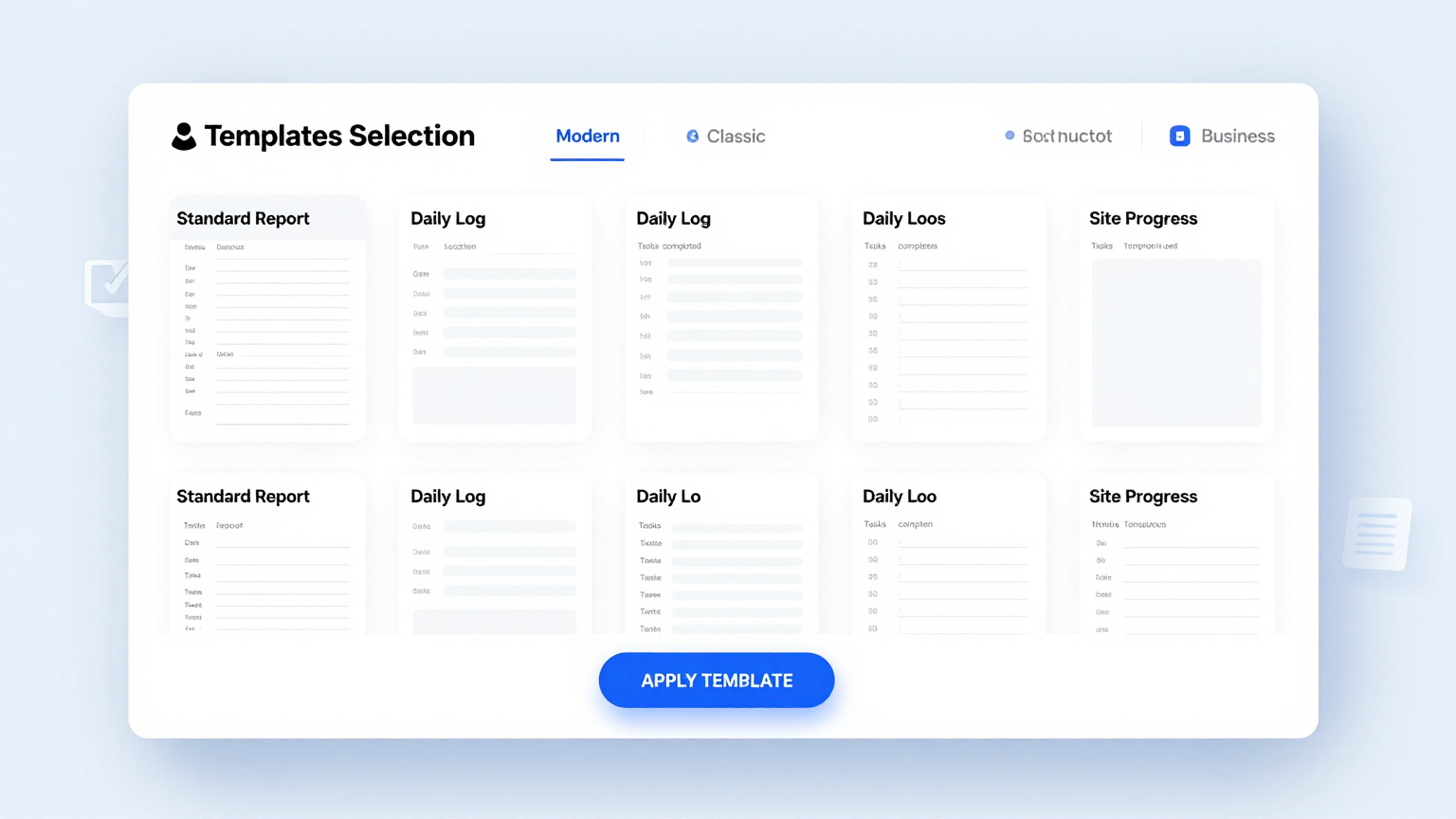
Professional Templates
Choose layouts/designs that fit your use case using the Construction Daily Report Generator. Our tool includes industry-standard formats used by contractors, engineers, and project managers across residential and commercial builds.
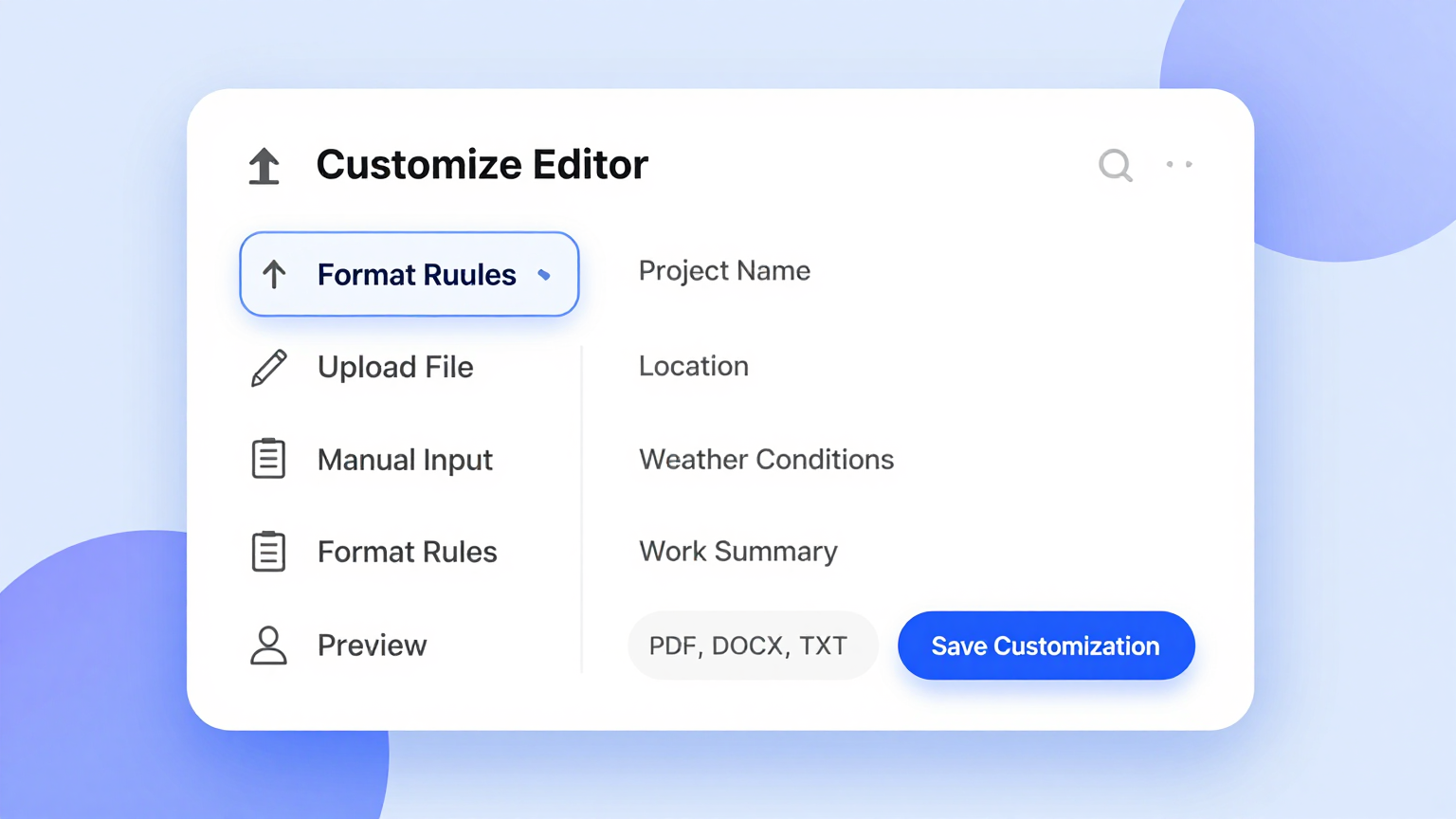
Edit Online
Modify content with real-time updates and smart assistance using the Construction Daily Report Generator. Adjust safety incidents, equipment logs, or manpower counts instantly—our editor syncs changes without reloading for seamless editing.
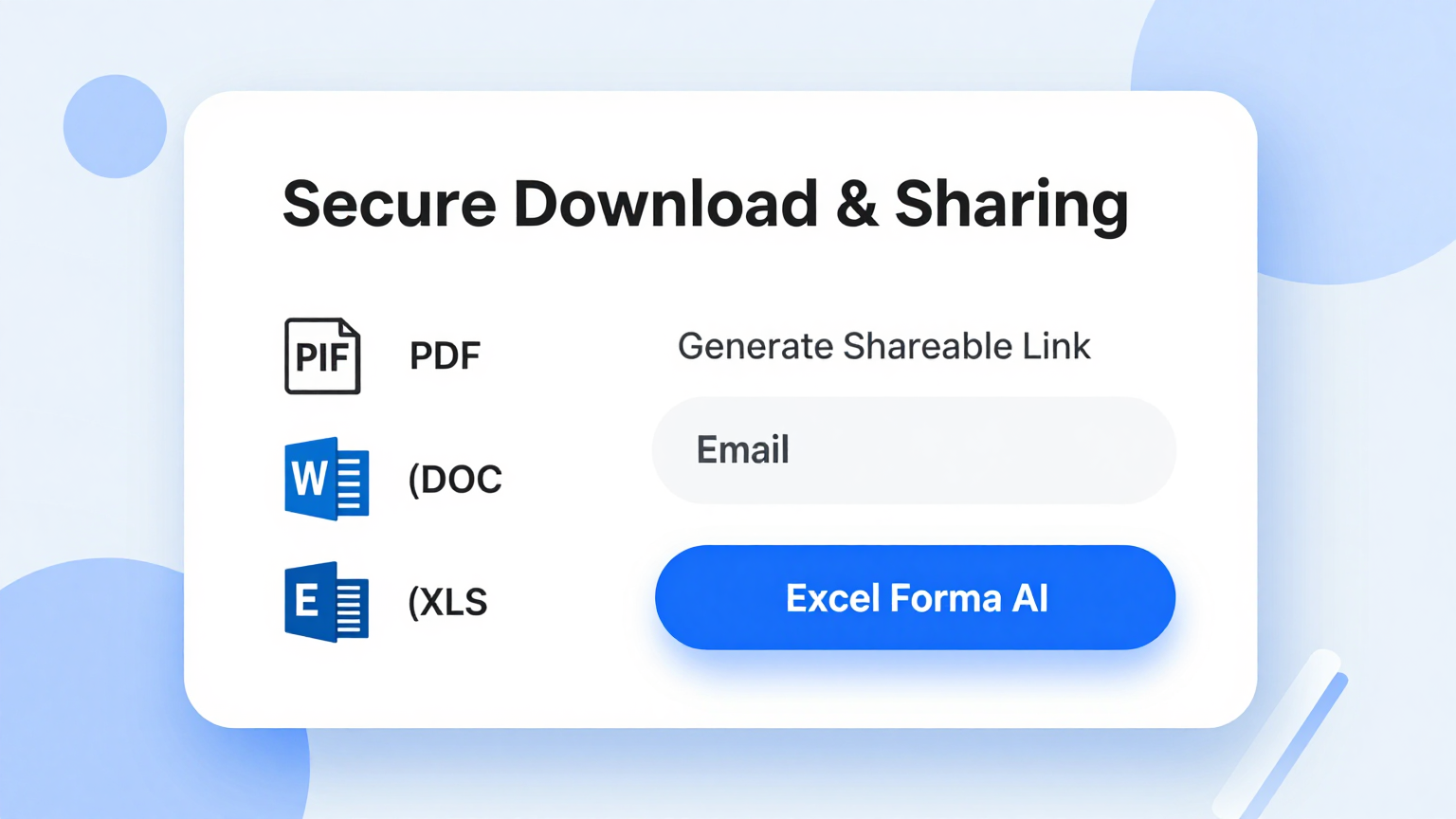
Download & Share
Export documents and share with stakeholders using the Construction Daily Report Generator. Generate print-ready PDFs or editable Word files directly from the tool and email them to clients, supervisors, or inspectors in seconds.
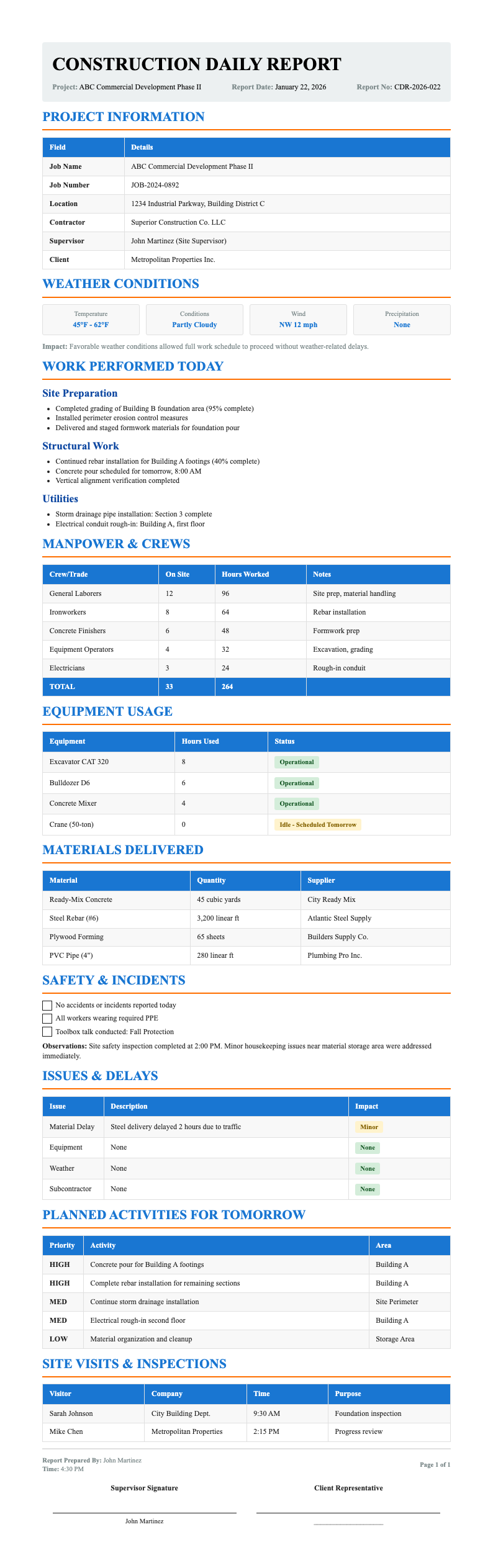
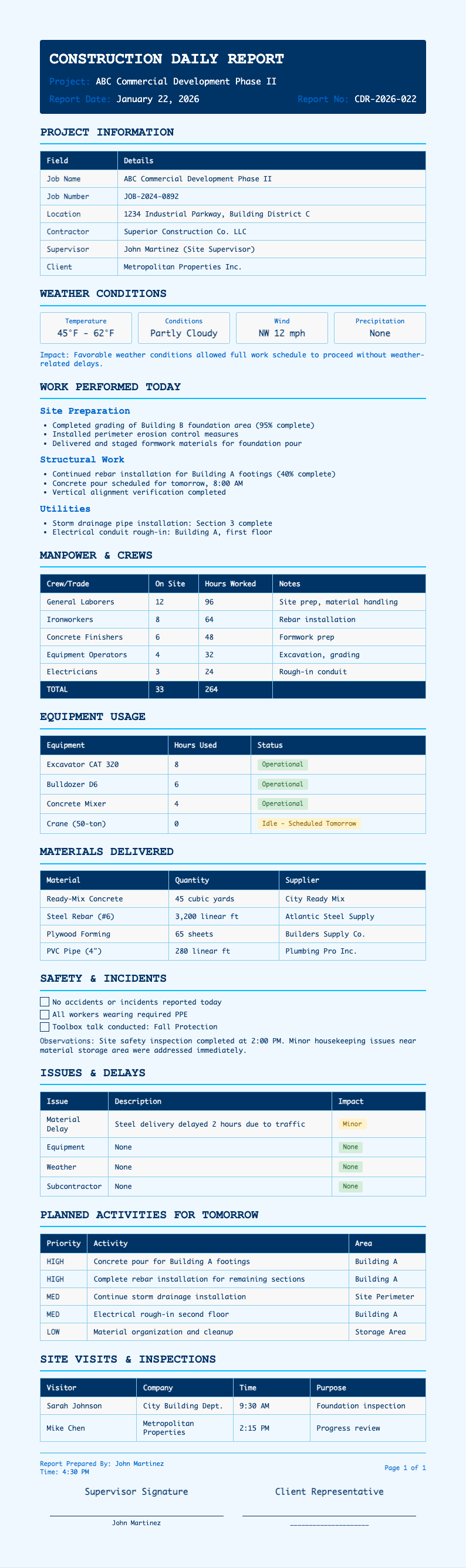
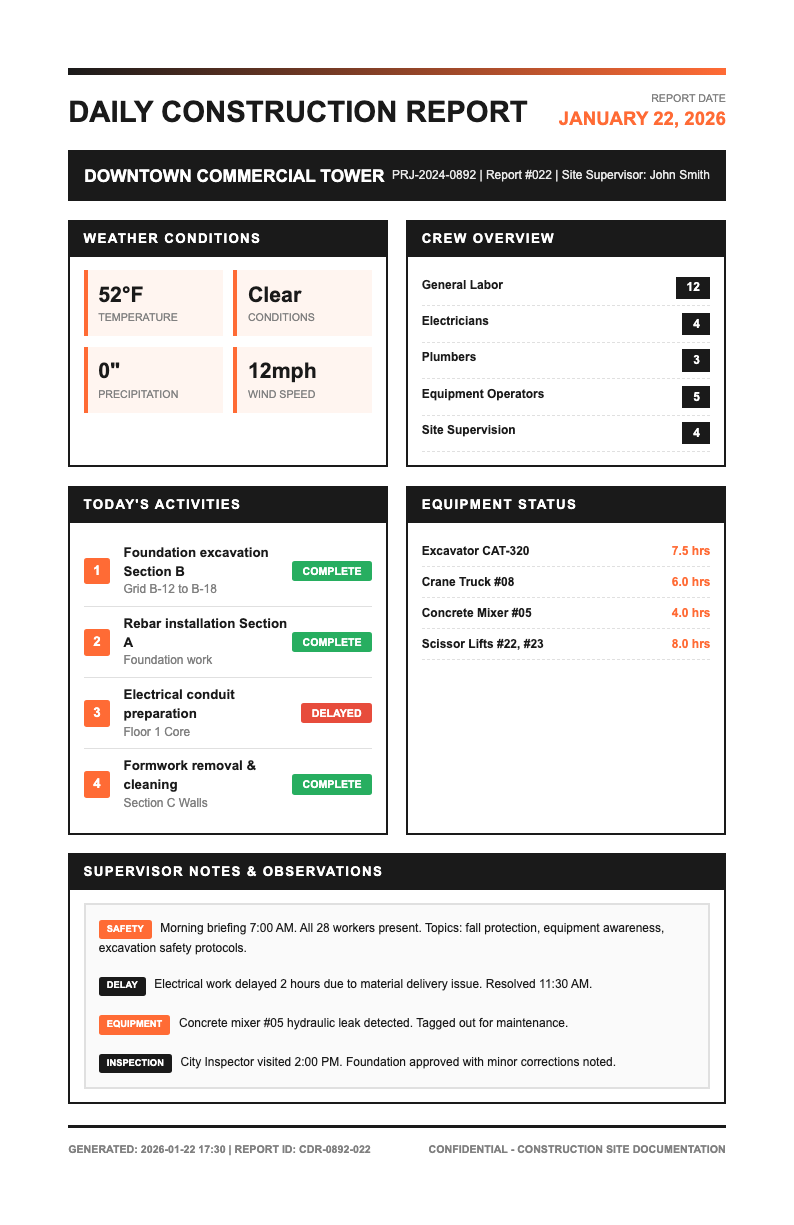
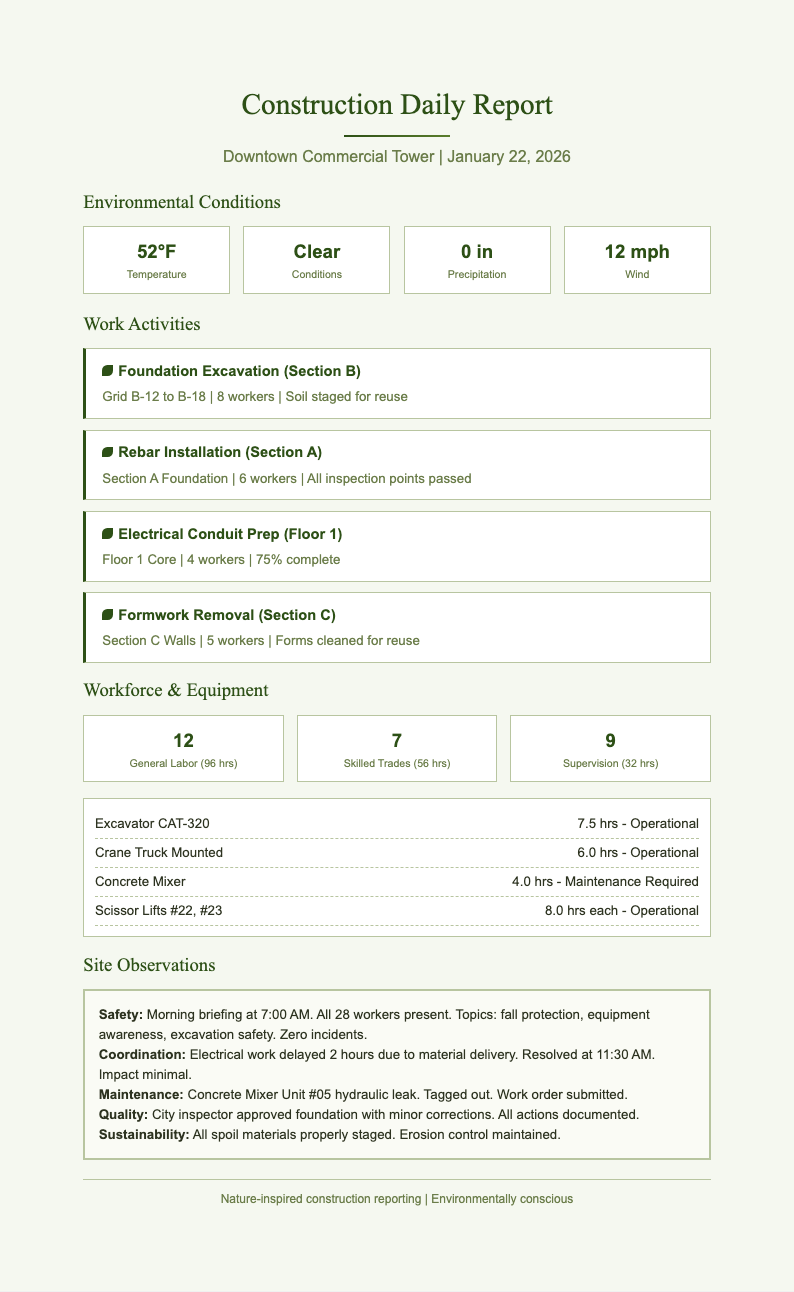
Professional Construction Report Templates
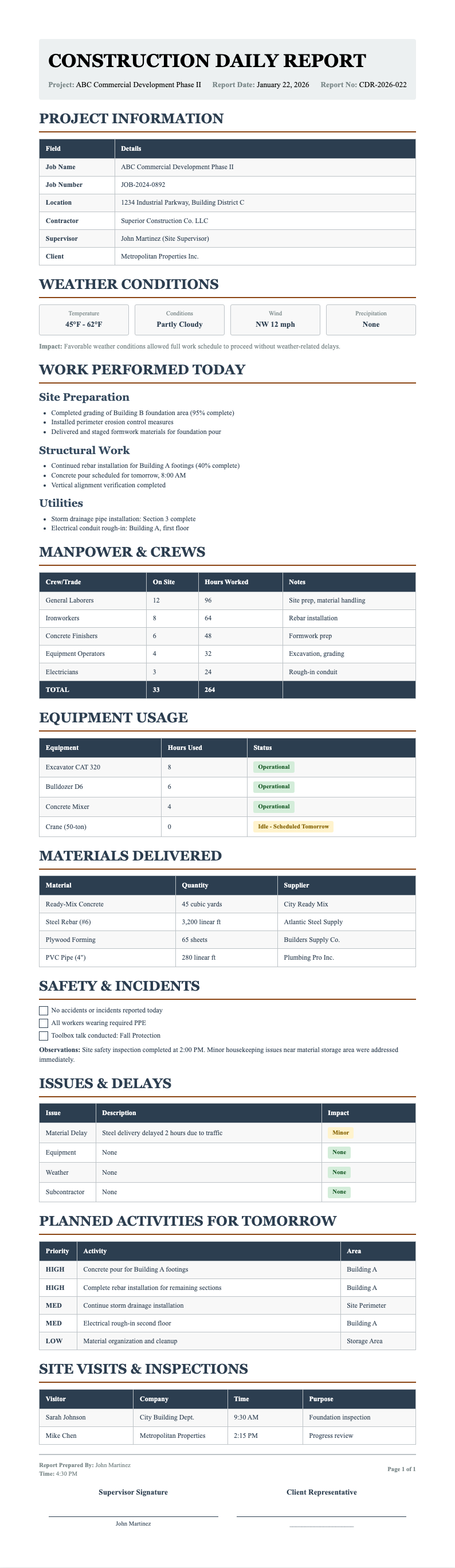
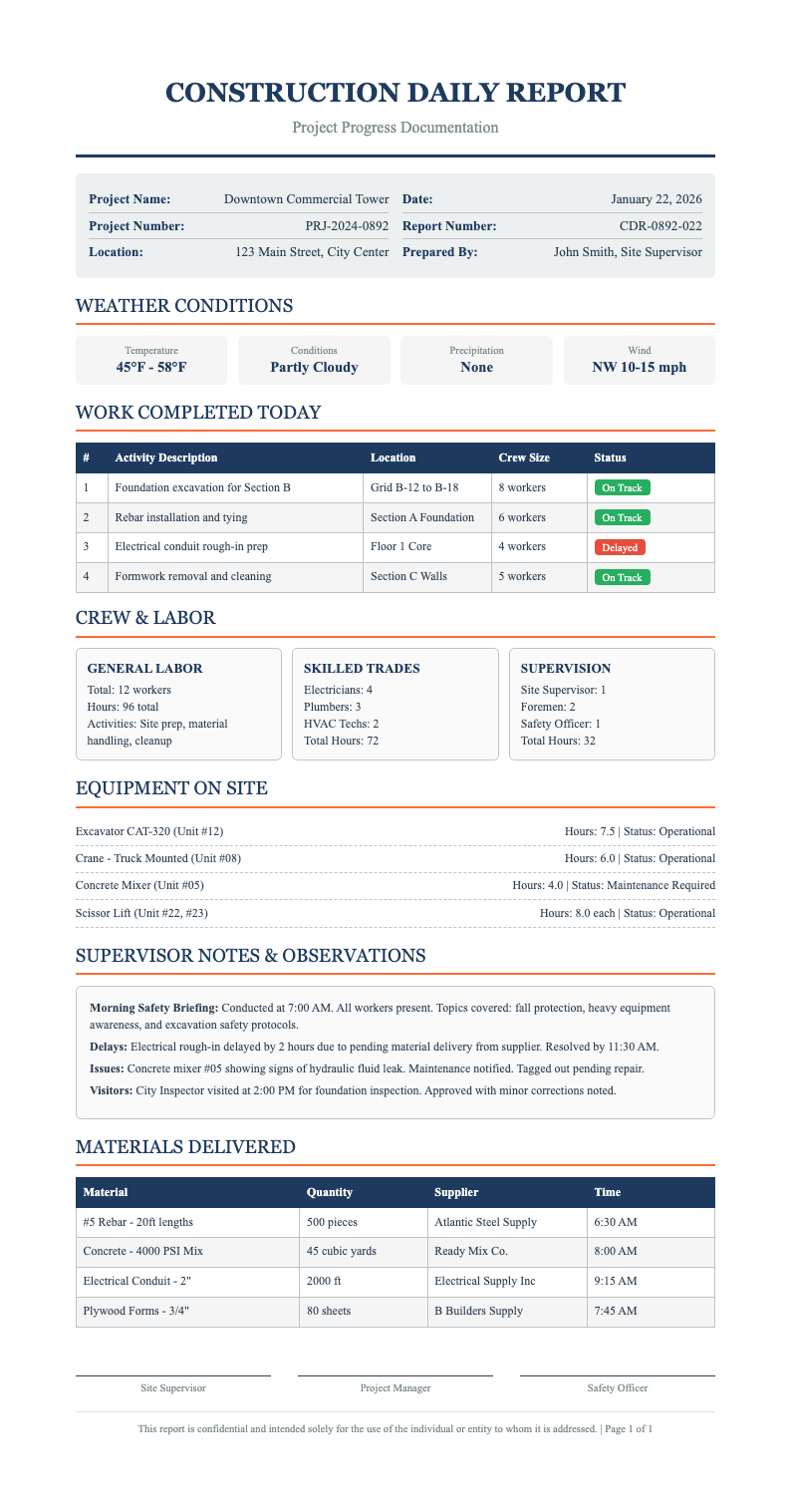
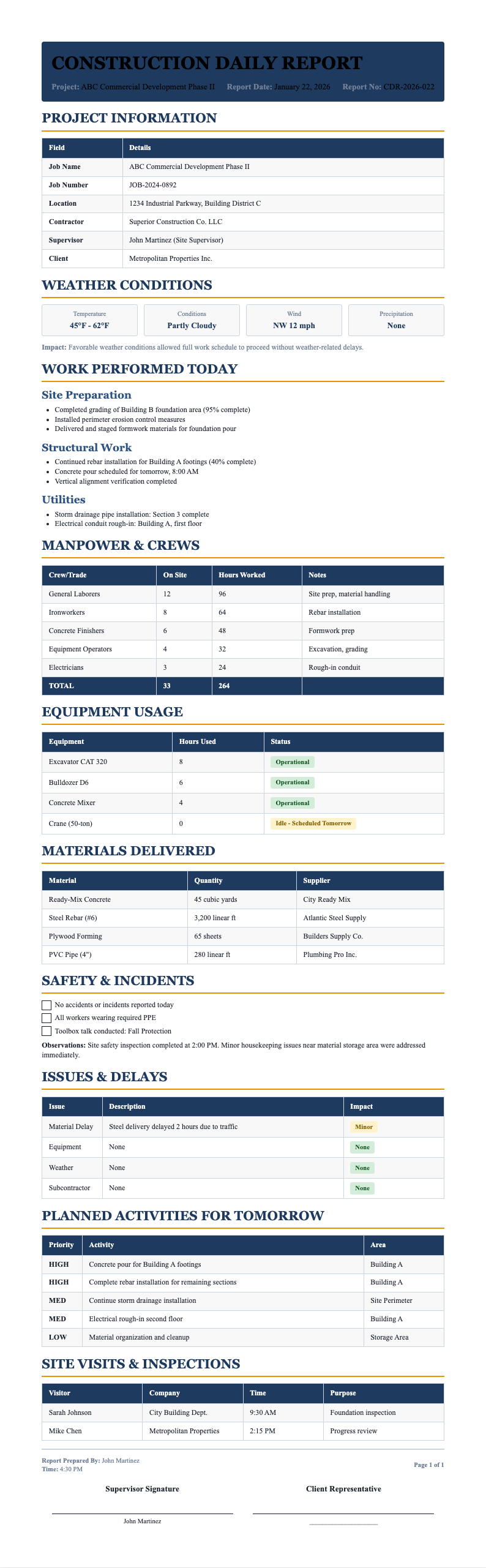
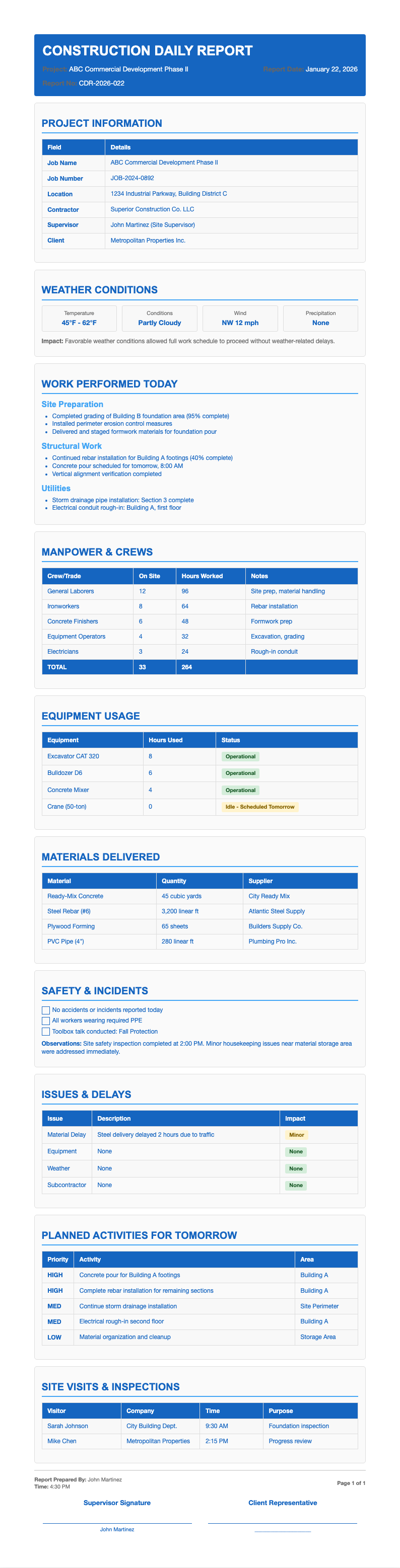
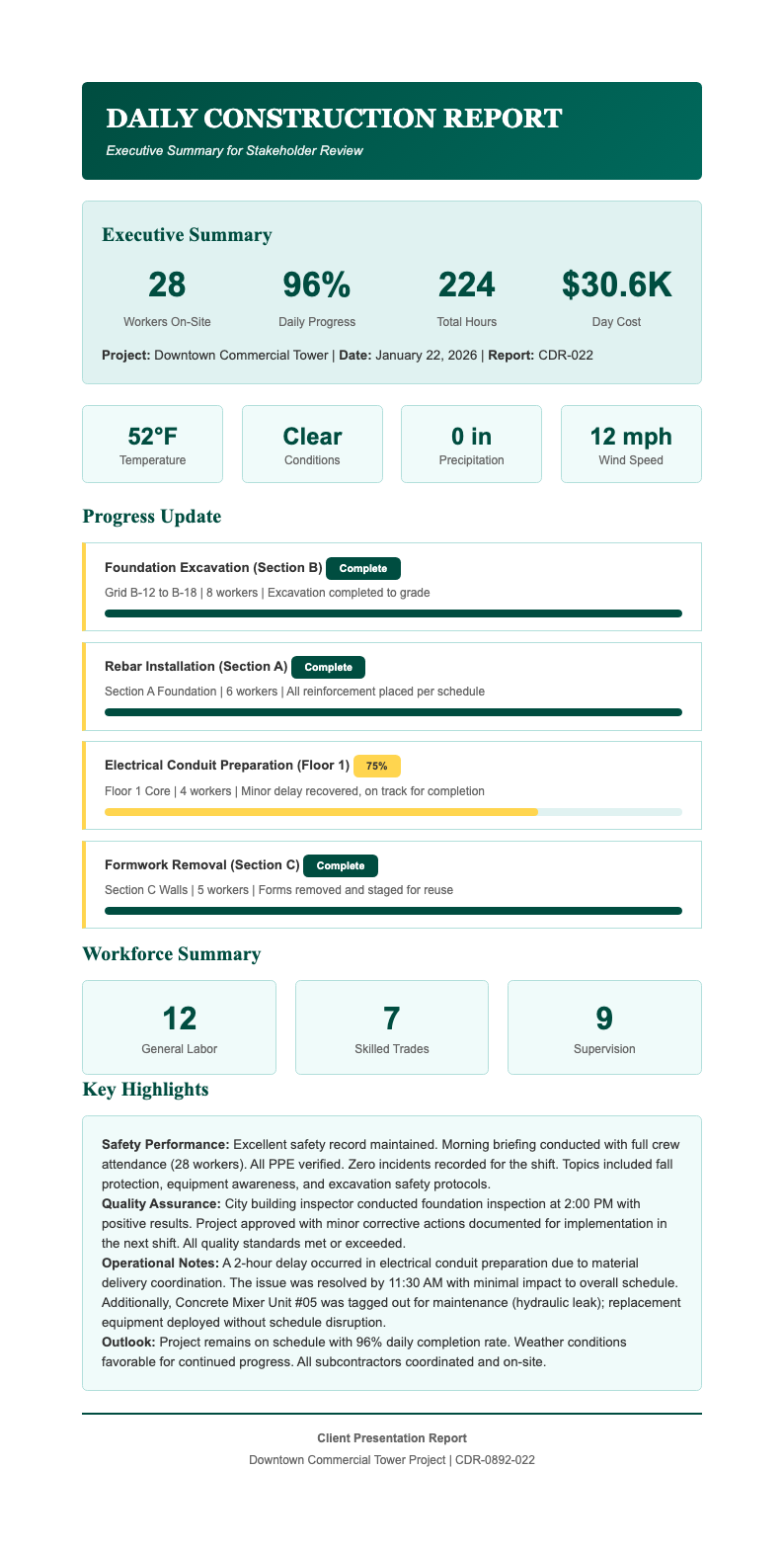
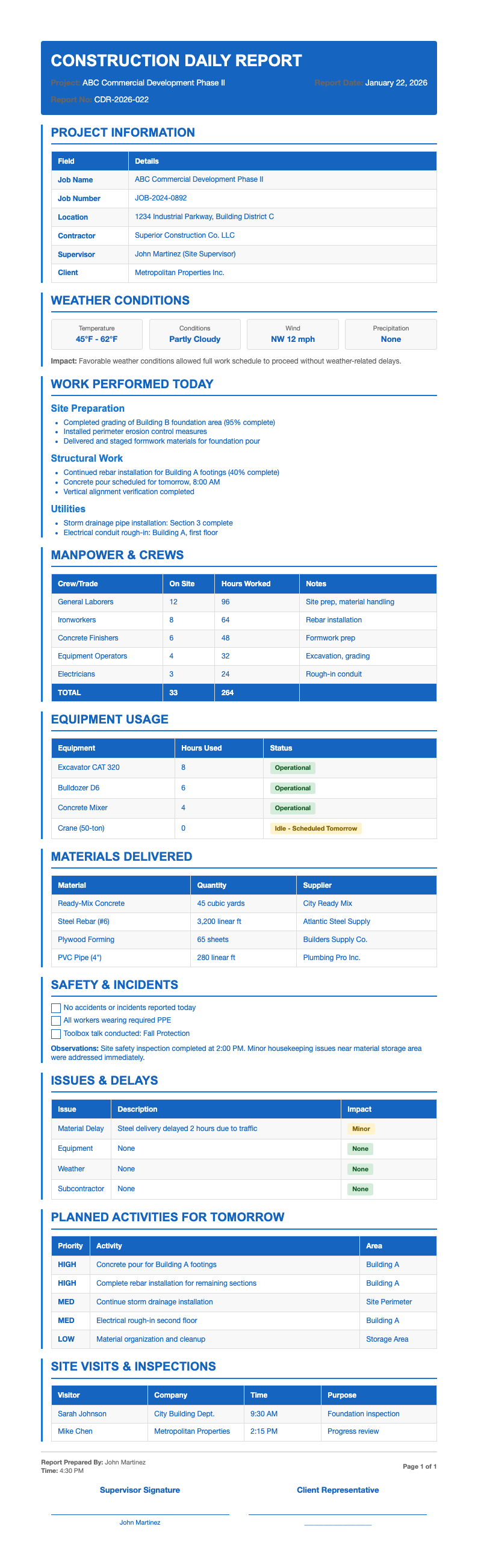
Browse our curated collection of free, industry-aligned templates designed for general contractors, subcontractors, and site supervisors.
Frequently Asked Questions
Everything you need to know about creating accurate, compliant daily reports quickly.
- Is the Construction Daily Report Generator really free?
- Yes! This tool is completely free to use with no hidden fees, watermarks, or mandatory sign-ups required to access any features. You can create, edit, and download unlimited professional reports without providing payment information or even creating an account to get started immediately on your daily documentation tasks and projects.
- What file formats can I export my report in?
- You can export your finished document as a high-quality PDF for easy printing and instant sharing purposes, or as a fully editable Microsoft Word (.docx) file for any further editing needs. Both formats preserve professional layout, fonts, and structure so your report always looks polished and official for any submission or professional presentation requirements.
- Do I need construction experience to use this tool?
- Not at all. The Construction Daily Report Generator is intentionally designed for anyone involved in site documentation work. Whether you are a project manager, foreman, intern, or owner-builder, clear prompts and intuitive fields guide you through each section easily without requiring any specialized industry knowledge or prior experience to use.
- Can I save my report and edit it later?
- Currently, the tool does not support cloud saving, but you can copy your content before leaving the page or download a draft version for safekeeping on your device. We recommend keeping a local copy if you plan to return to it later for any needed revisions, updates, or additional modifications to your daily reports.
- Is my data secure when using this generator?
- Absolutely. All processing happens locally in your browser, meaning your data never leaves your device unless you choose to download or share it. We do not store, track, or transmit any of your project details, ensuring full privacy and compliance with all site confidentiality rules and regulations for your protection.
- Does the generator support OSHA or safety compliance sections?
- Yes, the templates include dedicated fields for safety observations, near-misses, PPE compliance checks, and complete incident reporting requirements. These sections align with common OSHA documentation expectations and help you maintain a strong safety record on every job site through proper, consistent, and thorough documentation practices and established daily safety procedures.
- Can I customize the logo or company branding?
- While advanced branding options are not available in the free version, you can manually add your company name and contact information in the header section. For teams needing full brand customization capabilities, we are actively exploring premium features based on extensive user feedback and growing market demand from our users.
- How long does it take to generate a report?
- Most users can complete a full daily report in under five minutes when using the Construction Daily Report Generator. Once you have entered your core details, the system auto-formats everything into a clean, professional layout that is dramatically faster than traditional manual methods and time-consuming paperwork processes used in construction.
- Are these reports accepted by clients and inspectors?
- Yes. The templates follow widely accepted industry standards that are commonly used by leading general contractors and engineering firms. As long as your content is accurate and complete, the resulting document will meet typical client, municipal, or regulatory submission requirements without any issues, complications, or problems ever arising during review or inspection.
- Can I use this for multiple projects?
- Definitely. You can generate separate reports for different jobs, phases, or sites as often as needed for your daily documentation work and all your reporting requirements. Just refresh the tool or start a new session, and there is no limit to how many unique professional reports you can create for your various projects, clients, and ongoing construction sites to support all your active project needs and documentation requirements for all construction projects you manage today, tomorrow, and in the future.
- What information should I include in my daily report?
- A complete daily report should include the date, project name, weather conditions, crew and subcontractor presence, equipment used, work performed, materials delivered, any delays or issues encountered, safety incidents, and notes for the following day. This comprehensive approach ensures proper documentation and accurate record keeping for all project stakeholders, clients, and team members involved in the construction process.
- Can I add photos to my Construction Daily Report?
- The tool allows you to reference photo locations in your report for documentation purposes. After downloading the Word or PDF version, you can manually insert images directly into the document to document site conditions, progress photos, or safety concerns for complete, accurate, and thorough project records and long-term archival purposes.
Stop Wasting Time on Manual Reports
Generate accurate, professional construction daily reports in minutes—not hours. No software to install, no learning curve.
No credit card required • AI formatter tools included • Instant formatting