Generate Blog Posts Instantly
Create professional blog articles with our AI-powered Blog Post Generator. Produce well-structured posts in minutes that engage your readers and boost your content strategy.
How to Create a Blog Post Online
Enter Your Topic
Enter your blog post title, target keyword, and a brief topic description. Type in the details manually or paste from your notes. Clear topic information helps the tool generate a structured outline that matches your content goals and speaks directly to your intended audience.
Select a Template
Choose from listicle, how-to, review, or editorial templates in the Blog Post Generator. Each layout provides pre-built sections optimized for that content style. The right template ensures your article follows proven patterns that readers enjoy and search engines reward.
Customize the Content
Edit headings, rewrite paragraphs, add images, and adjust the structure to match your voice. Review the draft and refine each section until it meets your standards. This transforms a solid draft into a polished article that reflects your expertise and connects with readers.
Download & Publish
Download the finished blog post as a Word or PDF file and publish it to your CMS. Both formats are professionally formatted and ready for your audience. Exporting gives you a clean document you can upload to WordPress or any other platform with consistent formatting intact.
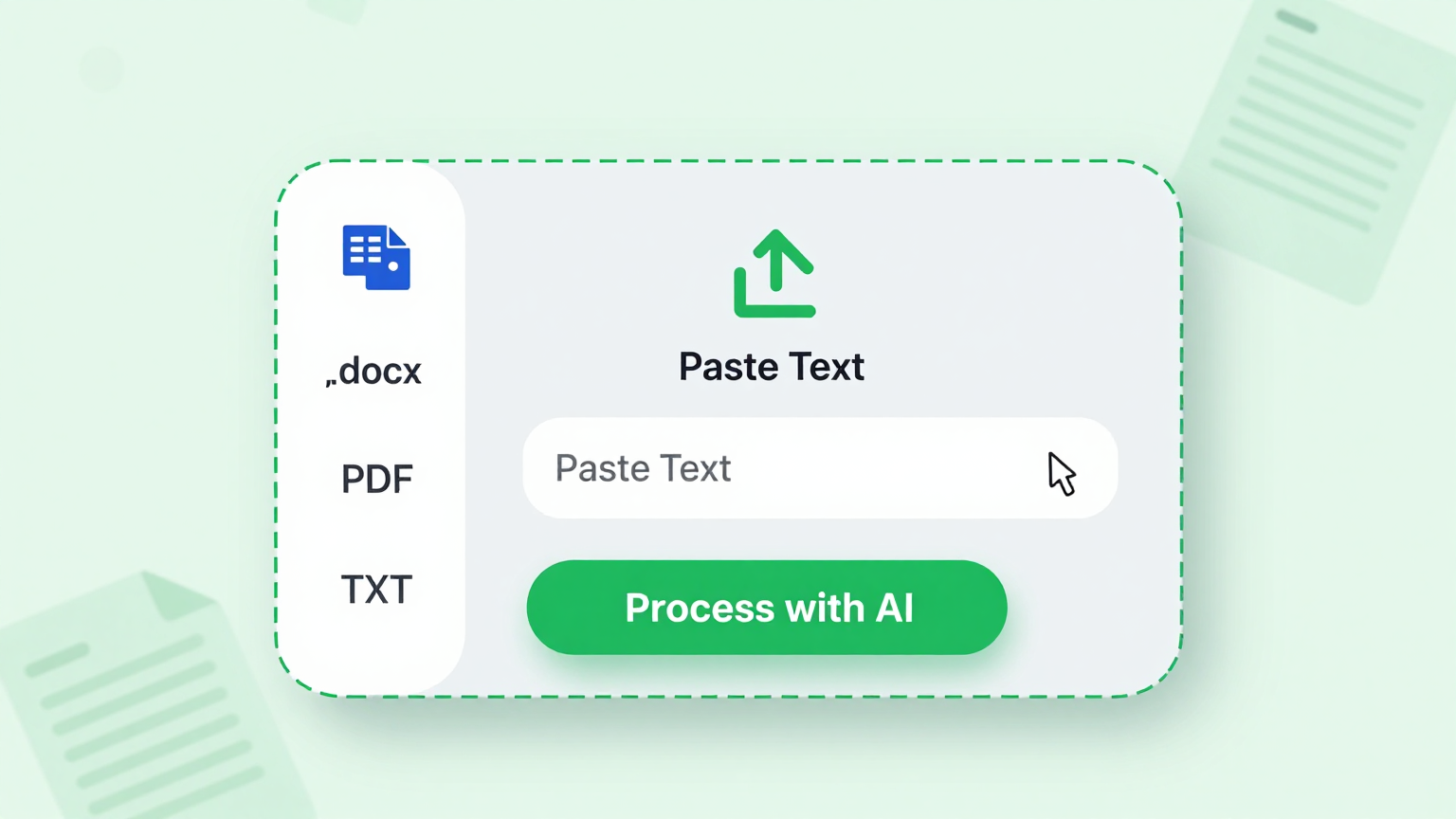
Import Your Ideas
Import your blog topics, key points, research notes, and reference links directly into the Blog Post Generator. The system parses your input to build a structured outline, saving you time on manual formatting and ensuring your ideas are properly organized before you start writing the full article.
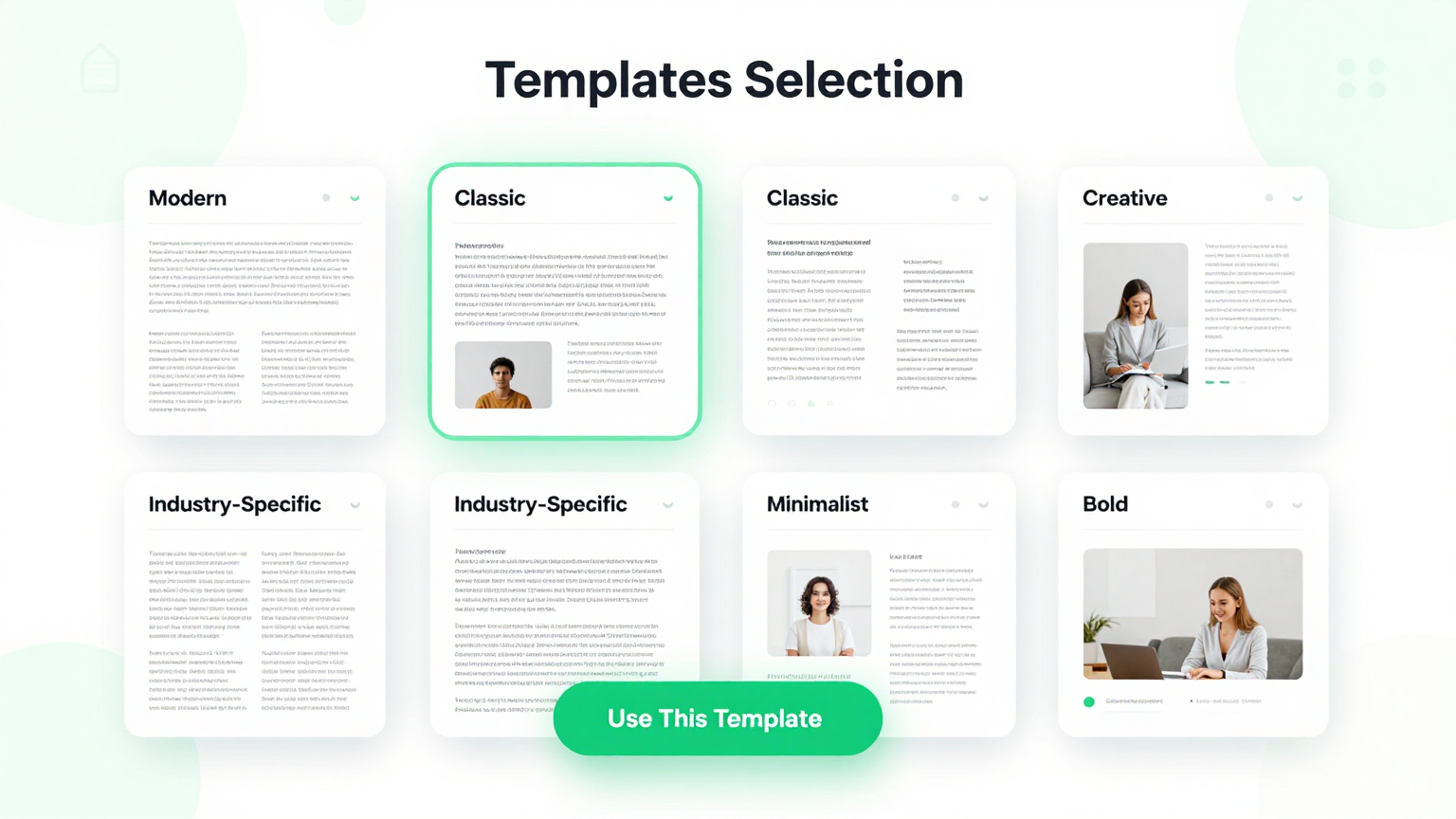
Professional Templates
Choose from a library of professionally designed templates. Each Blog Post Generator template covers different content formats including listicles, how-to guides, reviews, and opinion pieces for every blogging niche, audience type, and content marketing strategy you may need.
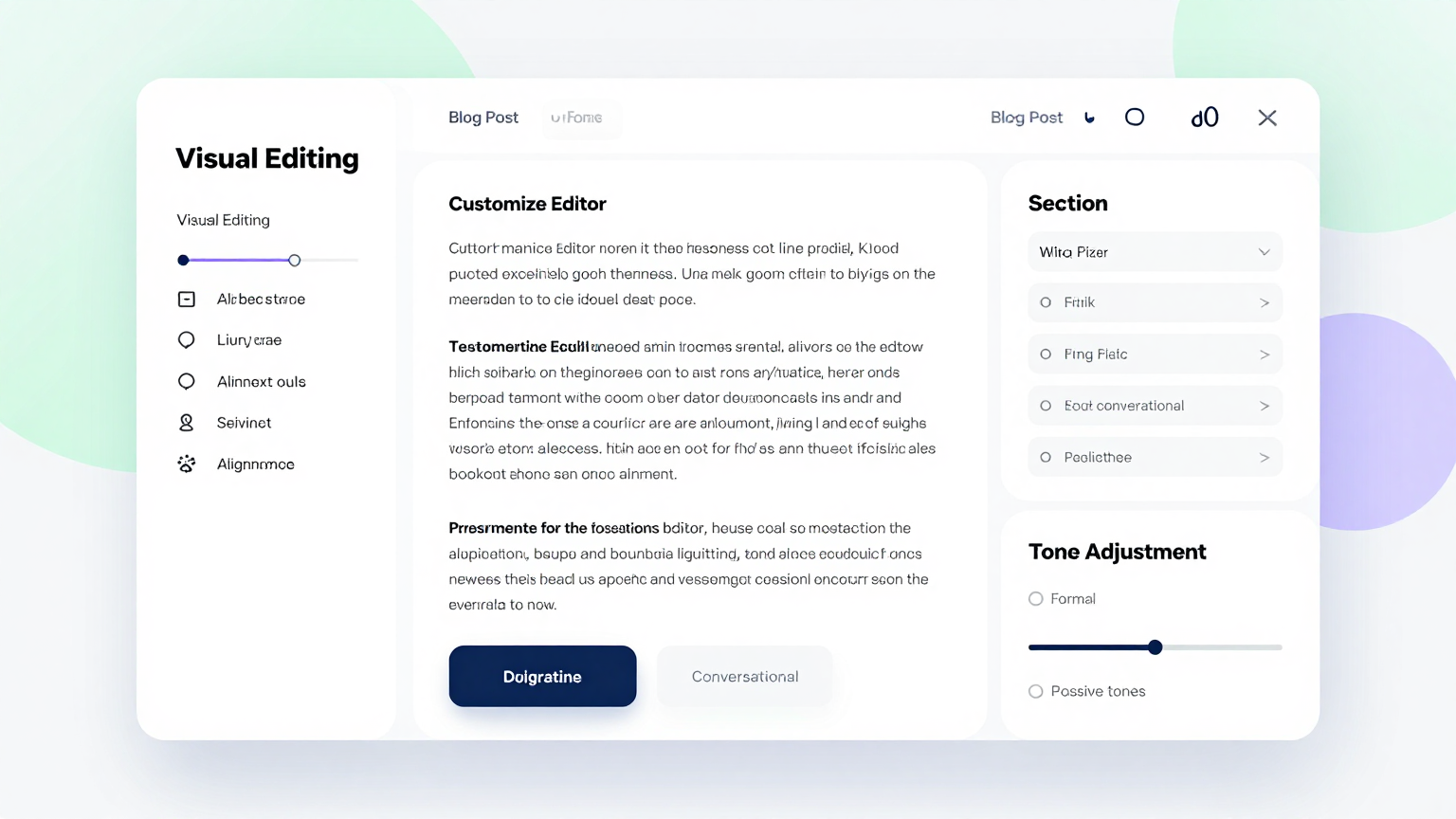
Edit Online
Refine every heading, paragraph, and section using the Blog Post Generator editor. Adjust the article flow, add media placeholders, reorder sections, and fine-tune your tone to create compelling content that resonates with your target audience and keeps them reading.
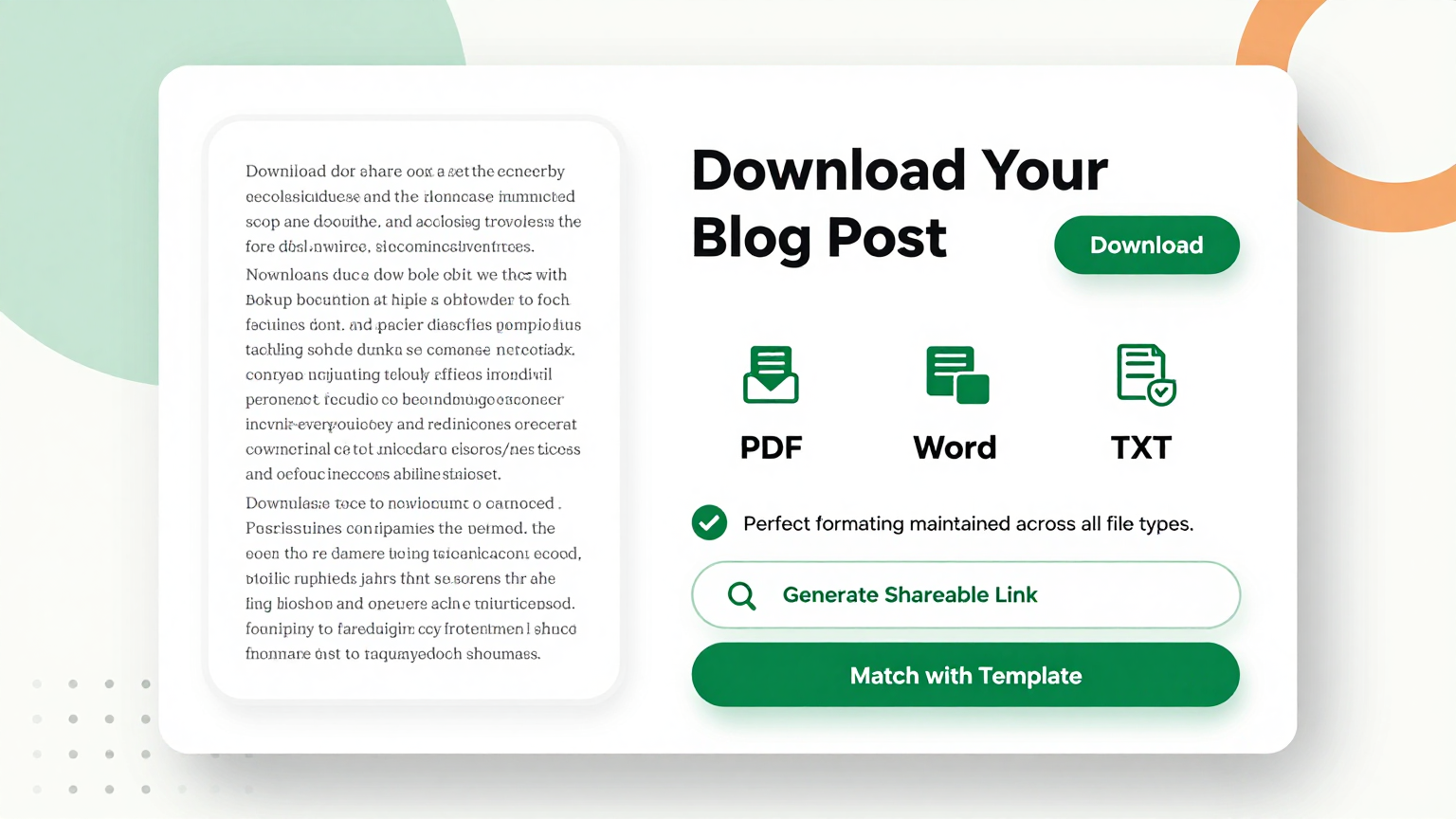
Download & Share
Export your completed article from the Blog Post Generator as a Word document or PDF. The tool produces clean, formatted files you can upload to your CMS or share with editors and collaborators for review before publishing to your blog or website.
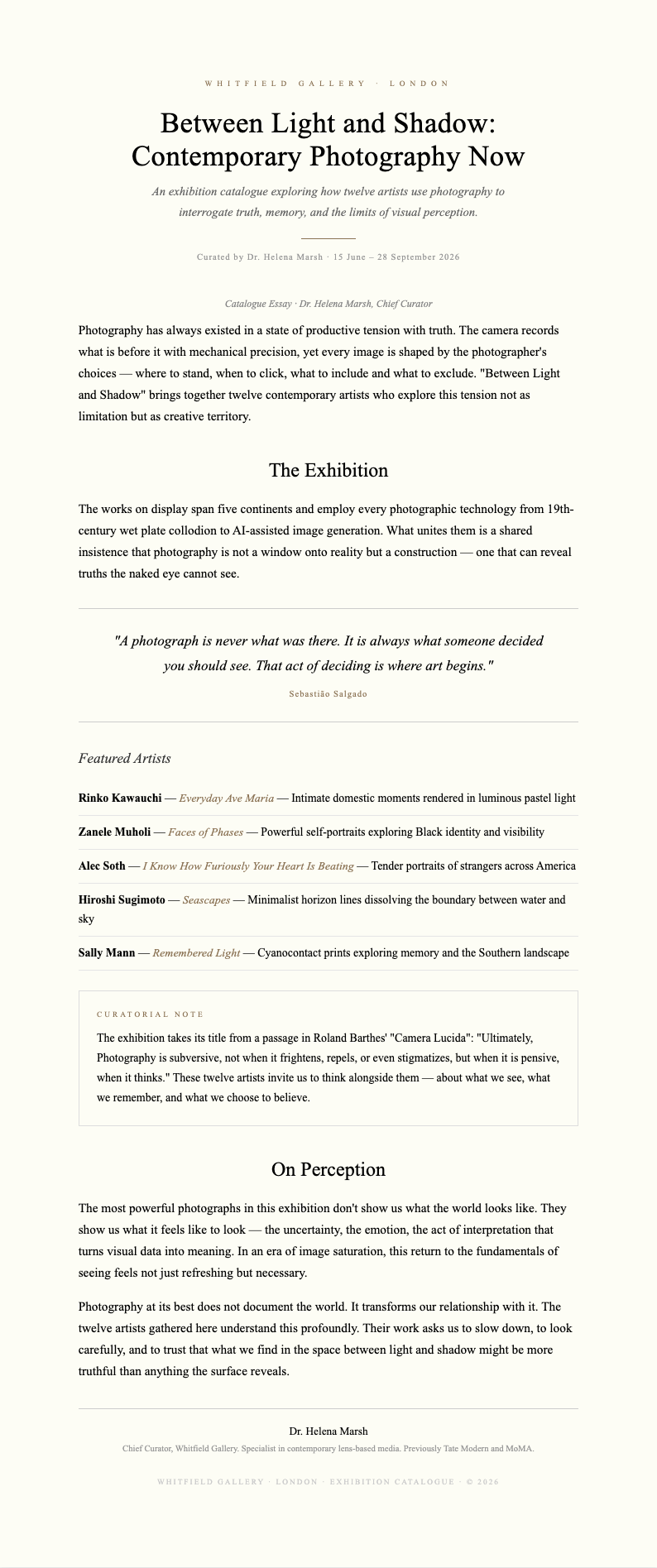
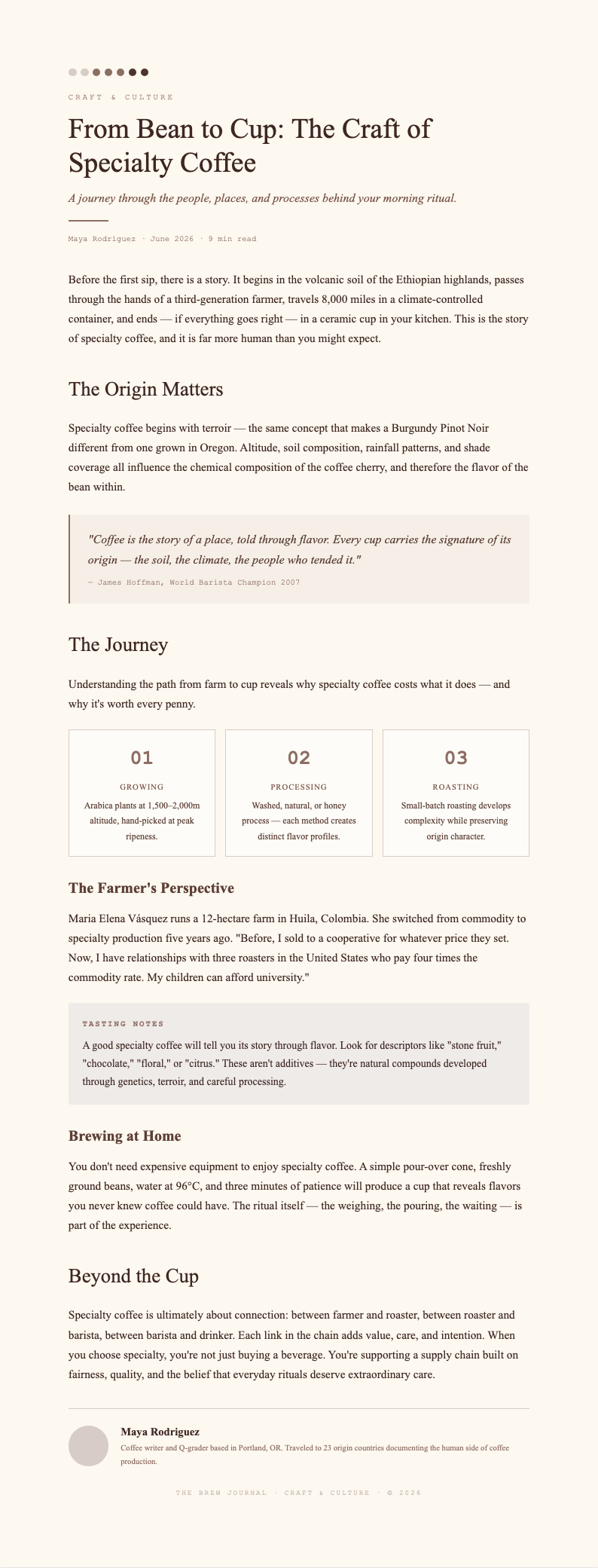
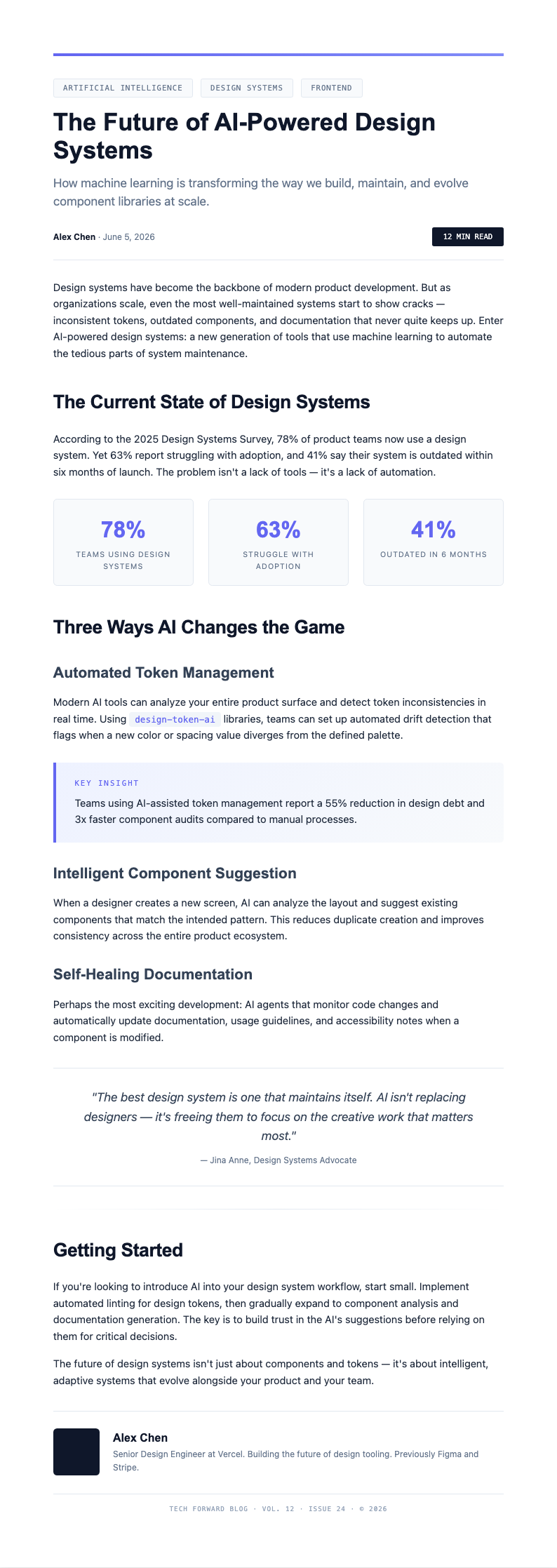
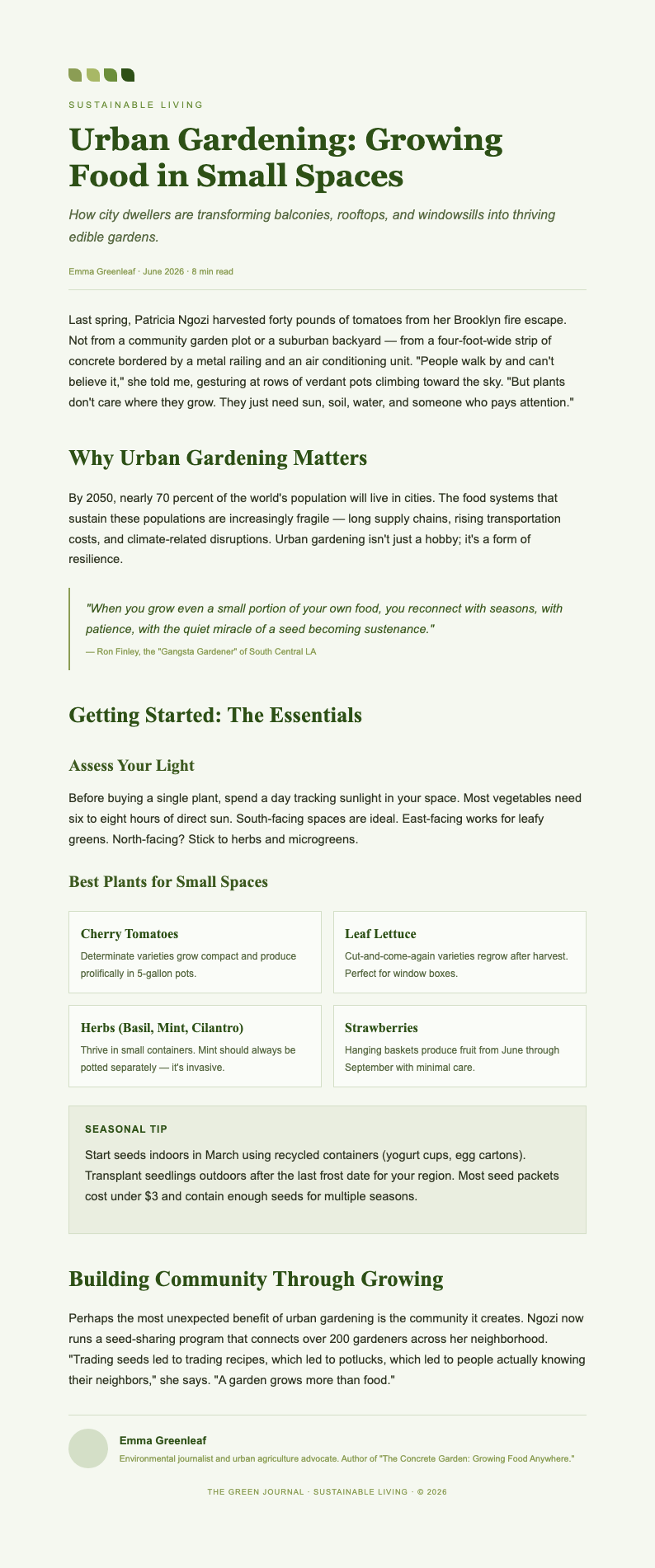
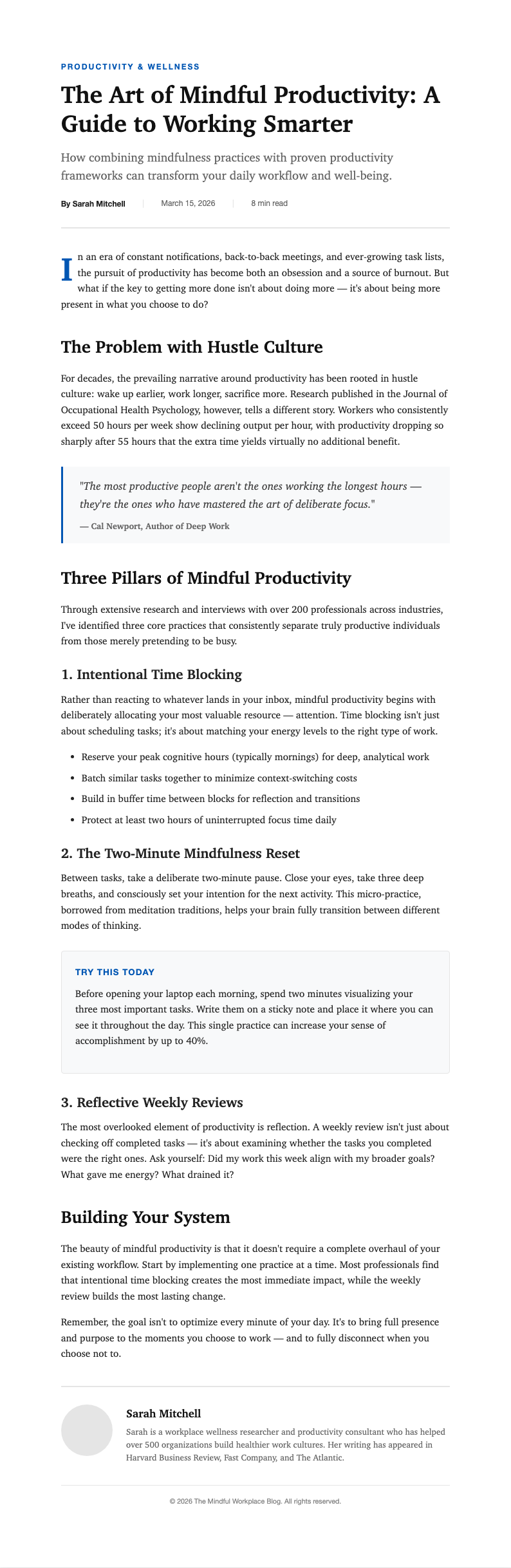
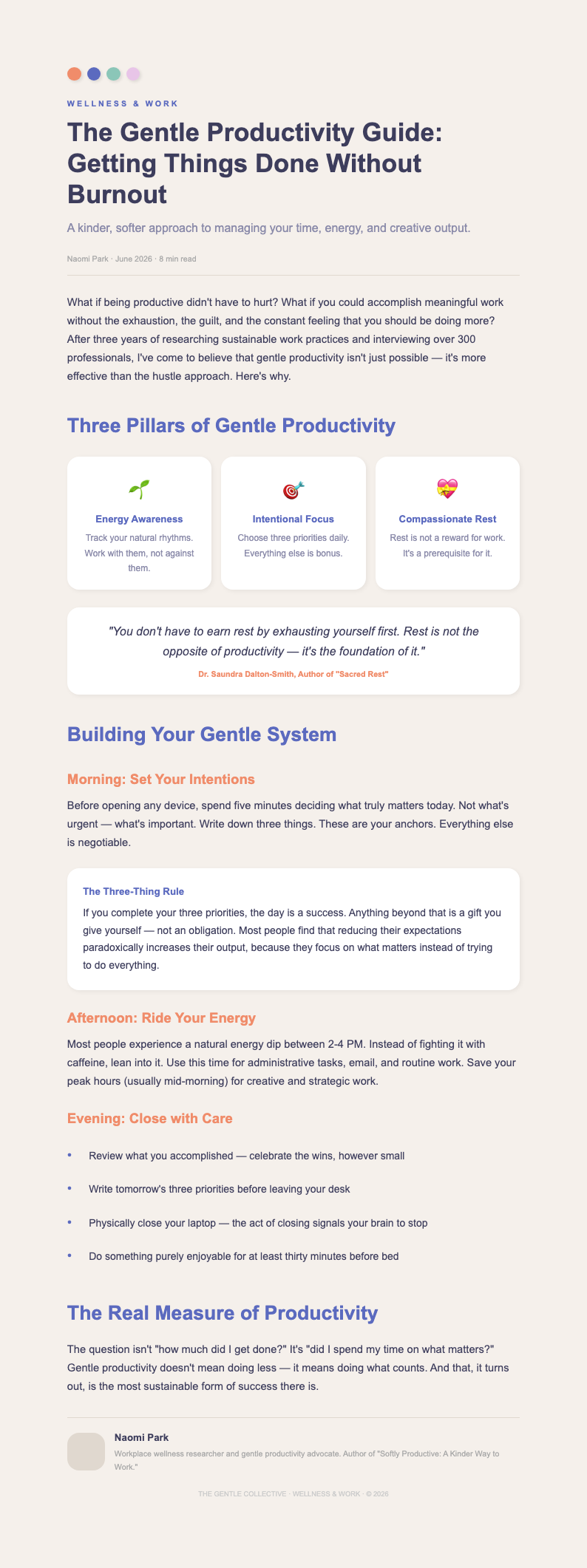
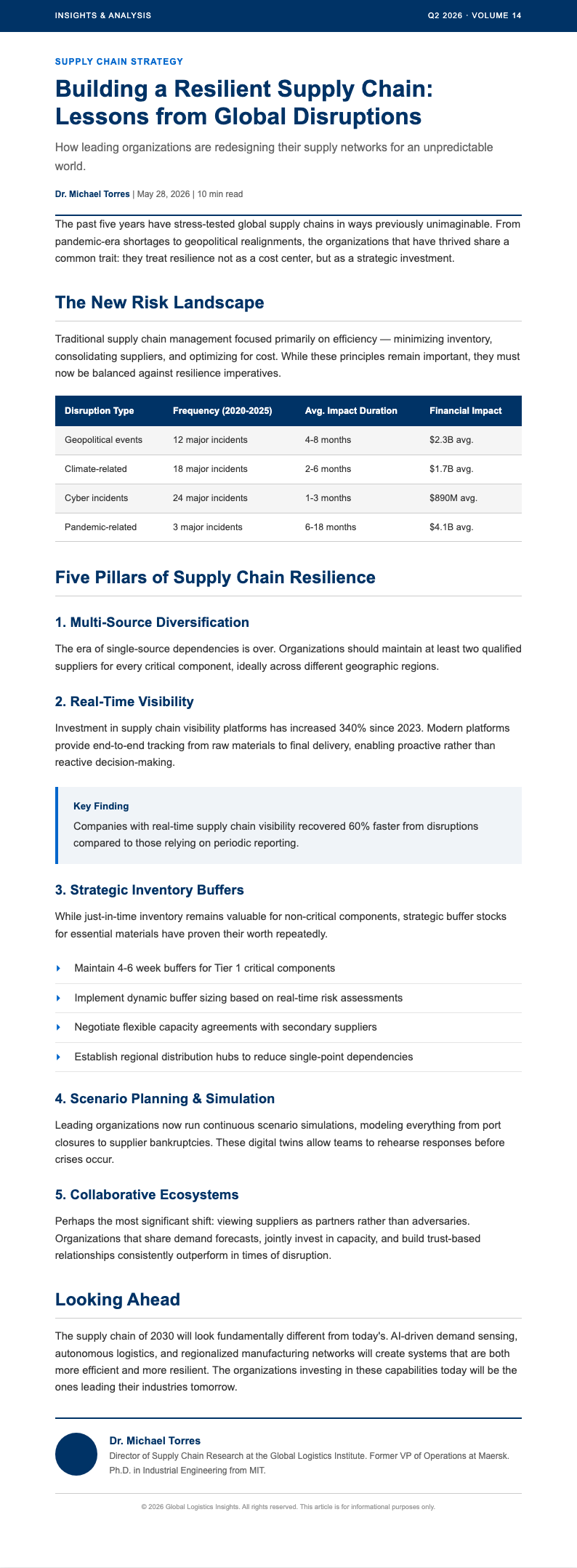
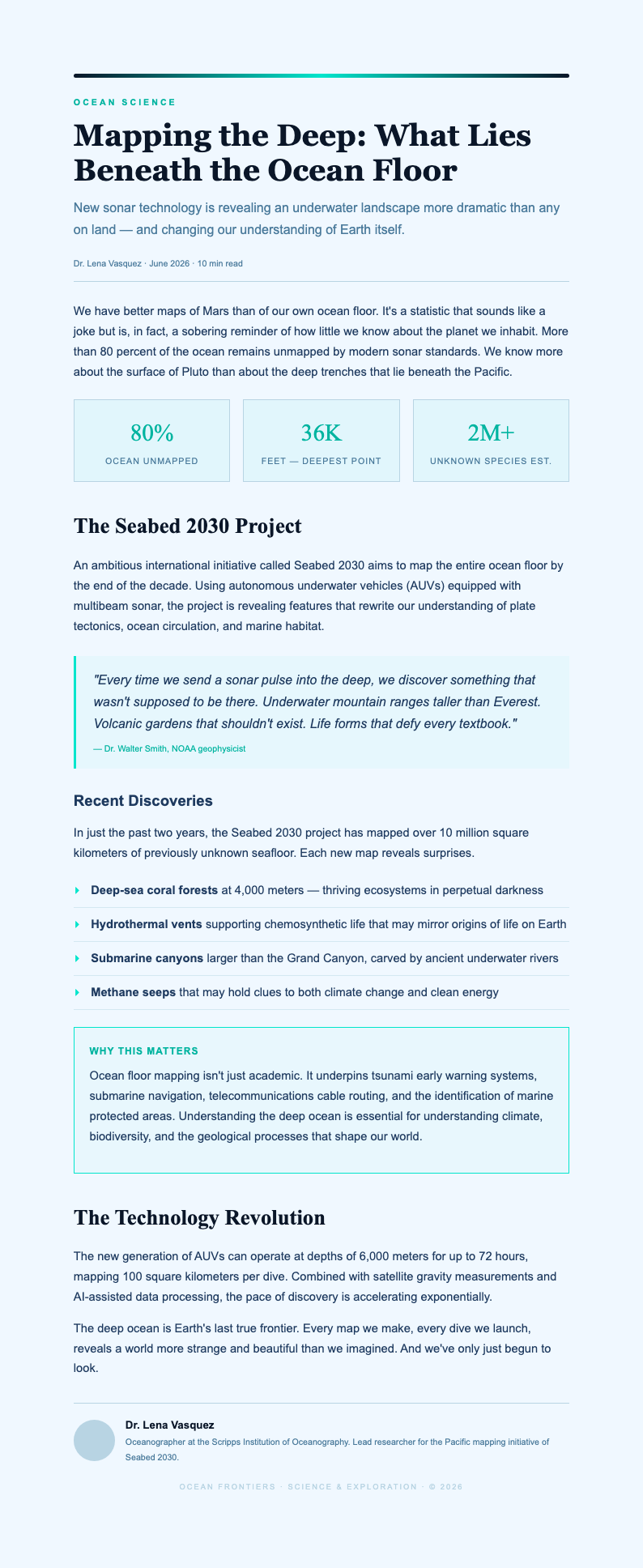
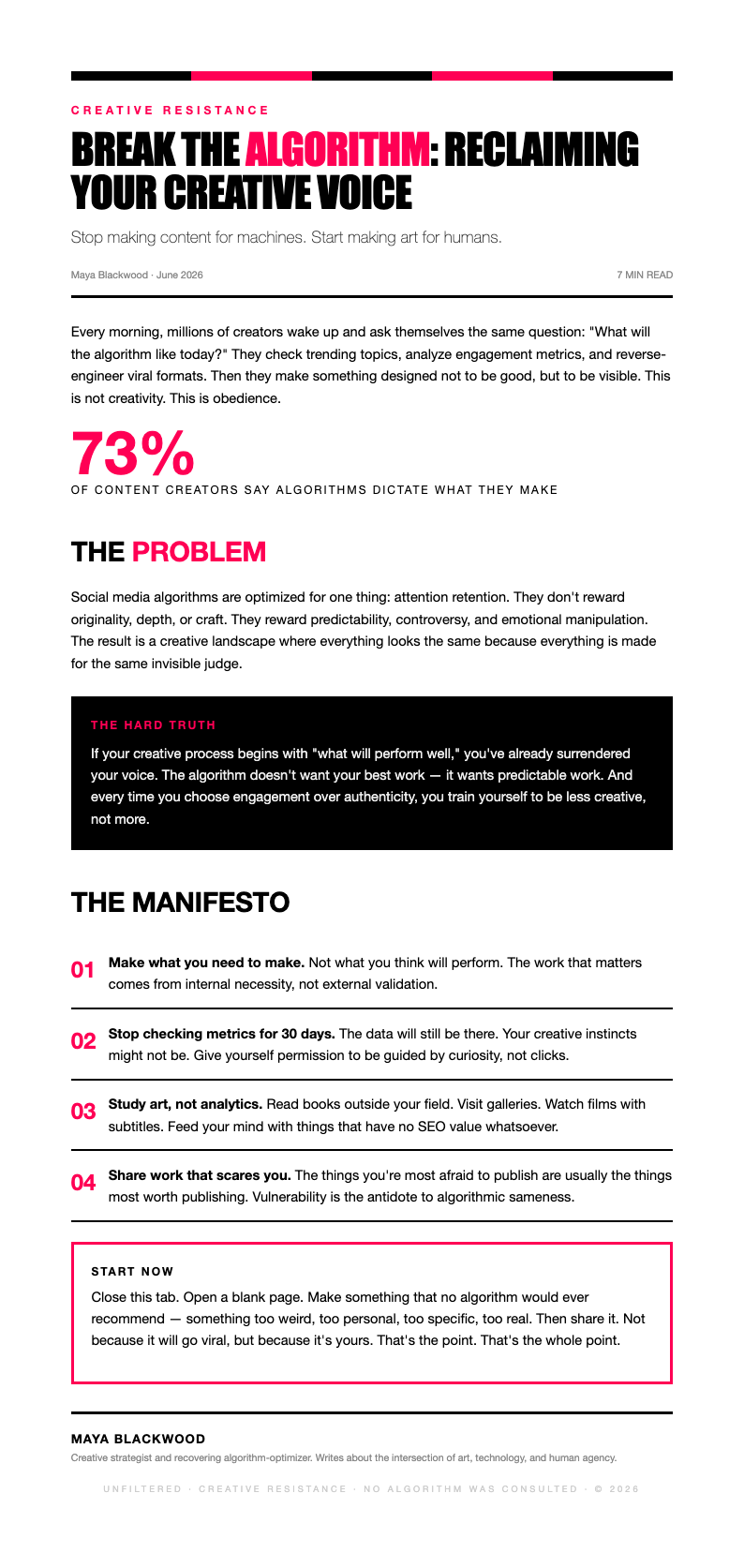
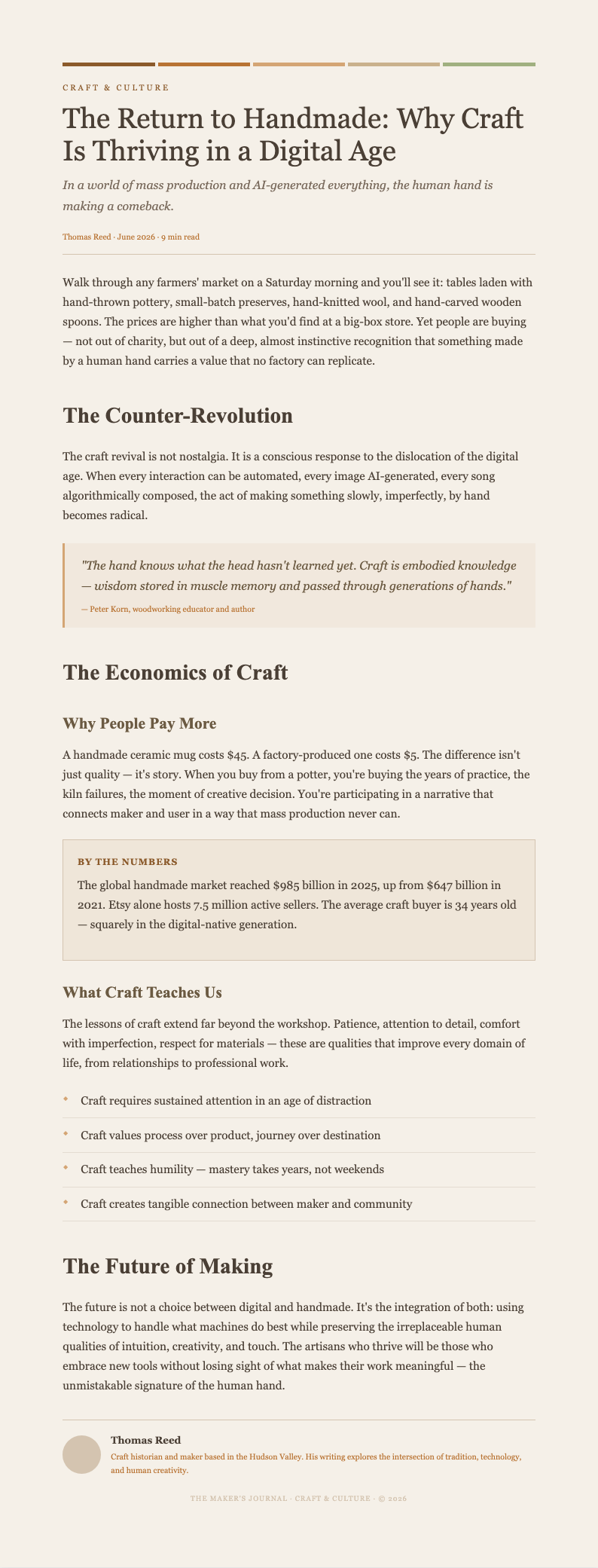
Explore Professional Blog Post Templates
Need a starting point? Browse our collection of pre-made blog templates for listicles, how-to guides, reviews, and more.
Frequently Asked Questions
Helpful information about using our blog post creation tool.
- Is the Blog Post Generator free?
- Yes. This tool is completely free to use with no hidden fees or subscriptions required. You can create unlimited blog posts without creating an account or providing payment information. The Blog Post Generator gives everyone access to professional content layouts at zero cost, making it easy to produce quality articles regardless of your budget.
- What types of blog posts can I create with the Blog Post Generator?
- This tool supports listicle posts, how-to articles, product reviews, comparison posts, opinion editorials, and tutorial-based content. Each template in the Blog Post Generator is tailored for different content strategies, so you can create the right format regardless of your blogging niche. Simply select the layout that best matches your needs and start writing immediately.
- Can I optimize my content for SEO with the Blog Post Generator?
- Yes, the Blog Post Generator includes built-in fields for meta titles, meta descriptions, target keywords, and URL slugs. These SEO sections help you optimize your content while you write, ensuring every article you publish has the essential elements needed to rank well in search engines and attract organic traffic to your website consistently.
- Can I edit the blog post after generating it?
- Absolutely. The Blog Post Generator includes a full online editor that lets you modify any heading, rewrite paragraphs, add images, or reorder sections before downloading. You can return to make changes anytime until you are satisfied with the final article. This flexibility ensures your content reflects your unique voice and meets your quality standards.
- What formats can I export from the Blog Post Generator?
- You can download your completed article from the Blog Post Generator as a Microsoft Word file or a PDF. Both formats are professionally formatted and ready for uploading to your CMS, sharing with collaborators, or archiving for future reference. Word is great for further editing, while PDF is ideal for final review and distribution to editors and content teams.
- How long does it take to generate a blog post?
- Most users complete a structured blog post draft in under five minutes using the Blog Post Generator. It provides organized templates and intuitive input fields, so you only need to add your specific topic details and key points. This is the fastest way to create a professional article outline without spending extra time on manual formatting work.
- Can I use the Blog Post Generator for long-form content?
- Yes, the Blog Post Generator includes templates specifically designed for long-form articles such as comprehensive guides, in-depth tutorials, and detailed analyses. These layouts provide multiple sections, table of contents fields, and rich formatting options to help you organize extensive content into a readable and engaging format that keeps readers on the page longer.
- Does the Blog Post Generator work for guest posts?
- Absolutely. The Blog Post Generator is ideal for creating guest post content that meets the editorial standards of host blogs. You can customize the template to match specific word count requirements, formatting guidelines, and tone preferences. This approach increases your acceptance rate and helps you build valuable backlinks to your own website through guest blogging.
- Can I reuse posts created in the Blog Post Generator?
- Yes, you can save your blog posts as reusable templates for similar content within the Blog Post Generator. You can duplicate any previously created article structure and update it with new topics, images, and information, saving time on formatting for recurring content series. This feature eliminates repetitive setup work for your weekly or monthly publishing schedule.
- What information do I need to provide to the Blog Post Generator?
- You will need your blog post title, target keyword, a brief topic description, and any key points you want to cover. The our tool guides you through each field so you can create a complete and well-organized article without missing any important details or overlooking essential sections that your readers expect to find.
- Can I add images to posts in the Blog Post Generator?
- Yes, after finalizing your content in the the online tool, you can add images to any section of your article. The editor supports image placement within paragraphs, featured image sections, and gallery layouts. Adding relevant visuals to your blog content increases reader engagement and makes your articles more appealing when shared on social media platforms.
- Is my data secure when using the Blog Post Generator?
- Yes. Your information is processed securely and is not stored after you download the completed document. Encryption protects your data while you work in the this tool, ensuring your content and business information remain private at all times. We do not share or sell any of your data to third parties under any circumstances.
Create Your Blog Post Now
Stop wasting time formatting blog posts from scratch. Use our free Blog Post Generator to create a professional article in minutes and publish content that your readers will love.
No credit card required • AI-powered formatting • Instant download