Edit Blog Post Templates Online for Free
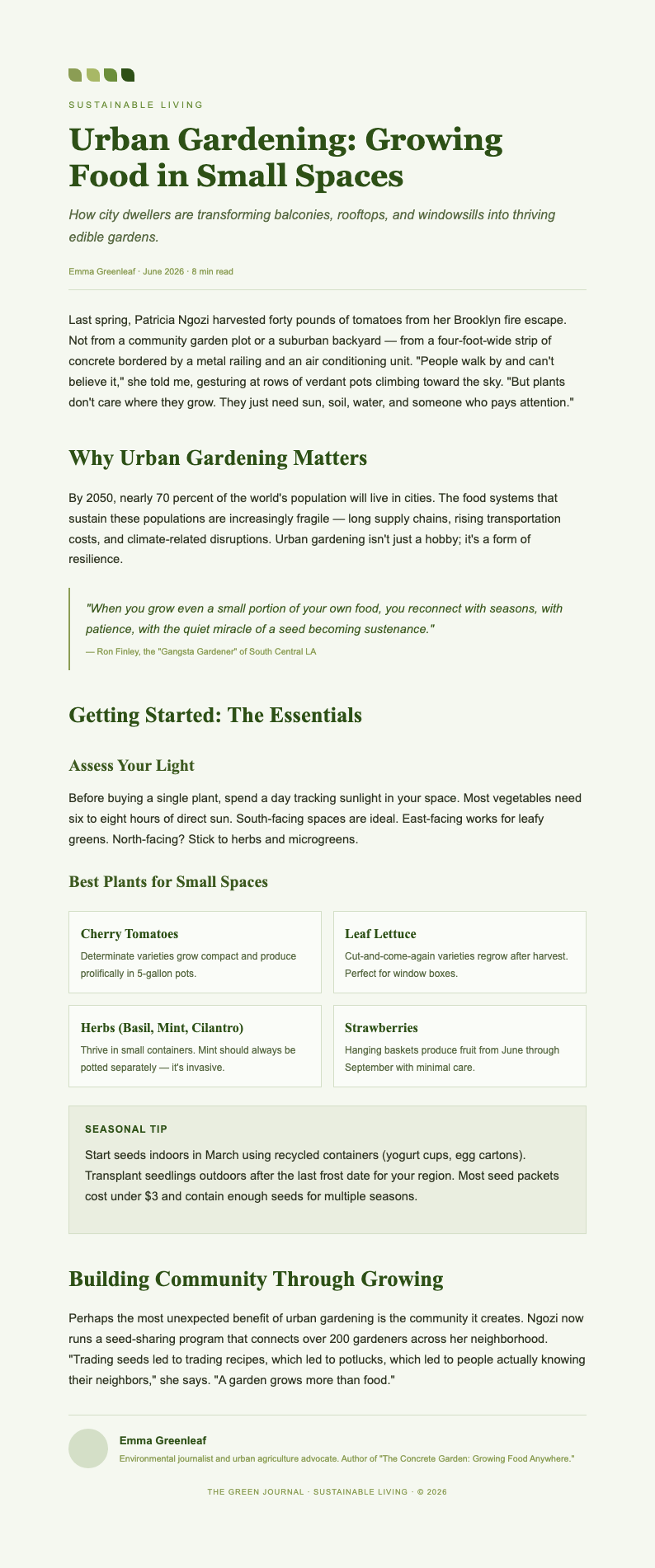
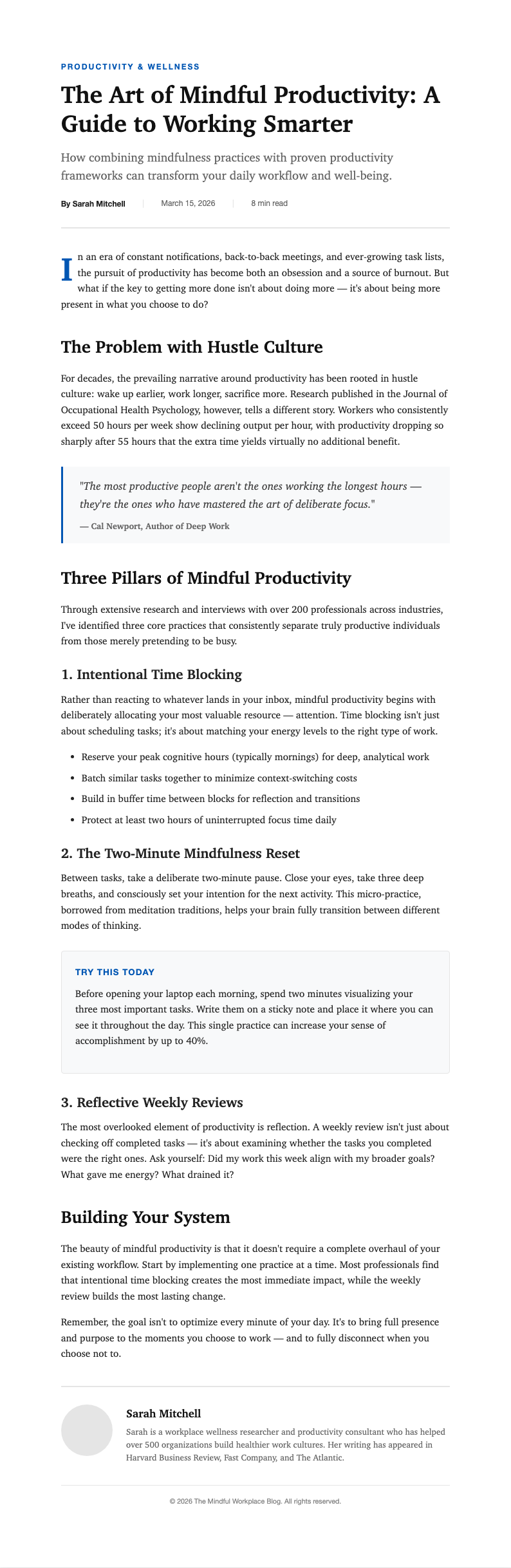
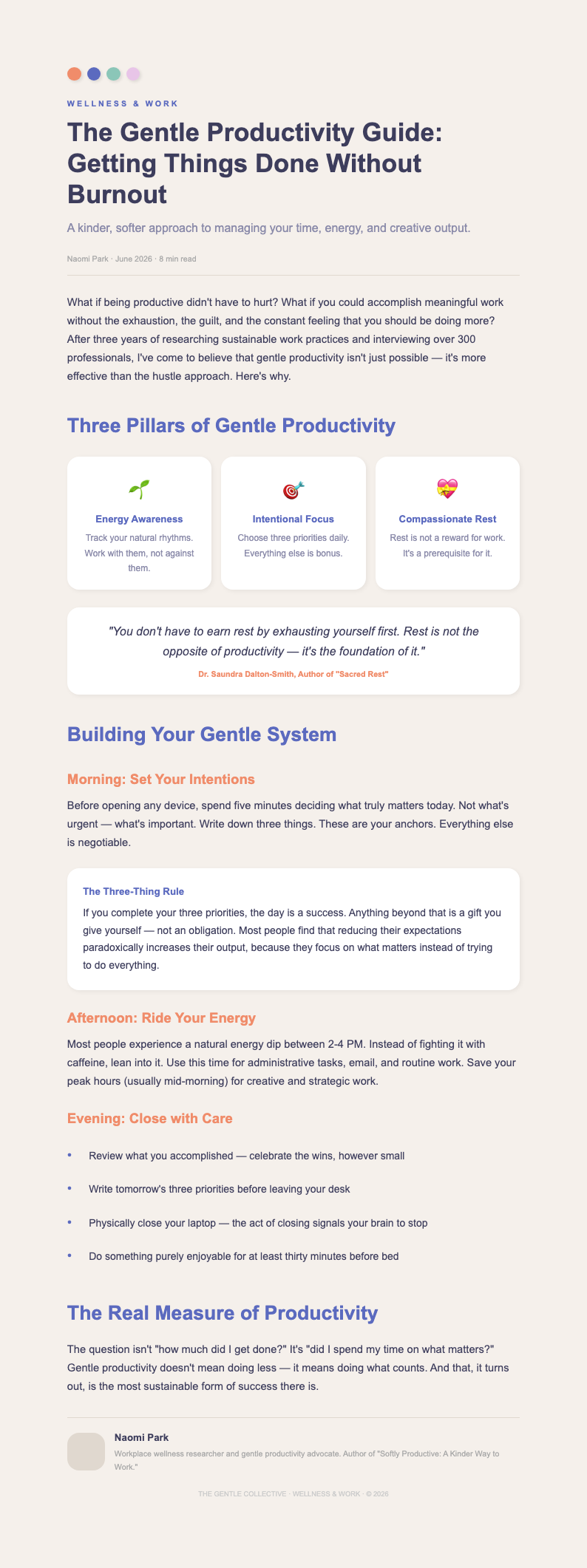
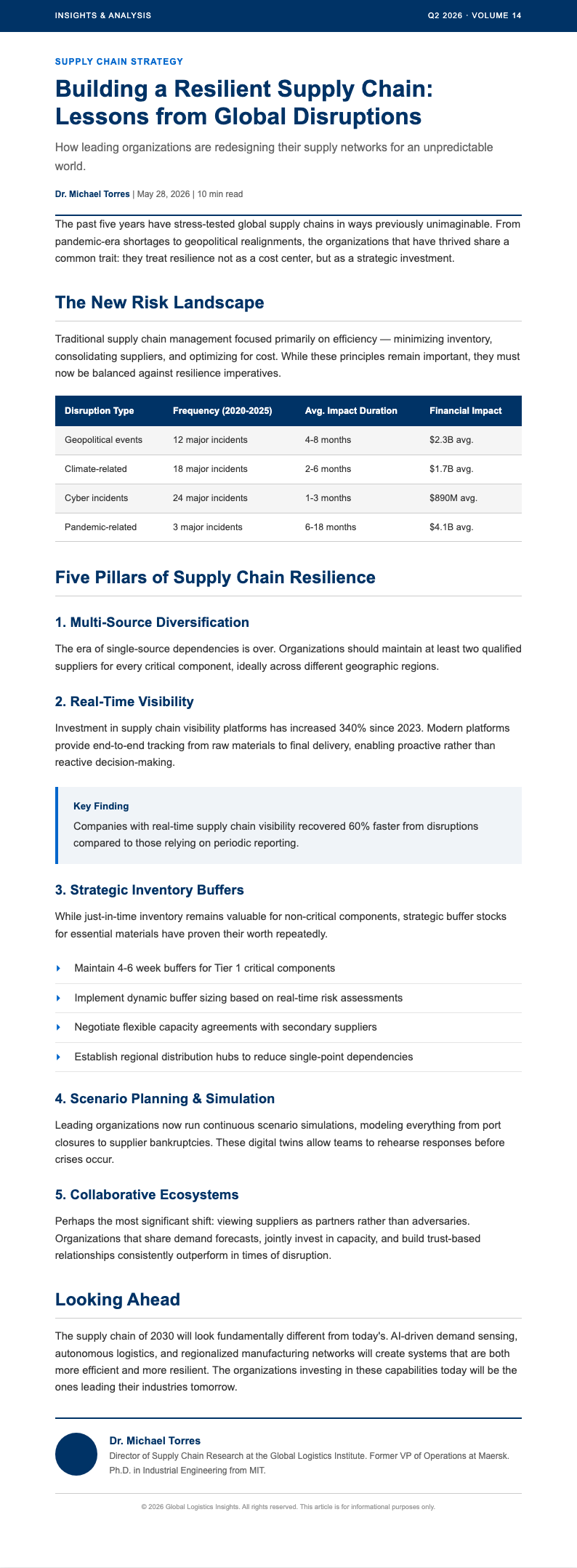
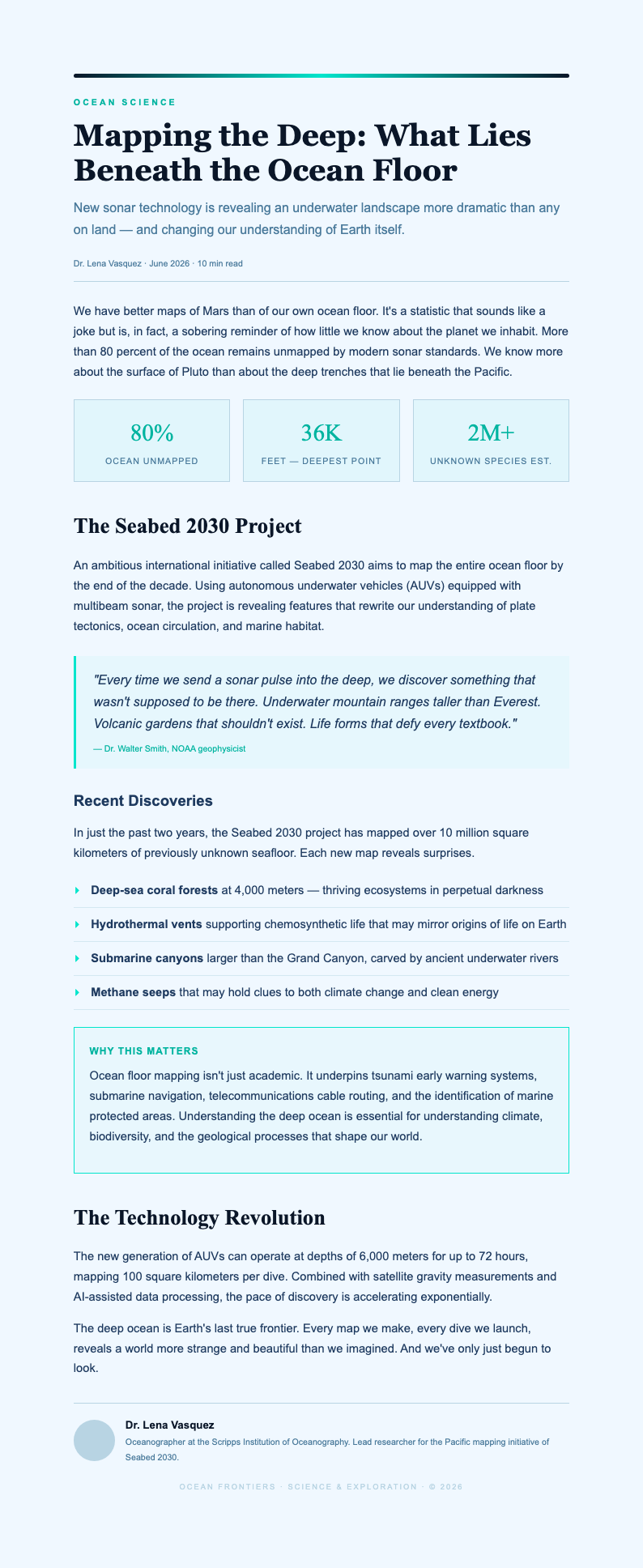
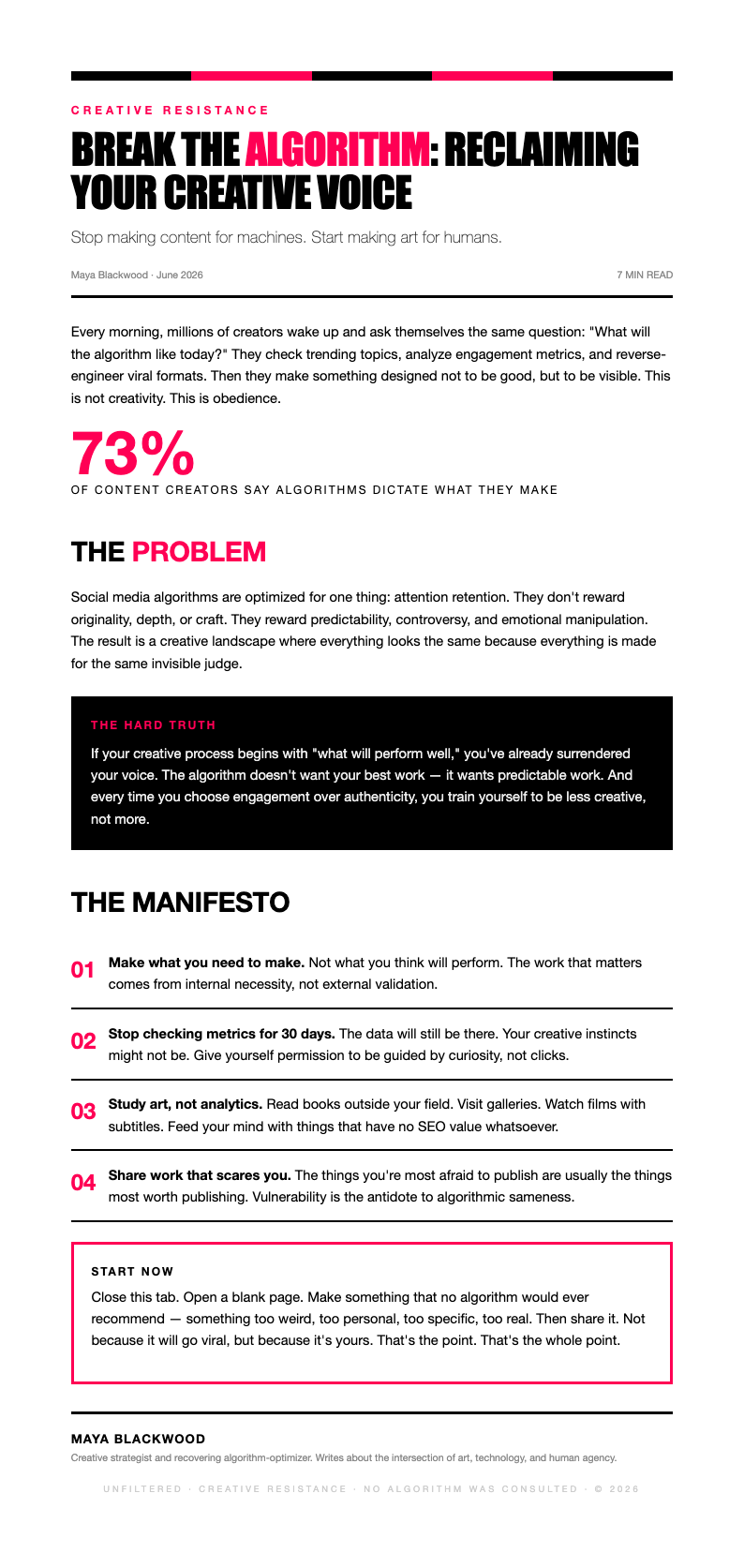
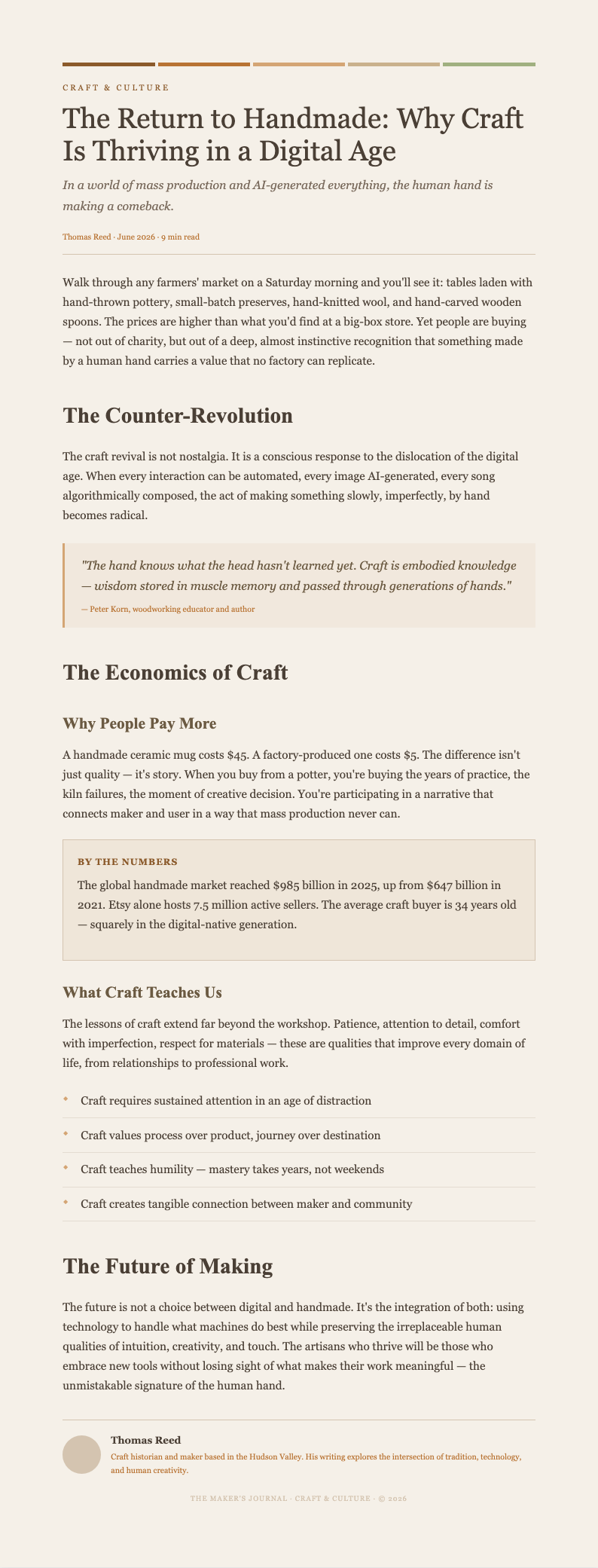
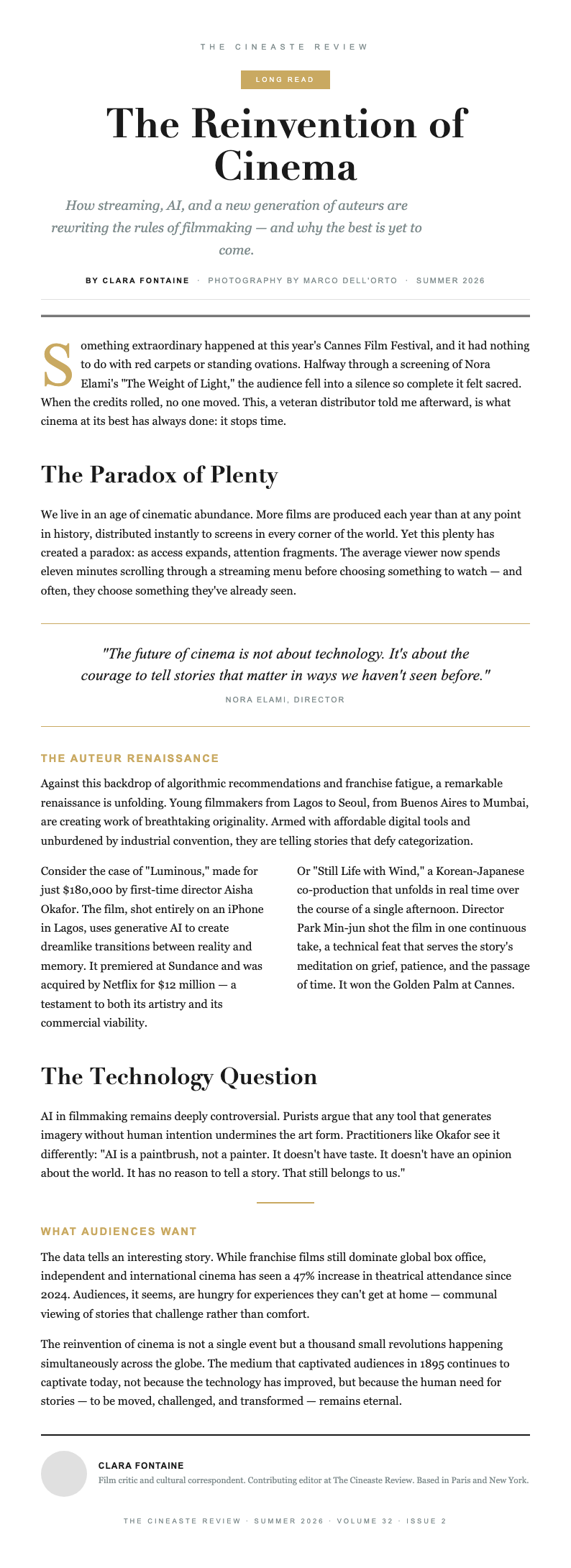
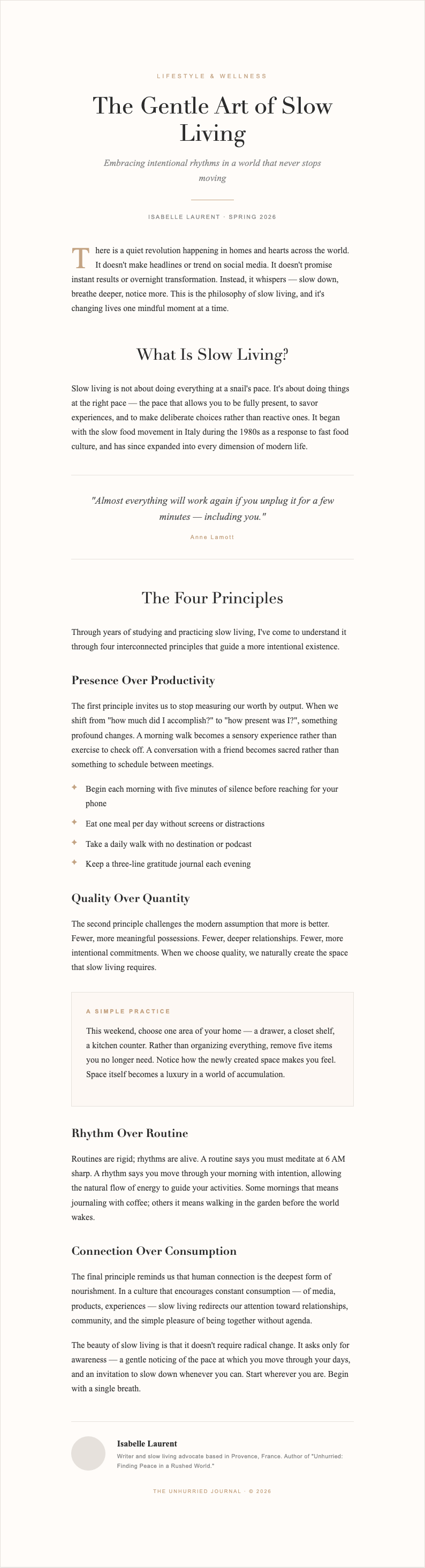
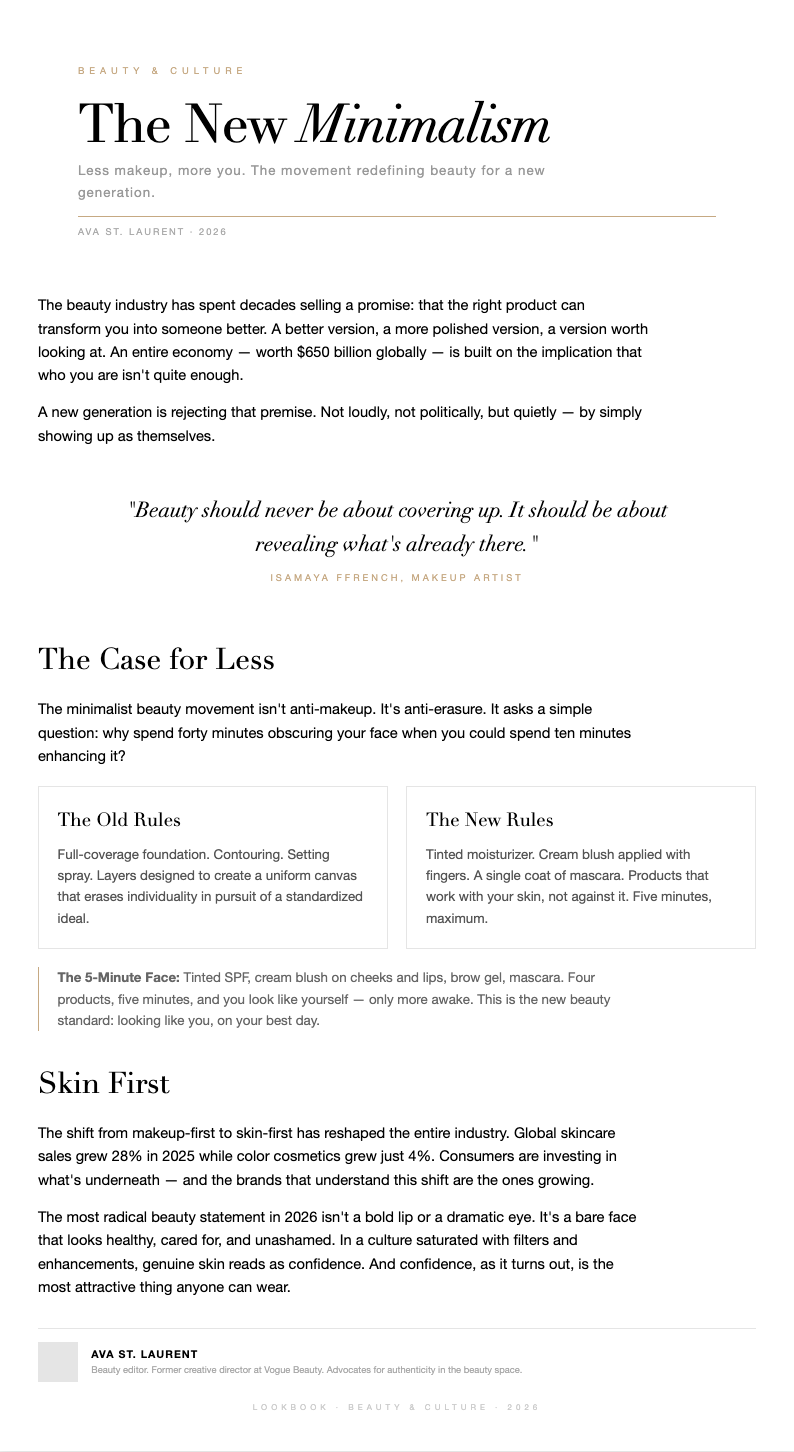
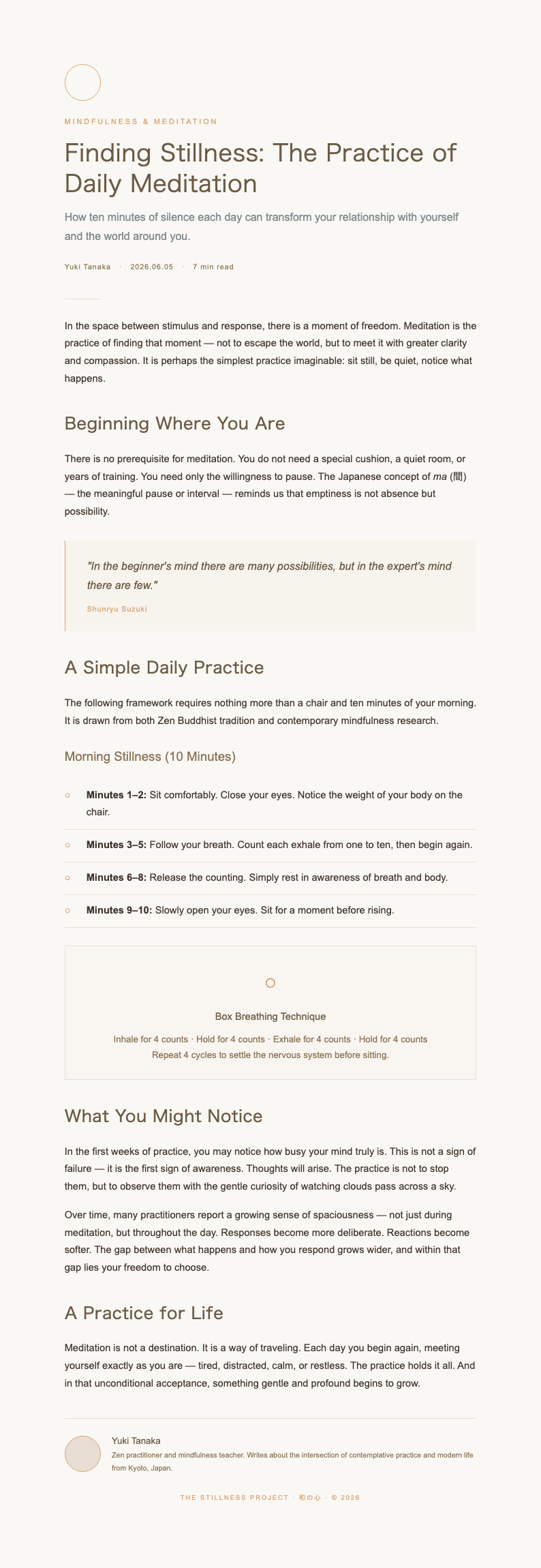
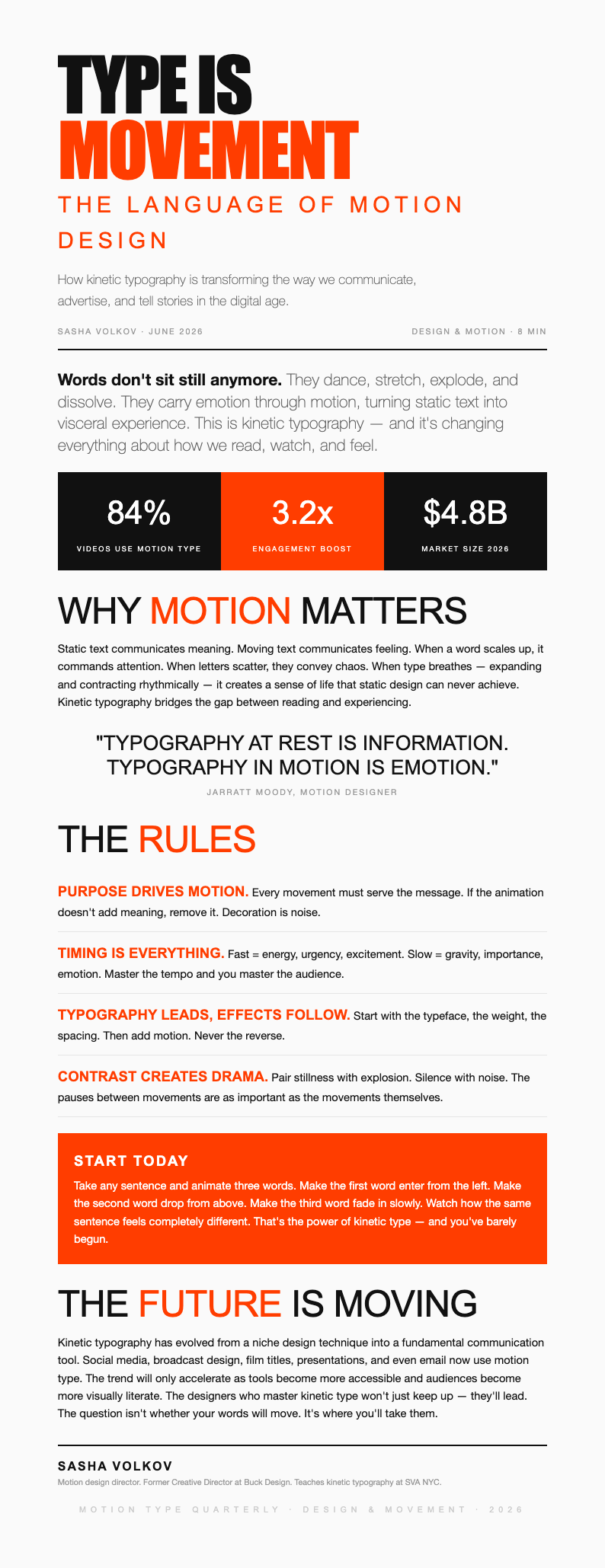
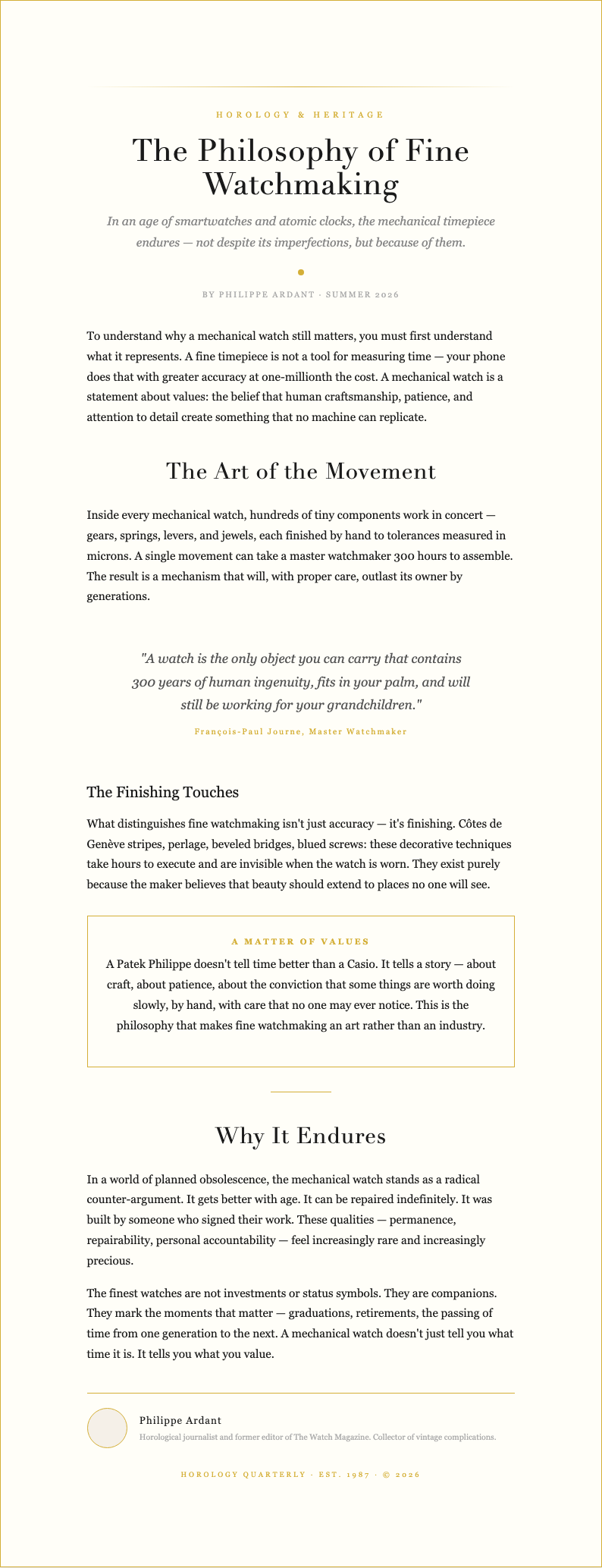
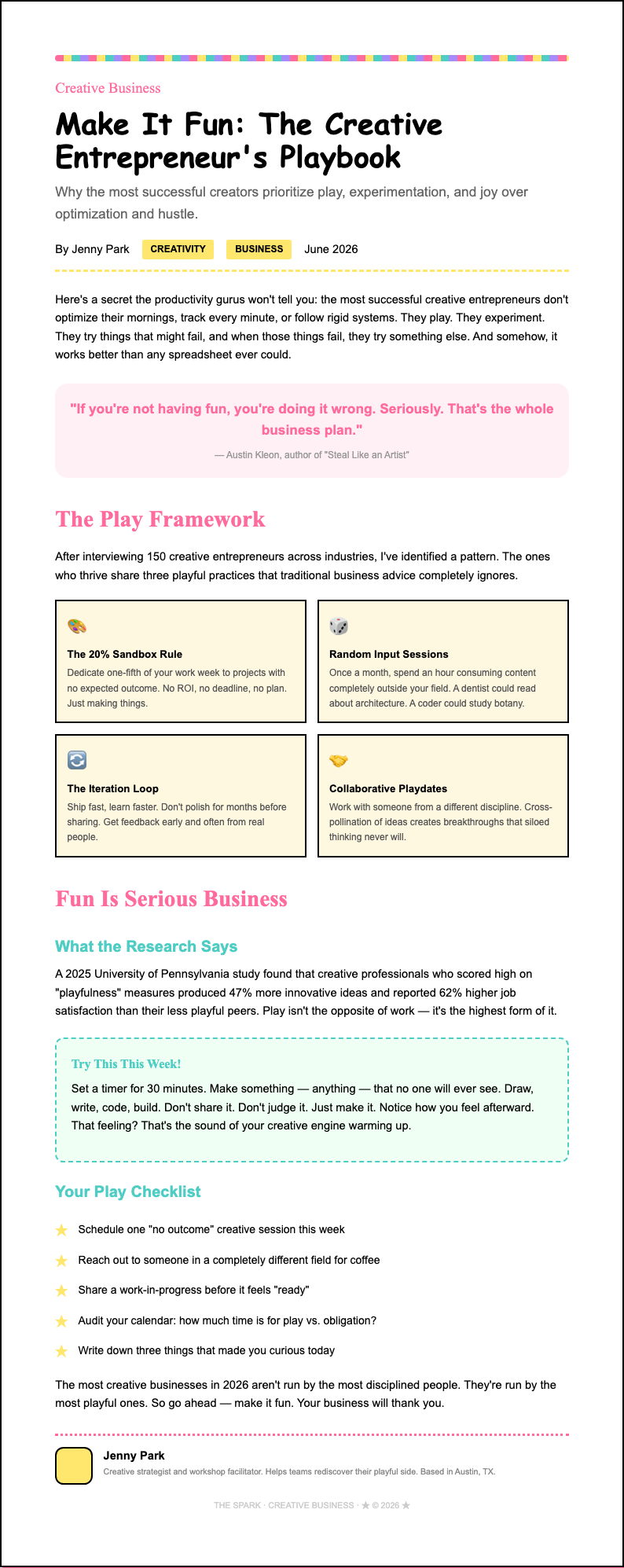
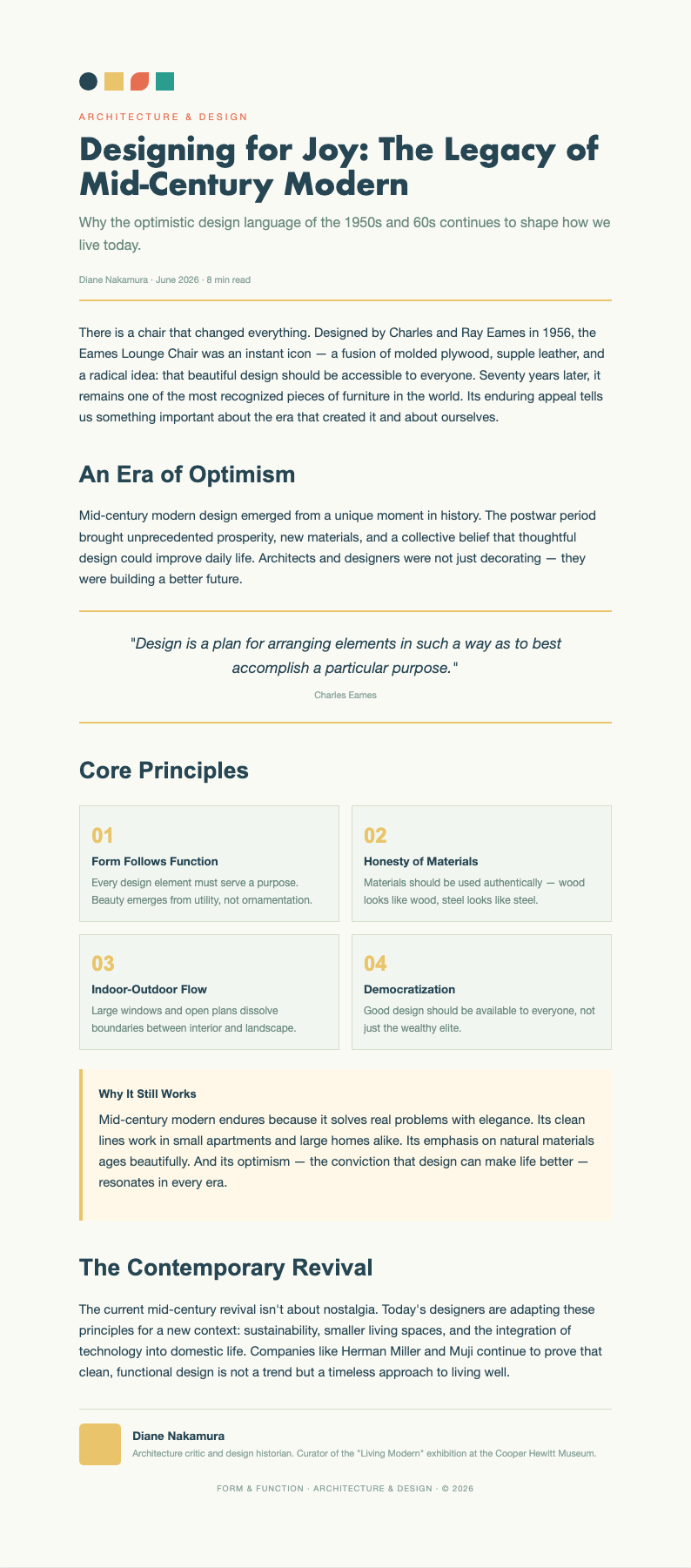
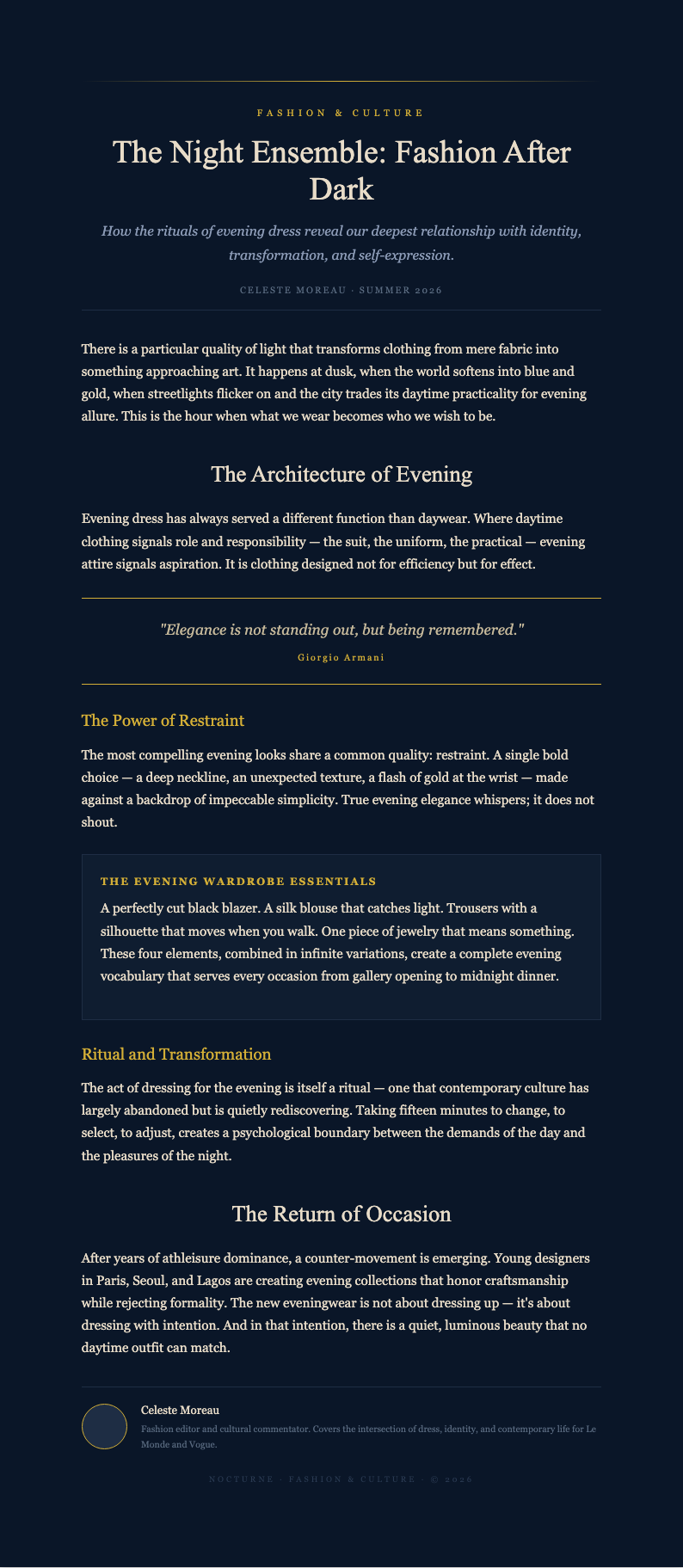
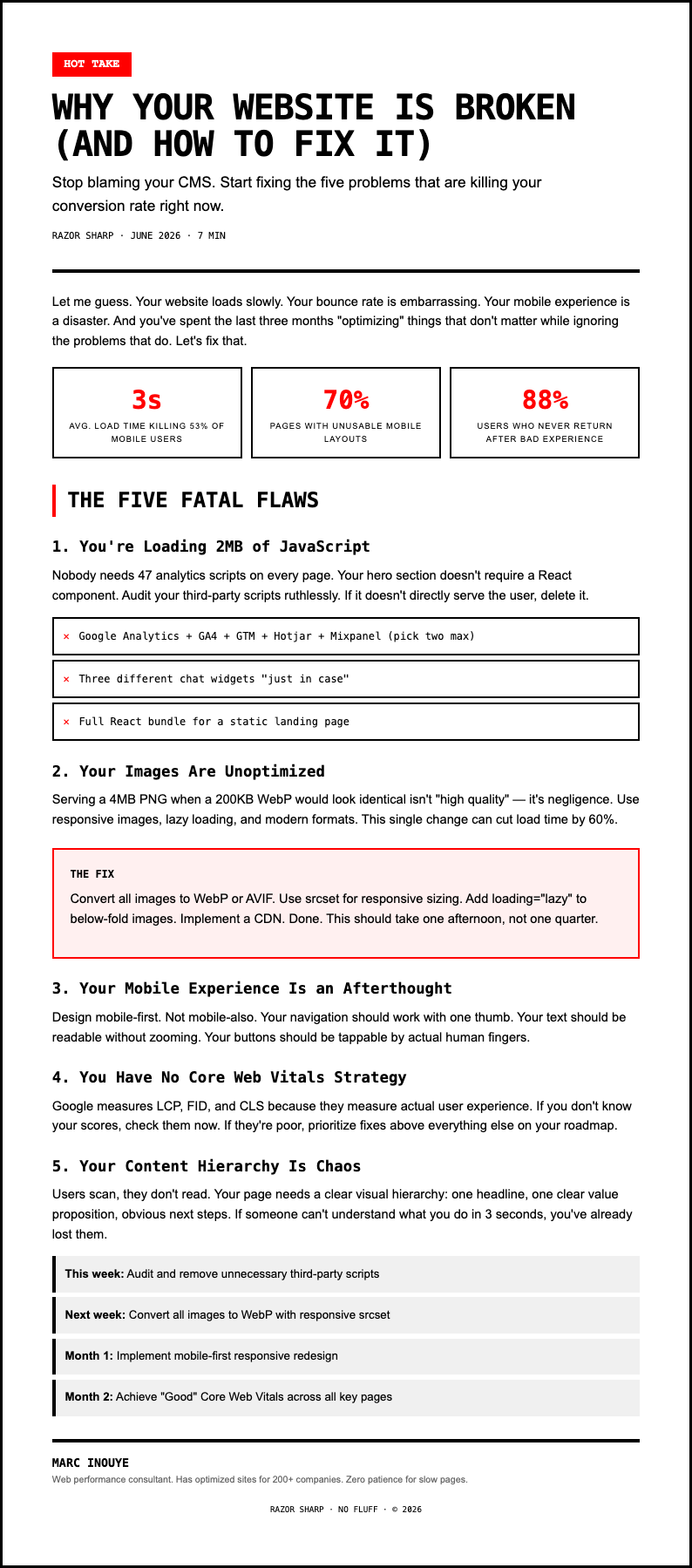
Create compelling content with AI Formatter's collection of Blog Post Template options. Each one is fully editable online, so you can customize headings, paragraphs, images, and formatting to match your blogging style and publish polished articles that engage your readers.
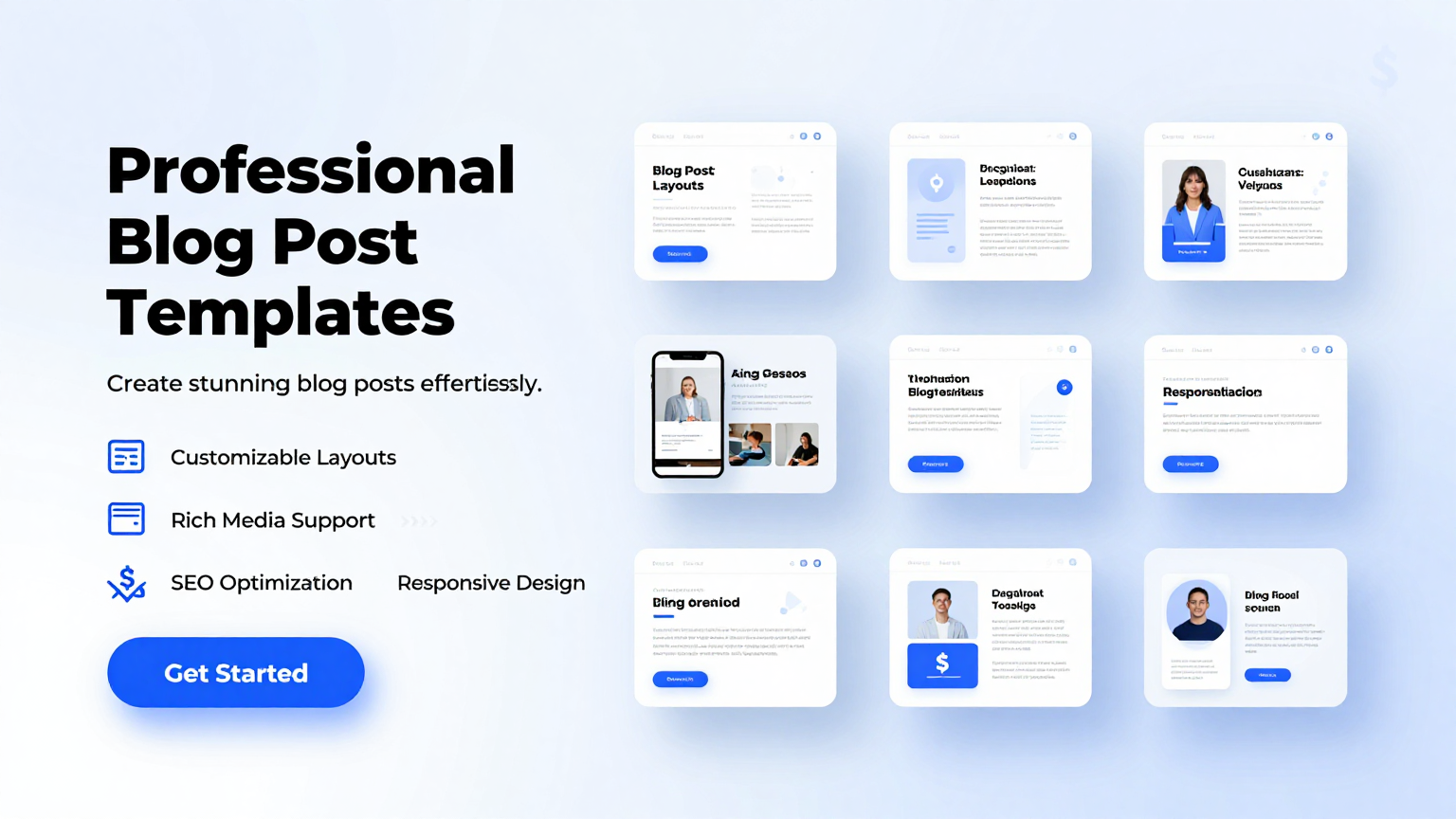
Showing 20 of 30 templates
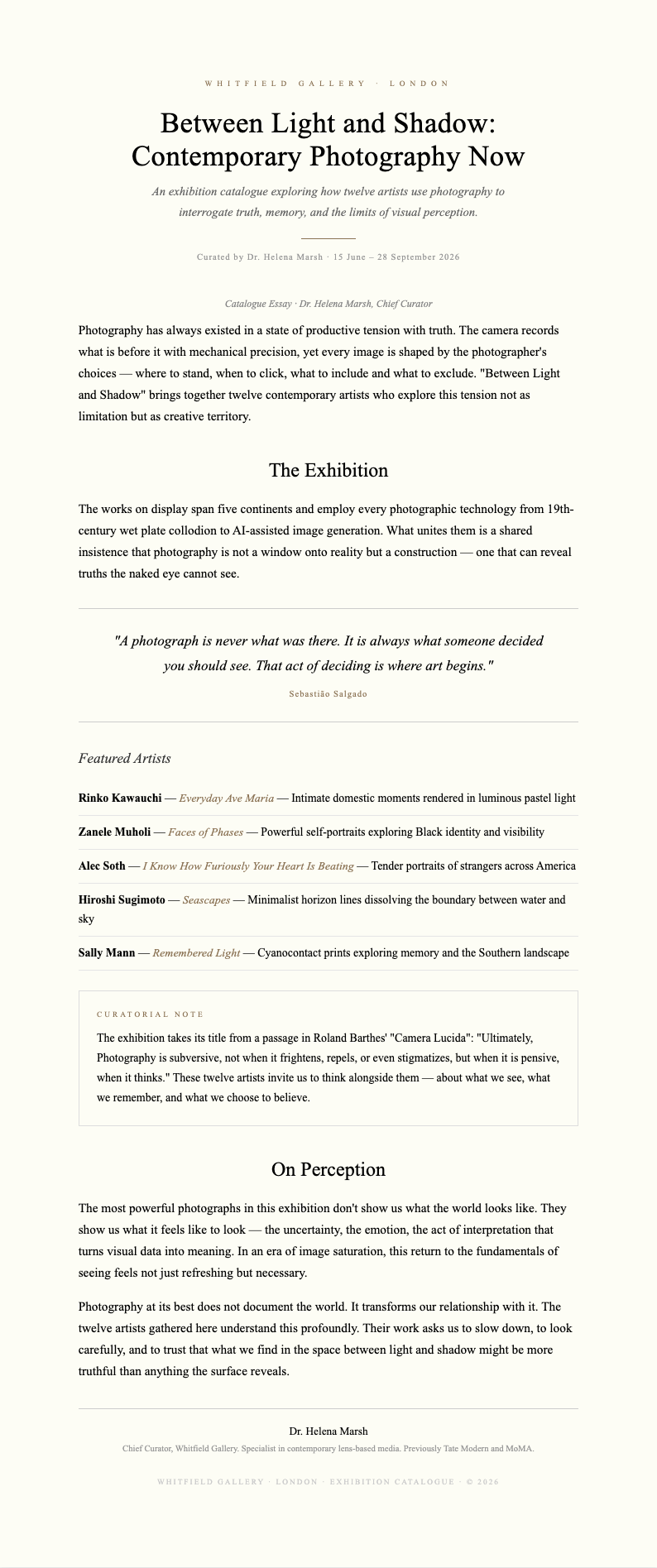
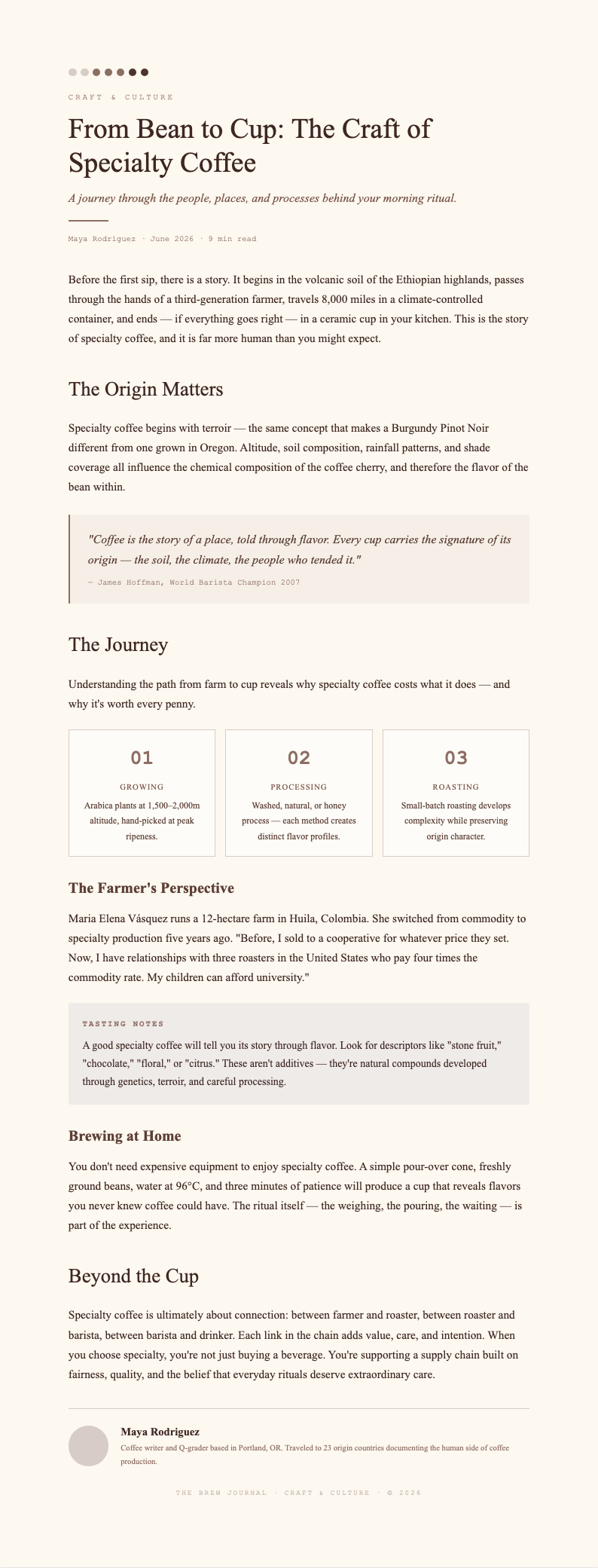
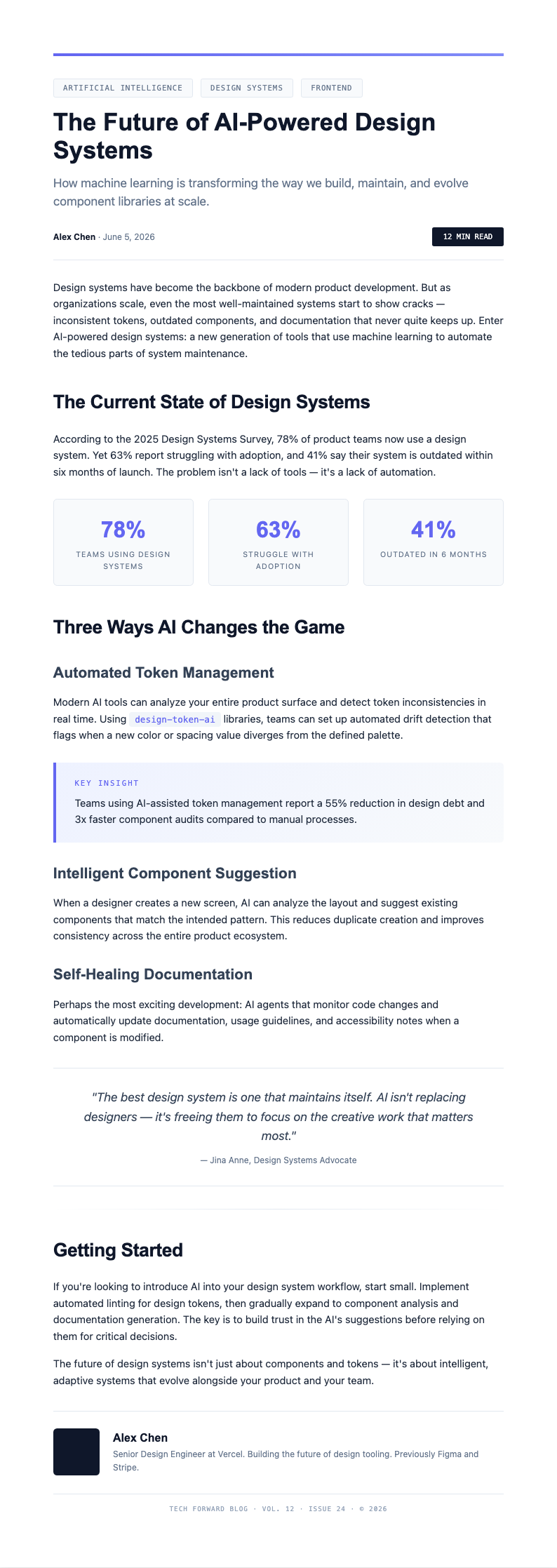
Frequently Asked Questions About Our Templates
Common questions about using our Blog Post Template collection for your content creation needs.
- Are these Blog Post templates free to use?
- Yes, all files on AI Formatter are completely free to download, edit, and use for personal or professional purposes. There are no hidden fees or required sign-ups. You can access any Blog Post Template in our collection instantly and customize it to craft engaging articles without any restrictions on usage or distribution.
- What formats are available for the Blog Post template?
- Our Blog Post Template collection includes formats compatible with Microsoft Word, Google Docs, and PDF. You can edit any template directly in your browser using our online editor, then download the finished document in your preferred format. Each format preserves the professional layout and structure of your blog content perfectly.
- Can I customize the Blog Post template for different niches?
- Absolutely. Each Blog Post Template is fully editable, allowing you to modify headings, adjust paragraph structures, add custom sections, and include your own images. The AI Formatter editor lets you tailor any layout to match your specific niche or topic without any design experience needed. You can also duplicate sections or remove unnecessary ones freely.
- What types of Blog Post templates do you offer?
- We offer a wide variety of Blog Post Template options including listicle layouts, how-to guides, review formats, comparison posts, opinion pieces, and tutorial-based designs. Each type is structured for different content strategies so you can find the right fit for your specific blogging goals. New templates are added regularly based on user feedback.
- How do I fill out a Blog Post template?
- Simply open the Blog Post Template in our online editor, add your post title, write or paste your introduction, fill in the body sections with your content, and add a conclusion with a call to action. Our guided fields help you complete each section step by step, ensuring your article follows a logical flow from start to finish.
- Can I use a Blog Post template for WordPress?
- Yes, our Blog Post Template options are designed to work seamlessly with WordPress and other CMS platforms. You can compose and format your content in our editor, then copy it directly into your WordPress editor or export it as a clean HTML file. This workflow saves time and ensures your blog formatting remains consistent across all your published posts.
- Do your Blog Post templates include SEO sections?
- Yes, many of our Blog Post Template choices include built-in fields for meta titles, meta descriptions, target keywords, and URL slugs. These SEO-focused sections help you optimize your content for search engines while you write, ensuring every article you publish has the essential elements needed to rank well and attract organic traffic to your website.
- Can I add images to the Blog Post template?
- Yes, you can easily add images to any Blog Post Template in our collection. The editor supports image placement within paragraphs, featured image sections, and gallery layouts. Adding relevant visuals to your blog content increases reader engagement and makes your articles more appealing. You can upload images directly or link to external image sources.
- What should be included in a Blog Post template?
- A complete Blog Post Template should include a compelling headline, introduction paragraph, structured body sections with subheadings, supporting images or media, a conclusion, and a call to action. Our collection covers all these essential elements so your articles are well-organized and effective. You can also add author bio sections and related post suggestions.
- Can I use a Blog Post template for a listicle article?
- Yes, our Blog Post Template collection includes dedicated listicle formats with numbered sections, icon placeholders, and summary blocks. When editing a listicle layout, you can add each list item with its description, image, and key takeaway. A well-structured listicle is one of the most shared content formats online and attracts readers who prefer scannable, easy-to-digest information.
- Do your Blog Post templates work for long-form content?
- Absolutely. Our Blog Post Template options include long-form layouts designed for comprehensive guides, in-depth tutorials, and detailed analyses. These templates provide multiple sections, table of contents fields, and rich formatting options to help you organize thousands of words into a readable and engaging format that keeps readers on the page longer.
- How long should a Blog Post template article be?
- The ideal length depends on your topic and audience. Short-form posts may be 500 to 800 words, while in-depth guides can exceed 2000 words. Focus on providing genuine value and covering your topic thoroughly. Our Blog Post Template options accommodate all lengths, from quick tips to comprehensive resources that establish your authority on any subject.
- Can I use a Blog Post template for guest posting?
- Yes, a Blog Post Template is perfect for guest posting because it ensures your content follows a professional structure that editors appreciate. You can customize the template to meet the specific guidelines of the host blog, including word count, formatting requirements, and tone. This approach increases your acceptance rate and helps you build valuable backlinks.
- How do I download a completed Blog Post template?
- After customizing your Blog Post Template in our editor, simply click the download button to save it as a Word document or PDF. The finished file is ready for uploading to your CMS, sharing with collaborators, or archiving for future reference. All downloads are free with no watermarks added, so you can use your content professionally right away.
- Can I reuse a Blog Post template for multiple articles?
- Yes, you can save any Blog Post Template as a reusable master format for your blog. Keep the structure and formatting consistent while updating the title, content, and images for each new article. Using a consistent template across your blog creates a cohesive reading experience and significantly reduces the time spent on formatting and layout for every new post.
Ready to Write Your Next Blog Post?
Start creating engaging content with our professionally designed Blog Post Template collection. Customize any layout in minutes and ensure your articles are well-structured and reader-friendly from start to finish.
Free templates • AI-powered editing • No sign-up required