Generate Delivery Notes Instantly
Stop handwriting shipping documents. Use our AI-powered Delivery Note Generator to produce clean, professional delivery notes with all the right fields in seconds.
How to Create a Delivery Note Online
Enter Shipment Details
Start by entering the sender and recipient names, addresses, and contact information into the the app. You can also paste order data from your system and the tool will extract the relevant details automatically, saving you from manual data entry on each shipment.
Add Items to the List
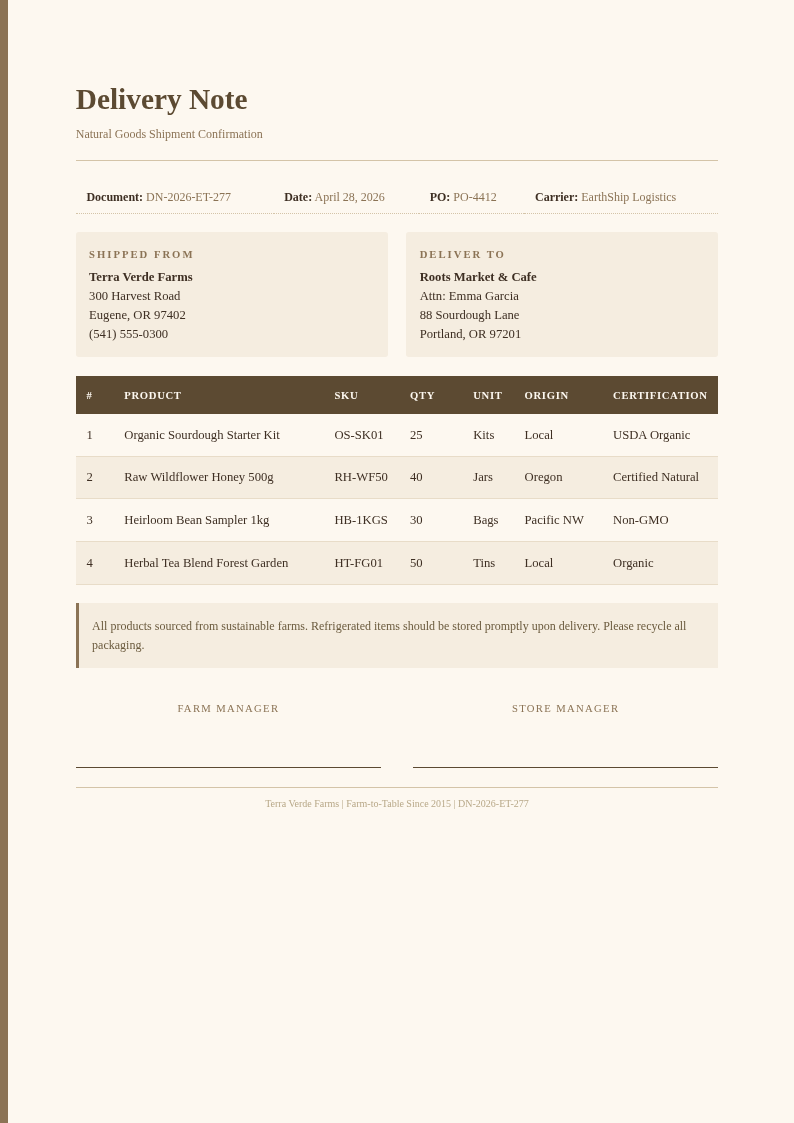
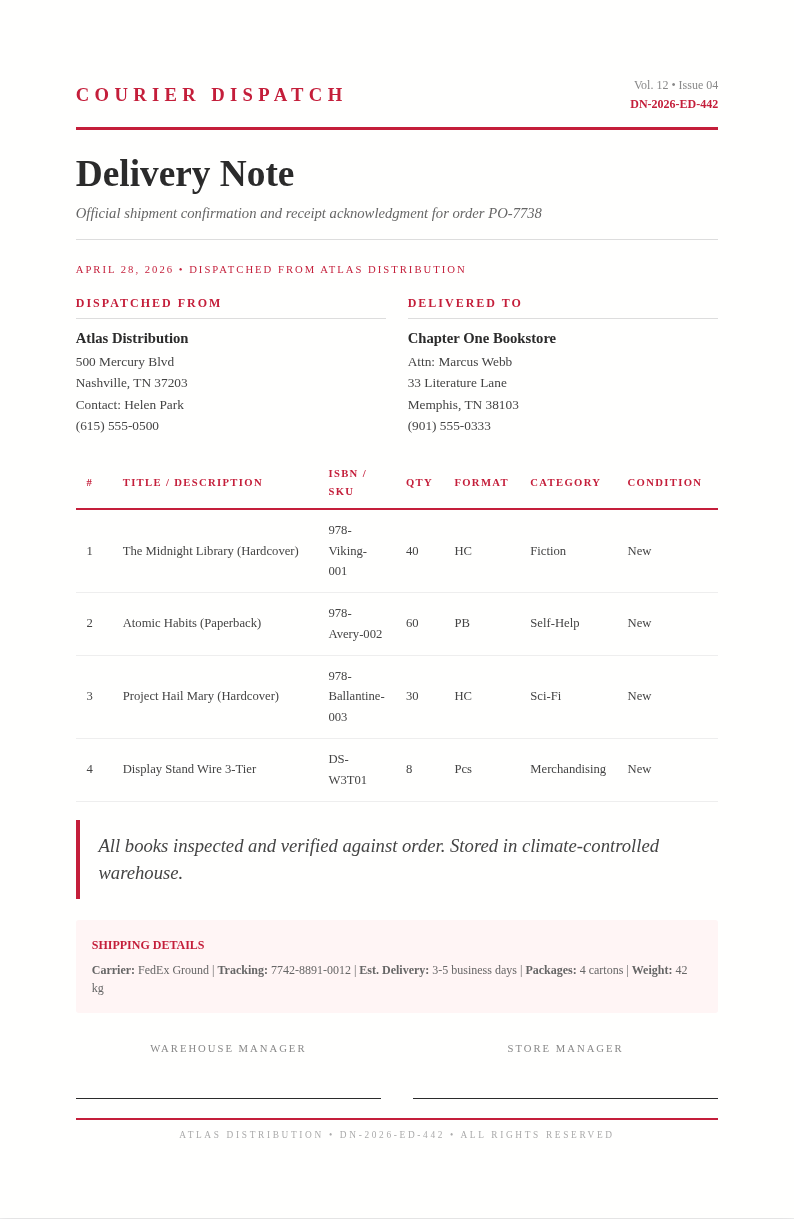
Use the it to list all items in the shipment, including product names, quantities, unit descriptions, and any relevant product codes. The item table formats everything neatly so both the sender and receiver can verify the shipment contents at a glance.
Review and Customize
Check the completed delivery note for accuracy in the our tool preview. Add special handling instructions, delivery conditions, or return policies if needed.
Download and Print
Download your delivery note from the the app as a PDF or Word file and print it to include with the package. The formatted output from the our tool fits standard paper sizes and includes a signature line for the recipient to acknowledge receipt upon delivery.
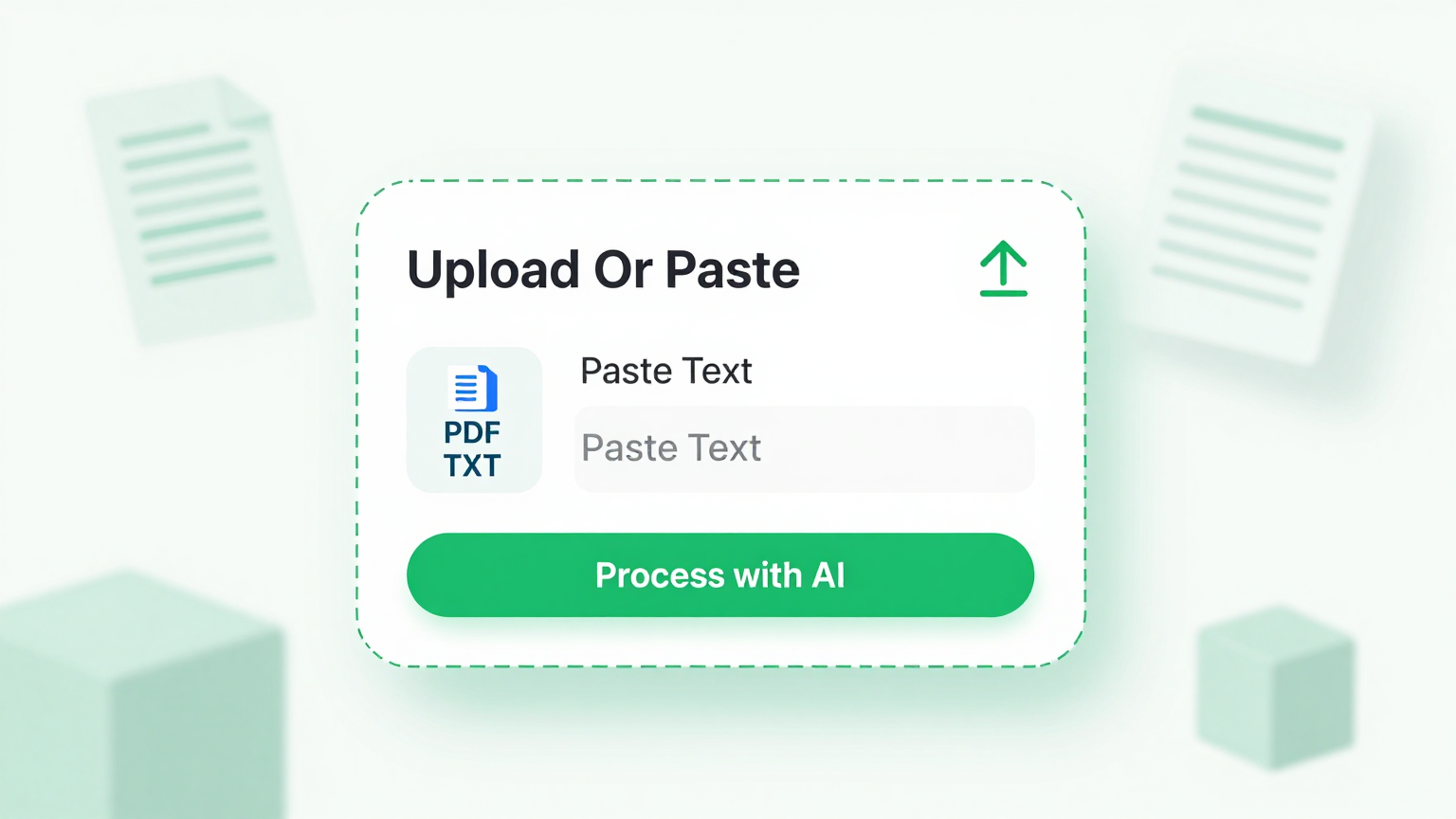
Import Data
Paste your order details, product lists, or spreadsheet data directly into the this tool. The tool reads your input and automatically populates item names, quantities, and descriptions into a properly formatted document.
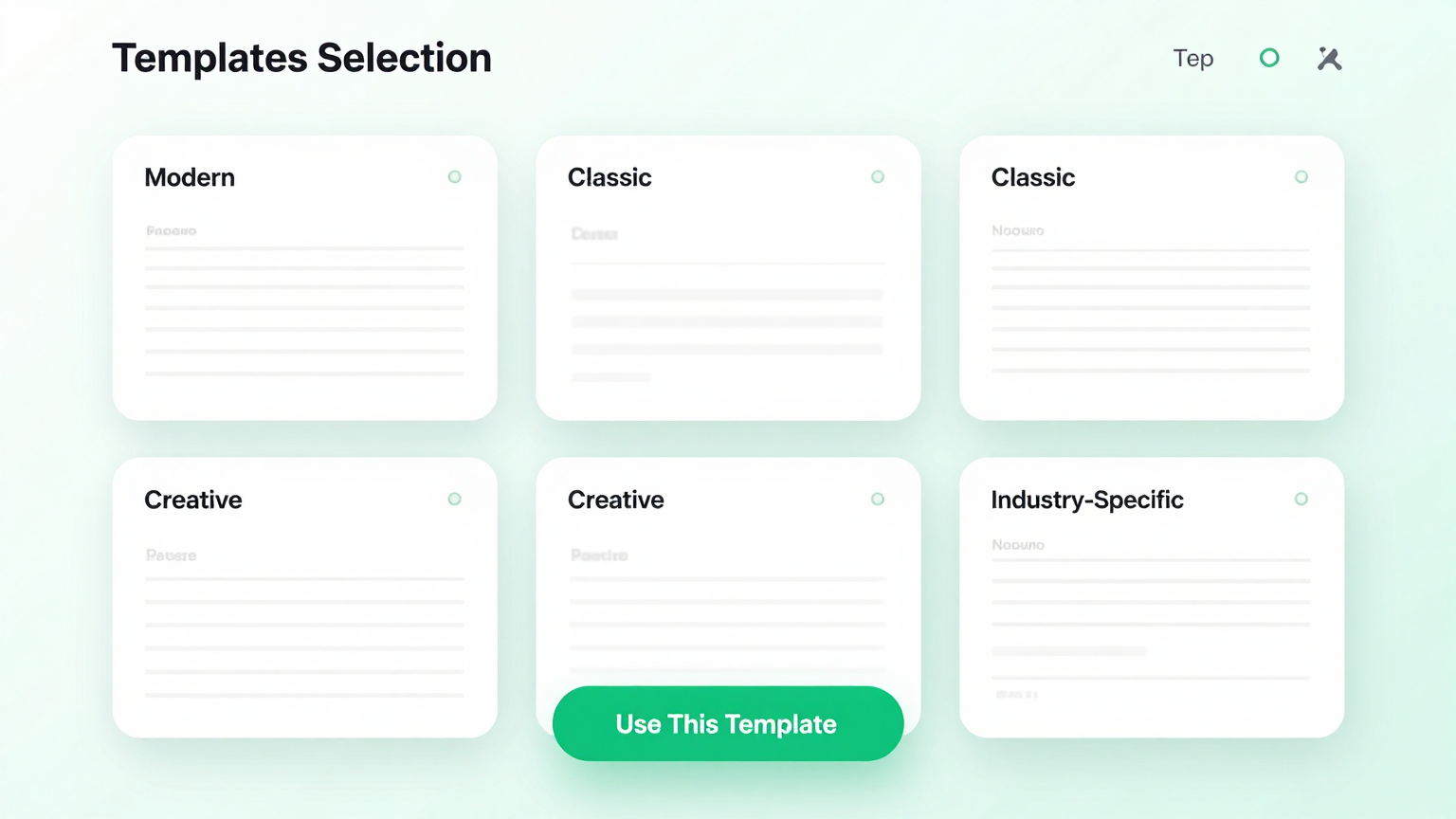
Professional Templates
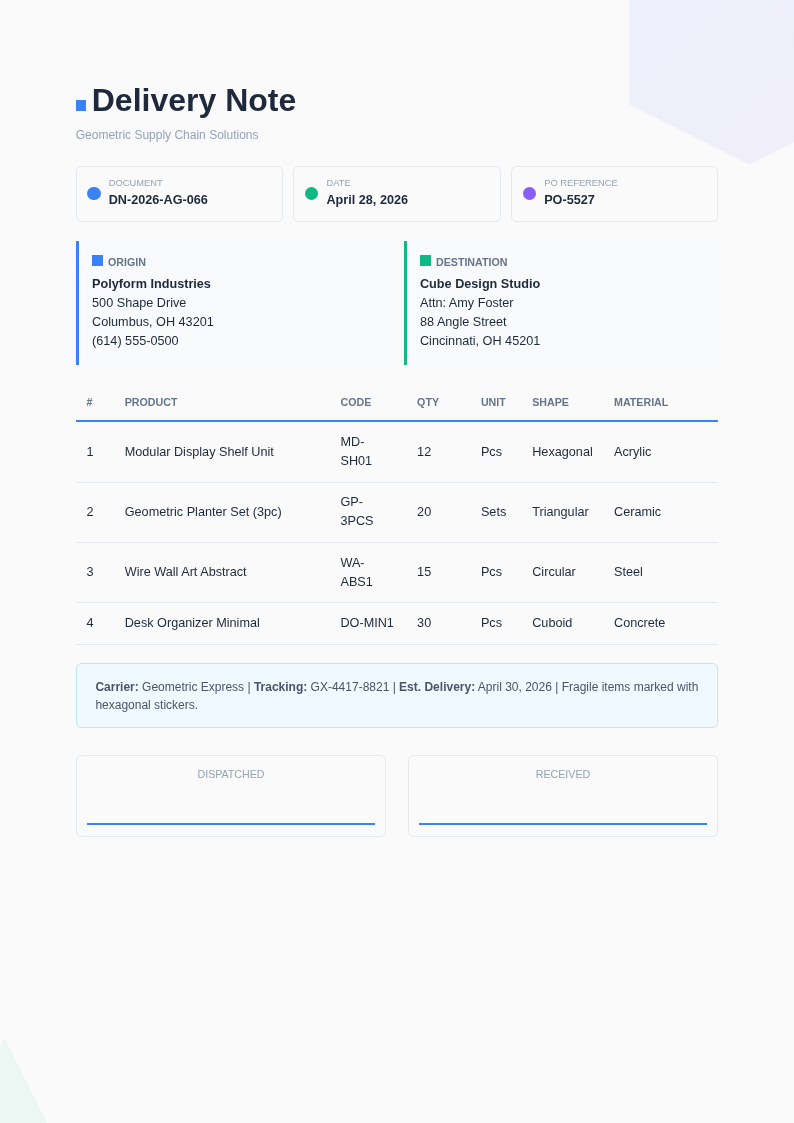
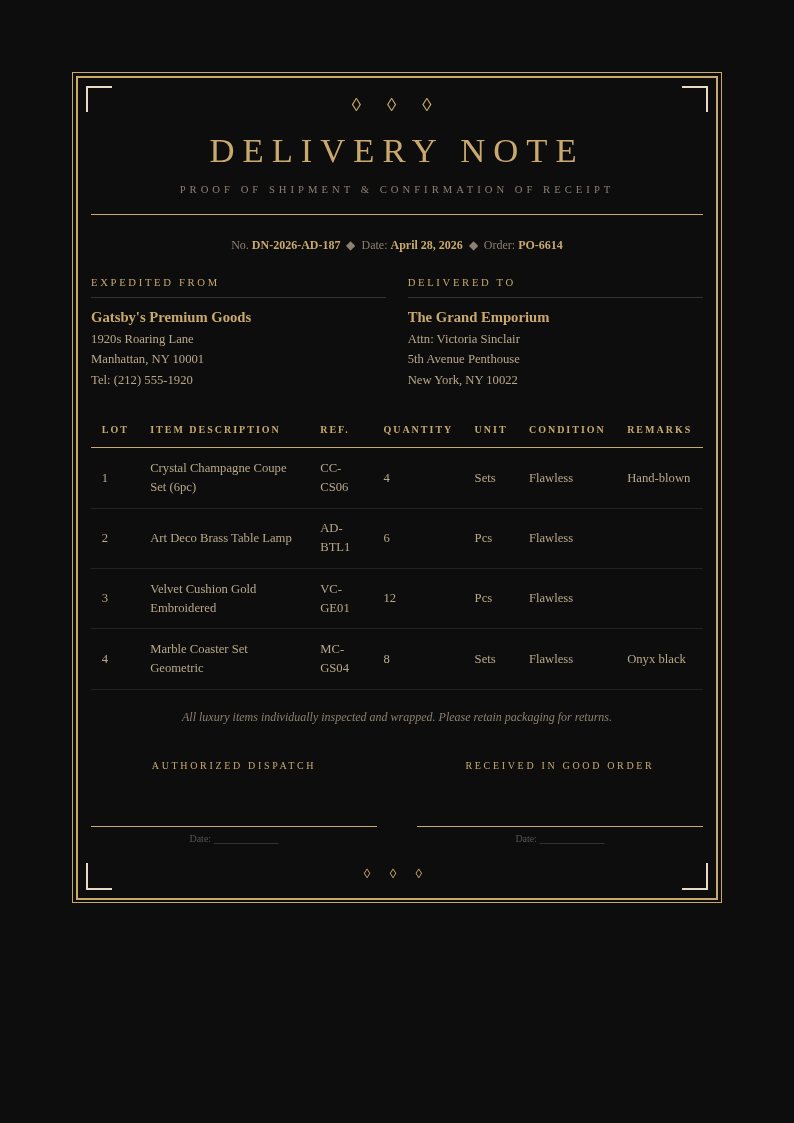
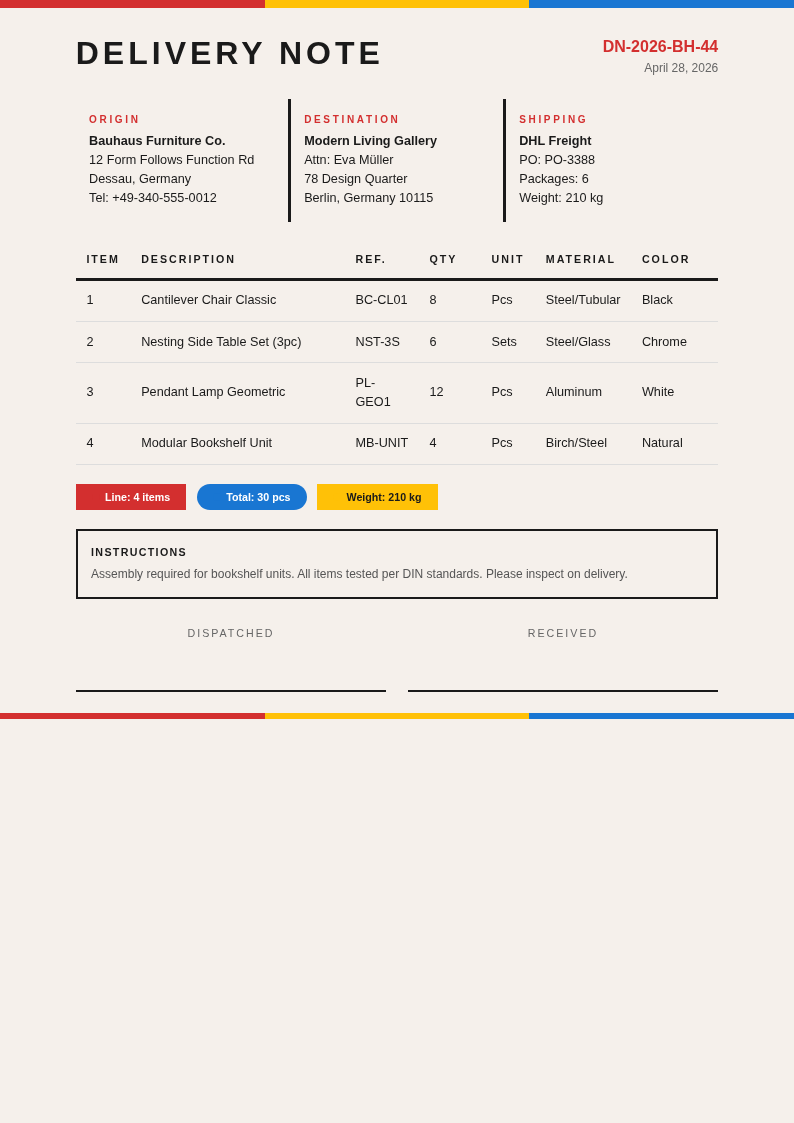
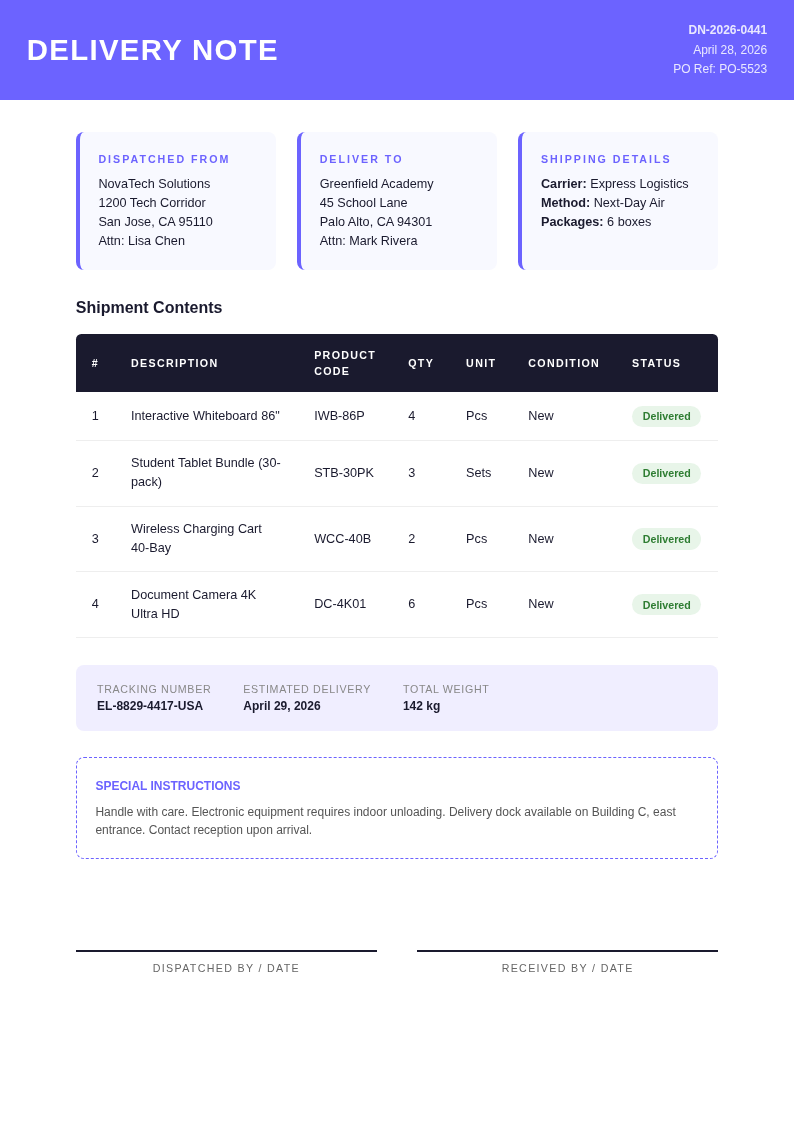
Choose from a range of professional shipping document layouts in the the tool. Each template includes sender and receiver fields, item tables, date sections, and signature lines designed for business use.
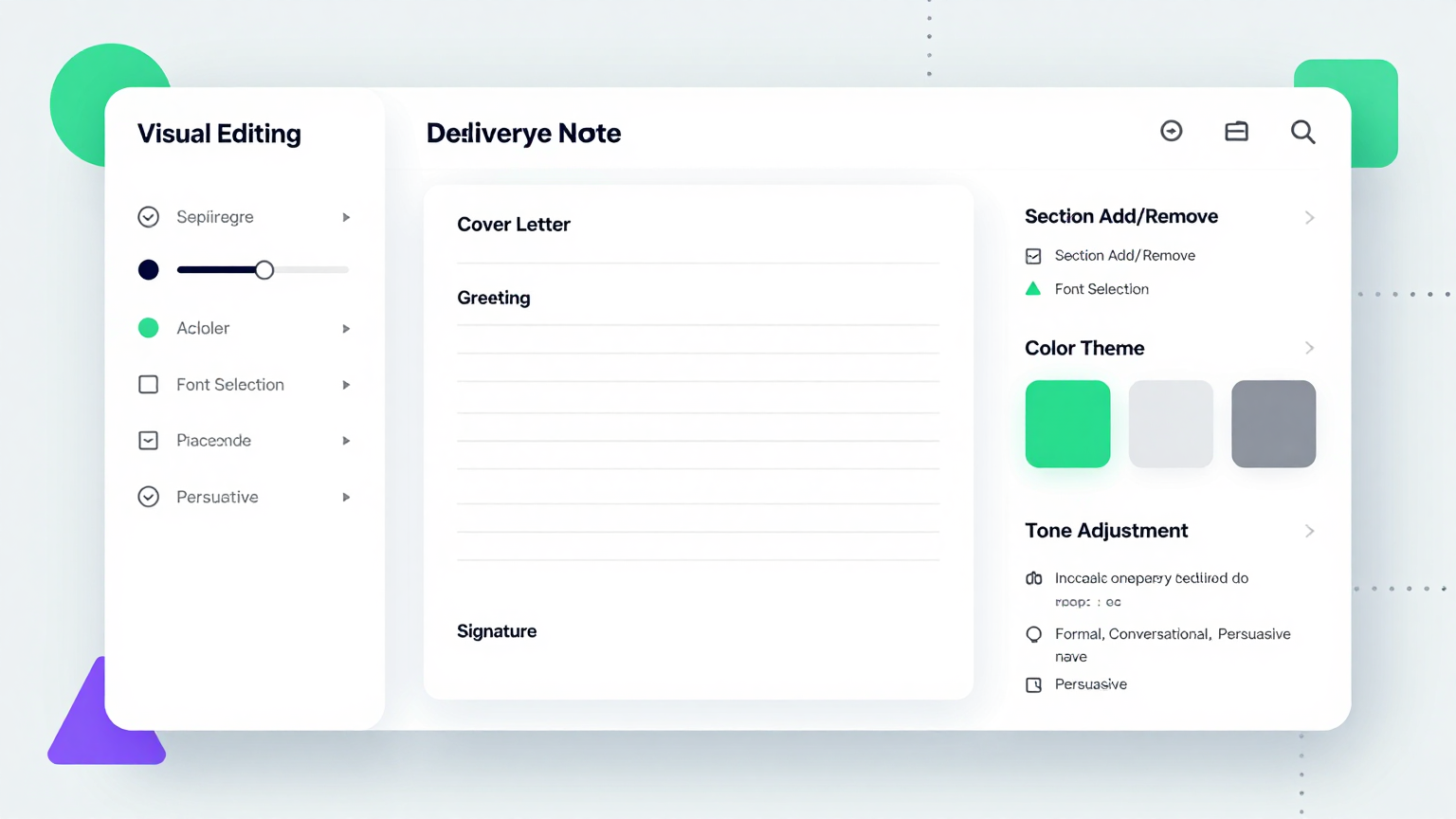
Edit Online
Customize every detail in the the app editor. Add or remove item rows, adjust column layouts, update recipient information, and include special delivery instructions before finalizing your document.
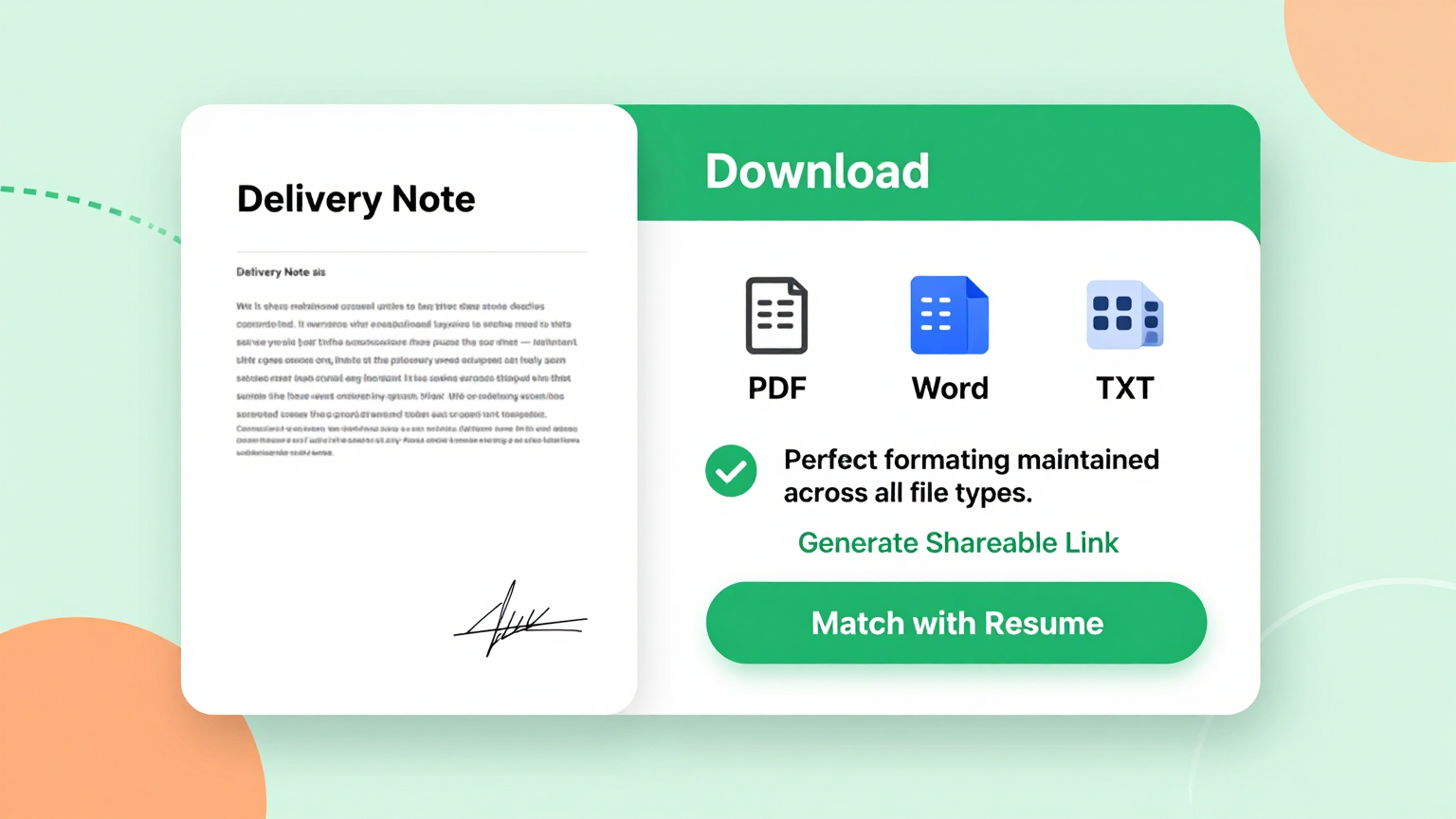
Download & Share
Download your completed delivery note from the our generator as a Word document or PDF. Print it to include with shipments, email it to recipients in advance, or keep it for your own records and tracking.
Explore Professional Delivery Note Templates
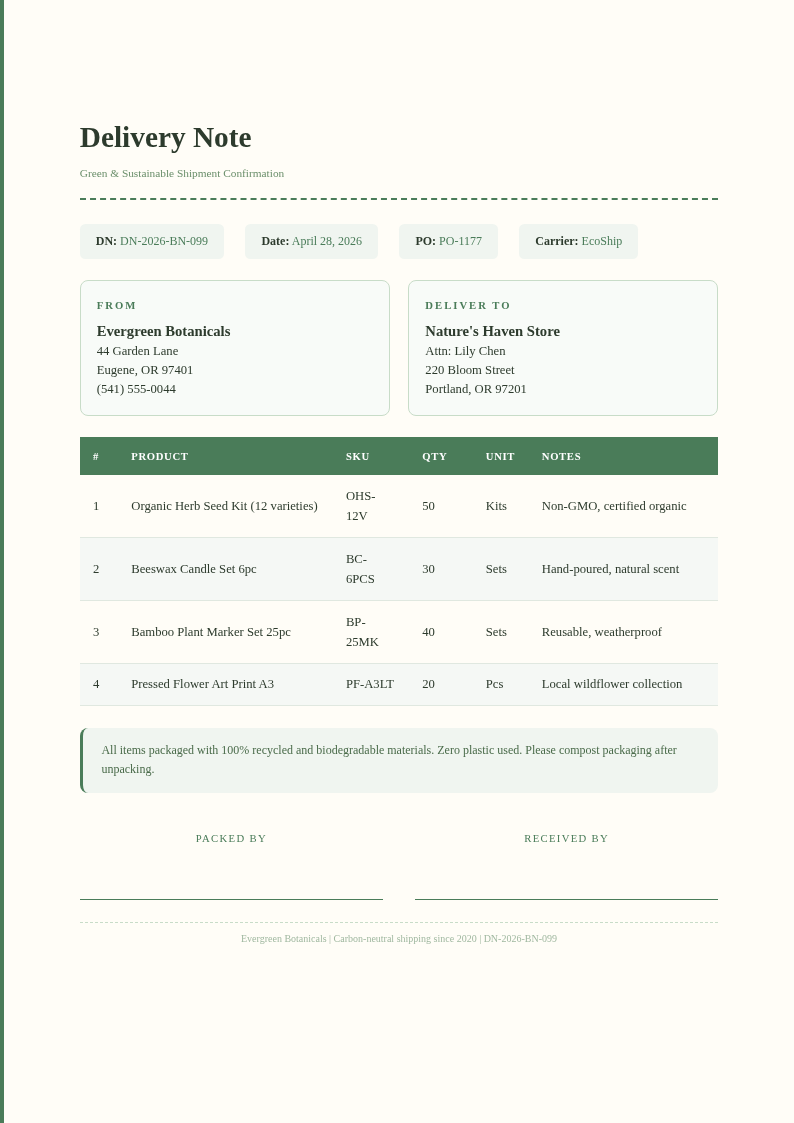
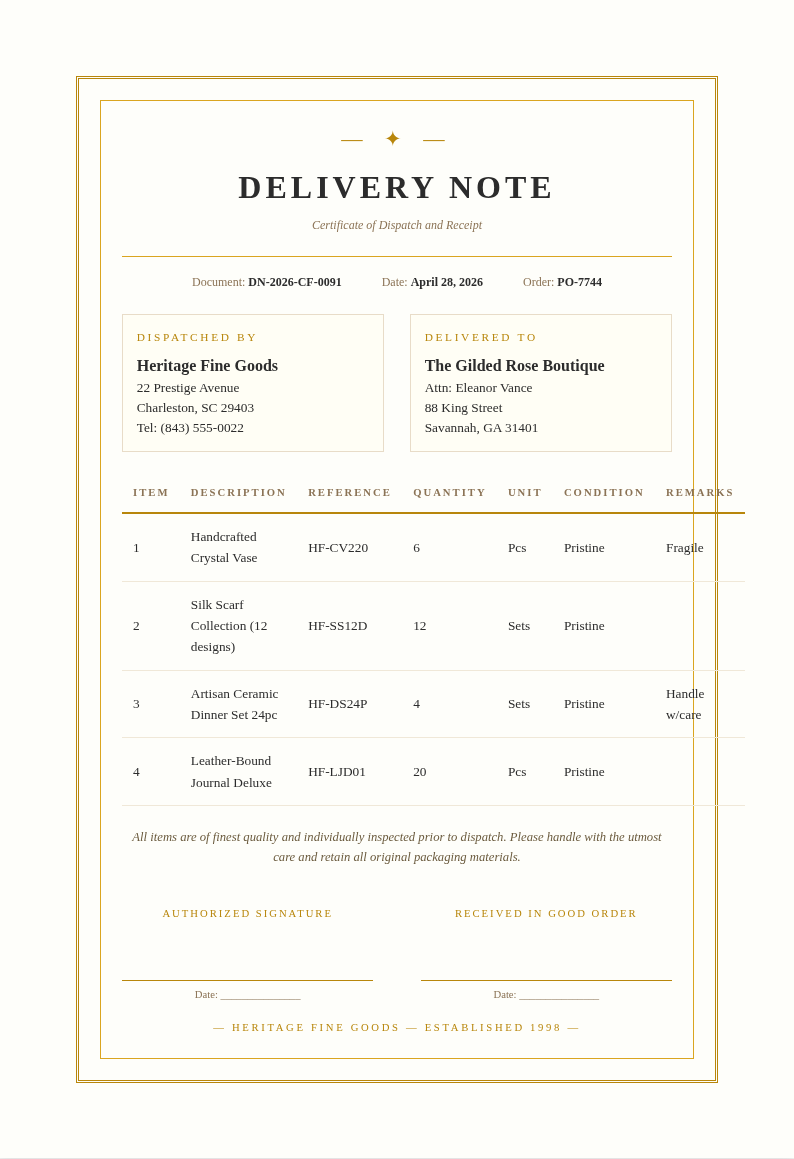
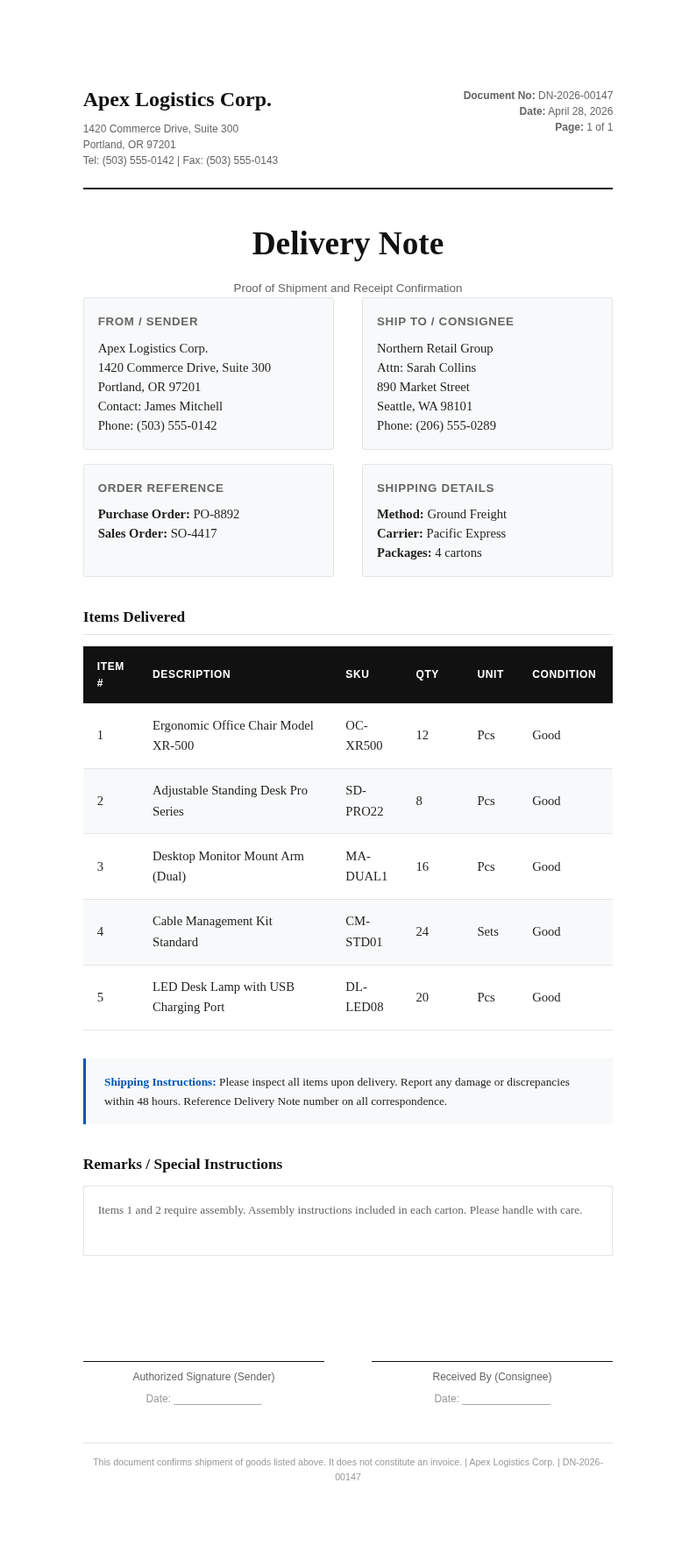
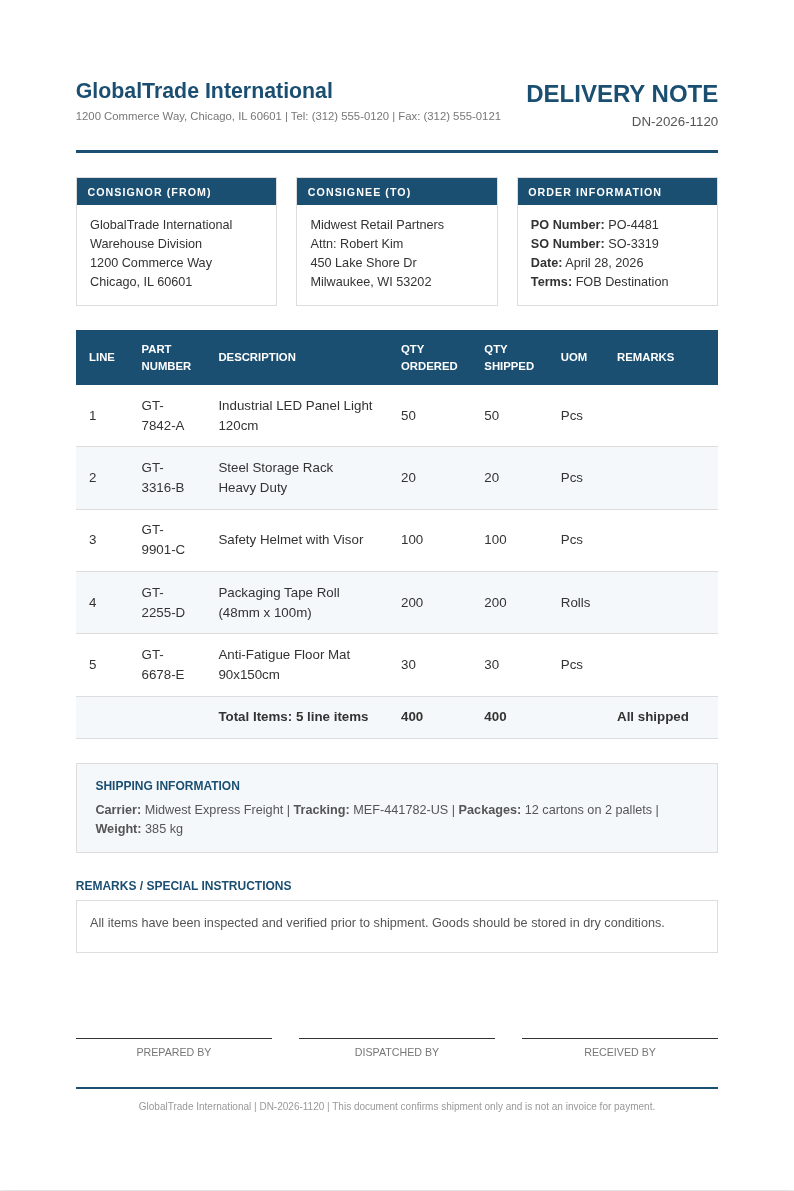
Prefer to start from a blank template? Browse our collection of pre-designed delivery note layouts for various industries and shipping formats.
Frequently Asked Questions
Helpful information about using our Delivery Note Generator.
- Is the Delivery Note Generator free?
- Yes. This Delivery Note Generator is completely free to use with no subscriptions or hidden fees. You can create unlimited delivery notes without creating an account or providing payment information. The it is designed to help businesses of all sizes generate professional shipping documents at no cost. The tool handles all the formatting so you can focus on your content instead of layout.
- What information do I need to use the Delivery Note Generator?
- You need sender and recipient details, a list of items being shipped with quantities, and the delivery date. The Delivery Note Generator organizes this information into a professional document automatically once you provide the basic details. Most users go from initial input to a polished, downloadable document in just a few minutes. The tool handles formatting so you can focus on your content instead of worrying about layout details.
- Can I add my company branding to the Delivery Note Generator output?
- Yes, the Delivery Note Generator supports custom headers where you can add your company name, logo, and contact information. This ensures every document produced by the the generator aligns with your brand identity and looks professional to your customers. Most users go from initial input to a polished, downloadable document in just a few minutes.
- Does the Delivery Note Generator include a signature field?
- Yes, every document produced by the Delivery Note Generator includes a signature and date field at the bottom. The recipient can sign the printed copy from the our tool to acknowledge receipt of the shipment, providing proof of delivery for your records. Most users go from initial input to a polished, downloadable document in just a few minutes.
- Can I use the Delivery Note Generator for multiple shipments?
- Yes, there is no limit to how many delivery notes you can create. You can use the the app for each shipment individually, or pre-fill recurring sender details to speed up the process for repeated deliveries to the same customers. Most users go from initial input to a polished, downloadable document in just a few minutes.
- What file formats does the Delivery Note Generator support?
- The the tool exports your document as a Word file (.docx) or PDF. The Word format is useful if you want to make further edits in Microsoft Word, while the PDF from the this Delivery Note Generator is ideal for printing and attaching to shipments. Most users go from initial input to a polished, downloadable document in just a few minutes.
- Is the Delivery Note Generator suitable for e-commerce businesses?
- Yes, the our generator works well for e-commerce operations that need to include packing slips and delivery notes with orders. You can quickly generate a document for each order using the this Delivery Note Generator and include it in the package for the customer. You can create as many documents as you need without any usage limits or restrictions.
- Can I import data from a spreadsheet into the Delivery Note Generator?
- Yes, you can copy item data from Excel or Google Sheets and paste it directly into the the app. the Delivery Note Generator parses your data and fills in the item table automatically, which is especially useful for shipments with many line items. The tool handles all the formatting so you can focus on your content instead of layout.
- Does the Delivery Note Generator save my previous notes?
- The the Delivery Note Generator processes each document independently. We recommend downloading each delivery note as a PDF or Word file for your records. You can also reuse a previous document as a template by re-importing it into the it for similar shipments. Most users go from initial input to a polished, downloadable document in just a few minutes.
- Can I add terms and conditions using the Delivery Note Generator?
- Yes, the our generator editor allows you to add custom text sections at the bottom of the document. Many businesses use this area to include return policies, handling instructions, or liability disclaimers on every delivery note they generate. You can create as many documents as you need without any usage limits or restrictions. Most users go from initial input to a polished, downloadable document in just a few minutes using this Delivery Note Generator.
- How long does it take to generate a delivery note?
- The this Delivery Note Generator produces a complete, formatted delivery note in seconds after you enter the required information. Most users can go from data entry to a printed document in under two minutes using the the tool. The tool handles all the formatting so you can focus on your content instead of layout. Most users go from initial input to a polished, downloadable document in just a few minutes using this tool.
- Is the Delivery Note Generator mobile-friendly?
- Yes, the our tool works on smartphones and tablets. You can create and download delivery notes from a mobile browser, which is convenient for warehouse staff or delivery drivers who need to generate documents on the go. The tool handles all the formatting so you can focus on your content instead of layout. The tool handles formatting so you can focus on your content instead of worrying about layout details.
Create Your Delivery Note Now
Generate a clean, professional delivery note in seconds with our free the app. No software to install, no account needed.
No credit card required • Professional templates • Instant export