Edit Delivery Note Templates Online for Free
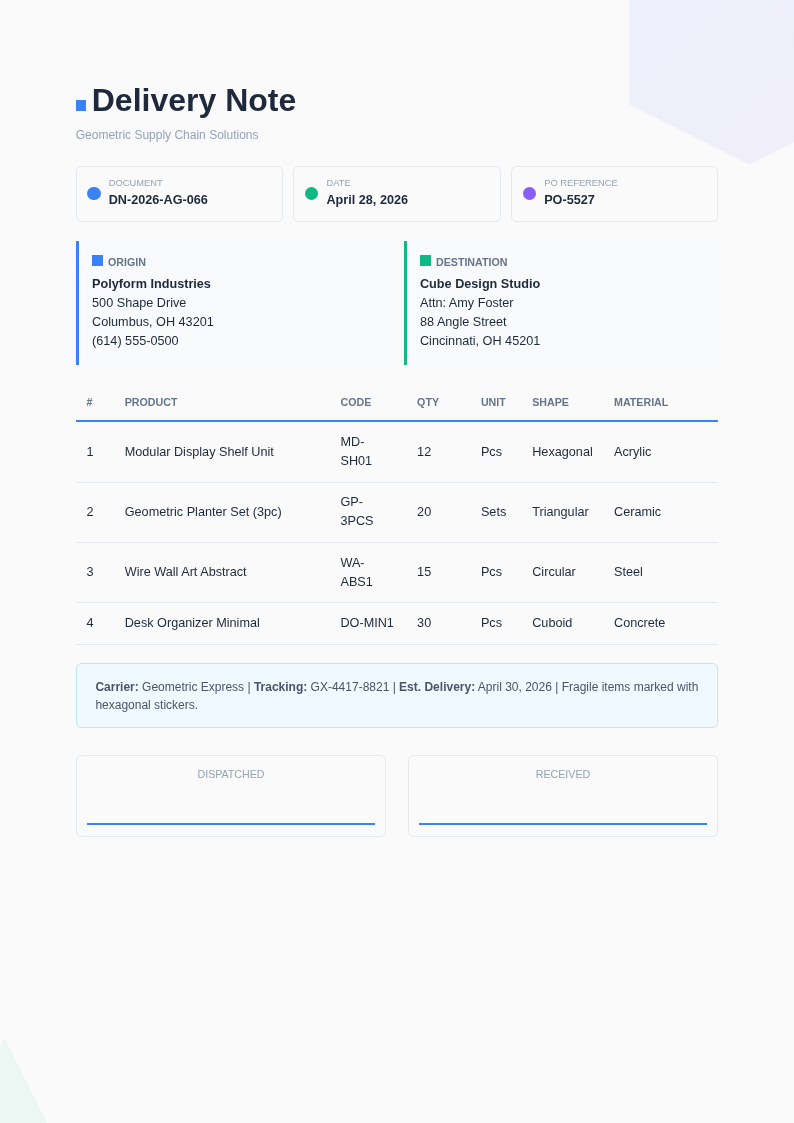
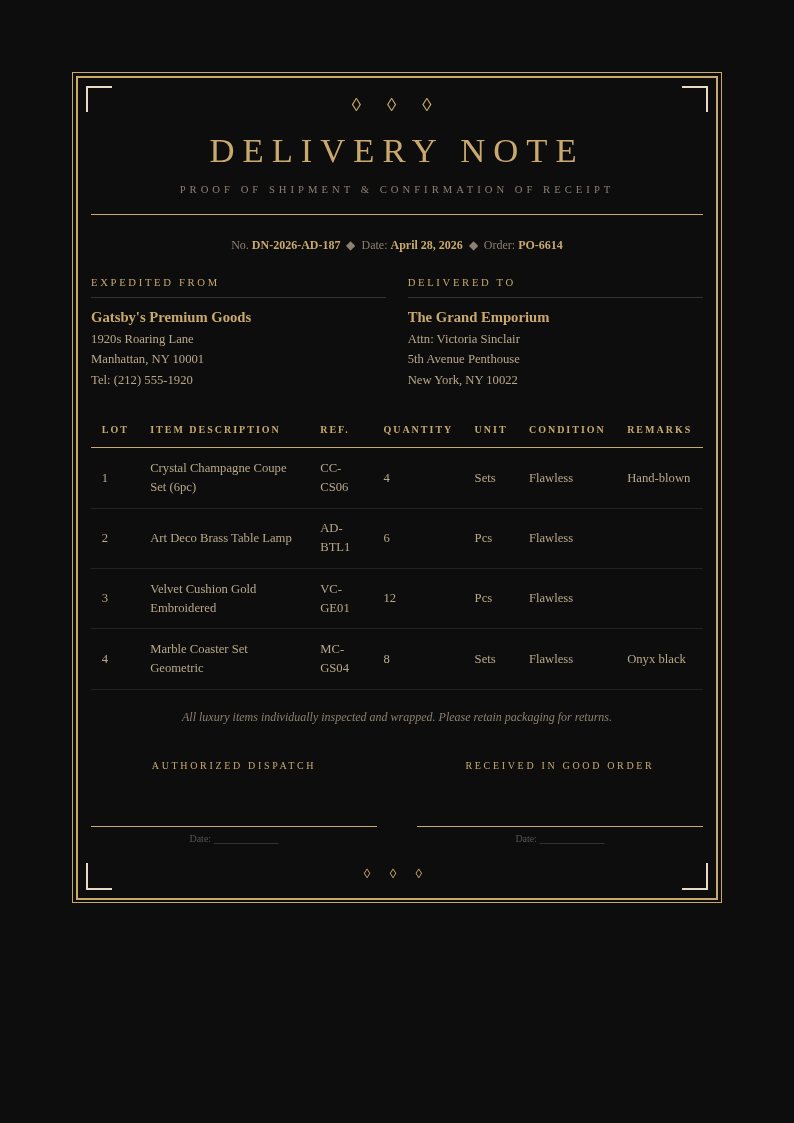
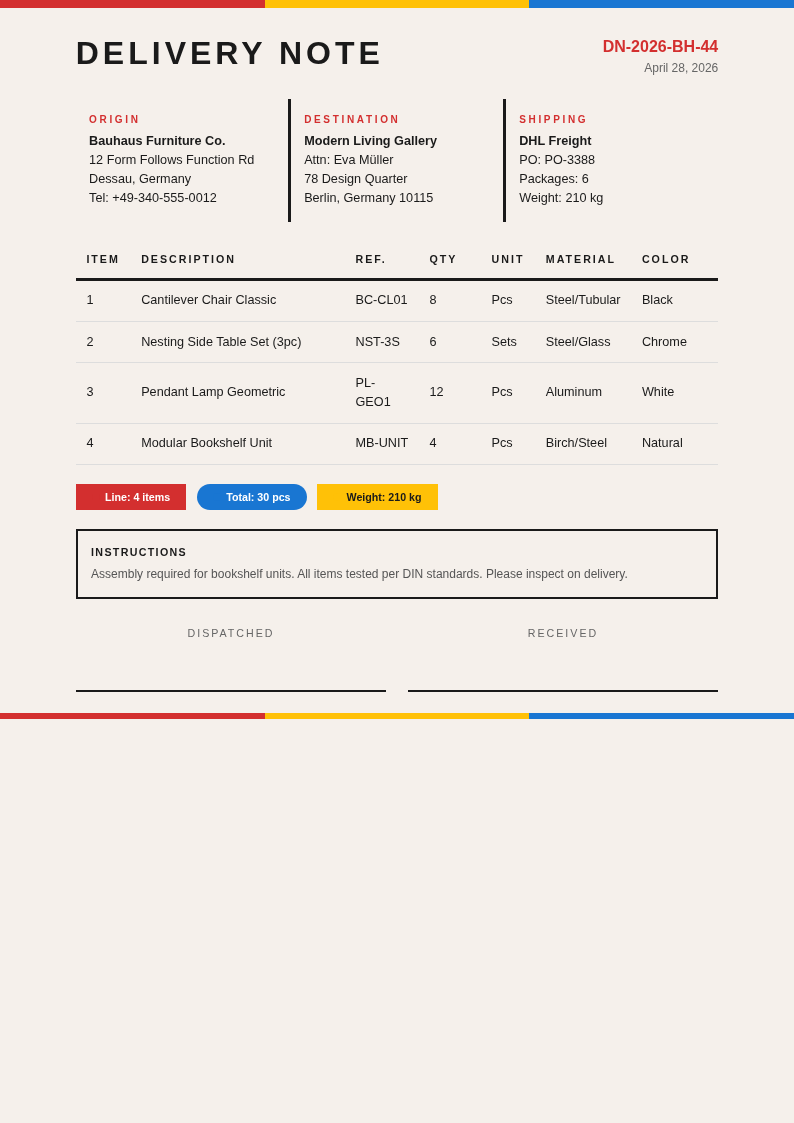
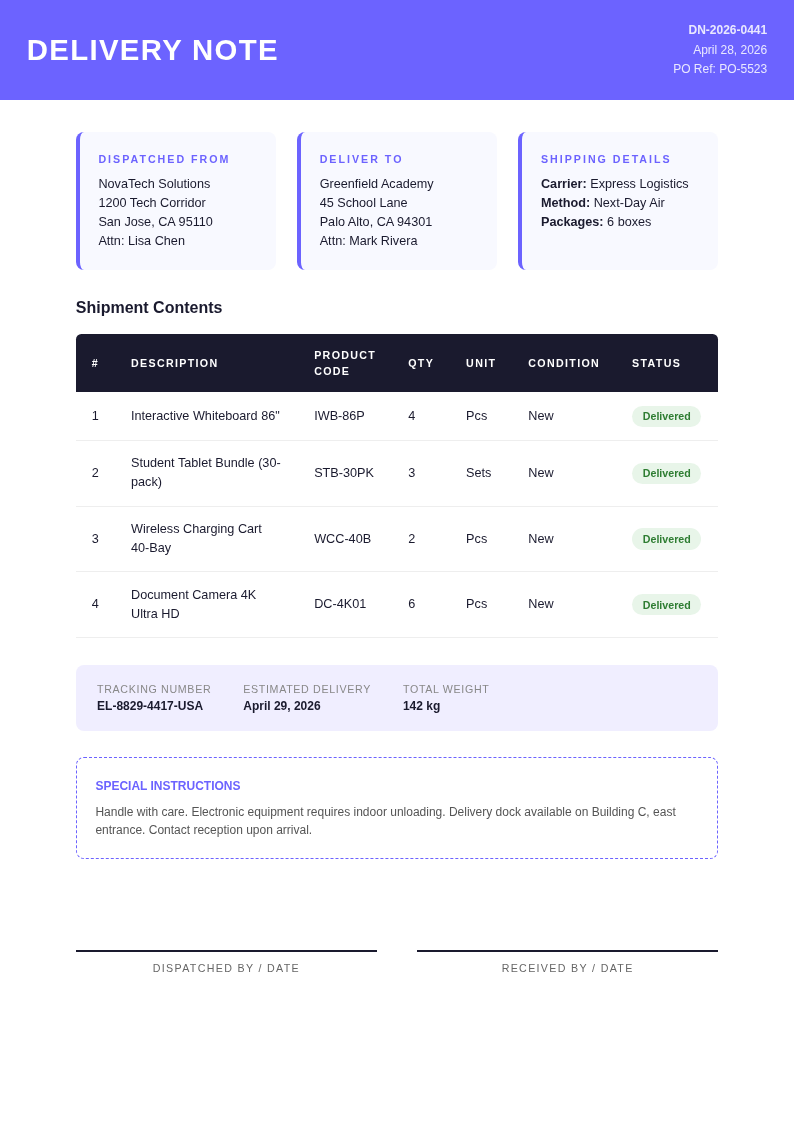
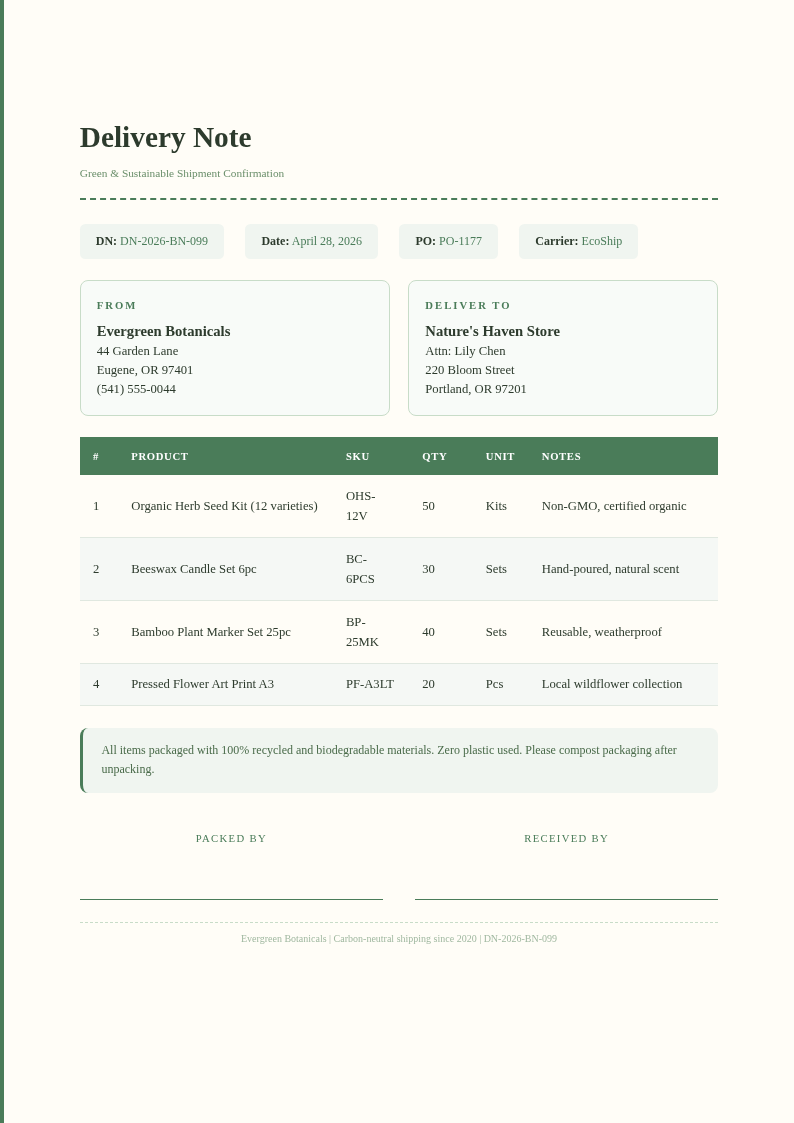
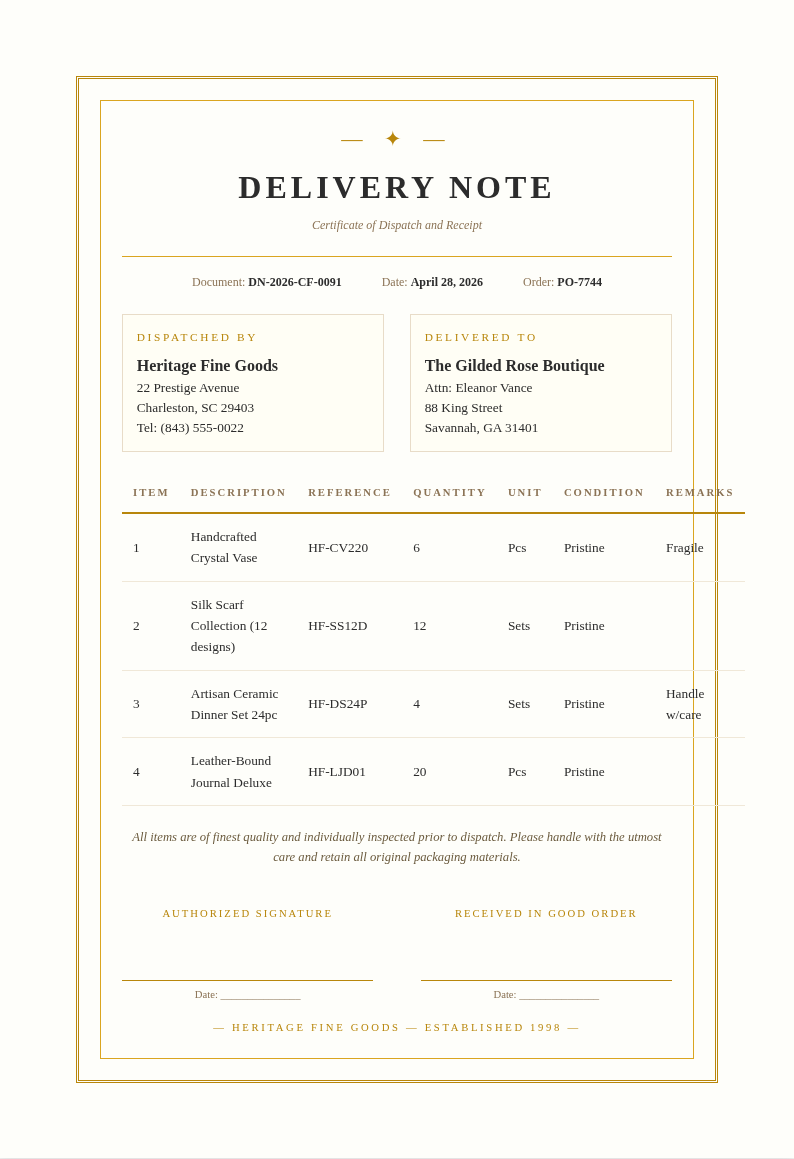
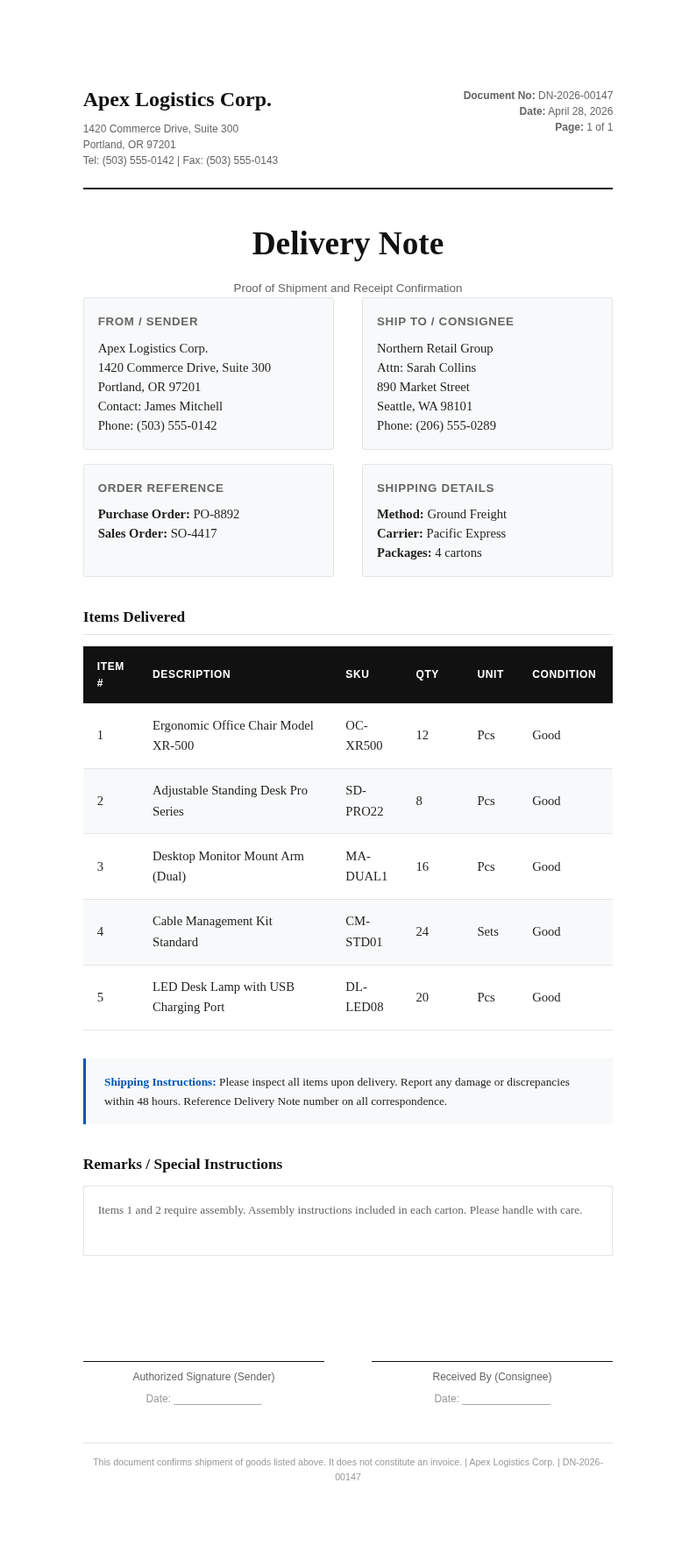
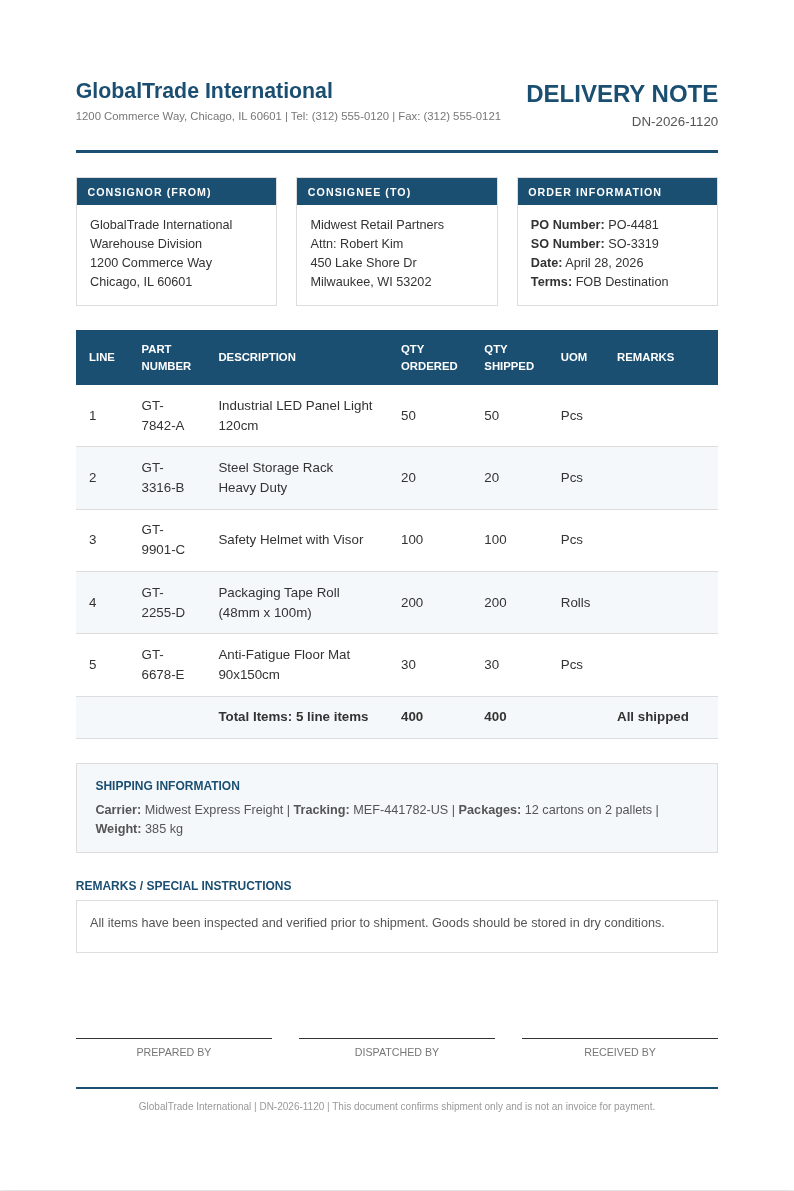
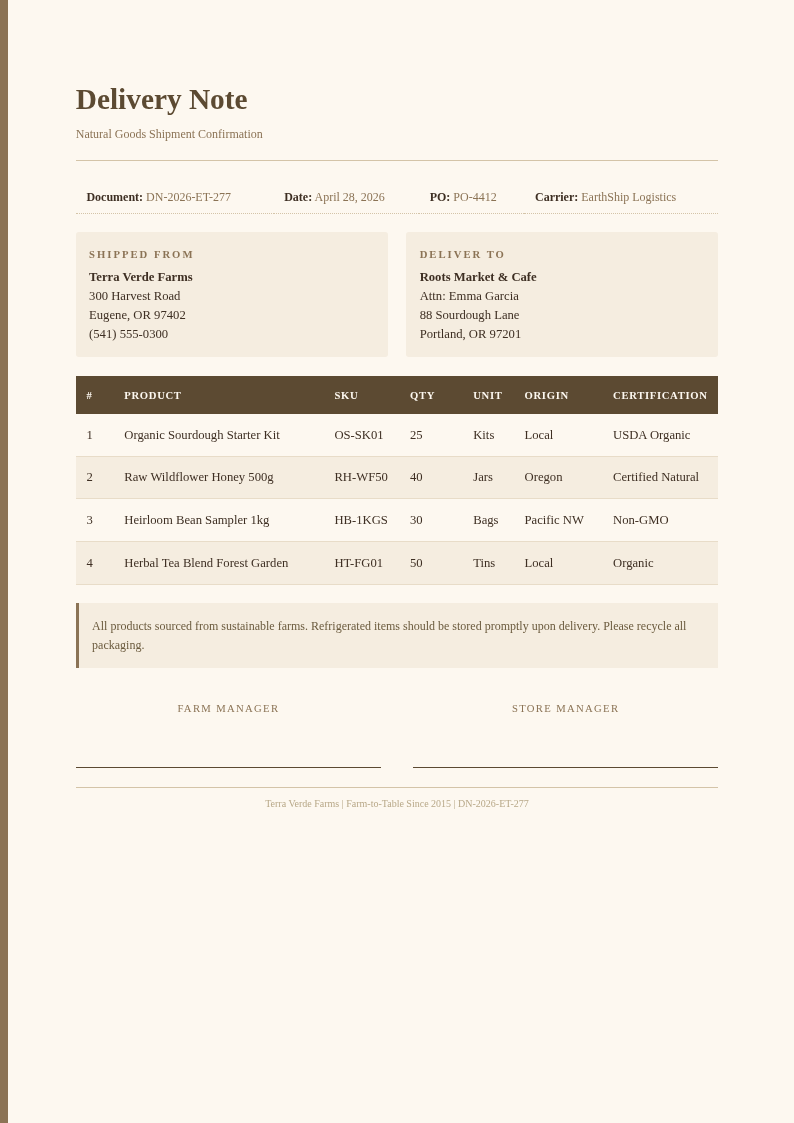
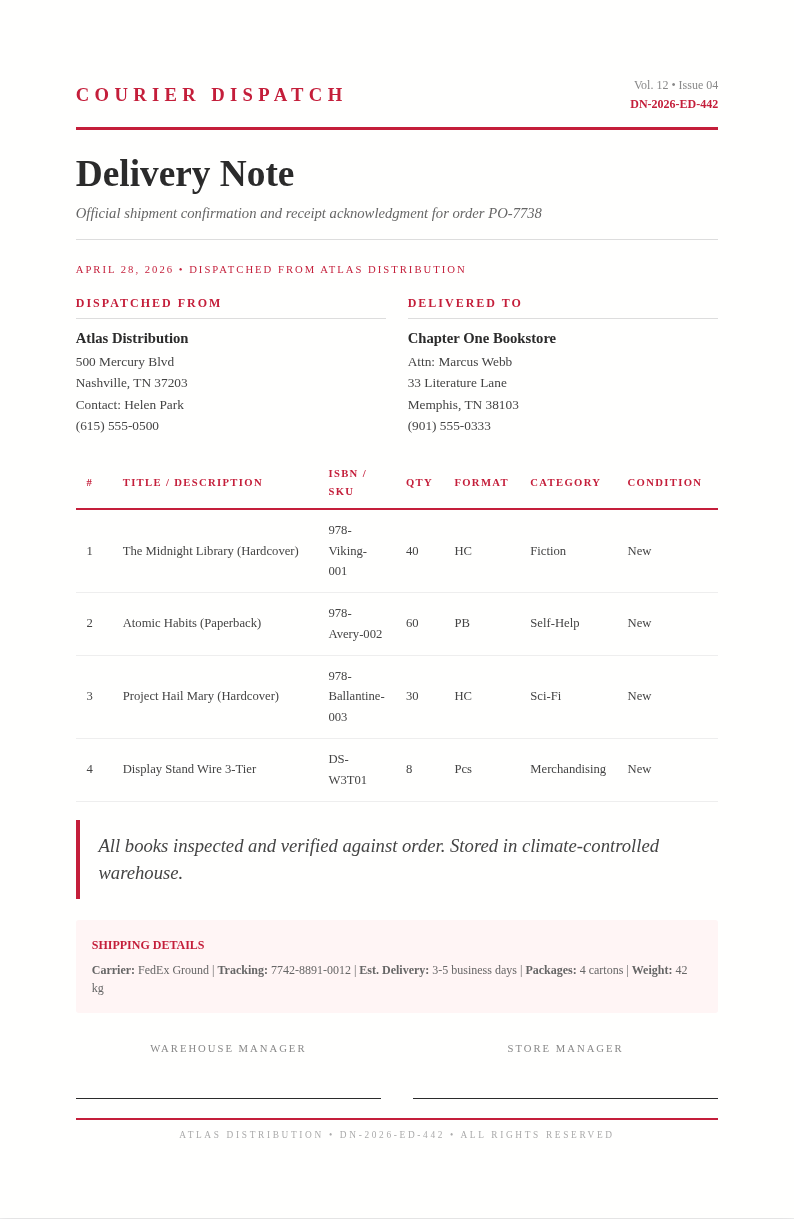
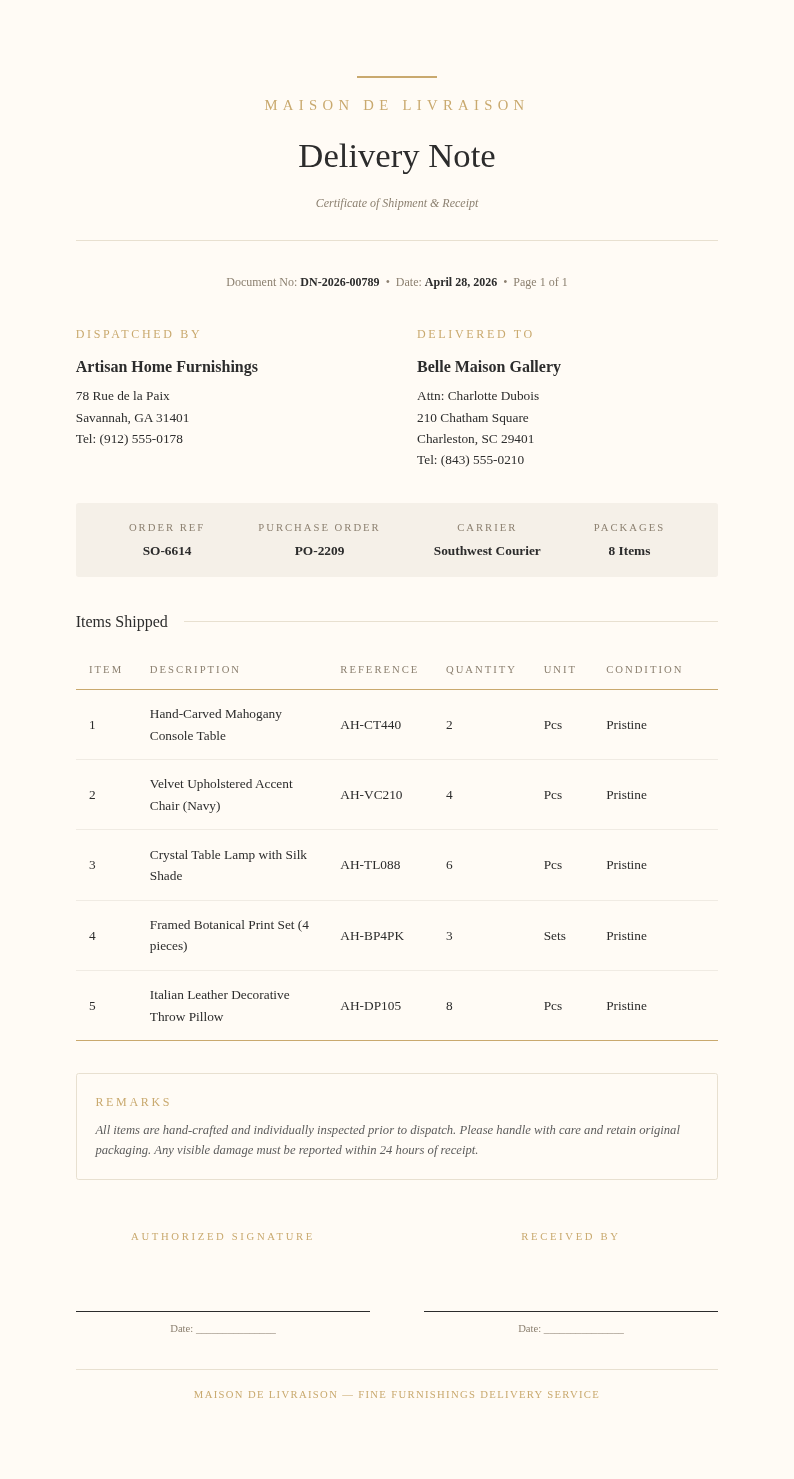
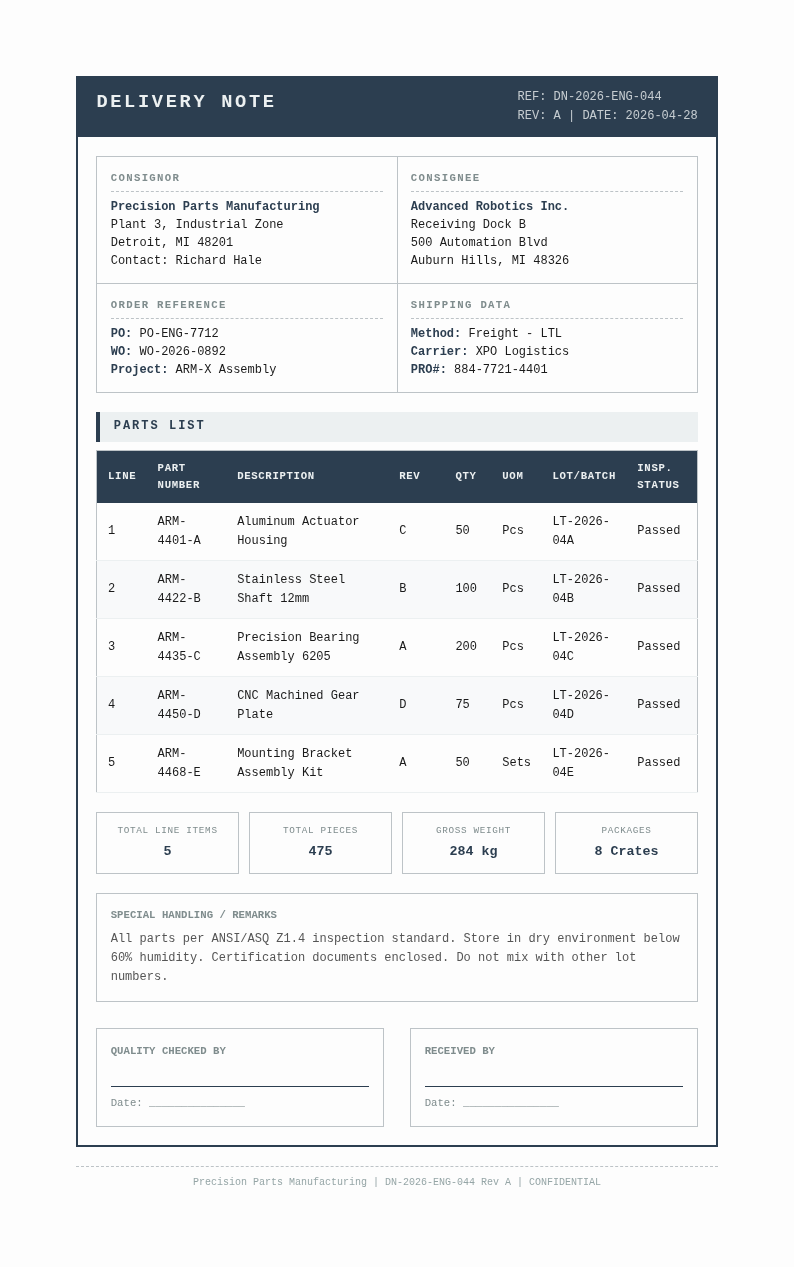
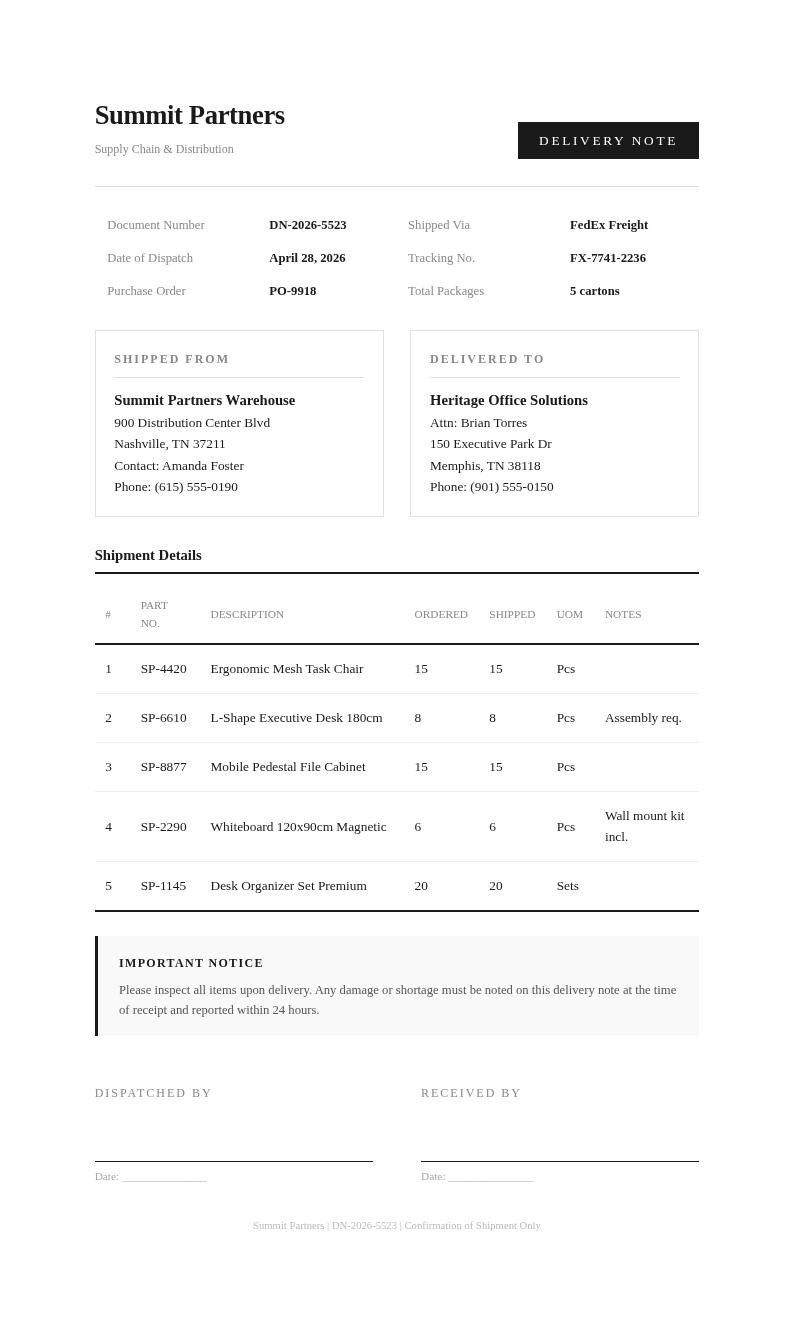
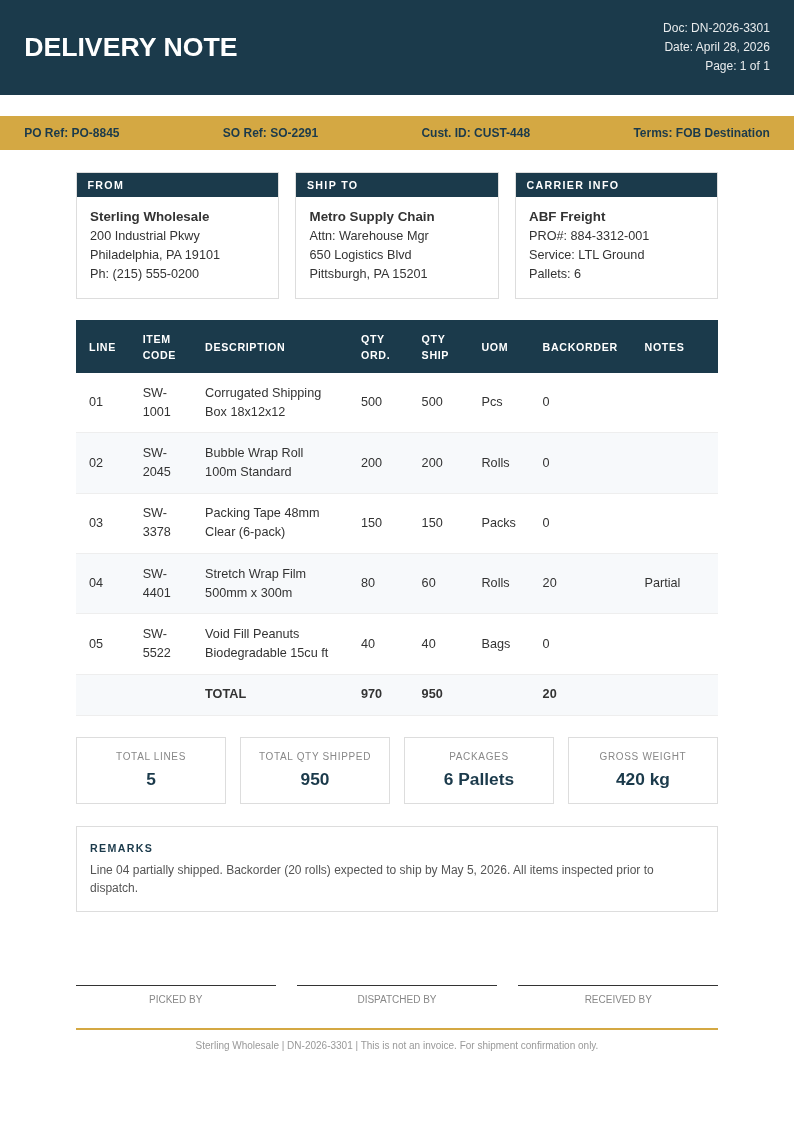
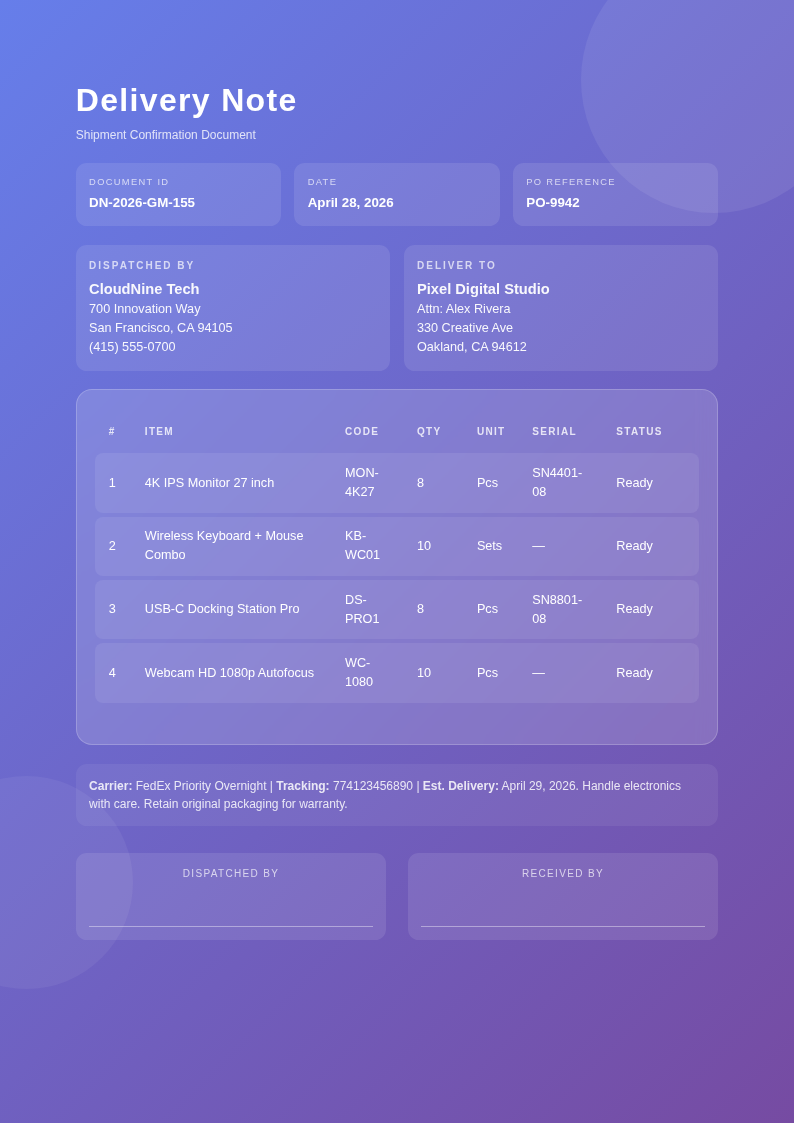
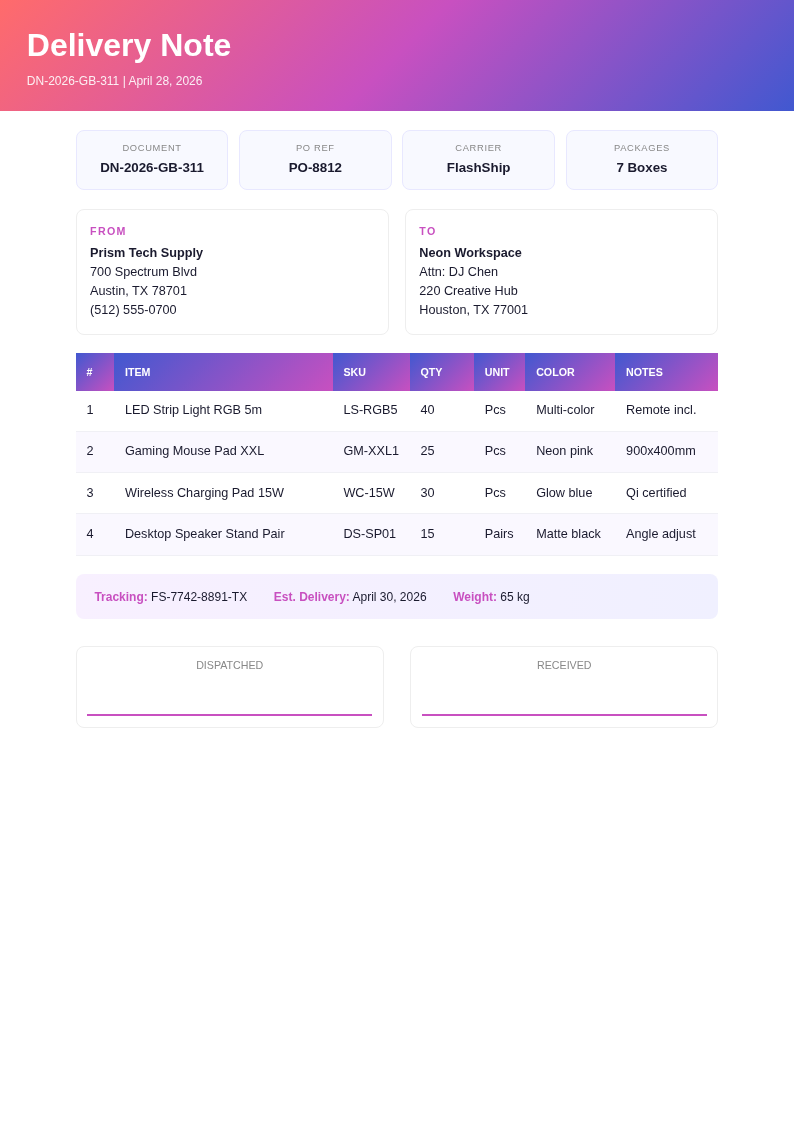
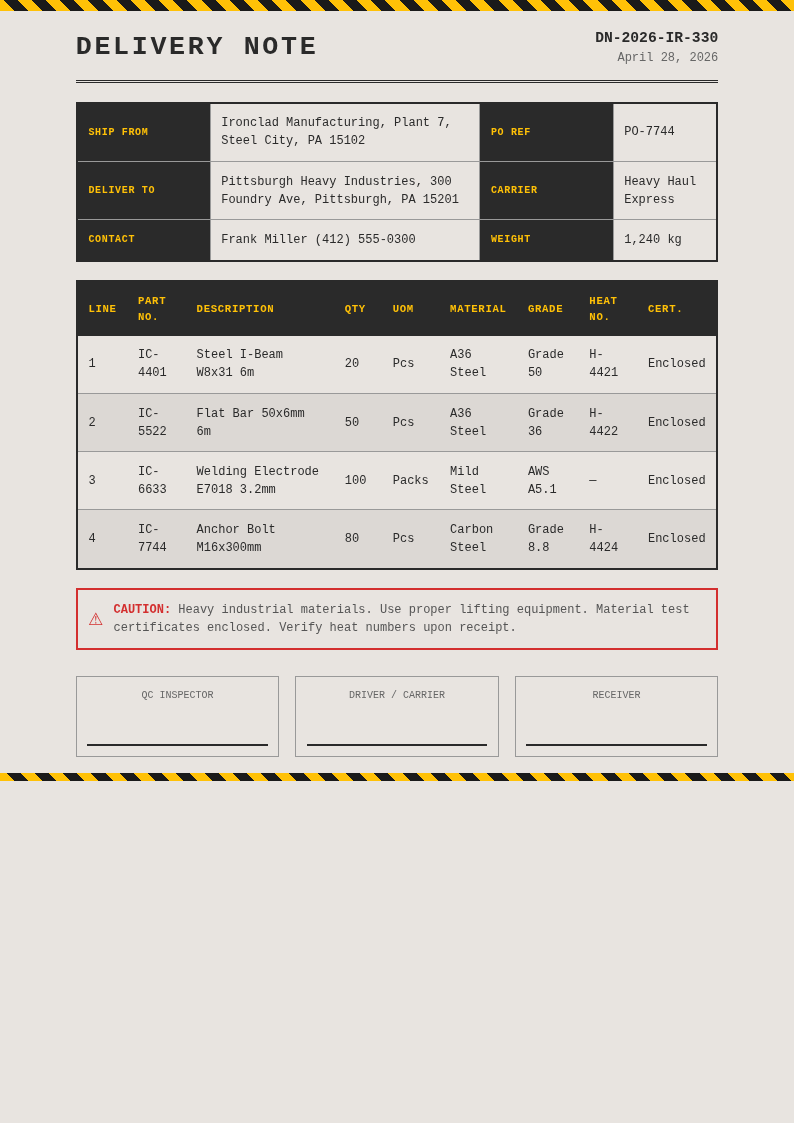
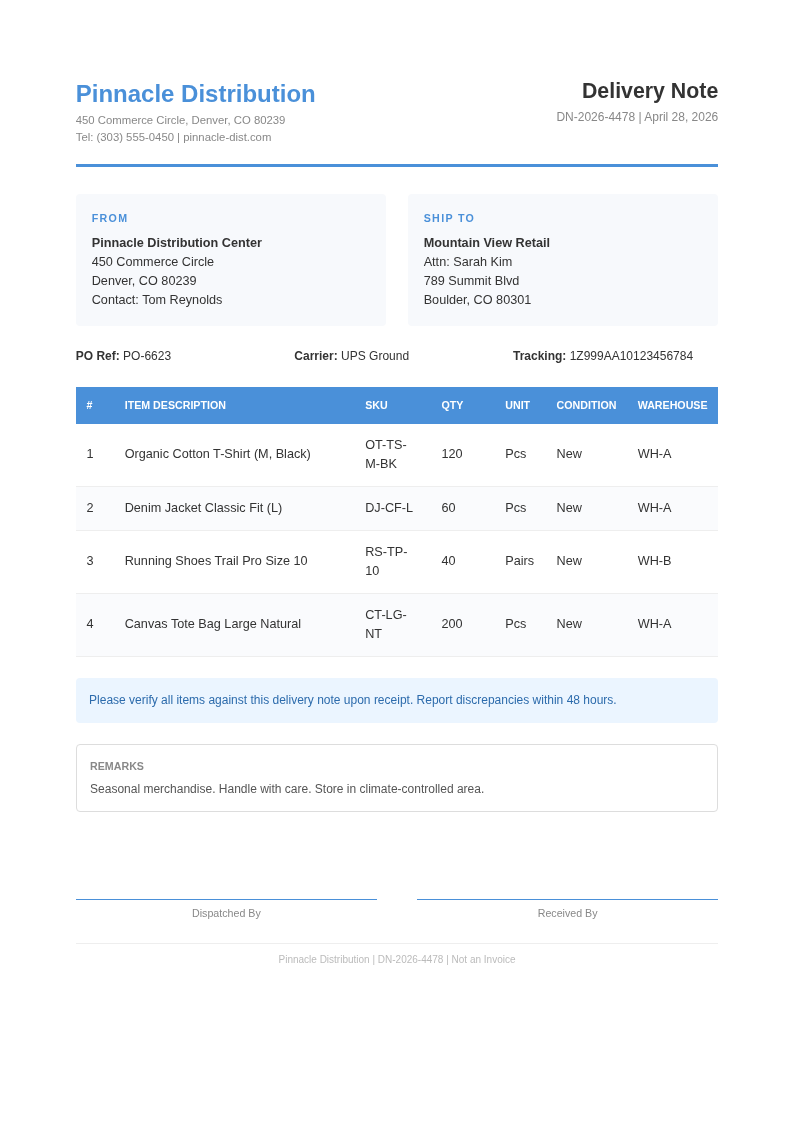
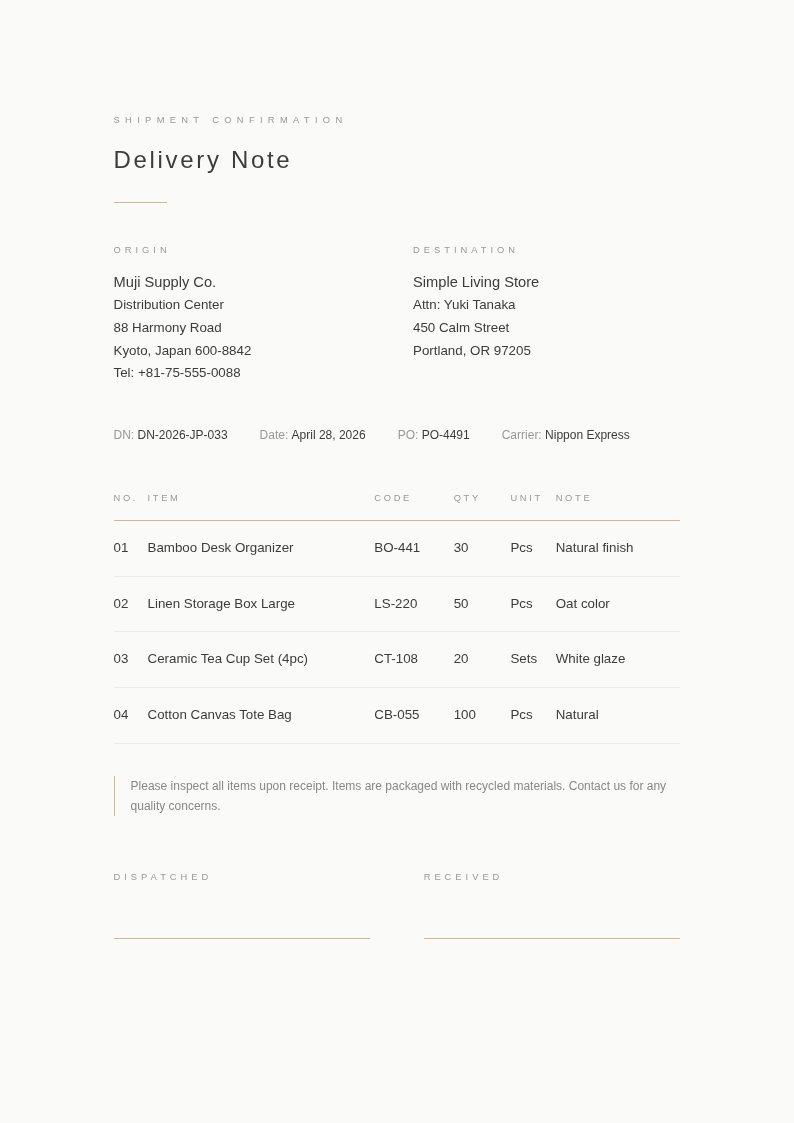
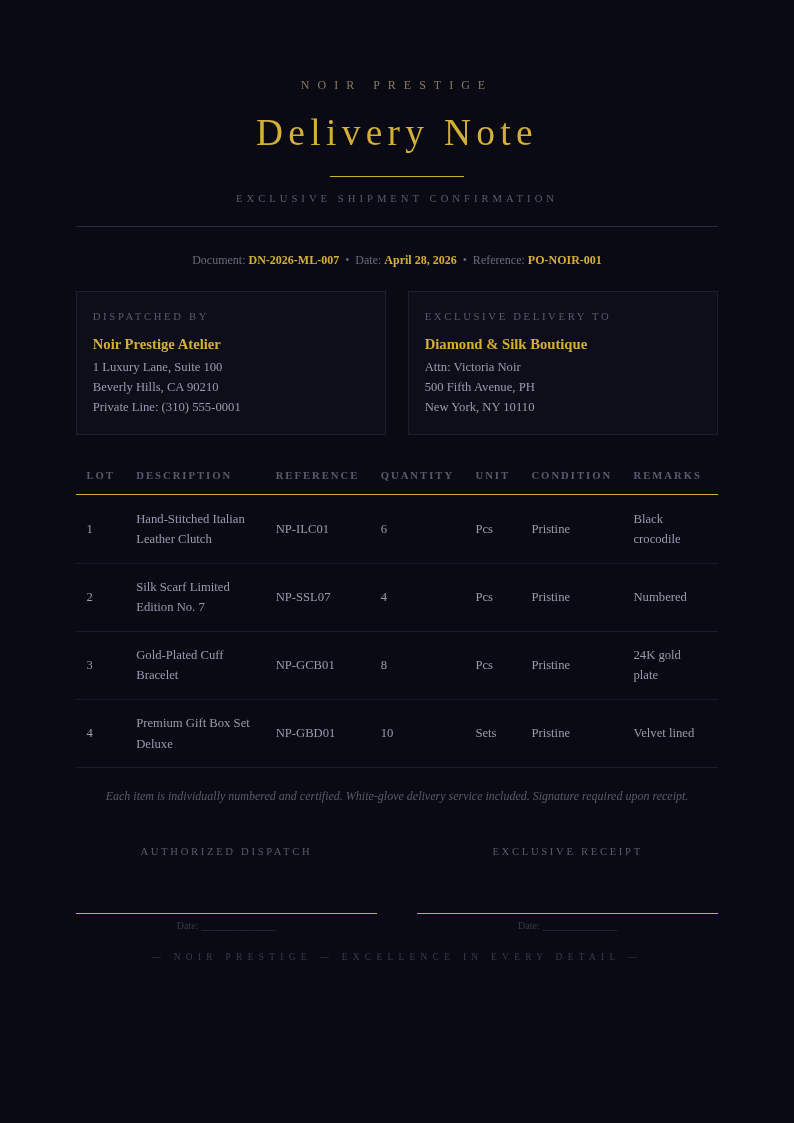
Streamline your shipping process with AI Formatter's collection of Delivery Note templates. Choose from professional layouts that include item descriptions, quantities, sender and receiver details, and signature fields for a complete Delivery Note document.
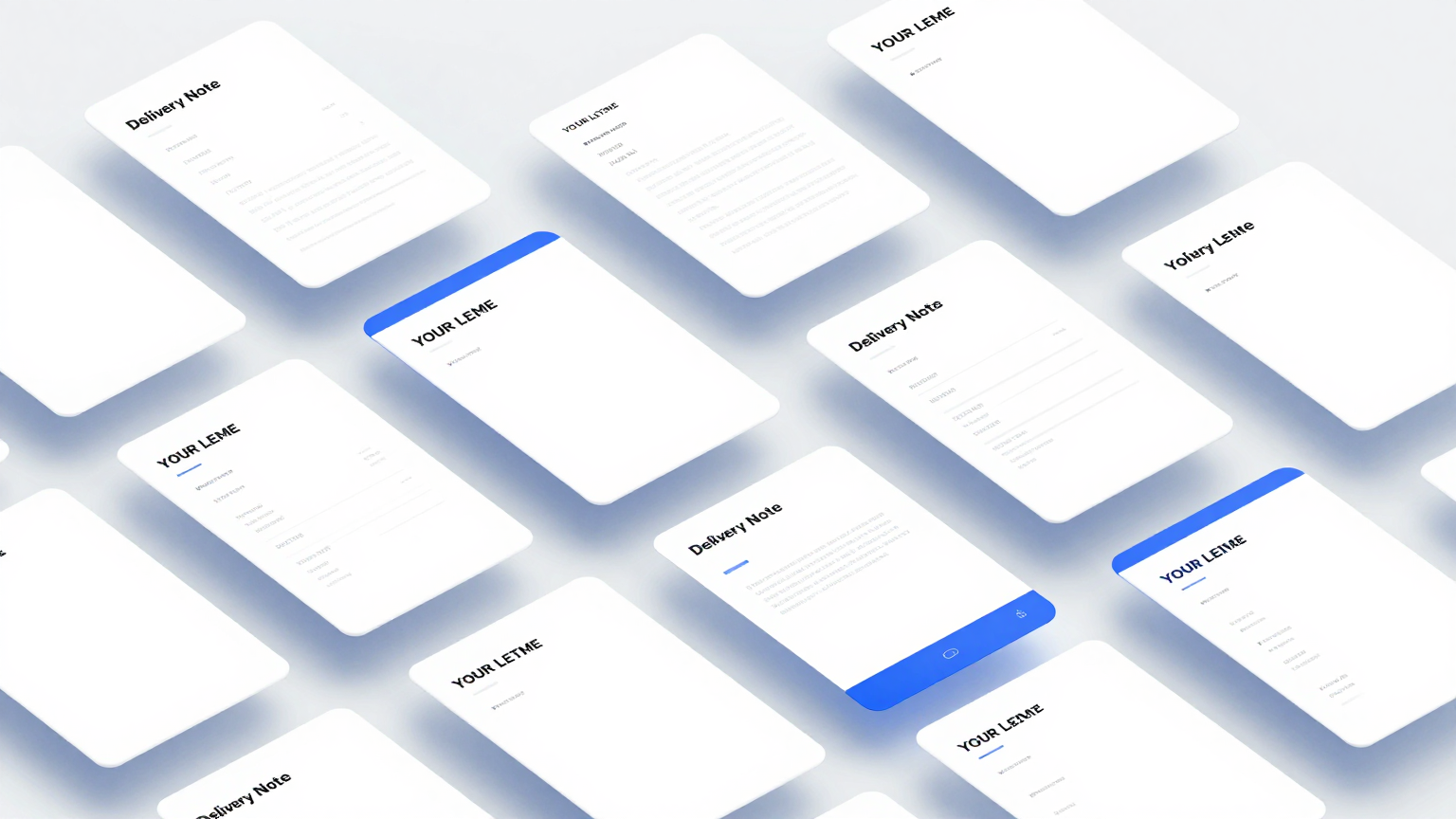
Showing 20 of 30 templates
Frequently Asked Questions About Our Templates
Common questions about using our Delivery Note templates for business shipping and logistics.
- Are these Delivery Note templates free to use?
- Yes, all Delivery Note templates are completely free to download, edit, and use for personal or business purposes. There are no hidden fees, watermarks, or required sign-ups to access our full collection. You can customize any the layout directly through AI Formatter without paying anything, making professional shipping documents accessible to businesses of every size.
- What formats are available for Delivery Note templates?
- Our Delivery Note templates are available in Microsoft Word (.docx), PDF, and plain text formats. You can download any our layout in your preferred format and open it in standard editing software. The Word format allows full editing of the it layout, while PDF is ideal for printing directly. Users appreciate how much time they save by starting with a pre-formatted layout.
- Can I add my company logo to a Delivery Note template?
- Yes, every Delivery Note template includes a placeholder area for your company logo and branding. You can upload your logo in the online editor and position it within the the design header. This ensures your Delivery Note document looks professional and consistent with your other business materials. This ensures you get a professional result every time without spending hours on formatting.
- What information should a Delivery Note template include?
- A standard Delivery Note template should include the sender and recipient names and addresses, date of delivery, item descriptions, quantities, and a signature field for acknowledgment. Our our template designs cover all these fields with clear labels so you can fill them in quickly and accurately. Users appreciate how much time they save by starting with a pre-formatted layout.
- Can I customize a Delivery Note template for different products?
- Absolutely. Each Delivery Note template is fully editable so you can modify item columns, add product codes, adjust quantity fields, and include special handling instructions. The flexible layout of every the design adapts to different product types and shipping requirements. You can download and start using it right away for your specific needs. Users appreciate how much time they save by starting with a pre-formatted layout for their documents.
- Do Delivery Note templates work for international shipping?
- Yes, our Delivery Note templates can be customized for international shipments by adding customs declaration fields, country of origin, and HS code columns. The it structure is flexible enough to accommodate additional fields that cross-border shipping requires. Users appreciate how much time they save by starting with a pre-formatted layout. Users appreciate how much time they save by starting with a pre-formatted layout for their documents.
- Are Delivery Note templates suitable for small businesses?
- Yes, our Delivery Note templates are ideal for small businesses that need professional-looking shipping documents without investing in expensive software. A well-designed our template helps small businesses maintain a consistent brand image and track shipments efficiently from the warehouse to the customer. This ensures you get a professional result every time without spending hours on formatting.
- Can I print Delivery Note templates directly?
- Yes, all Delivery Note templates are formatted for standard letter-size and A4 paper. You can download a our layout as a PDF and print it immediately on any office printer. The clean layout of each this template ensures professional results on both inkjet and laser printers. You can download and start using it right away for your specific needs.
- What makes your Delivery Note templates different from others?
- Our the templates are built specifically for use with AI Formatter, which means you can edit them online with AI-powered assistance. Each our layout features a practical, professional layout designed for real shipping workflows. Unlike generic forms, a the layout from our collection is optimized for clarity and completeness. You can download and start using it right away for your specific needs.
- Do Delivery Note templates include a packing list section?
- Yes, many of our each layouts include a combined packing list and delivery note layout. This type of our template lets you list all items in a shipment along with their quantities and descriptions, so the recipient can verify the contents upon delivery against the Delivery Note document. Users appreciate how much time they save by starting with a pre-formatted layout.
- Can I share a Delivery Note template with my warehouse team?
- Yes, you can download your customized the design and share it with team members for consistent use. Having a standardized the template across your warehouse operations ensures every shipment is documented the same way, reducing errors and improving tracking accuracy. You can download and start using it right away for your specific needs. You can download and start using it right away for your specific needs and requirements.
- How do I create a Delivery Note template for recurring shipments?
- Choose a the layout and pre-fill the sender details, standard product descriptions, and any recurring delivery instructions. Save this as your master each layout and use it for each shipment by updating only the recipient details and quantities. This saves time on repeated orders. Users appreciate how much time they save by starting with a pre-formatted layout.
- Are Delivery Note templates legally compliant?
- Our the templates include standard fields used in commercial shipping documentation. While a our layout is generally used as an accompanying document rather than a legal form, you should verify that the the template meets any specific regulatory requirements for your industry or region. Users appreciate how much time they save by starting with a pre-formatted layout.
- Can I add terms and conditions to a Delivery Note template?
- Yes, you can add a terms and conditions section to any the design using our online editor. Many businesses include return policies, liability disclaimers, or delivery instructions at the bottom of their our template to set clear expectations with recipients. Users appreciate how much time they save by starting with a pre-formatted layout. Users appreciate how much time they save by starting with a pre-formatted layout for their documents.
- Where can I get help with my Delivery Note template?
- If you need assistance with editing or downloading a the design, you can reach out through our support channels. We also provide guidance on best practices for filling out a our template, including tips for accurate item descriptions and proper signature collection. This ensures you get a professional result every time without spending hours on formatting.
Ready to Create Your Delivery Note?
Start with a professionally designed it from AI Formatter. Create clear, complete shipping documents that keep your logistics running smoothly.
Free templates • AI-powered editing • No sign-up required