Generate Cost Estimate Instantly
Our cost estimate generator helps you create detailed, professional project estimates in minutes. Enter your line items, apply your rates, and produce a polished document ready to share with clients.
How to Create a Cost Estimate Online
Enter Your Project Line Items
Begin by entering each cost item including descriptions, quantities, and unit prices. You can type items one by one or import an existing spreadsheet to populate the document quickly and ensure all project expenses are accounted for from the start.
Select a Template Layout
Browse the available templates and choose the one that matches your project type and branding. The platform offers layouts for construction bids, service proposals, and event budgets, each with professionally formatted sections ready for your data.
Customize and Adjust
Use the online editor to modify the estimate details, add a contingency percentage, include your company logo, and adjust the formatting. The tool updates totals and subtotals automatically as you make changes so your numbers stay accurate throughout.
Download and Send to Your Client
Once your estimate is finalized, download it in PDF or DOCX format and send it to your client for review. The platform produces a clean, branded document that you can attach to emails or present in meetings to move your project forward with confidence.
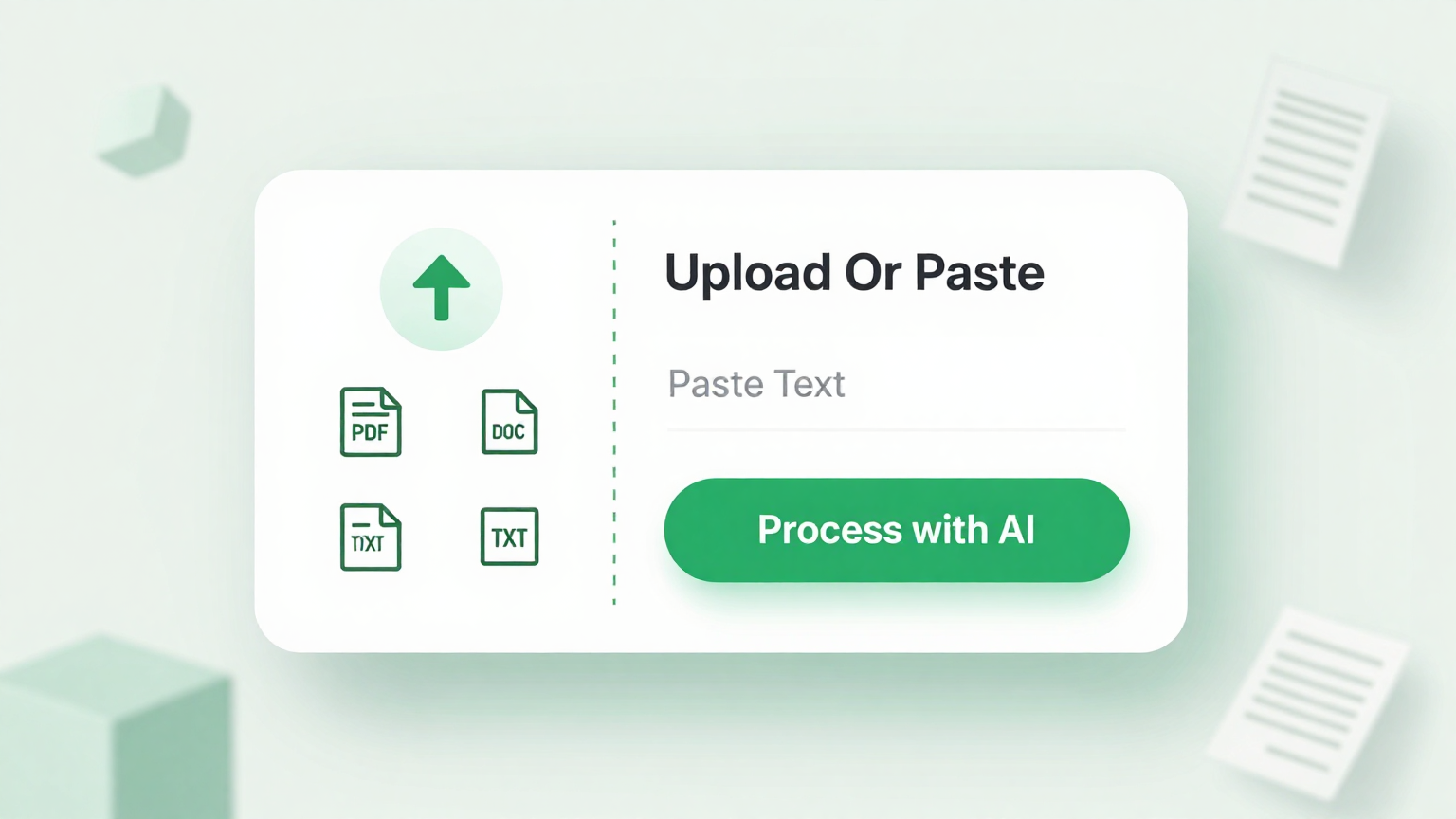
Import Data
Quickly bring your project data into the tool by uploading a spreadsheet, pasting from clipboard, or typing line items directly into the form. The platform organizes your entries into structured categories like materials, labor, and overhead so your estimate is clear and complete from the very start of the process.
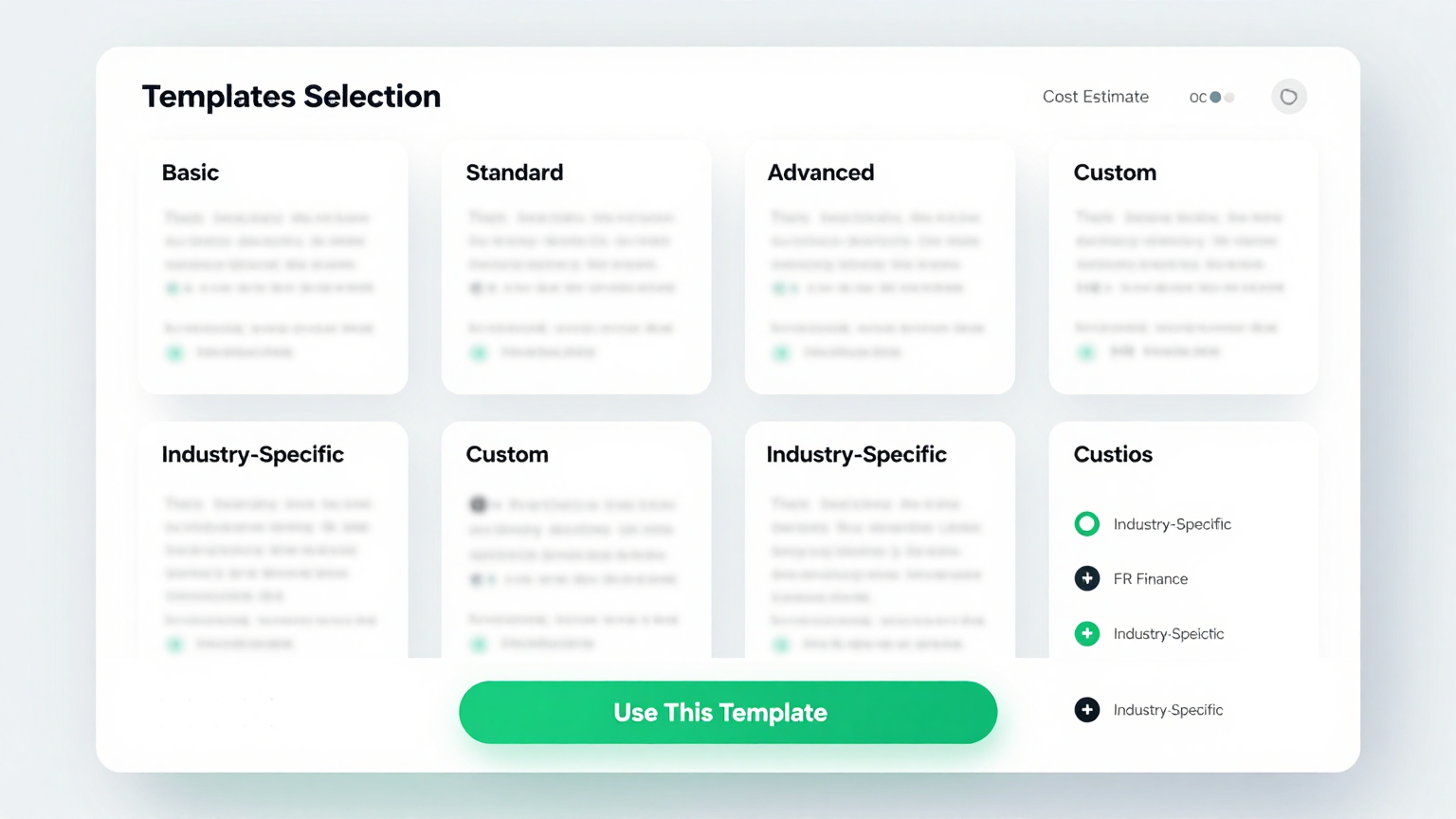
Professional Templates
Select from industry-specific layouts designed for construction, consulting, IT projects, and more. Each template includes pre-built sections for itemized costs, tax calculations, and contingency amounts so your document looks professional every time you present it to a client for review or approval.
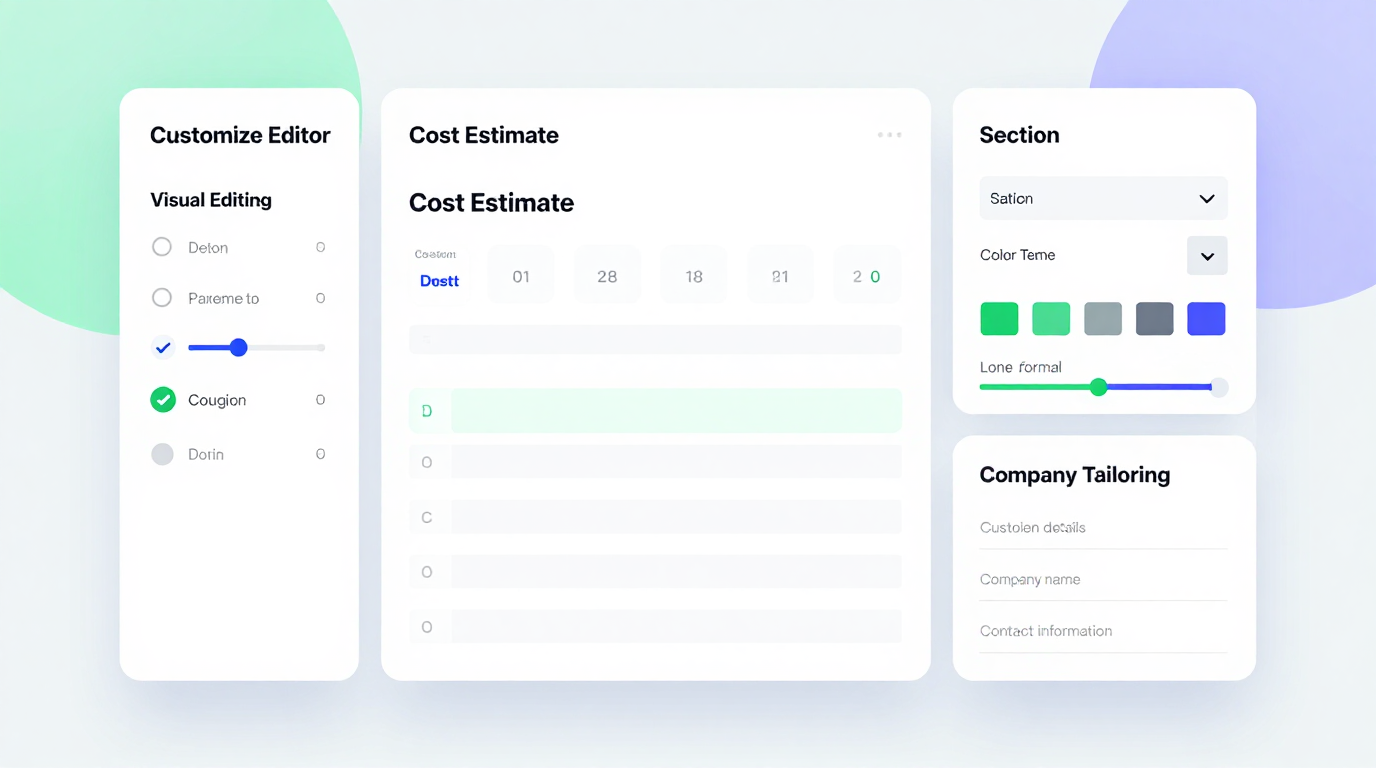
Edit Online
Fine-tune every detail of your estimate using the built-in editor. Adjust quantities, update rates, add notes, and customize the layout in real time. The tool recalculates totals automatically as you make changes to keep your figures accurate throughout the editing process without any manual math.
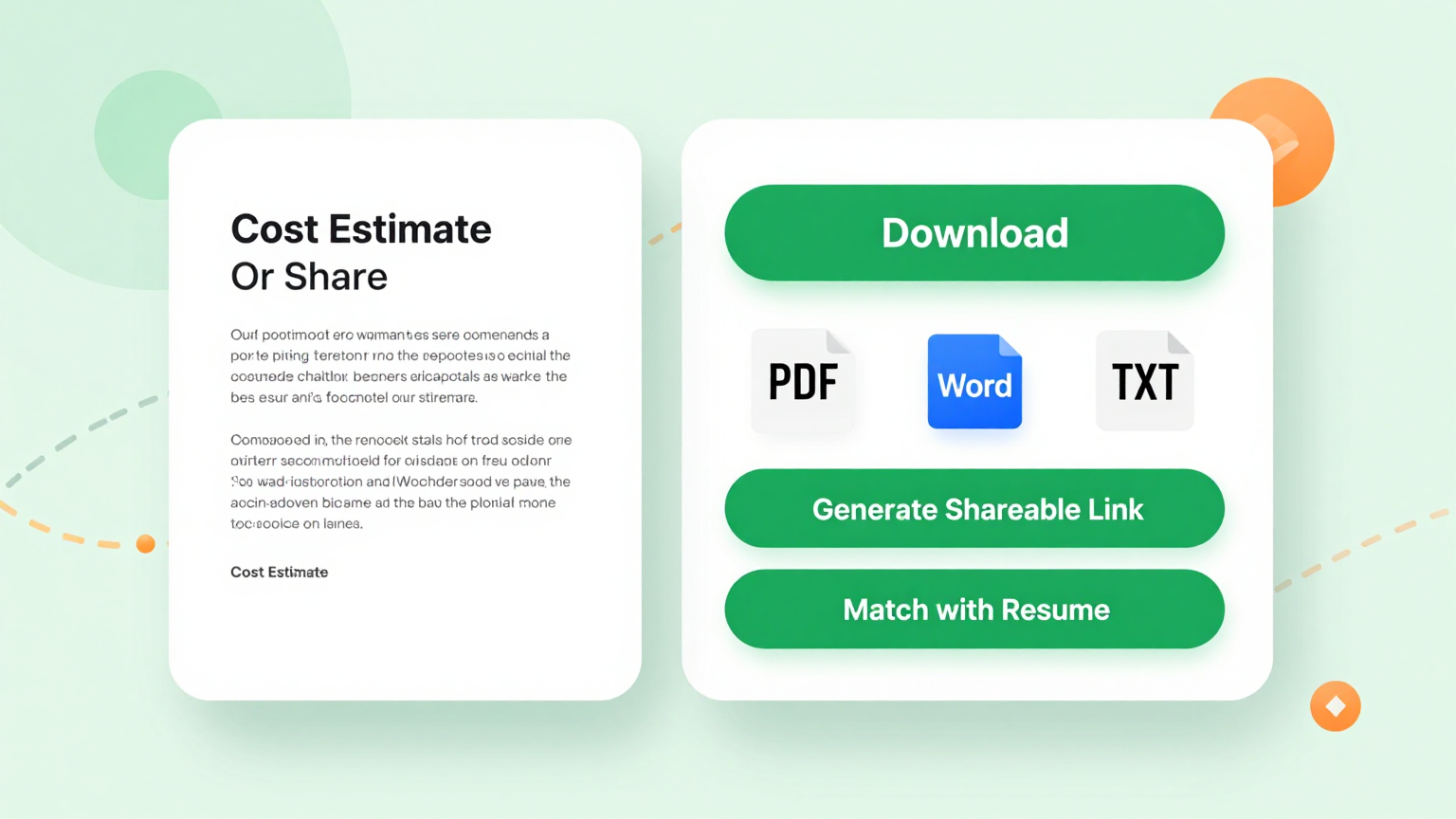
Download & Share
Export your completed estimate as a PDF, PNG, or DOCX file and send it directly to clients, attach it to proposals, or print it for on-site meetings. The platform produces clean, formatted documents ready for any business context where you need to present professional project pricing to stakeholders.
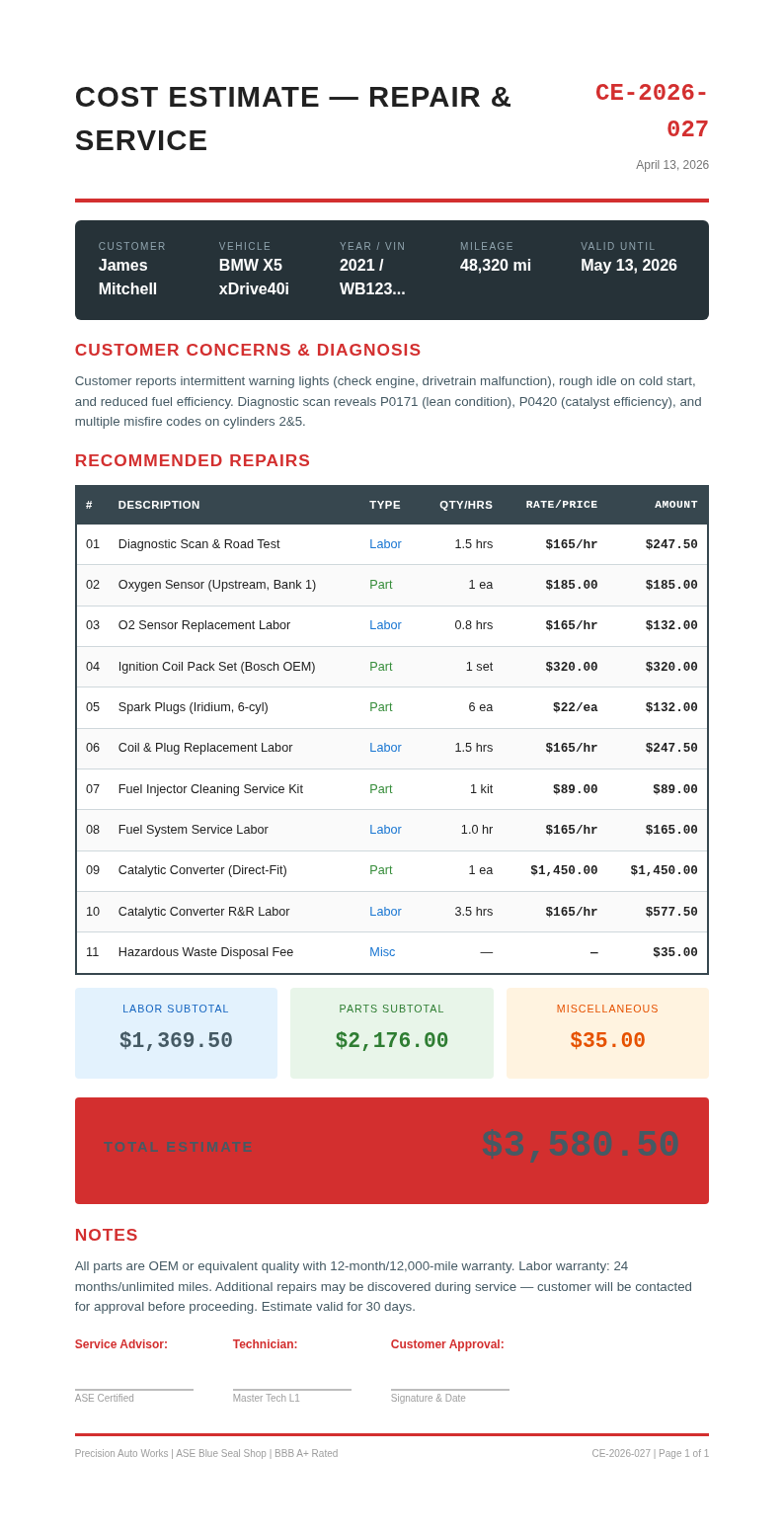
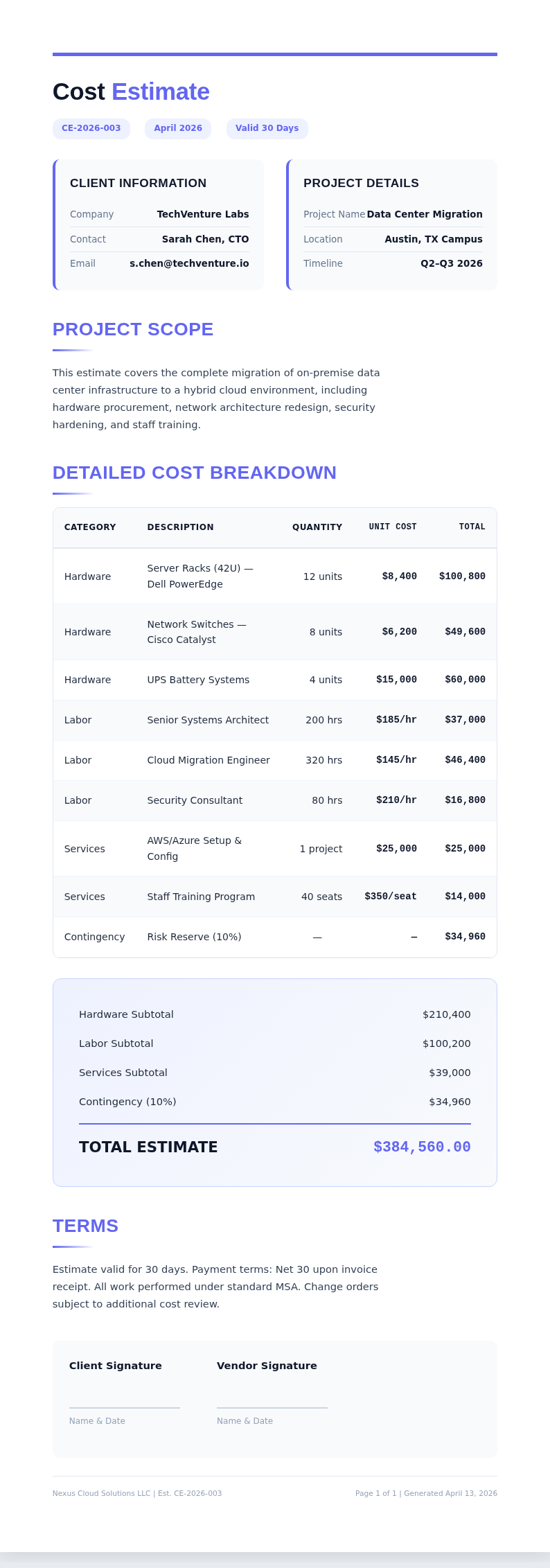
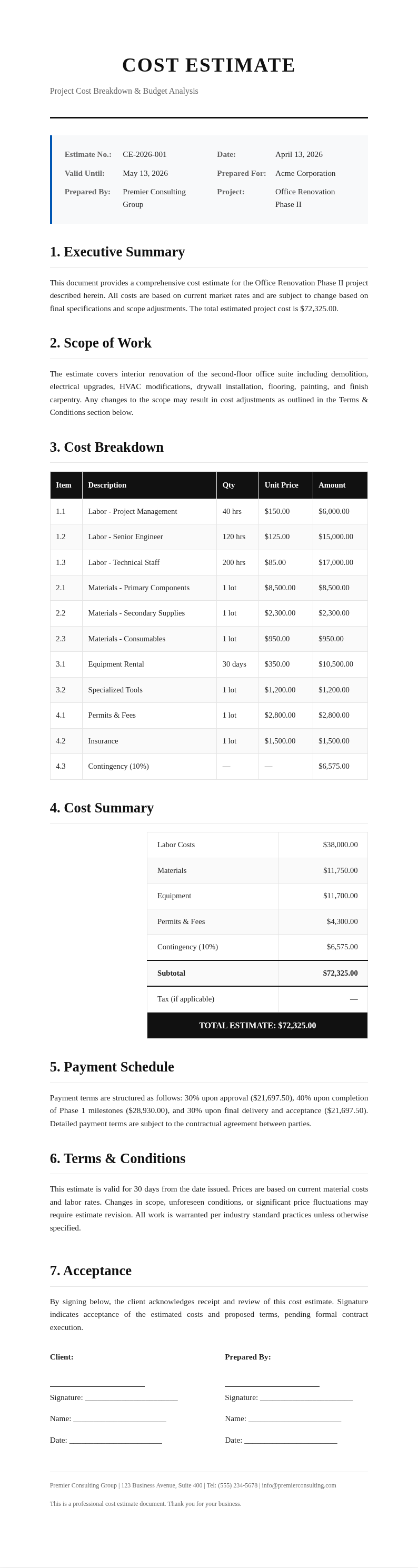
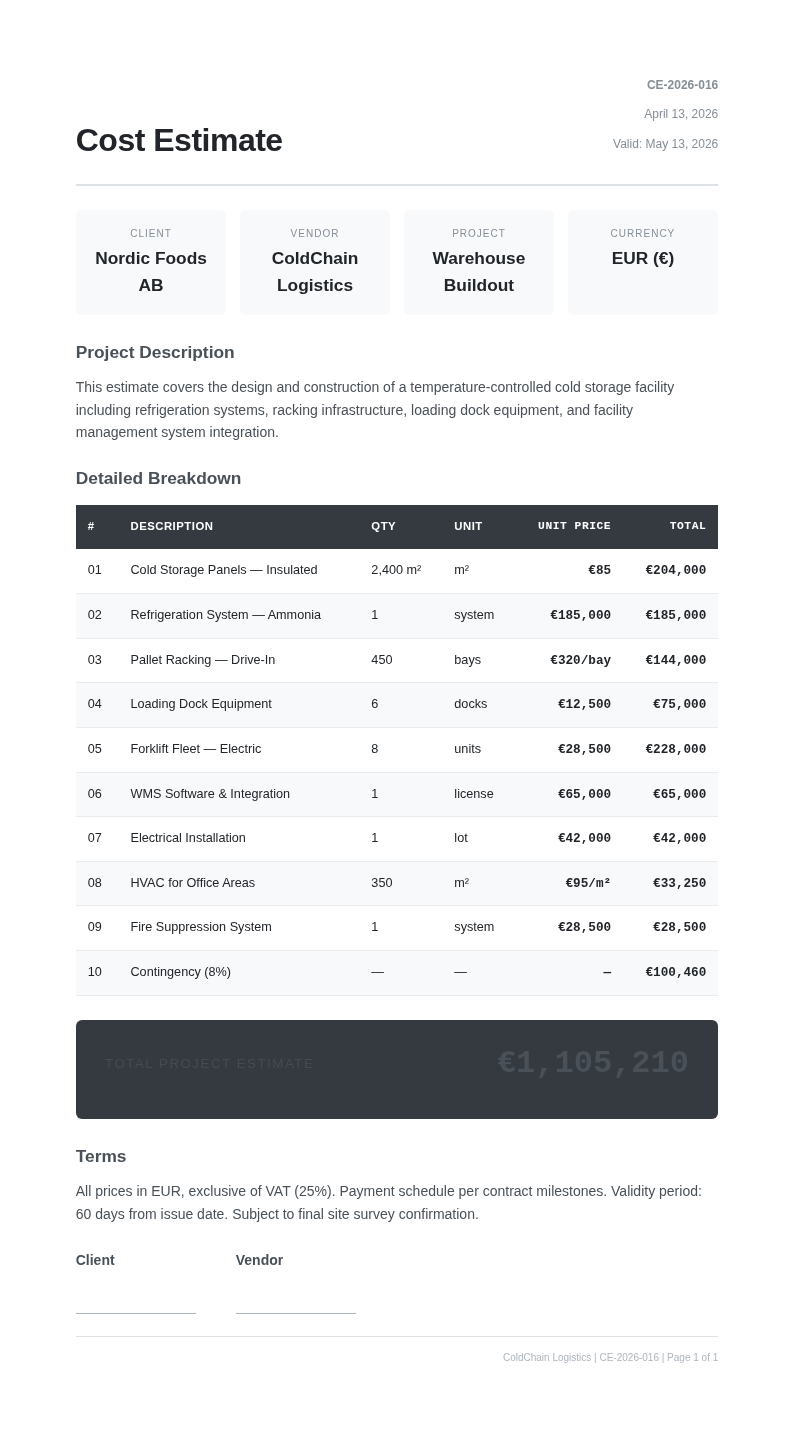
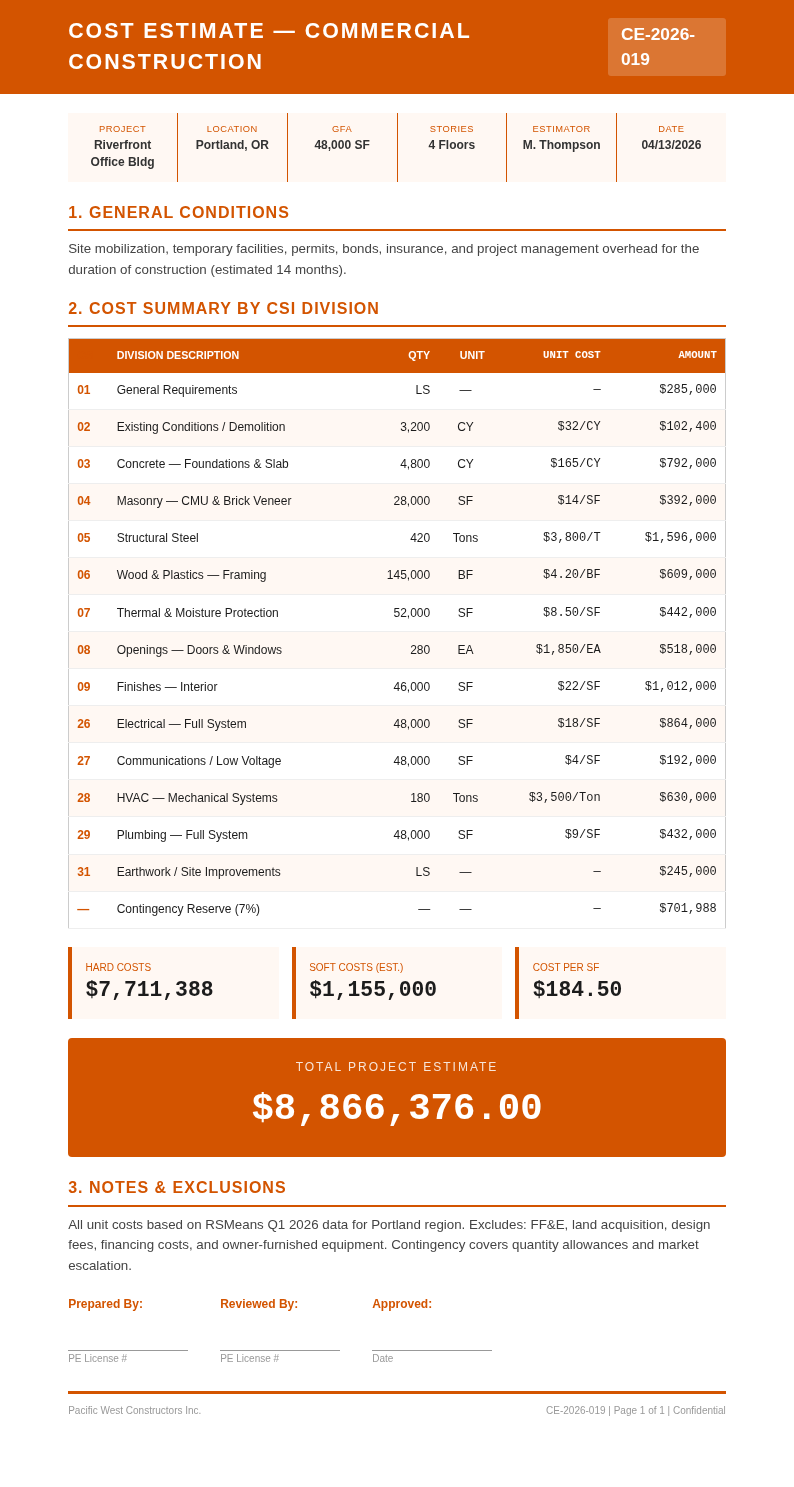
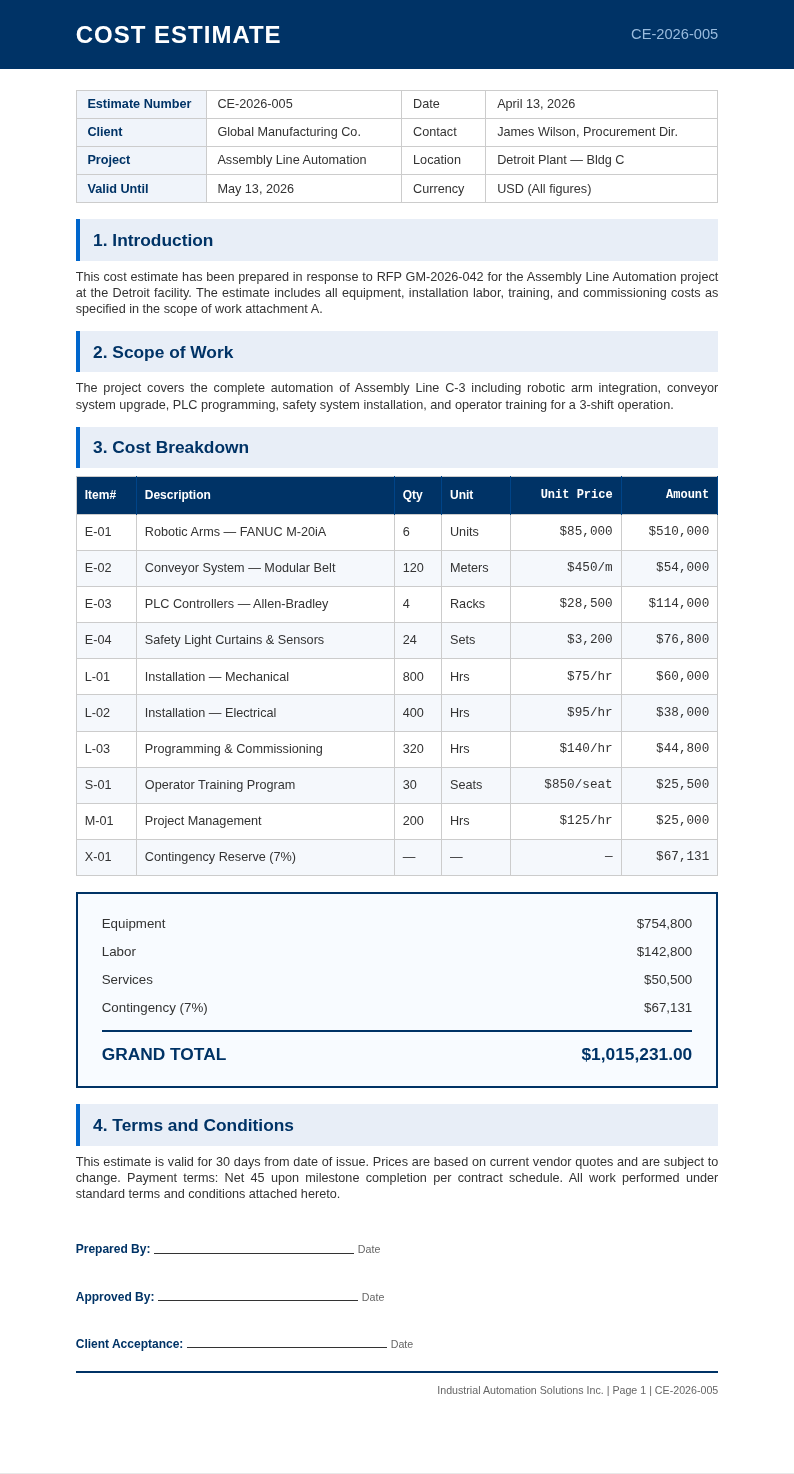
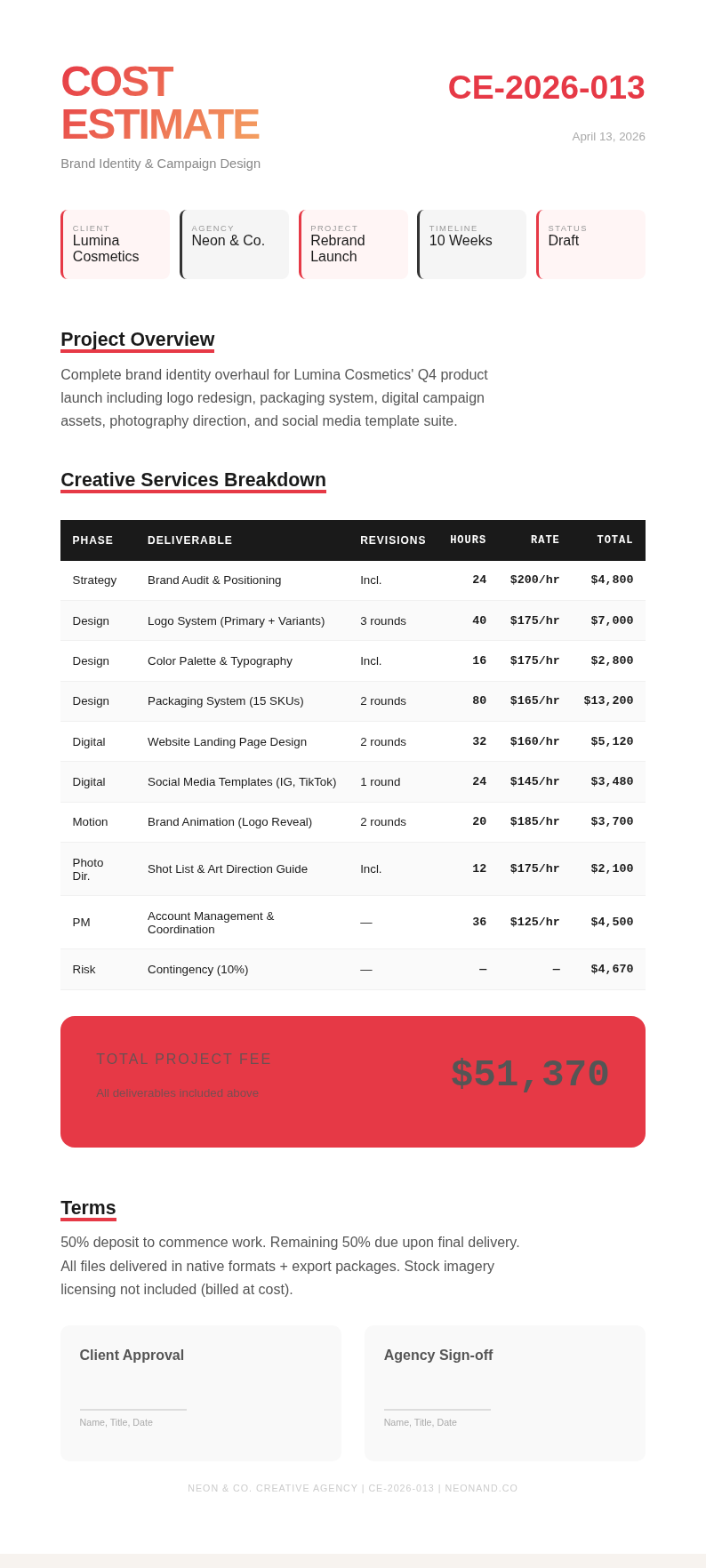
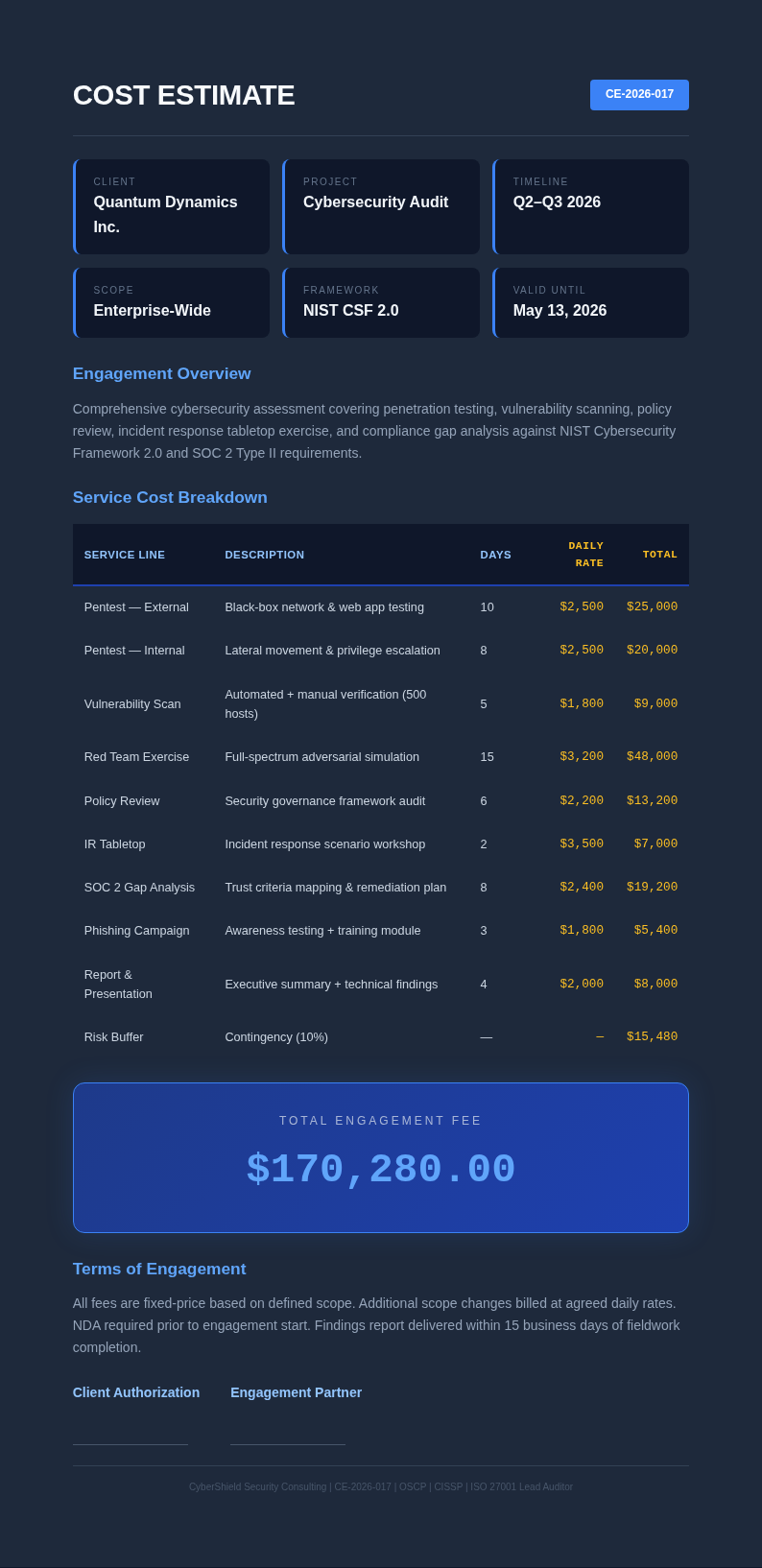
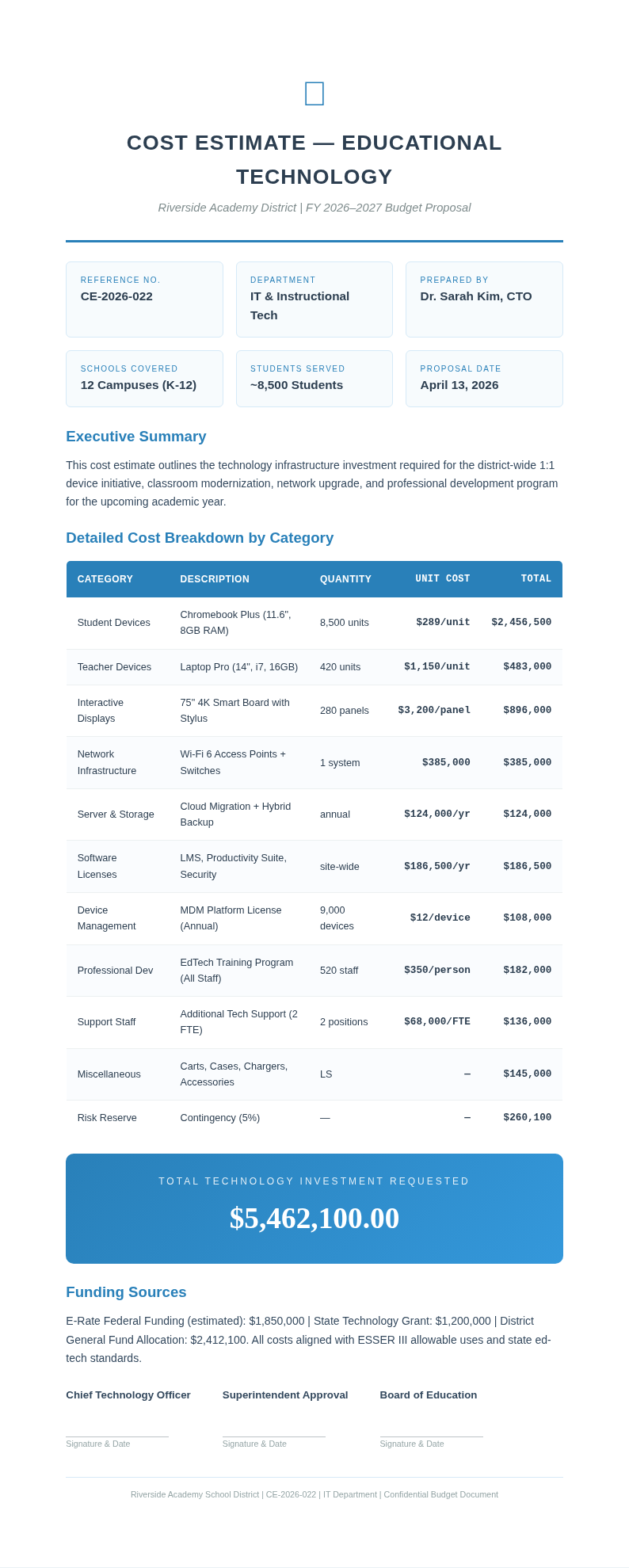
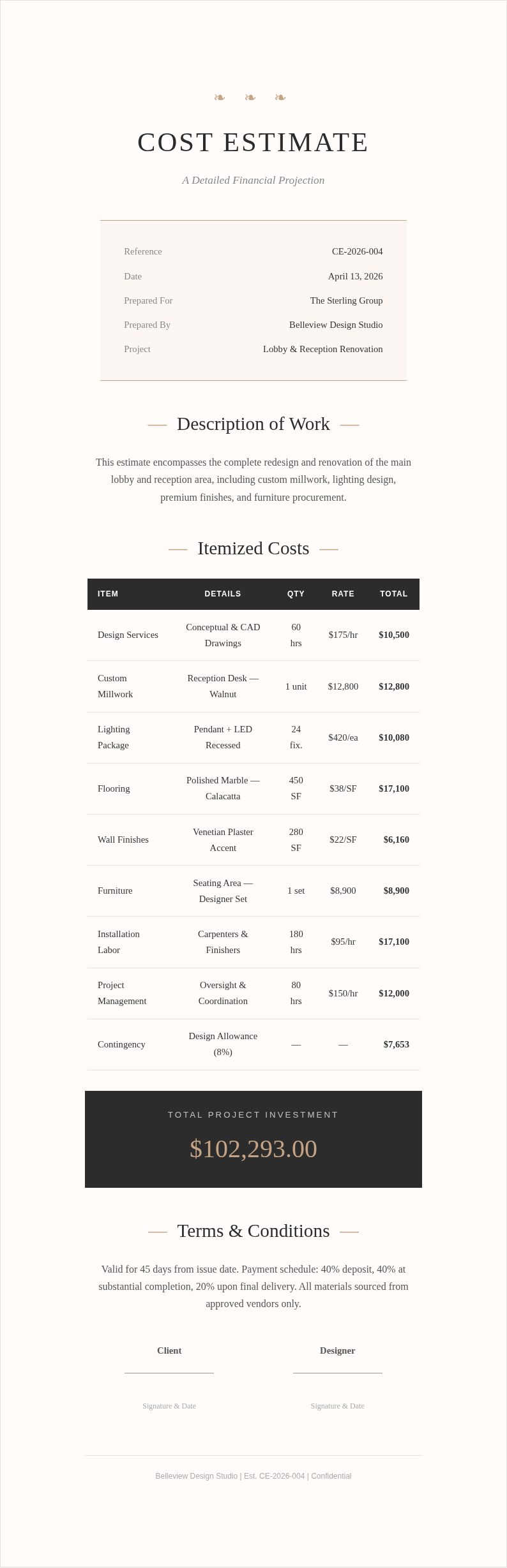
Explore Professional Cost Estimate Templates
Need a starting point? Browse our collection of pre-made templates.
Frequently Asked Questions
Helpful information about using our project pricing tool to create accurate and professional estimates for any type of work.
- What is a cost estimate generator?
- A cost estimate generator is an online tool that helps you build a detailed, professional estimate for any type of project in a matter of minutes. It provides structured templates with sections for materials, labor, and other expenses, automatically calculating totals so you can focus on getting the numbers right and presenting them clearly to your clients rather than spending time on formatting and layout.
- Is the cost estimate generator free to use?
- Yes, the tool is completely free to use with no subscriptions, hidden fees, or account requirements of any kind. You can create, edit, and download as many estimates as you need without any limitations. It is designed to be accessible to contractors, freelancers, and businesses of all sizes who need professional-looking project pricing documents without any financial barrier whatsoever.
- How long does it take to create an estimate with the cost estimate generator?
- Most users complete an estimate in ten to twenty minutes, depending on the number of line items they need to enter for their project. Because the platform handles the formatting and calculations automatically, you spend less time on layout and more time ensuring your pricing is accurate and competitive for your specific market and client requirements.
- Can I import data from Excel into the cost estimate generator?
- Yes, the tool supports importing data from spreadsheet files including Excel and Google Sheets formats. If you already have your line items organized in a spreadsheet, you can upload the file and the platform will populate the relevant fields automatically, saving you from retyping every single entry manually into the system and reducing the risk of data entry errors.
- Does the cost estimate generator calculate tax and contingency?
- Yes, the platform includes fields for tax rates and contingency percentages that are calculated automatically based on your subtotal amounts. You can set custom tax rates and contingency amounts to match the specific requirements of your project and local regulations without any manual math needed, ensuring your final numbers are accurate and complete every time.
- Can I add my company branding to the cost estimate generator output?
- Absolutely, you can upload your company logo and customize the colors to match your brand identity perfectly. The tool will apply your branding consistently across the entire document, giving your estimate a professional and cohesive appearance that reinforces your business identity with every client interaction and helps build trust and recognition over time.
- What file formats does the cost estimate generator support for export?
- You can download your finished estimate as a PDF, PNG, or DOCX file depending on your specific needs. PDF is ideal for sharing with clients as-is because the formatting stays consistent, while DOCX allows further editing in Microsoft Word. The platform produces clean, well-formatted files in all three supported export formats for maximum flexibility.
- Can I use the cost estimate generator for residential construction?
- Yes, the tool works well for residential construction projects including home renovations, remodeling jobs, and new builds of all sizes. It includes templates with relevant categories for building materials, subcontractor labor, permits, and inspection fees that are commonly needed when pricing residential construction work for homeowners and property investors alike.
- Is my data secure in the cost estimate generator?
- We prioritize your privacy and data security at every level of our platform. The tool processes your data securely and does not store your project information on our servers after your session ends. Your estimates remain completely private and are only accessible to you during your active browser session, giving you full control over your sensitive pricing data at all times.
- Can I save an estimate and come back to edit it later?
- You can download your estimate and re-import it into the tool to continue editing at a later time whenever it is convenient for you. This workflow lets you save your progress by keeping the downloaded file on your computer, then resume refining the pricing document whenever you are ready to make updates or revisions without losing any of the work you already completed.
- Who should use the cost estimate generator?
- The tool is ideal for general contractors, specialty tradespeople, freelancers, consultants, event planners, and any professional who needs to present project pricing to clients in a clear and organized format. It adapts to many industries and project types with its flexible template system that accommodates virtually any pricing structure you might need for your work.
- What makes this cost estimate generator different from spreadsheet-based estimating?
- Unlike spreadsheets, this tool produces a polished, client-ready document with professional formatting, automatic calculations, and easy export options built right in. It eliminates the need to design your own layout from scratch and ensures consistent branding and structure every single time you create a new estimate for a project, saving you significant time and effort.
Create Your Cost Estimate Now
Use our free tool to build a professional project estimate in minutes. No sign-up required, just enter your data and download.
No credit card required • AI formatter tools included • Instant formatting