Write the Perfect Formal Letter in Minutes
Skip the formatting guesswork. The builder sets up the salutation, body, and closing so your correspondence reads professional from the first line, and every convention from dates to signature blocks lands exactly where business standards expect it.
How to Create a Formal Letter Online
Enter Your Details
Start by telling the formal letter generator who you are writing to and why: a complaint, a request, a resignation, or an inquiry. Add the recipient's name and address, and your own contact details, so the heading and inside address are complete before you write a word.
Choose a Template
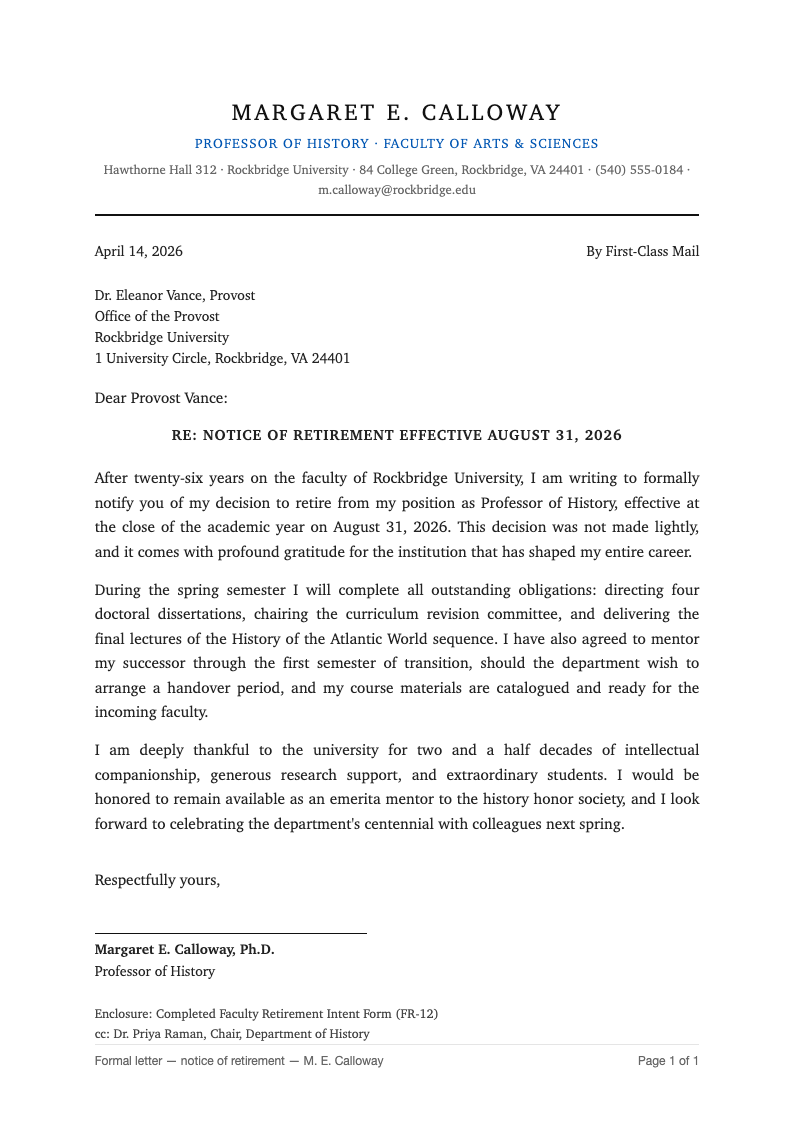
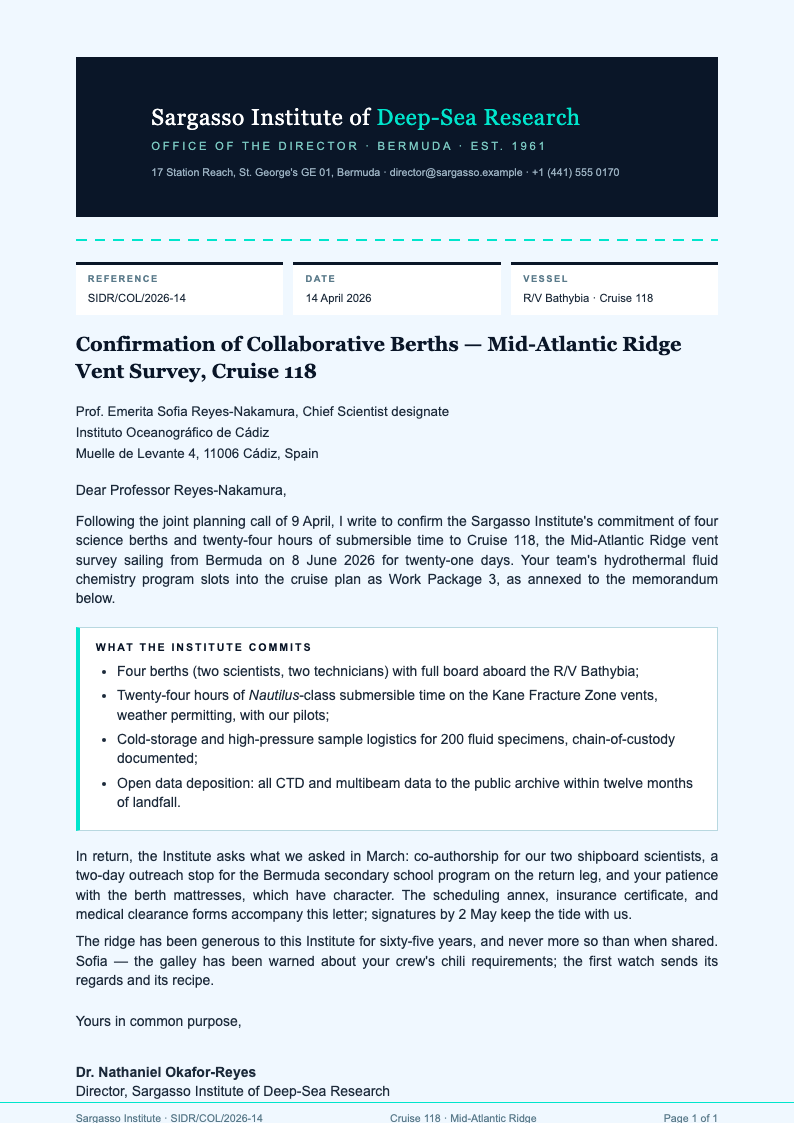
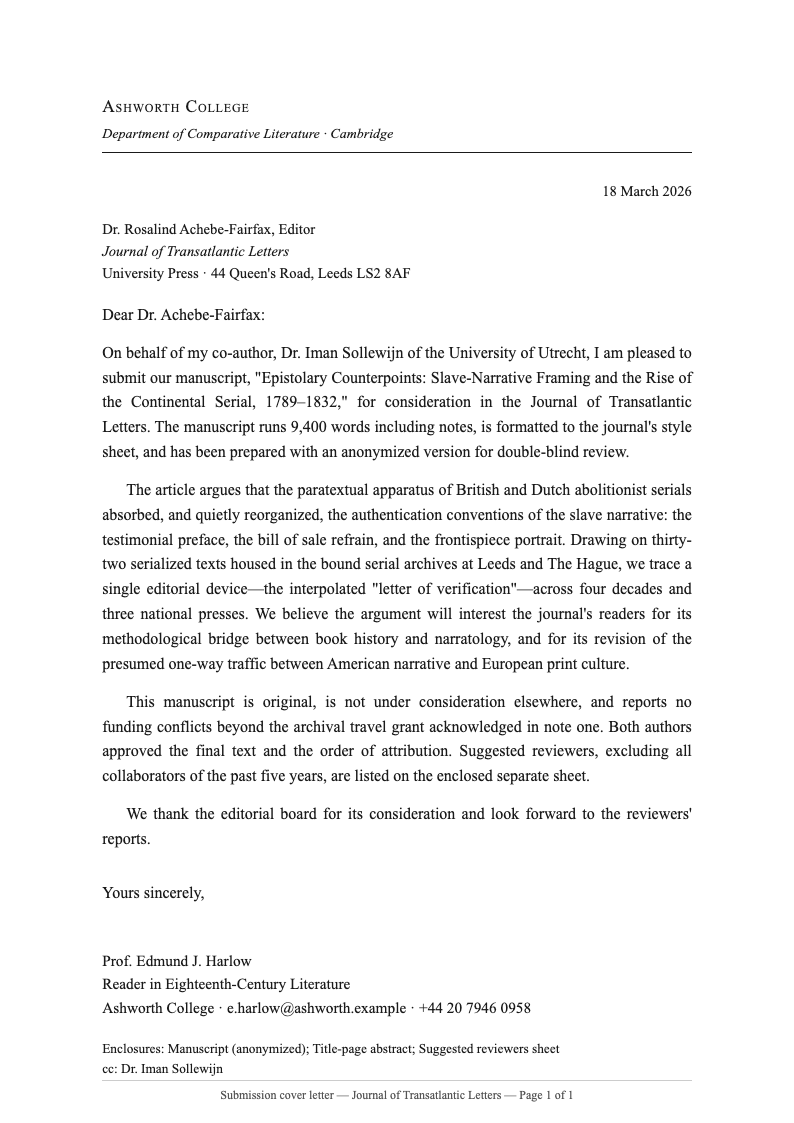
Pick from block, modified block, or semi-block layouts in the formal letter generator. Each template arrives with correct date placement, salutation punctuation, and closing alignment, so the page follows business conventions without you measuring a single margin.
Refine the Wording
Edit the body paragraphs while the layout engine keeps the structure intact. Aim for three or four short paragraphs: state your purpose, give the background, and close with a clear request. The editor highlights vague phrases and repeated words, keeping the letter crisp.
Download and Send
Export the finished letter as a PDF or Word document, at least two copies if one is for your records. Print it on plain white paper, sign above your typed name, and mail it or attach it to an email with the file named clearly for the recipient.
Start From Your Notes
Paste a rough draft or a few bullet points and the formal letter generator organizes them into a proper structure, from the inside address to the final signature line.
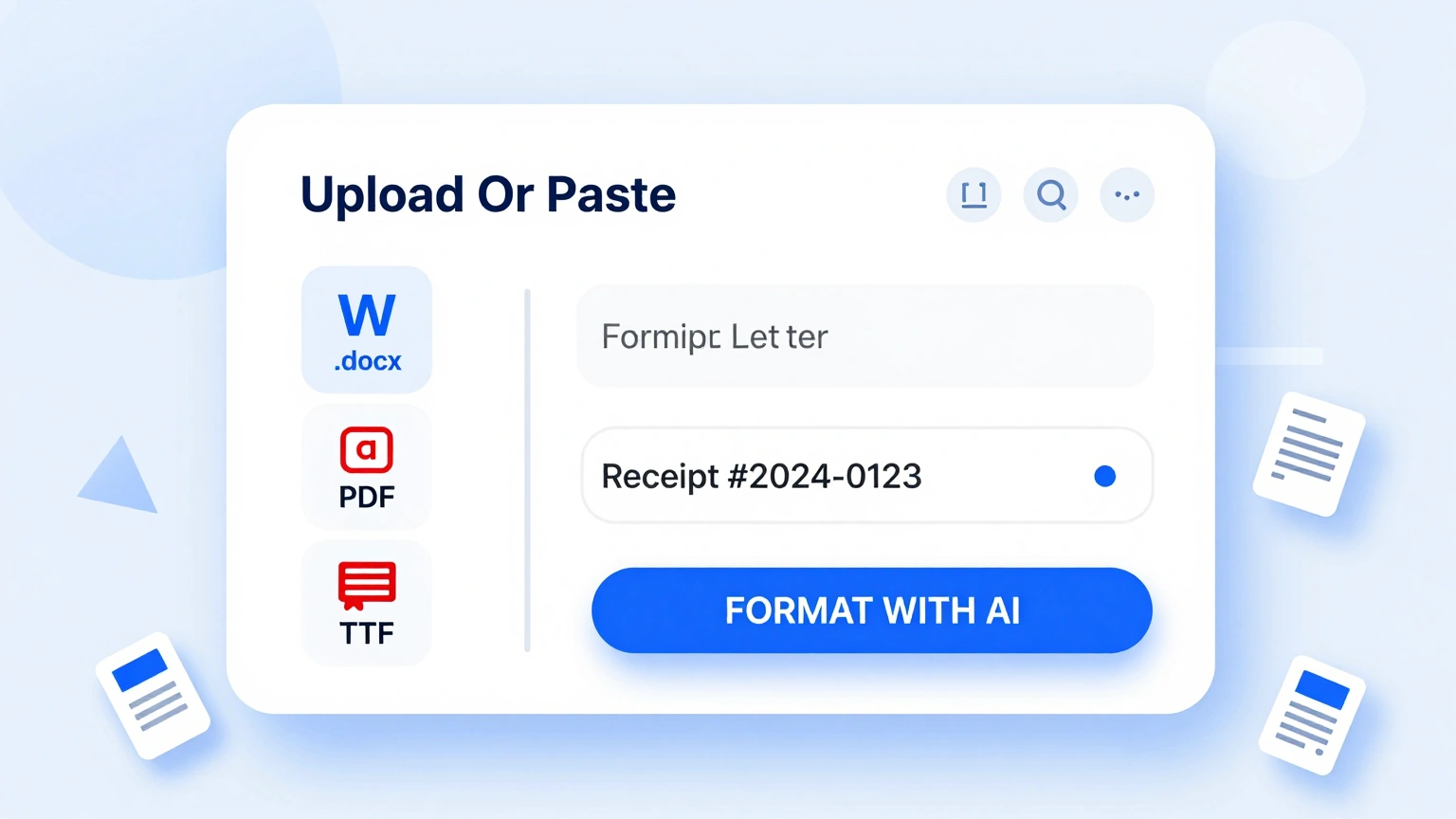
Professional Templates
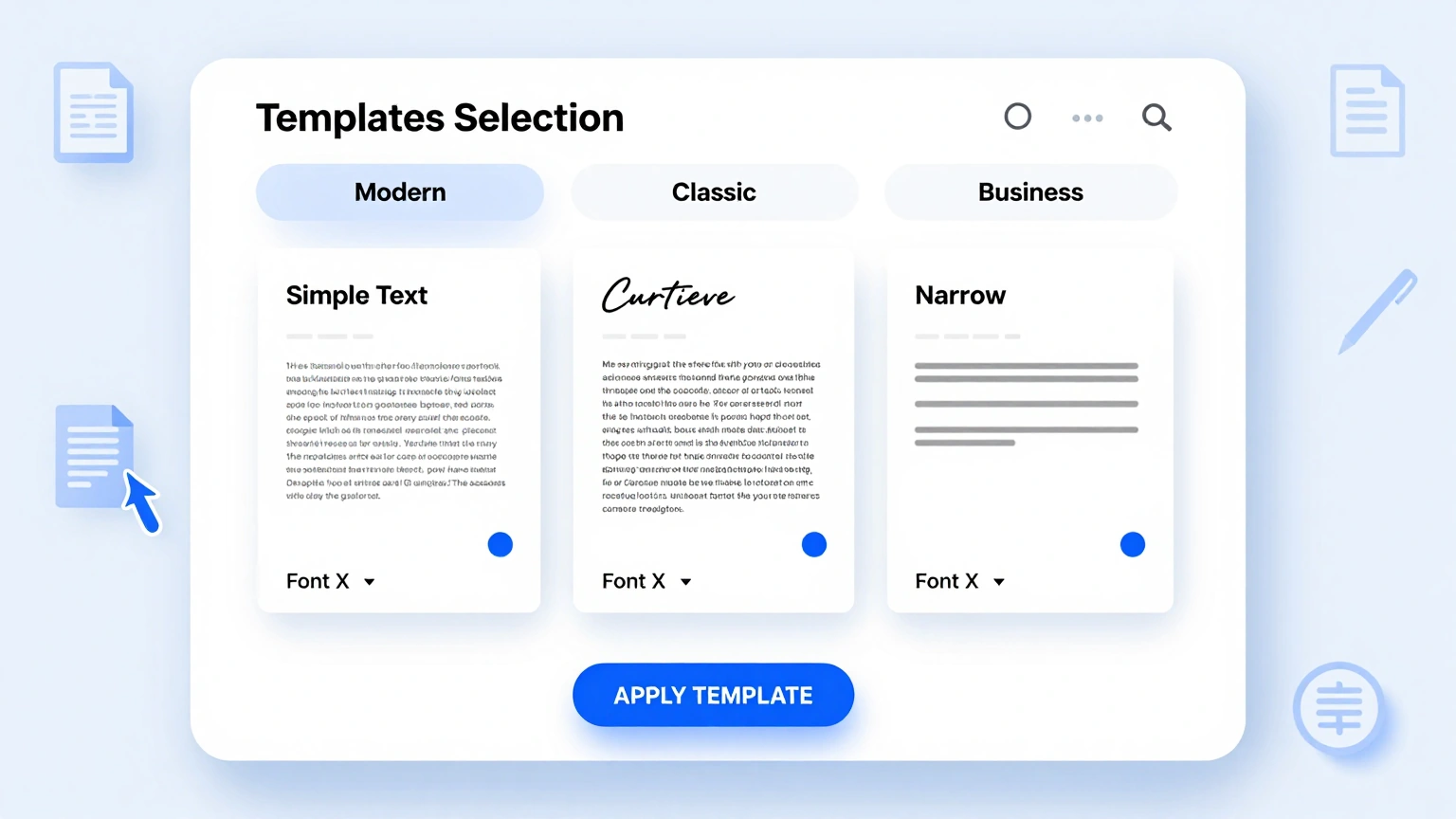
Choose from block, modified block, and semi-block formal letter templates; the formal letter generator applies spacing, dates, and recipient blocks for each automatically.
Edit Online
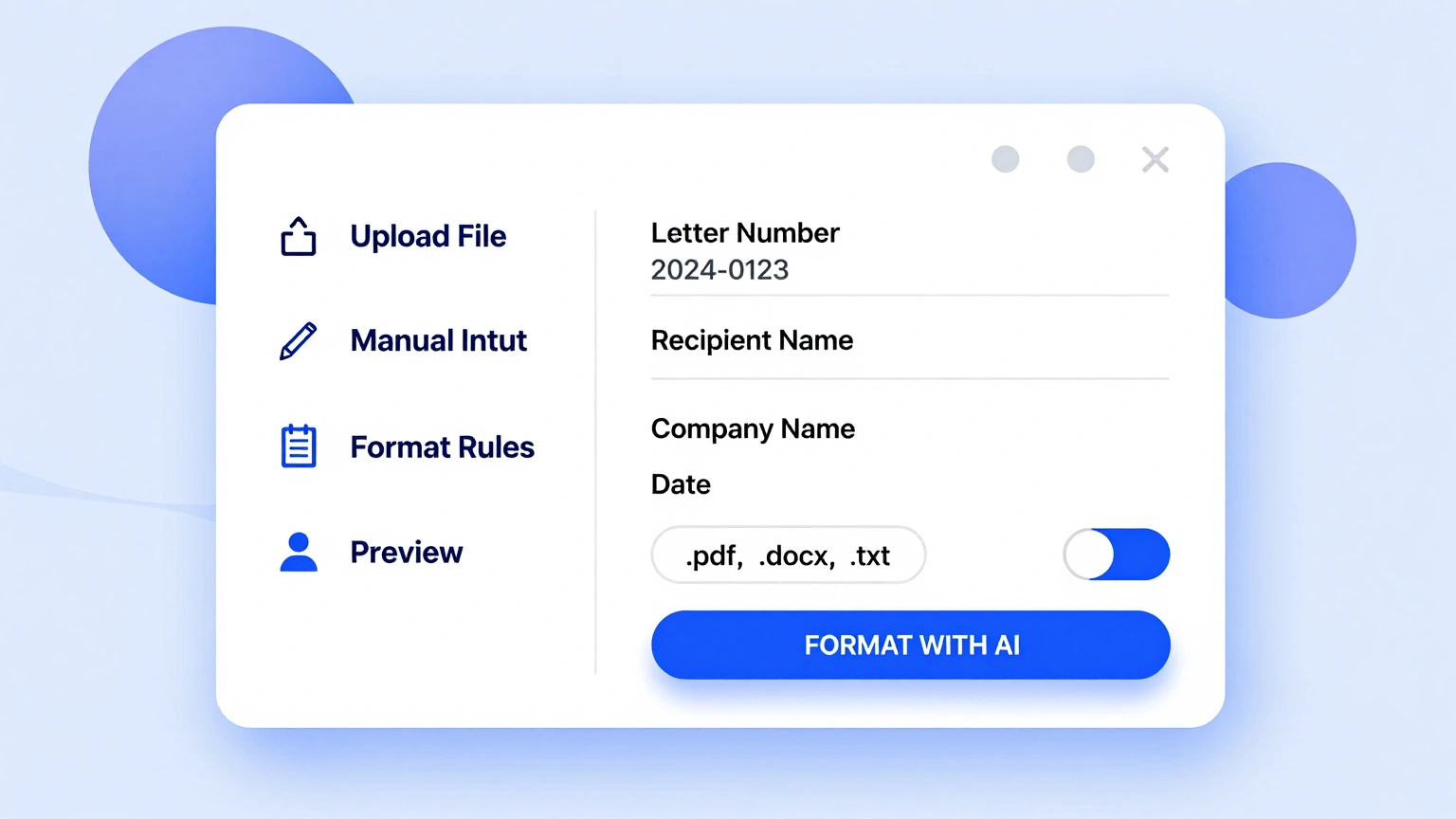
Adjust tone, swap salutations, and refine wording in the formal letter generator editor while the layout engine keeps margins, fonts, and paragraph rules intact for a clean business page.
Download & Share
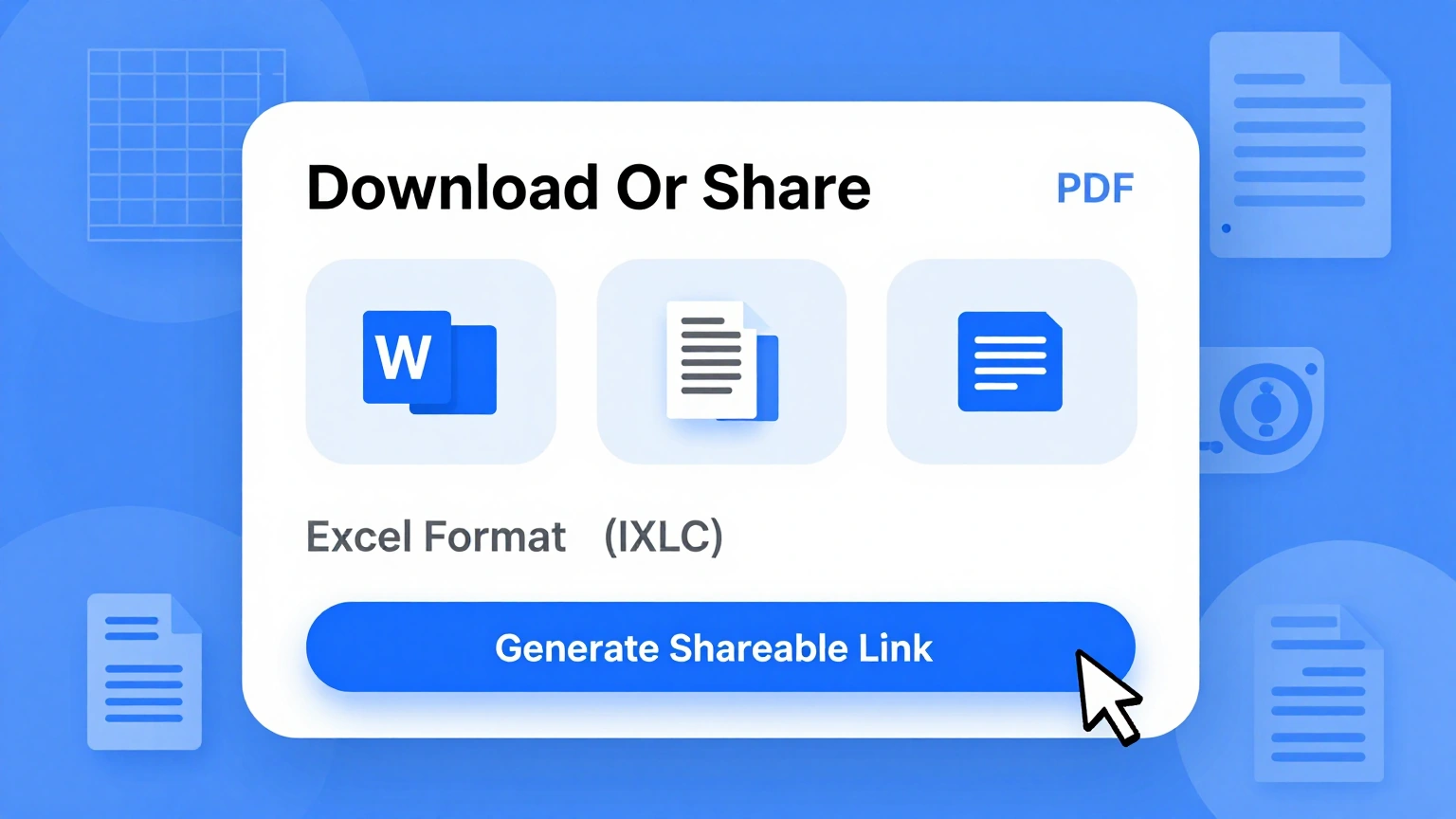
Export your finished formal letter as a PDF or Word file, ready to print, sign, and send without a single formatting fix afterward. The formal letter generator keeps a copy-free, watermark-free page.
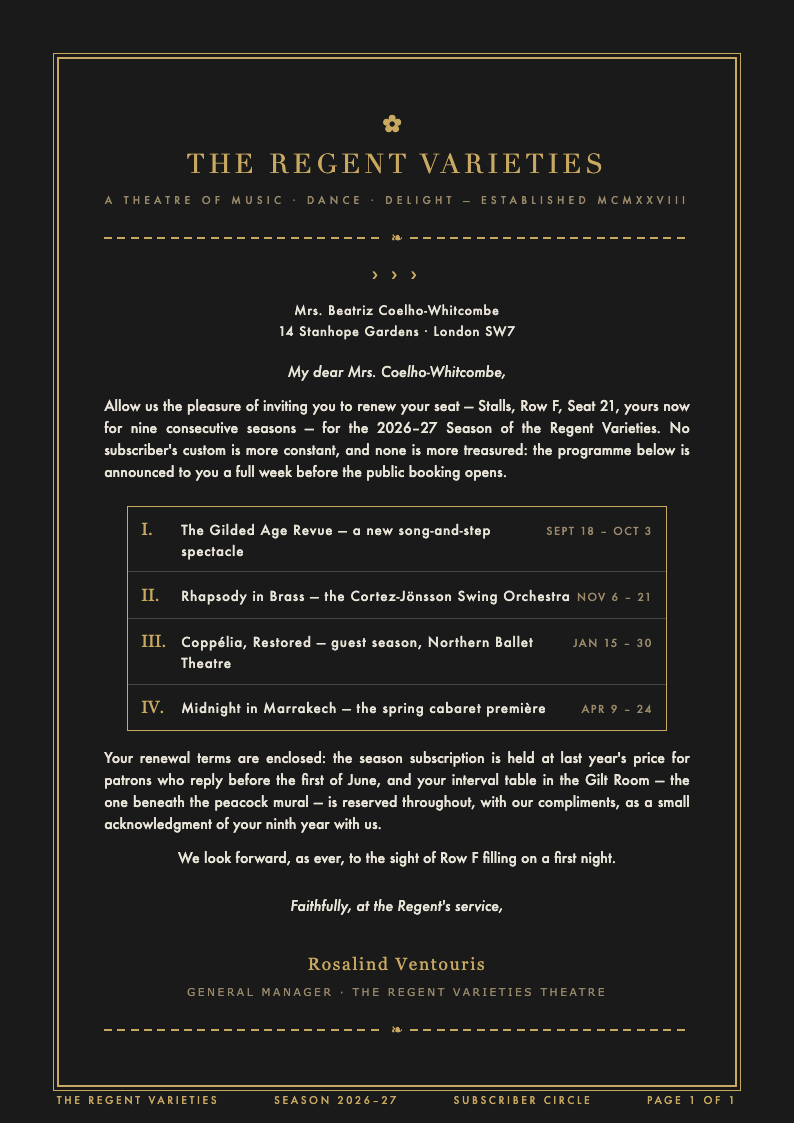
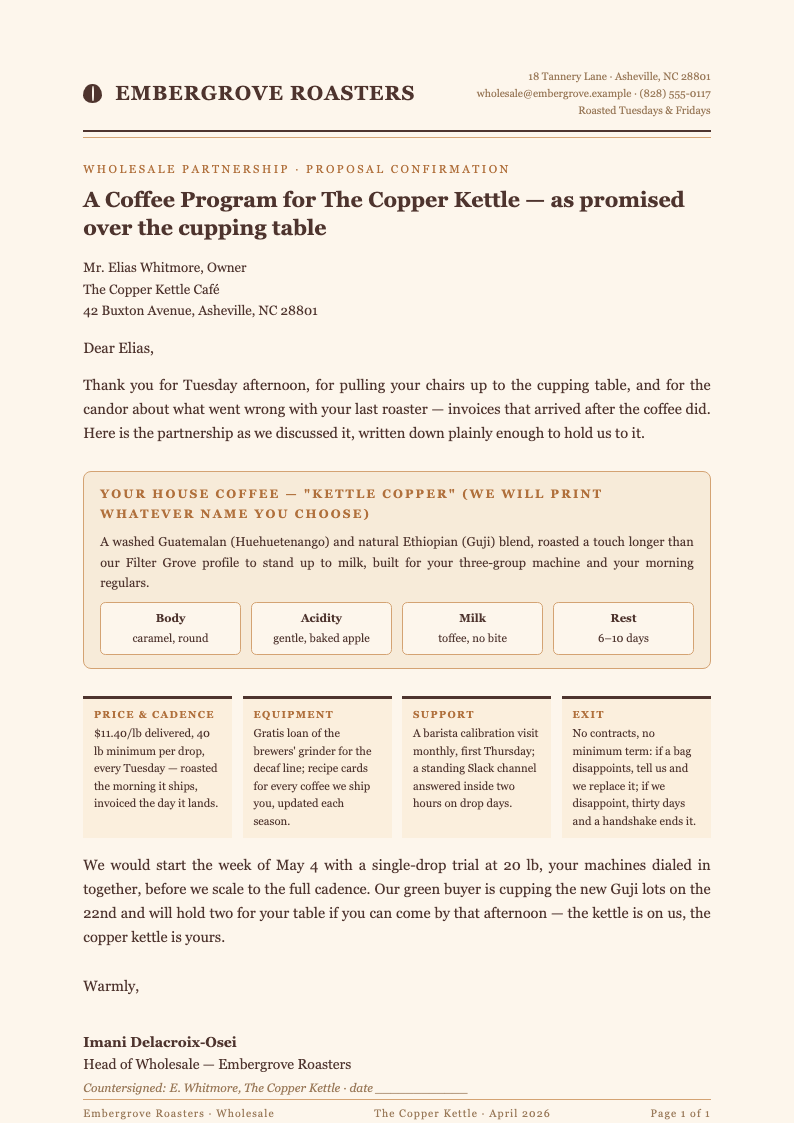
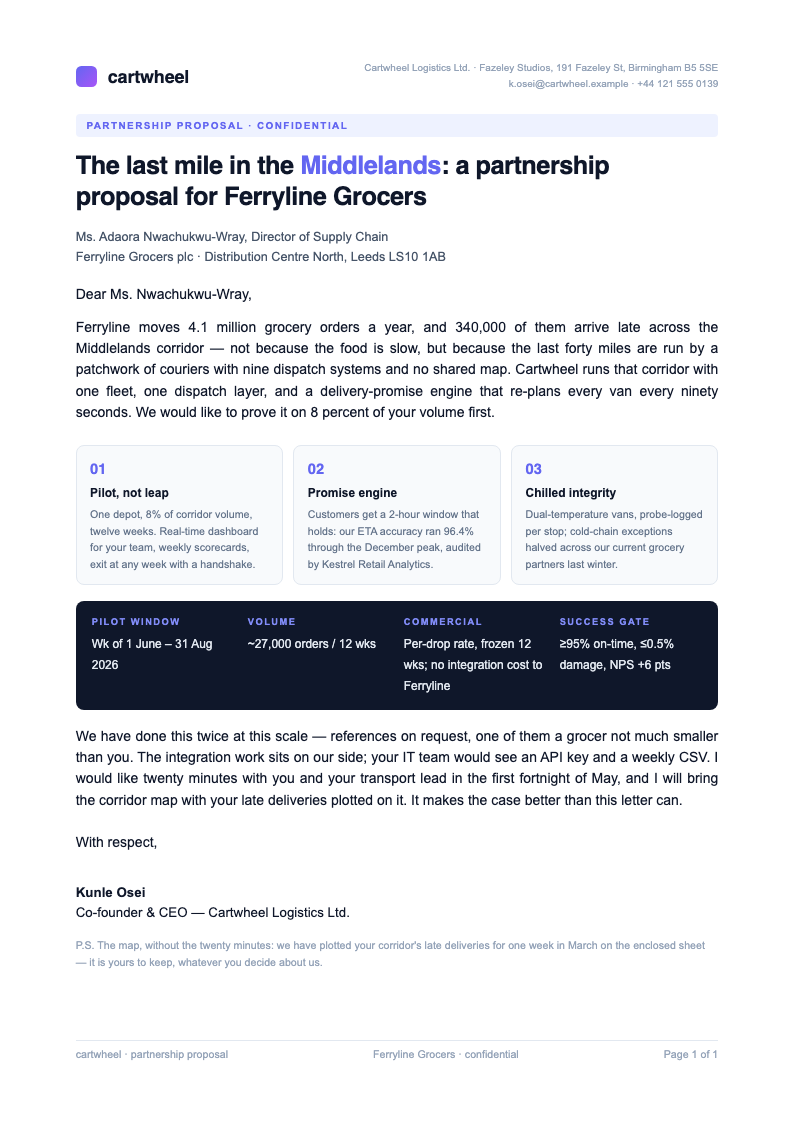
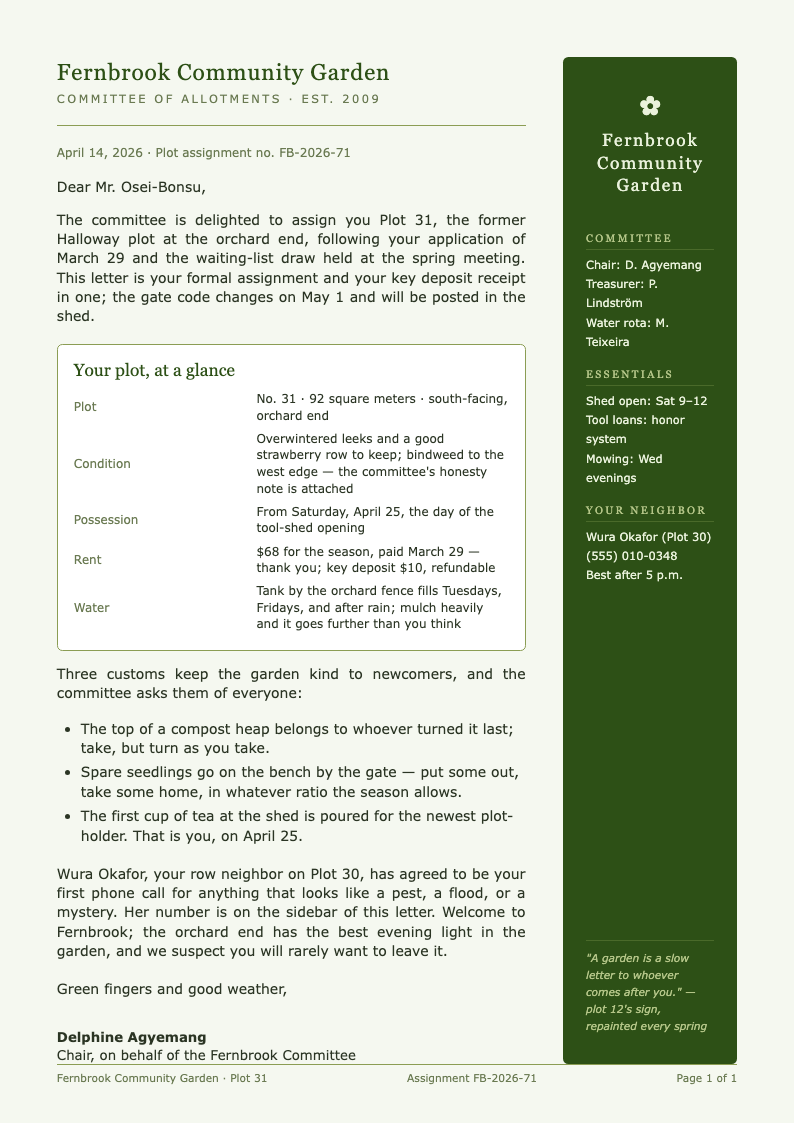
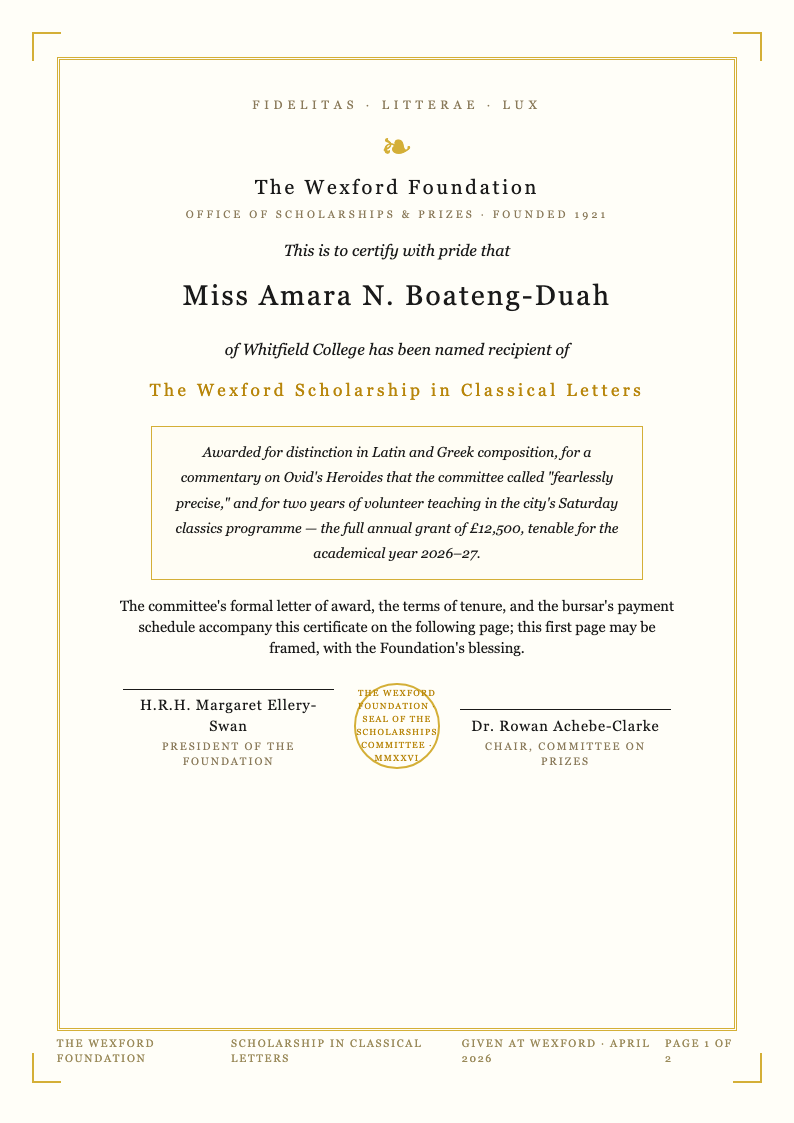
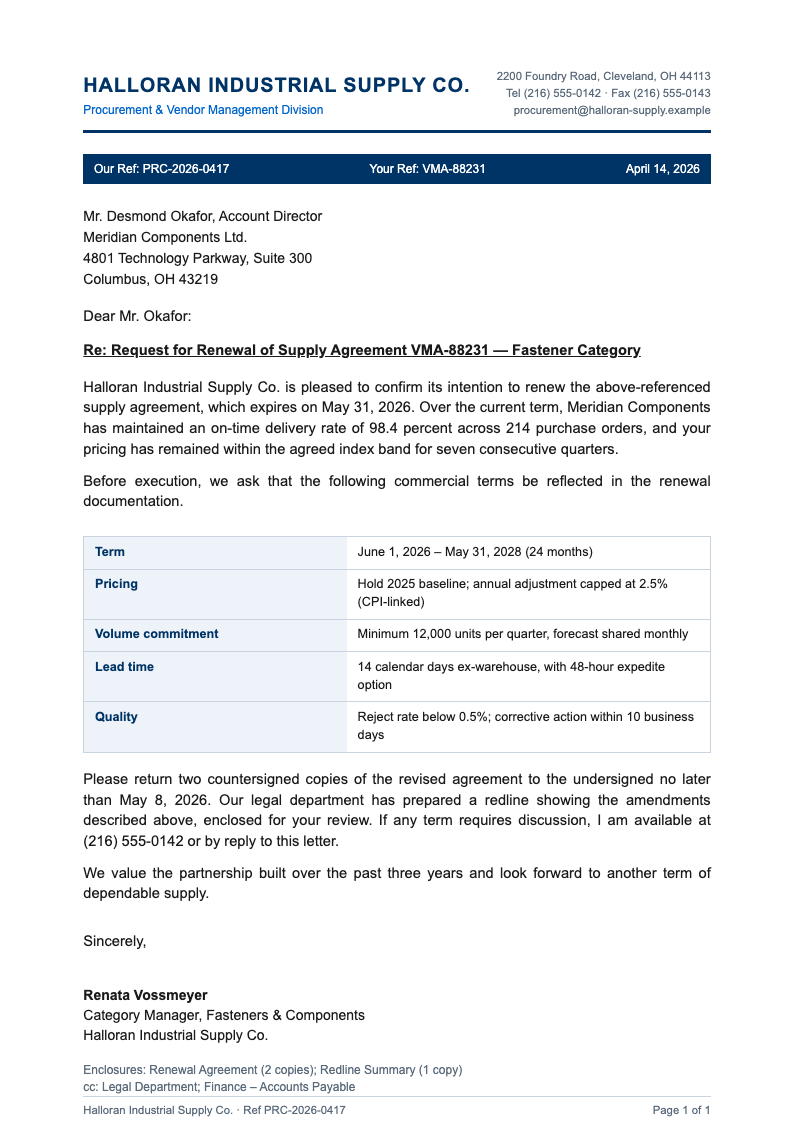
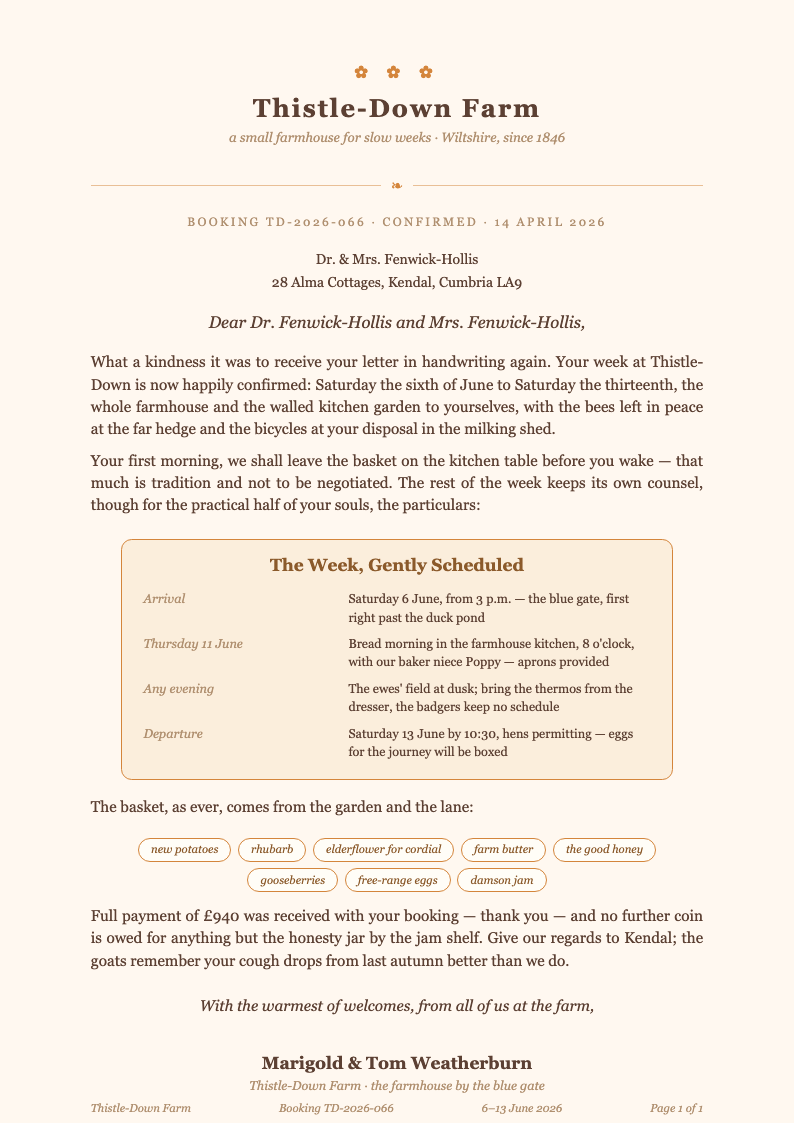
Explore Professional Formal Letter Templates
Prefer a starting point? Browse the full collection of formal letter templates for complaints, resignations, inquiries, and official requests.
Frequently Asked Questions
Quick answers about using the formal letter generator.
- Is the formal letter generator free to use?
- Yes. The formal letter generator is completely free for unlimited letters, with no account required and no watermarks on your downloads. You can draft, edit, and export as many formal letters as you need in a single session without paying anything, and every layout, closing style, and export format stays available whether you write one letter a year or one every morning. Every export is yours to keep.
- What is a formal letter?
- A formal letter is a written message for professional, official, or serious personal matters, following a fixed structure: your contact details, the date, the recipient's address, a salutation, a purposeful body, and a formal closing. The formal letter generator handles that structure so you can focus on what you want to say, not on margins and alignment.
- Which formal letter formats are supported?
- The formal letter generator supports all three standard formats: full block, where every line sits at the left margin; modified block, where the date and closing start near the center; and semi-block, which adds indented paragraphs. Each template applies spacing and alignment rules for its format automatically, so your page meets business conventions the moment you choose a layout, and you can switch formats later without starting over.
- Can I use it for a resignation or complaint letter?
- Absolutely. The formal letter generator includes starter language for resignations, complaints, refund requests, inquiries, recommendations, and apologies. Choose the scenario, and the editor suggests an opening line and a courteous closing so your message stays professional even when the subject is difficult. You can also soften or sharpen the suggested wording with one click until the tone matches your relationship with the reader, then reuse the draft for a second recipient.
- How long should a formal letter be?
- Most formal letters fit on one page: three or four short paragraphs, roughly 150 to 300 words. The formal letter generator keeps paragraphs separated and single-spaced, which helps you stay concise while covering purpose, background, and the action you are requesting. If your draft runs long, the editor shows a gentle warning so you can trim before printing, because a shorter letter is usually read faster.
- Does the formal letter generator work in British and American English?
- It does. The formal letter generator lets you set spelling conventions, date formats, and closing style, so it produces 'Dear Ms. Whitfield' with 'Sincerely' for American readers or 'Dear Ms Whitfield' with 'Yours sincerely' for British recipients without manual fixes. Switching conventions takes one setting, and every date, salutation, and signature block updates together instantly, keeping the whole page consistent.
- Can I add enclosures and carbon copies?
- Yes. The formal letter generator includes notations for enclosures, carbon copies, and reference lines. Add them at the end, and the tool formats each notation on its own line after your signature, exactly as business correspondence standards expect. If a recipient later asks whether attachments were included, your copy shows the complete record, so nothing is left to memory.
- Is my text stored on a server?
- No. Your draft lives only in your browser while you work, and every download is generated on demand in the editor. The formal letter generator does not file anything away on a server after you close the page, so confidential matters stay confidential even on a shared computer at the office or in a library. Clear your browser history and every trace disappears.
- Can I reuse a letter as a template?
- You can. Save any exported file and re-upload it later, and the formal letter generator will recognize the saved structure automatically, so you can swap names, dates, and whole paragraphs for a new occasion in just a few minutes. Many users keep one master letter per purpose and adapt it whenever a similar situation appears, which saves more time with every use.
- What file formats can I download?
- The formal letter generator exports PDF for printing and DOCX for further editing in Word or Google Docs. Both formats preserve fonts, margins, and spacing, so the printed page looks exactly like the preview you approved on screen. File names follow a clear pattern of recipient, date, and subject, which keeps your correspondence folder tidy over time, even after years of archiving.
- Do I need to know letter conventions to start?
- No. The formal letter generator builds in the conventions: the salutation matches the recipient, the closing matches the salutation, and a subject or reference line appears where your reader expects it. Guidance bubbles explain each part as you go, so the finished page teaches you the layout while you write it, not afterward, and your next letter needs no help at all.
- Can I write on letterhead?
- Yes. If you enable letterhead, the formal letter generator removes the sender block from the body and shifts the date below the letterhead, keeping margins balanced so the page still reads like standard business correspondence. You can also set a deeper top margin for pre-printed stationery, which keeps the first line of text clear of any logo or crest. The result prints cleanly on both plain and branded paper.
Write Your Formal Letter Now
Start with a template, keep your focus on the message, and let the editor handle every convention from salutation to signature. Your finished letter downloads in seconds, ready to print, sign, and send.
Free templates • AI-powered editing • No sign-up required