Generate Custom Recipes Instantly
Don't know what to cook? Use our AI-powered Recipe Generator to create step-by-step recipes based on the ingredients you already have in your kitchen.
How to Create a Recipe Online
Enter Your Ingredients
Start by entering the ingredients you have available into the this tool. You can list individual items, paste the contents of your fridge or pantry, or describe the type of dish you want to make.
Choose Cuisine and Style
Select your preferred cuisine type, dietary restrictions, and cooking method in the it. Whether you want a quick 30-minute dinner, a healthy low-calorie meal, or an indulgent weekend treat, the it adjusts the recipe to match your preferences and available time.
Review and Customize
Read through the generated recipe in the this tool and make any adjustments. Scale the serving size up or down, swap ingredients you do not like, add cooking tips you want to remember, and adjust seasoning levels to match your taste preferences.
Download Your Recipe
Download the finished recipe from the it as a PDF for printing or a Word file for further editing. Print the recipe for your kitchen binder, save it to your phone for easy access while cooking, or share it with friends who ask for your signature dish.
Import Data
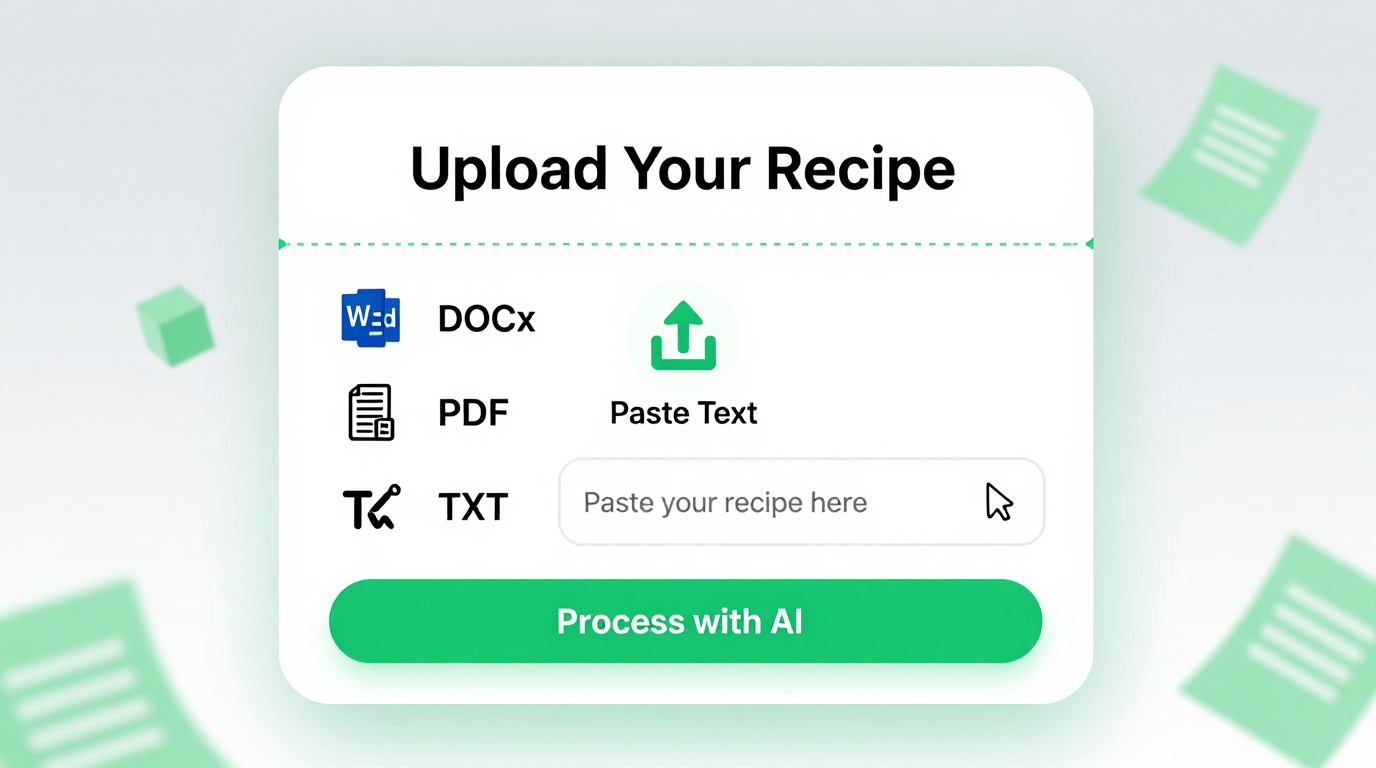
Paste a list of ingredients you have on hand directly into the the app. The tool analyzes your available items and creates a recipe that uses as many of your ingredients as possible, reducing food waste and saving you a trip to the grocery store.
Professional Templates
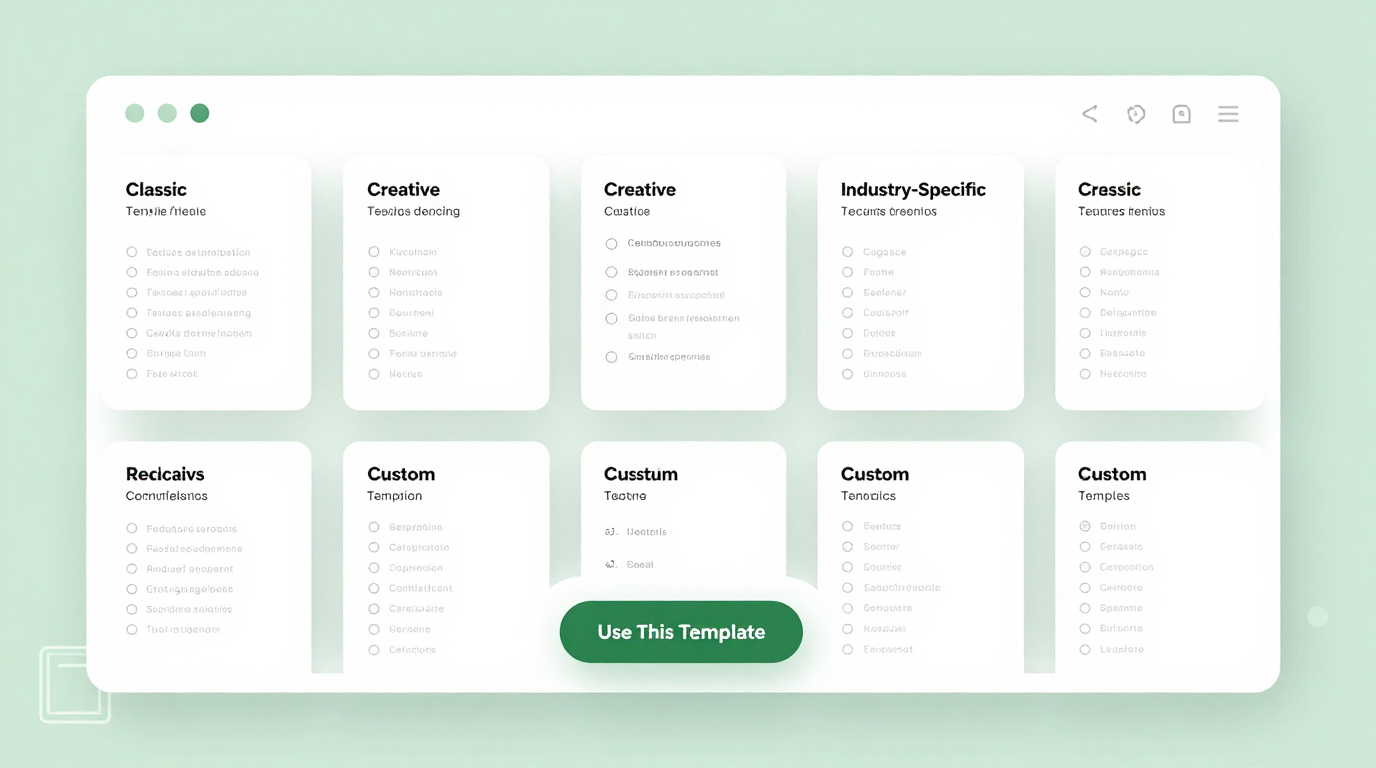
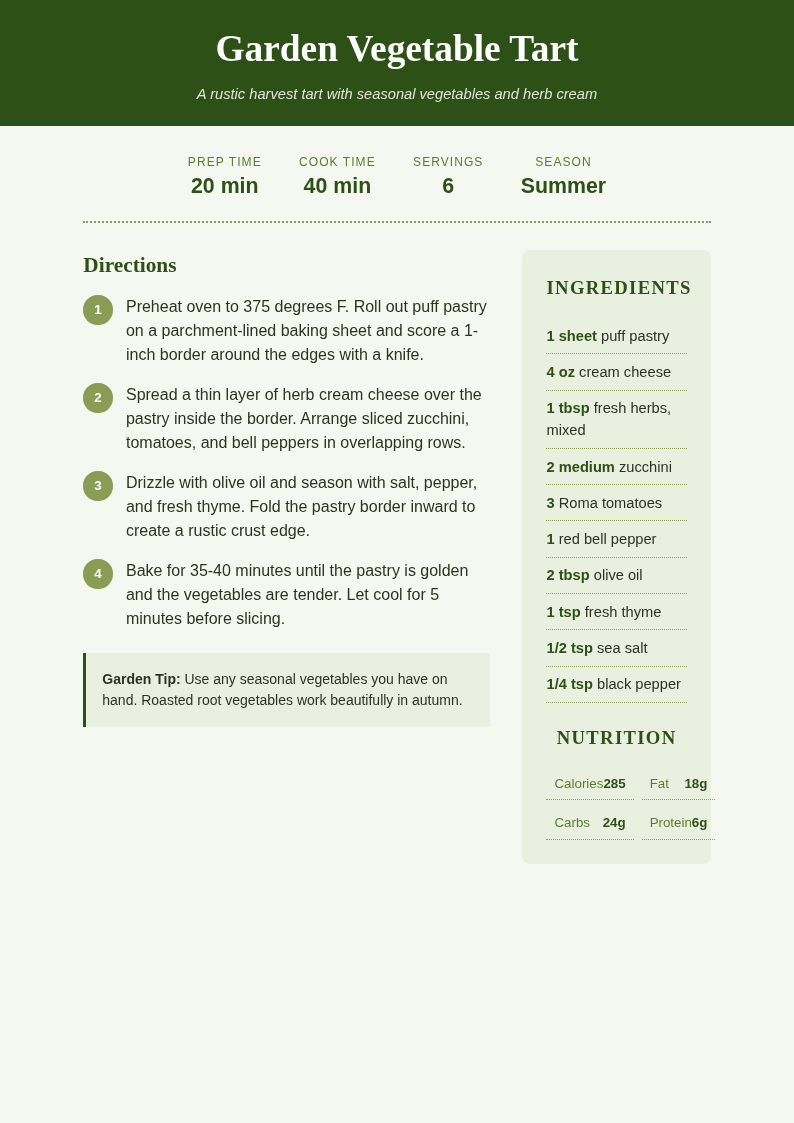
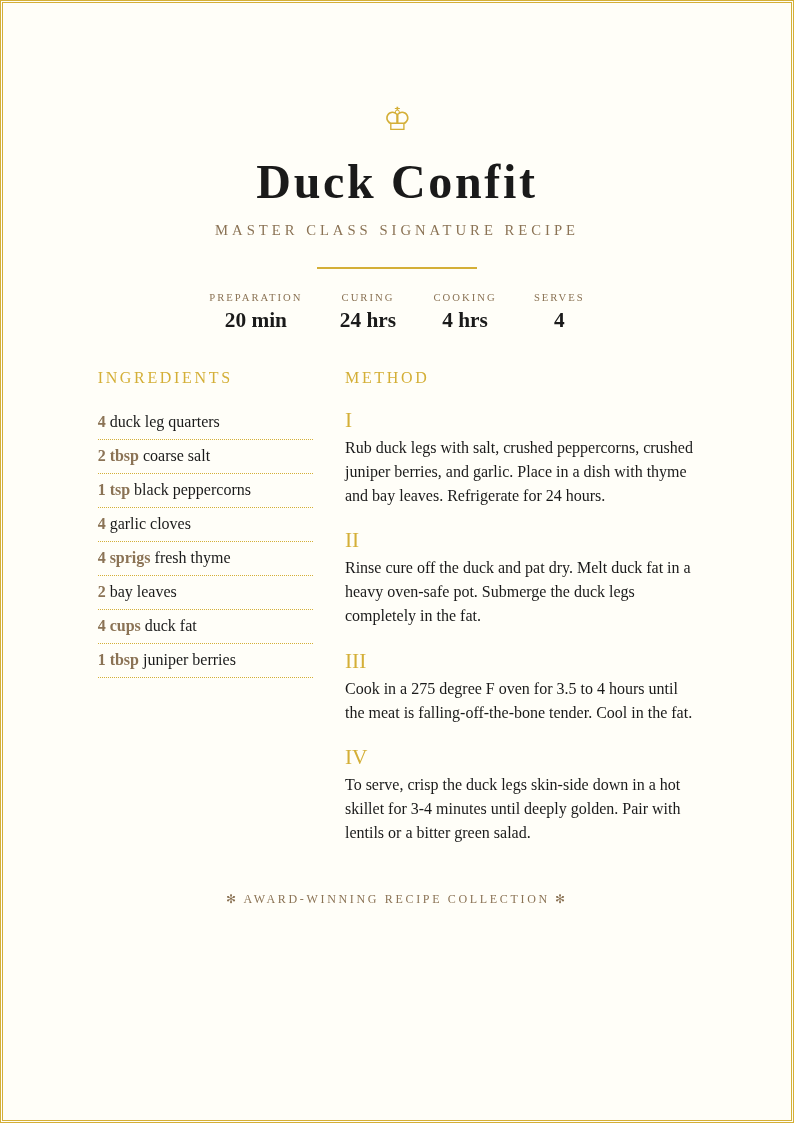
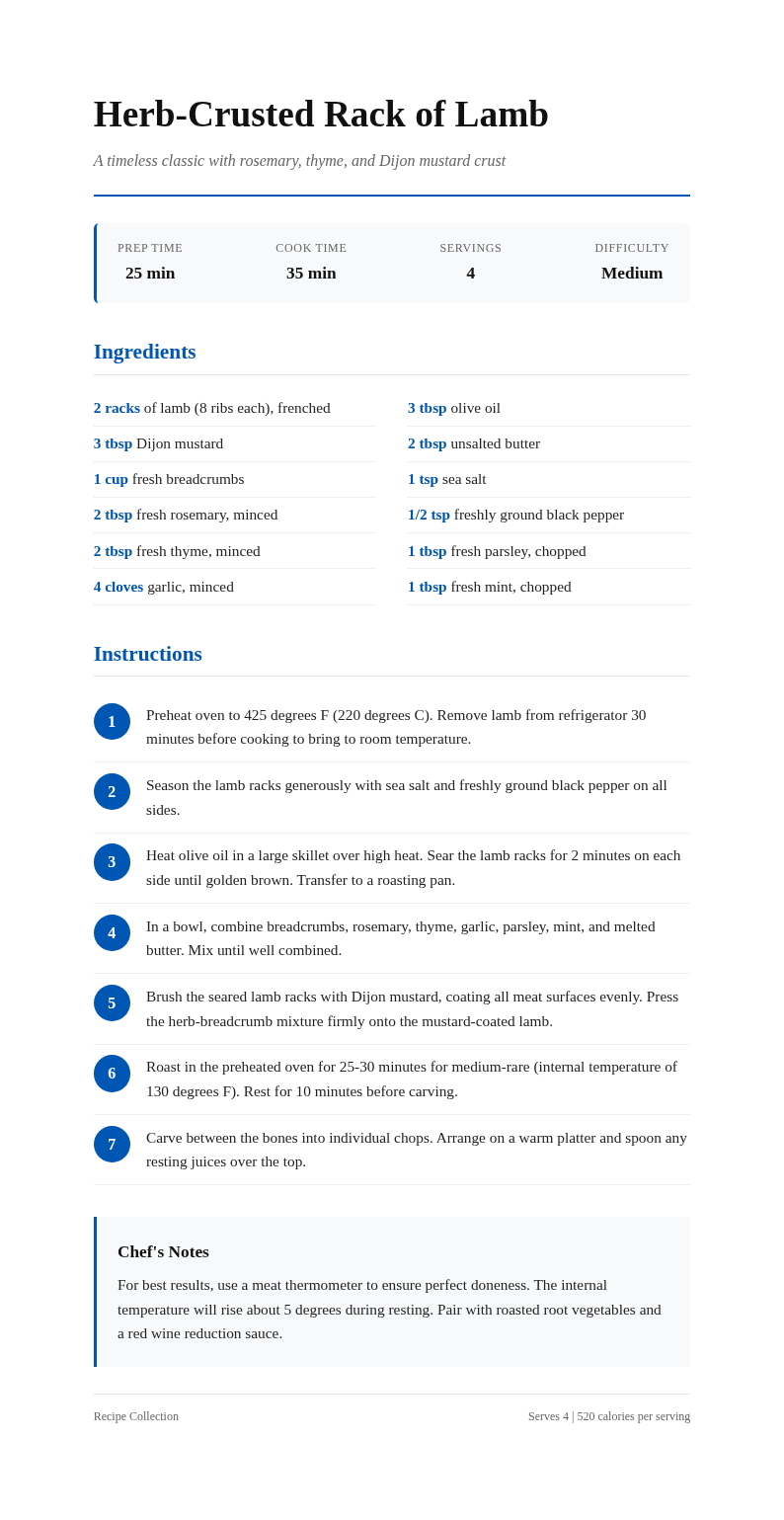
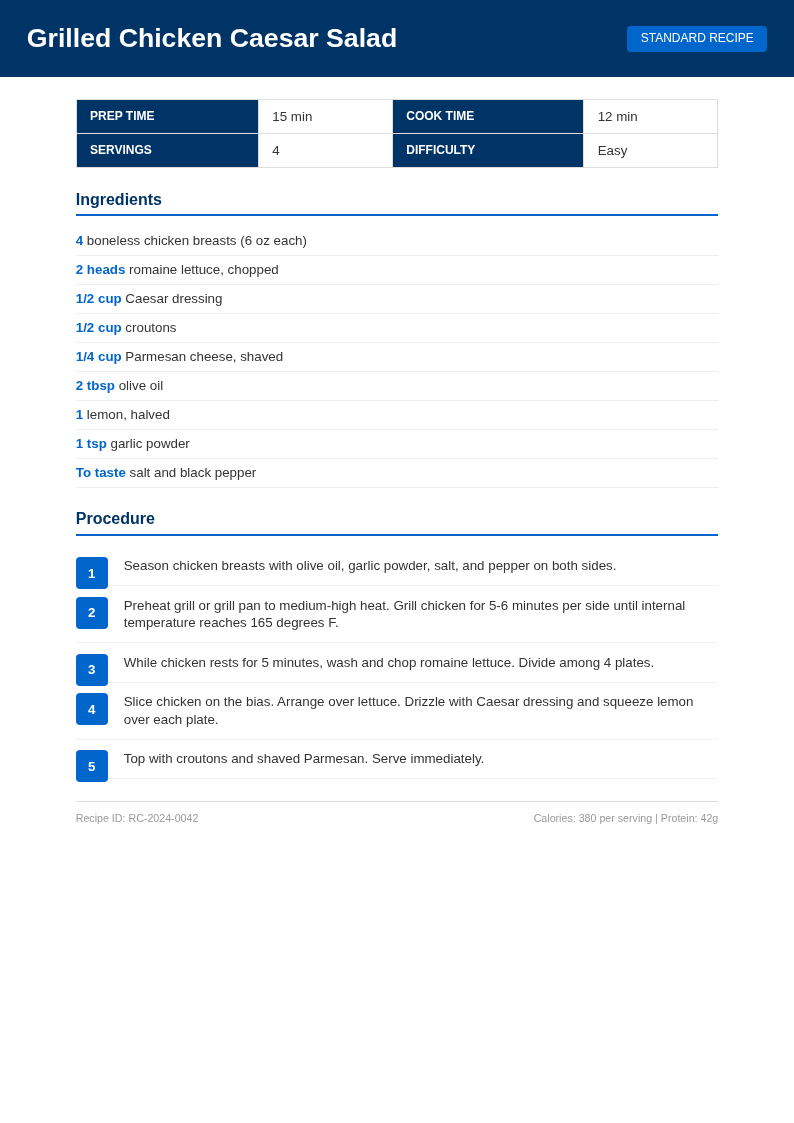
Select from recipe card, full-page, and cookbook-style formats in the our tool. Each template organizes ingredients, measurements, and step-by-step instructions into a clean layout that is easy to follow while cooking in the kitchen.
Edit Online
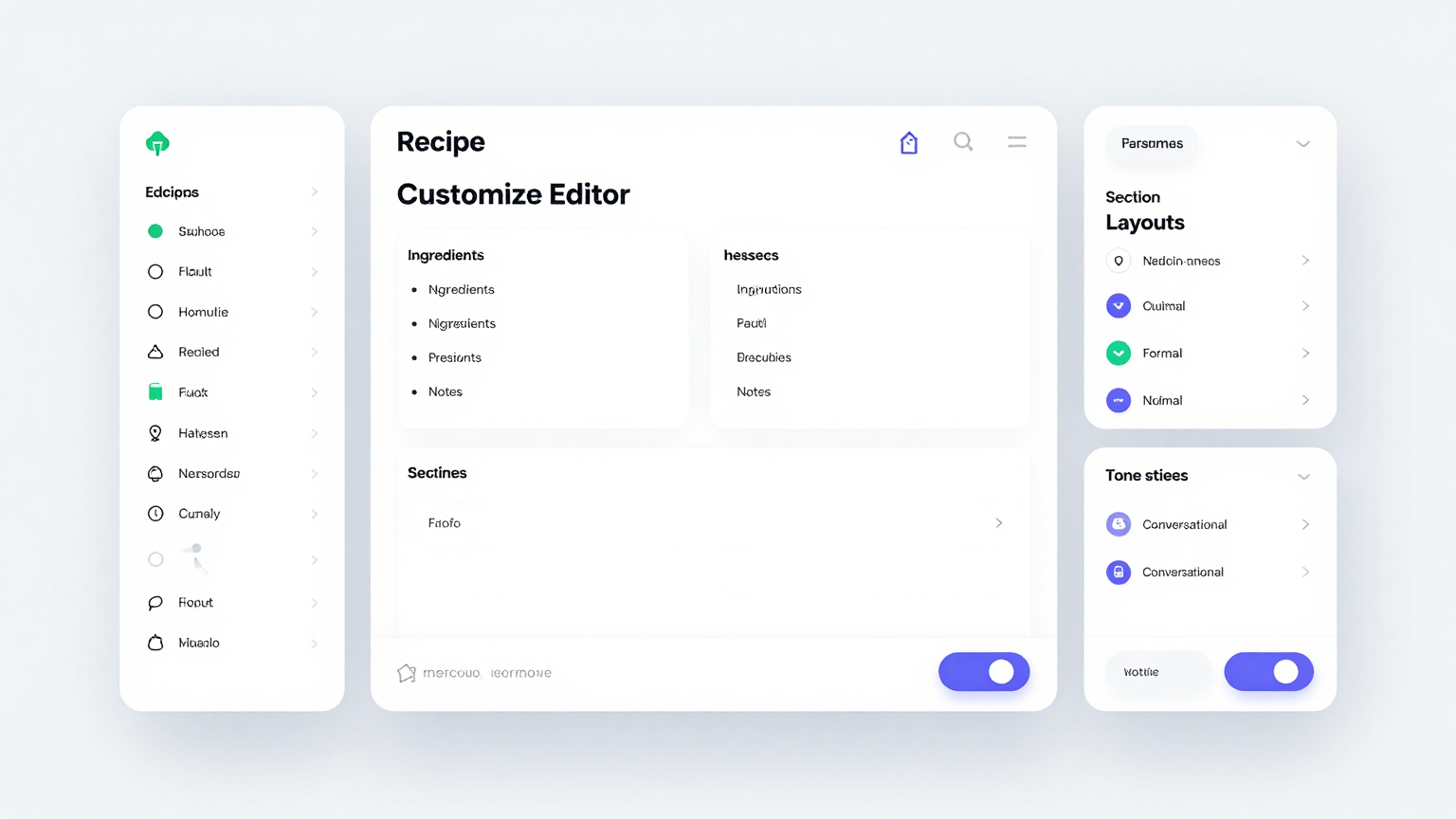
Fine-tune every detail in the our generator editor. Adjust ingredient quantities, modify cooking steps, add personal tips, change serving sizes, and include dietary labels until the recipe matches your taste and nutritional preferences.
Download & Share
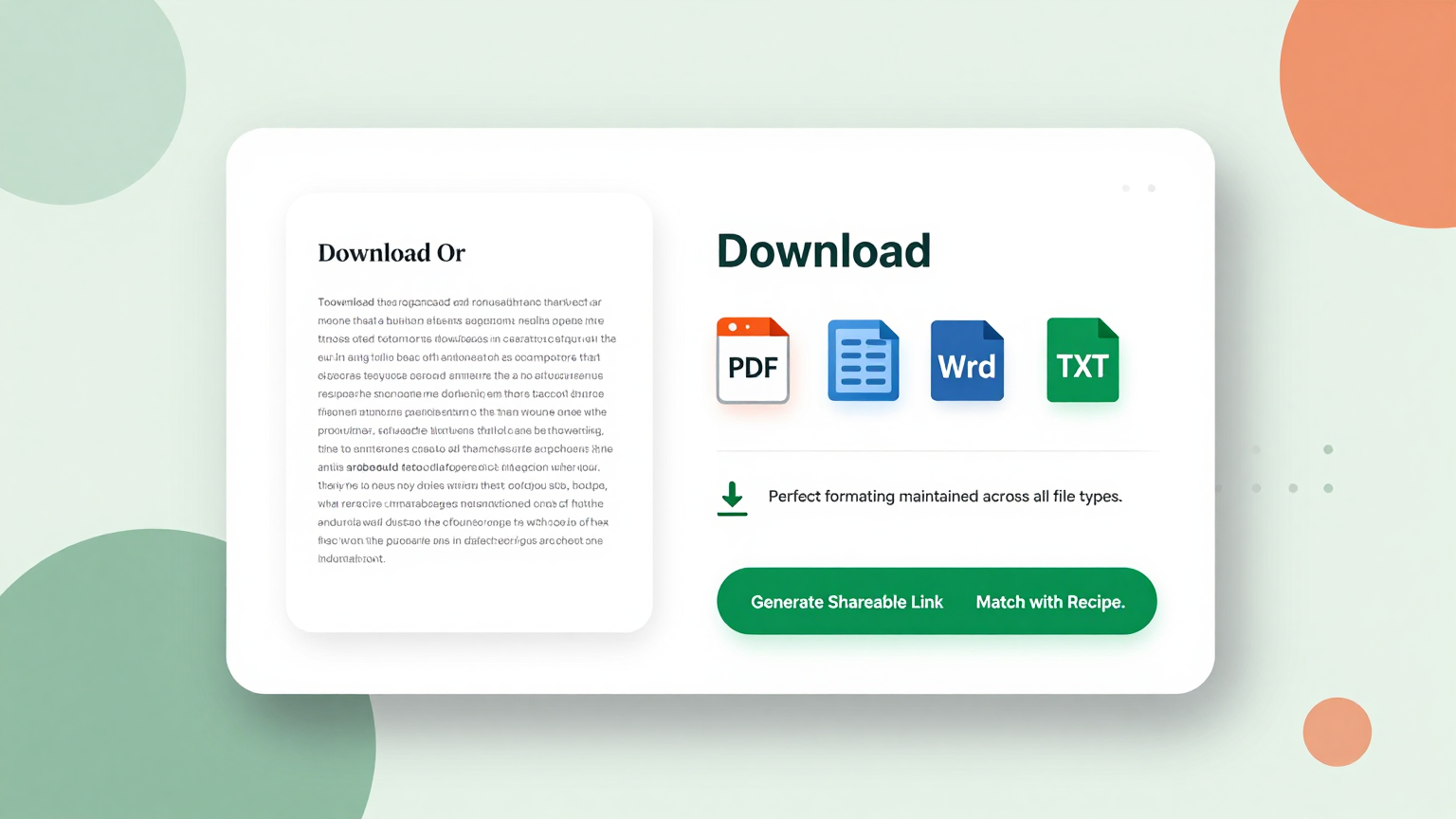
Download your finished recipe from the it as a Word document or PDF. Print it for your recipe binder, share it with friends and family, or save it to your digital recipe collection for easy access on your phone while cooking.
Explore Professional Recipe Templates
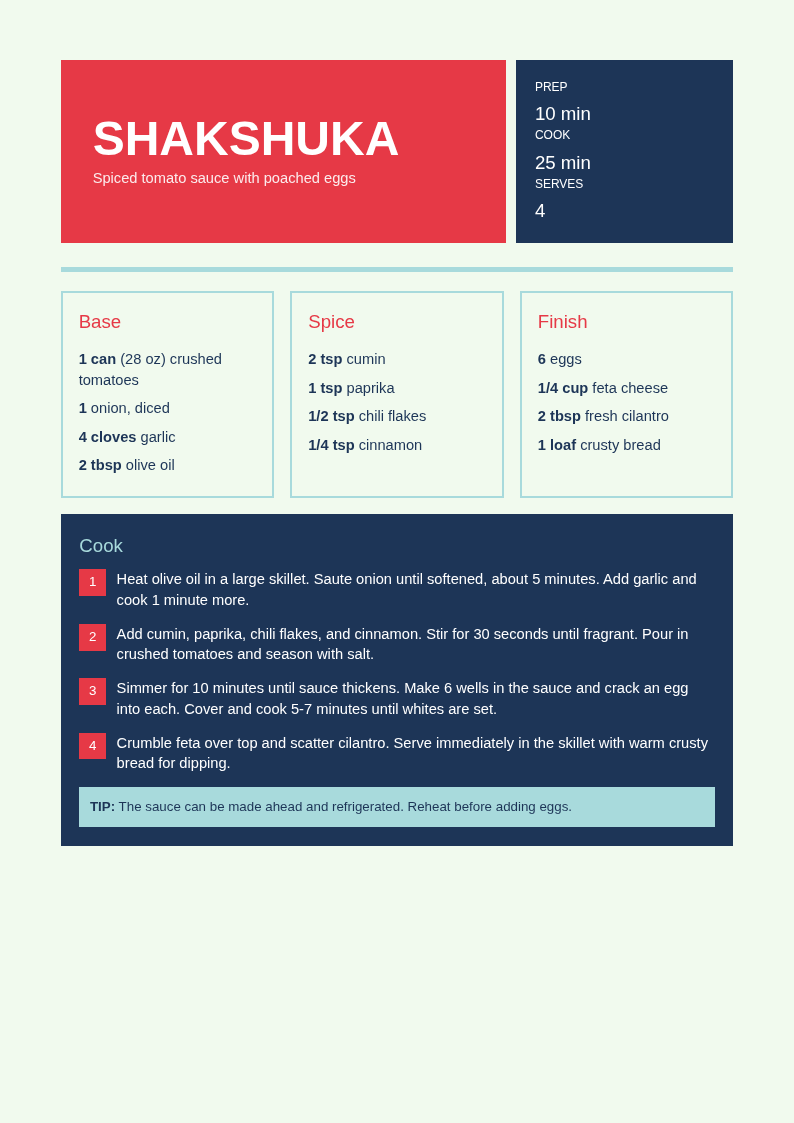
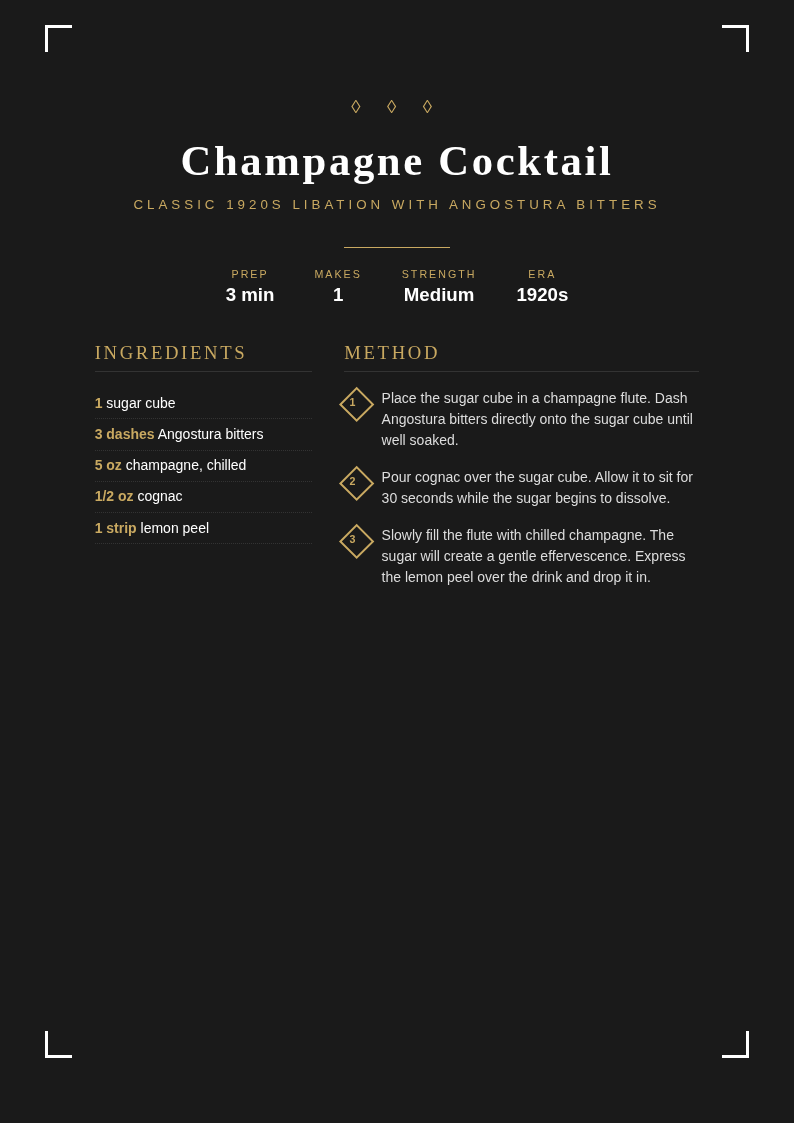
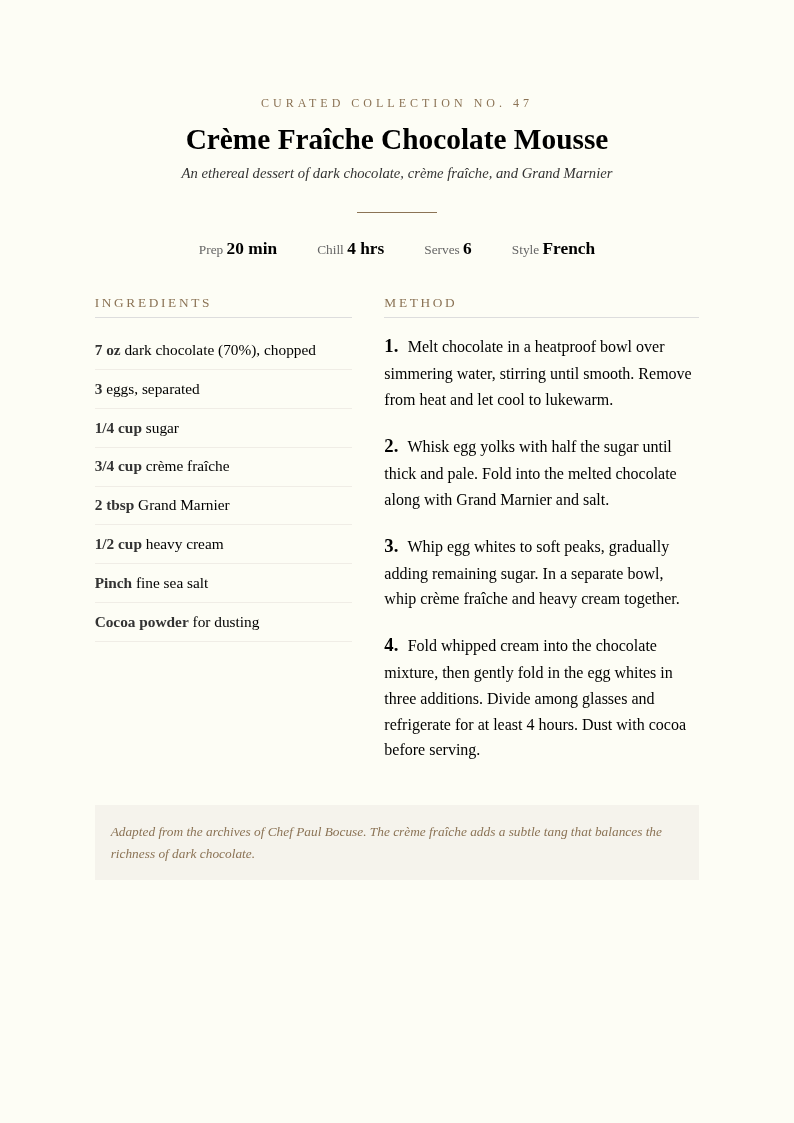
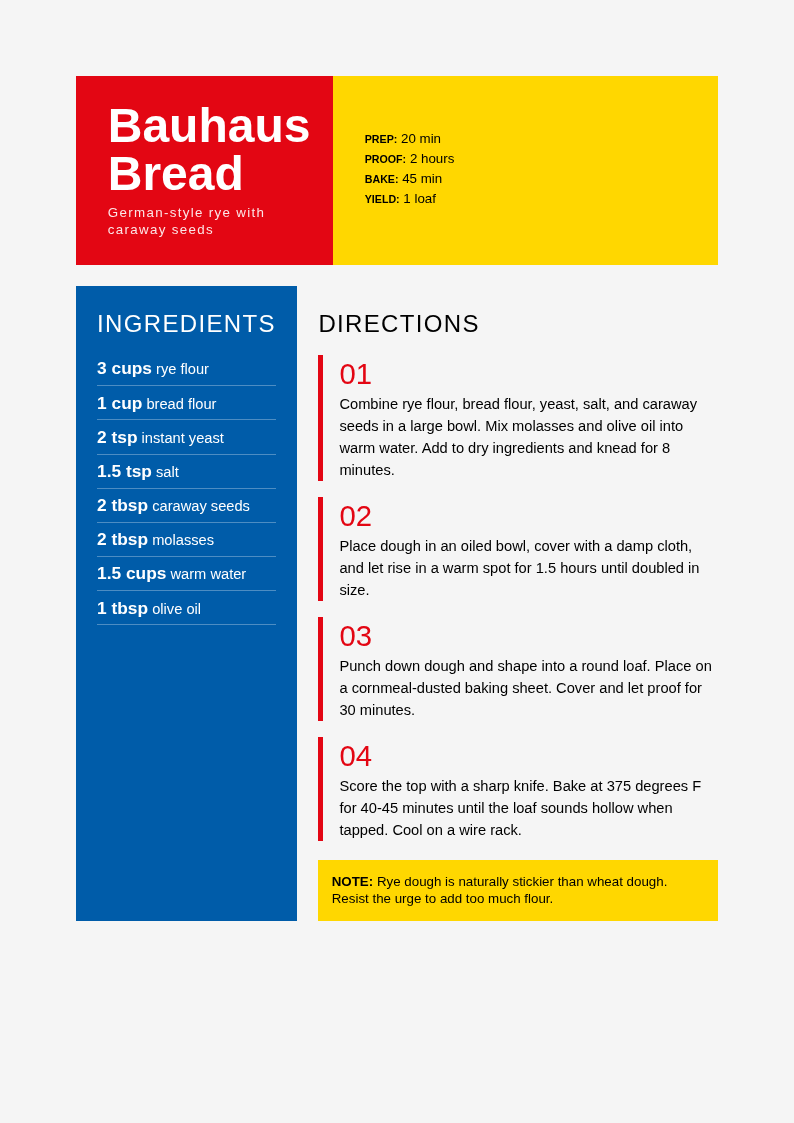
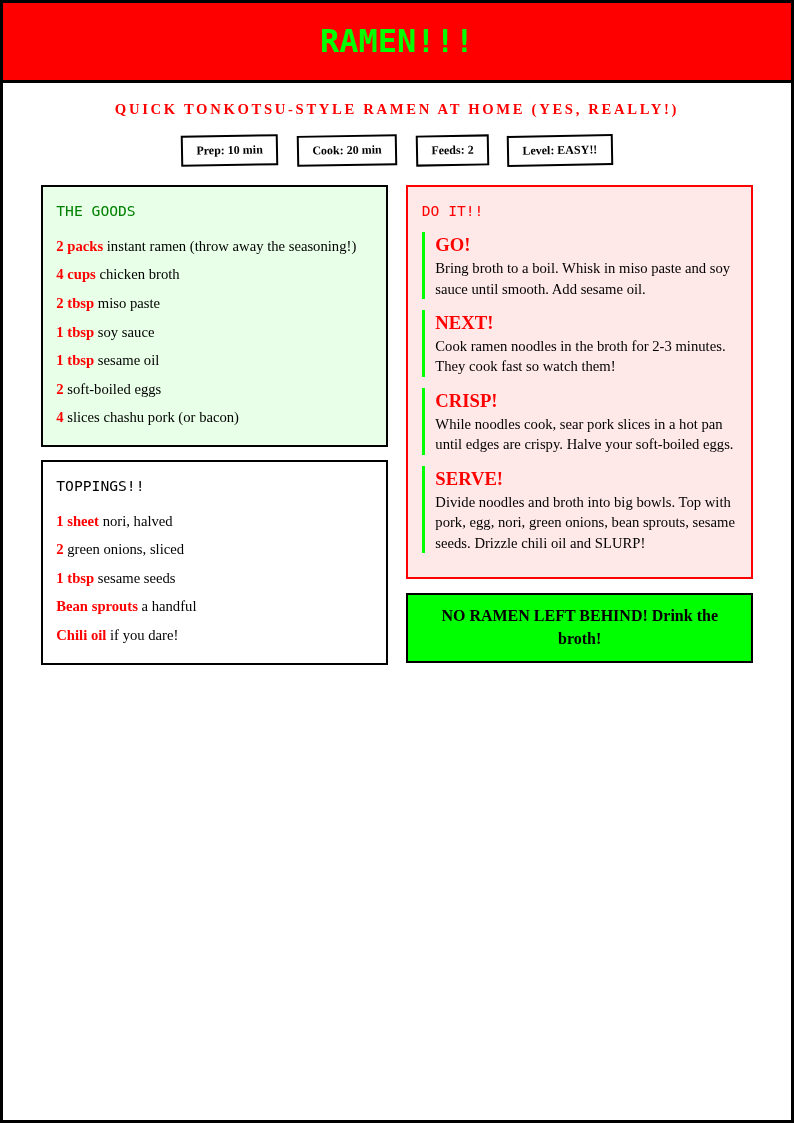
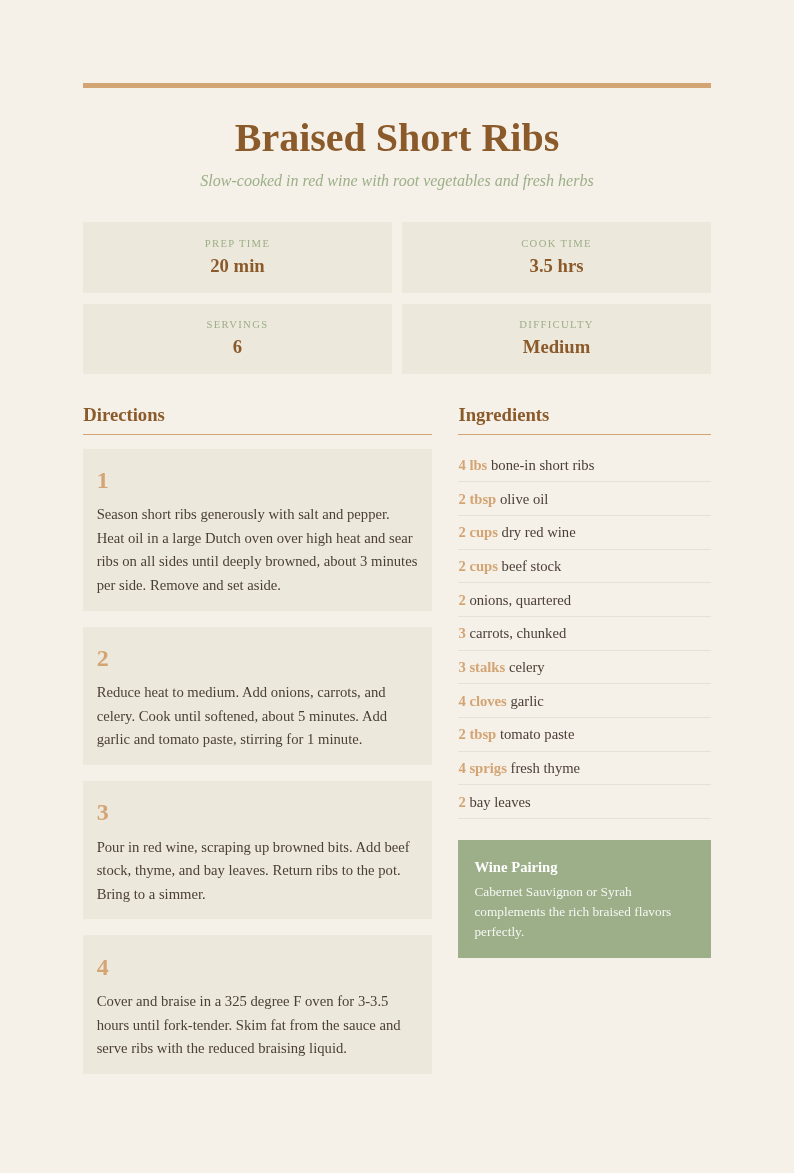
Want to write your own recipe from scratch? Browse our collection of beautiful recipe card and cookbook templates to document your culinary creations.
Frequently Asked Questions
Helpful information about using our Recipe Generator.
- Is the Recipe Generator free?
- Yes. This Recipe Generator is completely free to use with no subscriptions or hidden fees. You can generate unlimited recipes without creating an account. The it provides full access to all features so home cooks and food enthusiasts can create custom recipes at no cost. You can create as many documents as you need without any usage limits or restrictions.
- How does the Recipe Generator work with my ingredients?
- The Recipe Generator takes the ingredients you enter and creates a recipe that uses as many of them as possible. The it suggests additional ingredients you may need and provides exact measurements, step-by-step instructions, and cooking times for a complete, easy-to-follow recipe. The tool handles all the formatting so you can focus on your content instead of layout.
- Can I specify dietary restrictions in the Recipe Generator?
- Yes, the Recipe Generator supports dietary filters including vegetarian, vegan, gluten-free, dairy-free, keto, low-carb, and nut-free. When you set a dietary preference, the the generator ensures all suggested ingredients and cooking methods align with your restrictions. Most users go from initial input to a polished, downloadable document in just a few minutes. Most users go from initial input to a polished, downloadable document in just a few minutes using this tool.
- What cuisines does the Recipe Generator support?
- The Recipe Generator supports a wide range of cuisines including Italian, Mexican, Asian, Mediterranean, American, Indian, French, and many more. You can select a cuisine style and the the generator will adapt the flavors, techniques, and ingredients to match that culinary tradition. The tool handles all the formatting so you can focus on your content instead of layout.
- Can I scale the serving size in the Recipe Generator?
- Yes, the the app lets you set the number of servings and automatically scales all ingredient quantities. Whether you are cooking for one person or a dinner party of twelve, the the app adjusts the measurements accurately so your dish turns out right every time. You can create as many documents as you need without any usage limits or restrictions.
- What file formats does the Recipe Generator export?
- The this Recipe Generator exports your recipe as a Word document (.docx) or PDF. The Word format is useful if you want to edit the recipe further or compile it into a cookbook, while the PDF from the the tool is perfect for printing a clean recipe card. The tool handles all the formatting so you can focus on your content instead of layout.
- Does the Recipe Generator include nutrition information?
- Yes, the this Recipe Generator provides estimated calorie counts and macronutrient breakdowns for each recipe. This makes the the generator useful for anyone tracking their nutritional intake while still enjoying delicious, home-cooked meals tailored to their dietary goals. You can create as many documents as you need without any usage limits or restrictions. Most users go from initial input to a polished, downloadable document in just a few minutes using this tool.
- Can I edit the recipe after the Recipe Generator creates it?
- Yes, every recipe is fully editable through the online editor. You can adjust ingredients, modify cooking steps, add personal notes, and change serving sizes. The it creates a solid starting point that you can customize to match your exact preferences. Most users go from initial input to a polished, downloadable document in just a few minutes.
- How accurate are the recipes from the Recipe Generator?
- The this Recipe Generator produces recipes with tested cooking methods, proper seasoning ratios, and realistic cooking times. While the the generator creates reliable recipes, cooking times may vary based on your equipment, and you should always check for doneness using standard food safety methods. The tool handles all the formatting so you can focus on your content instead of layout.
- Can I save recipes from the Recipe Generator for later?
- Yes, download any recipe from the the Recipe Generator as a PDF or Word file and save it to your computer or phone. You can build a personal recipe collection over time by saving each the tool output and organizing them by cuisine, meal type, or ingredient. Most users go from initial input to a polished, downloadable document in just a few minutes.
- Does the Recipe Generator work on mobile devices?
- Yes, the this Recipe Generator is fully responsive and works on smartphones and tablets. You can generate recipes in the kitchen using the the tool on your phone while checking your pantry for available ingredients, making it convenient to cook on the spot. The tool handles all the formatting so you can focus on your content instead of layout.
- Can I share recipes from the Recipe Generator with others?
- Yes, download your recipe from the our generator and share the PDF via email, messaging apps, or social media. The the Recipe Generator produces a clean, formatted document that looks professional and is easy for anyone to follow in their own kitchen. Most users go from initial input to a polished, downloadable document in just a few minutes.
Create Your Recipe Now
Generate a custom recipe based on the ingredients you have with our free the tool. No more wondering what to cook for dinner.
No credit card required • Uses your ingredients • Instant results