Generate Project Plans Instantly
Stop wrestling with spreadsheets and start delivering projects on time. Our AI-powered this tool helps you create structured, professional project plans with clear timelines, milestones, and resource allocations for any type of project in minutes.
How to Create a Project Plan Online
Enter Project Details
Start by entering the project name, description, objectives, and key dates along with team members and resources. You can also paste existing task lists or notes from planning sessions. Comprehensive details help produce a thorough first draft covering all aspects.
Select a Template
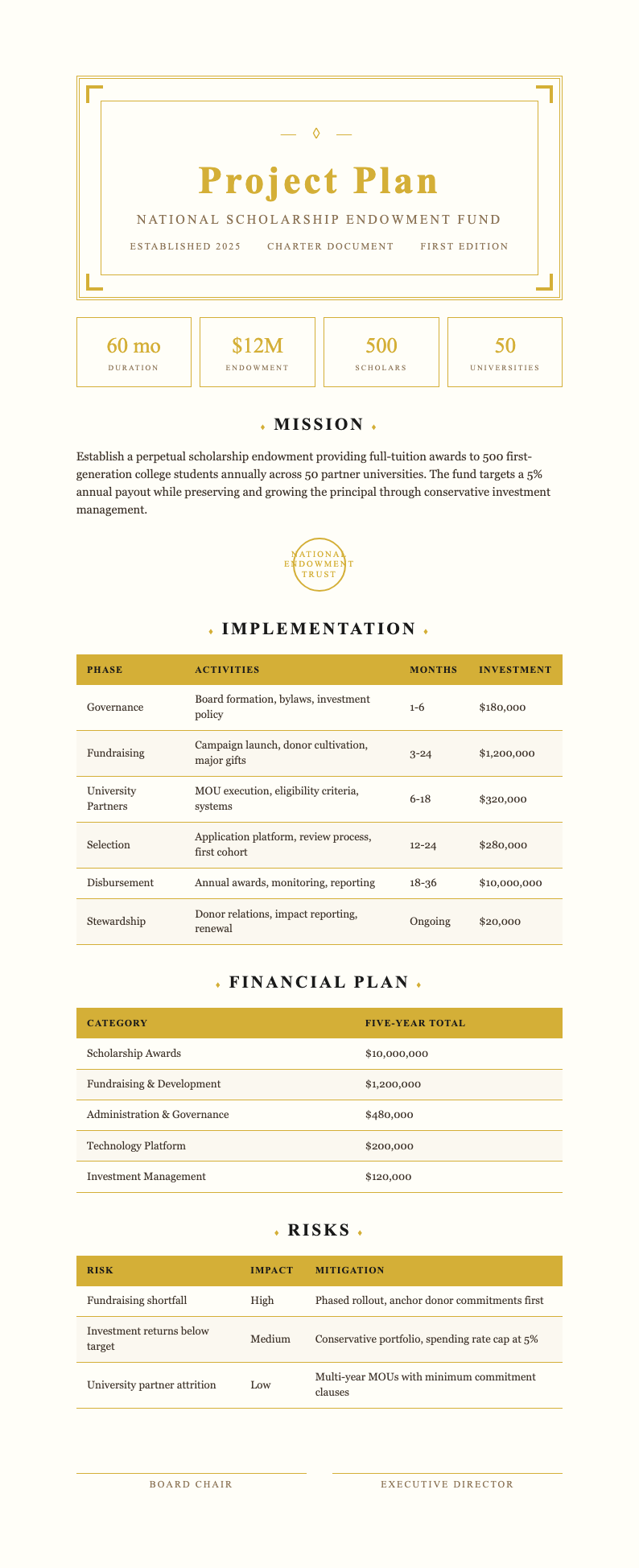
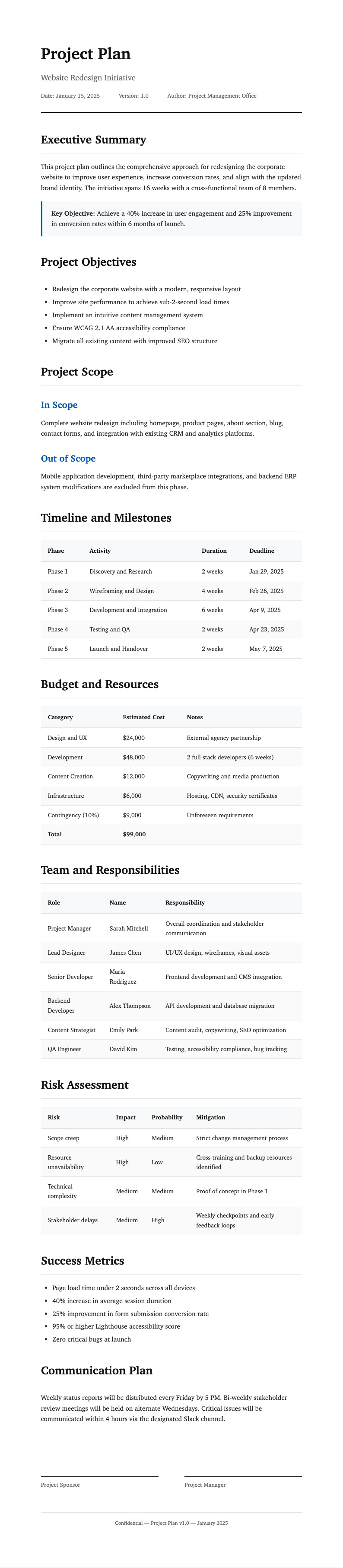
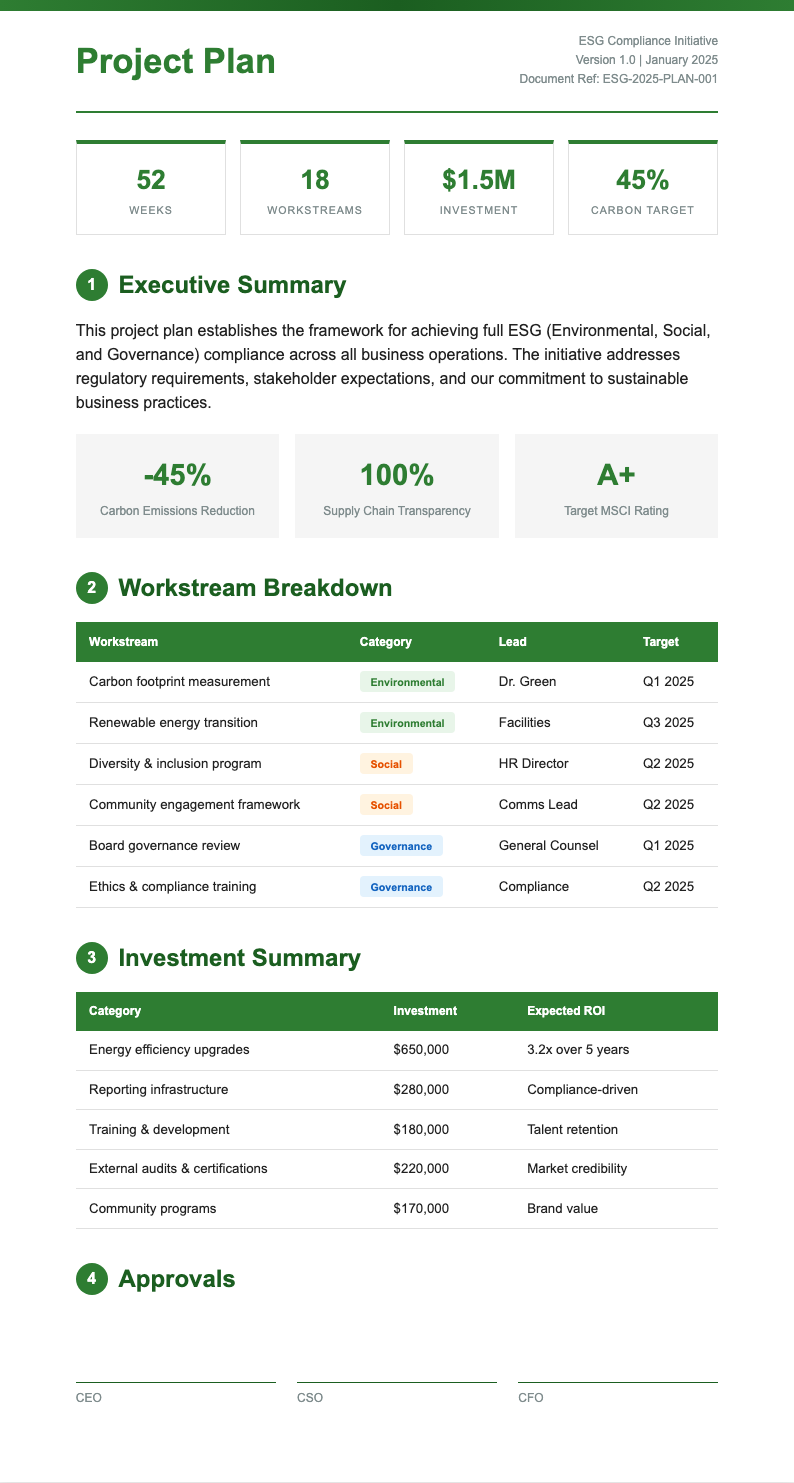
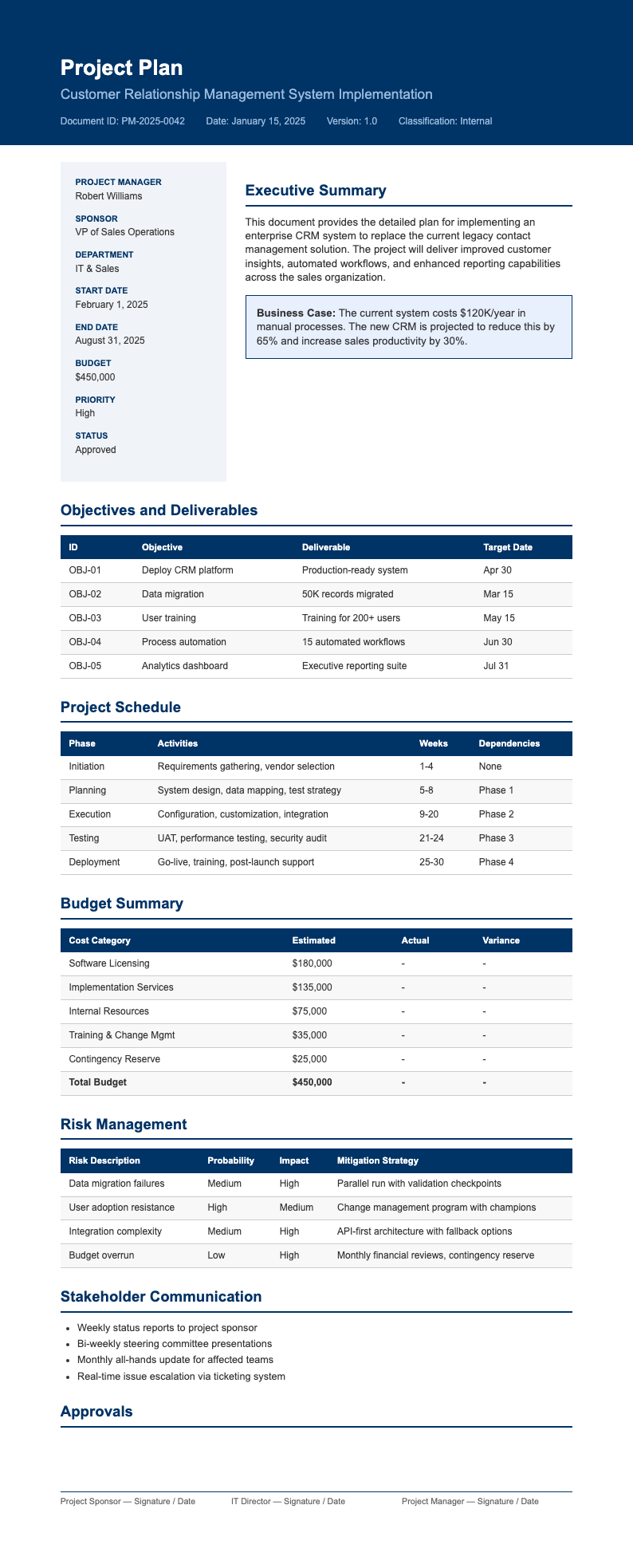
Browse the template library and pick the format that fits your project type and methodology. Options include Agile sprint plans, Waterfall phase plans, and marketing campaign timelines. Each template comes pre-structured with the right sections for that specific approach.
Review and Edit
Read through the generated plan and make adjustments to task sequences, milestone dates, and resource assignments. Use the editor to fine-tune the document so it accurately reflects the scope and complexity of your project before finalizing for distribution.
Download Your Document
Once satisfied with the content, download your project plan as a PDF or Word file. The the generator preserves all formatting, tables, and timeline structures so the document looks exactly like what you previewed on screen and is ready for stakeholder review.
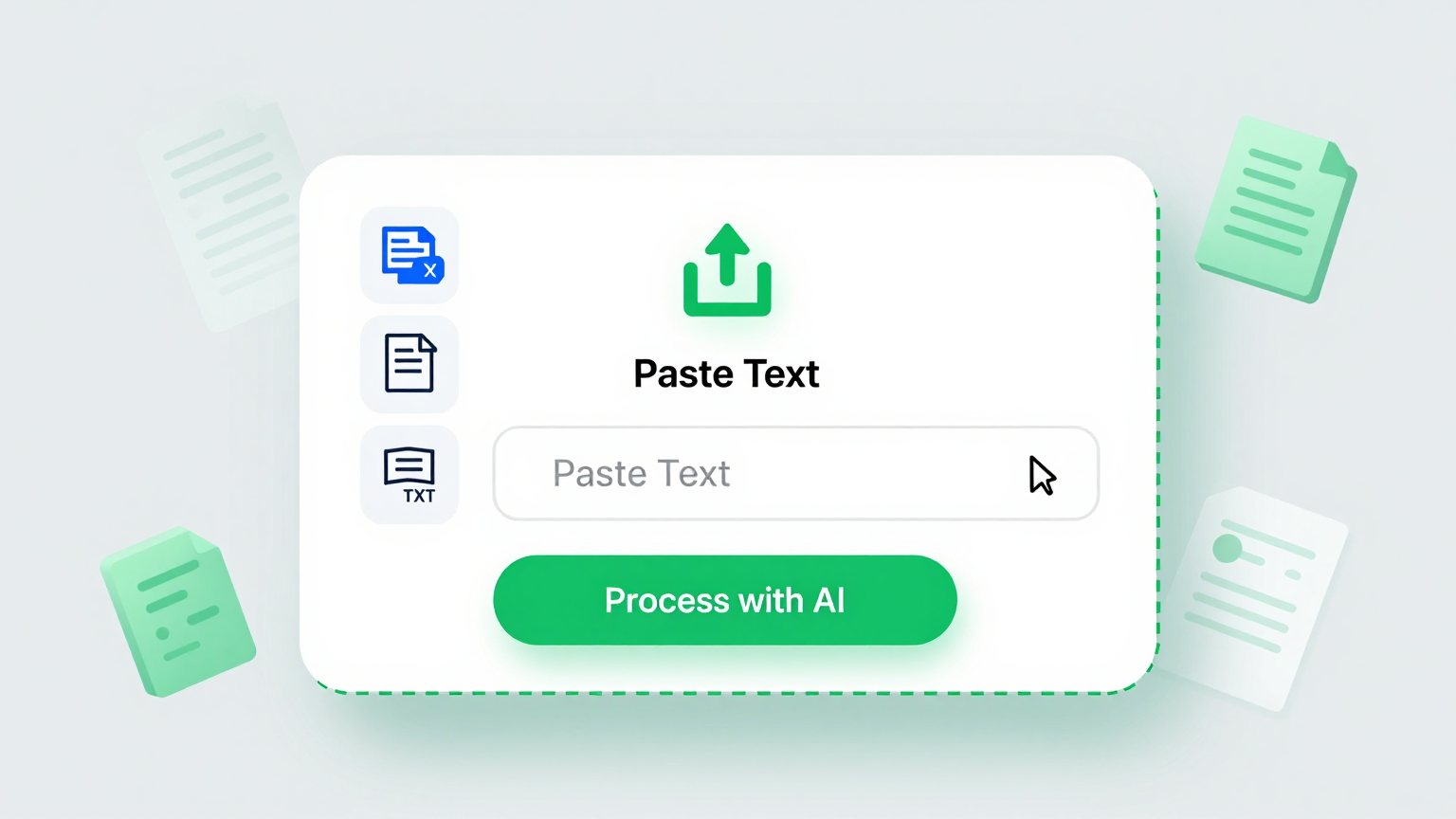
Import Project Details
Quickly input your project objectives, task lists, team members, and key dates into Project Plan Generator. Paste raw notes, spreadsheet data, or brainstorming output and the tool automatically organizes your information into a structured plan with phases, milestones, dependencies, and resource assignments laid out in a clear and professional format.
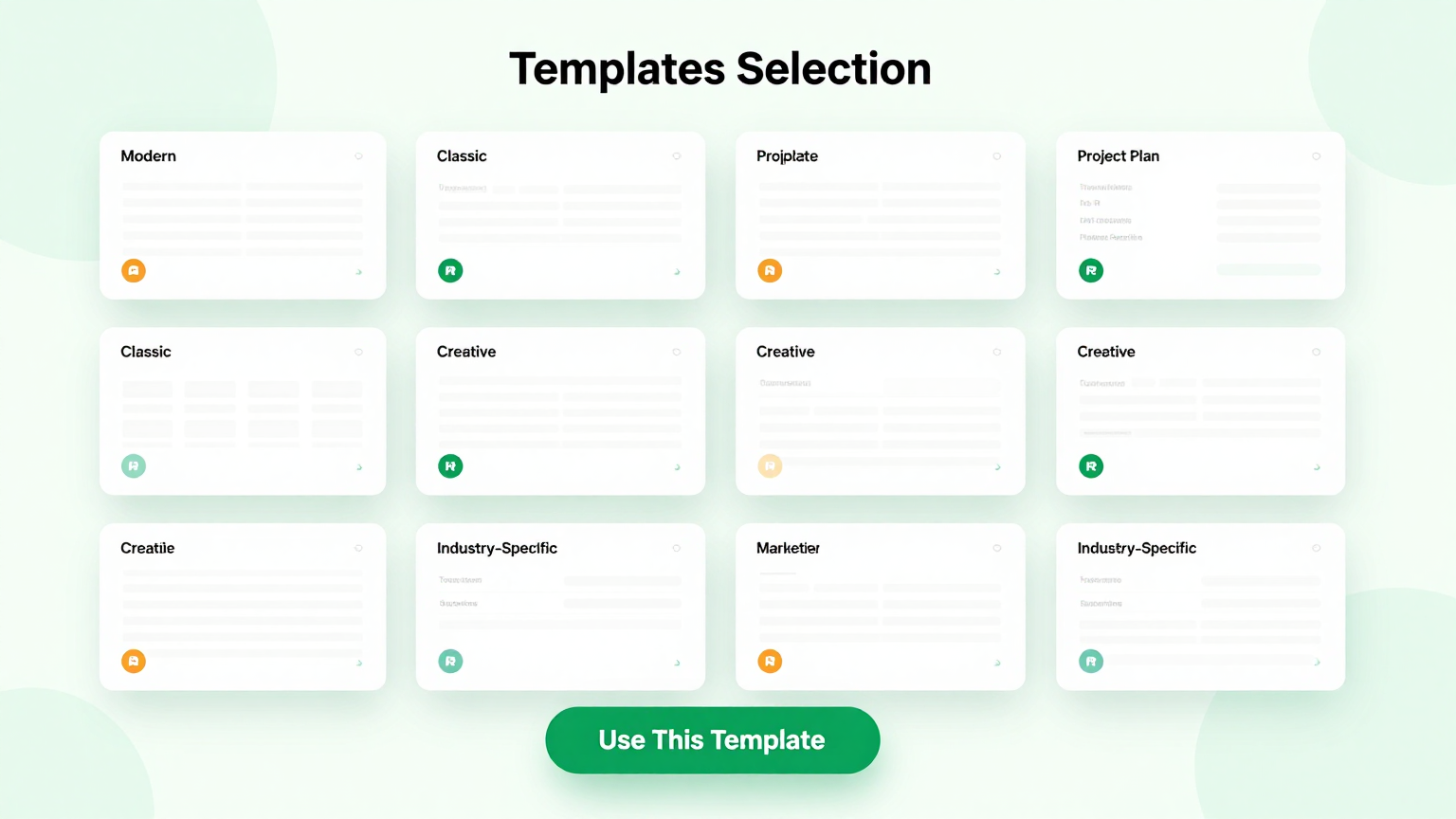
Professional Templates
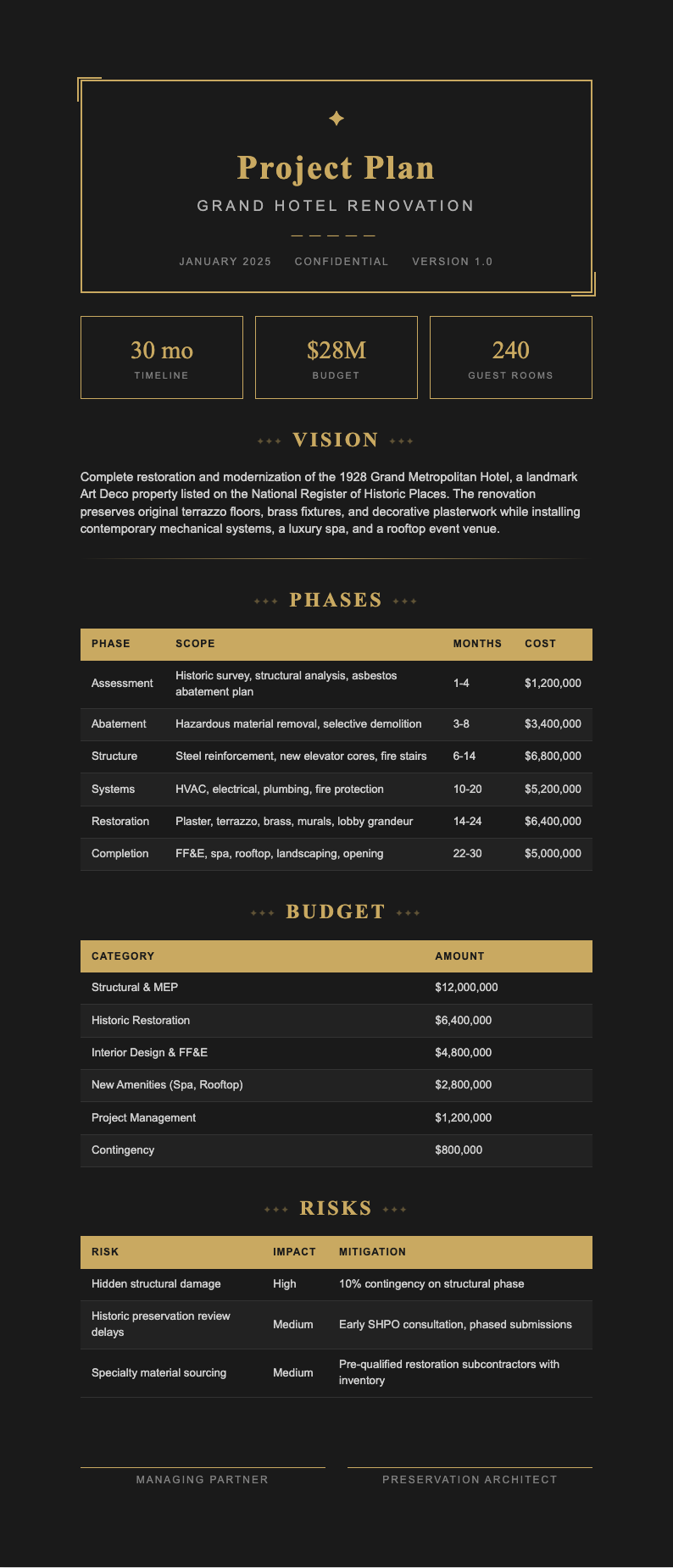
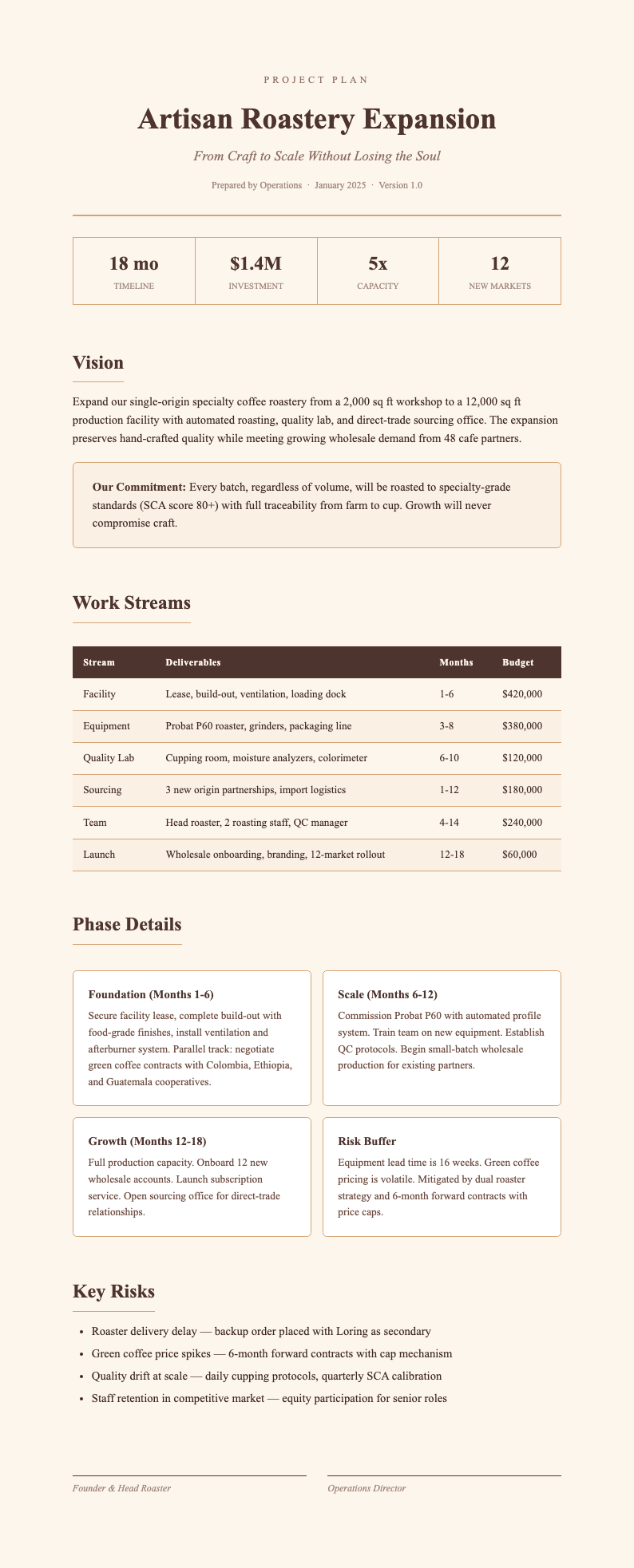
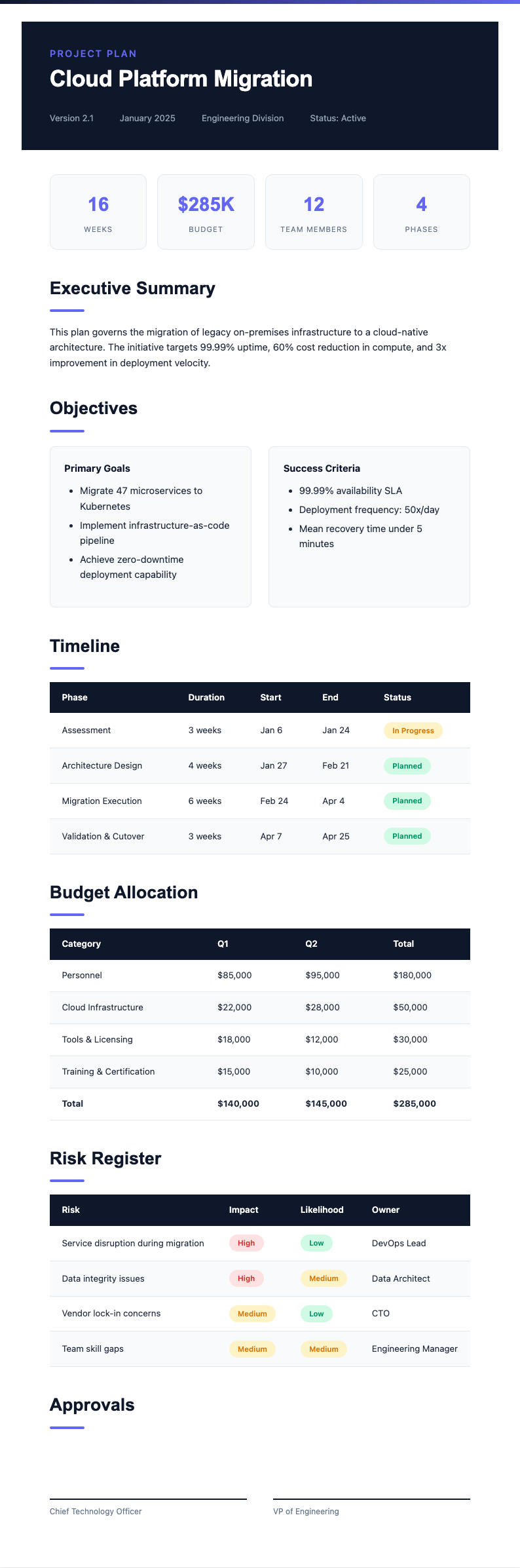
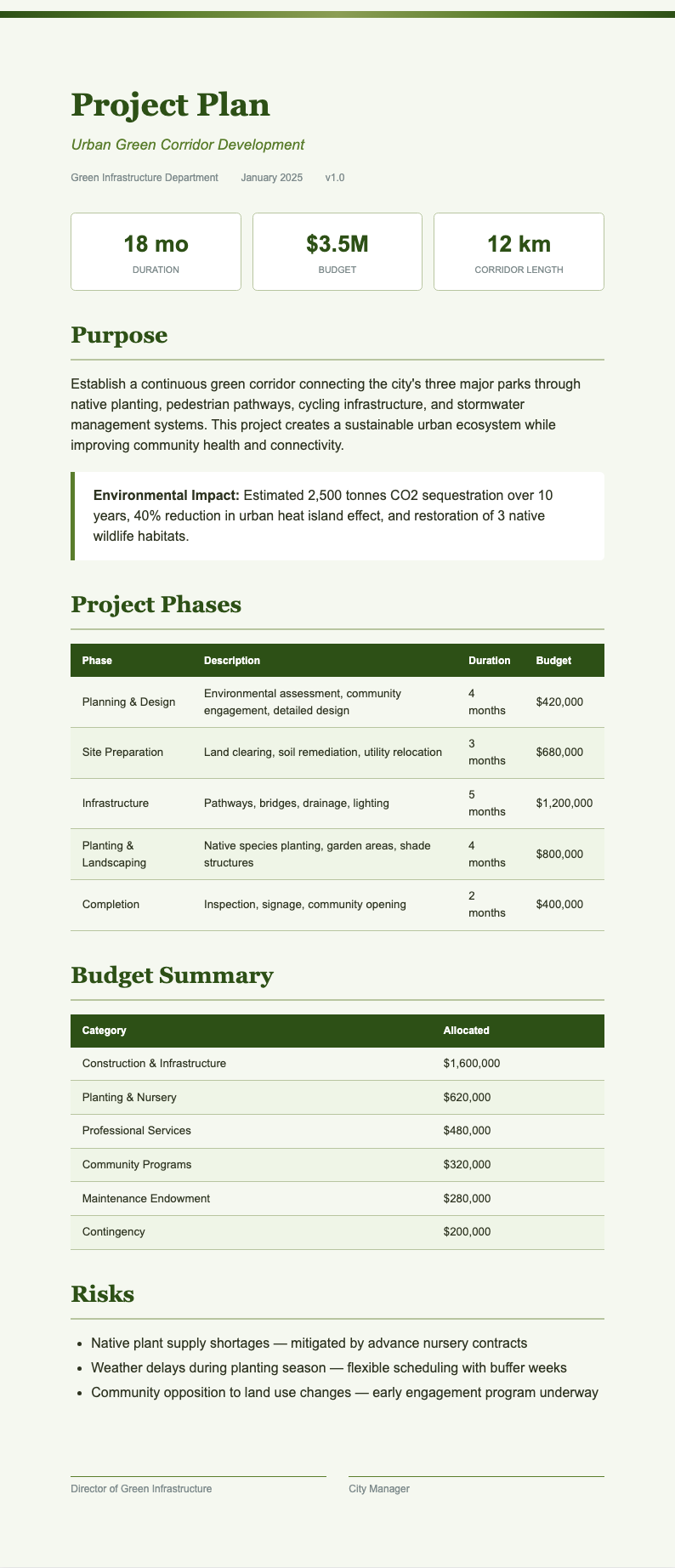
Choose from a wide selection of professionally designed layouts tailored for different project types including software development, marketing campaigns, construction, and event planning. The Project Plan Generator provides each template comes pre-configured with industry-specific sections and task categories so your output always has the right structure for your particular project and audience.
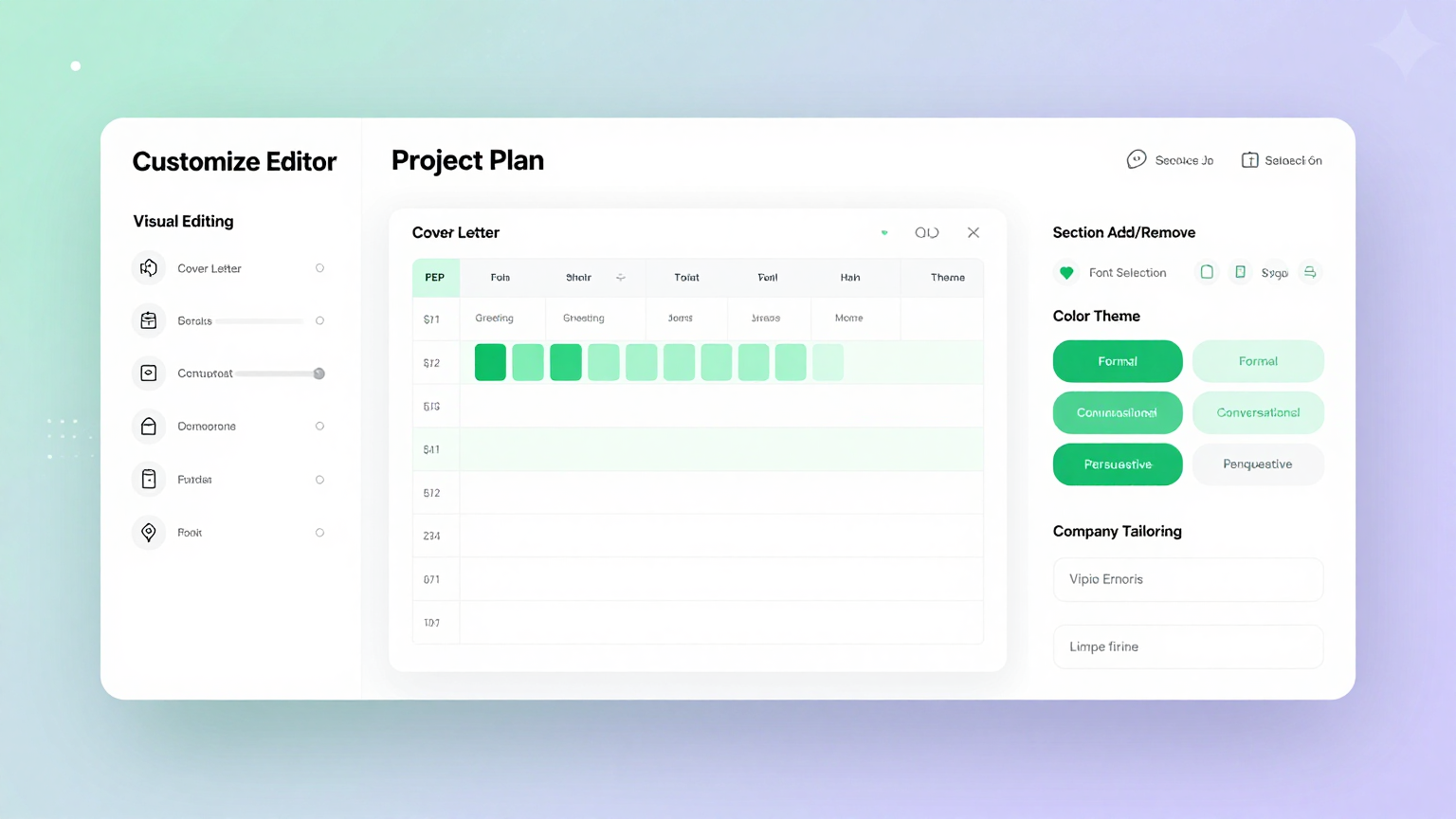
Edit Online
Refine every section of your project plan with the built-in editor. The Project Plan Generator adjust task durations, reassign resources, update milestone dates, add risk assessments, and preview your output in real time before finalizing the document for presentation to stakeholders, sponsors, or team members.
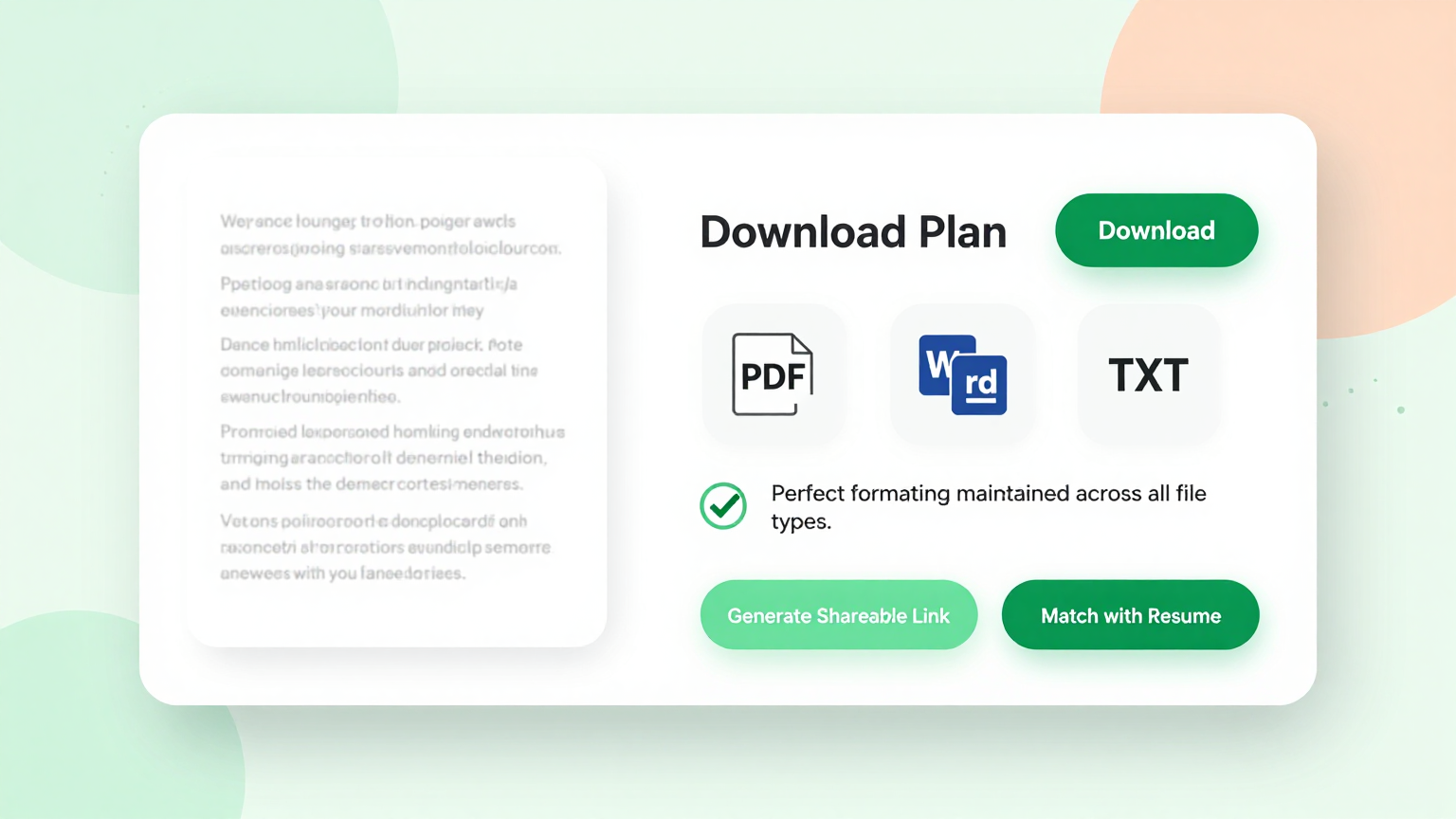
Download & Share
Export your completed project plan as a polished PDF for stakeholder presentations or as an editable Word file for ongoing collaboration and updates. The Project Plan Generator share the output directly with team leads, executives, or clients, making your documentation workflow efficient, consistent, and ready for immediate use.
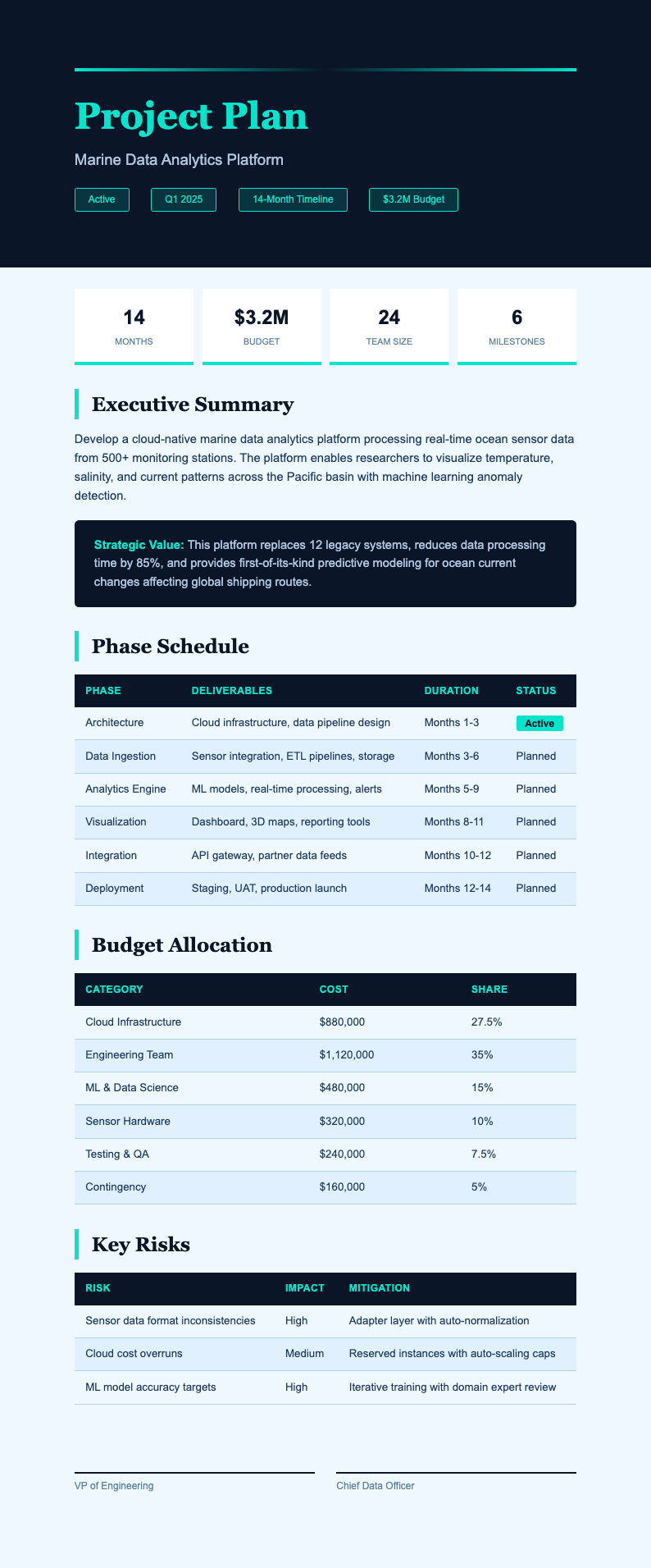
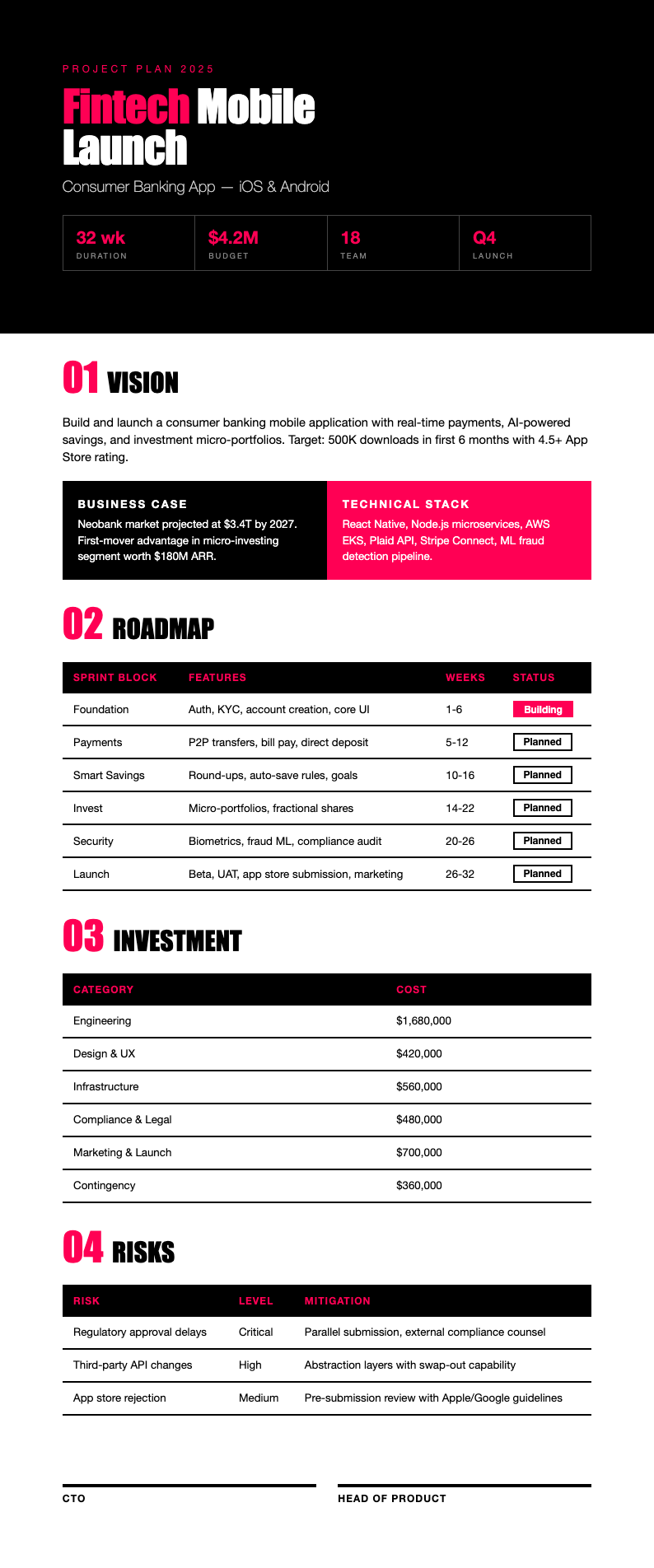
Explore Professional Project Plan Templates
Prefer to start from a template? Browse our full collection of project plan layouts and find one that fits your project methodology.
Frequently Asked Questions
Helpful information about using our project planning tool.
- Is the Project Plan Generator free to use?
- Yes. The the generator is completely free with no hidden charges, subscriptions, or account requirements. You can generate, edit, and download as many project plans as you need without paying anything at all. It provides full access to every template and export option at absolutely no cost to you, with no limitations on the number of projects you can plan.
- What types of projects does the Project Plan Generator support?
- The this tool supports software development, marketing campaigns, construction projects, event planning, product launches, business initiatives, and general team projects. Each type has a dedicated template with pre-configured sections and milestones tailored for that specific project category, so you always get the right structure for your particular planning needs. This ensures a comprehensive and professional result every time you use our platform.
- Do I need to install anything to use the Project Plan Generator?
- No installation is needed. The tool runs entirely in your web browser with no plugins, extensions, or software downloads required. Simply open the page, choose a template, fill in your project details, and download your finished plan. The our tool works on desktops, tablets, and mobile devices without any setup or configuration needed.
- Can I save and edit my project plan later?
- You can download your project plan as a Word document and reopen it anytime for further editing. While the the tool does not store documents on our servers for privacy reasons, keeping the downloaded Word file lets you return to your plan whenever you need to update milestones, adjust timelines, or add new tasks as the project evolves.
- Is the Project Plan Generator suitable for Agile projects?
- Yes. The the generator includes templates specifically designed for Agile project management with sections for sprints, user stories, backlog prioritization, retrospectives, and velocity tracking. It helps Scrum masters and Agile coaches produce well-organized sprint plans and iteration roadmaps that keep development teams focused and stakeholders informed throughout the entire project lifecycle.
- How long does it take to generate a project plan?
- Most users complete their project plan in under ten minutes using the this tool. Once you input your project details and select a template, the generator produces a formatted draft instantly. You then review the content, make adjustments to tasks and timelines, and download the final version for presentation to your team, sponsors, or clients.
- Can multiple team members use the Project Plan Generator?
- Each team member can independently use the tool to create or update project plans. You can share the downloaded Word files for collaborative editing in Google Docs or Microsoft Word. The Project Plan Generator ensures consistent formatting across all documents, keeping your project documentation uniform and professional across the entire team.
- What export formats does the Project Plan Generator support?
- The Project Plan Generator lets you export your finished project plan as a PDF for formal stakeholder presentations or as a Microsoft Word file for ongoing editing and team collaboration. Both export formats preserve the professional layout, table structures, and timeline formatting that the tool applies automatically, ensuring a polished result ready for immediate distribution.
- Does the Project Plan Generator work for construction projects?
- Absolutely. The Project Plan Generator includes construction-specific templates with sections for site preparation, permitting, procurement, subcontractor scheduling, safety planning, and inspection milestones. Construction managers use it to create detailed schedules that coordinate multiple trades, manage dependencies, and keep complex building projects on track from groundbreaking through to final handover and occupancy.
- Can I add risk assessments to my project plan?
- Yes. The Project Plan Generator includes risk register sections where you can document potential risks, their likelihood and impact, mitigation strategies, and contingency plans. Adding risk assessments to your project plan helps stakeholders understand the uncertainties involved and demonstrates that your team has proactively thought through how to handle challenges that may arise during execution.
- Does the Project Plan Generator work on mobile devices?
- Yes, the Project Plan Generator is fully responsive and works smoothly on smartphones, tablets, and other mobile devices. You can create, edit, and download project plans from any device with a modern web browser, making it convenient to review and update your plan while traveling, at a job site, or during an off-site planning session.
- What makes this Project Plan Generator better than using a spreadsheet?
- The Project Plan Generator saves significant time by providing professionally structured templates, AI-powered content organization, and instant formatting. Instead of building a plan from scratch in a spreadsheet, it gives you a polished draft with all the right sections, milestones, and resource tables pre-configured, ensuring your project plan is comprehensive, consistent, and presentation-ready every time.
Create Your Project Plan Now
Stop struggling with blank spreadsheets. Use our free tool to produce a clear, professional project plan in minutes.
No credit card required • AI-powered formatting • Instant download