Edit Project Plan Templates Online for Free
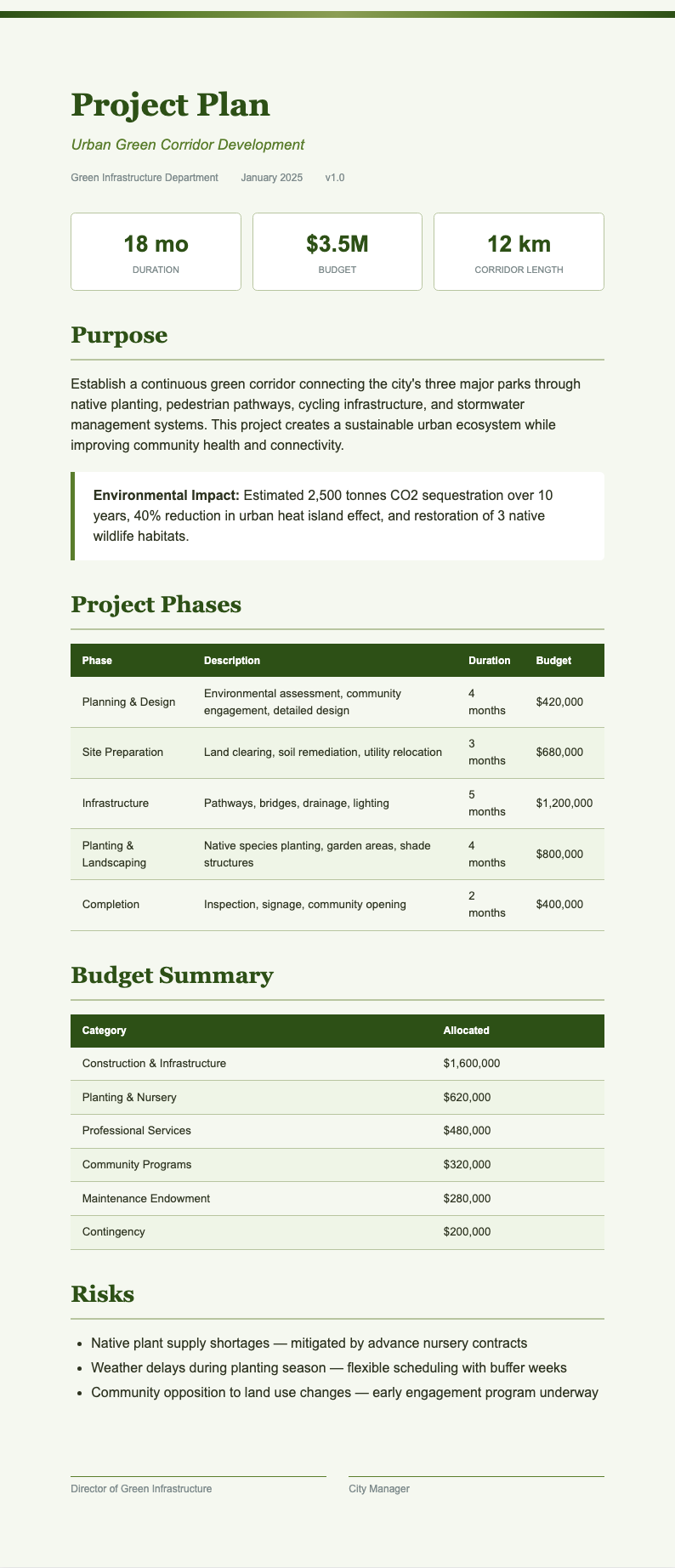
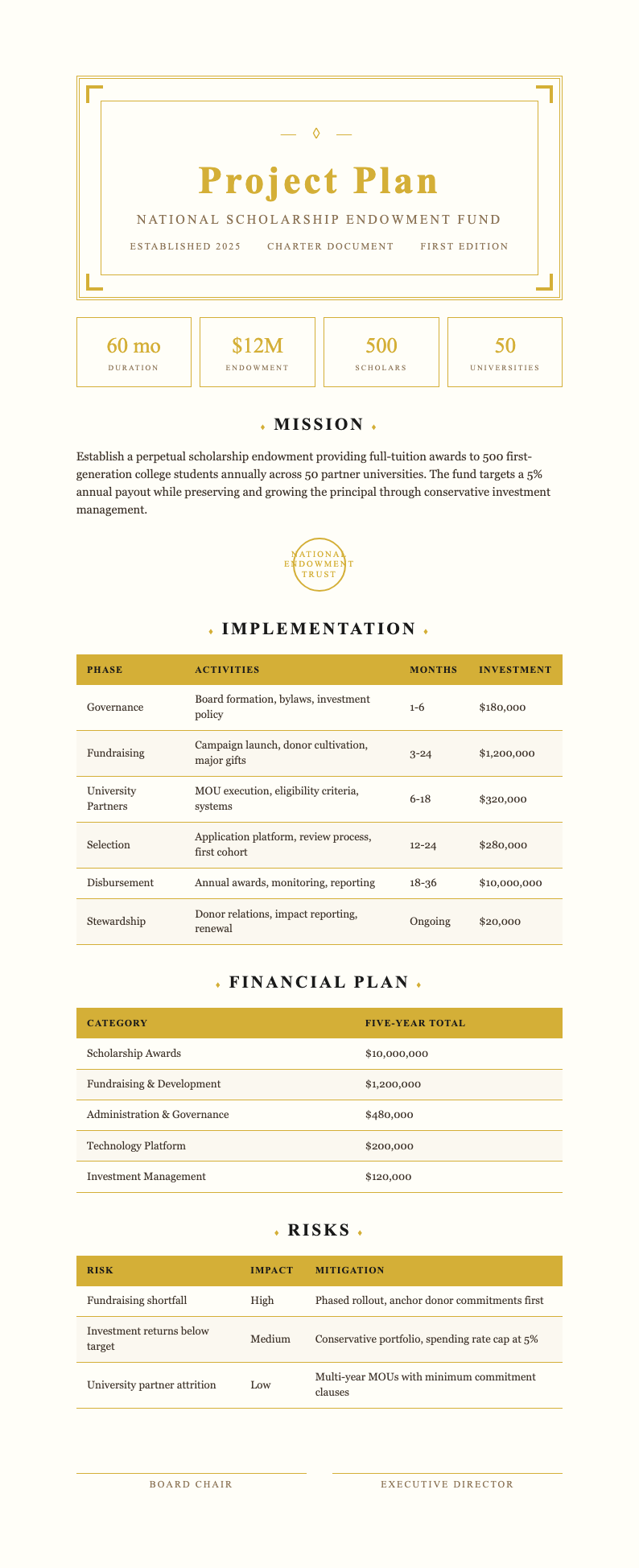
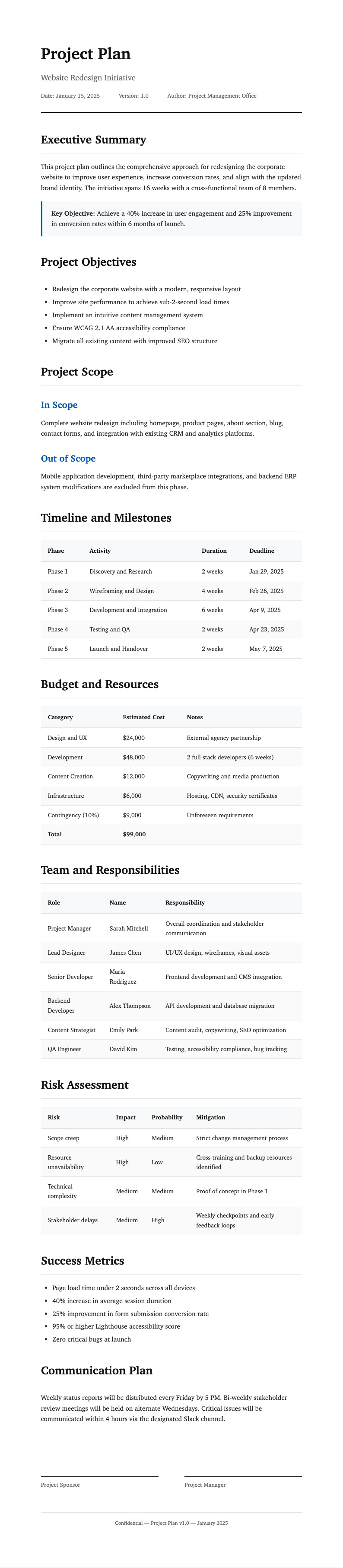
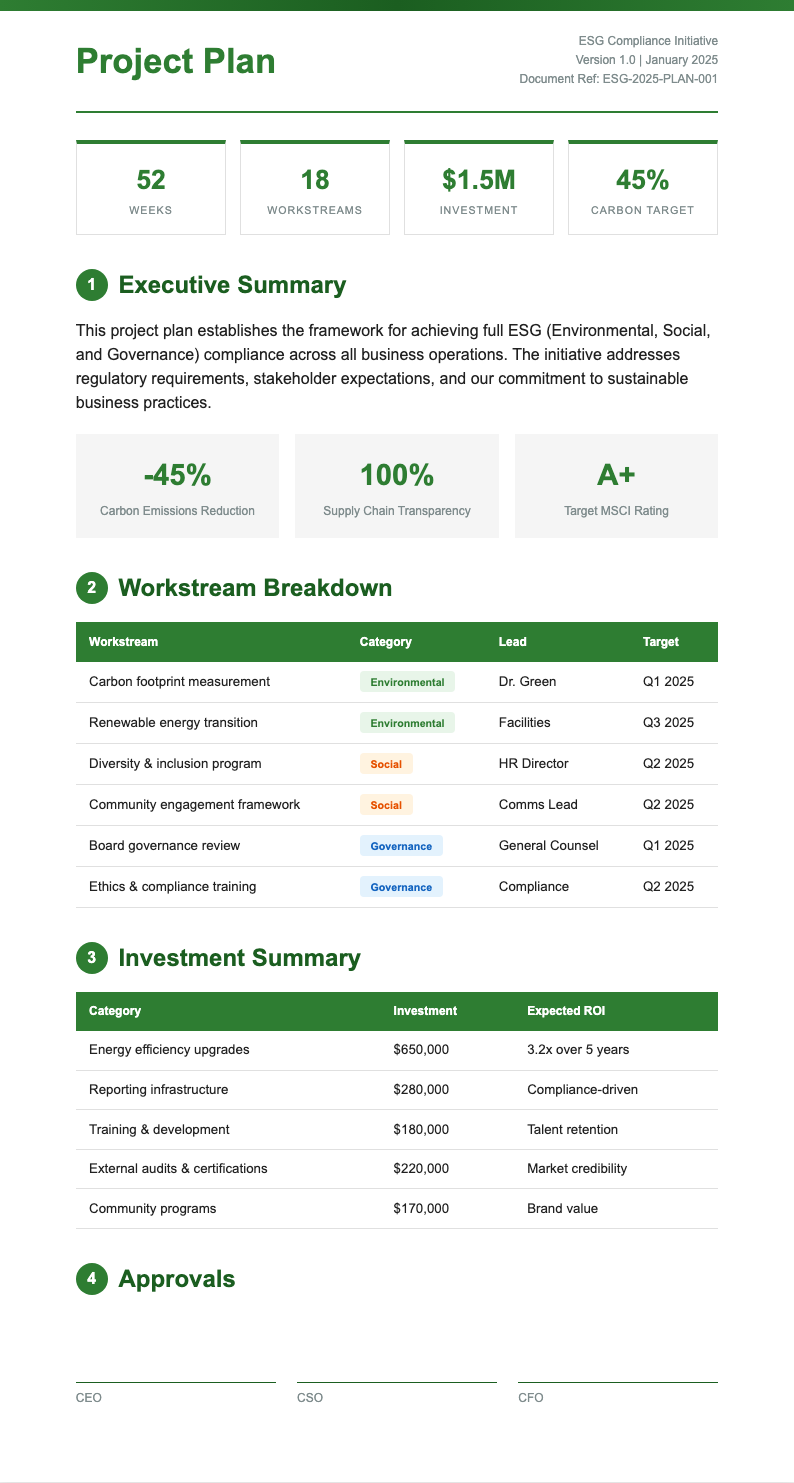
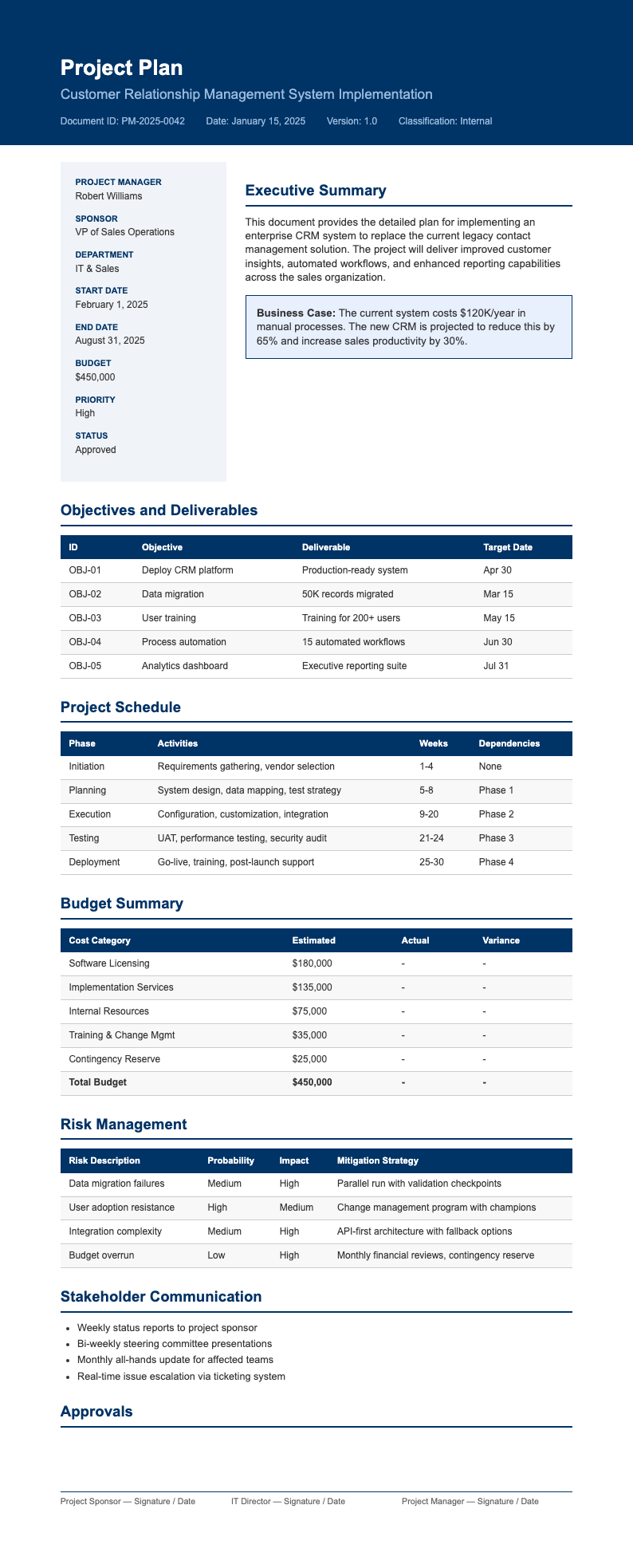
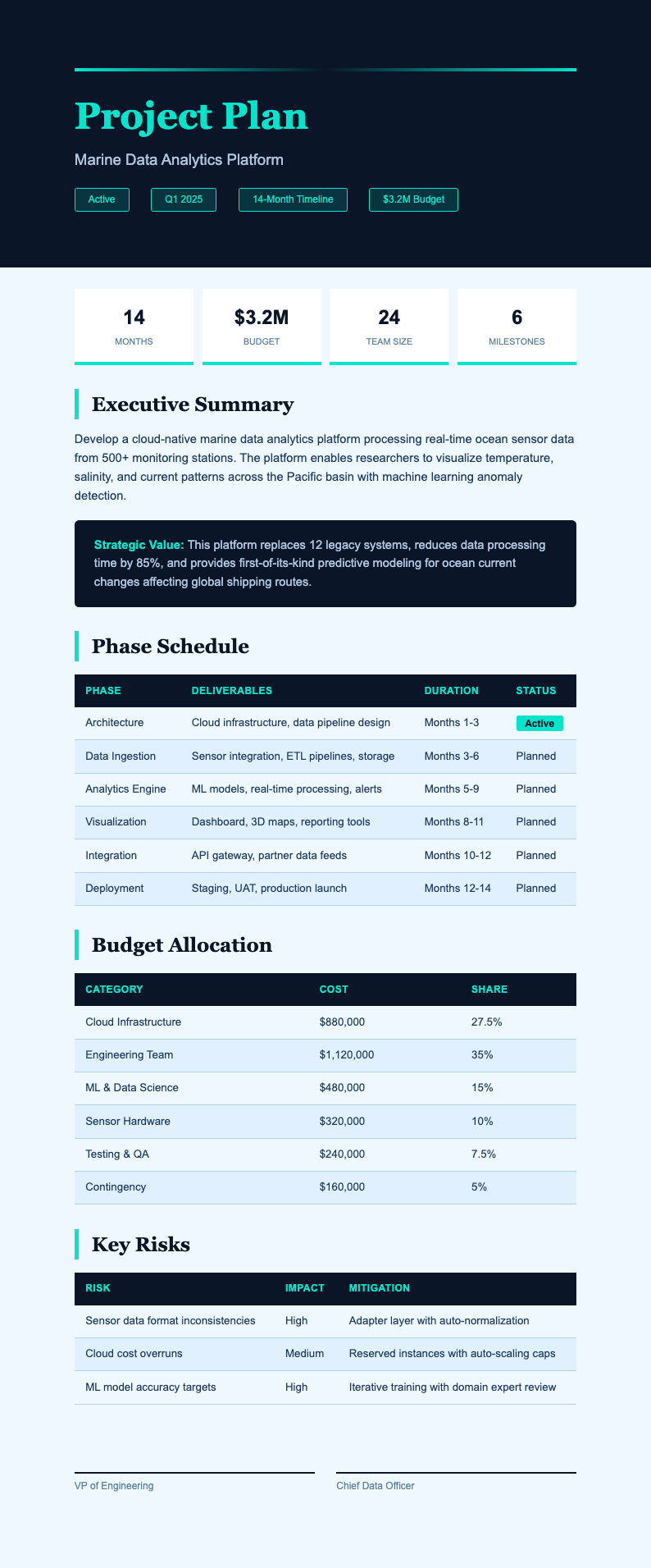
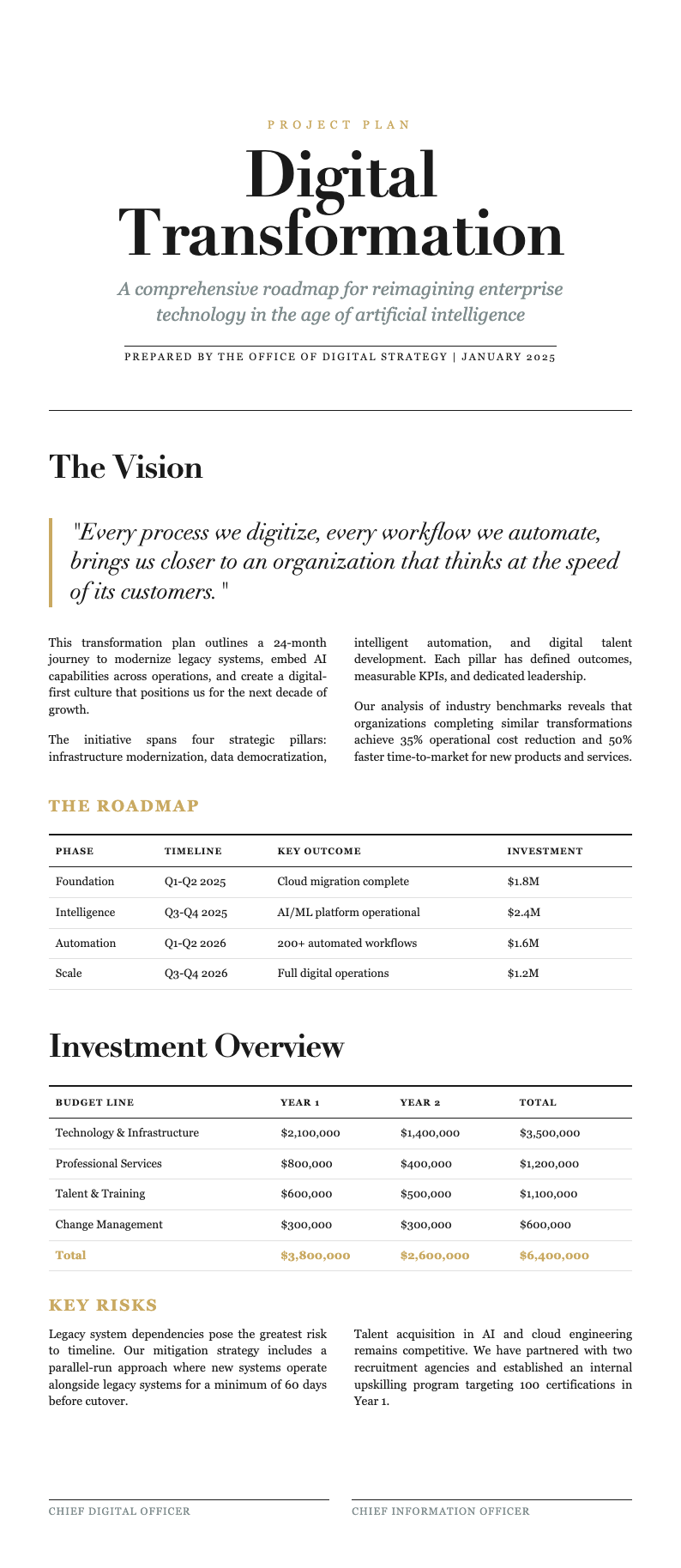
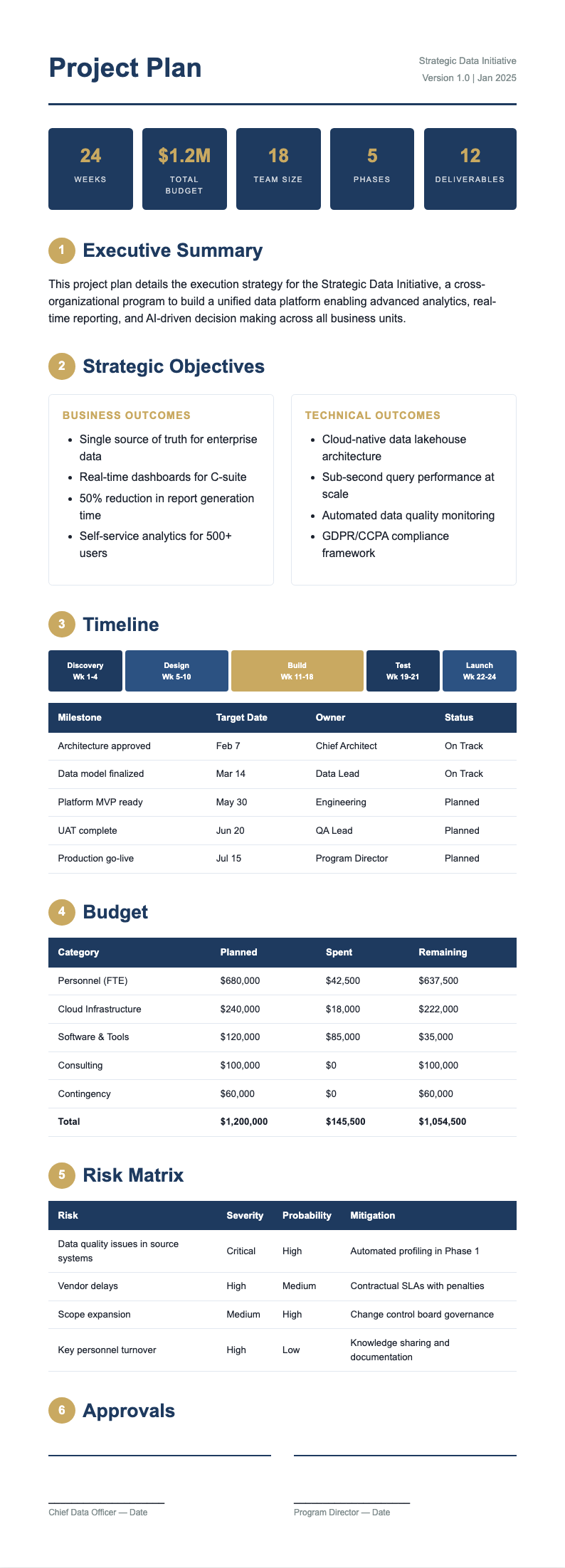
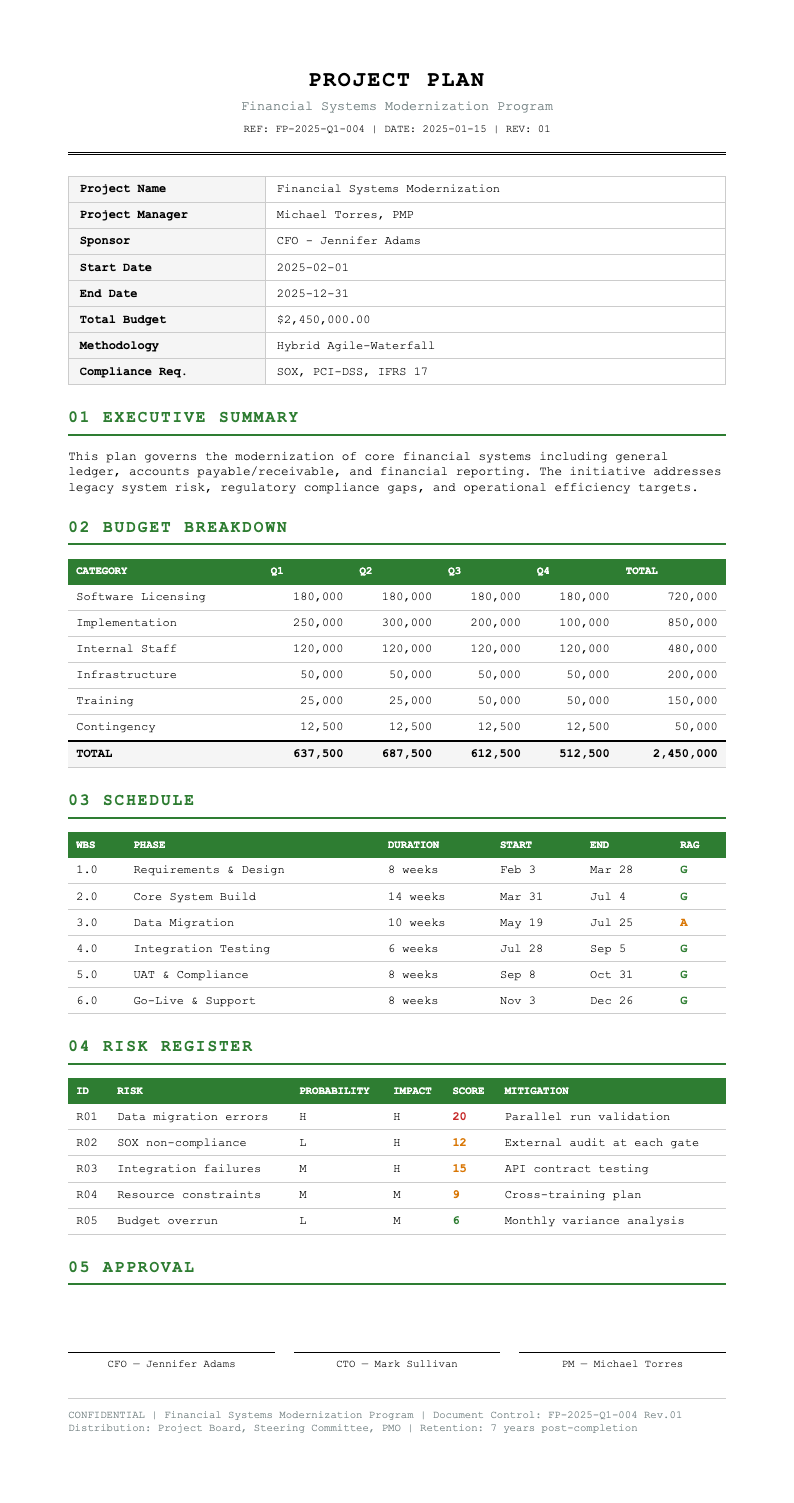
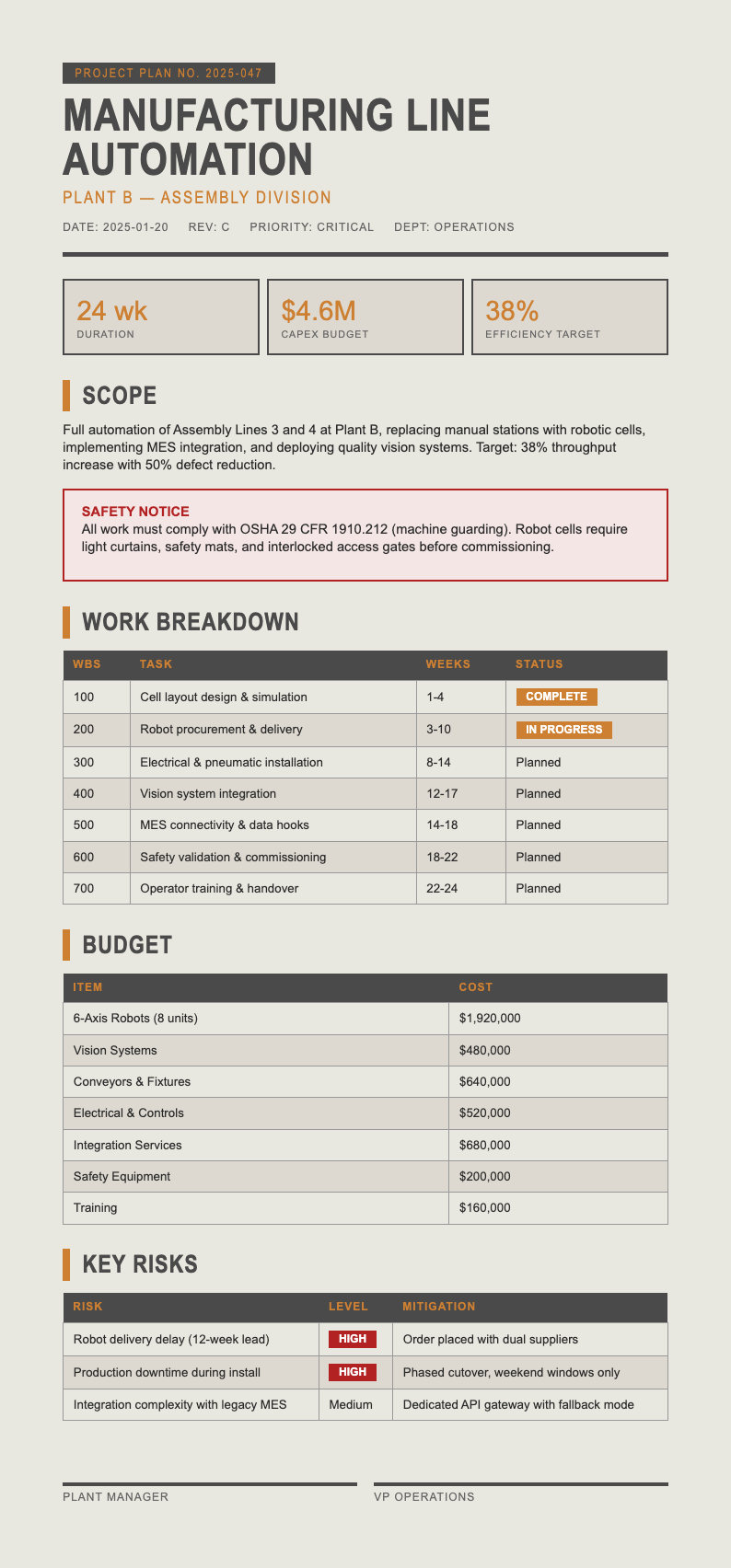
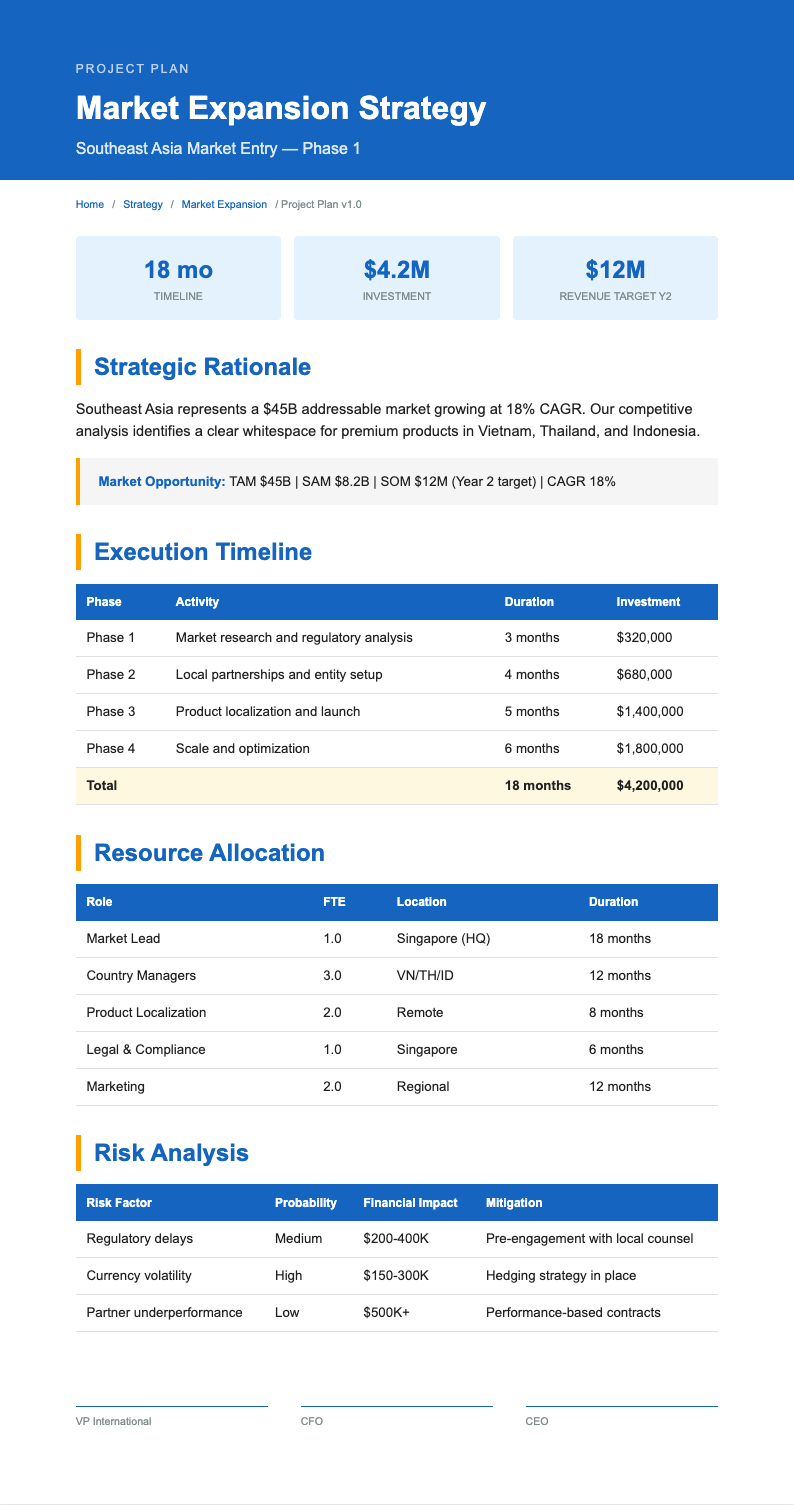
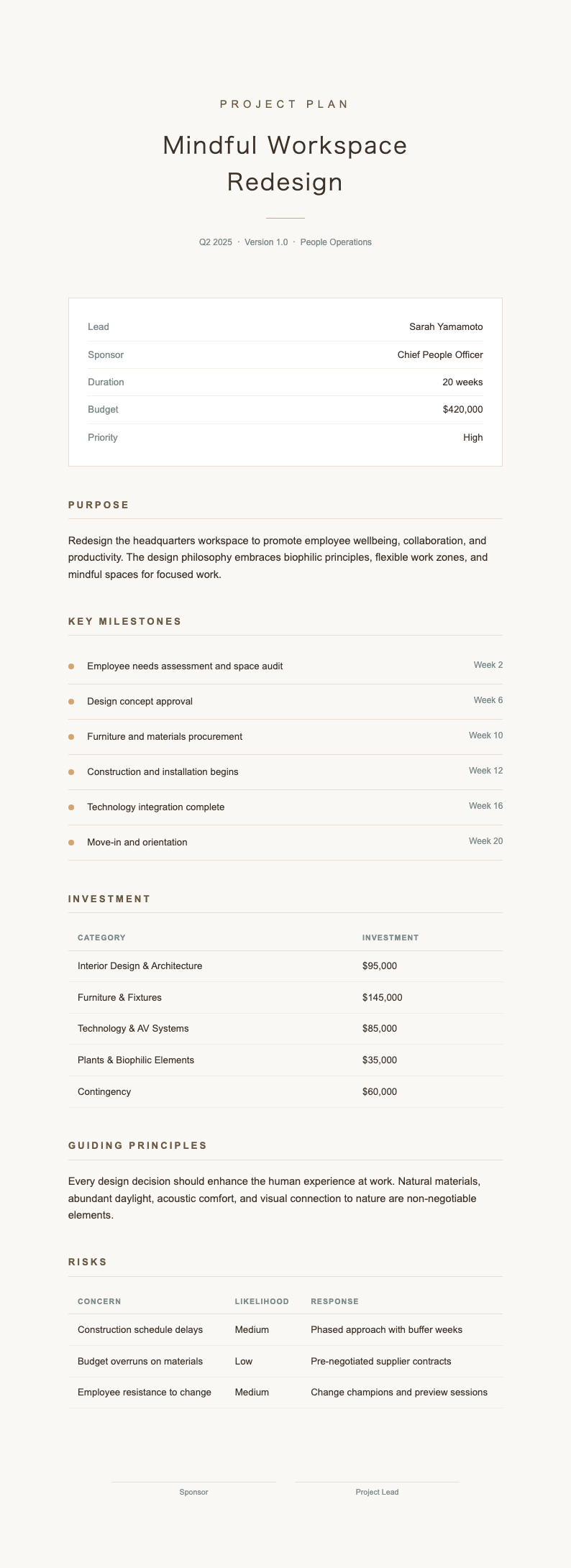
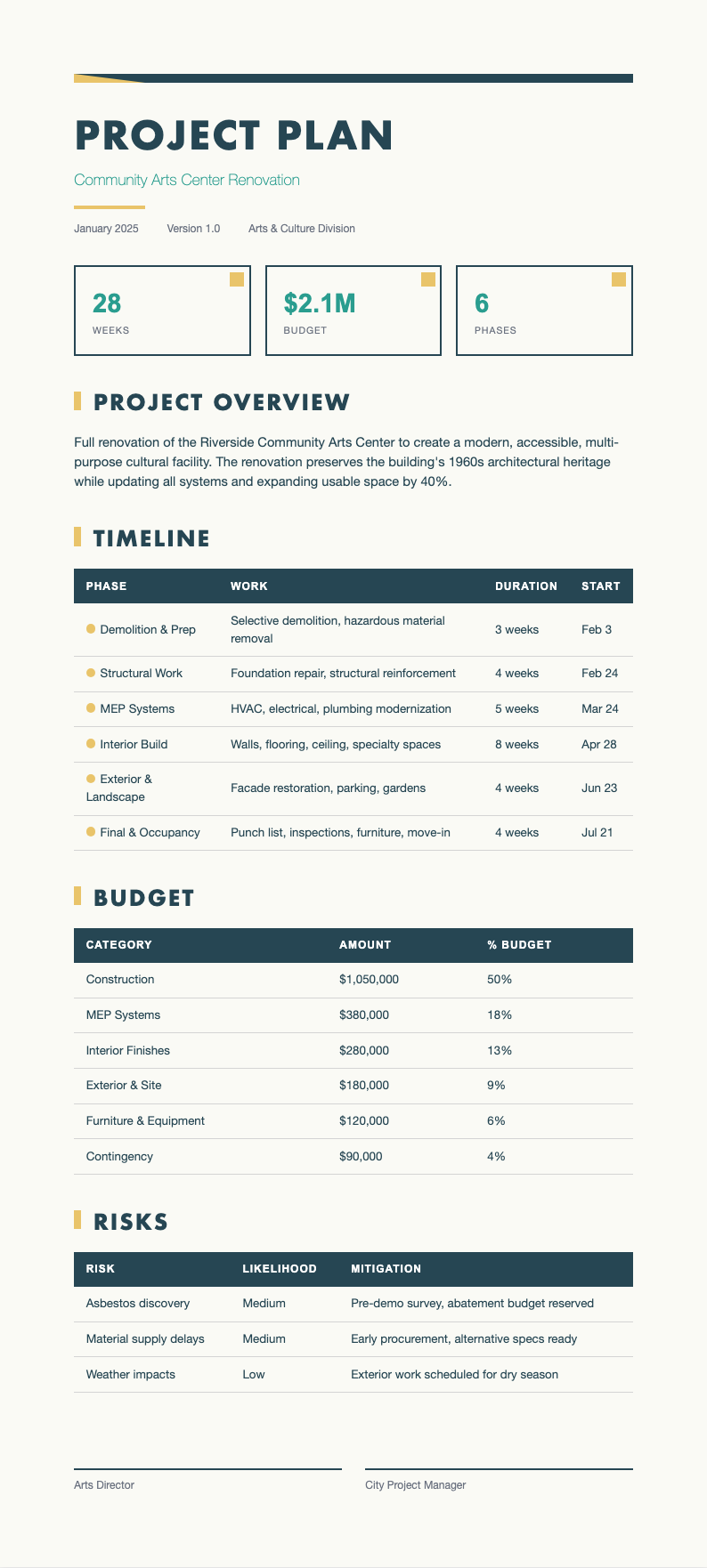
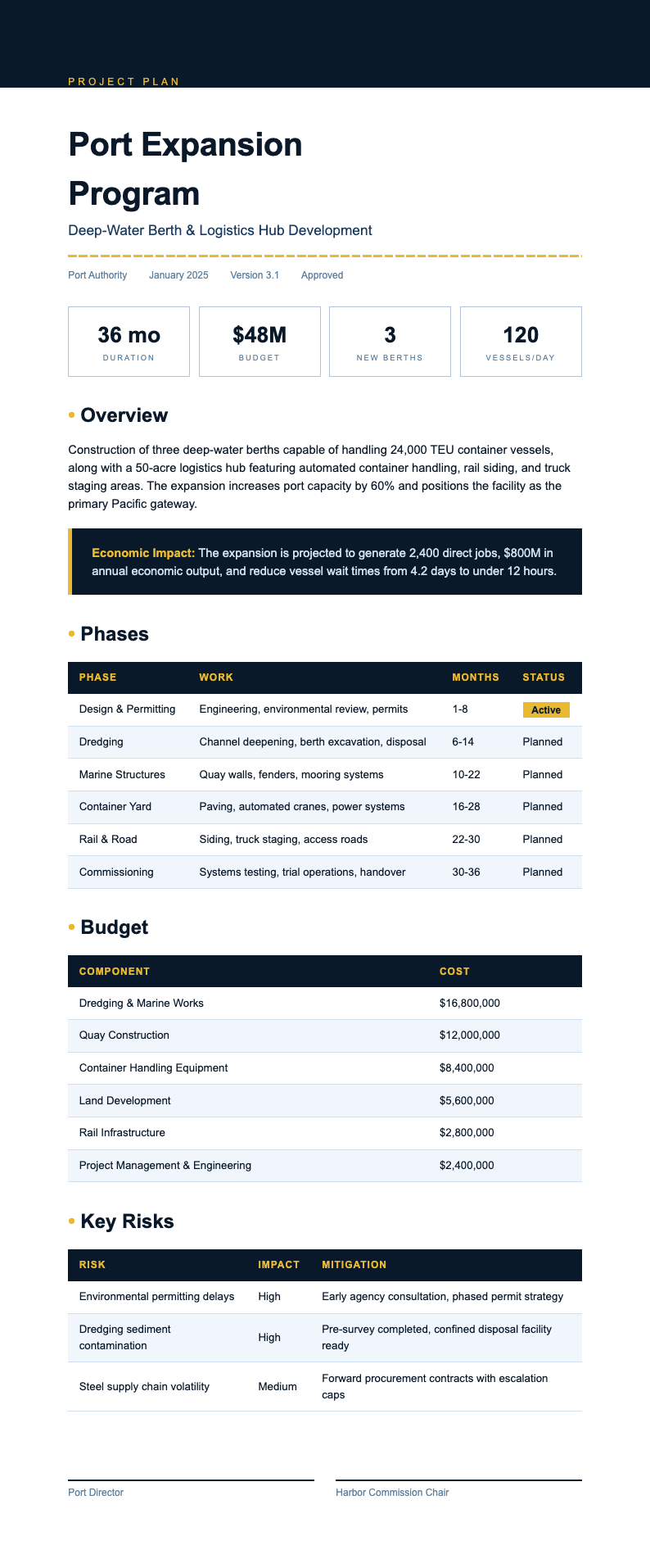
Organize your projects from kickoff to delivery with professionally designed templates that cover every phase of project management. Our Project Plan Template collection gives project managers, team leads, and business owners structured formats for defining objectives, scheduling tasks, allocating resources, and tracking milestones throughout the project lifecycle.
Showing 20 of 30 templates
Frequently Asked Questions About Our Templates
Find answers to common questions about using our Project Plan Template collection.
- What is a Project Plan Template?
- A Project Plan Template is a pre-built document framework that provides a structured layout for organizing all the essential elements of a project, including objectives, timelines, deliverables, resources, and risk assessments. Using this framework saves time and ensures you cover every critical aspect of planning so your team can start executing with confidence and clarity.
- How do I customize a Project Plan Template?
- Customizing a Project Plan Template is easy with our online editor. You can add or remove sections for phases, milestones, budgets, team assignments, and dependencies. The editor lets you rename headings, adjust table structures, and tailor the layout to match your project methodology, whether you follow Agile, Waterfall, or a hybrid approach.
- Can I download a free Project Plan Template?
- Yes, every Project Plan Template in our library is completely free to use, edit, and download. There are no subscriptions, hidden charges, or account requirements. You can select the one that best fits your project, customize it online with your specific details, and export it as a PDF or Word document at absolutely no cost.
- What formats are available for the Project Plan Template?
- Our Project Plan Template documents can be exported in PDF, DOCX, and other widely used formats. This ensures you can share your project plan with stakeholders, team members, and clients regardless of what tools they prefer. Each file preserves its clean, professional layout across all supported export formats, so your plan always looks polished and ready for presentation.
- Is the Project Plan Template suitable for software development projects?
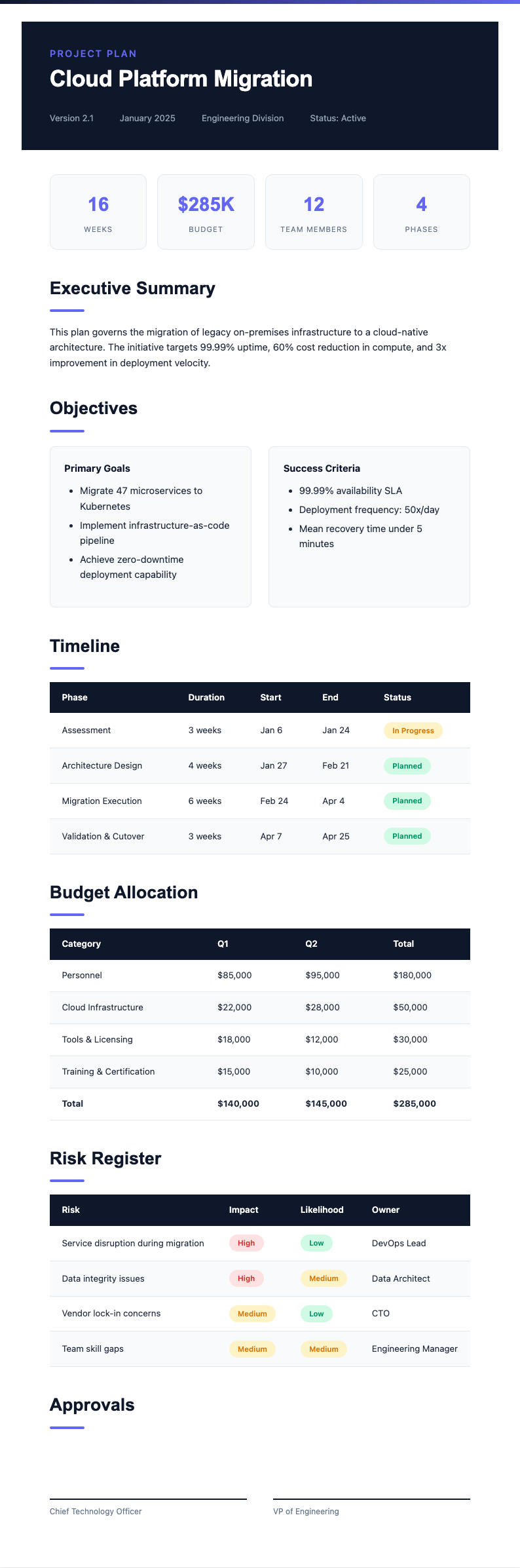
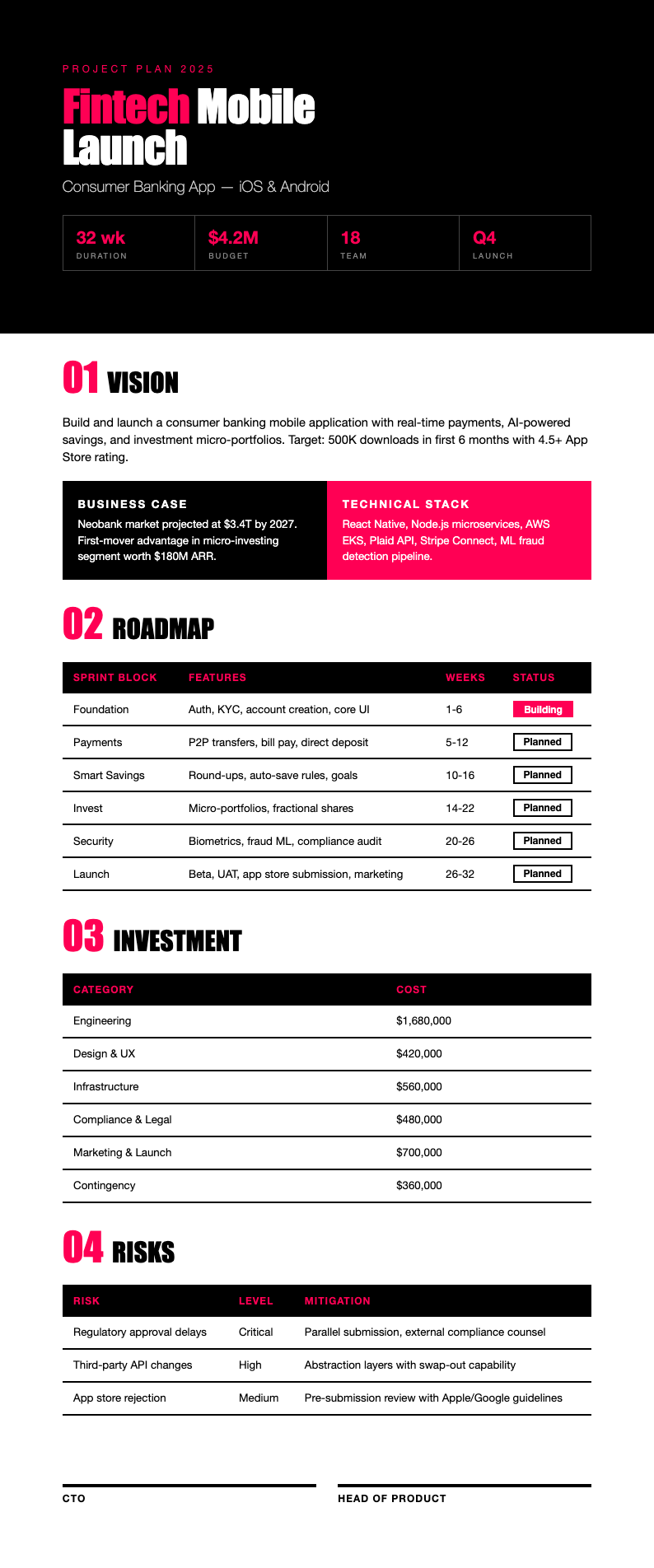
- Yes, we offer a Project Plan Template specifically designed for software development that includes sections for sprints, user stories, deployment schedules, testing phases, and release milestones. A development-focused layout helps engineering teams maintain visibility into progress, dependencies, and deliverables throughout the entire software development lifecycle. This cross-platform compatibility means your plan will always look polished and ready for executive presentation or team distribution.
- What information should I include in my Project Plan?
- A comprehensive Project Plan Template should include the project name and description, goals and objectives, scope statement, timeline with milestones, task breakdown with assignments, resource allocation, budget summary, risk register, and communication plan. A well-structured framework prompts you to document all these elements so nothing falls through the cracks. Teams using these frameworks report improved sprint velocity and clearer communication across departments.
- Can I share the Project Plan Template with my team?
- Yes, once you have completed your Project Plan Template, you can download it and share it with team members and stakeholders via email, project management tools, or collaboration platforms. The result produces professional-looking documents that give everyone a clear understanding of project scope, timelines, and their individual responsibilities. Documenting these elements thoroughly at the outset is one of the strongest predictors of project success.
- Do I need an account to use the Project Plan Template?
- No account or sign-up is required to use any Project Plan Template from our collection. You can browse, select, customize, and download templates instantly without creating an account or providing personal information. This makes our library one of the fastest and most accessible resources for project planning available online. This transparency builds trust across the team and reduces the risk of miscommunication about deliverables or deadlines.
- What makes a good Project Plan Template?
- A good Project Plan Template should be comprehensive yet flexible, with clearly defined sections for objectives, timelines, resources, risks, and deliverables. It should be easy to adapt to different project sizes and industries. The best layouts strike the right balance between providing enough structure for thorough planning and enough flexibility for real-world adjustments.
- Can I use the Project Plan Template for construction projects?
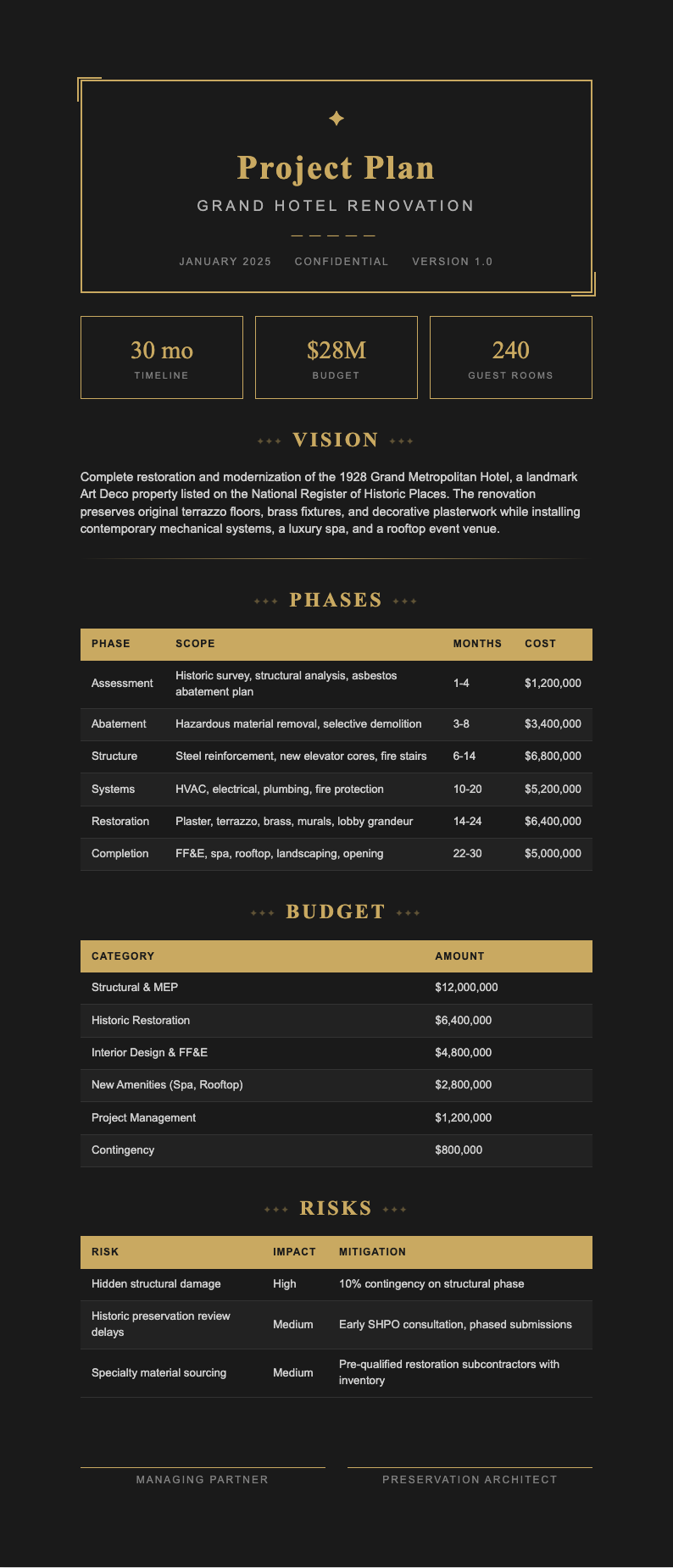
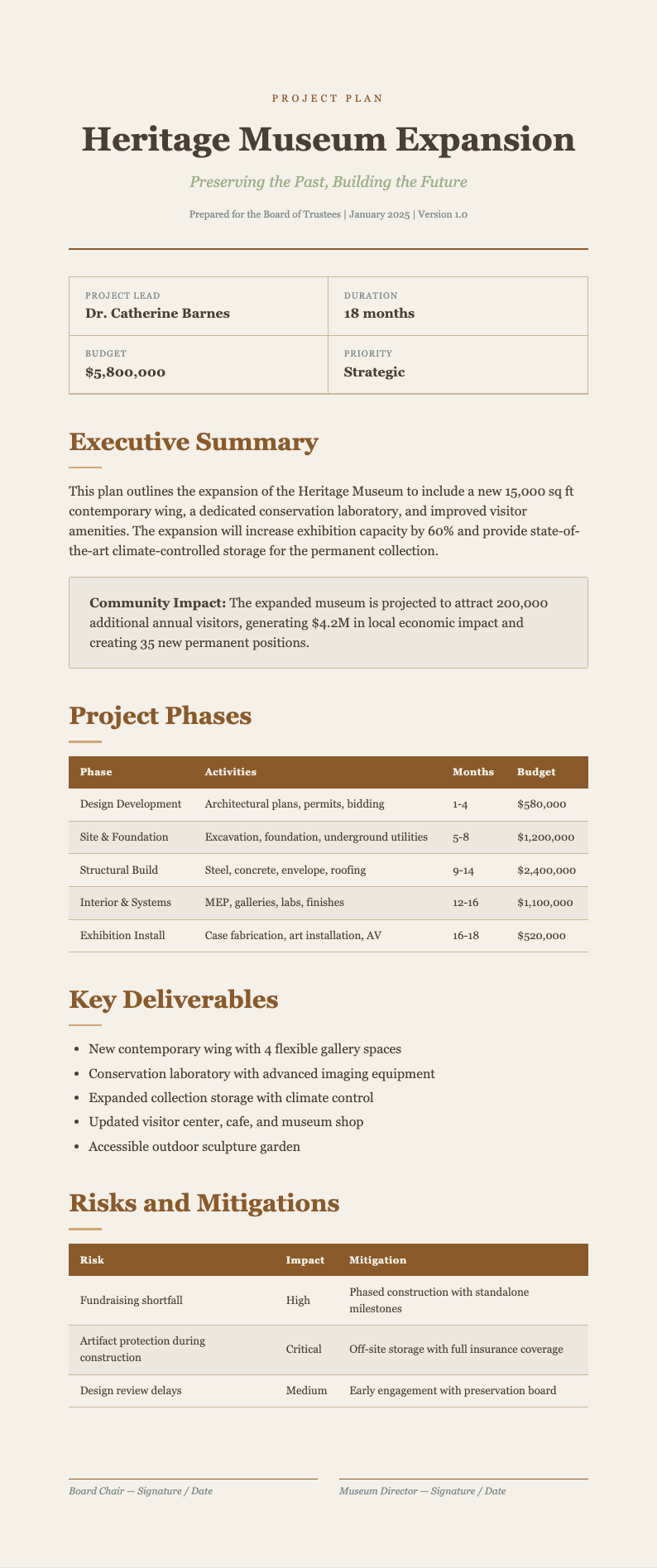
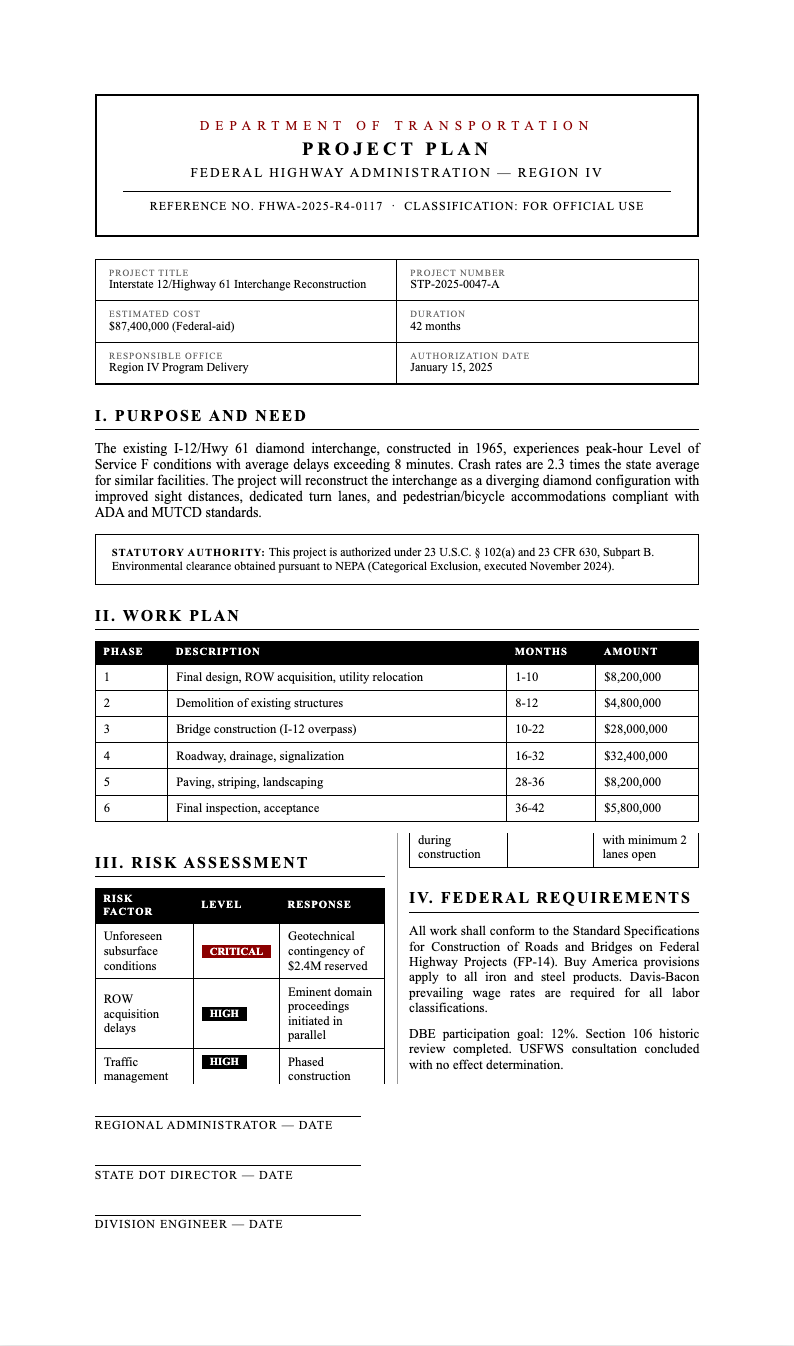
- Yes, our Project Plan Template collection includes a layout tailored for construction projects with sections for site preparation, permitting, material procurement, subcontractor scheduling, safety planning, and inspection milestones. A construction-specific document helps general contractors and project managers coordinate complex timelines, manage subcontractor dependencies, and keep all trades aligned throughout every phase of the build.
- Does the Project Plan Template work for marketing campaigns?
- Absolutely. A Project Plan Template is highly effective for marketing campaigns where multiple deliverables, channels, and deadlines must be coordinated. Marketing teams use our templates to schedule content production, ad launches, event coordination, and reporting milestones, ensuring every team member knows their responsibilities and the campaign stays on track. This ensures that material deliveries, subcontractor work, and inspections proceed in the correct sequence without costly delays or rework.
- Are there templates for different project methodologies?
- Our Project Plan Template collection includes options for Agile, Waterfall, Kanban, and hybrid methodologies. Each methodology-specific layout comes with sections and structures that align with the principles and workflow of that approach, so whether you are running sprints or following a sequential phase plan, you have the right starting point. Whether launching a single campaign or managing a multi-channel strategy, having a clear plan keeps creative and analytical efforts synchronized.
- Can I add Gantt chart tables to the Project Plan Template?
- Yes, our online editor supports adding detailed tables, timelines, and structured lists to your Project Plan Template. You can create task schedules with start and end dates, dependencies, and responsible parties. Adding these visual elements makes it easier for stakeholders to understand the project timeline and track progress at a glance. This variety allows you to select the approach that best matches your team's workflow and reporting preferences.
- How often should I update my Project Plan?
- A Project Plan Template should be reviewed and updated regularly throughout the project lifecycle. Best practice is to revisit the plan at each major milestone or at least weekly for active projects. Keeping your plan current ensures that all stakeholders have accurate information about progress, changes in scope, and any shifts in timelines or resource allocation.
- What is the difference between a project plan and a project proposal?
- A project proposal is a document used to pitch and gain approval for a project before it begins, while a Project Plan Template is used after approval to detail how the project will be executed. The proposal focuses on justification and expected outcomes, whereas the plan focuses on the actionable steps, timelines, resources, and milestones needed to deliver the project successfully.
Ready to Create Your Project Plan?
Select from our professional collection and build a clear, organized roadmap for your next project in minutes.
Free templates • AI-powered editing • No sign-up required