Generate White Paper Instantly
Our white paper generator helps you create polished, professional documents in minutes. Simply input your content, choose a layout, and let the tool handle formatting and design automatically.
How to Create a White Paper Online
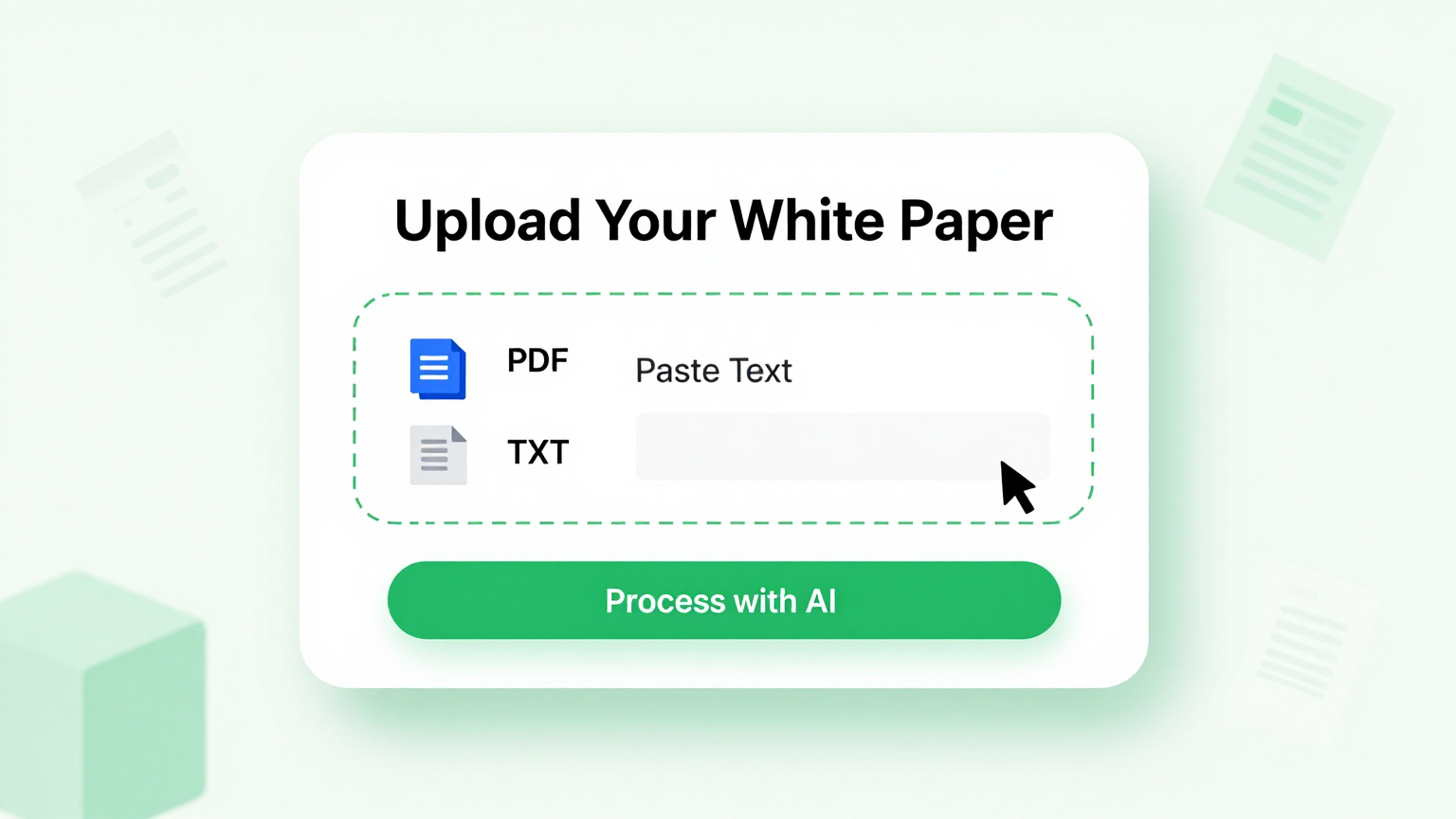
Enter Your Content
Start by uploading your text documents, data files, or pasting your content into the white paper generator. The system will analyze your input and organize it into logical sections, creating a solid foundation for your document that flows naturally from start to finish.
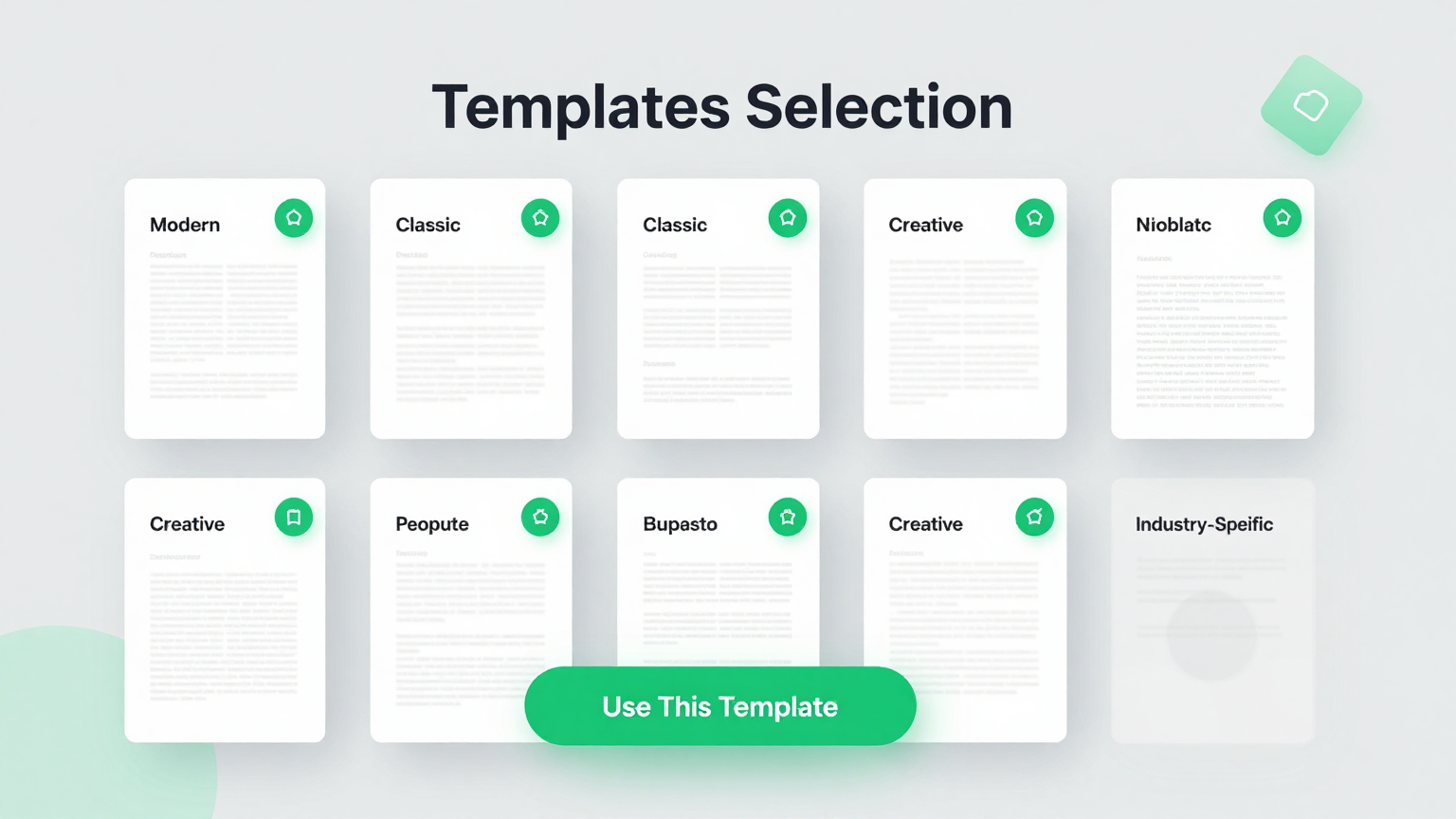
Select a Template
Browse our collection of professional layouts and pick the one that best fits your topic and audience. The tool applies your chosen template to your content automatically, formatting headings, body text, and visuals into a cohesive and polished document ready for editing.
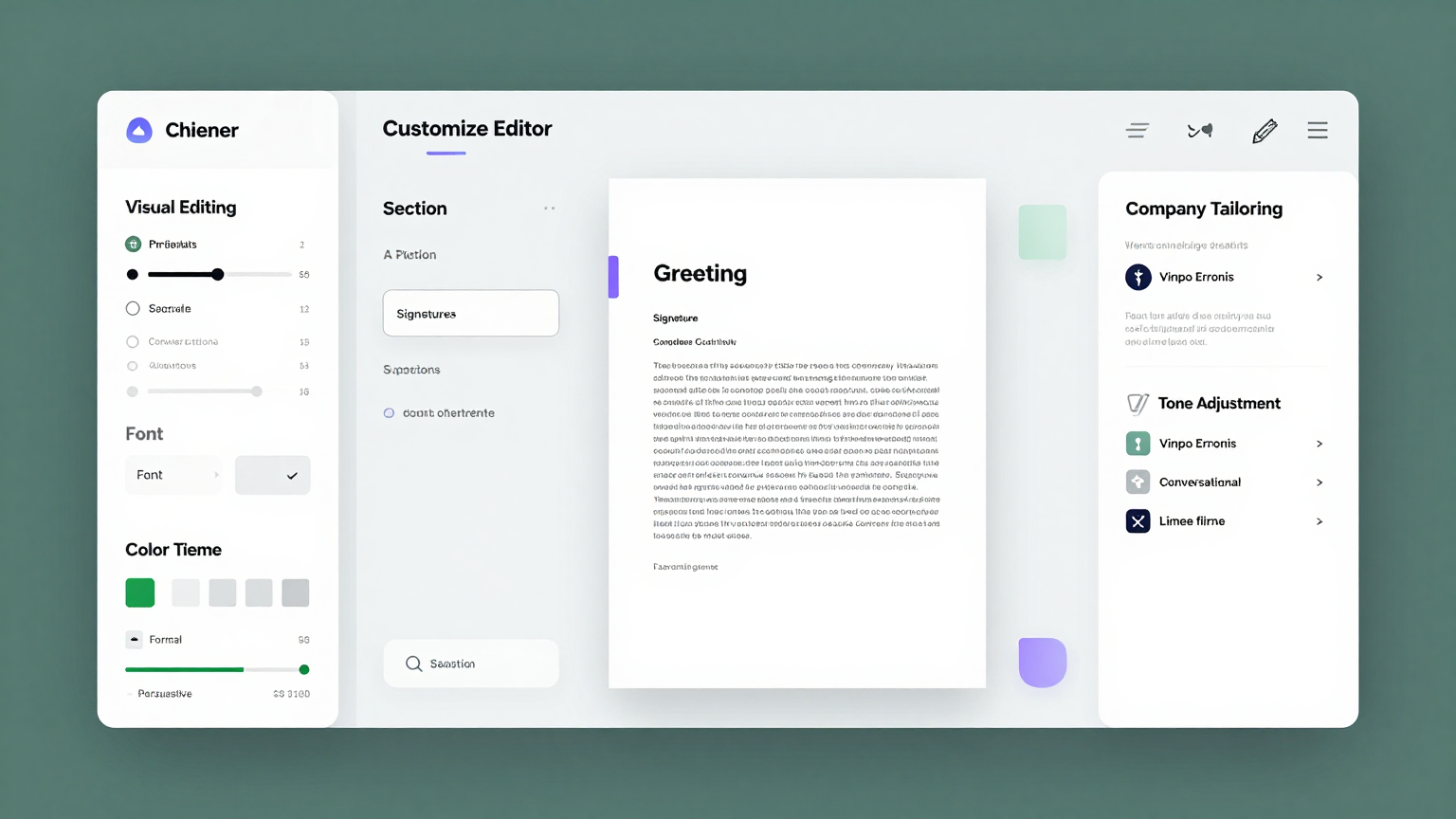
Customize and Edit
Use the online editor to refine your document, adjust styling, add images and charts, and apply your company branding. Preview your changes in real time to ensure every section looks exactly the way you want before finalizing your white paper for distribution.
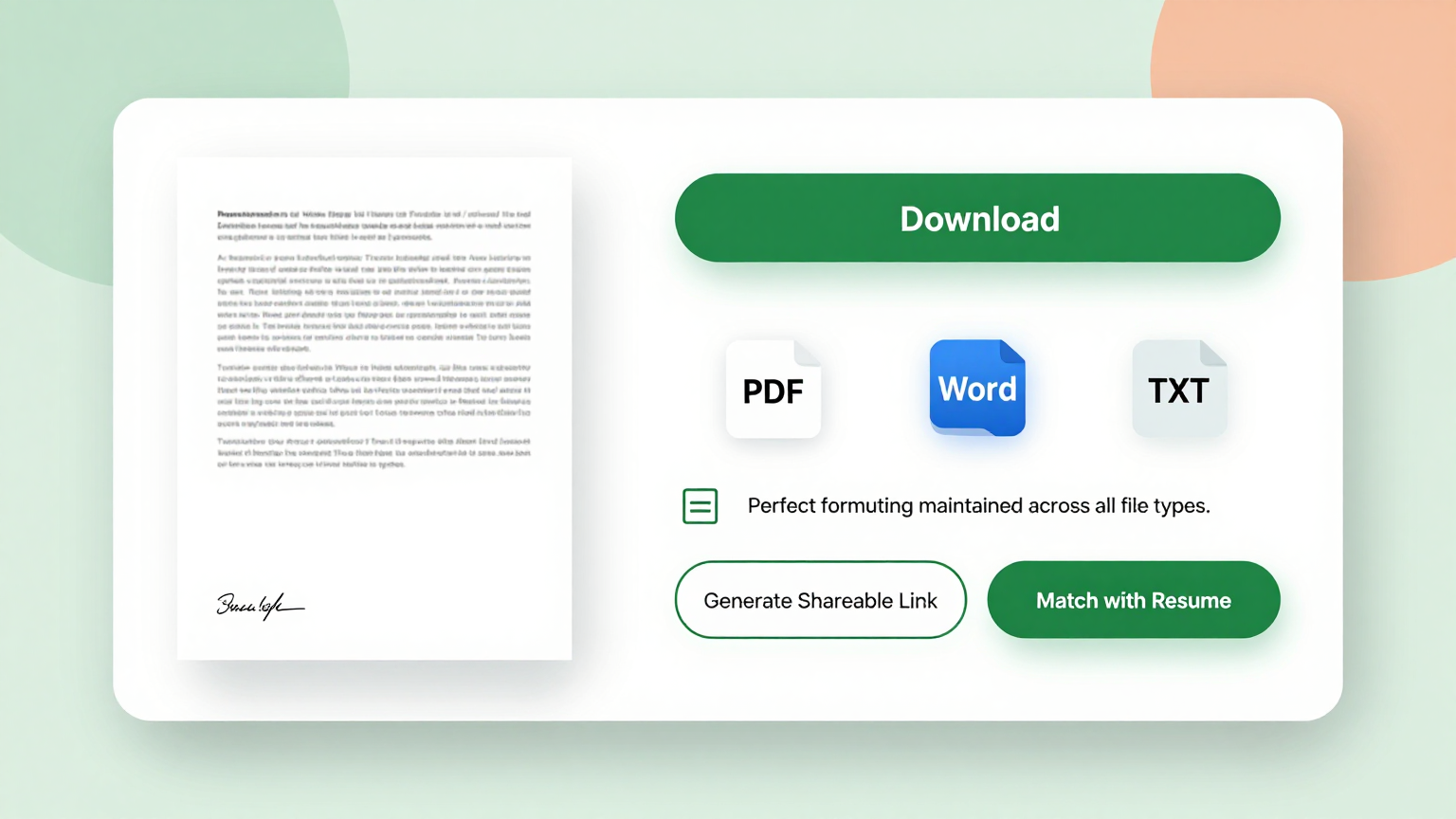
Download Your Document
Once you are satisfied with the result, download it in your preferred format. The white paper generator produces print-ready files that you can share with clients, publish online, or distribute through your marketing channels immediately without any additional editing needed.
Import Data
Upload your existing text, data files, or paste content directly into the white paper generator. The tool accepts multiple file formats and automatically organizes your information into a structured document framework, saving you hours of manual formatting work and ensuring a logical flow throughout.
Professional Templates
Choose from a library of professionally designed layouts tailored for different industries and purposes. Each template comes with pre-configured sections for executive summaries, problem analysis, and recommendations that you can easily customize to fit your specific needs and target audience.
Edit Online
Refine your document with our powerful online editor that lets you modify text, adjust layouts, add charts, and apply your branding. The tool provides a real-time preview so you can see exactly how your finished white paper will look before committing to a final download of the document.
Download & Share
Export your completed document in PDF, DOCX, or PNG format with a single click. The tool ensures high-quality output suitable for professional distribution, whether you share it via email, publish it on your website, or present it in meetings with stakeholders and decision makers.
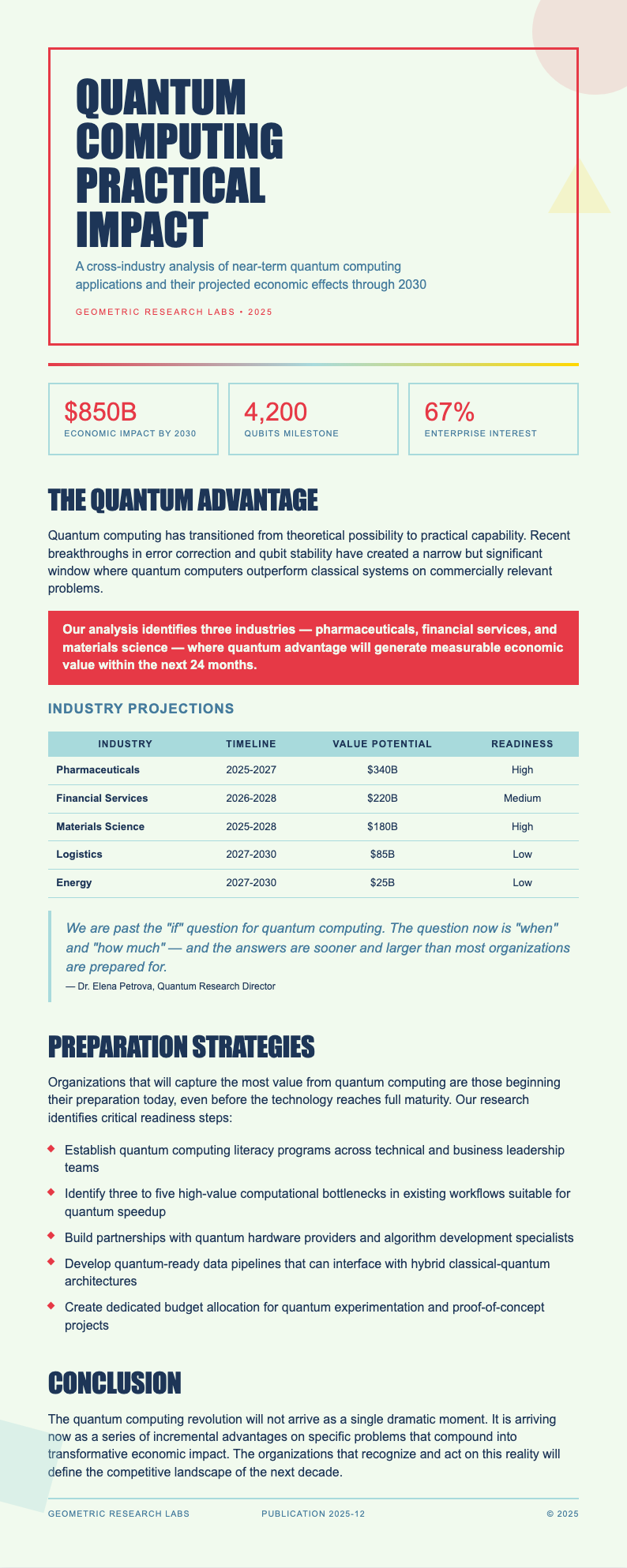
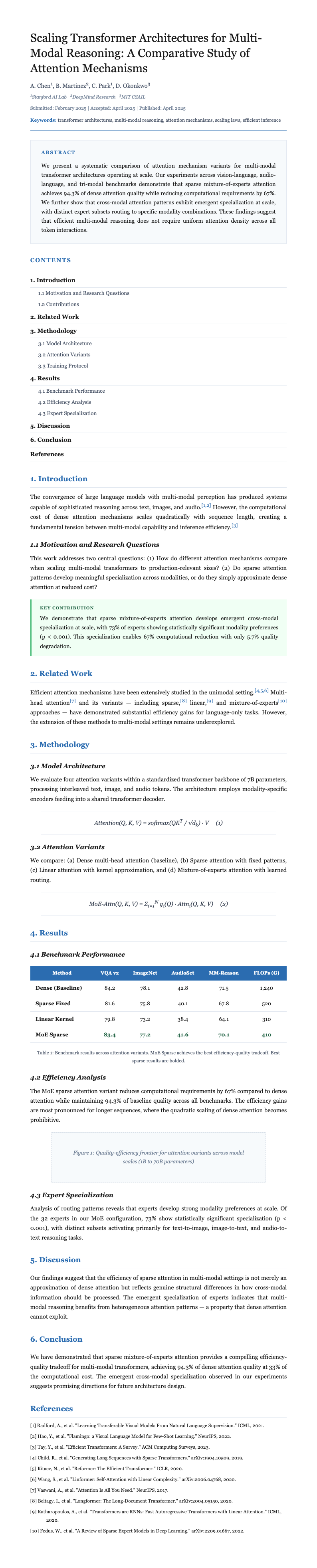
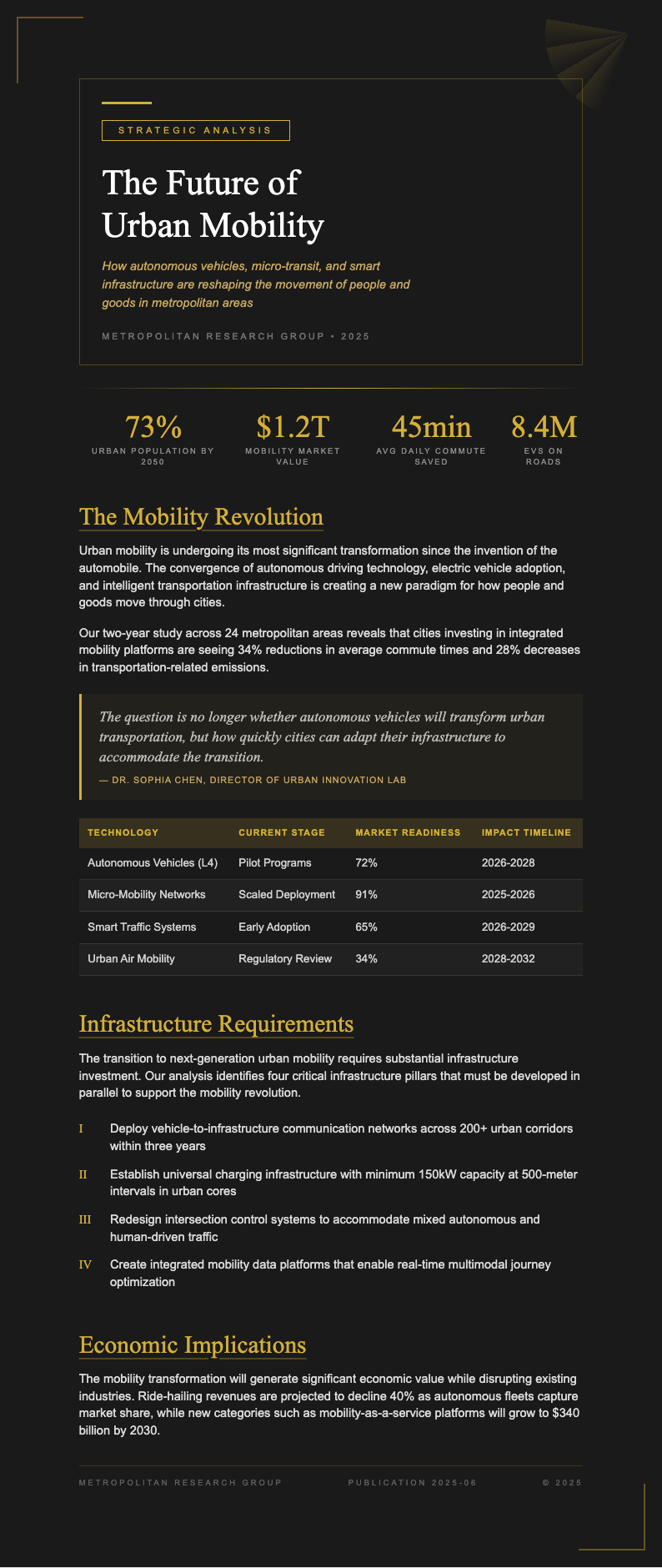
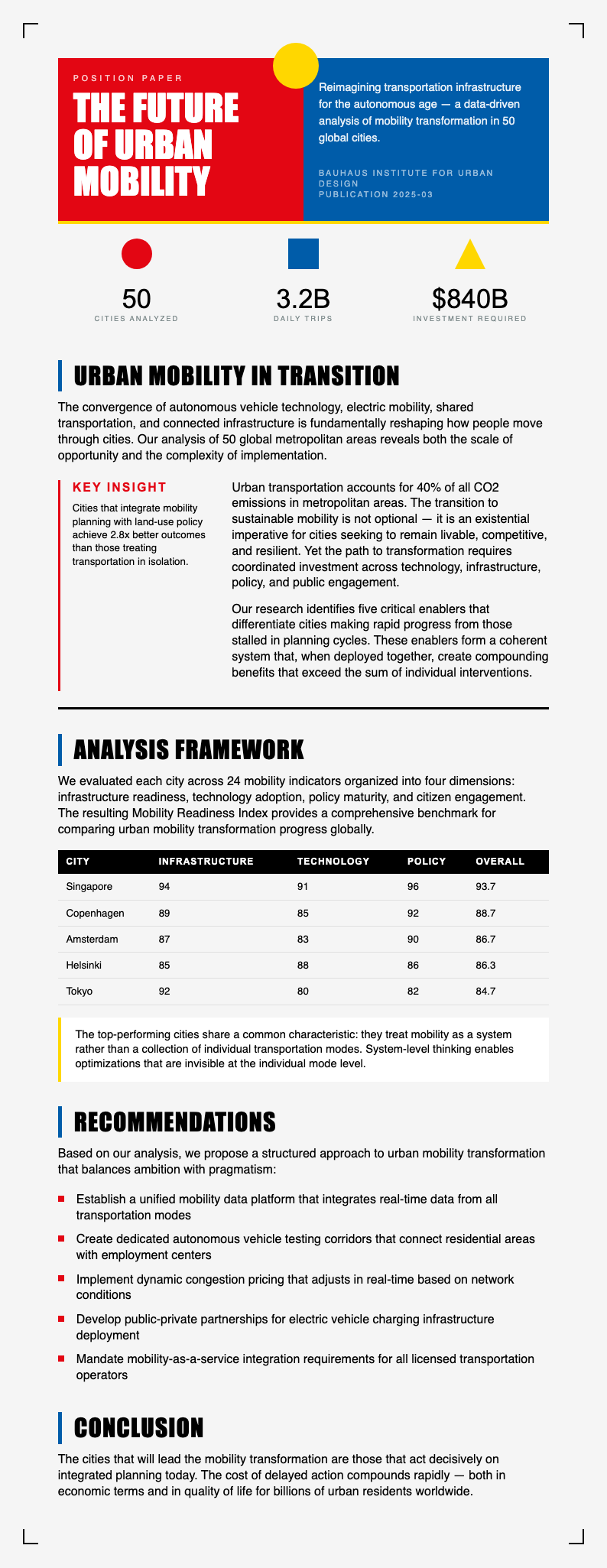
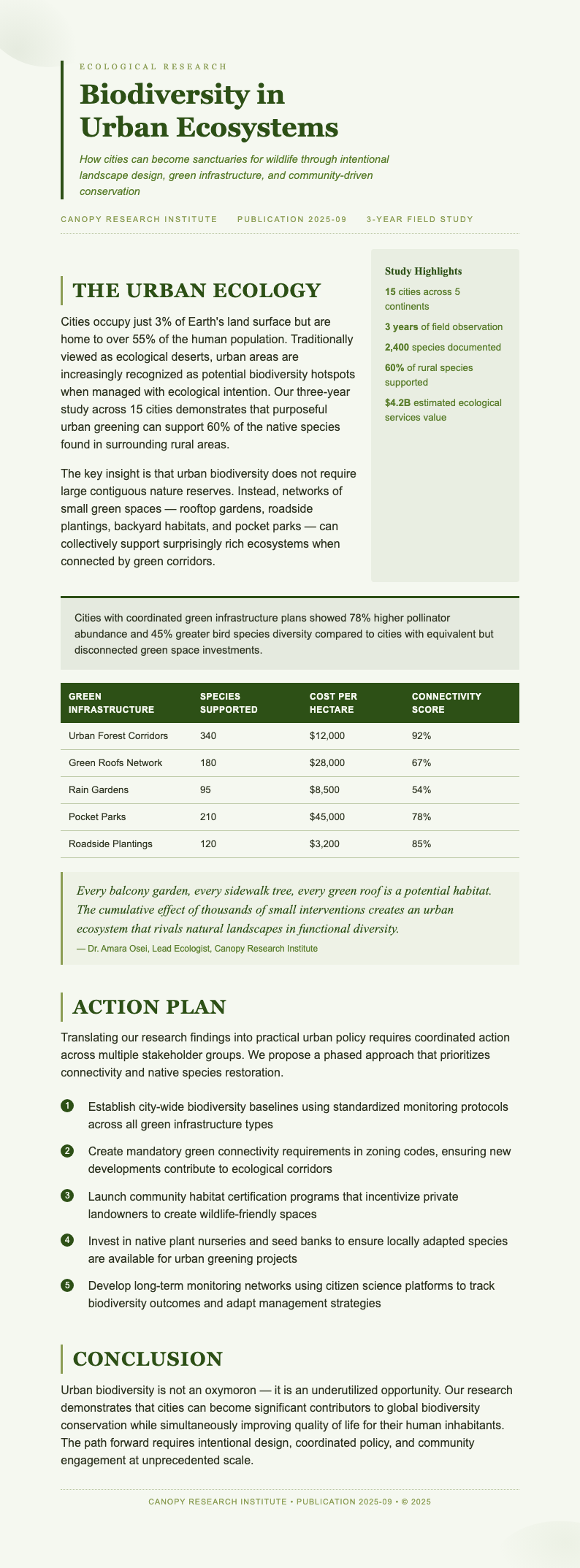
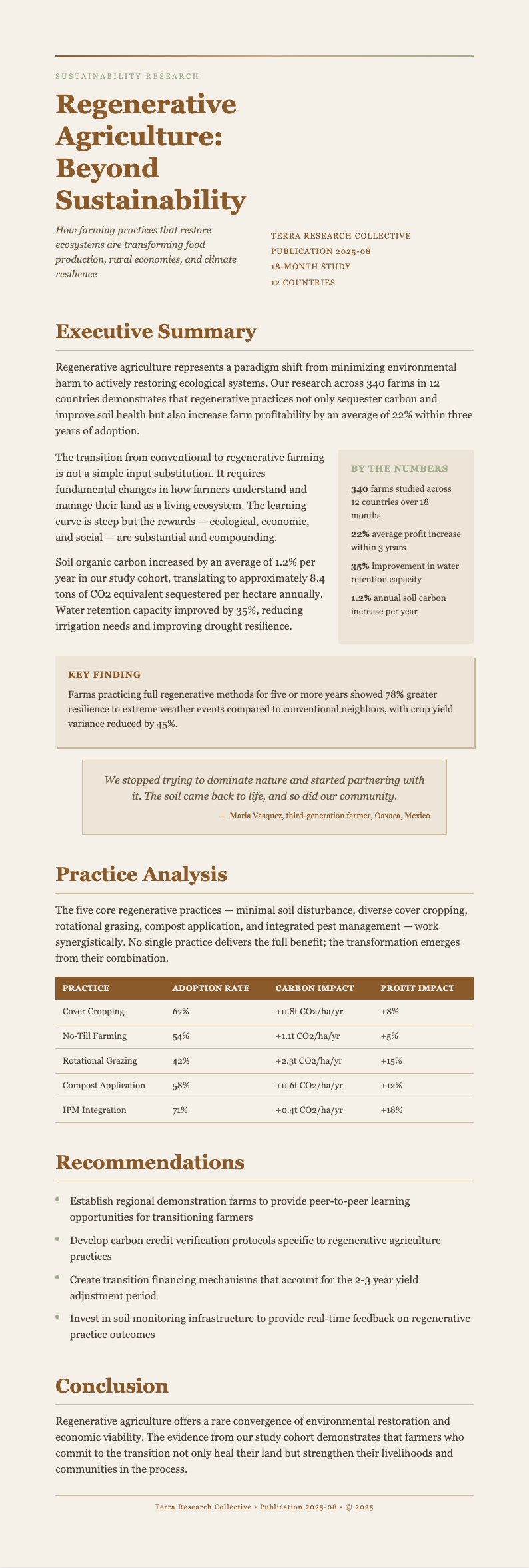
Explore Professional White Paper Templates
Need a starting point? Browse our collection of pre-made templates.




Frequently Asked Questions
Helpful information about using our tool to create professional documents quickly and easily.
- What is a white paper generator?
- A white paper generator is an online tool that automates the process of creating professional white papers. Instead of starting from scratch, it provides templates, formatting tools, and AI-powered editing features that help you produce a polished document. It handles layout, typography, and section organization so you can focus entirely on your content and message.
- How does the white paper generator work?
- The tool works in four simple steps: upload your content, choose a template, edit and customize, then download. It uses AI to help organize your input into a well-structured document with proper sections. Our white paper generator supports text, images, and data, making it suitable for a wide range of topics, industries, and professional applications.
- Is the white paper generator free to use?
- Yes, our tool is completely free to use with no hidden charges. You can create, edit, and download white papers without any payment or subscription required. We offer this resource at no cost because we believe everyone should have access to professional document creation tools regardless of their budget or the size of their organization.
- Do I need to create an account to use the tool?
- No account is required. You can start using the white paper generator immediately without signing up or providing any personal information. Simply visit the tool, upload your content, and begin creating your document right away. This no-barrier approach ensures that anyone can access the tool whenever they need to produce a professional document.
- What types of white papers can I create?
- The tool supports all common types including problem-solution papers, technical guides, thought leadership reports, and product-focused documents. Each type can be customized with relevant sections, visuals, and branding to suit your purpose. The white paper generator adapts its output based on the template and content you provide, giving you flexibility across different use cases.
- Can I add my company branding to the generated document?
- Yes, the white paper generator allows full branding customization for every document you create. You can upload your company logo, set brand colors, and choose fonts that match your corporate identity. Applying consistent branding through the tool ensures your finished white paper looks professional and aligns with your other marketing materials.
- What file formats does the tool support for export?
- You can download your finished document in PDF, DOCX, and PNG formats. PDF is ideal for sharing and printing, DOCX allows further editing in word processors like Microsoft Word, and PNG works well for web publishing. Each format is produced at high quality, so your document looks polished regardless of which option you choose.
- How long does it take to generate a white paper?
- Most users complete their document within fifteen to thirty minutes using the white paper generator. The actual generation is nearly instant once you input your content and select a template. The majority of time is spent reviewing and customizing the output, which the tool makes straightforward with its intuitive editing interface and real-time preview feature.
- Can I edit my document after generating it?
- Absolutely. The white paper generator includes a full online editor that lets you make changes to text, layout, images, and styling at any time during the process. You can save your progress and return to edit later as needed. The tool keeps your document fully editable until you are completely satisfied with the final result.
- Is my data secure when using this tool?
- Yes, we take data security seriously. The white paper generator processes your content securely and does not share it with third parties. Your uploaded files and generated documents are stored temporarily during your session and are deleted afterward. You can use the tool with confidence knowing your proprietary information remains private and protected at all times.
- Can I collaborate with my team using this tool?
- Yes, collaboration is supported through shareable document links. You can invite team members to review and edit your white paper in real time, making it easy to gather feedback from multiple stakeholders. This collaborative feature helps ensure that your final document reflects diverse input and maintains consistent quality throughout every section of the paper.
- What makes this tool different from other document creators?
- Our tool combines AI-powered content organization with a library of professional templates and an intuitive editor, all available for free with no sign-up required. Unlike generic document tools, it focuses specifically on white paper formatting, ensuring that every output follows best practices for structure, readability, and professional presentation tailored to business audiences.
Create Your White Paper Now
Use our free white paper generator to produce a professional document in minutes. No design skills needed, just upload your content and let the tool handle formatting and layout.
No credit card required • AI formatter tools included • Instant formatting