Edit Email Templates Online for Free
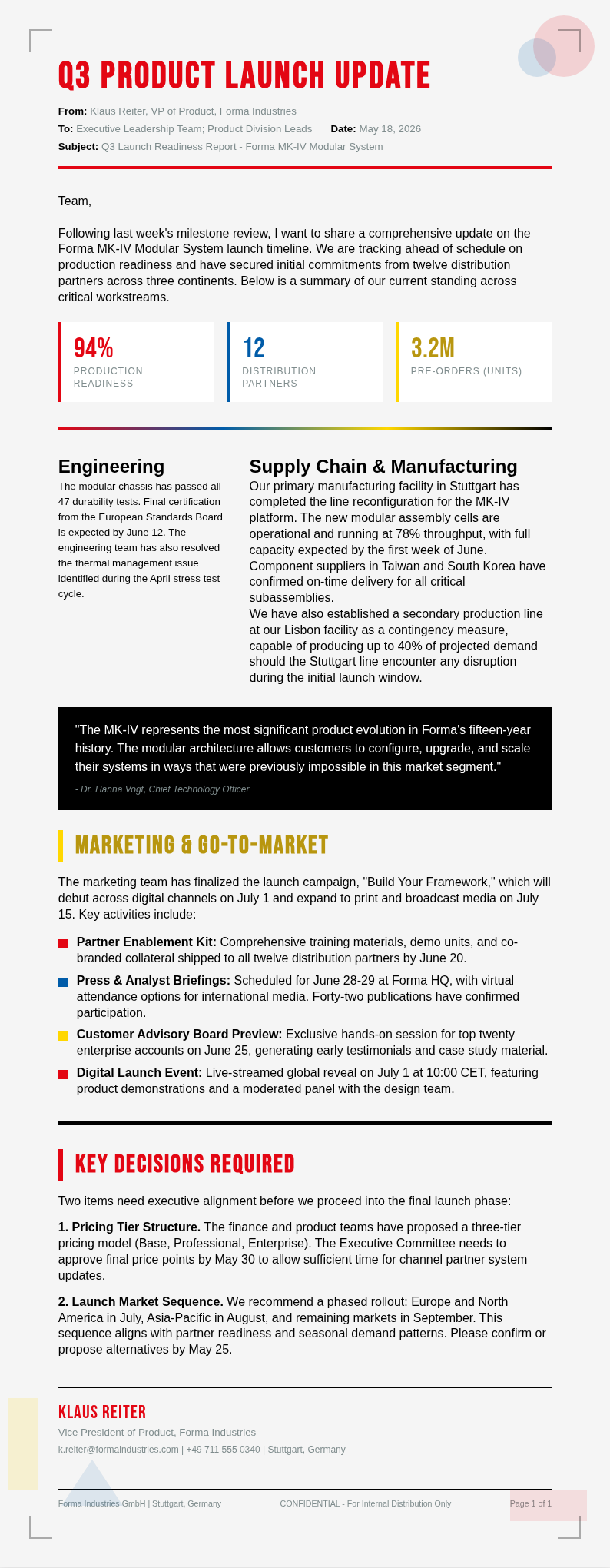
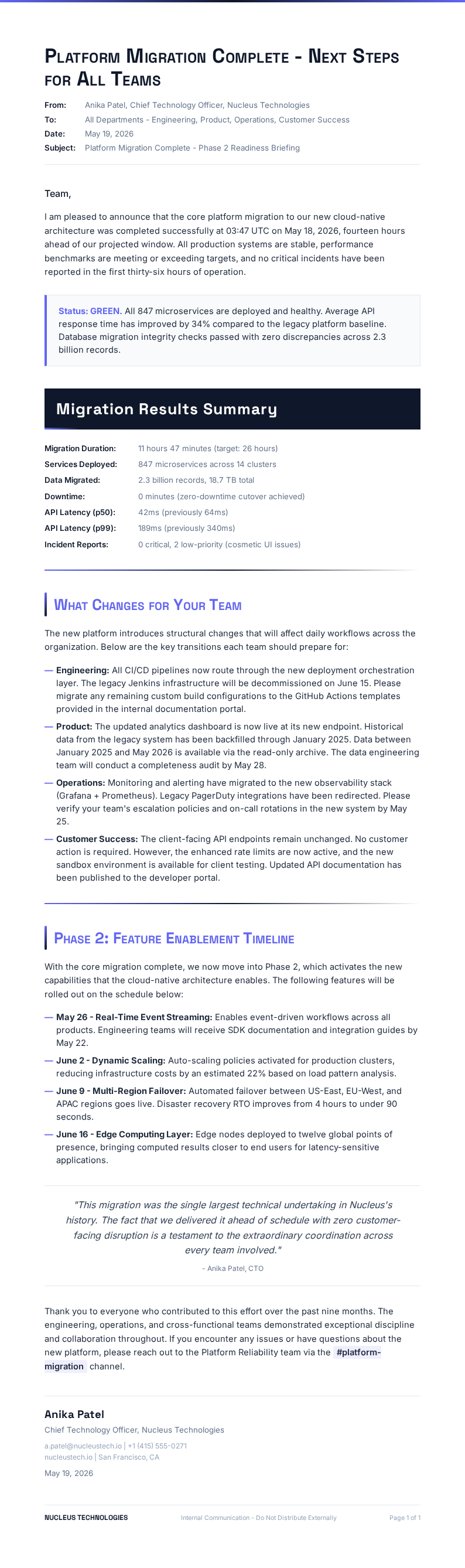
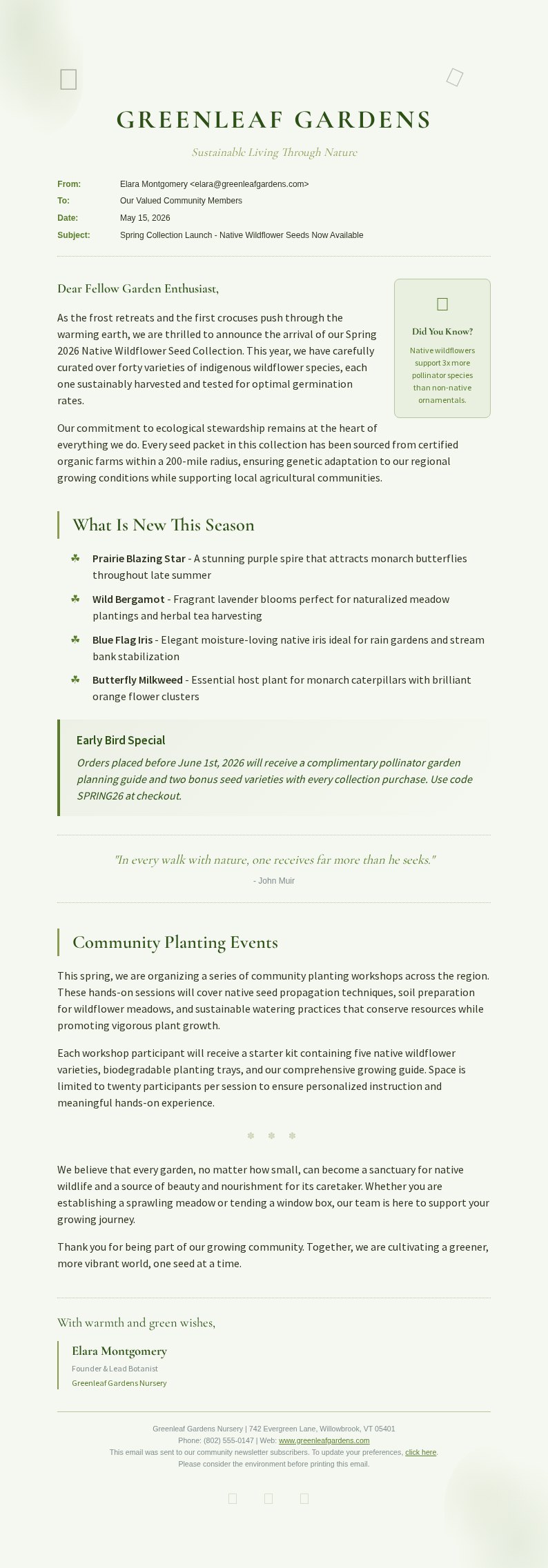
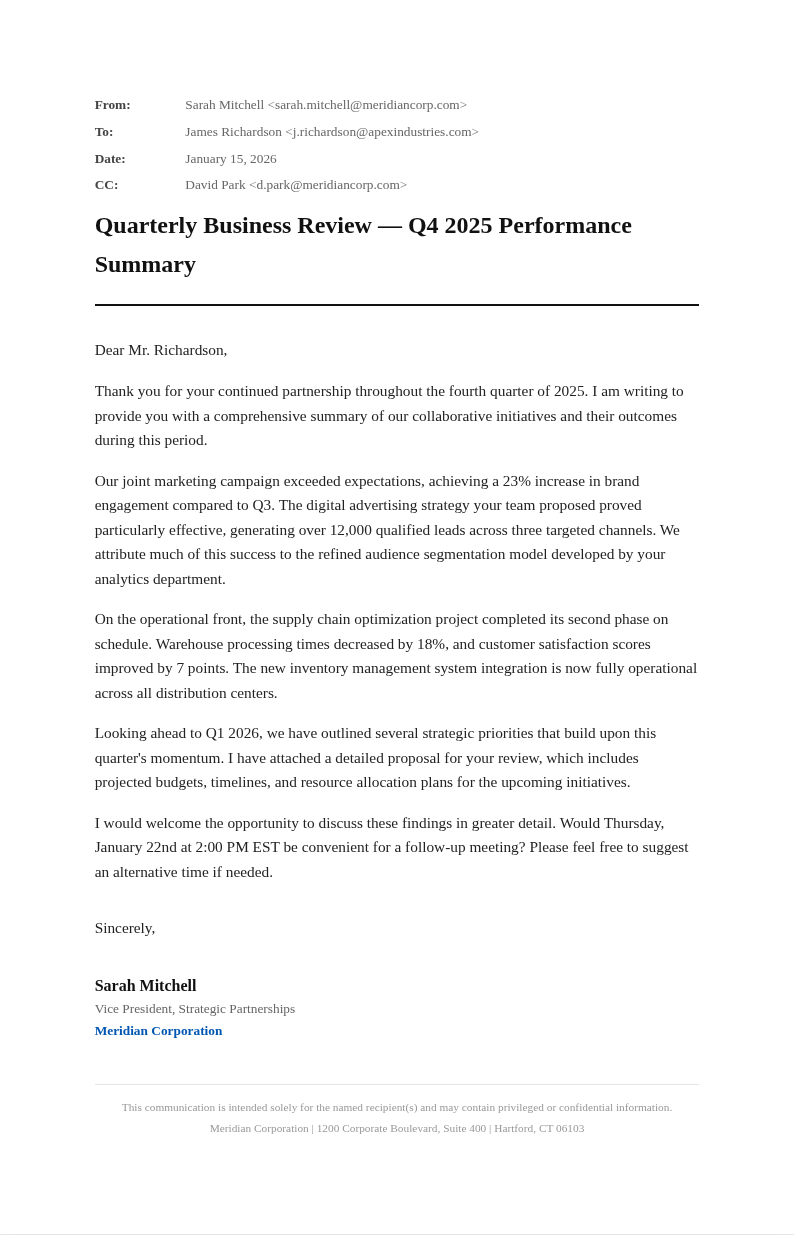
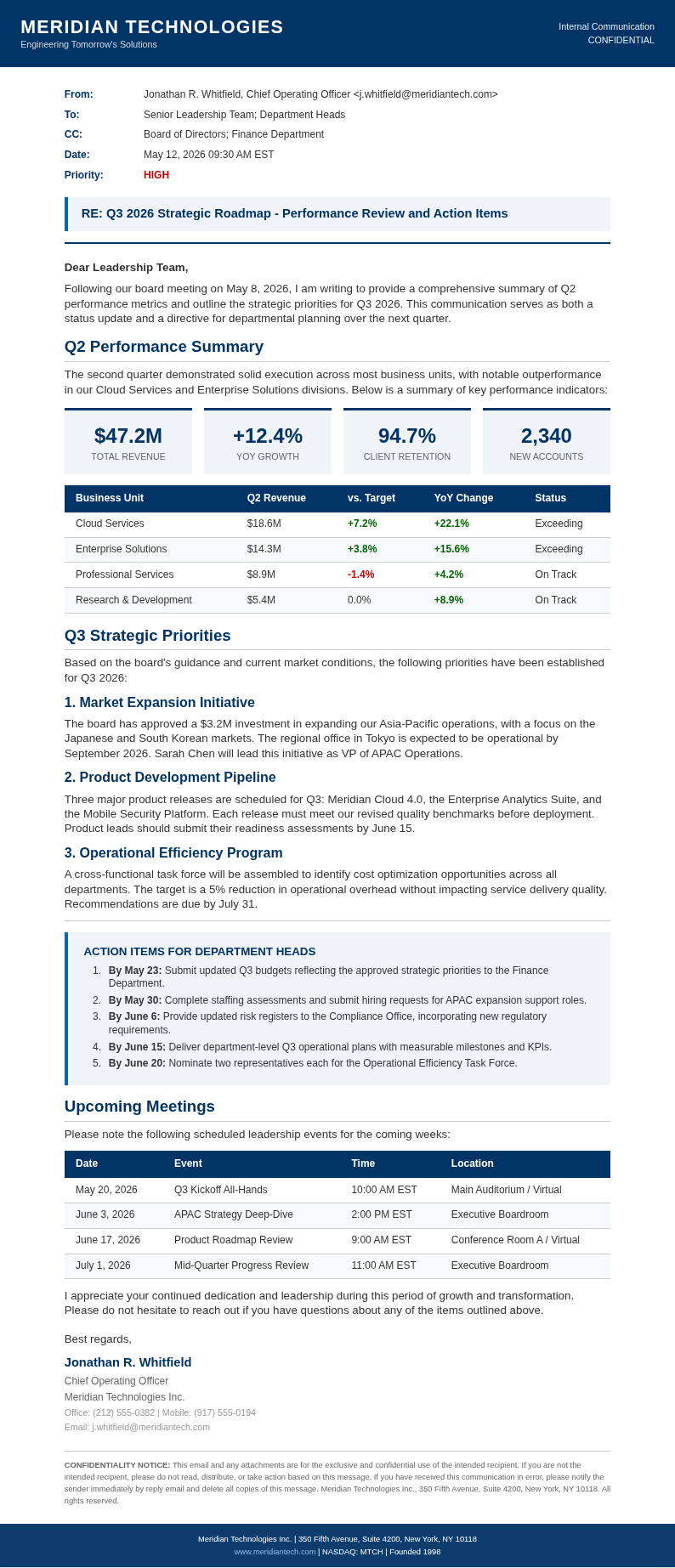
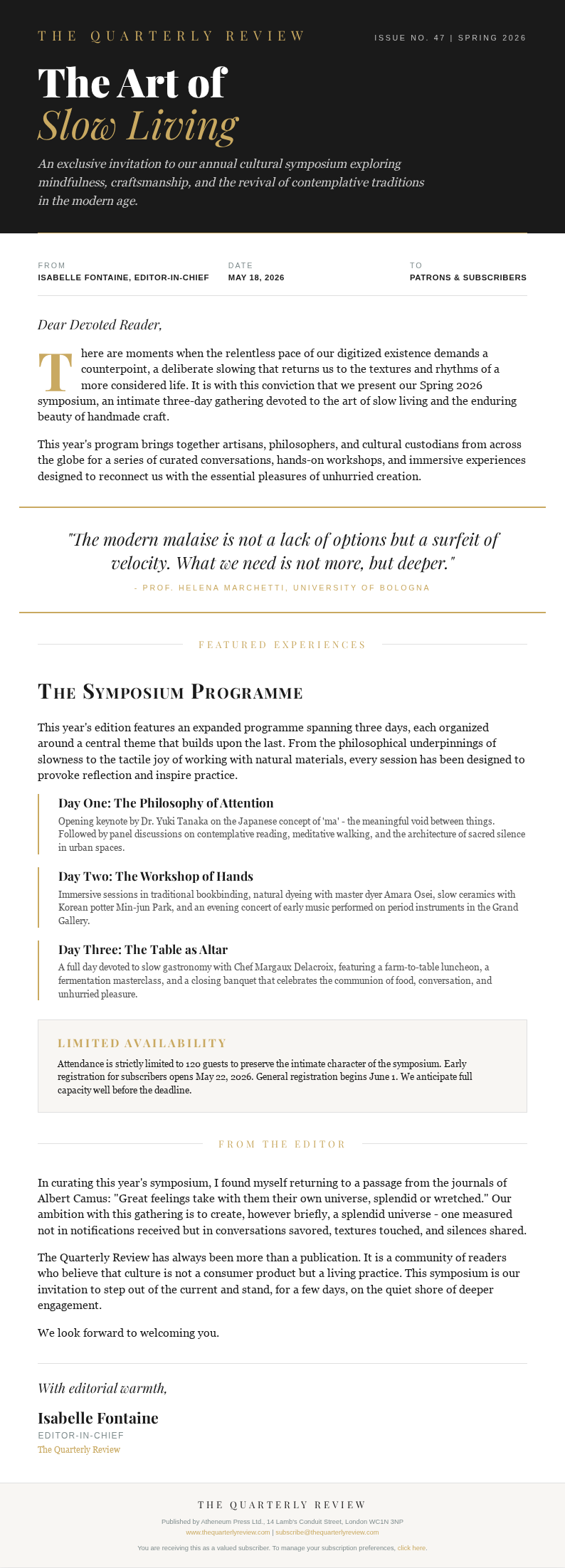
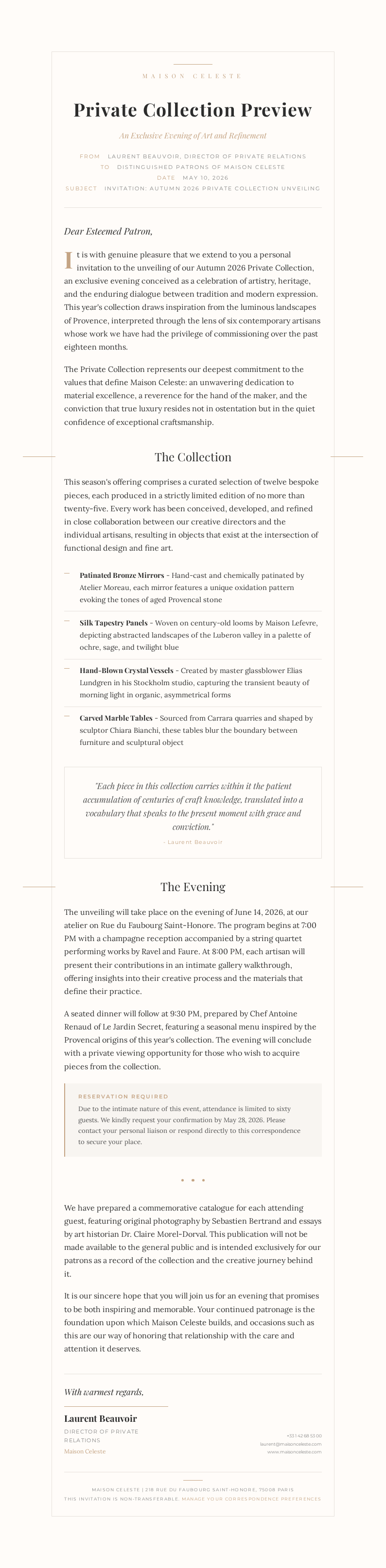
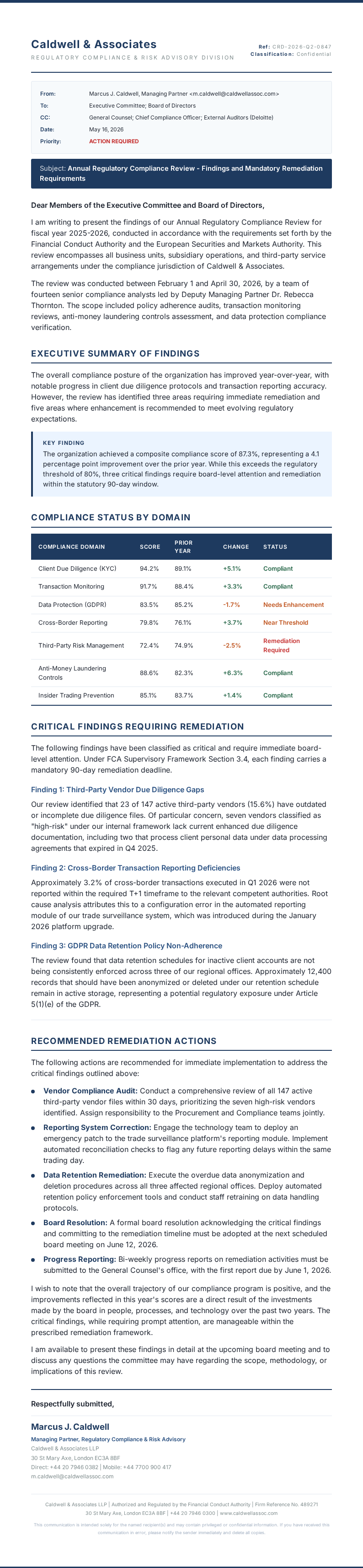
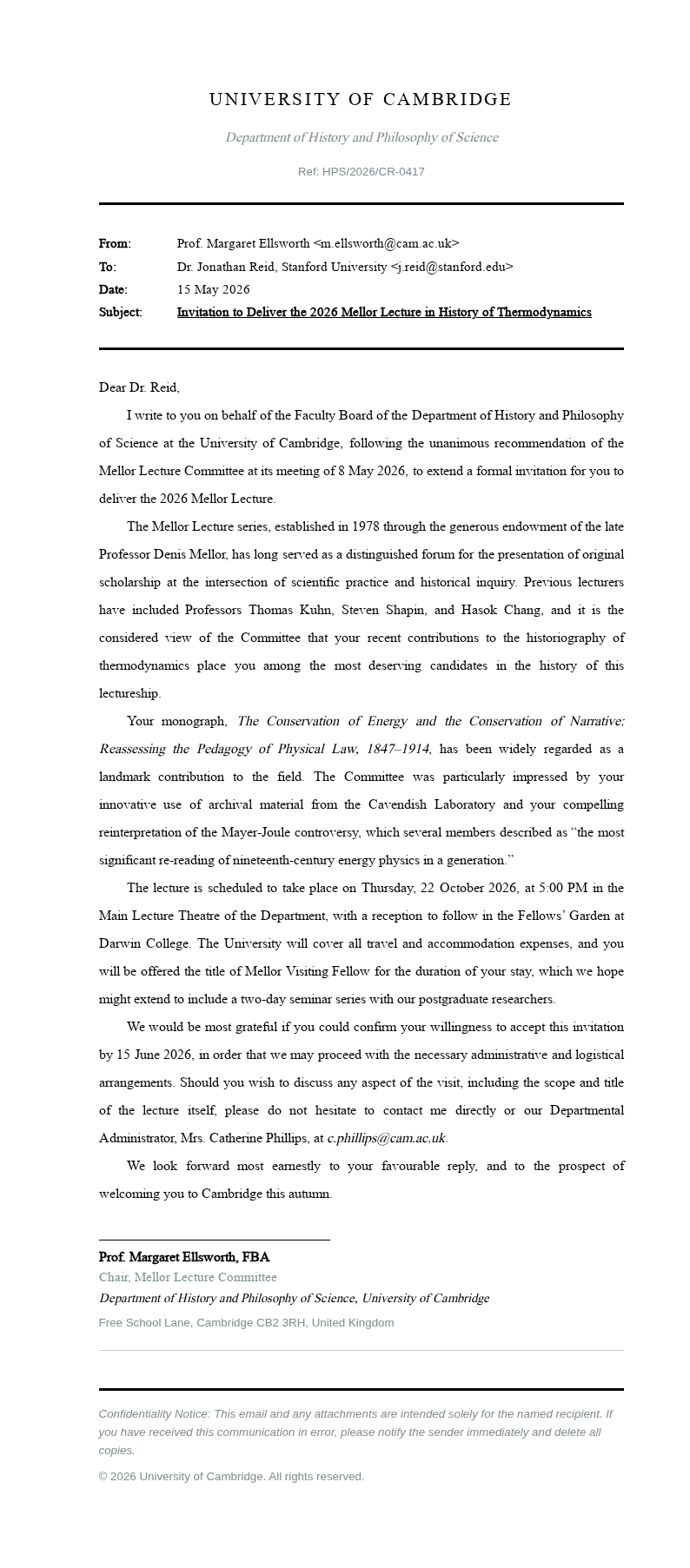
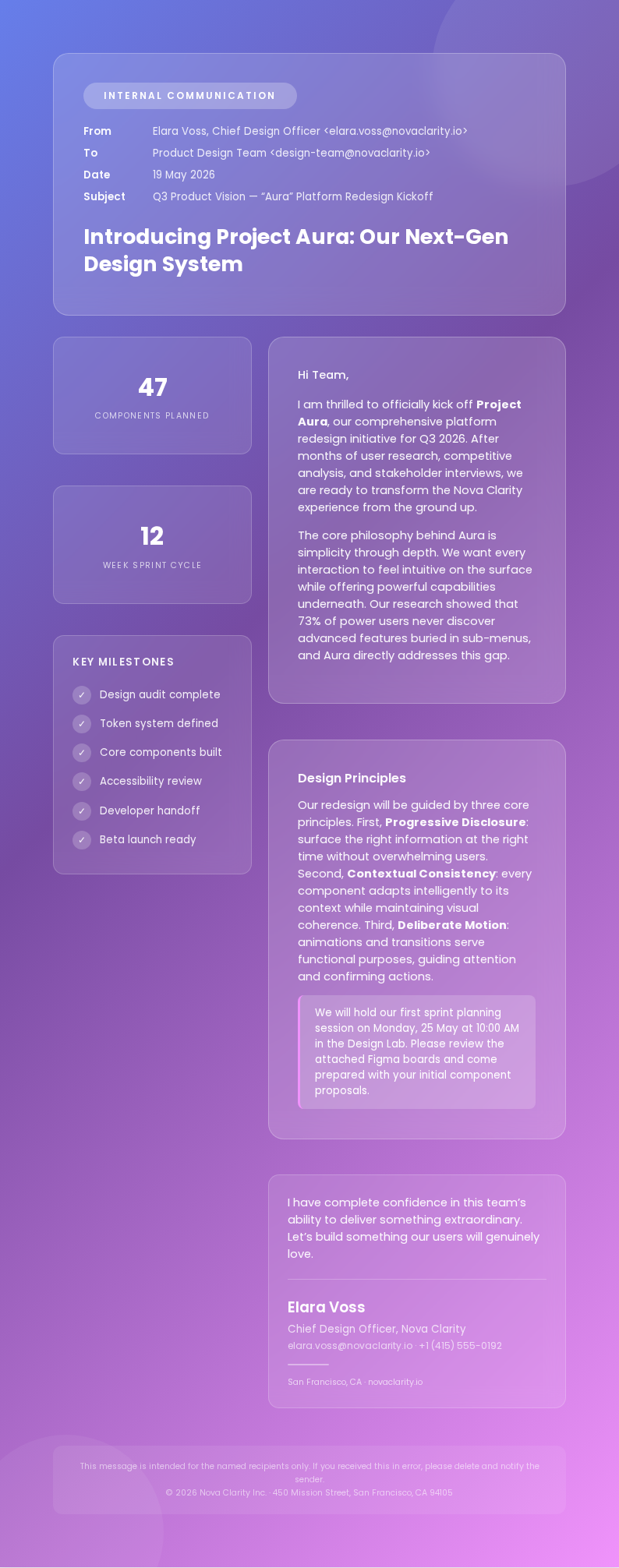
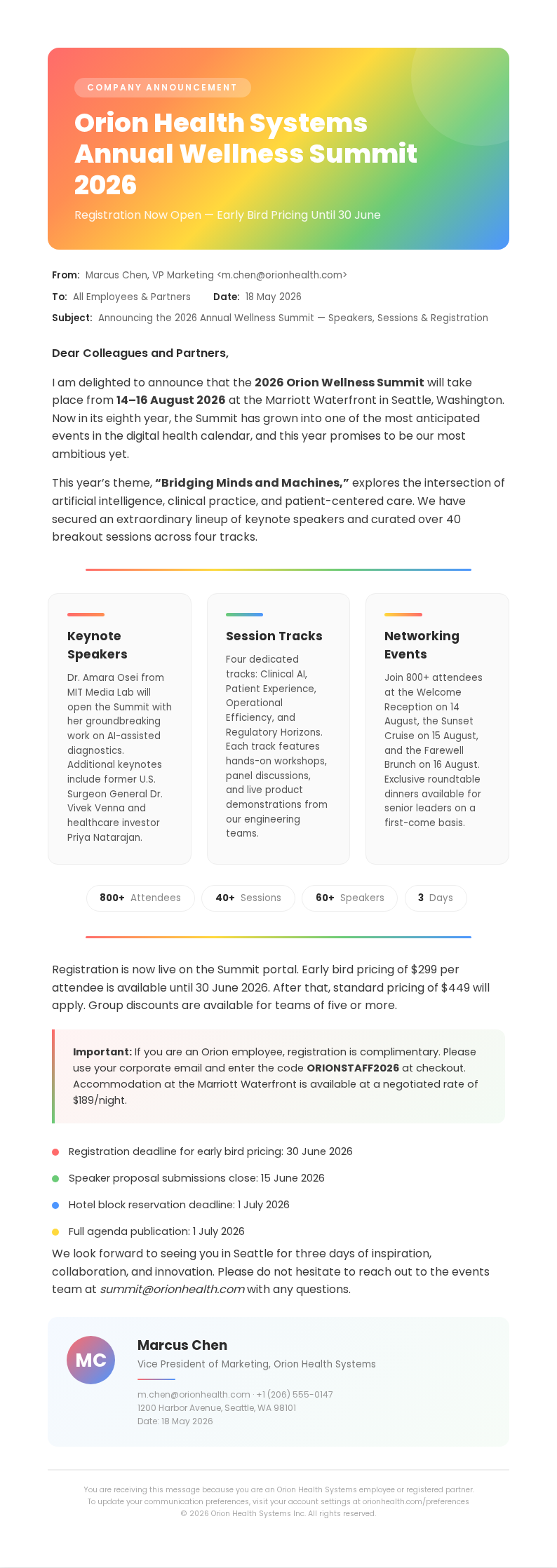
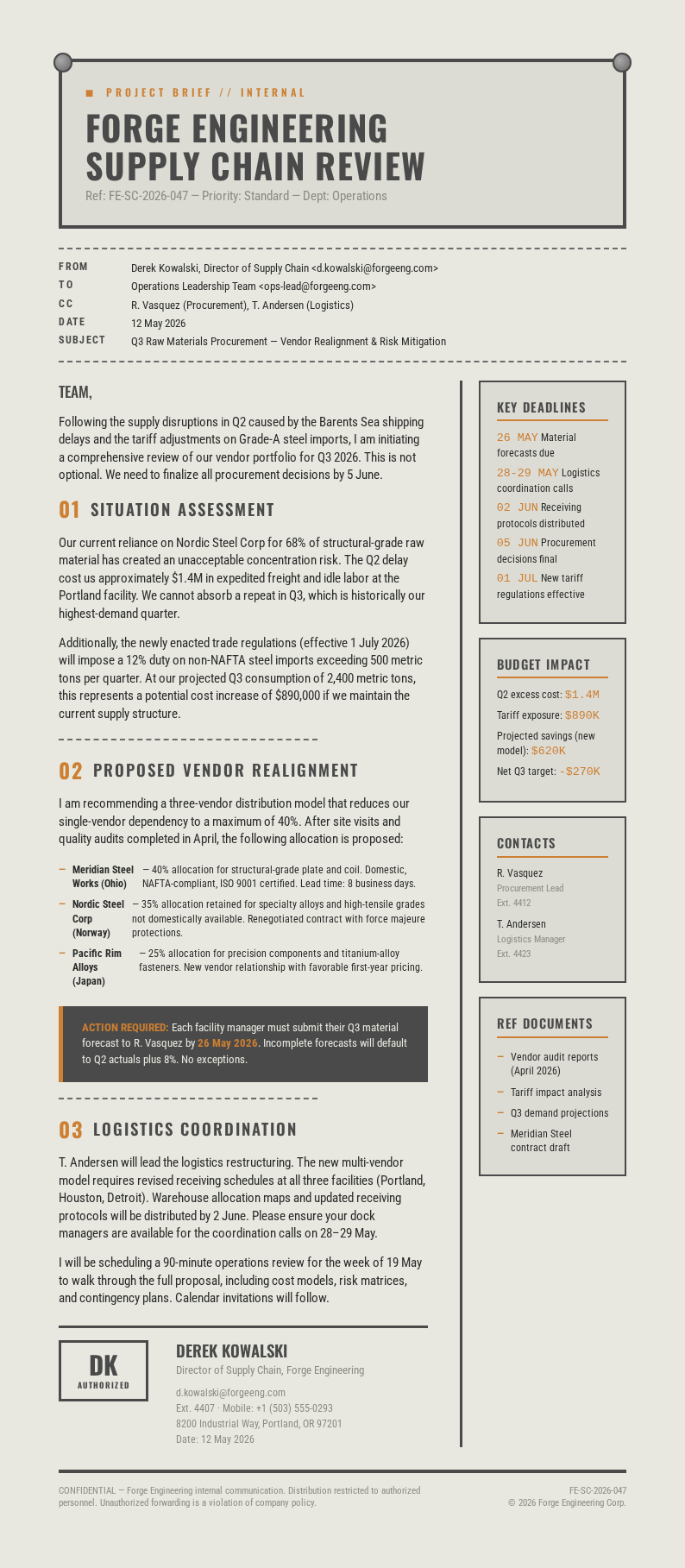
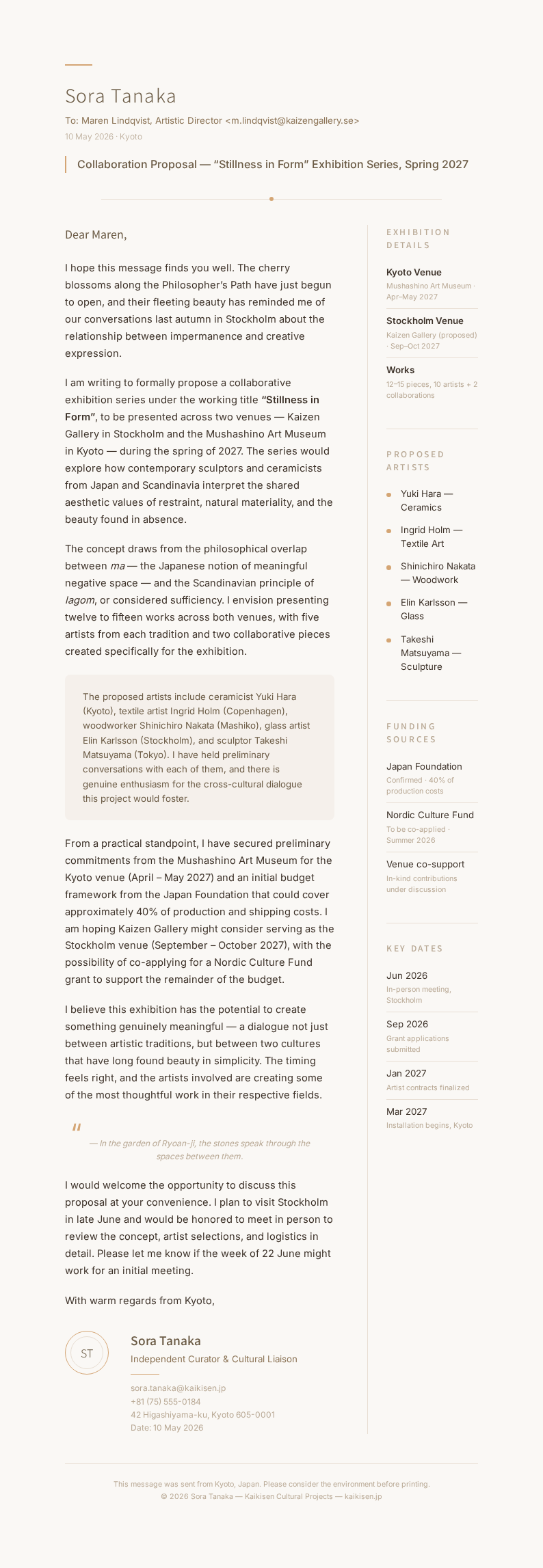
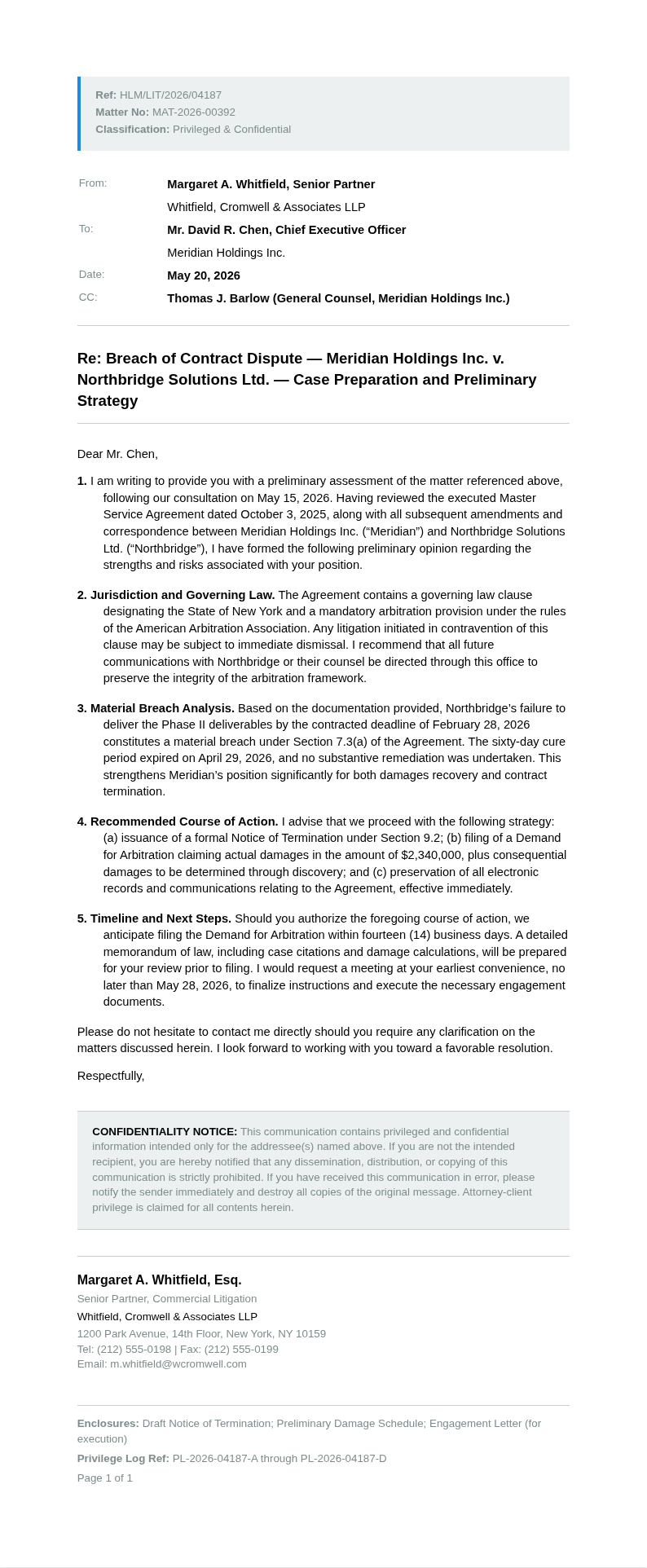
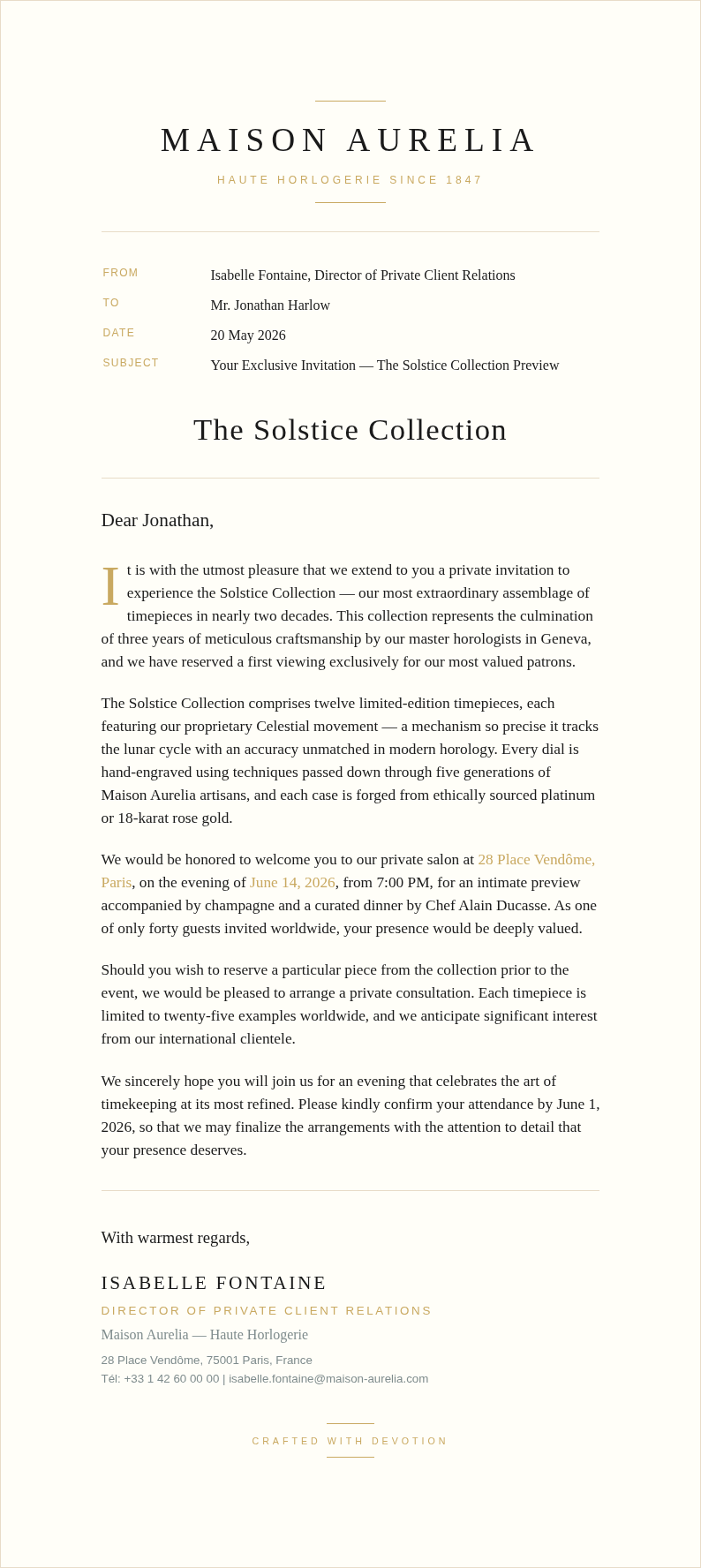
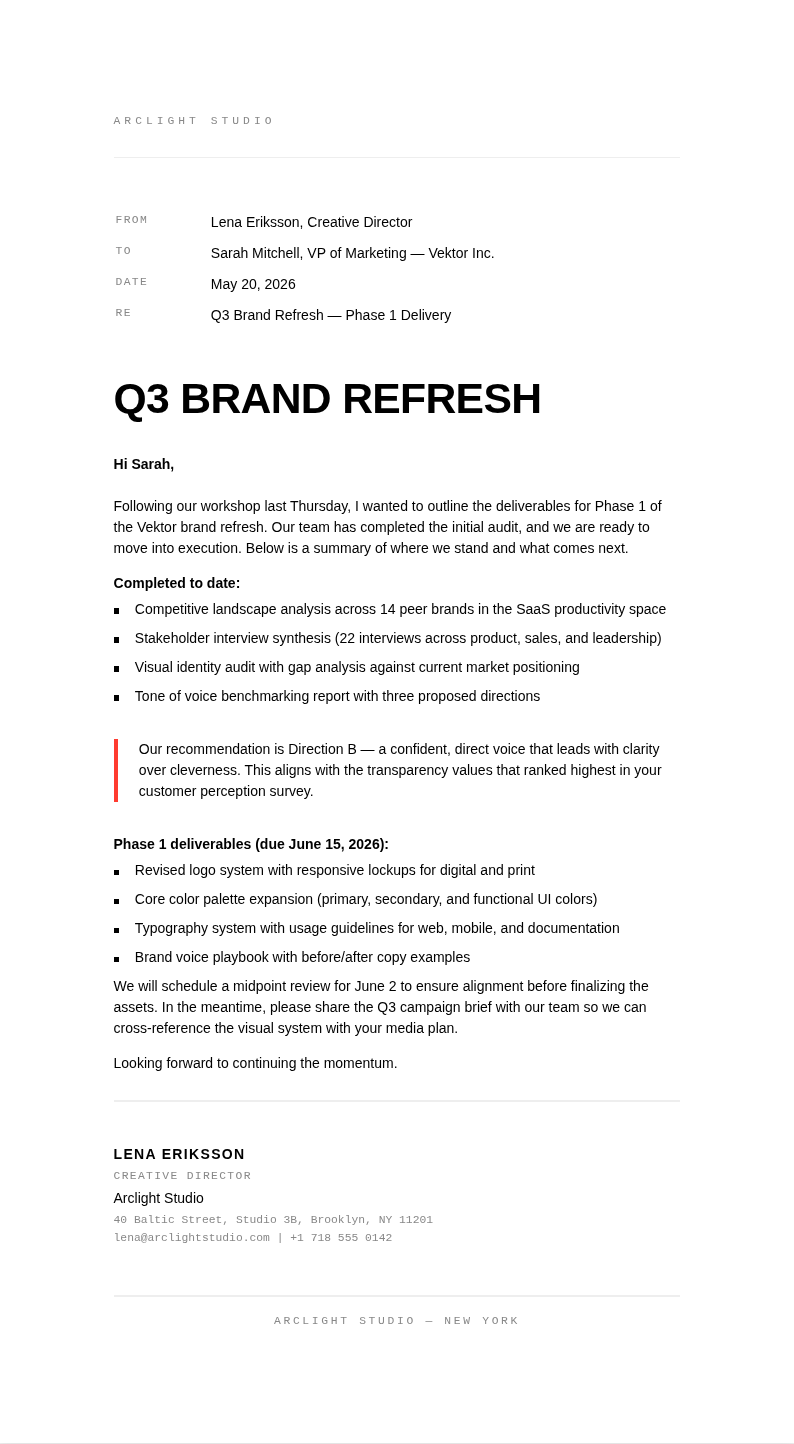
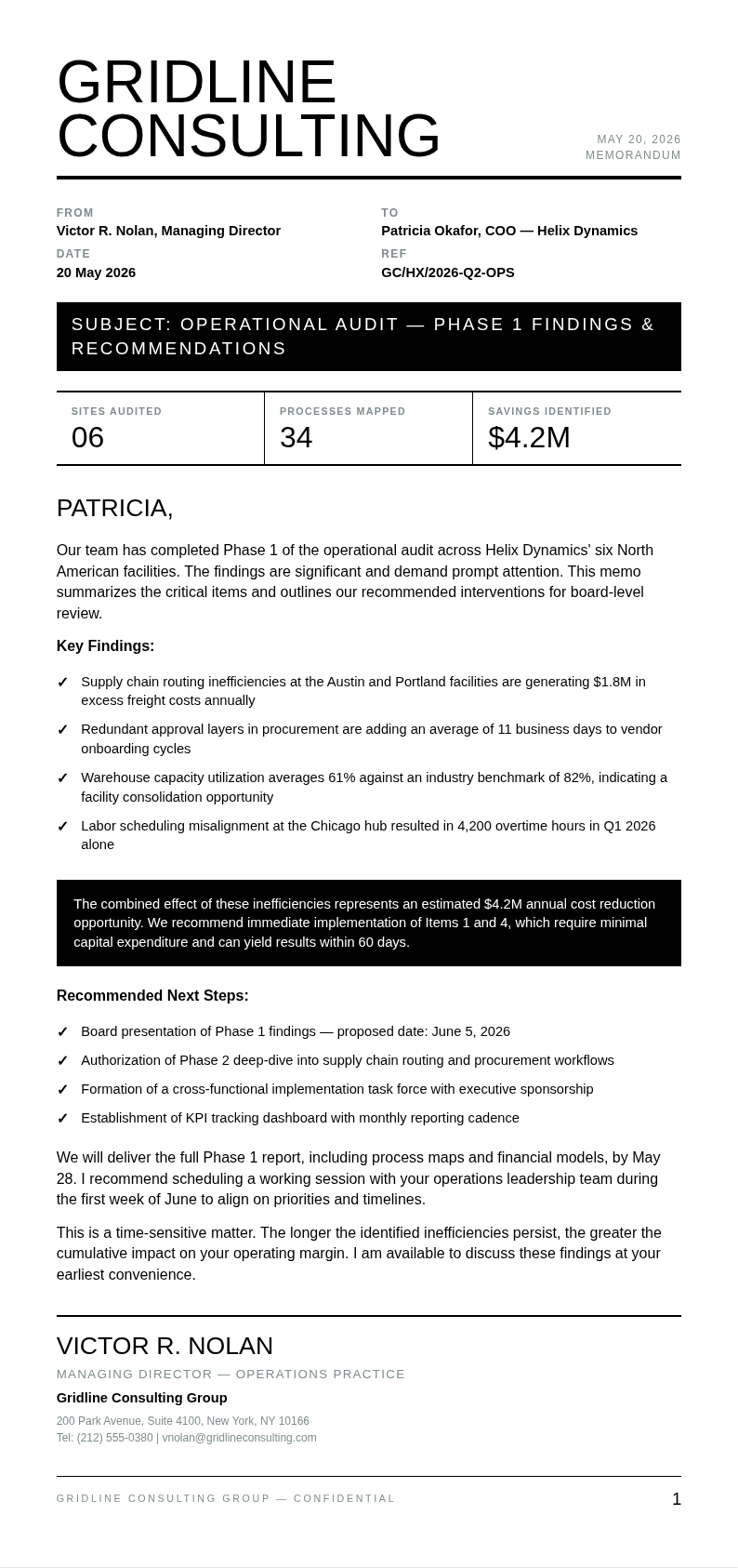
Communicate more effectively with AI Formatter's collection of Email templates. Each one is fully editable online, so you can customize subject lines, body content, and sign-offs to craft professional messages for any business or personal situation.
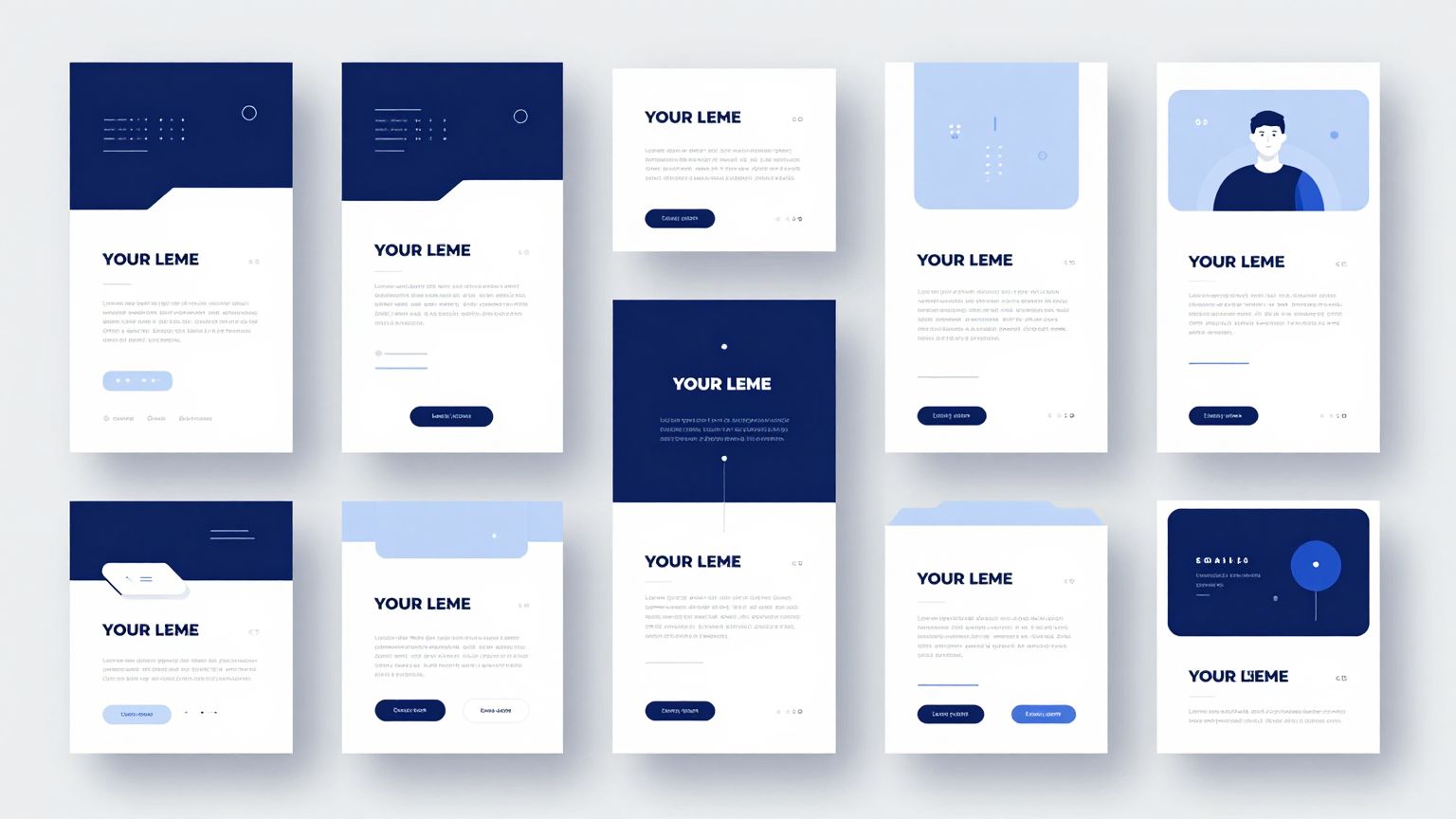
Showing 20 of 30 templates
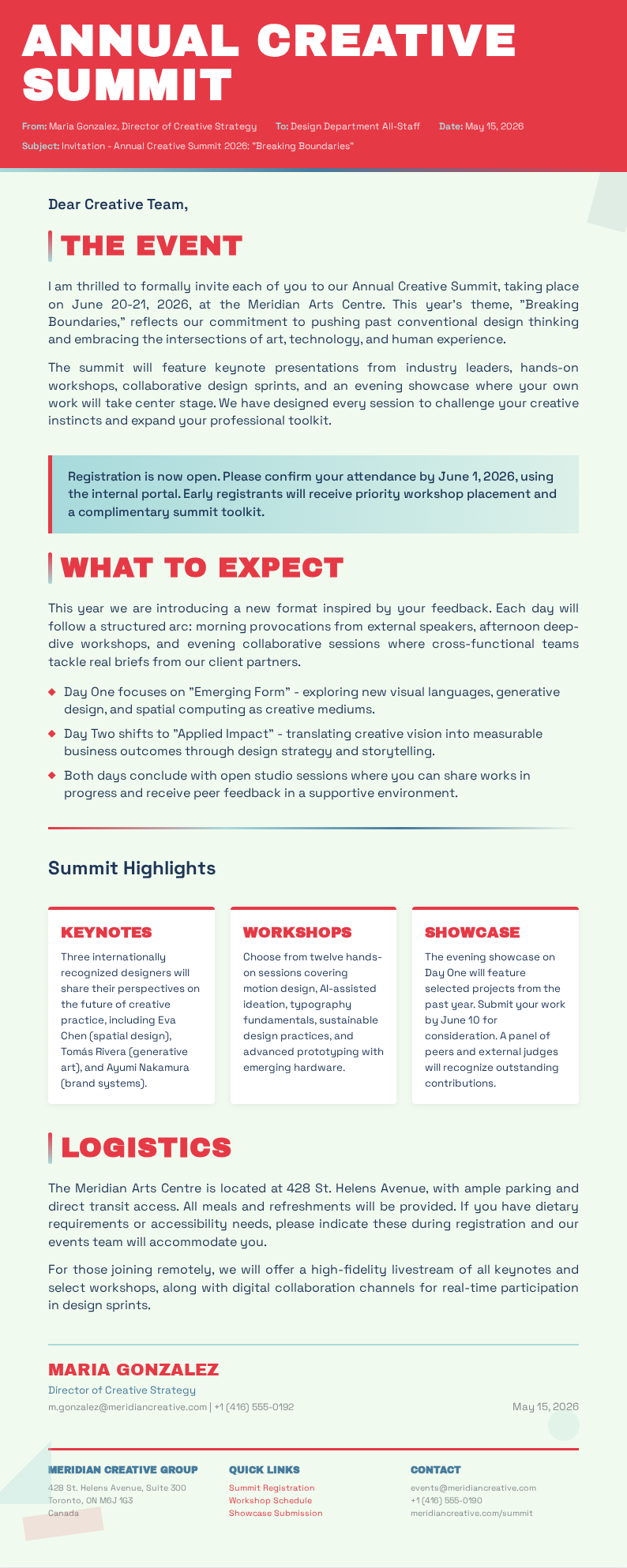
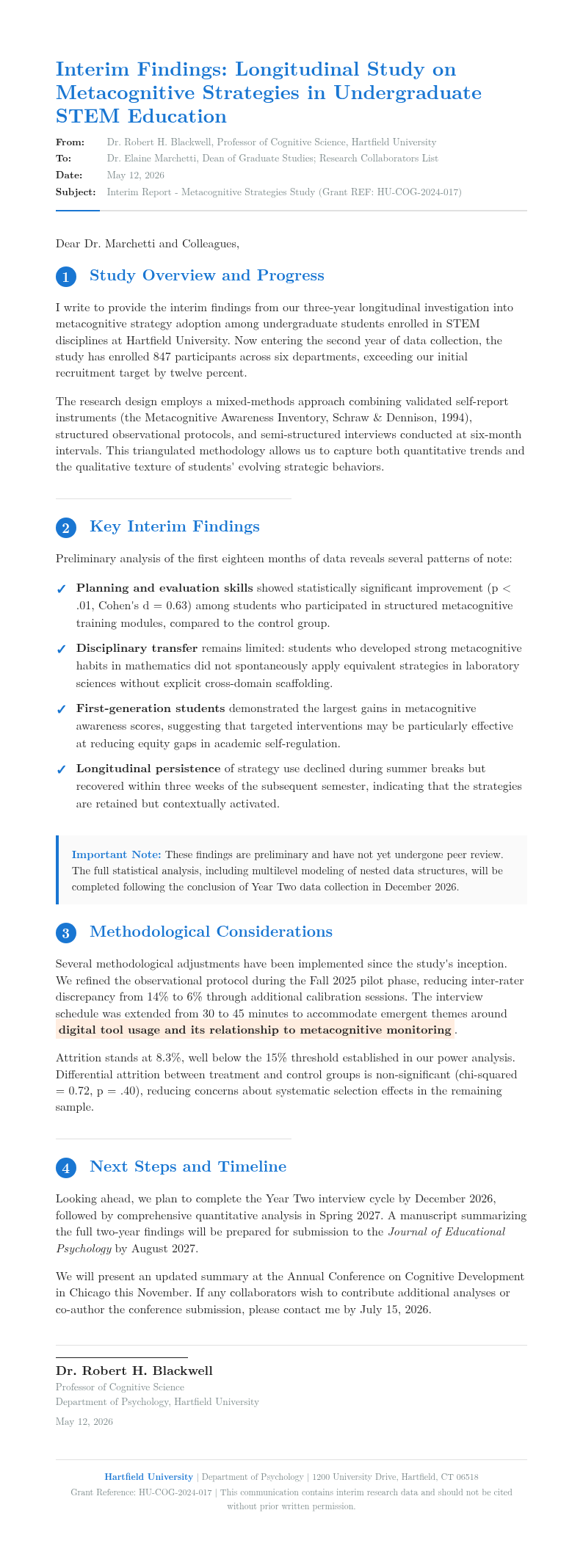
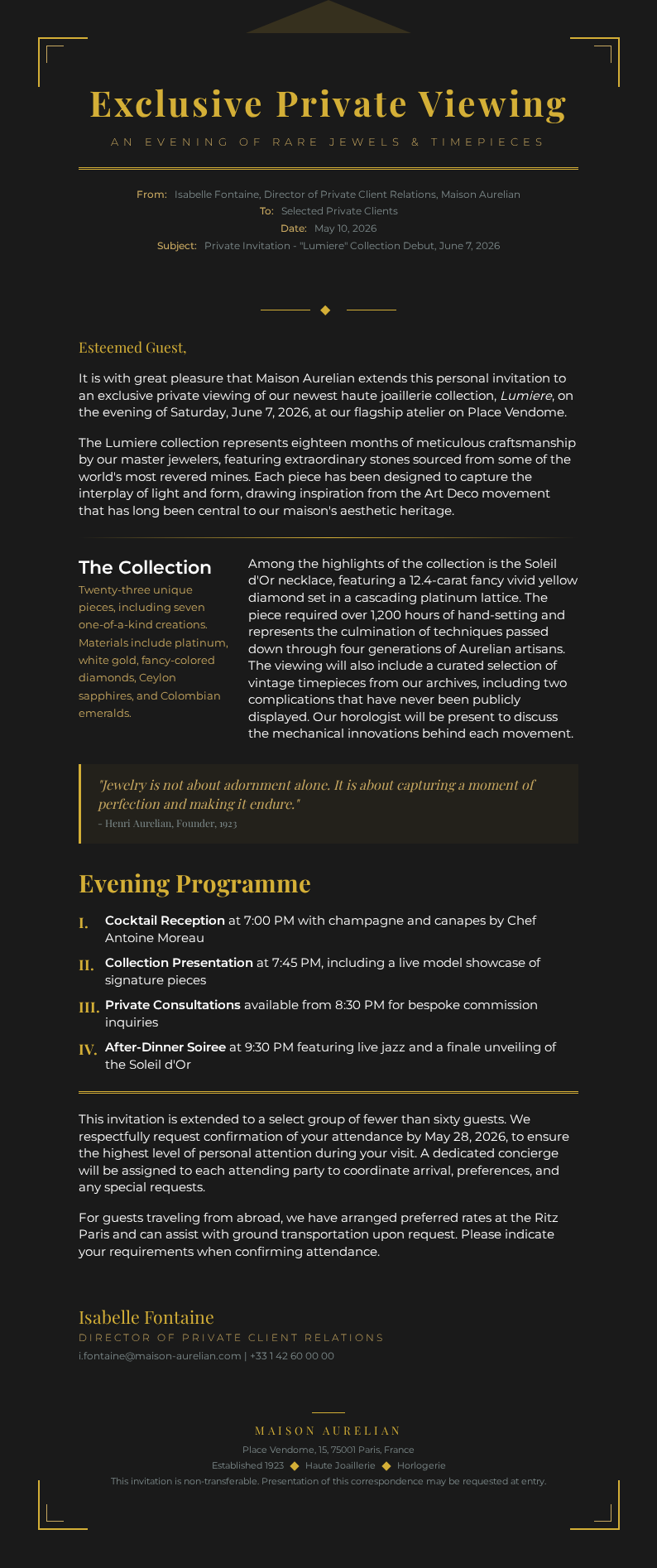
Frequently Asked Questions About Our Templates
Common questions about using our Email templates for your business communication and personal correspondence.
- Are these Email templates free to use?
- Yes, all files on AI Formatter are completely free to download, edit, and use for personal or professional purposes. There are no hidden fees or required sign-ups. You can access any template in our collection instantly and customize it to suit your specific communication needs. This helps ensure your final document meets all necessary standards and expectations.
- What formats are available for the Email template?
- Our collection includes formats compatible with Microsoft Word, Google Docs, and plain text. You can edit any template directly in your browser using our online editor, then copy the content into your email client or download it in your preferred format for future reference. You can complete everything in just a few minutes without any prior experience.
- Can I customize the Email template for my business?
- Absolutely. Each one is fully editable, allowing you to modify subject lines, adjust tone and formality, add your company branding, and personalize greetings. The AI Formatter editor lets you tailor any file to match your organization's communication style without any design experience. Everything is designed to be simple, fast, and accessible to everyone.
- What types of Email templates do you offer?
- We offer a wide variety of types including business introductions, follow-up emails, thank you notes, meeting requests, resignation letters, cold outreach, customer support responses, and sales proposals. Each is designed for different scenarios so you can find the right message for any occasion. Everything is designed to be simple, fast, and accessible to everyone.
- How do I use an Email template?
- Simply open the template in our online editor, fill in the recipient's name, customize the subject line and body text with your specific details, and adjust the closing and signature. Our guided fields help you complete each one step by step, ensuring your message is professional and complete. Everything is designed to be simple, fast, and accessible to everyone.
- Can I use an Email template for job applications?
- Yes, we have specific options designed for job seekers, including cover letter emails, interview follow-up messages, thank you notes after interviews, and application status inquiries. Any job-related template can be adapted to your industry and the specific position you are applying for. You can complete everything in just a few minutes without any prior experience.
- Do the Email templates work with Gmail and Outlook?
- Yes, all our formats are fully compatible with Gmail, Outlook, Yahoo Mail, and other major email clients. After customizing your template, you can copy the formatted text directly into your email compose window or save it as a draft within your email client for repeated use. This helps ensure your final document meets all necessary standards and expectations.
- What is the ideal length for a professional Email template?
- A well-crafted email should be concise and focused, typically between 100 and 300 words for business communication. Each one in our collection is designed with optimal length in mind, keeping messages clear and actionable while respecting the reader's time and attention. This helps ensure your final document meets all necessary standards and expectations.
- Can I use Email templates for marketing campaigns?
- Yes, our collection includes options for marketing outreach, newsletters, promotional announcements, and customer engagement campaigns. These come with compelling subject lines and structured body content that can be adapted for different audience segments and campaign goals. Taking the time to complete every section properly results in a much stronger final document.
- How do I make an Email template sound more professional?
- To make any email sound more professional, use clear subject lines, maintain a respectful tone, keep paragraphs short, include a specific call to action, and proofread for grammar and spelling. Each one in our collection already follows these best practices as a starting point for your communication. This helps ensure your final document meets all necessary standards and expectations.
- Can I share Email templates with my team?
- Yes, you can share any template with your team members for consistent business communication across your organization. After customizing, download it and distribute it to colleagues so everyone uses the same professional tone and messaging format when corresponding with clients and partners. A well-prepared document reflects professionalism and helps build trust with all parties involved.
- What should be included in a professional Email template?
- A complete email should include a clear subject line, a personalized greeting, a concise opening that states the purpose, the main body with relevant details, a specific call to action or next steps, a professional closing, and your signature with contact information. Our collection covers all these essential elements. This helps ensure your final document meets all necessary standards and expectations.
- Can I use an Email template for customer support?
- Yes, our collection includes customer support responses for common scenarios like order confirmations, shipping updates, refund requests, complaint acknowledgments, and service inquiries. These options help support teams respond quickly and consistently while maintaining a helpful and professional tone. Taking the time to complete every section properly results in a much stronger final document.
- Do your Email templates work for cold outreach?
- Absolutely. Our collection includes cold outreach options for sales prospecting, partnership proposals, networking introductions, and media pitches. Each cold outreach template is crafted to grab attention, build credibility, and encourage a response without sounding overly aggressive or generic. Taking the time to complete every section properly results in a much stronger final document.
- How do I download a completed Email template?
- After customizing your template in our editor, simply click the download button to save it as a Word document, PDF, or plain text file. The finished file is ready for copying into your email client. All downloads are free with no watermarks added. Everything is designed to be simple, fast, and accessible to everyone.
Ready to Write Better Emails?
Start crafting professional messages with our designed Email templates. Customize any one in minutes and communicate with clarity and confidence.
Free templates • AI-powered editing • No sign-up required