Edit Yearbook Templates Online for Free
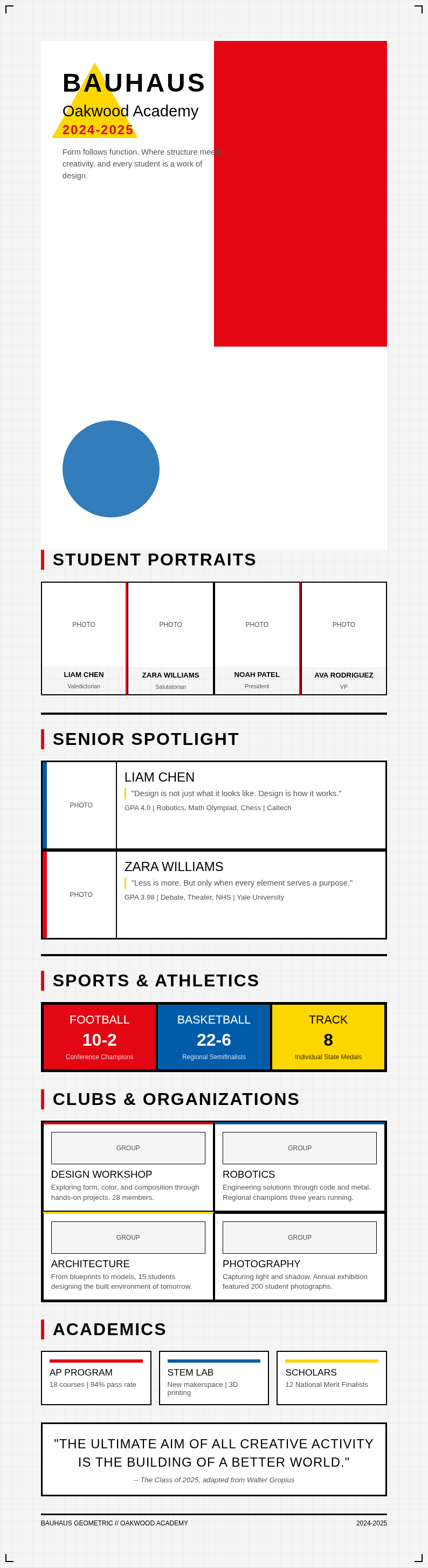
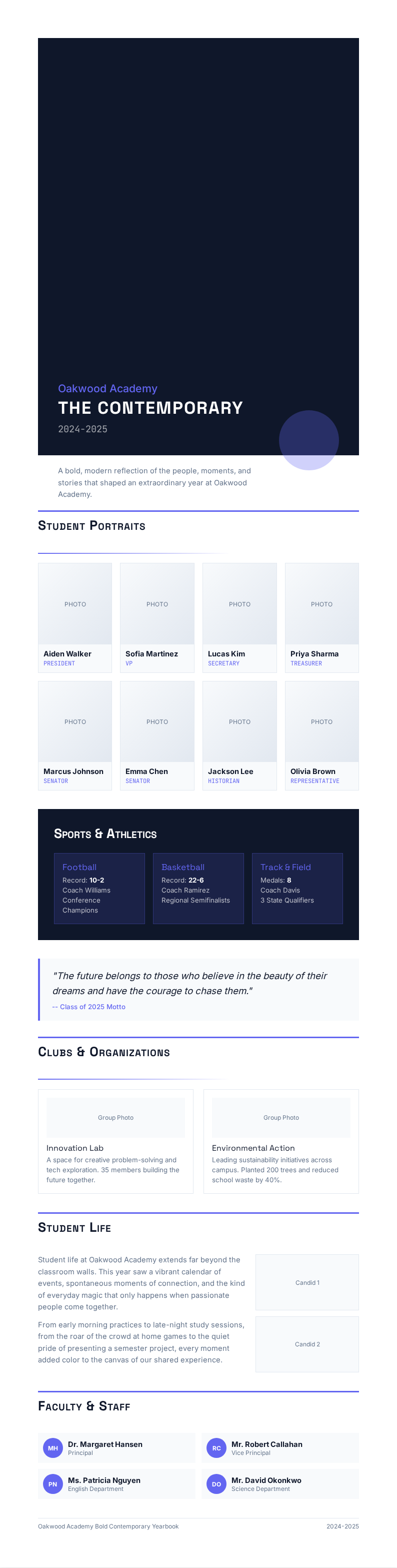
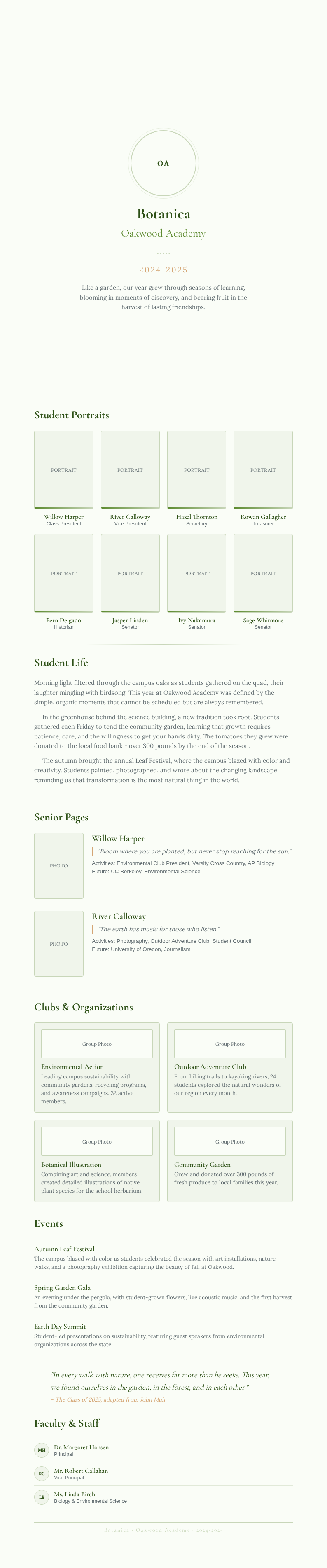
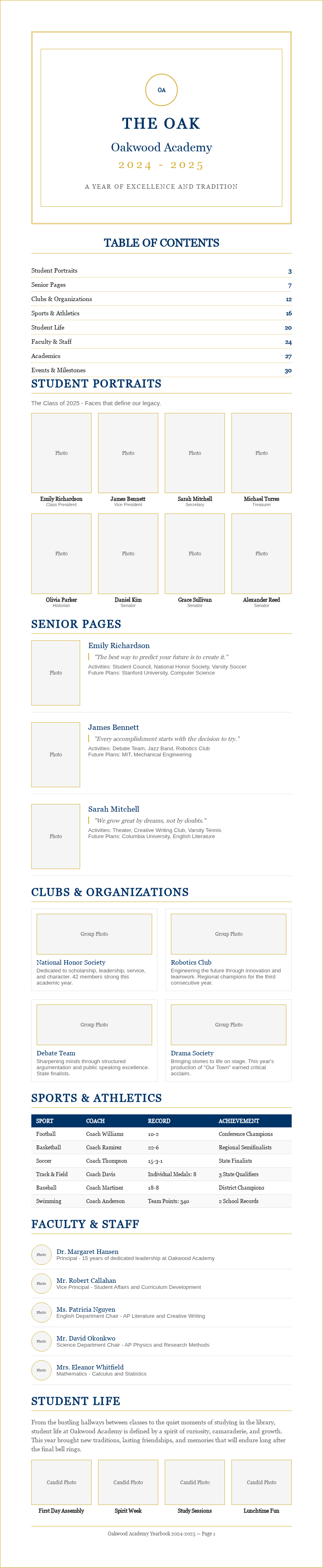
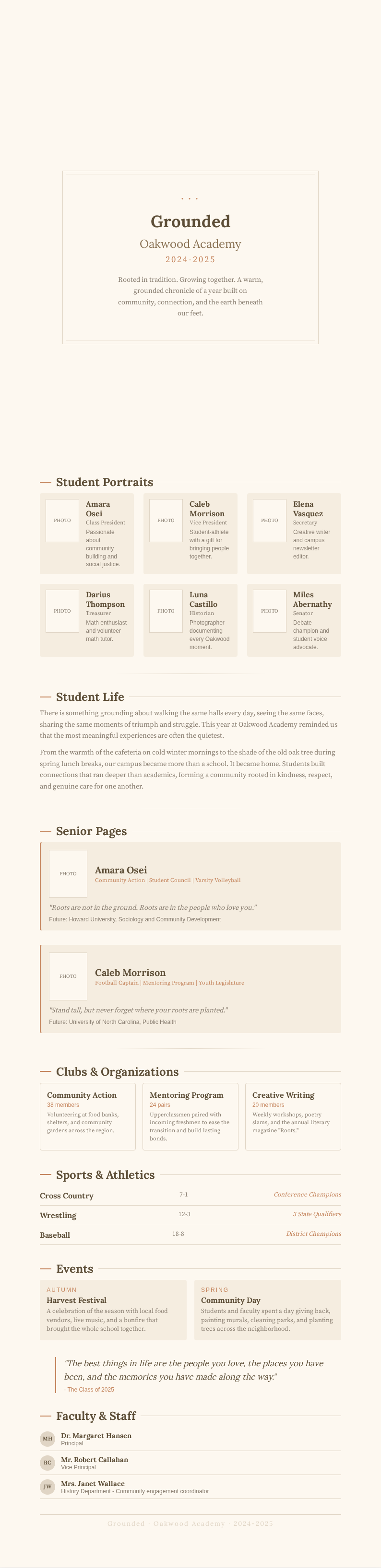
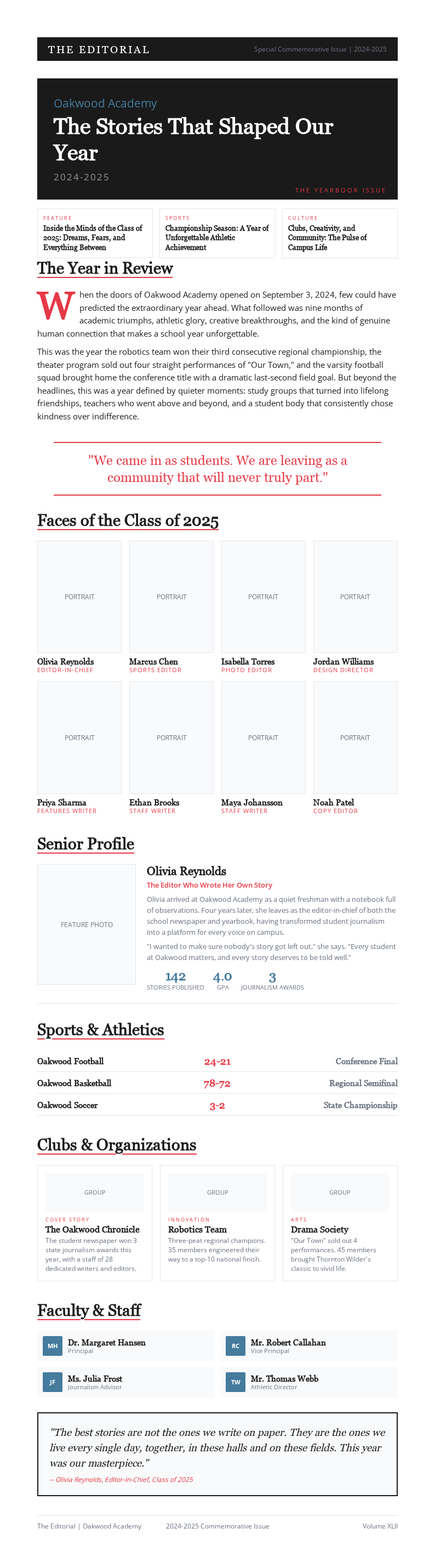
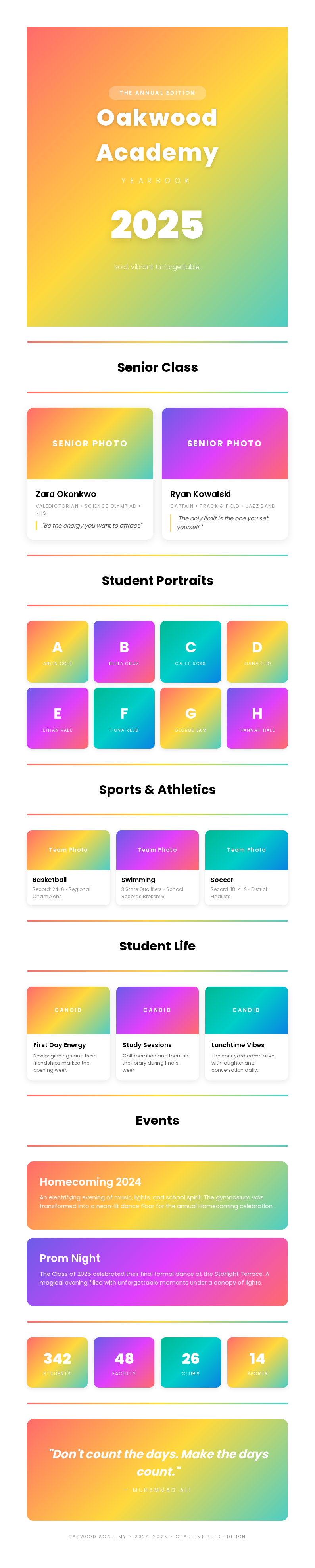
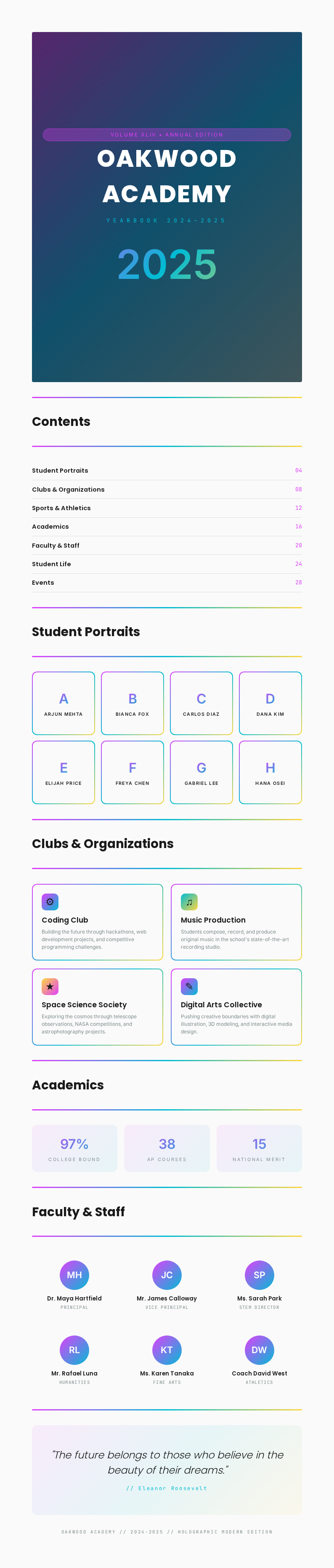
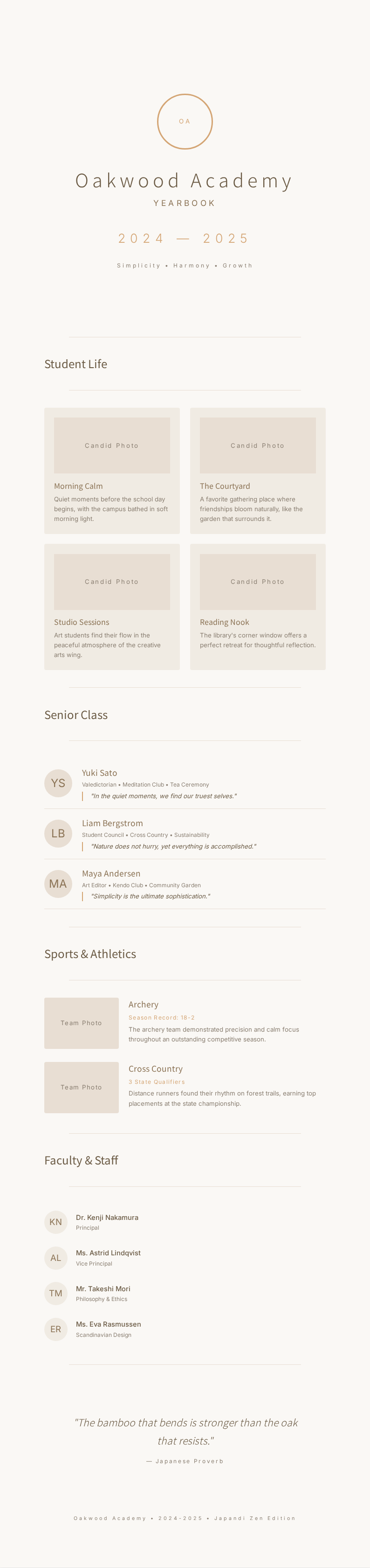
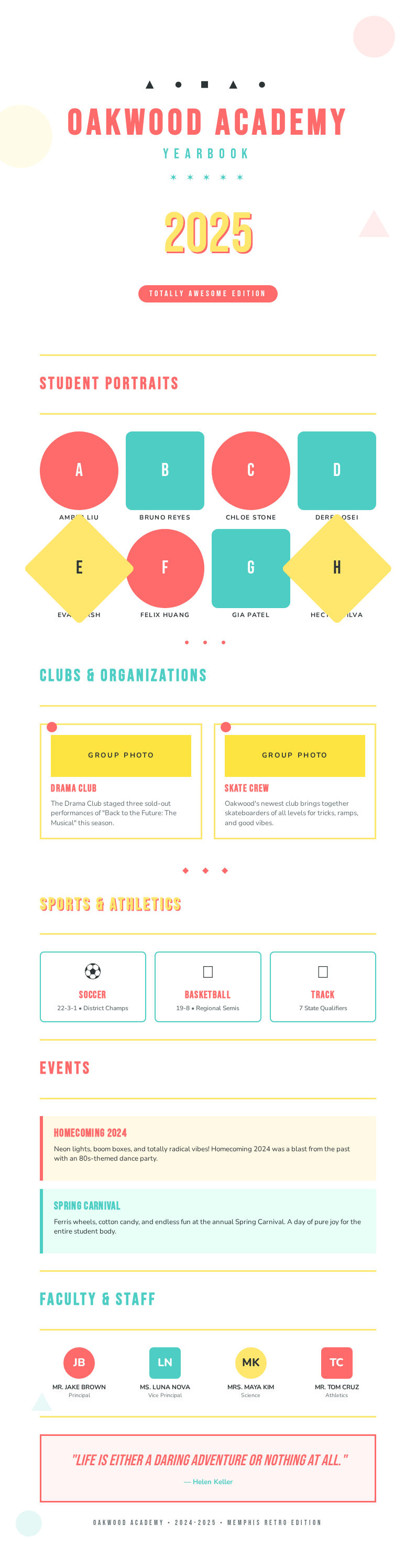
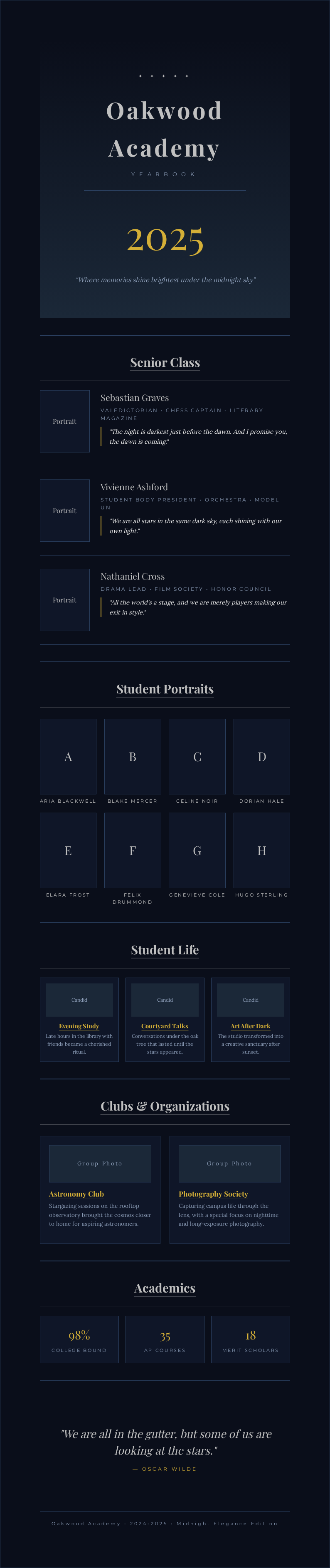
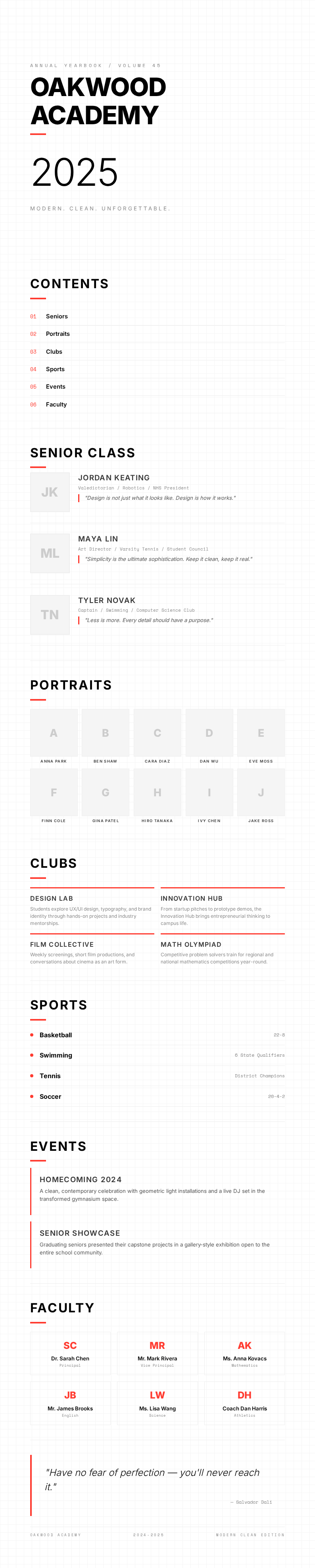
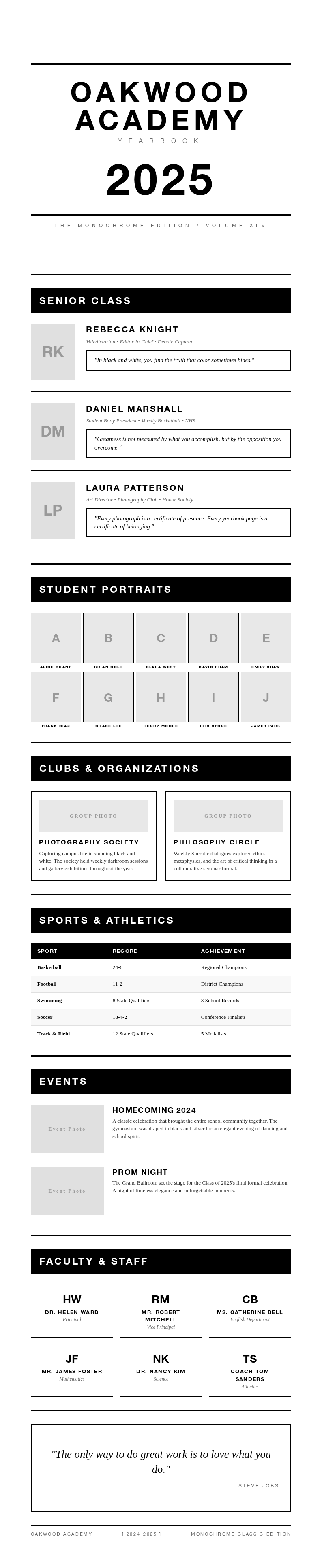
Capture your school memories with AI Formatter's collection of professionally designed Yearbook templates. Each it template is fully editable online, allowing you to personalize layouts, add student photos, and customize themes to create a beautiful keepsake that celebrates your academic year.
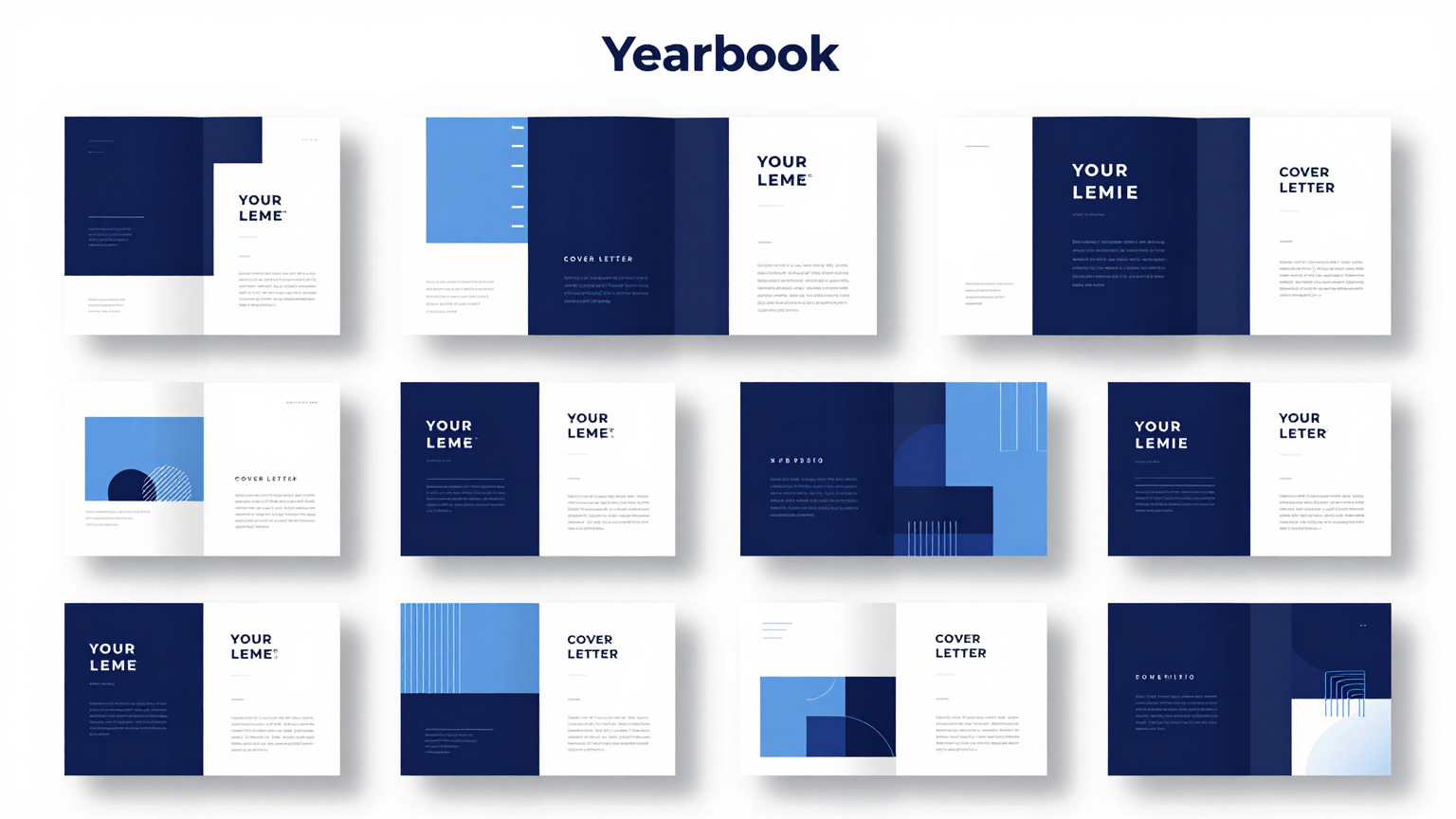
Showing 20 of 30 templates
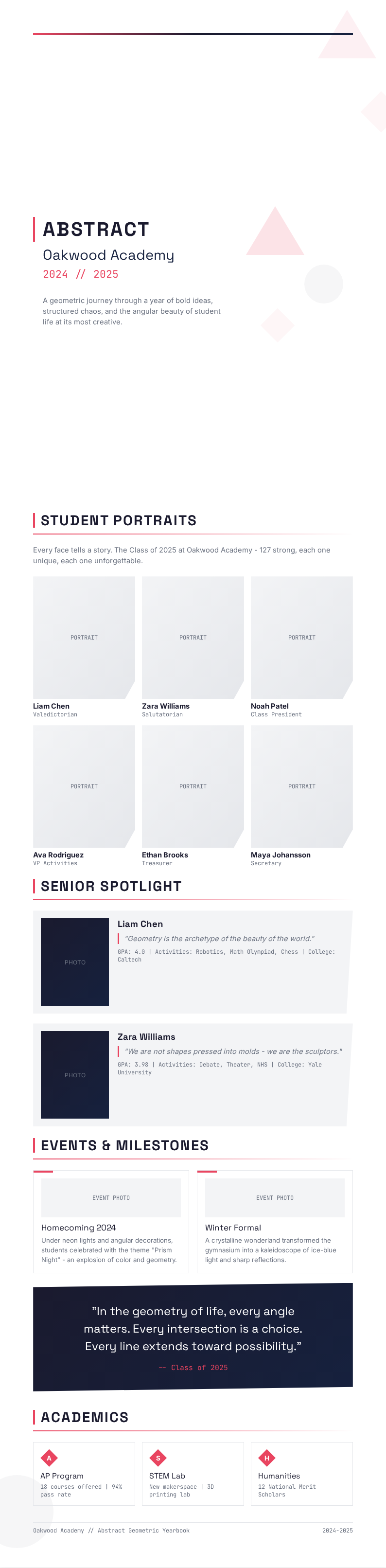
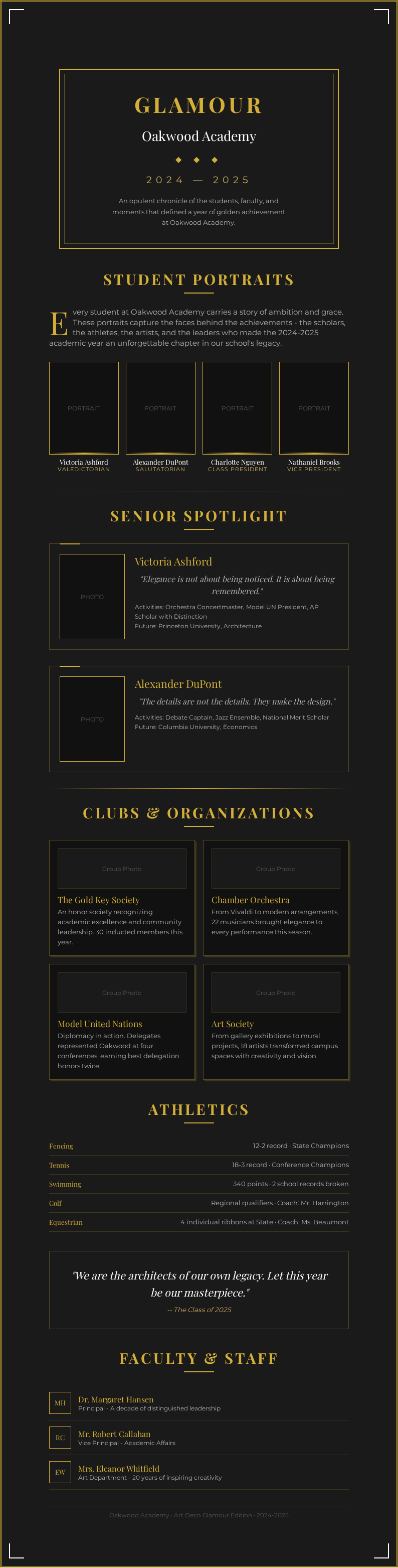
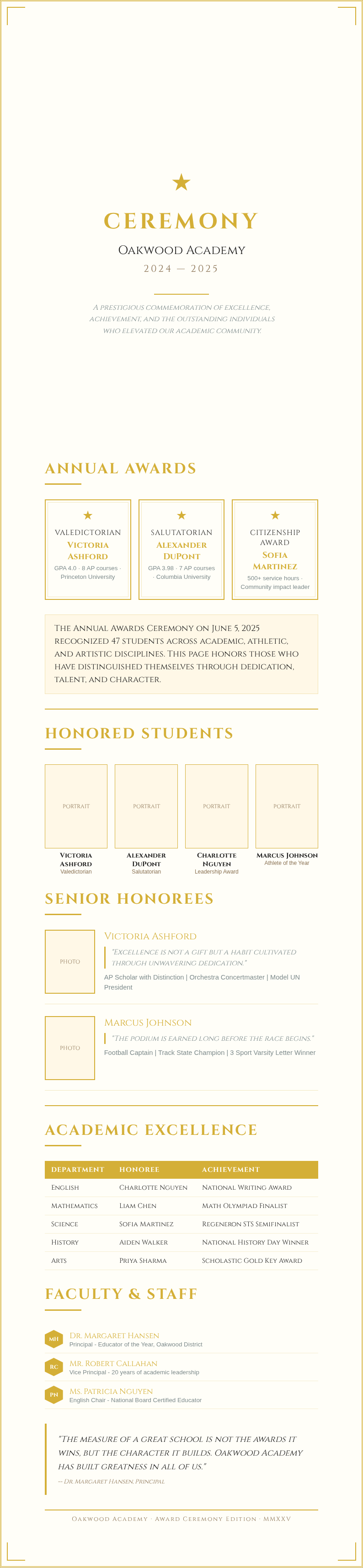




Frequently Asked Questions About Our Templates
Common questions about using our Yearbook templates for your school and community projects.
- Are these Yearbook templates free to use?
- Yes, all Yearbook template files on AI Formatter are completely free to download, edit, and use for personal or educational purposes. There are no hidden fees or required sign-ups. You can access any template in our collection instantly and customize it to create a memorable keepsake for your school community.
- What formats are available for the Yearbook template?
- Our Yearbook template collection includes formats compatible with Microsoft Word, Google Docs, and PDF. You can edit any template directly in your browser using our online editor, then download the finished document in your preferred format for printing or digital sharing with classmates, students, and their families. The result is a professional document you can share with confidence.
- Can I customize the Yearbook template for my school?
- Absolutely. Each Yearbook template is fully editable, allowing you to modify layouts, add school logos, change color schemes, and include student portraits. The AI Formatter online editor lets you tailor any template to match your school's branding, mascot colors, and theme without any graphic design experience required. This helps ensure your final document meets all necessary standards and expectations.
- What types of Yearbook templates do you offer?
- We offer a wide variety of Yearbook template types including elementary school its, high school its, college its, sports team its, and club its. Each it template is designed for different educational settings so you can always find the perfect layout for your specific it project. This helps ensure your final document meets all necessary standards and expectations.
- How do I add photos to a Yearbook template?
- Simply open the document in our online editor and use the image upload feature to add student photos, group pictures, and event snapshots. Our drag-and-drop interface makes it easy to position images within any Yearbook template, and you can crop, resize, and apply filters directly in the editor for a polished final look.
- Can I use a Yearbook template for a digital yearbook?
- Yes, every Yearbook template on AI Formatter can be used to create a digital it that students can view on any device. You can design your document with interactive elements, hyperlinks, and multimedia content. The finished it template can be shared online as a PDF or distributed digitally to all students.
- How many pages can a Yearbook template have?
- The template can have as many pages as you need for your project. You can start with a single Yearbook template page and duplicate it to build a complete it with dozens of pages. Our editor supports multi-page documents, so you can organize your document content into sections for classes, events, clubs, and senior profiles.
- Do your Yearbook templates include pre-made layouts?
- Yes, every Yearbook template comes with professionally designed page layouts including photo grids, senior portrait pages, event collages, and quote sections. Each it template provides a polished starting point that you can customize further or use as-is for a clean, cohesive it design that looks professionally made. You can complete everything in just a few minutes without any prior experience.
- Can I collaborate with others on a Yearbook template?
- Yes, you can share your document with team members so multiple editors can contribute to the project simultaneously. This is especially useful when a committee is working together on a school Yearbook template. Each person can handle different sections, and all changes are consolidated into the final it template. The result is a professional document you can share with confidence.
- What paper size do your Yearbook templates support?
- Our template collection supports standard paper sizes including US Letter, A4, and square formats commonly used for yearbook printing. When you select the template, you can choose the paper size that matches your printing requirements, and the layout will automatically adjust to fit the chosen dimensions. This makes the entire process quick and hassle-free for all users.
- Can I print a Yearbook template at home?
- Yes, you can download your completed Yearbook template and print it at home using a standard inkjet or laser printer. The document files are optimized for both home printing and professional printing services. For the best results with your document, we recommend using high-quality paper and setting your printer to color mode.
- How long does it take to complete a Yearbook template?
- Completing the template depends on the amount of content and the level of customization you want. Most users can finish a basic Yearbook template in one to two hours. Our pre-designed layouts within each document significantly reduce design time so you can focus on adding photos, names, and personal messages.
- Do Yearbook templates include cover designs?
- Yes, many of our template options include matching cover designs that coordinate with the interior page layouts. Each cover Yearbook template features space for your school name, graduation year, and a featured image. You can fully customize any cover it template to reflect your school spirit and annual theme. Everything is designed to be simple, fast, and accessible to everyone.
- Can I use a Yearbook template for a sports team?
- Absolutely. We have Yearbook template options specifically designed for sports teams, featuring dedicated layouts for team photos, individual player profiles, game highlights, and season statistics. Any sports it template can be customized with your team colors, mascot, and season achievements to capture the full spirit of your team. Everything is designed to be simple, fast, and accessible to everyone.
- How do I download a completed Yearbook template?
- After customizing your document in our editor, simply click the download button to save it as a Word document or PDF file. The finished Yearbook template is ready for printing, emailing, or sharing digitally with your school community. All it template downloads are free with no watermarks added to your final design.
Ready to Create Your Yearbook?
Start designing a memorable yearbook with our professionally crafted it templates. Customize any template in minutes and produce a keepsake that your school community will cherish for years.
Free templates • AI-powered editing • No sign-up required