Edit Sick Leave Templates Online for Free
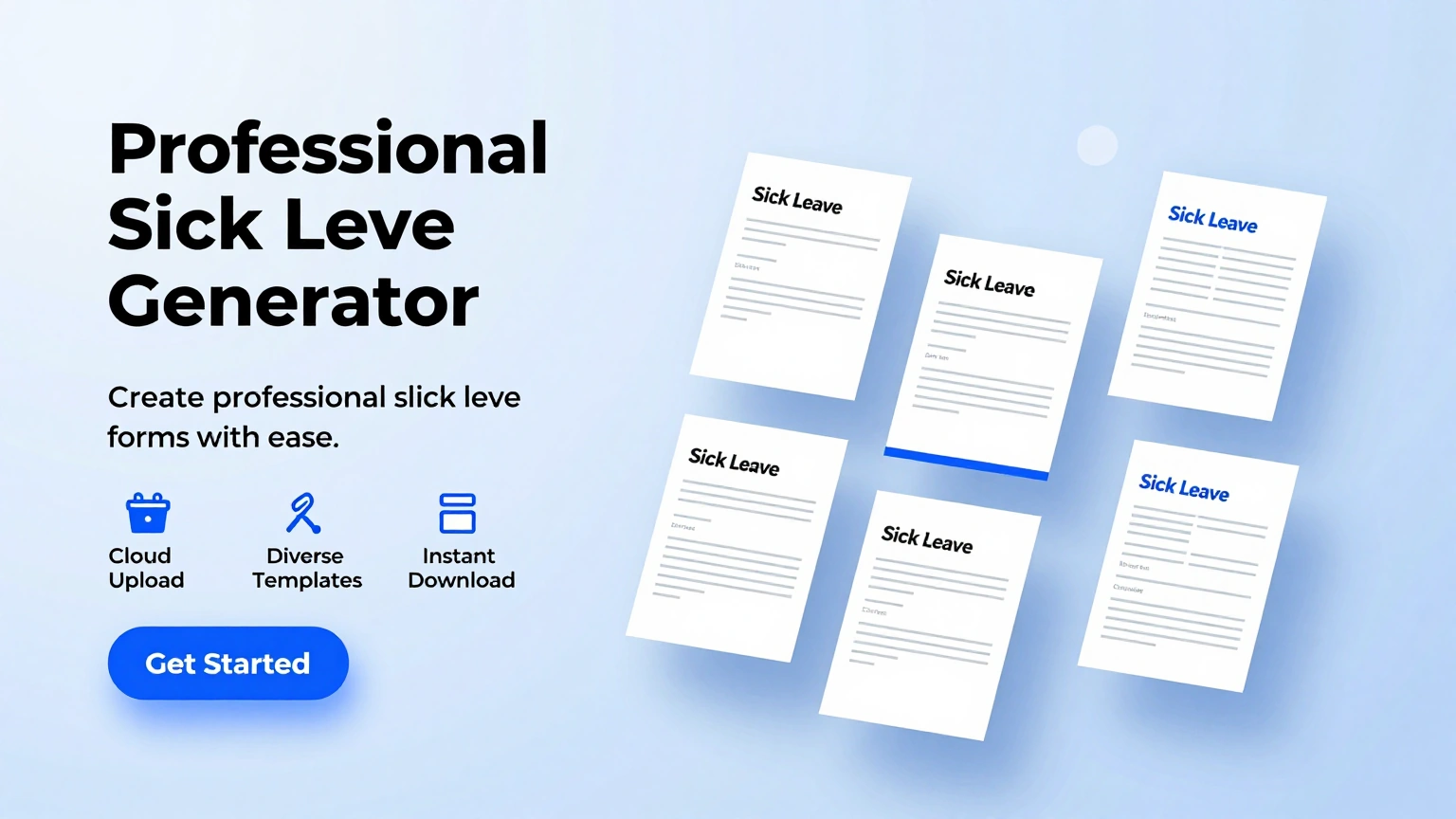
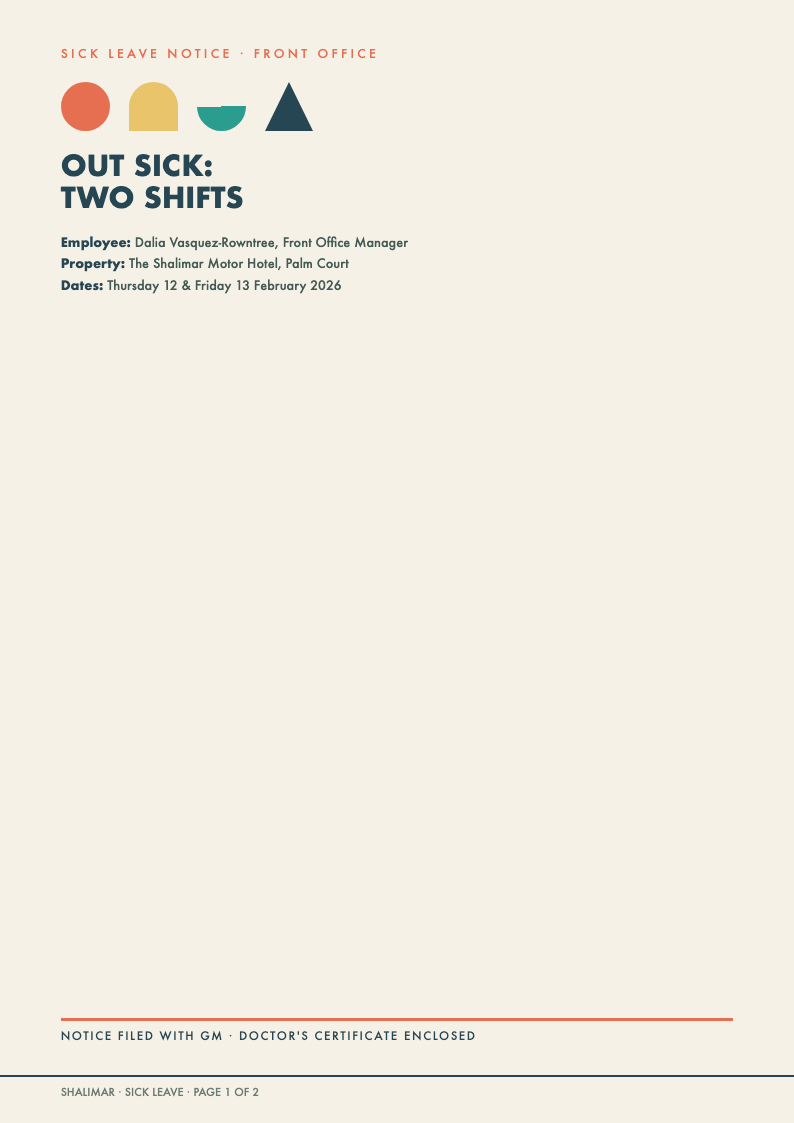
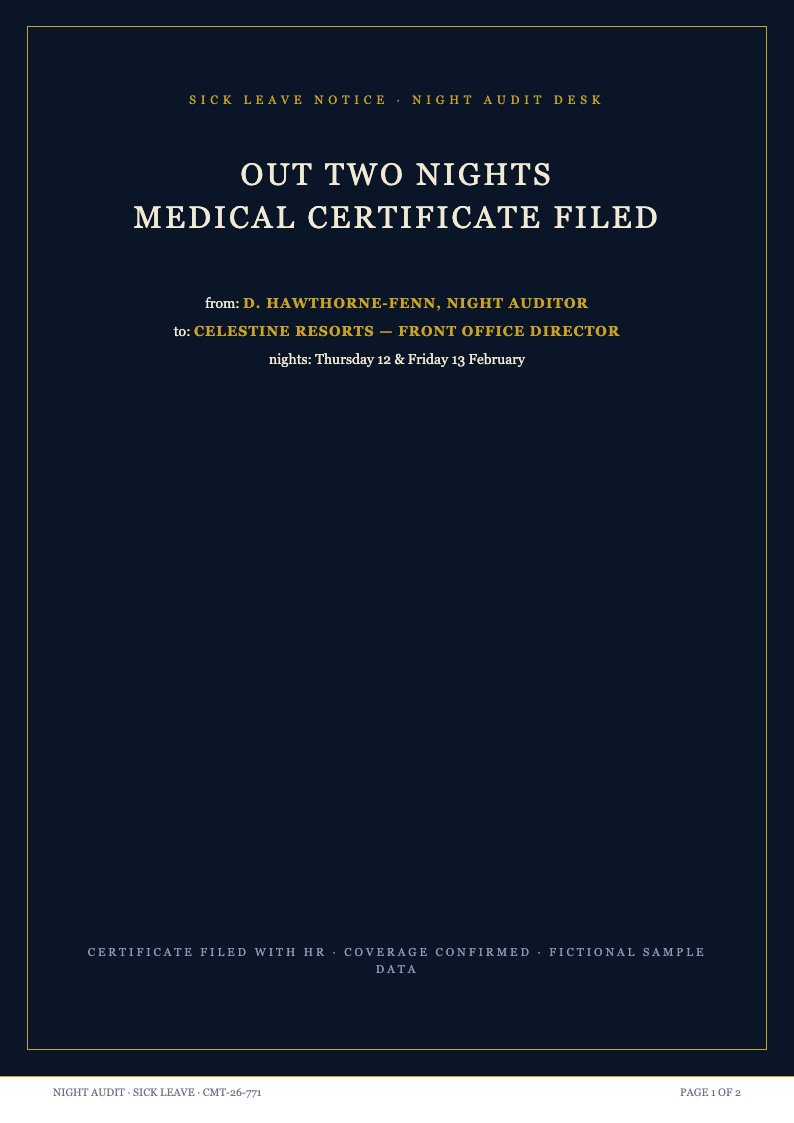
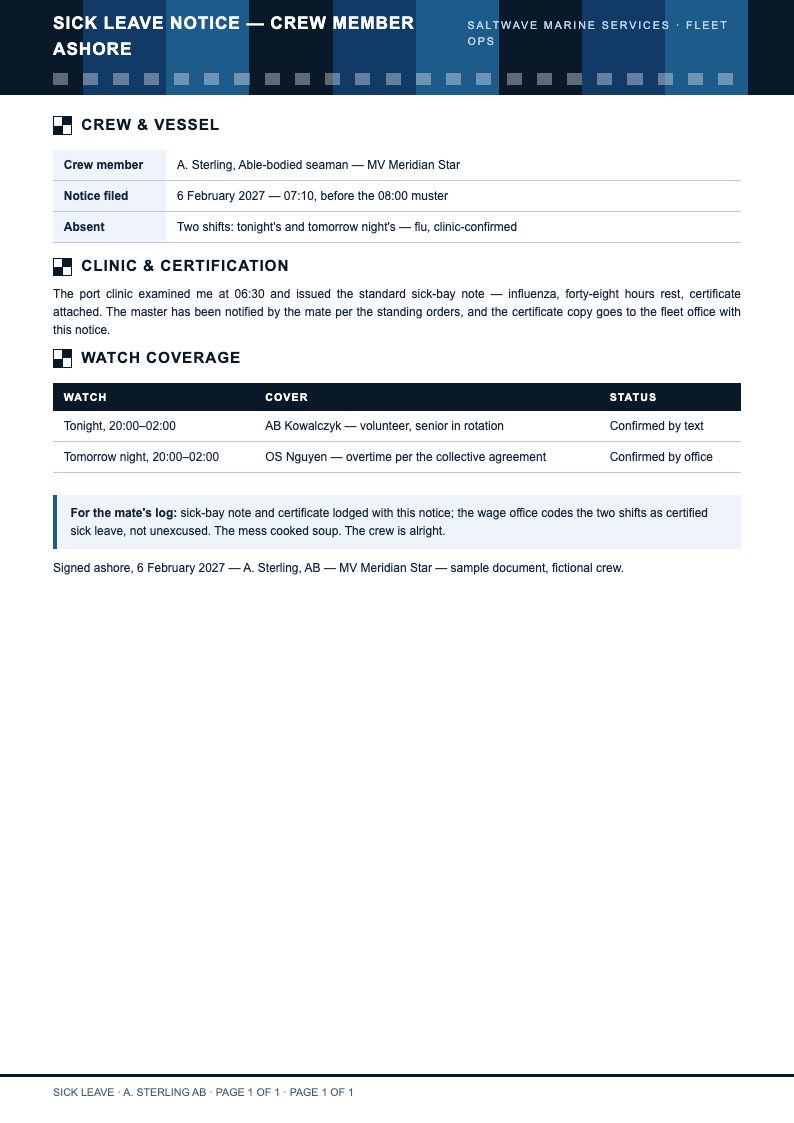
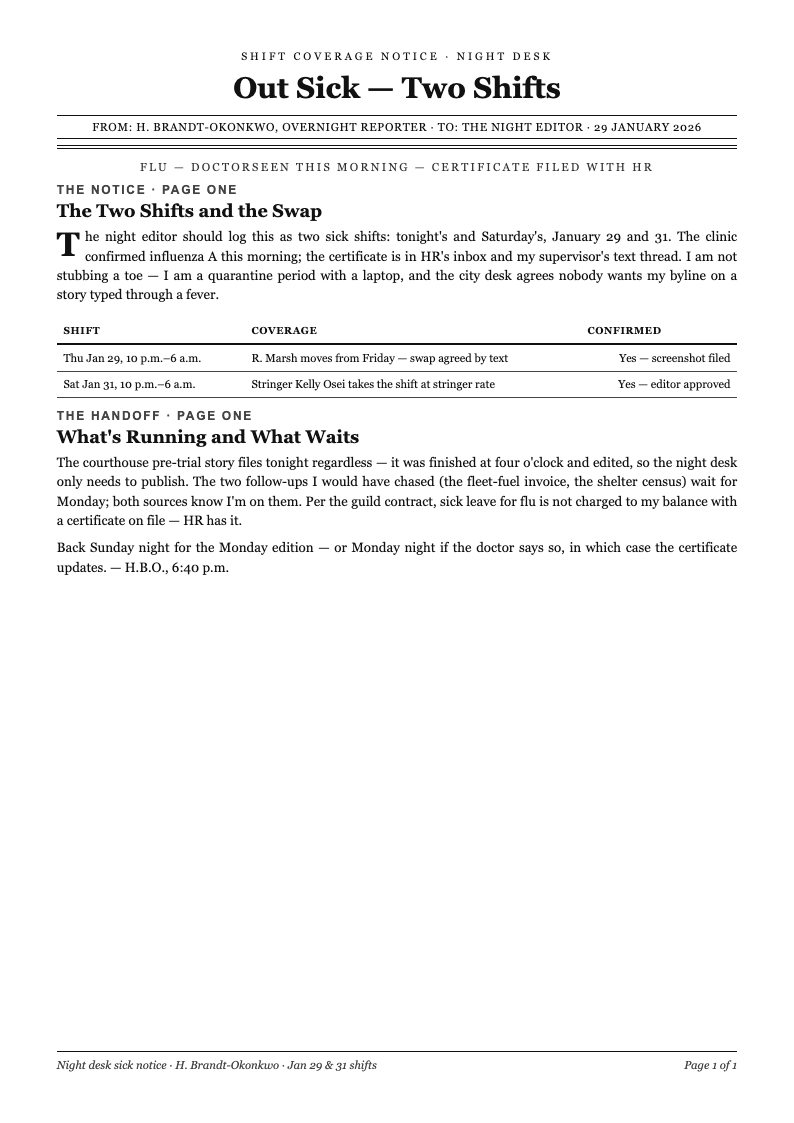
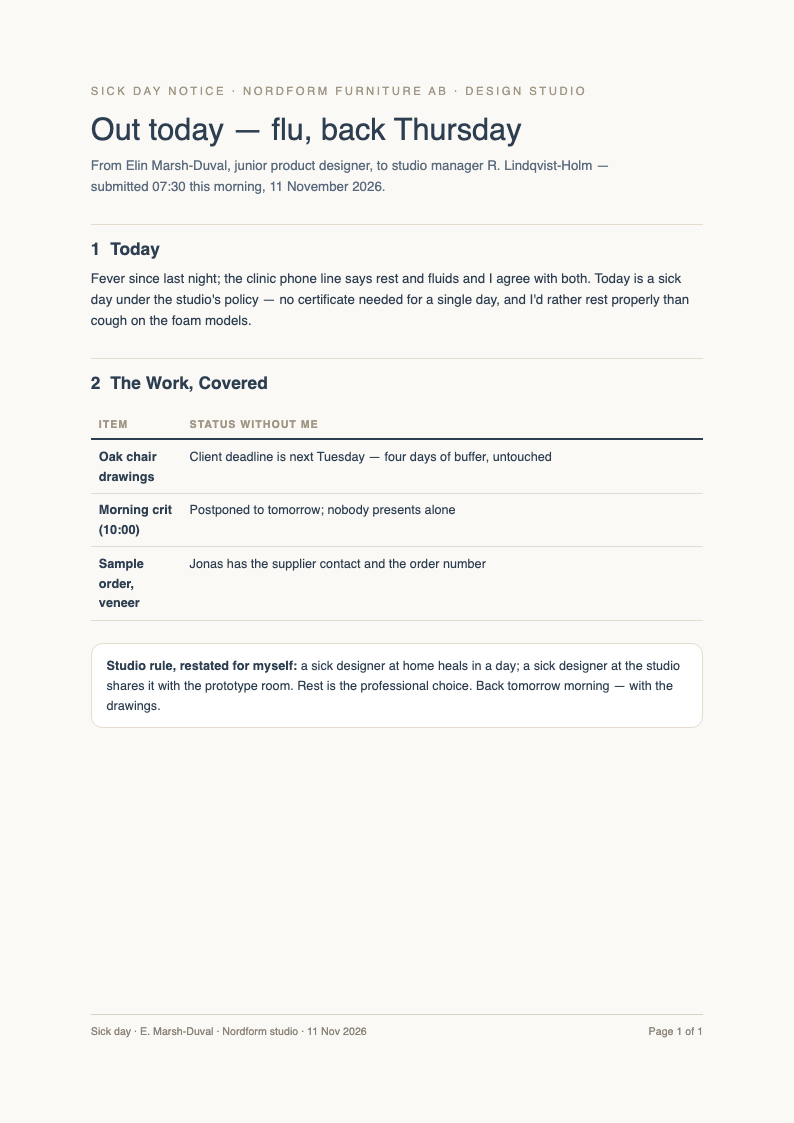
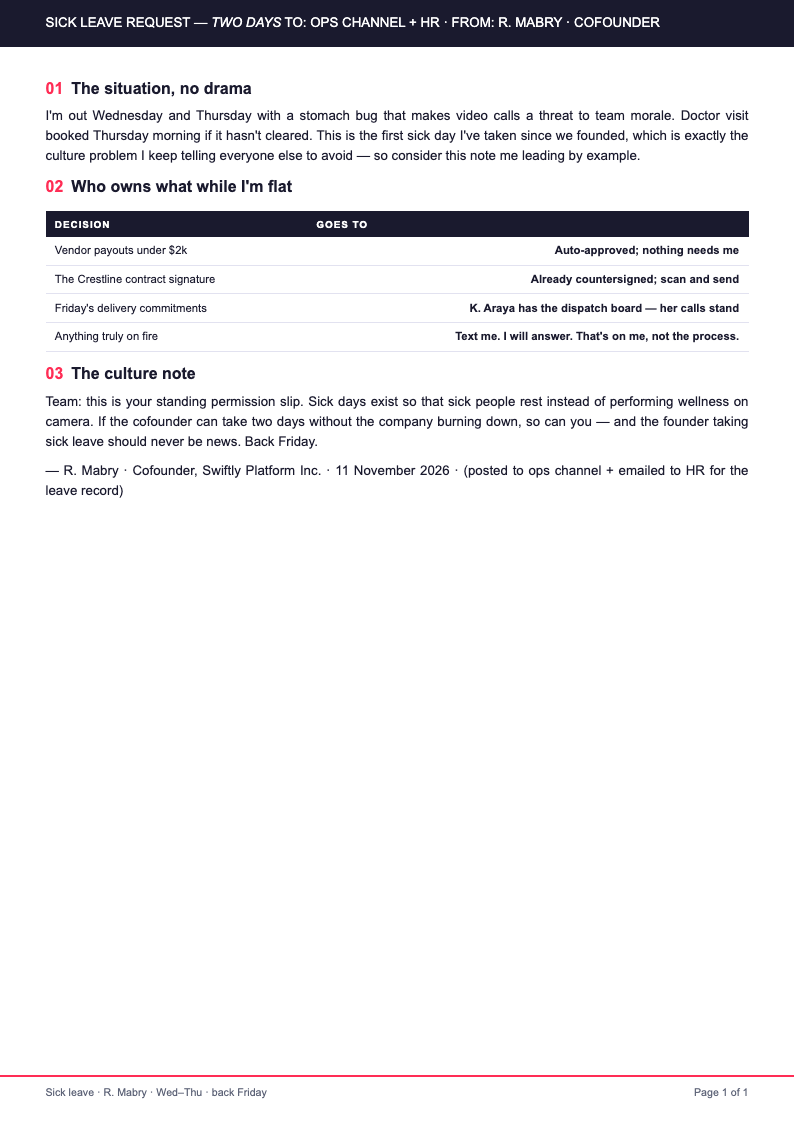
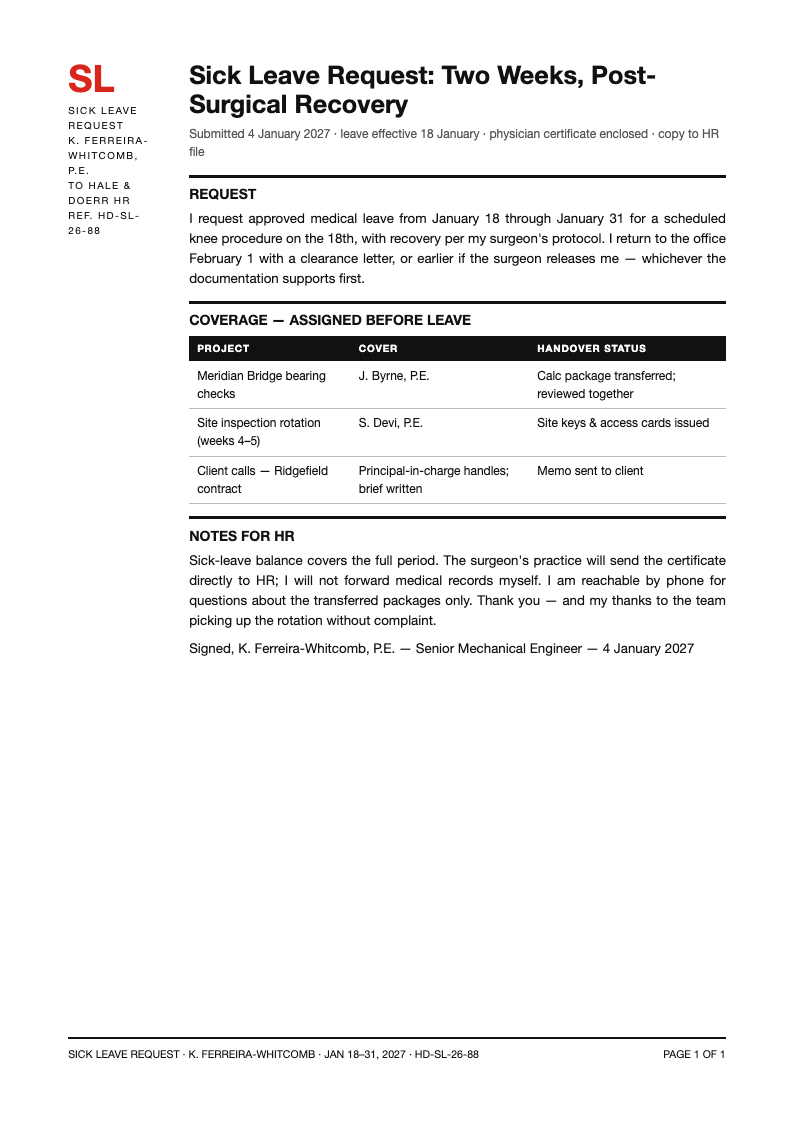
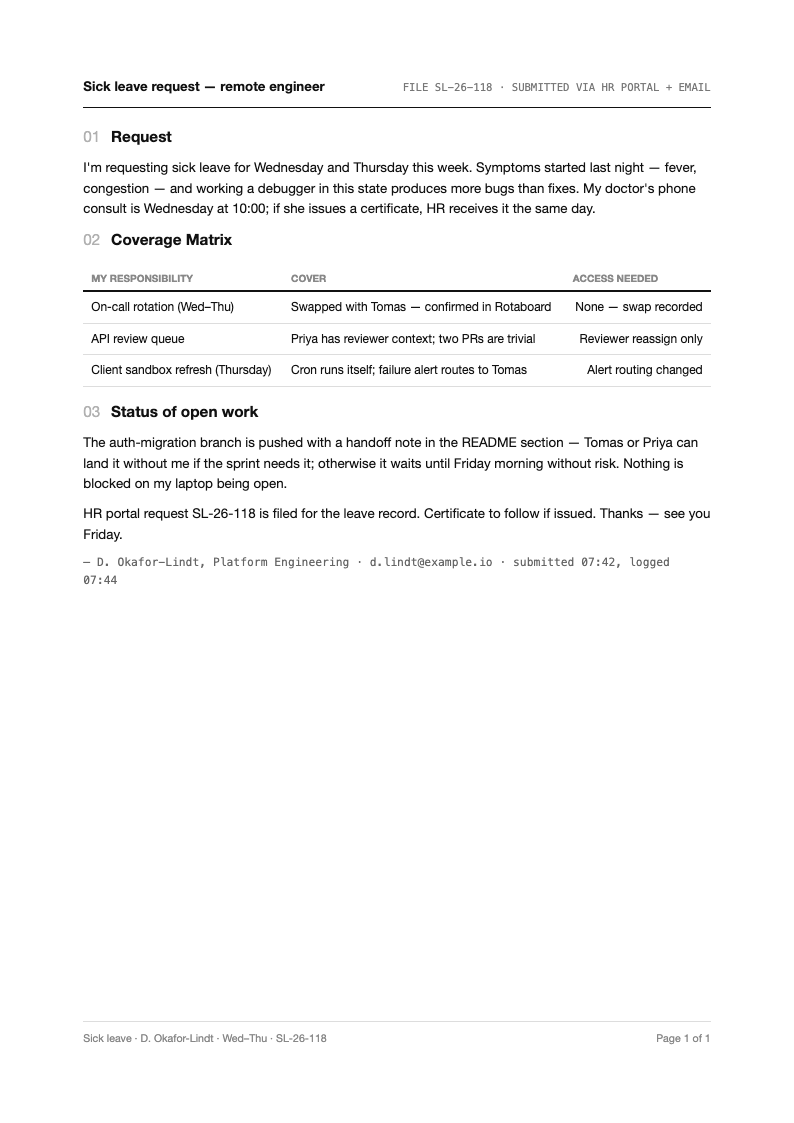
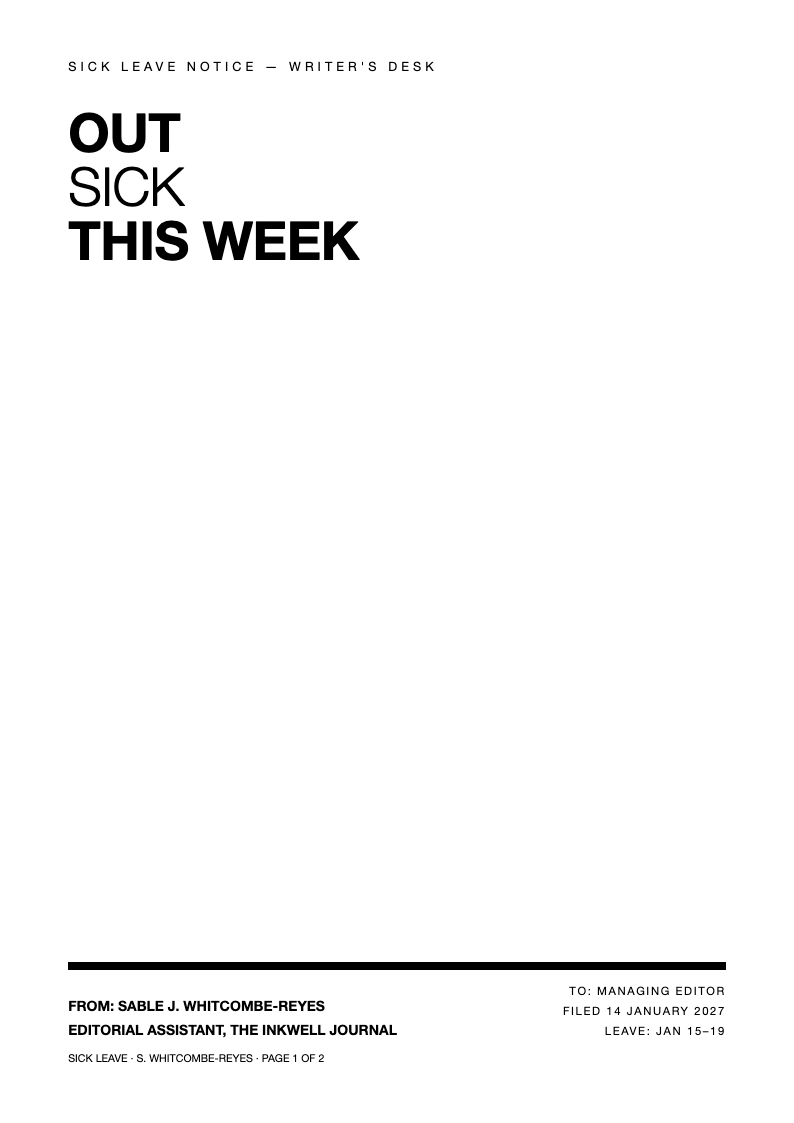
Request time off the professional way with AI Formatter's Sick Leave templates. Each layout is editable online, so you can state your dates, reason and handover plan clearly, keeping HR records tidy and your workload covered while you recover.
Showing 10 of 30 templates
Frequently Asked Questions About Our Templates
Common questions about writing and submitting Sick Leave requests with our templates.
- Are these Sick Leave templates free to use?
- Yes, every Sick Leave template is completely free to open, edit and download. There are no fees, watermarks or registration walls. Employees, contractors and managers preparing leave paperwork can produce as many requests as needed without any cost. The whole process happens in your browser, so there is nothing to install and nothing to configure before you start editing your document.
- What should a Sick Leave request include?
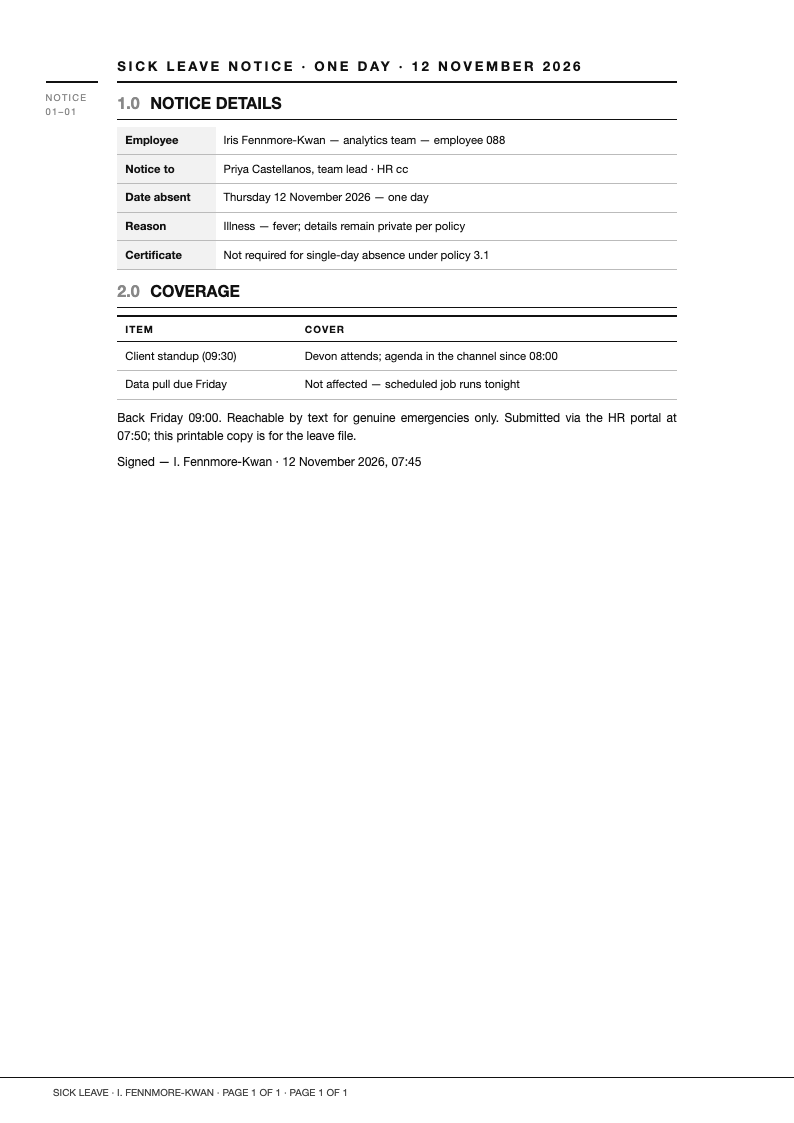
- A complete Sick Leave request states your name and role, the affected dates, a brief reason, your handover arrangement and a polite closing. Adding a doctor's note reference where relevant makes the request easy for HR to process and file correctly. Each Sick Leave template option here follows widely accepted formatting standards, so the layout you download today already matches what your readers expect to see.
- How far in advance should I submit a Sick Leave request?
- Unplanned illness demands same-day notice, ideally before your start time. Planned procedures deserve several days of warning. The Sick Leave templates work for both situations, with layouts for immediate notifications and scheduled medical leave requests. You can adapt any Sick Leave template in just a few minutes, swapping in your own details while the underlying structure keeps everything organized and easy to follow.
- Can I customize the template for email format?
- Yes. Copy the edited Sick Leave text into your email client or export to PDF and attach it. The subject line, greeting and closing translate directly into email format, so HR receives a structured request instead of a two-line message. A well-built Sick Leave template saves you from starting on a blank page, which means your energy goes into the content instead of spacing, margins, and alignment.
- What file formats can I export my Sick Leave request to?
- Export your finished Sick Leave document as Word for company forms or PDF for clean email attachments. PDF keeps your formatting locked, so the dates and details HR reads are exactly the ones you typed and reviewed. Feel free to compare several Sick Leave template versions before committing, because every layout in the collection downloads instantly and opens in the same simple editor.
- Do the templates include a doctor's note section?
- Yes. Several Sick Leave layouts provide an attached note area or reference line for medical certificates. Mentioning when the note will follow keeps your employer informed, while layouts that integrate the note simplify single-document submissions. The goal of every Sick Leave template on this page is simple: professional results for anyone who needs a reliable document without a steep learning curve.
- How much detail about my illness should I include?
- Keep medical details brief and professional. A Sick Leave request needs enough information to justify the absence, not a diagnosis history. The templates demonstrate appropriate phrasing, such as citing flu recovery or a scheduled procedure without oversharing. If you are unsure which Sick Leave template fits your situation best, start with the most popular layout and adjust individual sections as your requirements become clearer.
- Can I use the templates for family care leave?
- Yes. Adapt the reason line to state you are caring for a sick child or family member. Many Sick Leave layouts include wording options for caregiver absences, which keeps your request accurate and eligible under family leave policies. Because each Sick Leave template loads directly in the browser editor, you can preview every change in real time and undo anything that does not look right.
- Do you have filled Sick Leave examples?
- Yes. Completed samples accompany the blank layouts. Reviewing a finished Sick Leave request shows the appropriate tone, the right level of medical detail and professional handover wording, which helps first-time applicants write confidently instead of second-guessing every single line. Teams often standardize on a single Sick Leave template so every submitted document looks consistent, which makes reviews faster and feedback much easier to act on.
- Should I mention a handover plan in my request?
- Absolutely. Naming the colleague covering urgent tasks shows professionalism and reduces manager friction. Each Sick Leave template includes a handover section where you can list delegated duties, access notes and any scheduled meetings to reschedule. The layout is designed to print cleanly on standard paper sizes, which spares you from manual fixes right before a deadline.
- Can managers use the templates to approve leave?
- Yes. Supervisors can adapt a Sick Leave layout into a written approval or team notification. Documenting the approved dates and coverage plan protects everyone: the employee recovers without messages, and the team knows who handles what. A thoughtfully designed Sick Leave template also protects you from omissions, since its preset sections prompt you for the details that readers tend to look for first.
- Is the template suitable for school leave applications?
- Yes. Parents and students can adapt the Sick Leave structure for school absence notes, addressing the teacher or administration directly. The same clarity about dates, reason and makeup work applies, and schools process such notes faster. You keep full control over every Sick Leave template you download, with no watermarks and no hidden steps standing between you and the finished file.
- How do I request extended Sick Leave for surgery?
- State the procedure window, expected recovery duration and your return date if known. A detailed Sick Leave request for surgery also mentions leave policies applied and interim coverage, giving HR everything needed to process extended leave correctly. Many visitors download a Sick Leave template first and customize it afterward, which is a practical way to meet a tight deadline without sacrificing overall quality.
- Can I keep a copy for my own records?
- Yes. Downloading your Sick Leave request as PDF creates a timestamped record of what you requested and when. If leave balances or payroll questions arise later, your documented Sick Leave paperwork resolves the discrepancy quickly. Whichever Sick Leave template you choose, the editing controls work the same way, so learning one layout means you already know how to use them all.
- Do I need HR jargon to sound professional?
- No formal jargon is required. The Sick Leave templates use plain, courteous language that reads professionally without policy terminology. Clear dates, a respectful tone and a sensible handover plan communicate competence far better than memorized corporate phrases ever could. Bookmark the Sick Leave template collection that matches your workflow, and you will always have a dependable starting point ready the next time a document is due.
Ready to Request Leave the Right Way?
Send a clear, professional Sick Leave request in minutes. Edit dates, reasons and handover notes online, then export a polished document that keeps HR, your manager and your team aligned.
Free templates • AI-powered editing • No sign-up required