Edit Credit Report Templates Online for Free
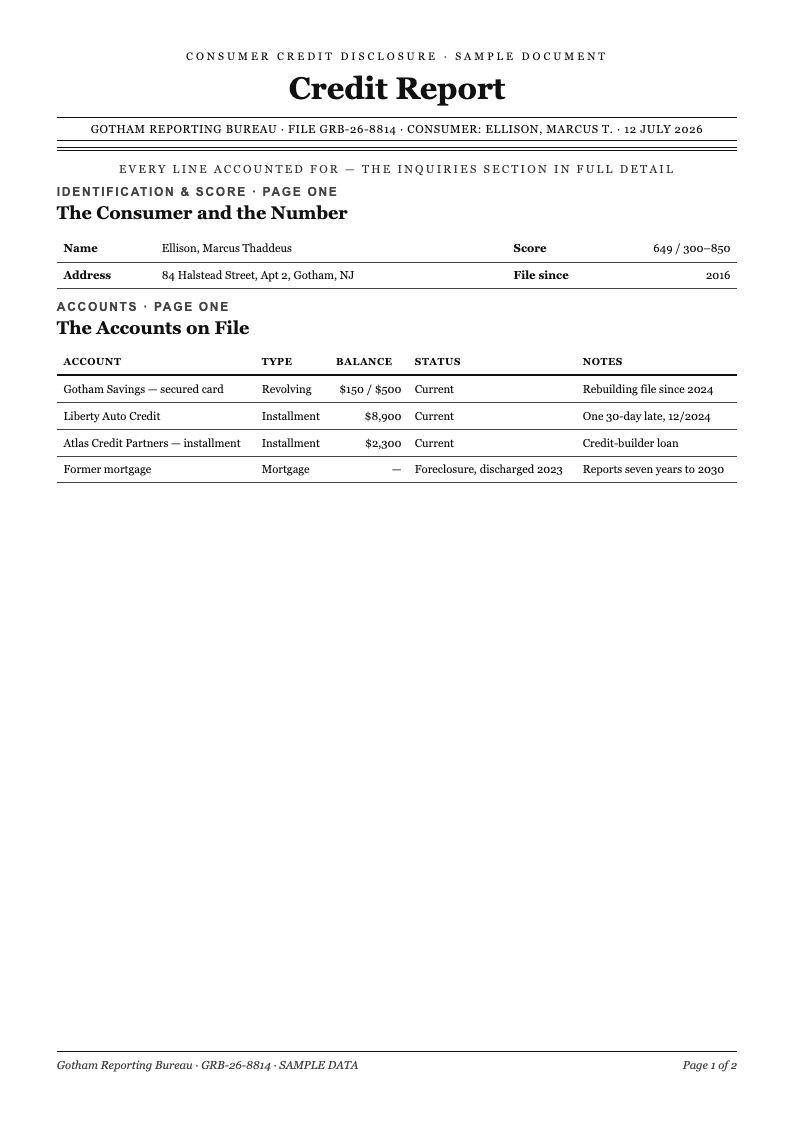
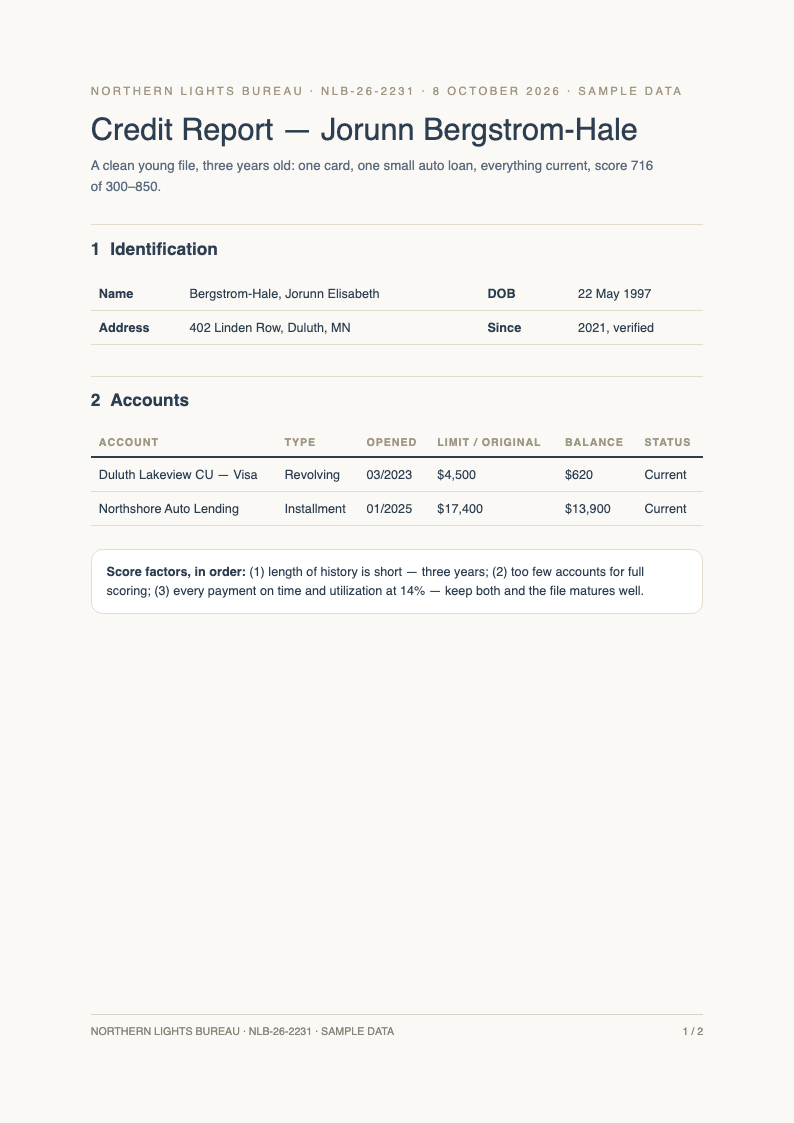
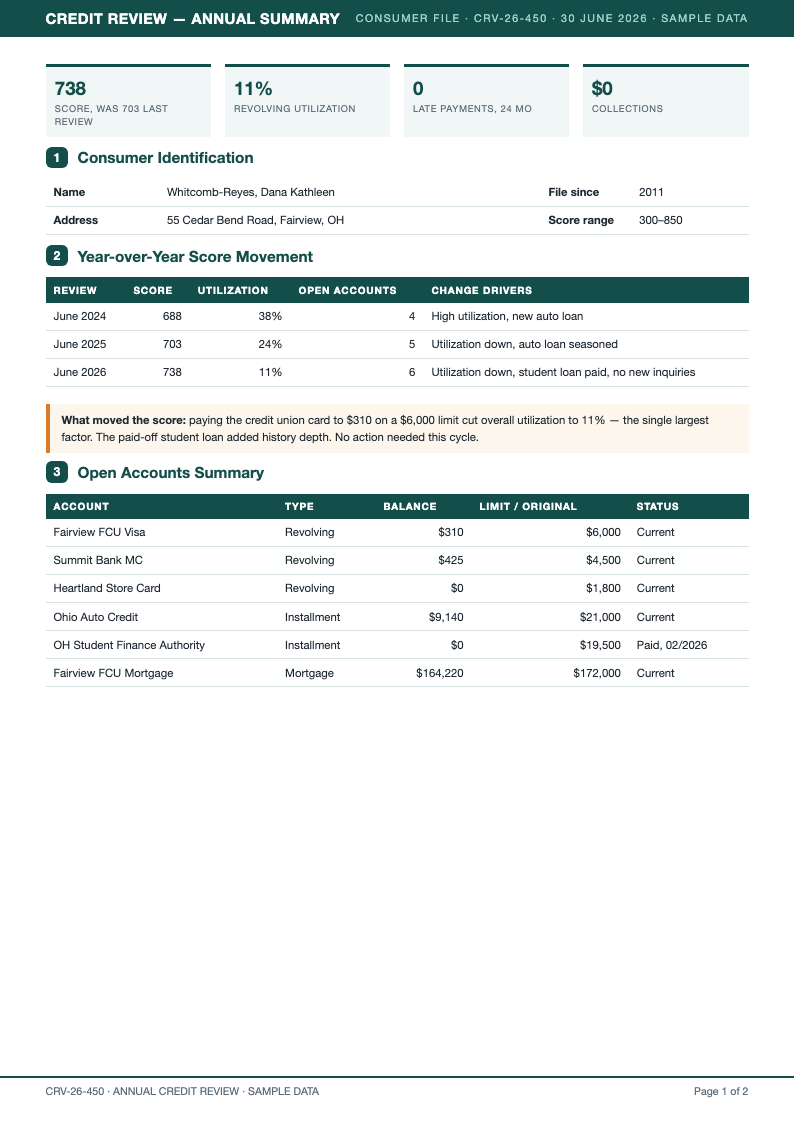
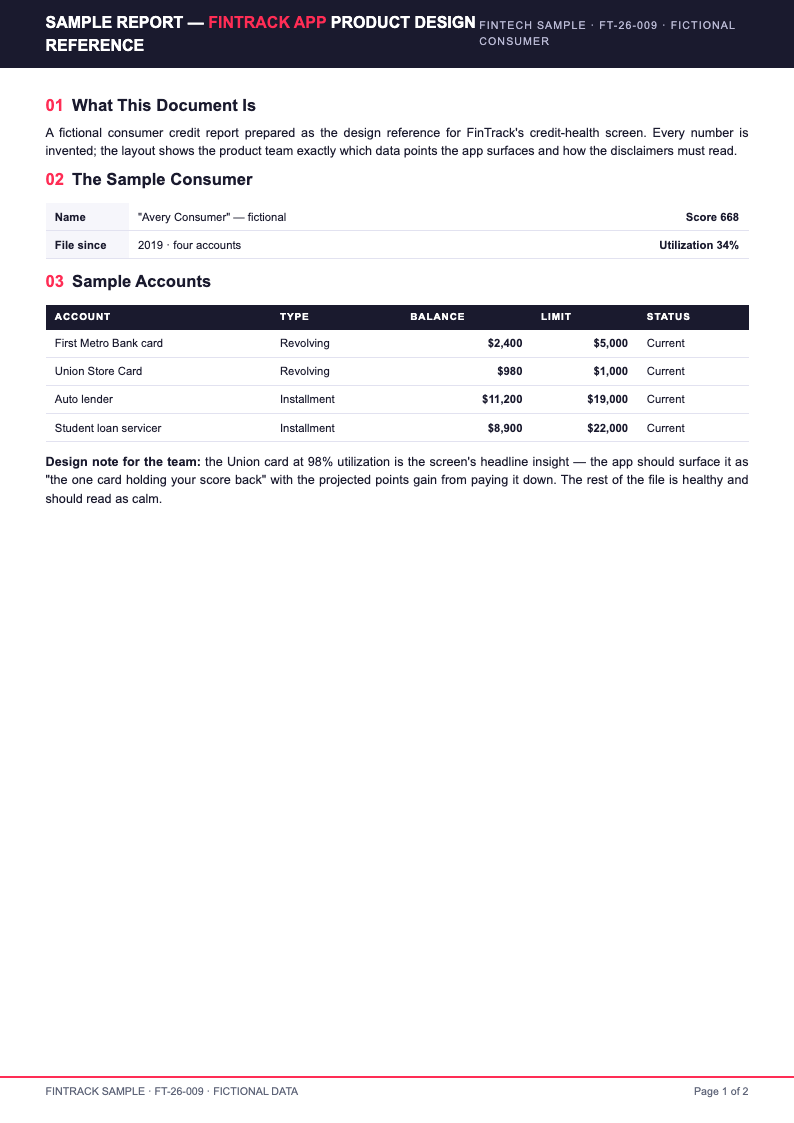
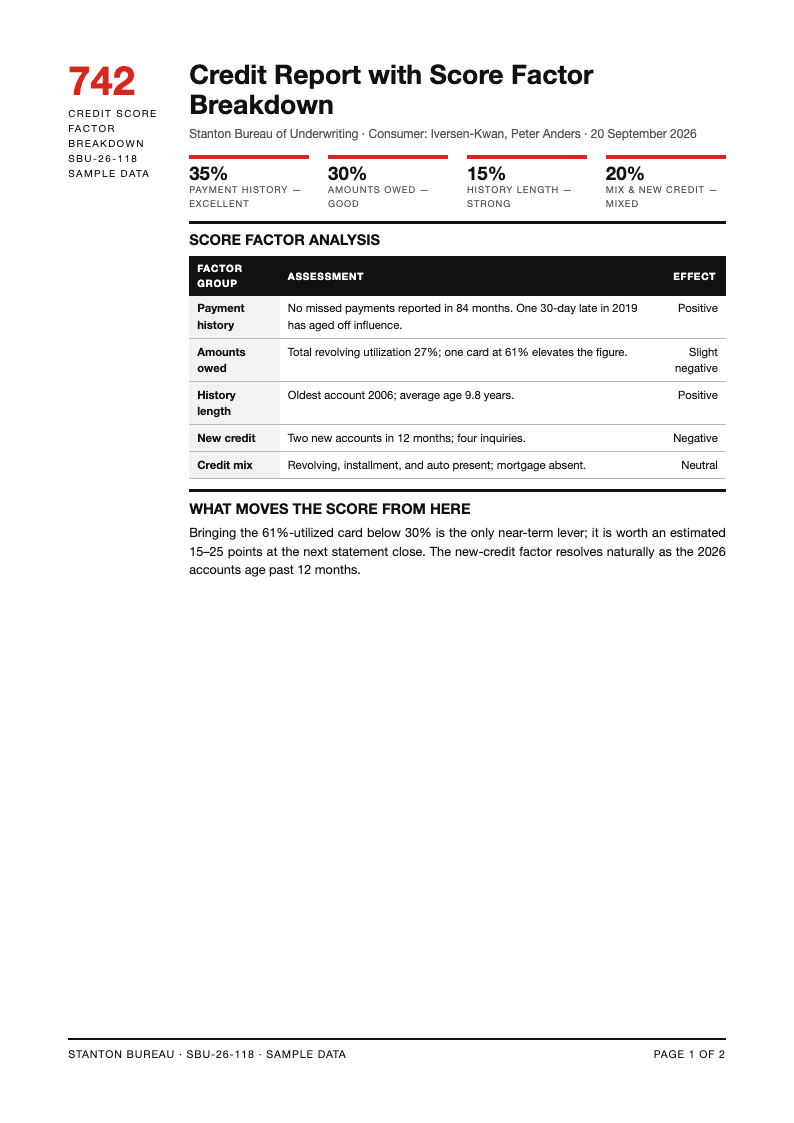
Track credit health with AI Formatter's Credit Report templates. Each layout is editable online, so you can organize account summaries, payment histories, inquiry logs and dispute notes into a clear document for loan applications, financial reviews or bureau correspondence.
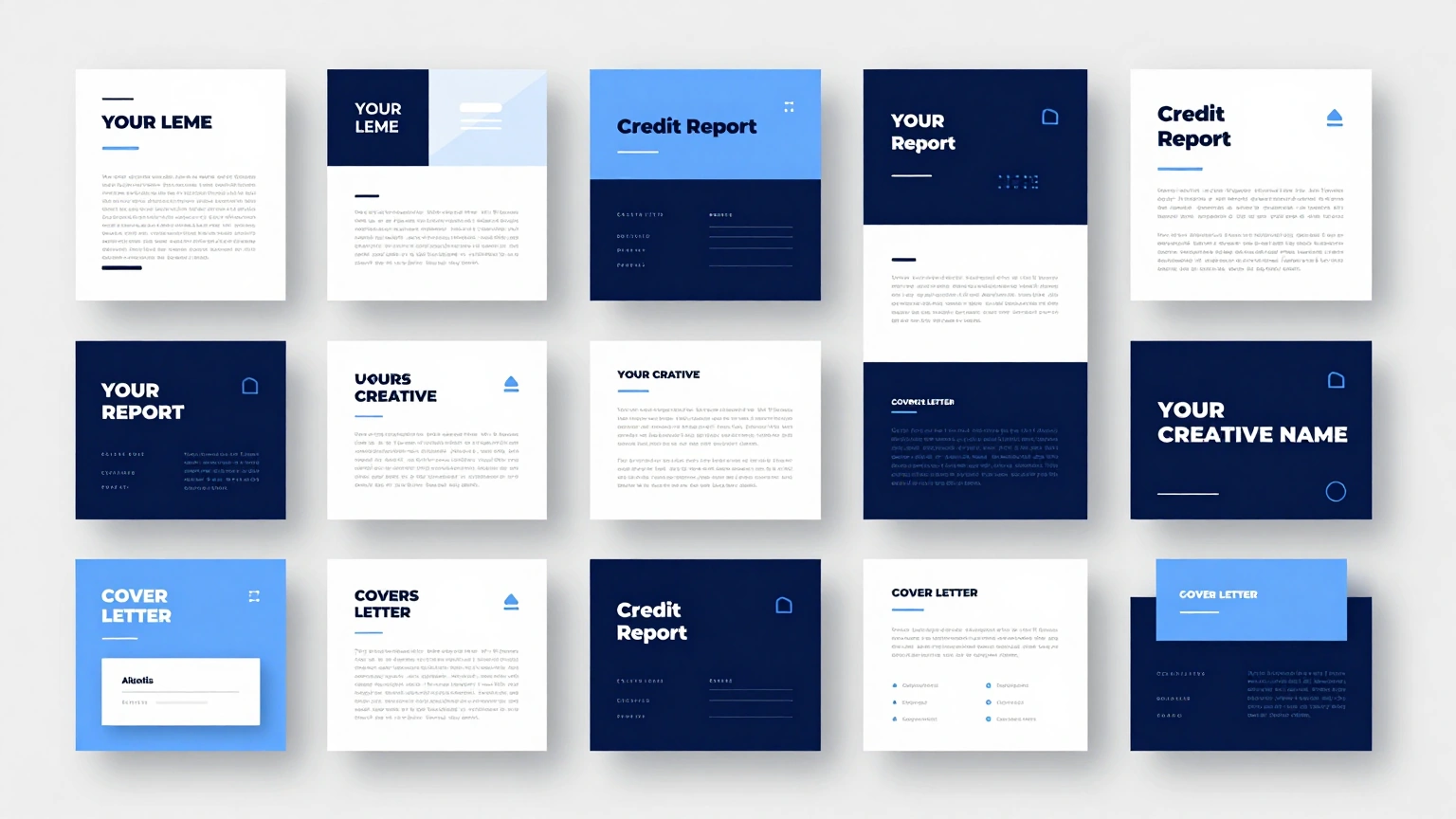
Showing 10 of 30 templates
Frequently Asked Questions About Our Templates
Common questions about using and customizing our Credit Report templates.
- Are these Credit Report templates free to use?
- Yes, every Credit Report template is free to open, edit and download. There are no fees, watermarks or locked sections. Consumers organizing their finances and advisors preparing client reviews can produce as many report summaries as they need at no cost. The whole process happens in your browser, so there is nothing to install and nothing to configure before you start editing your document.
- What sections does a Credit Report template include?
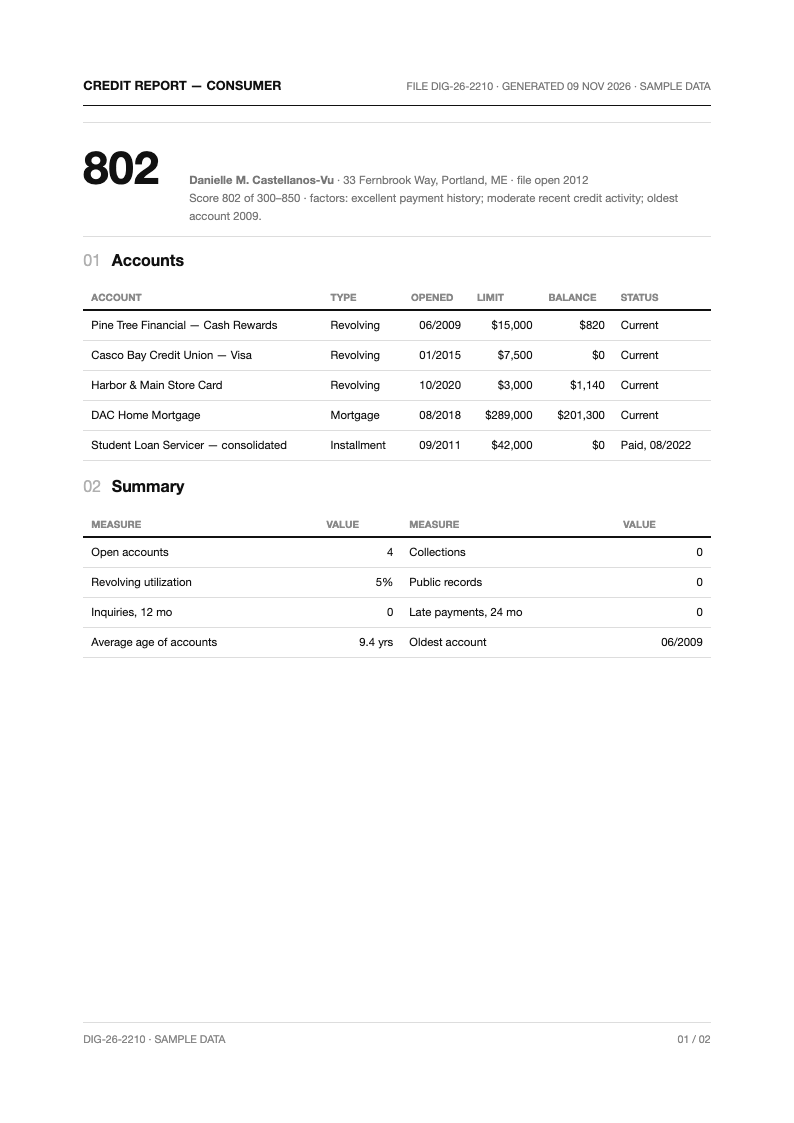
- A complete Credit Report template covers personal information, an account summary table, payment history, credit inquiries, public records and a notes area for disputes. This structure mirrors how lenders read credit files, making your document easy for reviewers to navigate. If anything looks off, you can adjust fonts, spacing, and section order until the page reads exactly the way you want it to.
- Are these templates official credit bureau forms?
- No. These Credit Report layouts are organizational and educational documents, not bureau-issued files. Official reports come directly from Equifax, Experian and TransUnion. Use these templates to summarize, annotate and track the information those three bureaus provide in their official files. You can adapt any Credit Report template in just a few minutes, swapping in your own details while the underlying structure keeps everything organized and easy to follow.
- Can I use the template to track dispute progress?
- Yes. The notes and status columns work well as a dispute log. Record what you disputed, when you sent it and how the bureau responded. A documented Credit Report review process makes follow-ups easier and keeps deadlines visible across multiple bureaus. A well-built Credit Report template saves you from starting on a blank page, which means your energy goes into the content instead of spacing, margins, and alignment.
- What file formats can I export my Credit Report summary to?
- Export any Credit Report layout as Word for ongoing updates or PDF for clean sharing with lenders, advisors or housing offices. Both formats keep tables aligned, so the recipient sees a professional summary instead of a spreadsheet screenshot. Feel free to compare several Credit Report template versions before committing, because every layout in the collection downloads instantly and opens in the same simple editor.
- Can I customize the account summary table?
- Yes. Add or remove columns such as balance, limit, opened date and status. Because the Credit Report editor treats tables as flexible content, you can tailor each layout to mortgage preparation, tenant screening responses or personal financial dashboards. The goal of every Credit Report template on this page is simple: professional results for anyone who needs a reliable document without a steep learning curve.
- Is the template suitable for business credit tracking?
- Yes. Adapt the account sections to trade lines, supplier terms and business card accounts. A structured Credit Report summary for your company helps when meeting lenders, and keeping it updated quarterly shortens every financing conversation. If you are unsure which Credit Report template fits your situation best, start with the most popular layout and adjust individual sections as your requirements become clearer.
- Do you provide filled Credit Report examples?
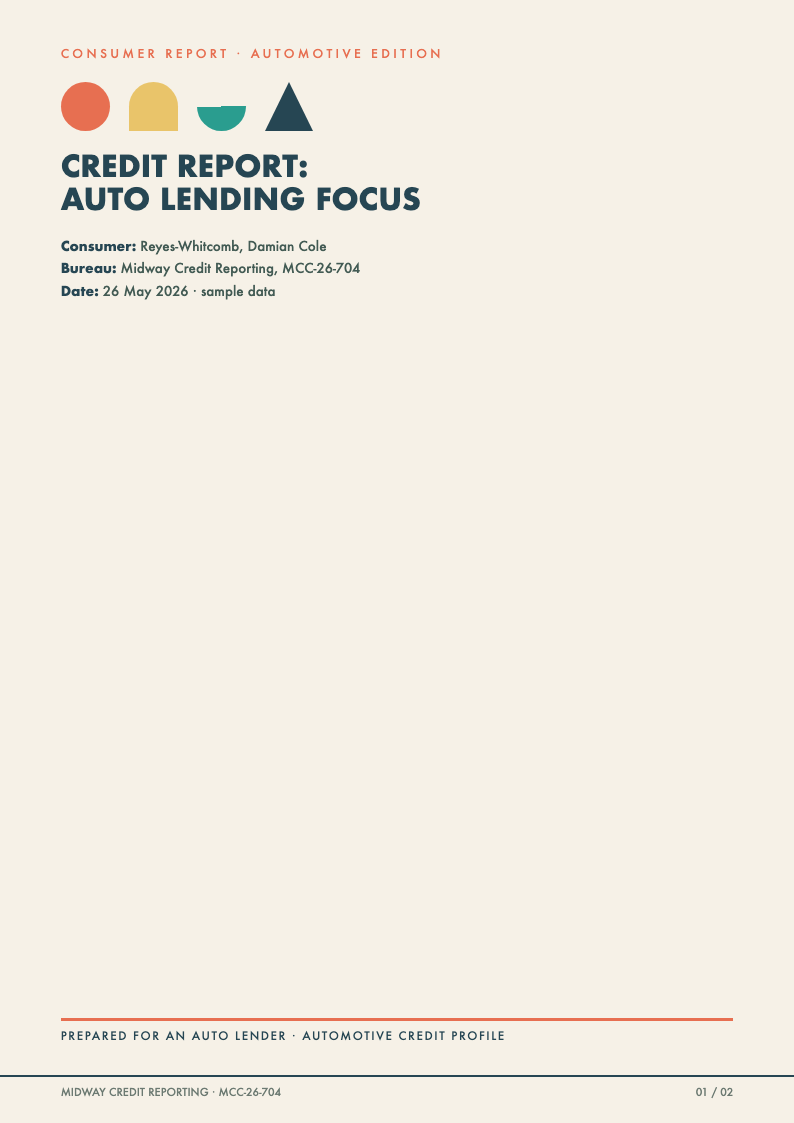
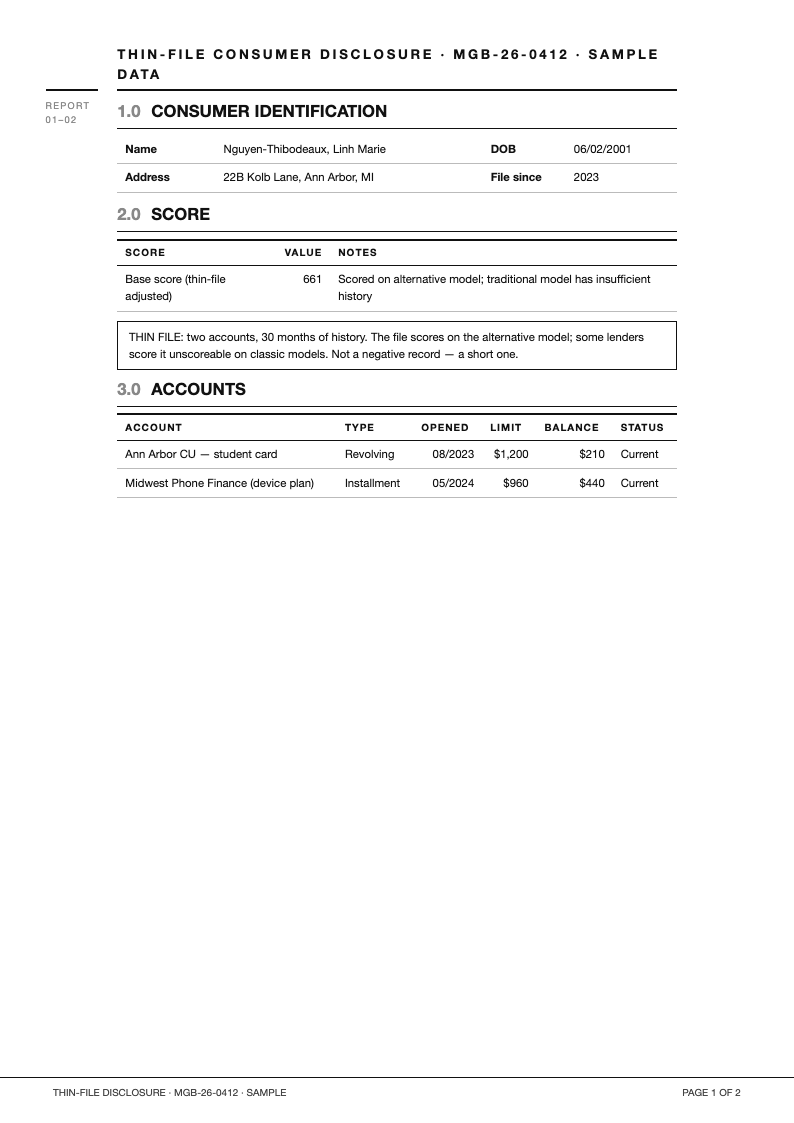
- Yes. Completed samples accompany the blank layouts so you can see how account tables, inquiry logs and dispute notes read when filled in properly. Reviewing a finished Credit Report example helps first-time users organize their own information correctly. Because each Credit Report template loads directly in the browser editor, you can preview every change in real time and undo anything that does not look right.
- How often should I update my Credit Report summary?
- Quarterly updates suit most people, with extra reviews before major applications. Because your Credit Report document lives online, refreshing balances and statuses takes minutes, and you will spot reporting errors while there is still time to dispute them. Teams often standardize on a single Credit Report template so every submitted document looks consistent, which makes reviews faster and feedback much easier to act on.
- Can I use the template for credit counseling sessions?
- Yes. Counselors appreciate clients who arrive with an organized Credit Report summary. The layout surfaces payment history and utilization at a glance, so session time goes to strategy and budgeting rather than deciphering raw bureau printouts. Downloading your Credit Report template in Word or PDF format keeps the file portable, so you can email it, archive it, or print it without formatting surprises.
- Is my financial data safe when editing online?
- Your content is processed securely, and you control what the document contains. Many users enter only account types, partial numbers and statuses into their Credit Report summary, keeping sensitive full account numbers off the document entirely. A thoughtfully designed Credit Report template also protects you from omissions, since its preset sections prompt you for the details that readers tend to look for first.
- Can I add a payment calendar to the template?
- Yes. Insert a monthly due-date table beneath the account summary. Pairing due dates with the Credit Report account list turns the document into a practical budgeting tool, reducing missed payments that would otherwise damage your score. You keep full control over every Credit Report template you download, with no watermarks and no hidden steps standing between you and the finished file.
- Do the templates help with mortgage preparation?
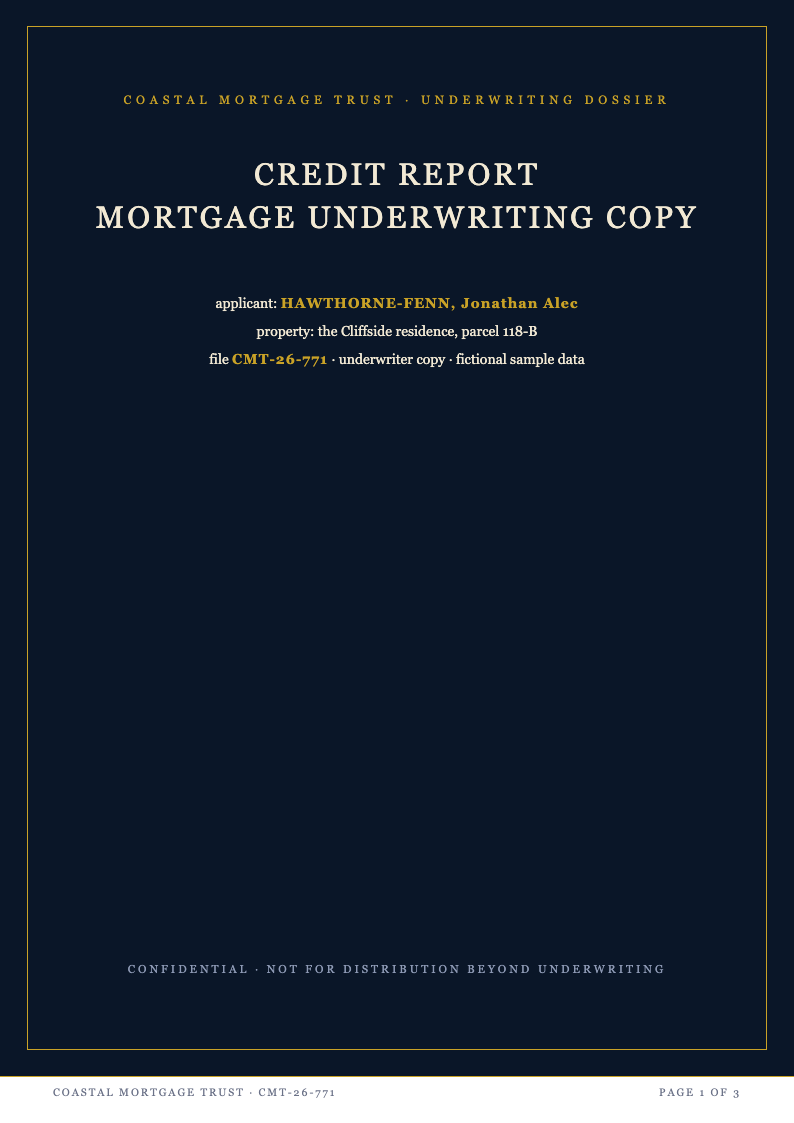
- Yes. Mortgage lenders scrutinize inquiries, utilization and disputed accounts. Preparing a clean Credit Report summary months ahead lets you resolve issues early, and you can hand the organized document to your loan officer to speed up pre-approval. Many visitors download a Credit Report template first and customize it afterward, which is a practical way to meet a tight deadline without sacrificing overall quality.
- Can I track multiple credit bureaus in one document?
- Yes. Add a comparison section listing each account's status across Equifax, Experian and TransUnion. Differences between bureaus are common and often unnoticed, so a consolidated Credit Report view makes inconsistencies obvious early enough to dispute and correct them before lenders notice. Whichever Credit Report template you choose, the editing controls work the same way, so learning one layout means you already know how to use them all.
- Do I need accounting skills to use these templates?
- No. The Credit Report layouts use plain language labels and simple tables. If you can read a bank statement, you can complete the document, and the structured format actually teaches you which factors lenders weigh most heavily. Bookmark the Credit Report template collection that matches your workflow, and you will always have a dependable starting point ready the next time a document is due.
Ready to Organize Your Credit?
Take control of your financial story with a professionally structured Credit Report template. Summarize accounts, track disputes and prepare for applications with a document lenders and advisors can read at a glance.
Free templates • AI-powered editing • No sign-up required