Edit Agenda Templates Online for Free
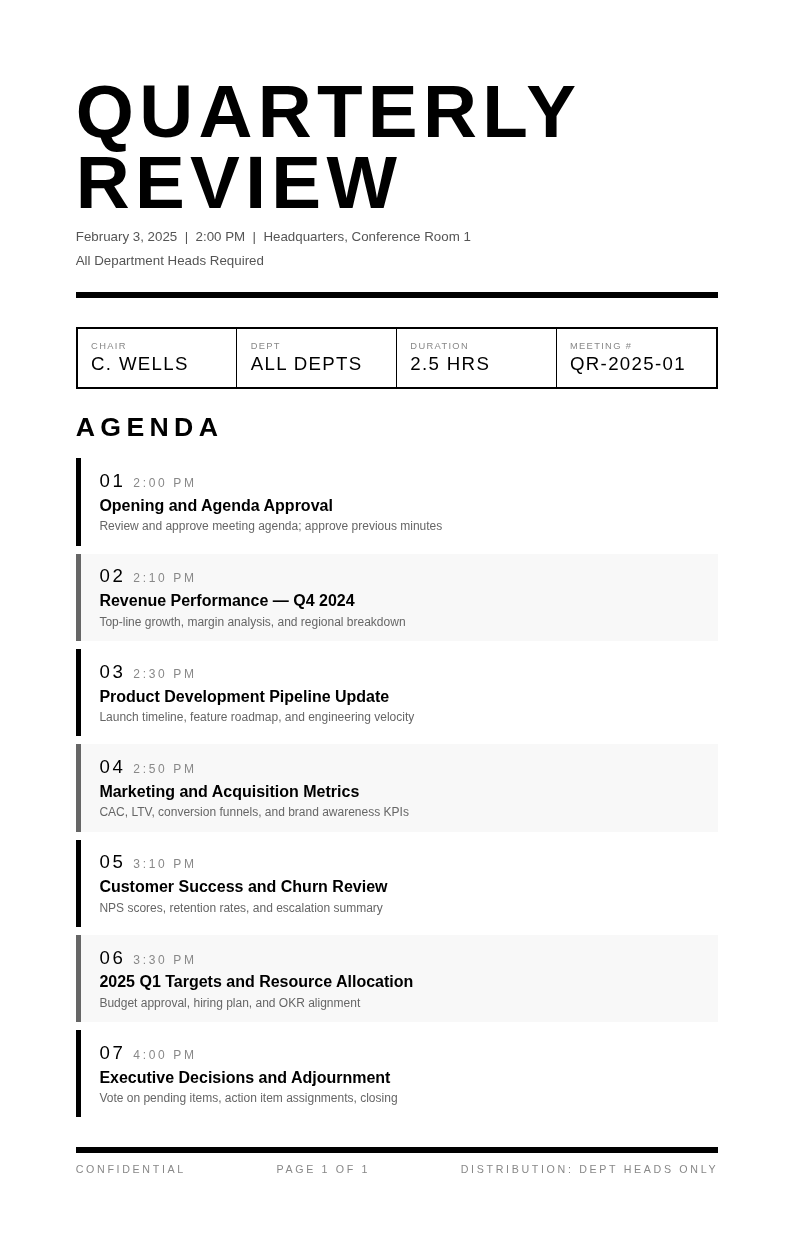
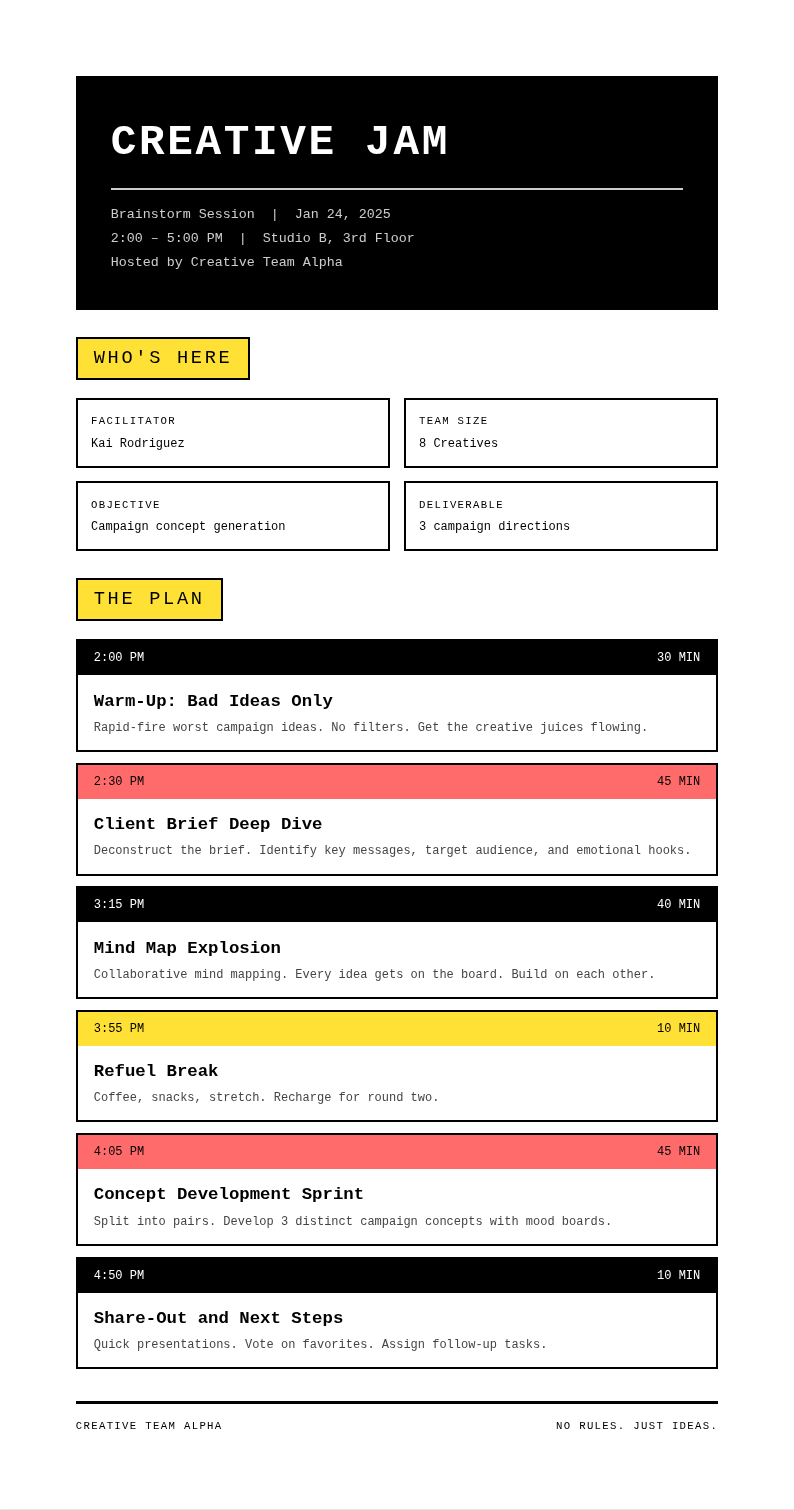
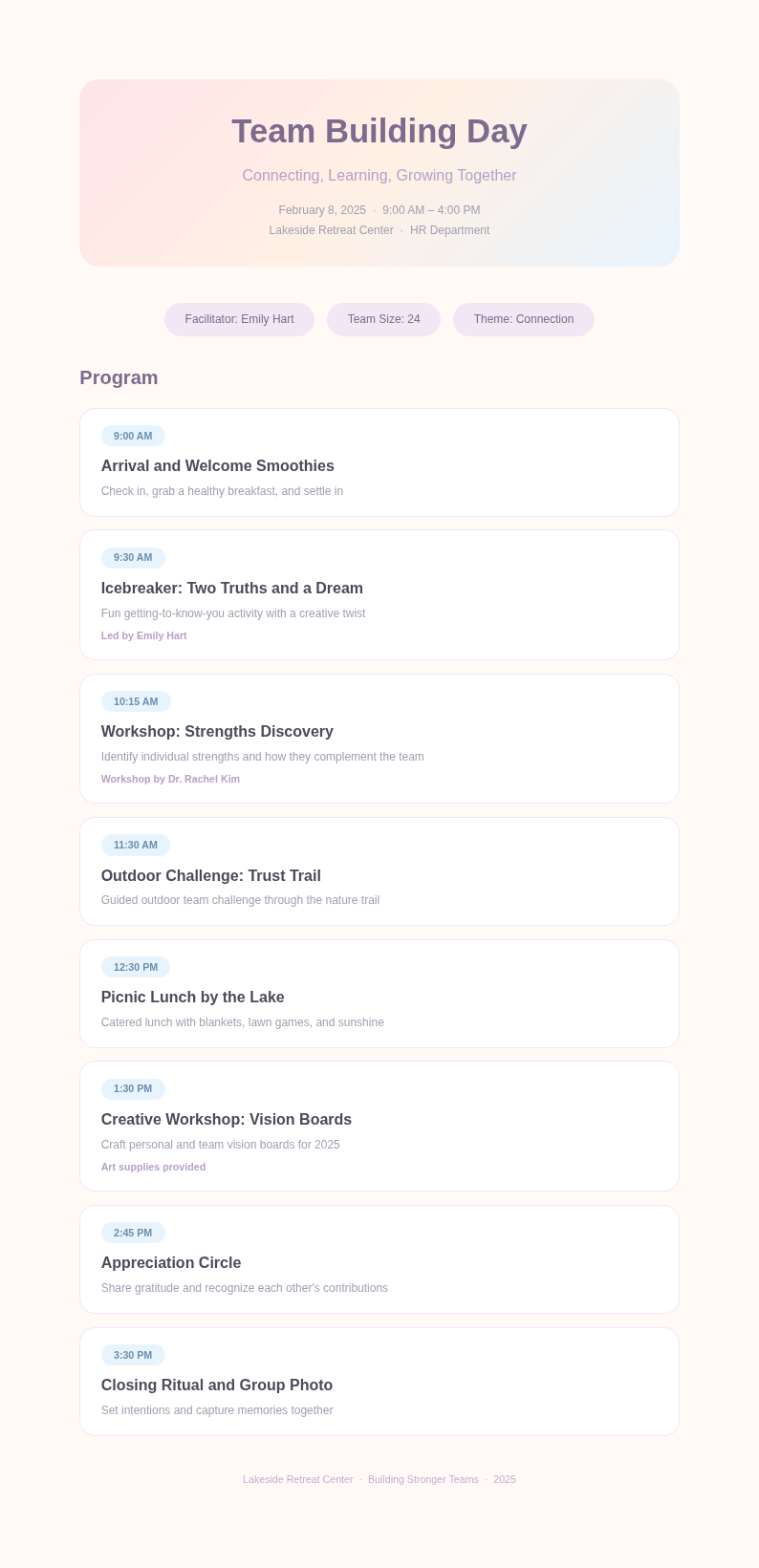
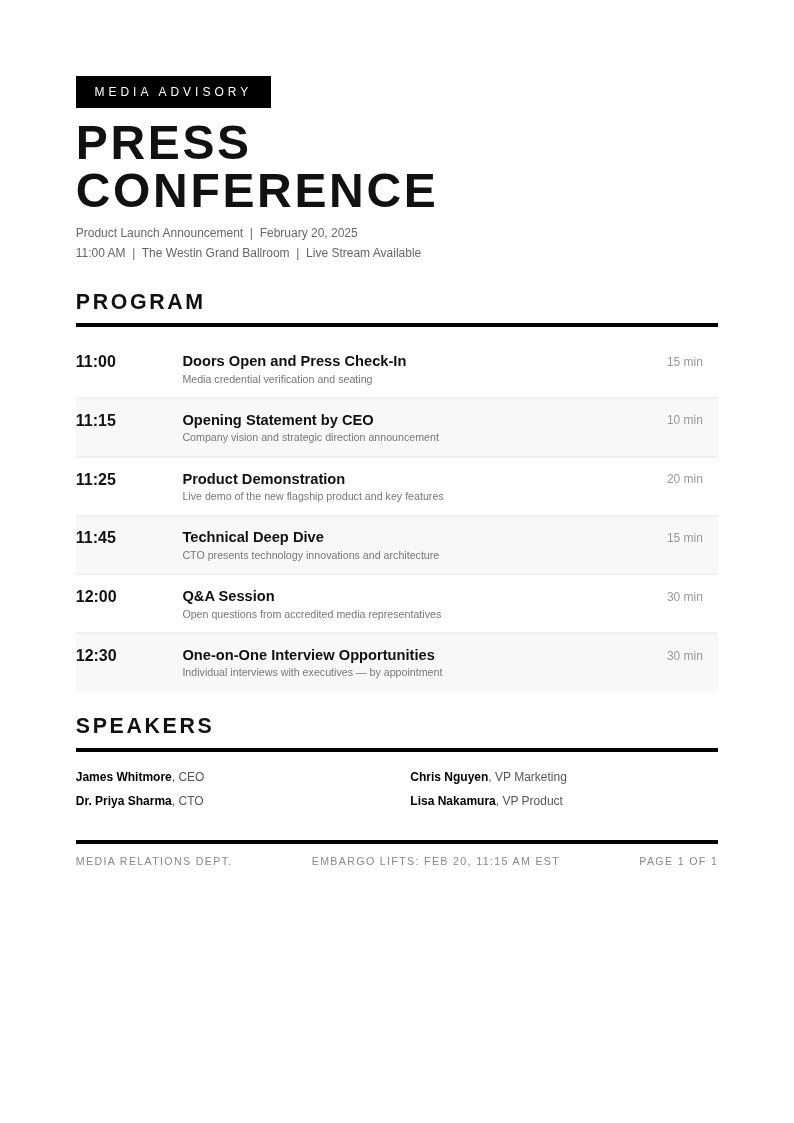
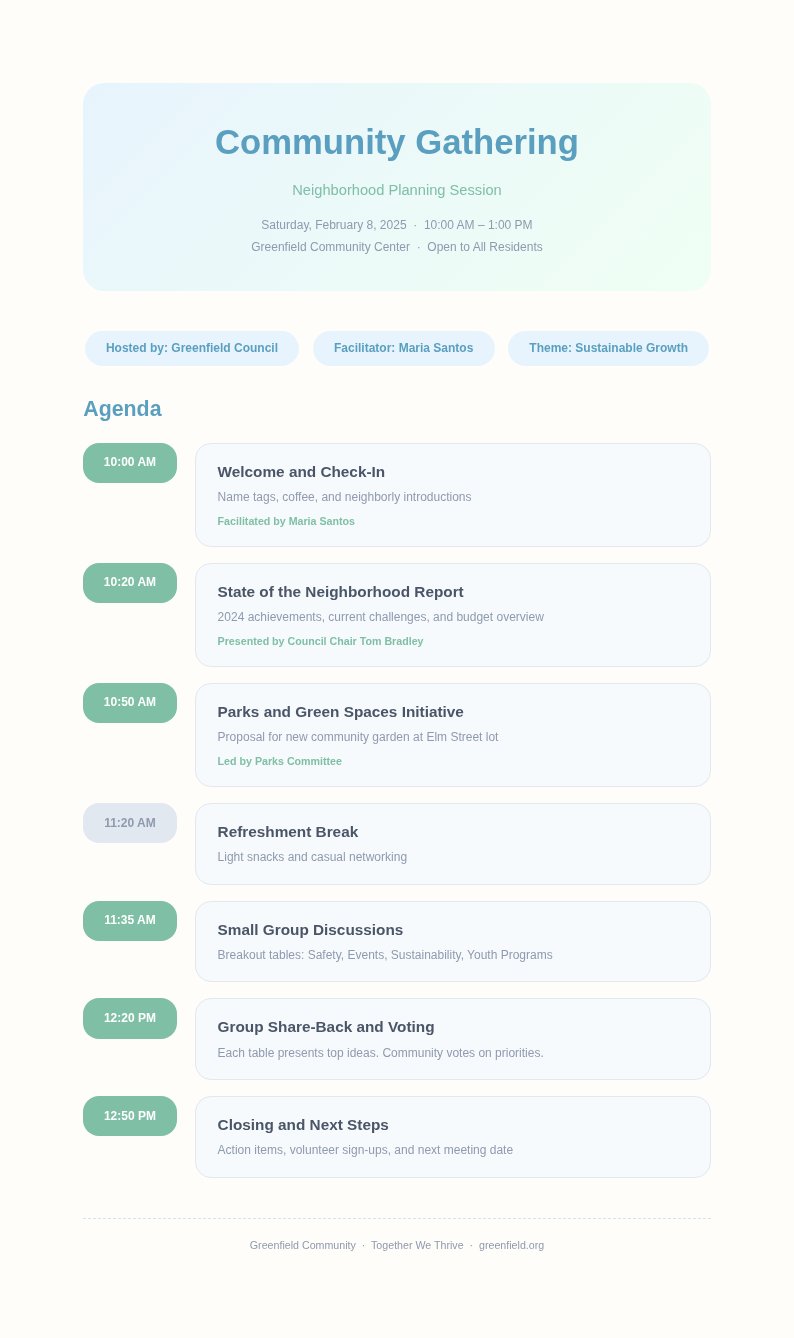
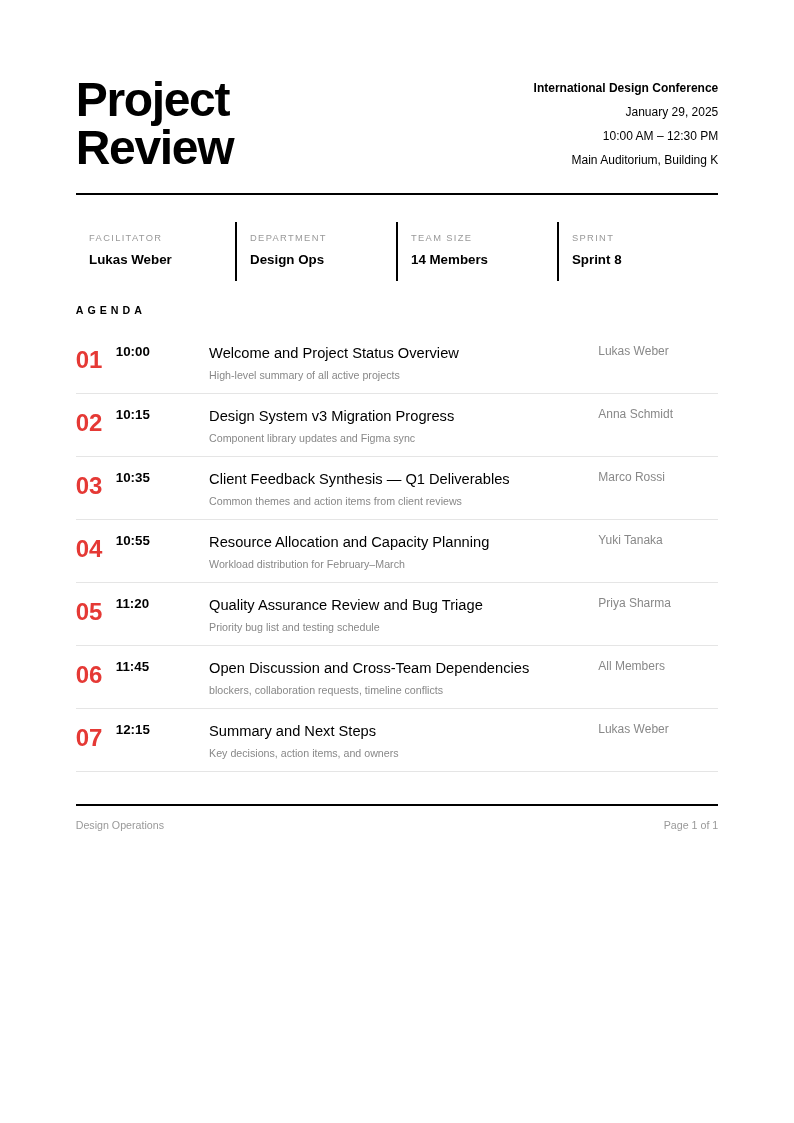
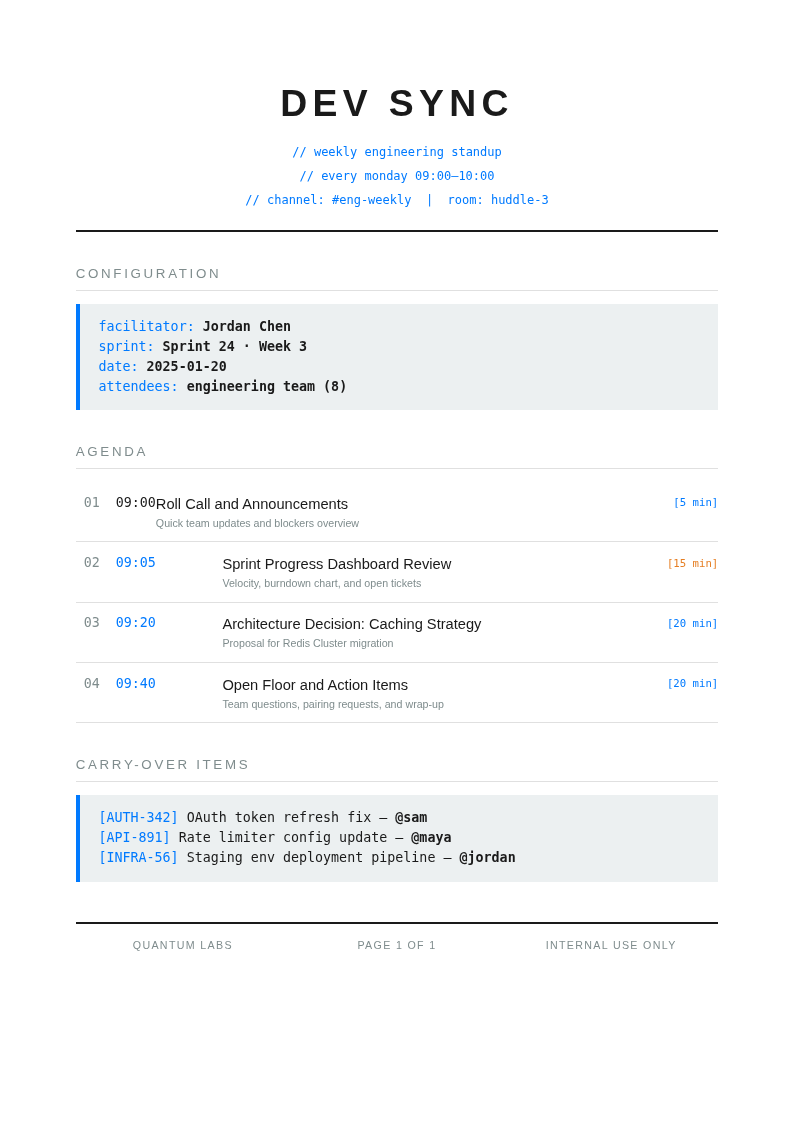
Organize your meetings and events with AI Formatter's collection of Agenda templates. Each one is fully editable online, so you can customize topics, time slots, discussion points, and action items to fit your specific meeting or event requirements.
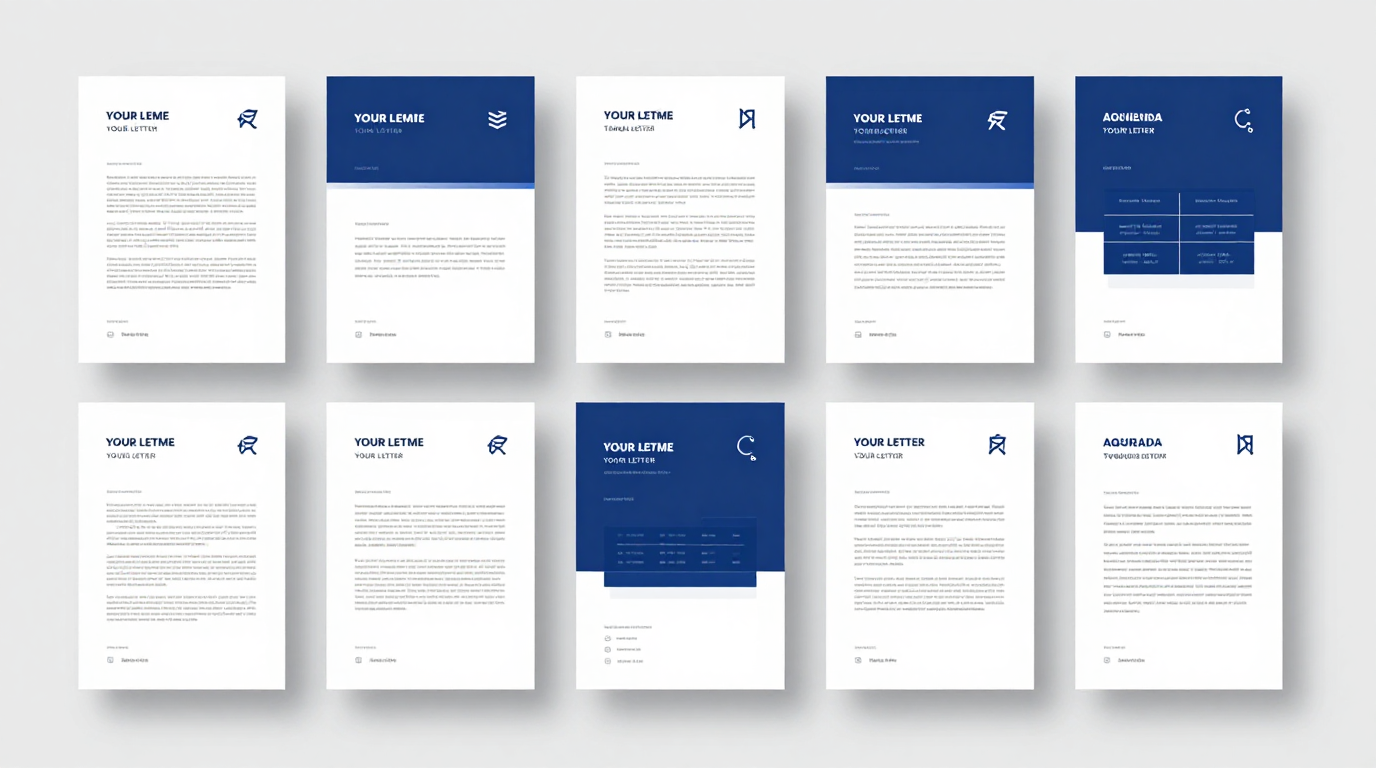
Showing 10 of 30 templates
Frequently Asked Questions About Our Templates
Common questions about using our templates for your meetings, events, and conferences.
- Are these Agenda templates free to use?
- Yes, all files on AI Formatter are completely free to download, edit, and use for personal or professional purposes. There are no hidden fees or required sign-ups. You can access any Agenda template in our collection instantly and customize it to organize your meetings and events efficiently without any restrictions.
- What formats are available for the Agenda template?
- Our collection includes formats compatible with Microsoft Word, Google Docs, and PDF. You can edit any template directly in your browser using our online editor, then download the finished document in your preferred format for printing or sharing with meeting attendees. Each format preserves the professional layout of your agenda.
- Can I customize the Agenda template for different types of meetings?
- Absolutely. Each template is fully editable, allowing you to modify topics, adjust time allocations, add presenter names, and include discussion points. The AI Formatter editor lets you tailor any layout to match your exact meeting structure without any design experience needed. You can also duplicate sections or remove unnecessary ones freely.
- What types of Agenda templates do you offer?
- We offer a wide variety of types including board meeting agendas, team meeting agendas, conference agendas, workshop agendas, and one-on-one meeting agendas. Each option is designed for different professional scenarios so you can find the right fit for your specific meeting format. New templates are added regularly based on user feedback.
- How do I fill out an Agenda template?
- Simply open the template in our online editor, add your meeting title, list items in order, assign time slots for each topic, and include presenter or discussion leader names. Our guided fields help you complete each section step by step, ensuring your meeting stays organized and on track from beginning to end.
- Can I use an Agenda template for board meetings?
- Yes, we have specific Agenda Template options designed for corporate board meetings. These include sections for call to order, approval of minutes, officer reports, old business, new business, and adjournment. Any board meeting layout can be adapted to your organization's governance requirements and standard parliamentary procedures like Robert's Rules of Order.
- Do your Agenda templates include time allocations?
- Yes, most of our options include built-in time allocation fields for each topic. You can adjust the time blocks to match your meeting duration and priorities. Proper time management within the document helps keep discussions focused and ensures all planned topics receive adequate attention during the session without running over schedule.
- Can I share the Agenda template with meeting attendees?
- Yes, you can easily share your completed document with all meeting attendees. After customizing your layout, download it as a PDF or Word document and distribute it via email or collaboration tools. Sharing the plan in advance helps participants prepare their input and contributes to more productive and focused discussions overall.
- What should be included in an Agenda template?
- A complete document should include the meeting title, date and time, location or meeting link, list of attendees, items with descriptions, time allocations, and action items. Our collection covers all these essential elements so your meetings are well-organized and productive from start to finish. You can also add a notes section for follow-up tasks.
- Can I use an Agenda template for a conference?
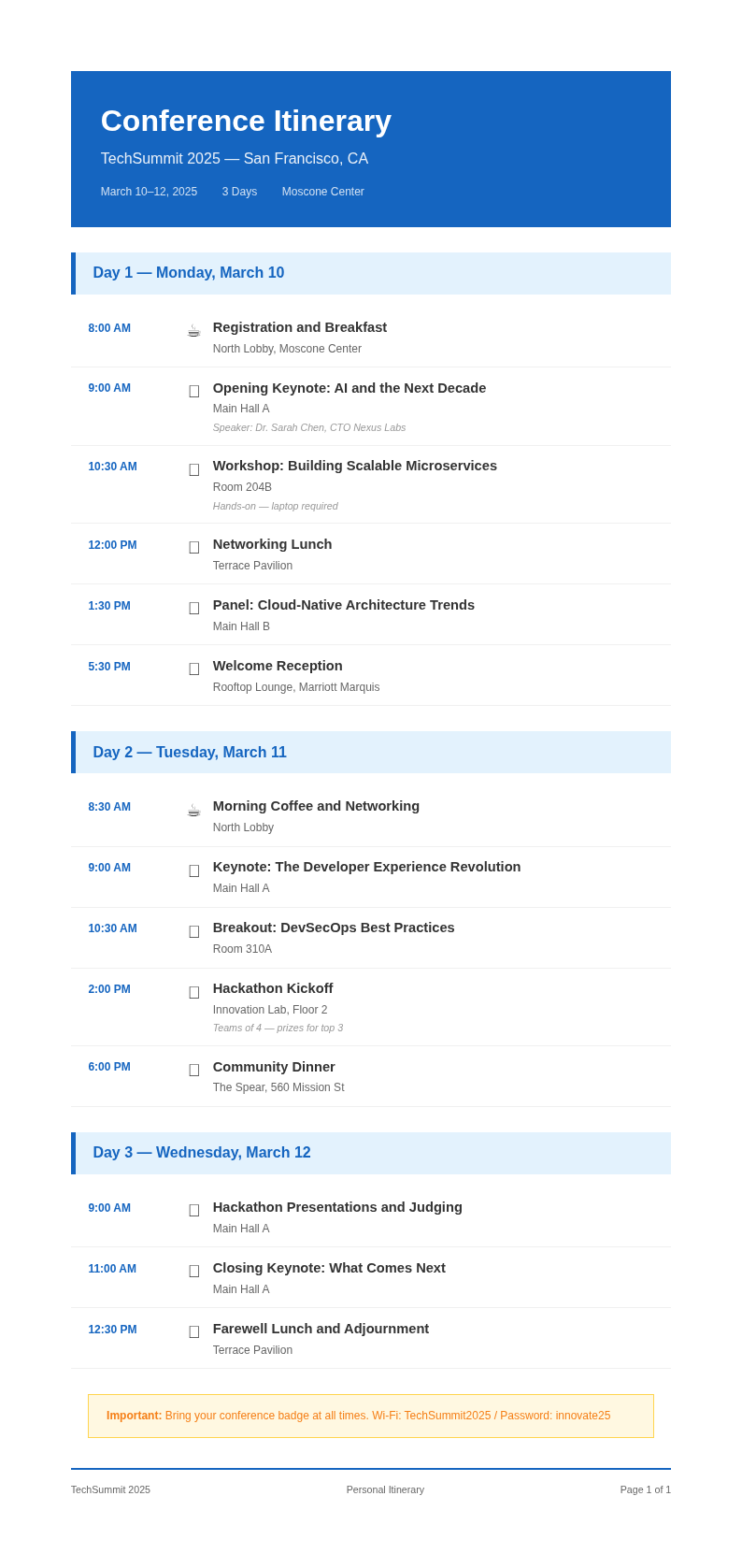
- Yes, our Agenda Template options include multi-day and multi-track conference formats. When editing a conference layout, you can add session titles, speaker names, room assignments, and break schedules. A well-structured conference schedule helps attendees navigate the event and plan their participation effectively throughout the entire program with complete confidence and ease.
- Do your Agenda templates work for team meetings?
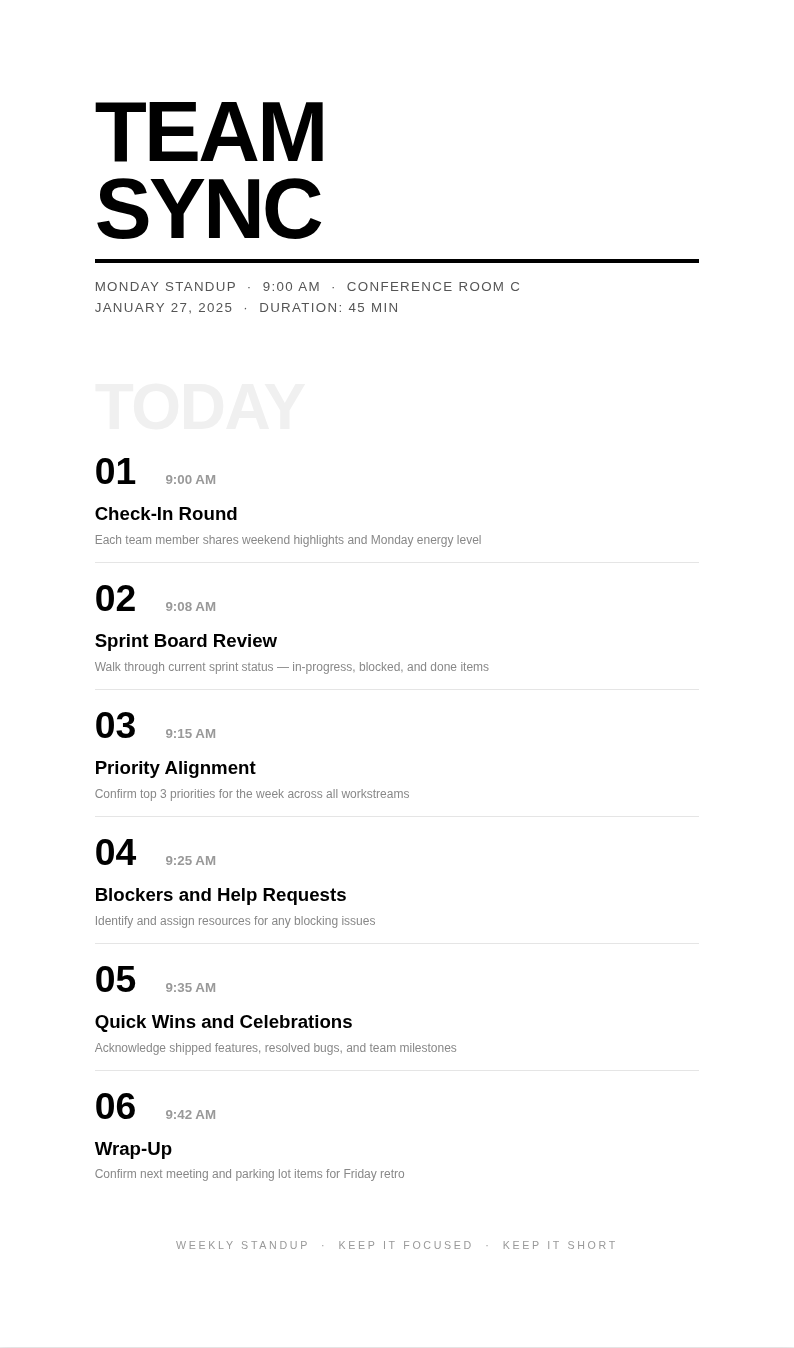
- Absolutely. Our Agenda Template collection includes options specifically designed for team meetings, stand-ups, and weekly check-ins. These layouts allow team leaders to organize discussion topics, assign action items, and track progress in a clear and professional format that keeps everyone aligned, accountable, and productive throughout the entire work week together.
- How long should an Agenda template be?
- The length depends on the type and duration of your meeting. A brief team meeting plan may be one page, while a conference schedule can span multiple pages. Focus on clarity and completeness when filling out your document, ensuring all topics and time slots are clearly listed for easy reference during the session.
- Can I use an Agenda template for recurring meetings?
- Yes, you can create a standard layout for recurring meetings and reuse it each time. Save a copy as a master format, then update the date, specific topics, and action items for each meeting. A consistent structure helps establish productive meeting routines and saves time on preparation week after week.
- How do I download a completed Agenda template?
- After customizing your document in our editor, simply click the download button to save it as a Word document or PDF. The finished file is ready for printing, emailing, or sharing via collaboration platforms. All downloads are free with no watermarks added, so you can distribute it professionally right away.
- Can I use an Agenda template for virtual meetings?
- Yes, our options work perfectly for virtual and hybrid meetings. When editing a virtual meeting layout, you can include video conference links, screen-sharing segments, and virtual breakout session details. A clear plan helps remote teams stay organized and focused during online meetings, regardless of time zone differences or geographic locations.
Ready to Organize Your Next Meeting?
Start planning productive meetings with our professionally designed Agenda templates. Customize any layout in minutes and ensure your meetings are well-structured and efficient from start to finish.
Free templates • AI-powered editing • No sign-up required