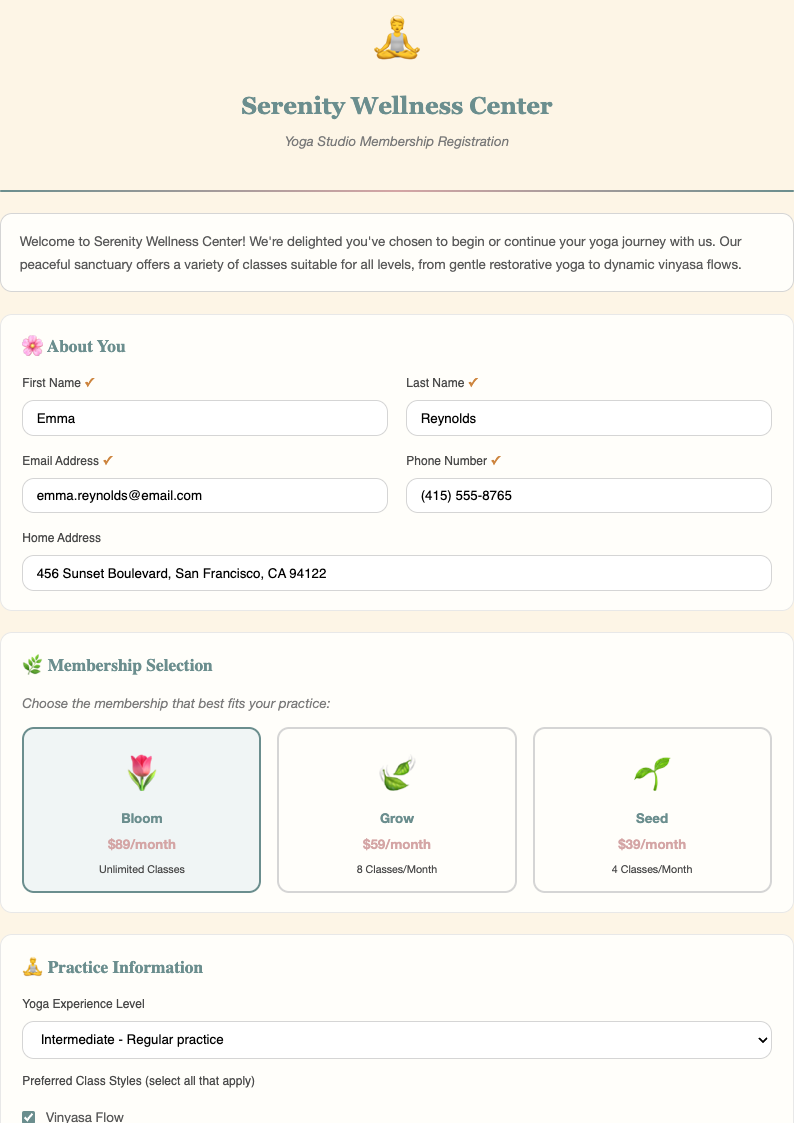
Free Sample Registration Form Templates
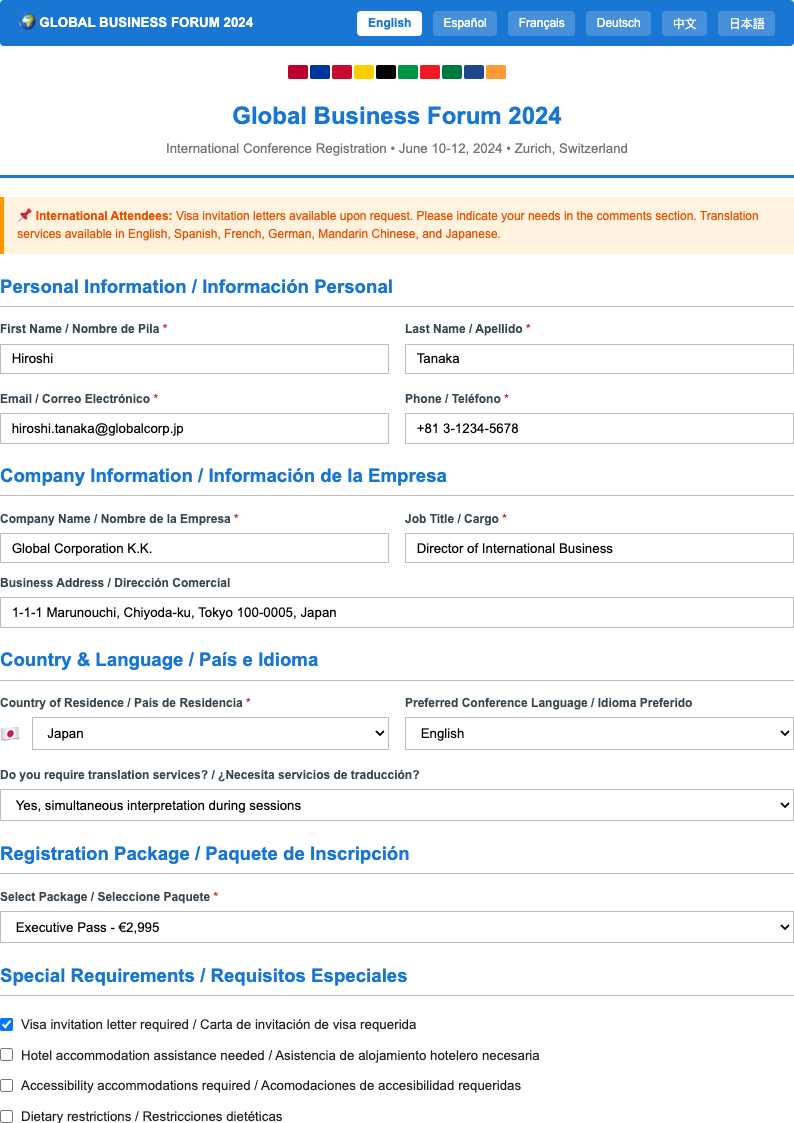
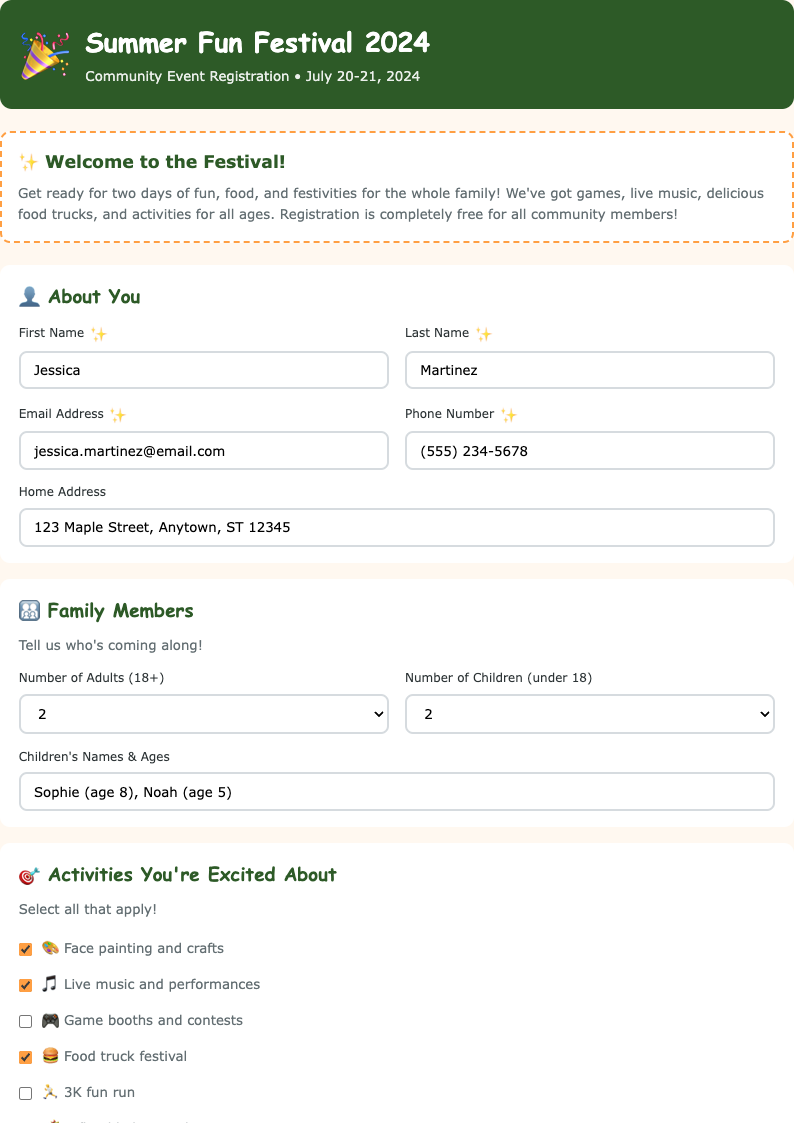
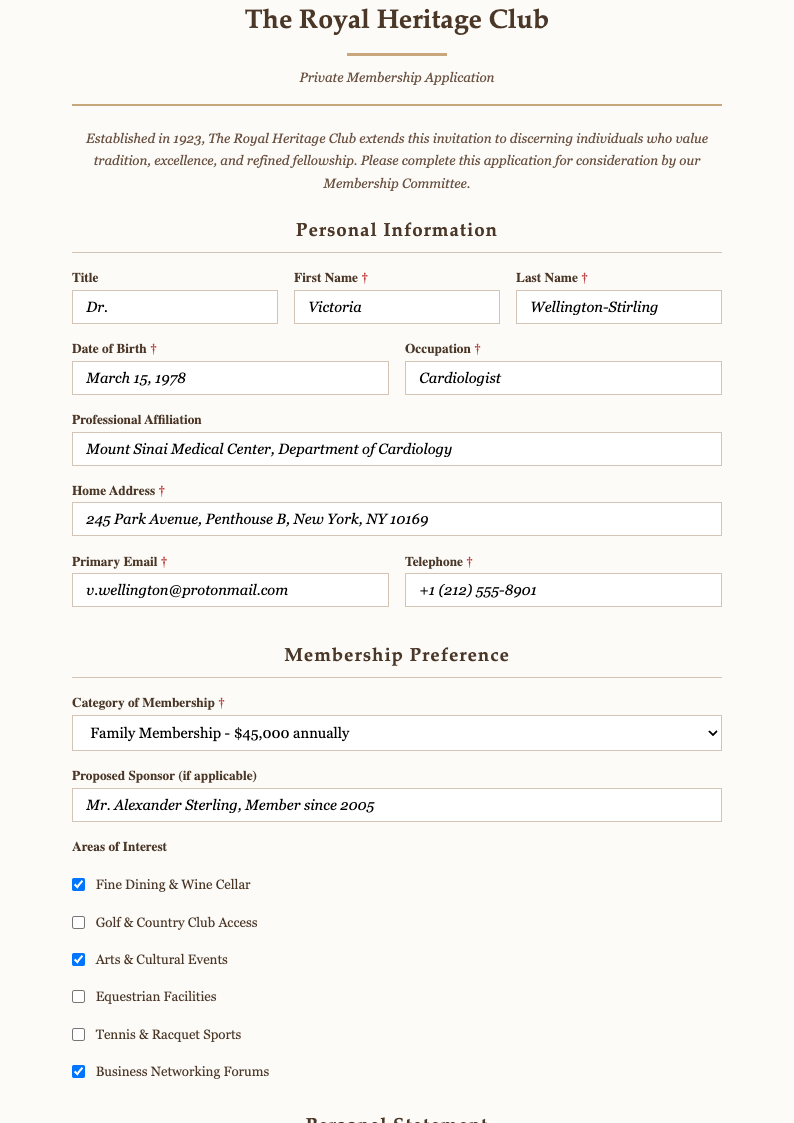
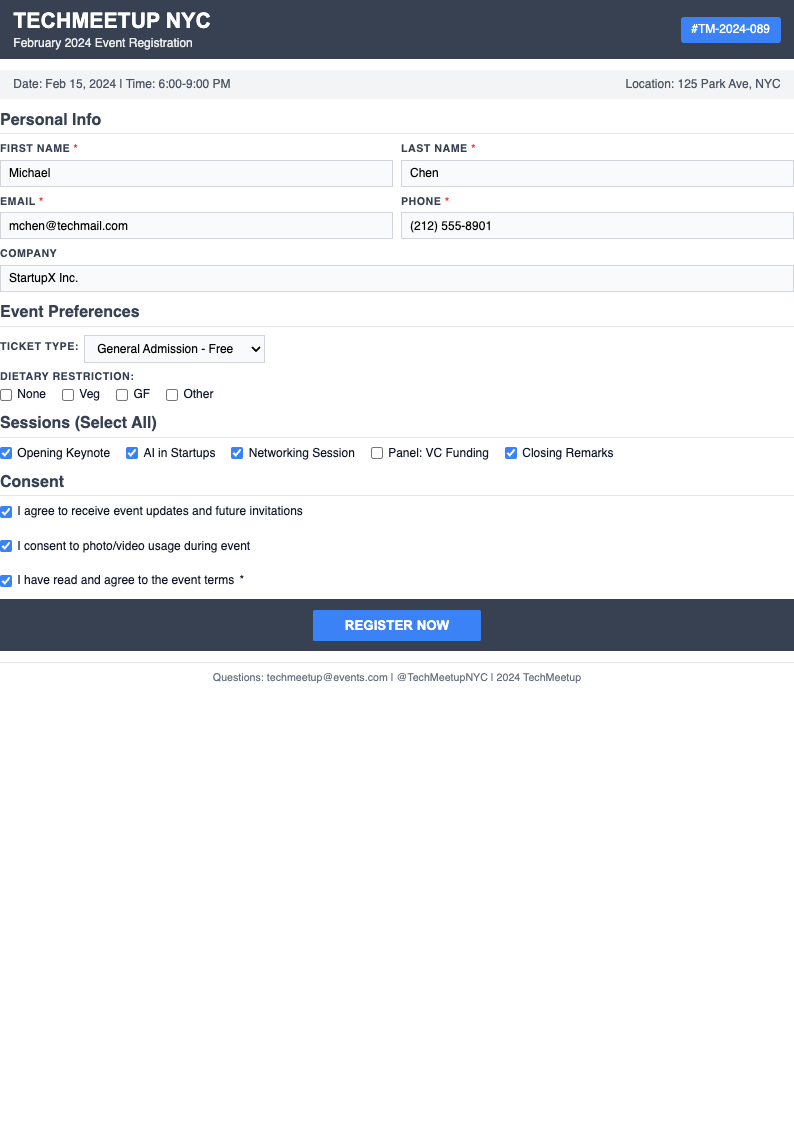
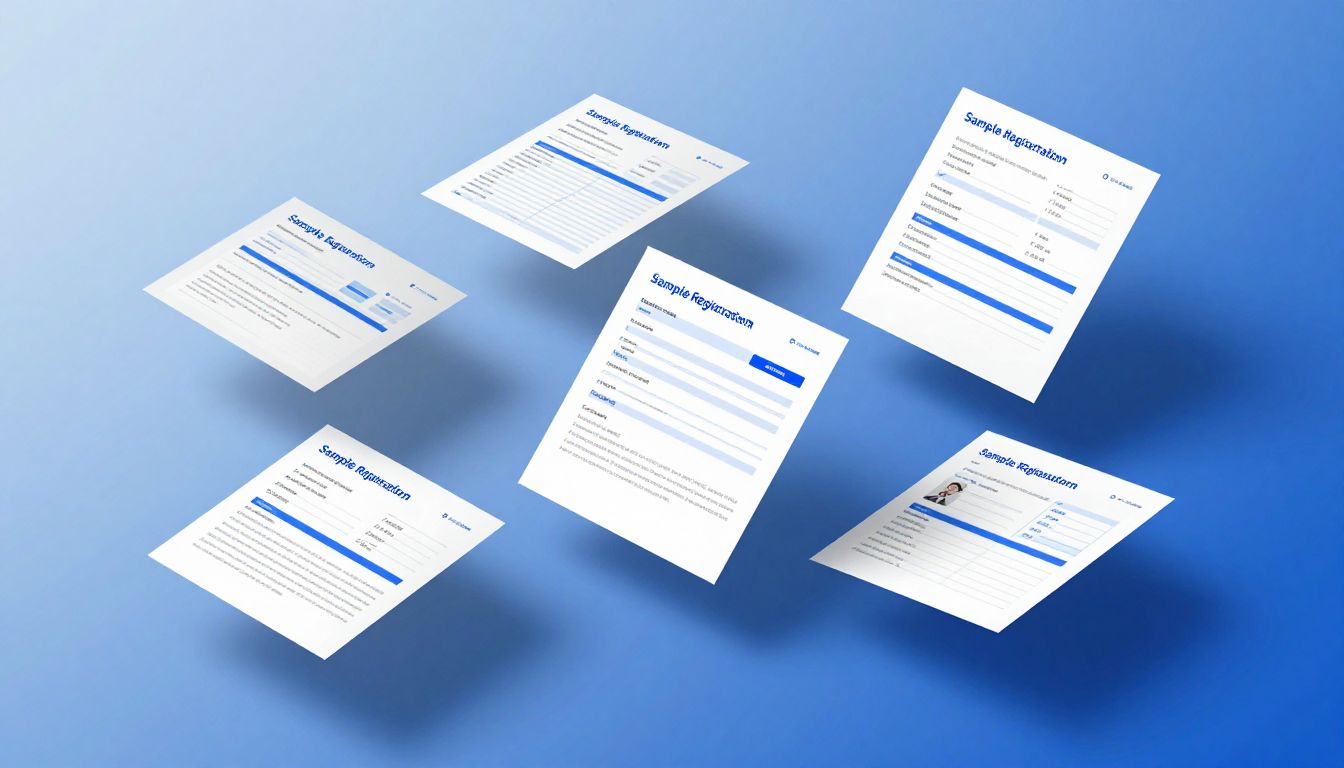
Explore and edit sample registration form templates online. Customize forms for events, schools, and companies, then export to PDF.
Browse Templates
Showing 20 of 20 templates
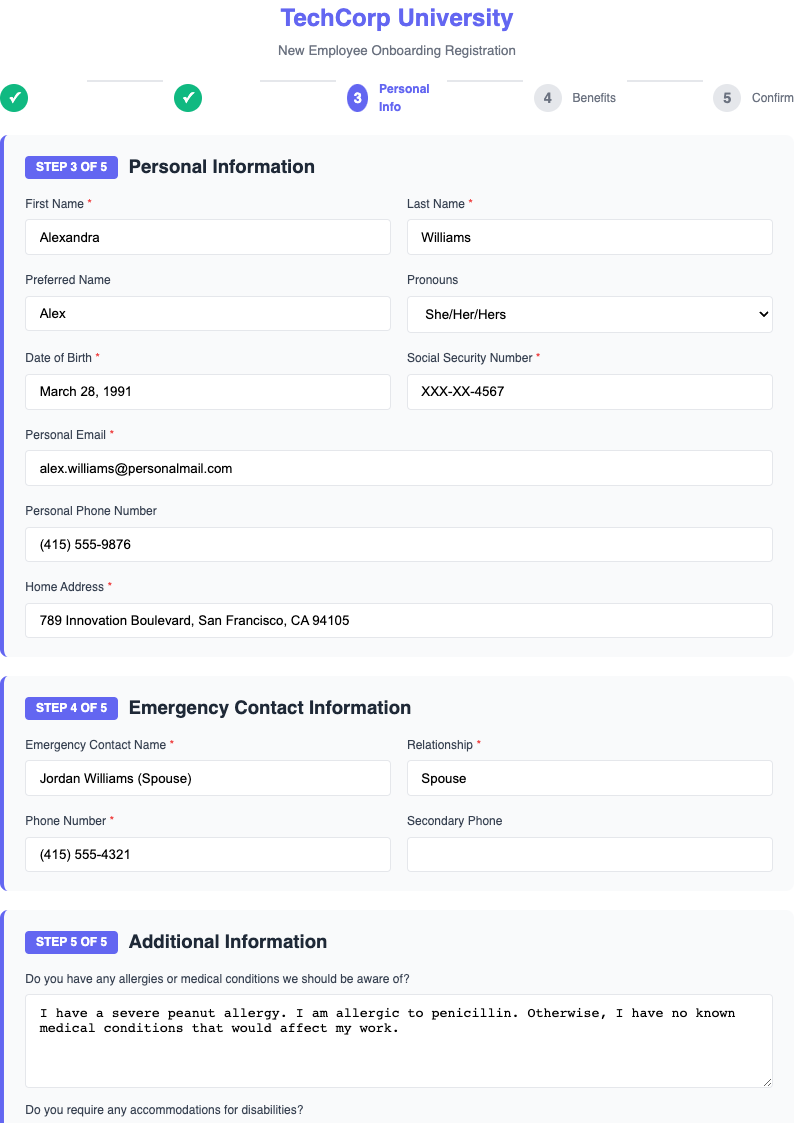
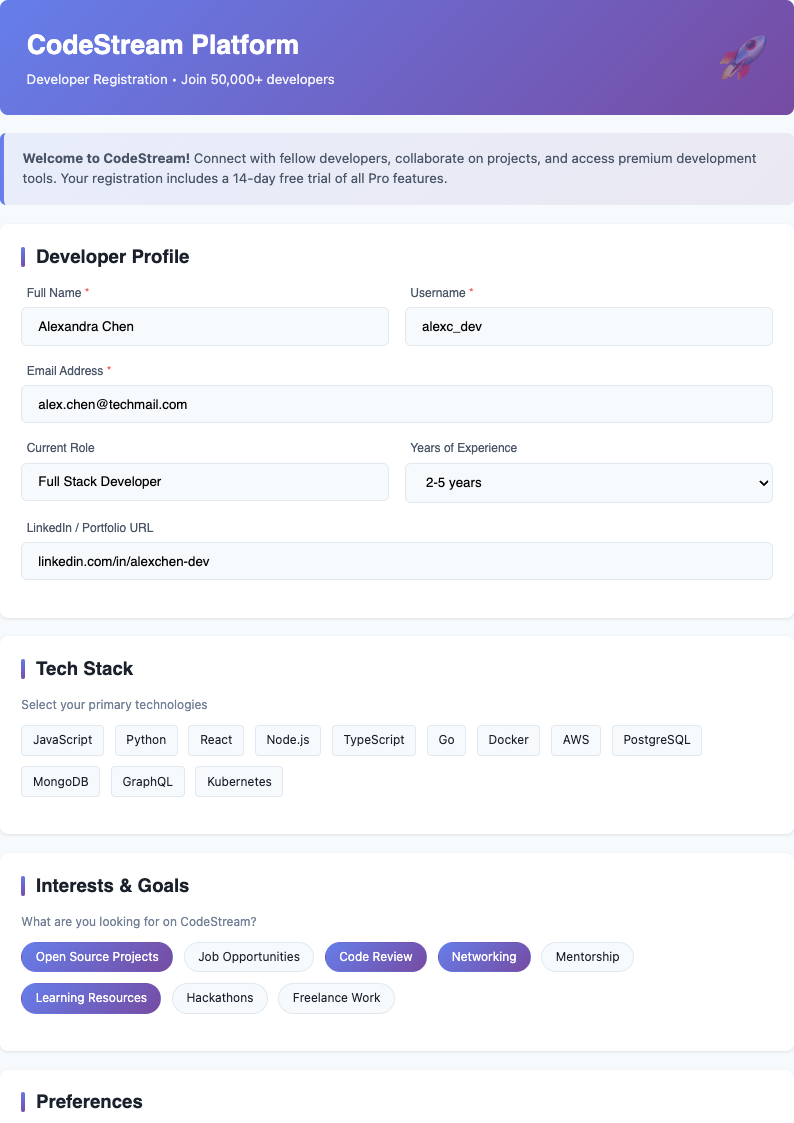
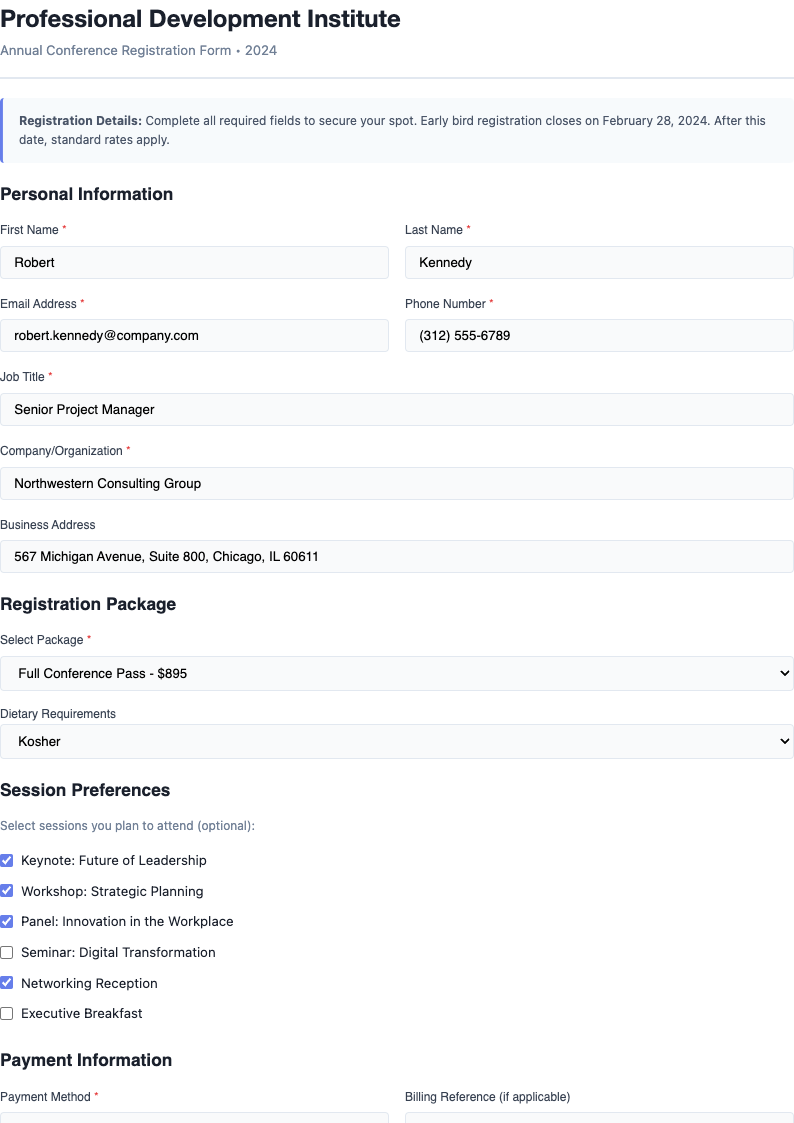
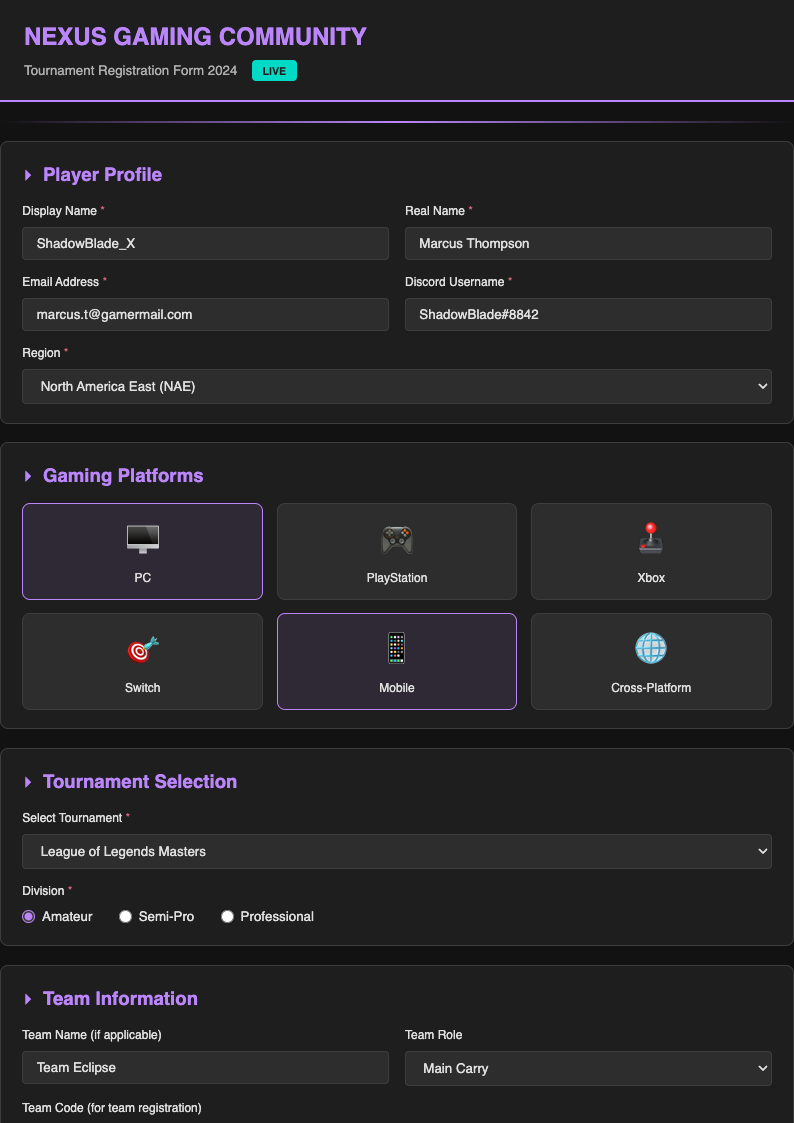
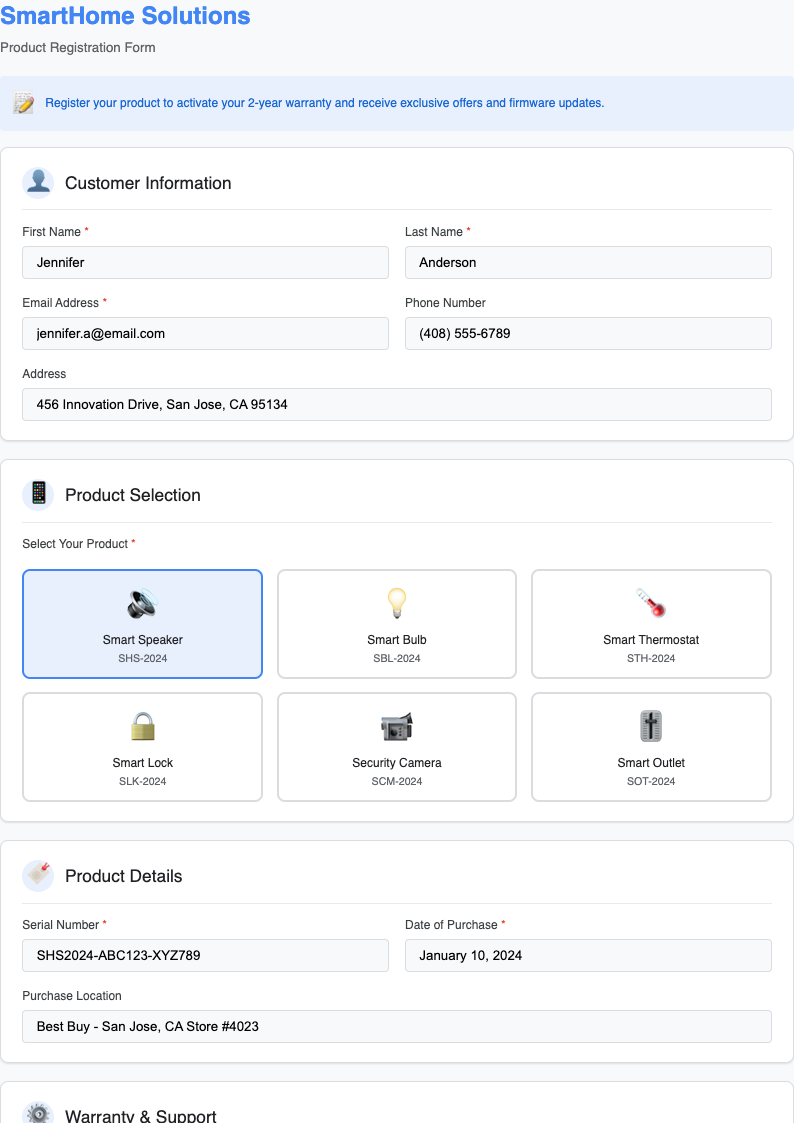
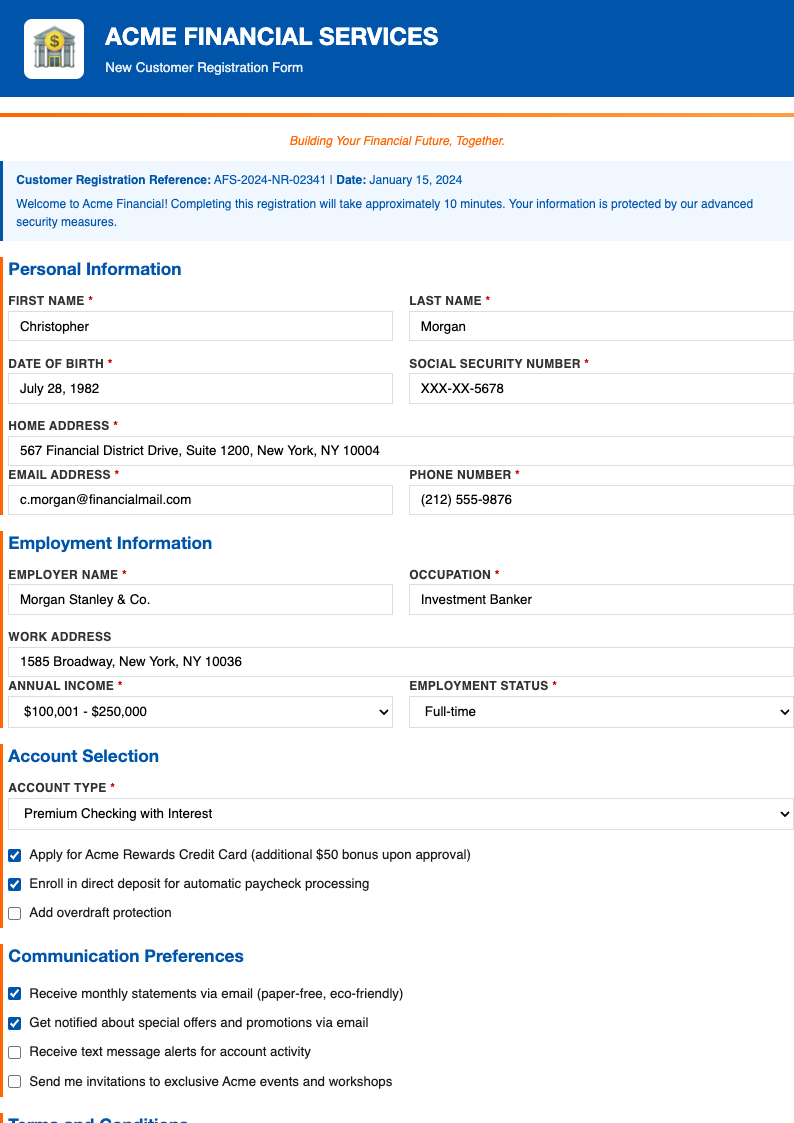
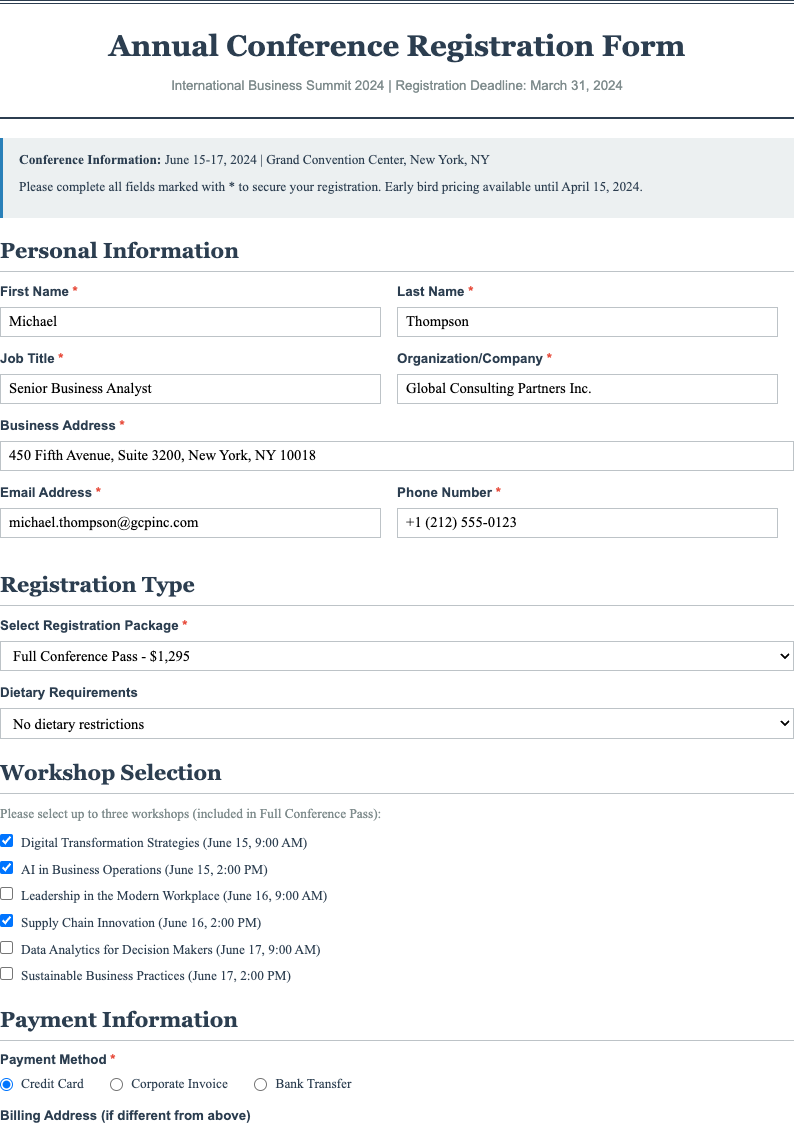
Create Your Custom Registration Form with AI
Don't see the perfect sample registration form? Use our AI-powered document generator to create a custom registration form tailored to your specific needs in minutes.
Frequently Asked Questions About Sample Registration Form Templates
Find answers to common questions about our sample registration form templates and online editing features.
What is a sample registration form?
- A sample registration form is a pre-designed template that helps you collect essential information from participants, attendees, or users efficiently. Our templates provide a professional framework you can customize online and export to PDF for various purposes including events, schools, businesses, and organizations. These templates save time and ensure consistency in data collection while maintaining professional appearance.
How do I use these templates?
- Simply browse our collection of templates, click on any template to preview it, then click on Edit this template button. You can customize the document online in our editor, add your own fields, logos, and branding, and after editing, export it to PDF format. The entire process is designed to be intuitive and user-friendly, allowing you to create professional forms in minutes without any technical expertise.
Are these templates free?
- Yes! All our templates are completely free to use. You can browse, preview, and edit any document without signing up or providing payment information. Simply choose a template that matches your requirements and start customizing it for your specific needs. There are no hidden fees, no subscriptions required, and no limits on the number of templates you can use.
Can I customize these templates?
- Absolutely! Every template is fully customizable to meet your specific requirements. You can edit text, add or remove form fields, modify sections, include your logo and branding, change formatting and colors, and export to PDF format after editing. Our templates are designed to be flexible and adaptable, allowing you to create forms that perfectly align with your organizational needs and brand identity.
What types of forms do you offer?
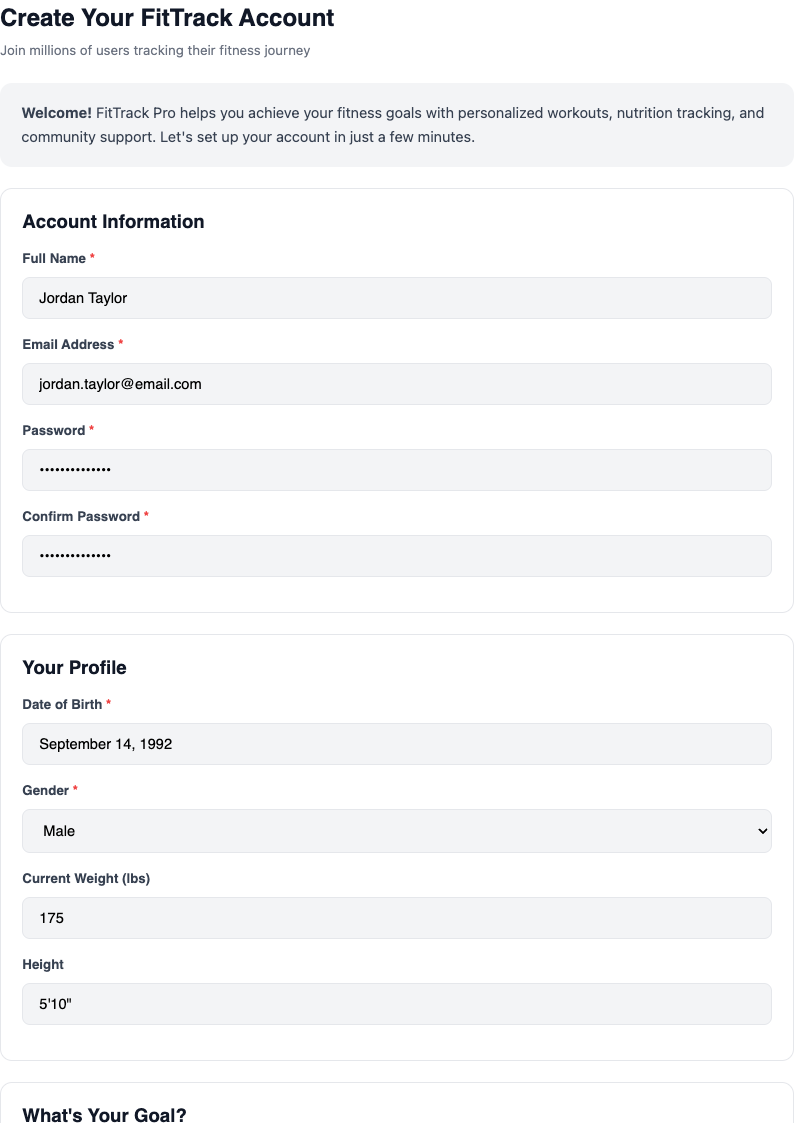
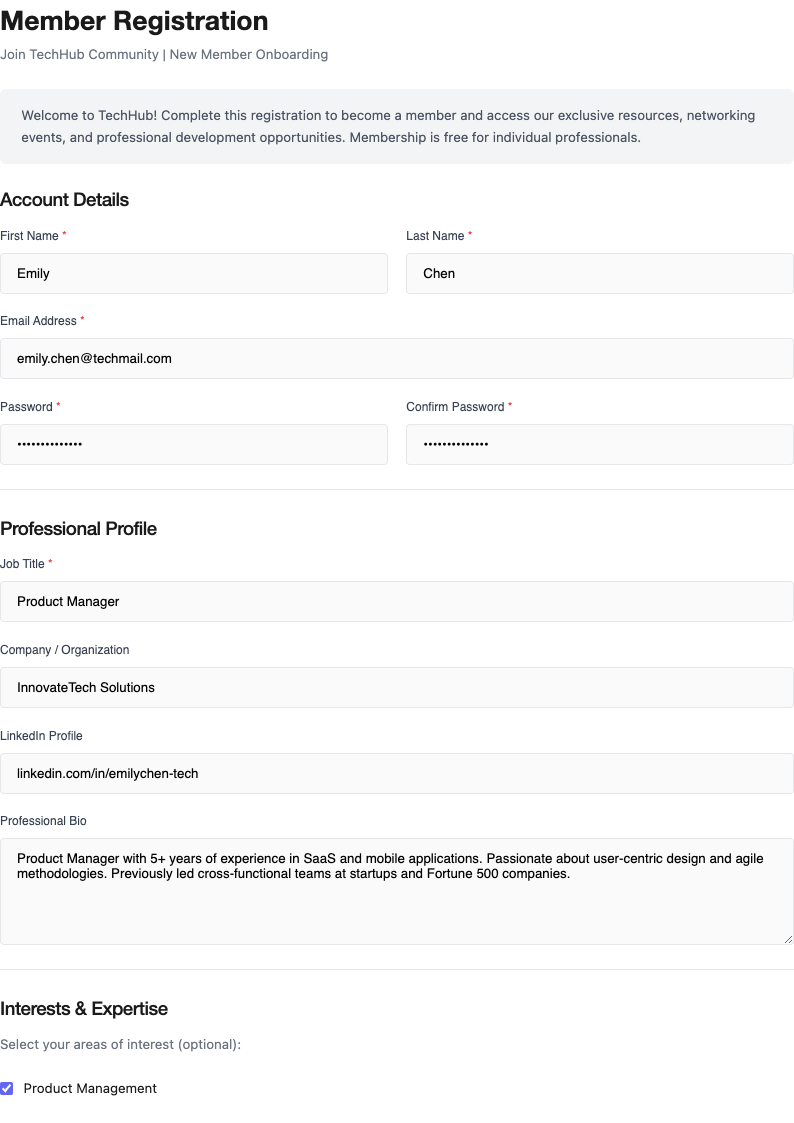
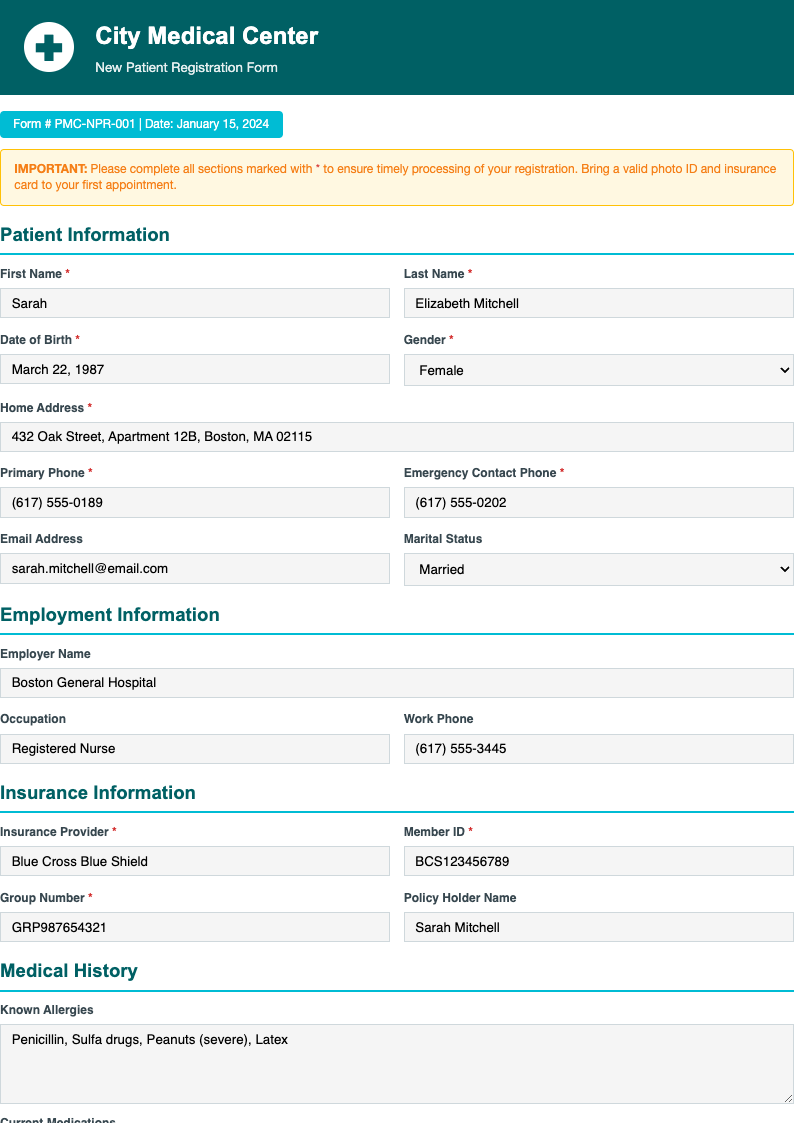
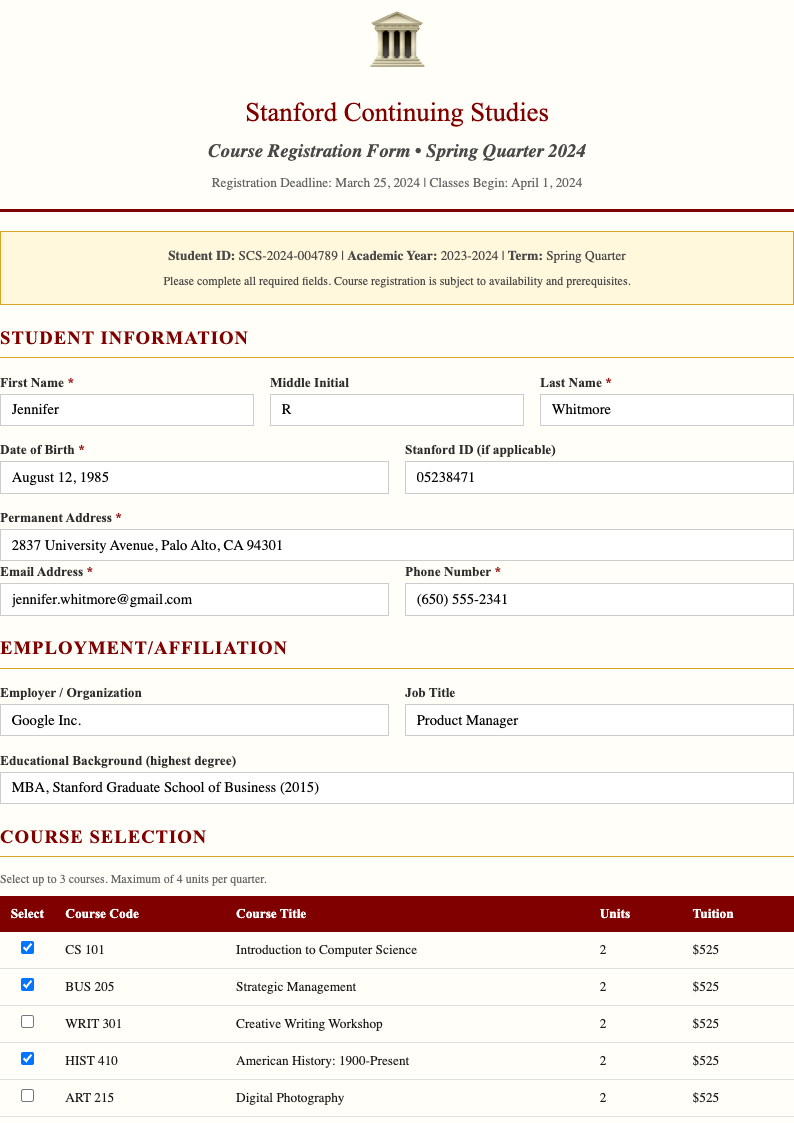
- We offer various templates covering diverse use cases including event registration forms for conferences, seminars, workshops, and meetings. Also available are school registration forms for student enrollment, course registration, and program sign-ups. Additionally, we provide company employee registration forms, summer camp registration forms for seasonal programs, vendor registration forms for supplier onboarding, patient registration forms for healthcare settings, and many more specialized templates designed for specific industries and purposes.
Do I need to install any software?
- No installation required! All templates can be edited directly in your web browser using our online editor. You can access them from any device with an internet connection, including desktop computers, laptops, tablets, and mobile phones. This cloud-based approach means you never have to worry about software updates, compatibility issues, or installing programs. Your work is automatically saved and accessible from anywhere.
Can I save my edited forms?
- Yes! When you create a free account, you can save all your edited templates to your personal dashboard. This allows you to return later to make changes, create multiple versions for different events or purposes, or reuse templates for future registrations. Your saved documents are securely stored in the cloud, accessible from any device, and can be shared with team members for collaborative editing and approval workflows.
What format will my completed form be in?
- After editing your document online, you can export it as a high-quality PDF file. This ensures professional formatting, consistent appearance across all devices and platforms, and easy sharing with stakeholders, participants, or team members via email or file sharing systems. The PDF format maintains your design, layout, fonts, and formatting exactly as you created it, ensuring your form looks professional and polished when printed or viewed digitally.
Are these templates suitable for professional use?
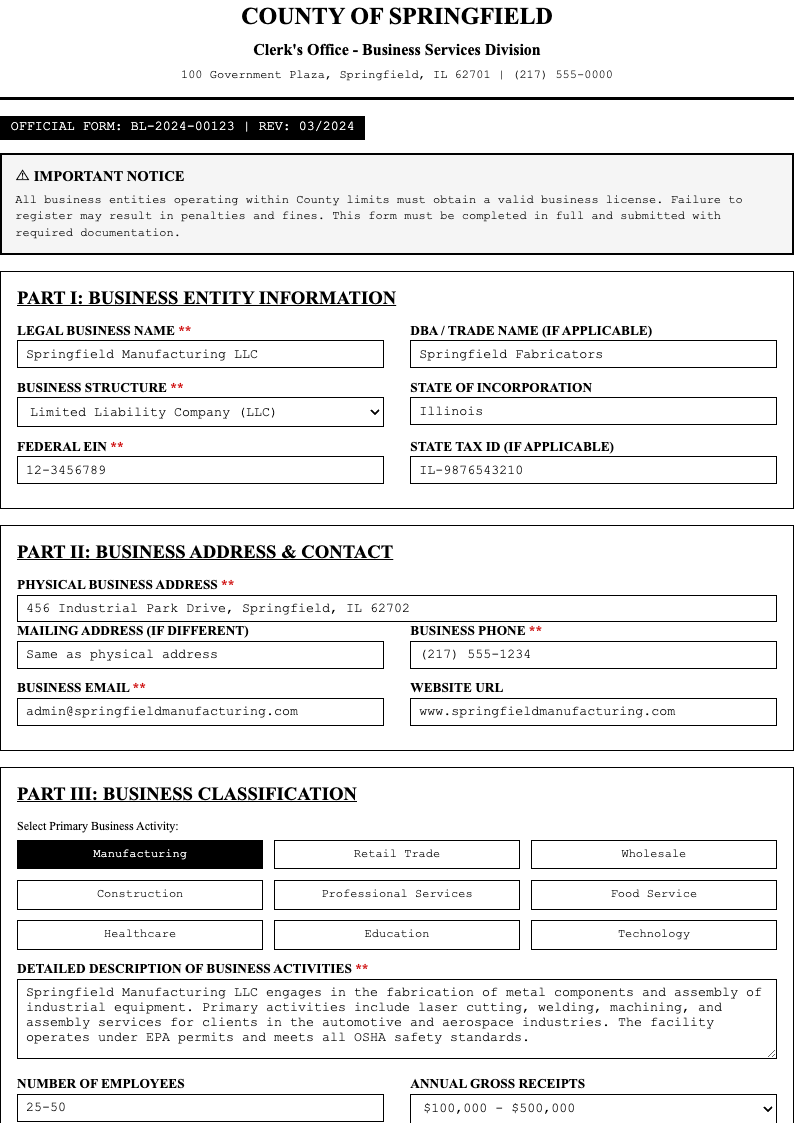
- Yes, our templates are designed for professional business and organizational use across various sectors. They follow industry best practices and can be used for corporate events and conferences, educational institutions for student and staff registration, healthcare organizations for patient and visitor sign-ups, community programs and non-profit organizations for volunteer and participant registration, and government agencies for various official registration processes. Each template maintains high standards of professionalism.
Can I use these templates for different industries?
- Yes! Our templates are versatile and can be adapted for various industries and sectors. They work well for education including schools, universities, and training centers. Healthcare organizations can use them for patient, staff, and visitor registration. Corporate environments can use them for employee training, event attendance, and visitor management. Additionally, they are suitable for non-profit organizations, government agencies, small businesses, retail stores, hospitality venues, and many other industries requiring professional registration processes.
How do I ensure my form is accessible?
- Our templates are designed with accessibility in mind to ensure usability for all individuals. When editing, you can add clear labels and instructions, ensure sufficient color contrast for readability, use logical field ordering that follows natural flow, include helpful placeholder text and examples, and provide error messages that are easy to understand. These features make your document usable by people with disabilities, ensuring compliance with accessibility standards and regulations while providing an inclusive user experience.
Can AI generator help me create a custom form?
- Absolutely! Our AI-powered document generator can help you create a fully customized document from scratch in just minutes. Simply answer a few questions about your event type, organization, information requirements, and design preferences, and AI will generate a tailored template specifically for your needs. This innovative approach saves significant time while ensuring your form includes all essential elements, follows best practices, and maintains professional standards without requiring any design or technical expertise.
What essential fields should my form include?
- A comprehensive form should include essential fields to collect necessary information while remaining user-friendly. Key fields typically include full name and contact information such as email address and phone number, organization or company details for business registrations, event or program information including date, time, and location, demographic information when needed for planning or reporting purposes, special requirements or accessibility needs, emergency contact information, and signature fields for confirmation and consent. Our templates include these fields by default and can be customized to add or remove fields based on your specific requirements.
How can I collect payments?
- While our templates focus on information collection, you can integrate payment processing by adding payment instructions, including payment method options, linking to external payment platforms, or including pricing and payment terms in the document. After participants submit their form, you can direct them to your preferred payment system or process payments separately. This flexibility allows you to use any payment service you prefer while maintaining professional presentation and clear communication about payment requirements and options.
Can I share forms with my team?
- Yes! Our platform supports collaboration features that allow you to share your templates with team members for review, editing, and approval. You can invite collaborators via email, set permissions for viewing or editing, track changes and revisions, maintain version history, and collect feedback before finalizing your document. This collaborative approach ensures multiple stakeholders can contribute to form design, content accuracy, and quality assurance before it is used for actual registrations, reducing errors and improving overall effectiveness.