Free Order Form Templates
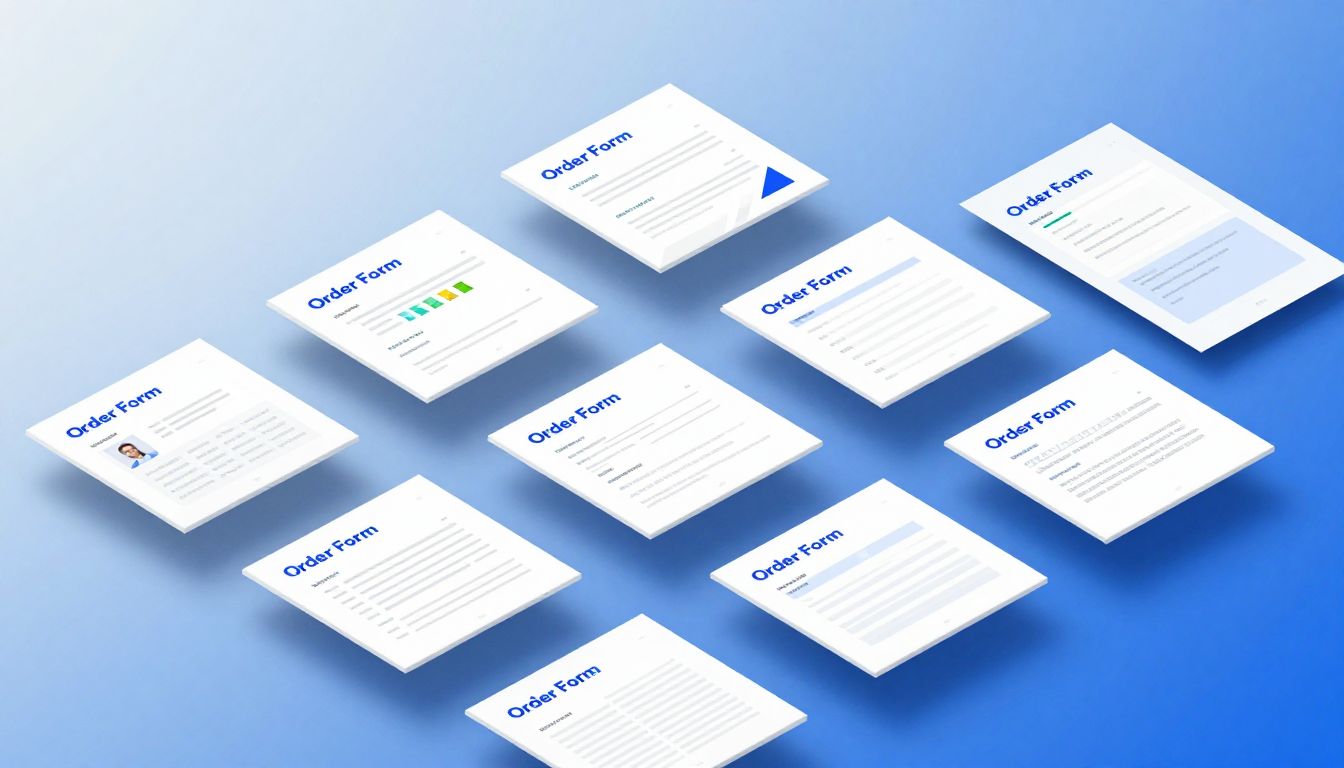
Explore and edit order form templates online. Customize professional order forms and export to PDF.
Browse Templates
Showing 20 of 20 templates
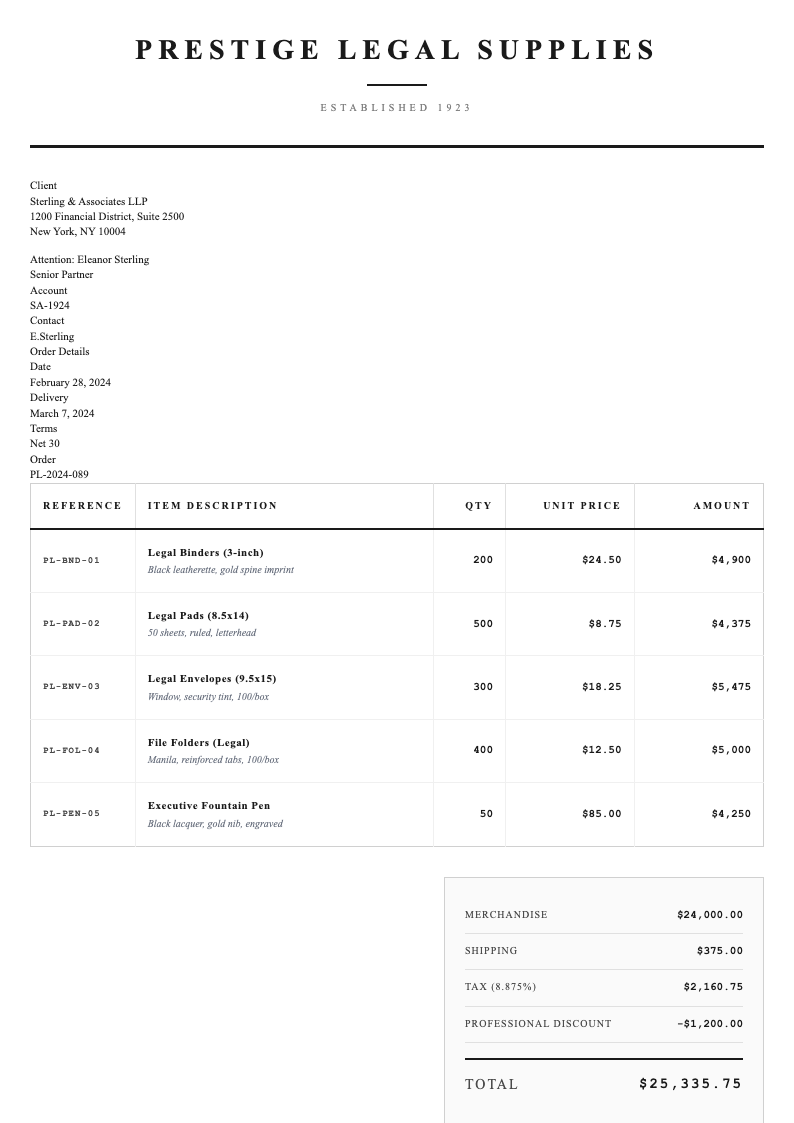
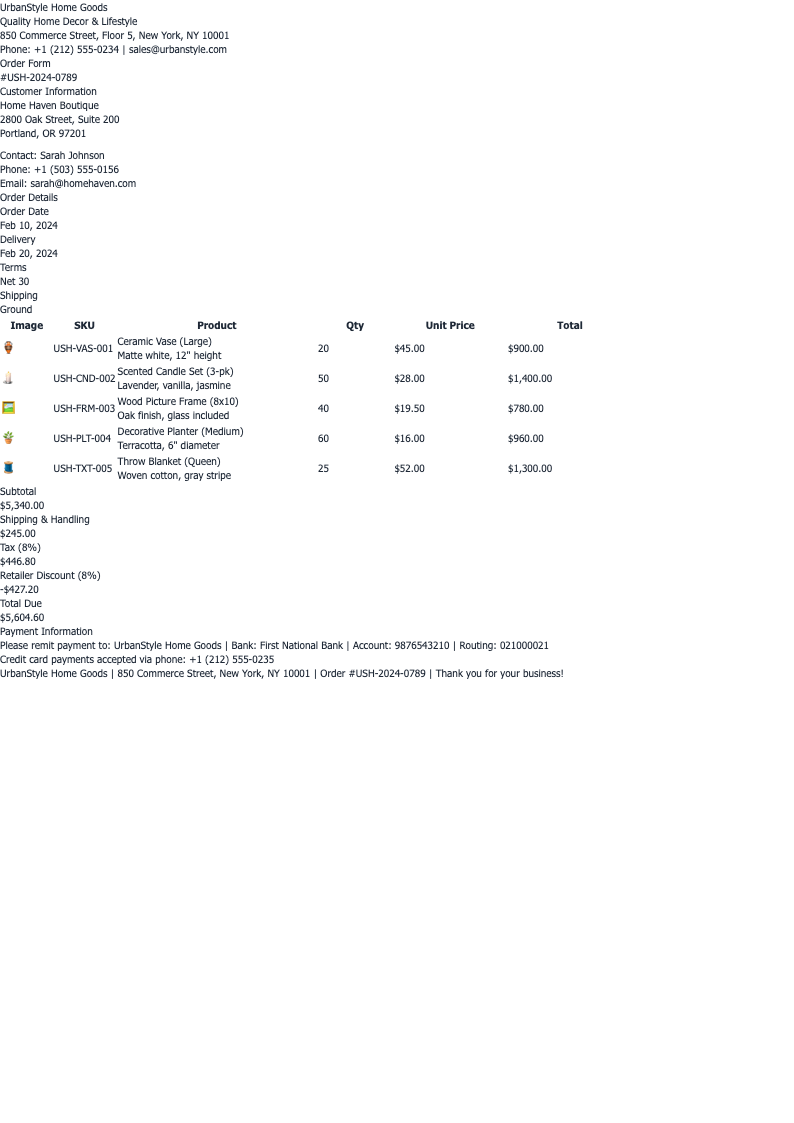
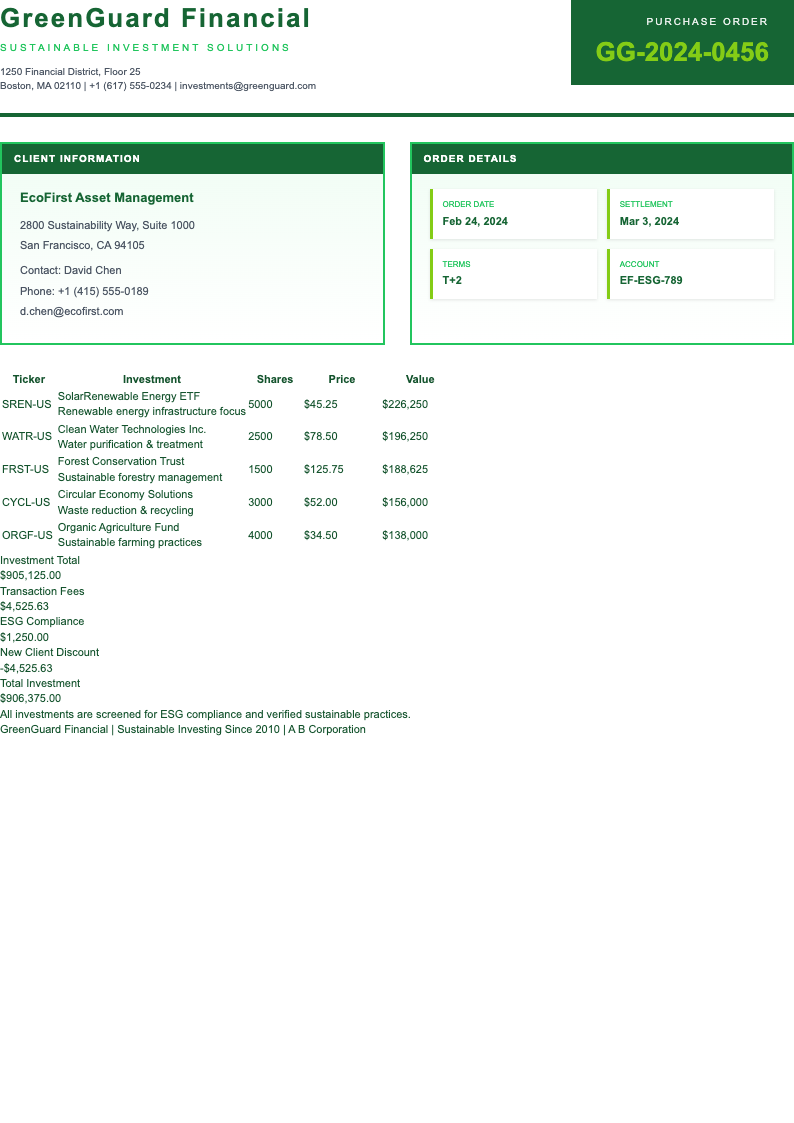
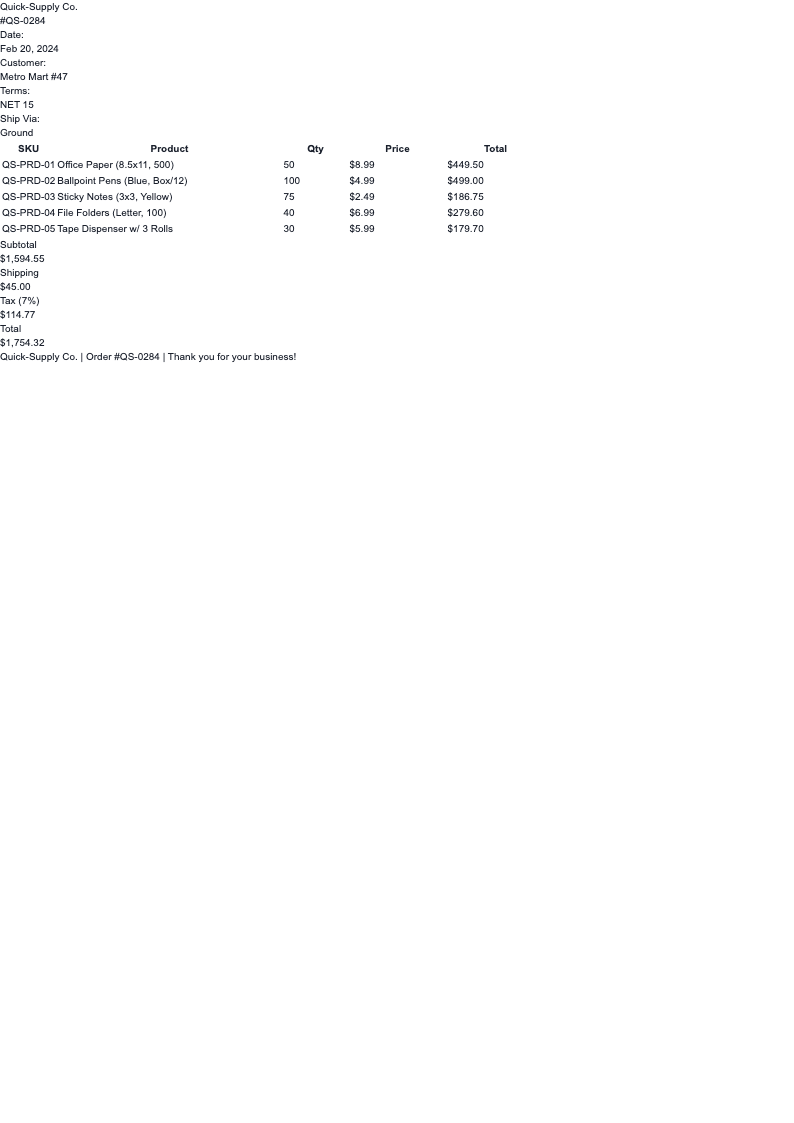
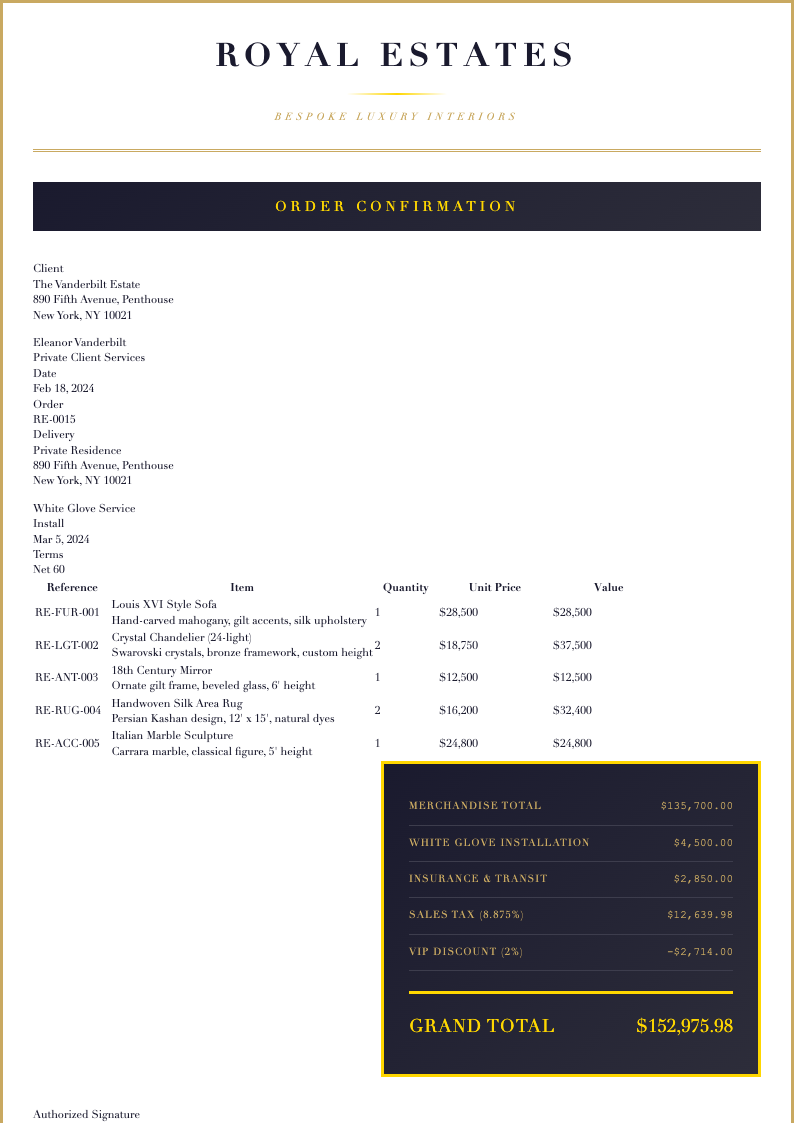
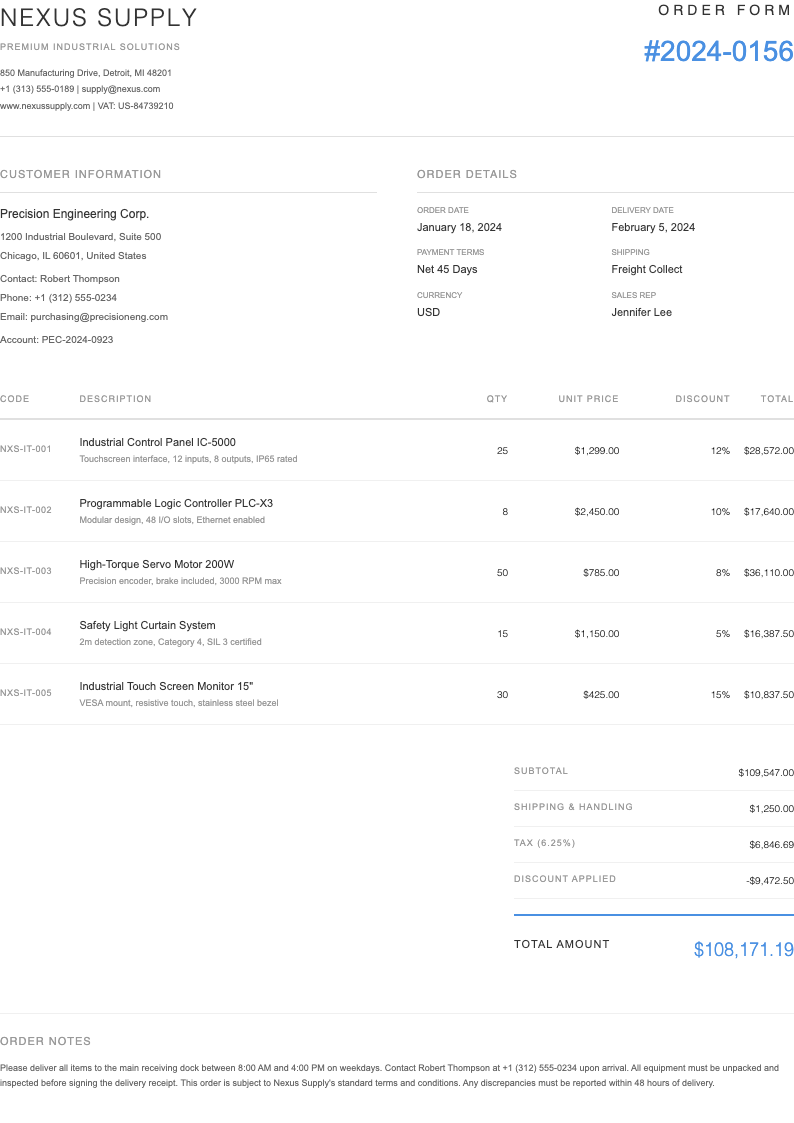
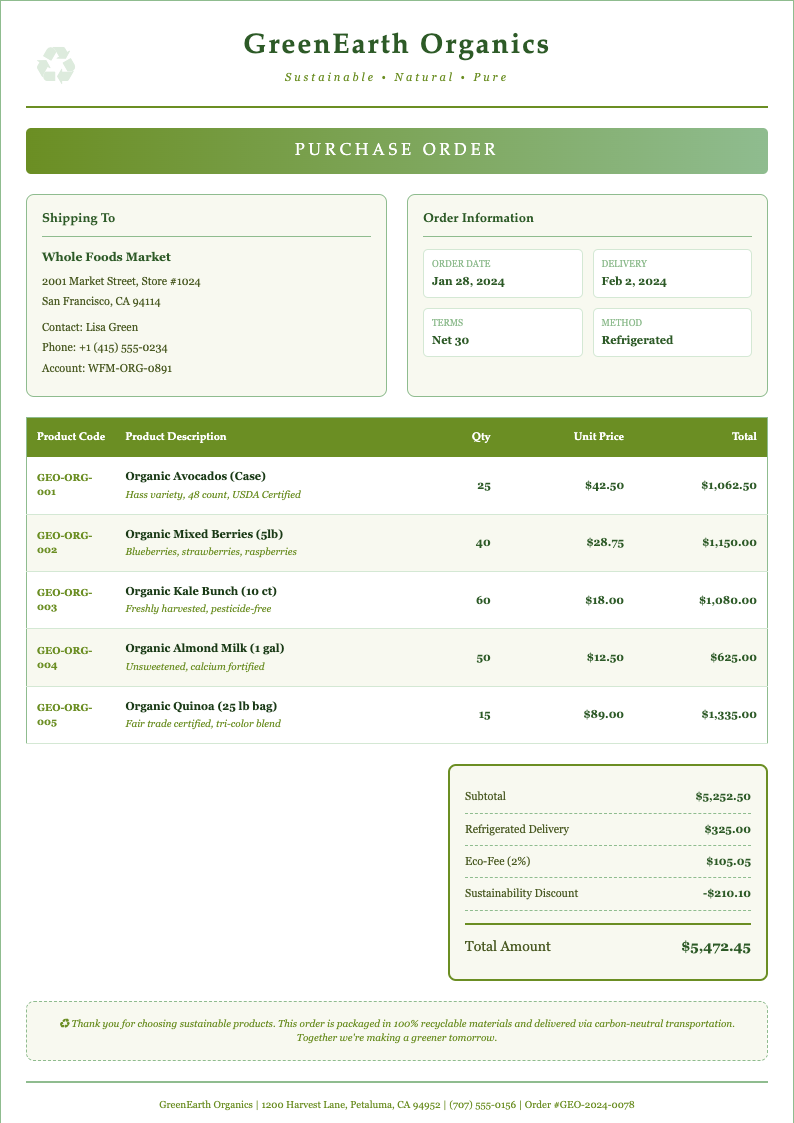
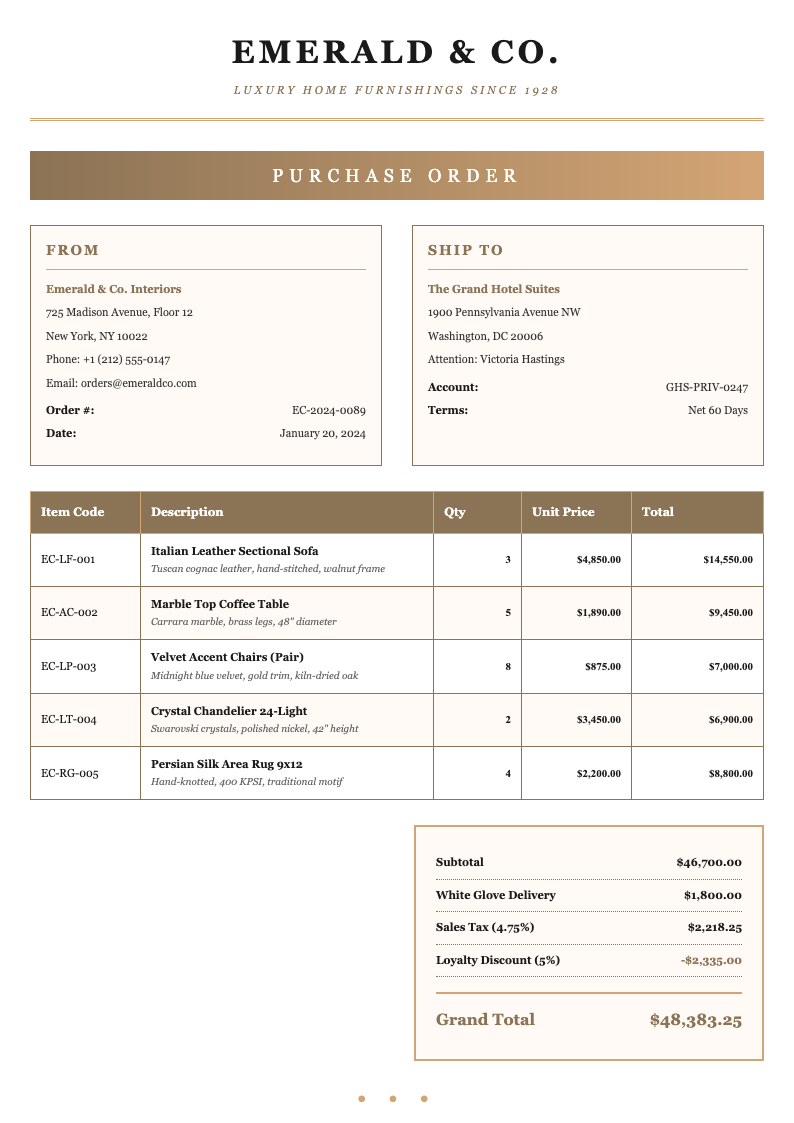
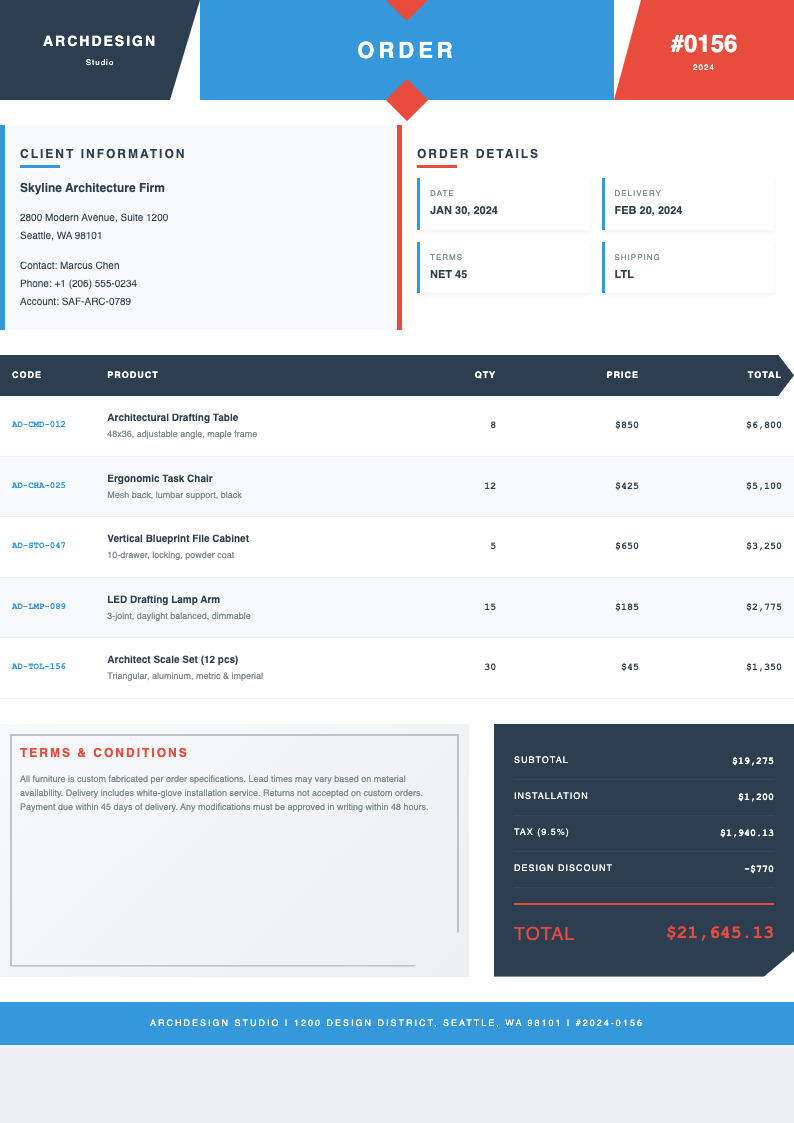
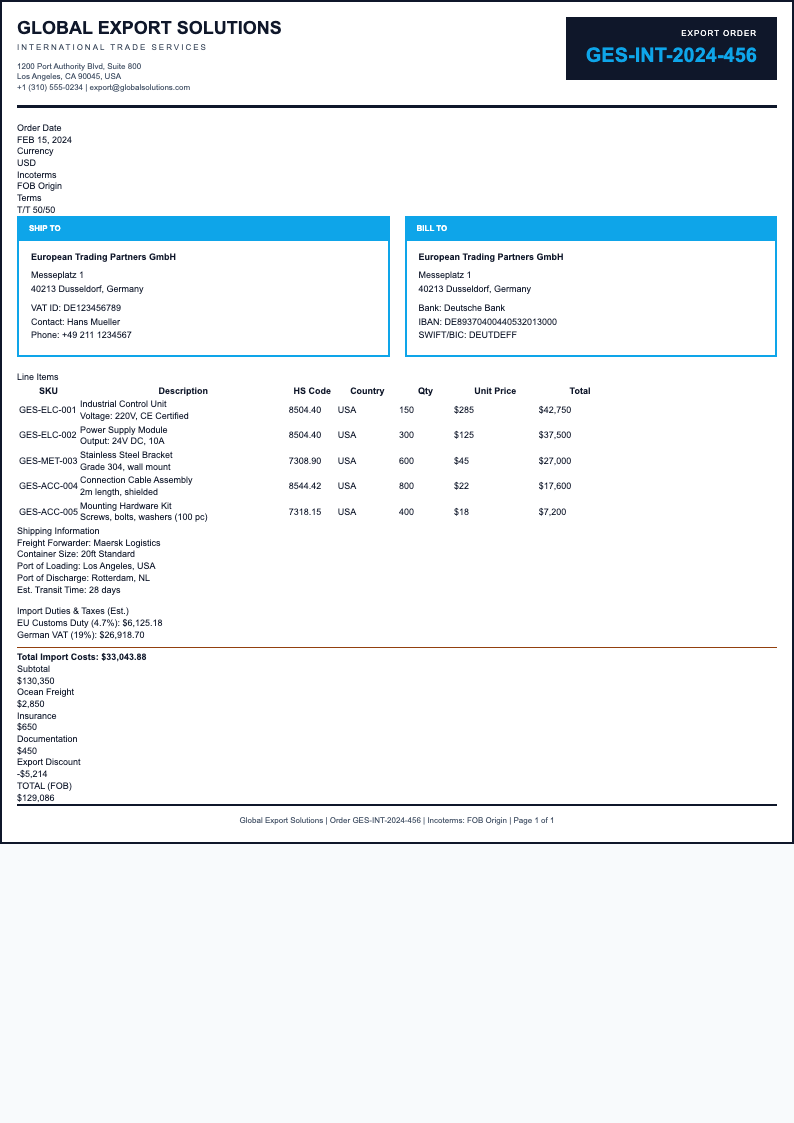
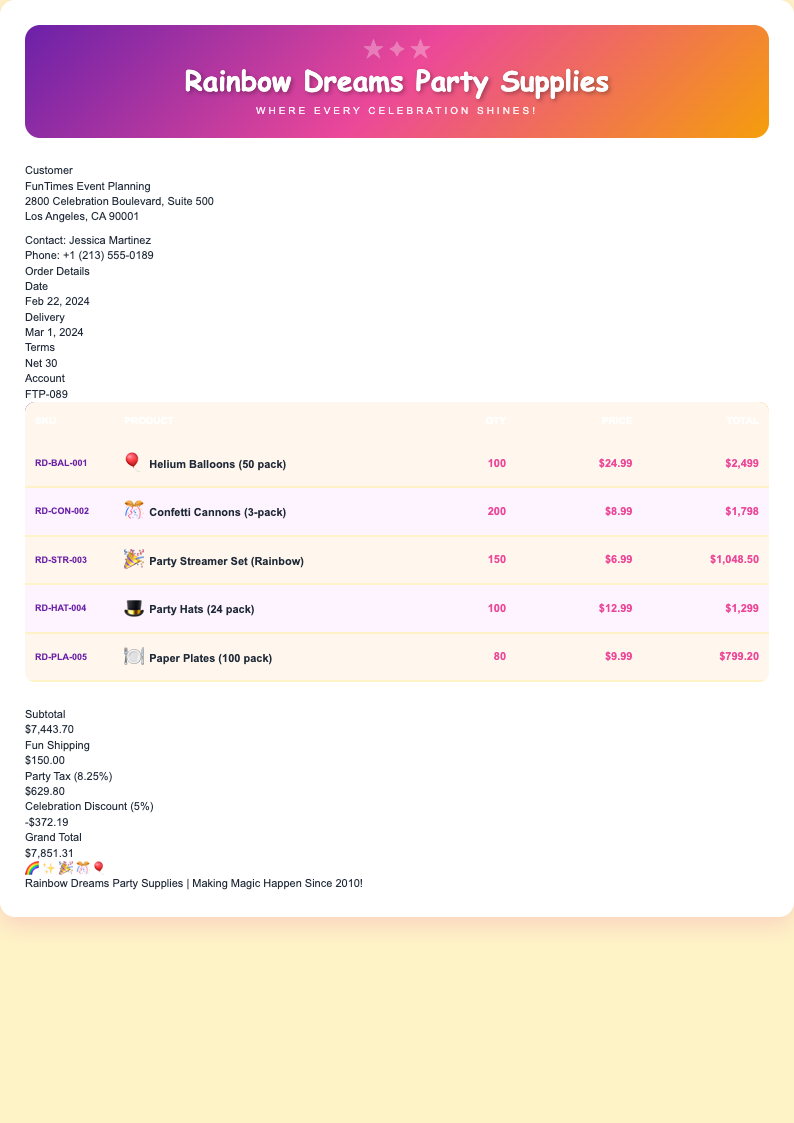
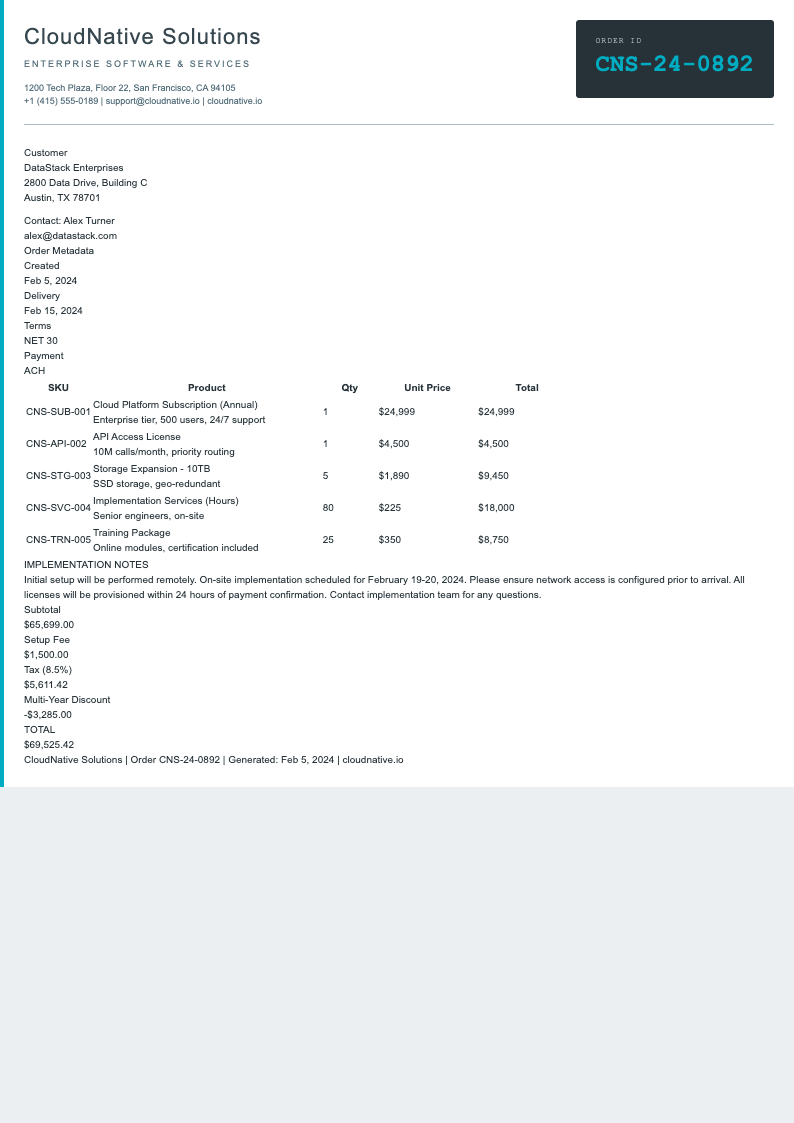
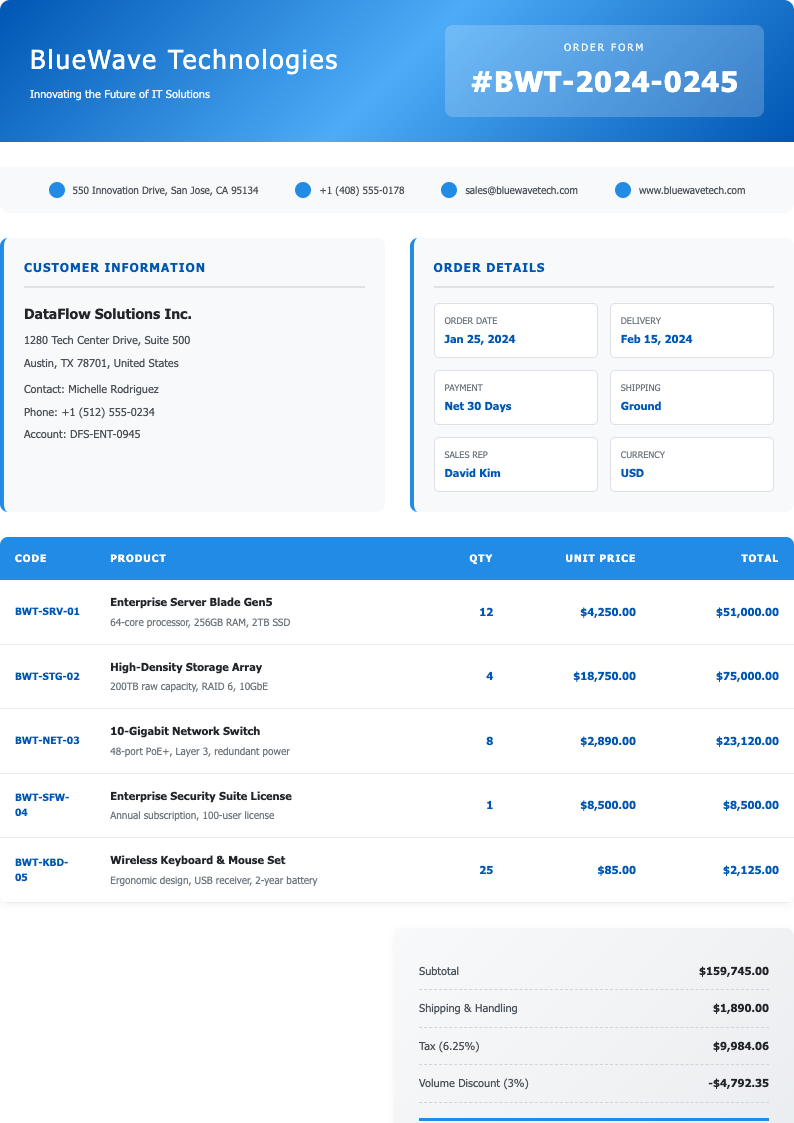
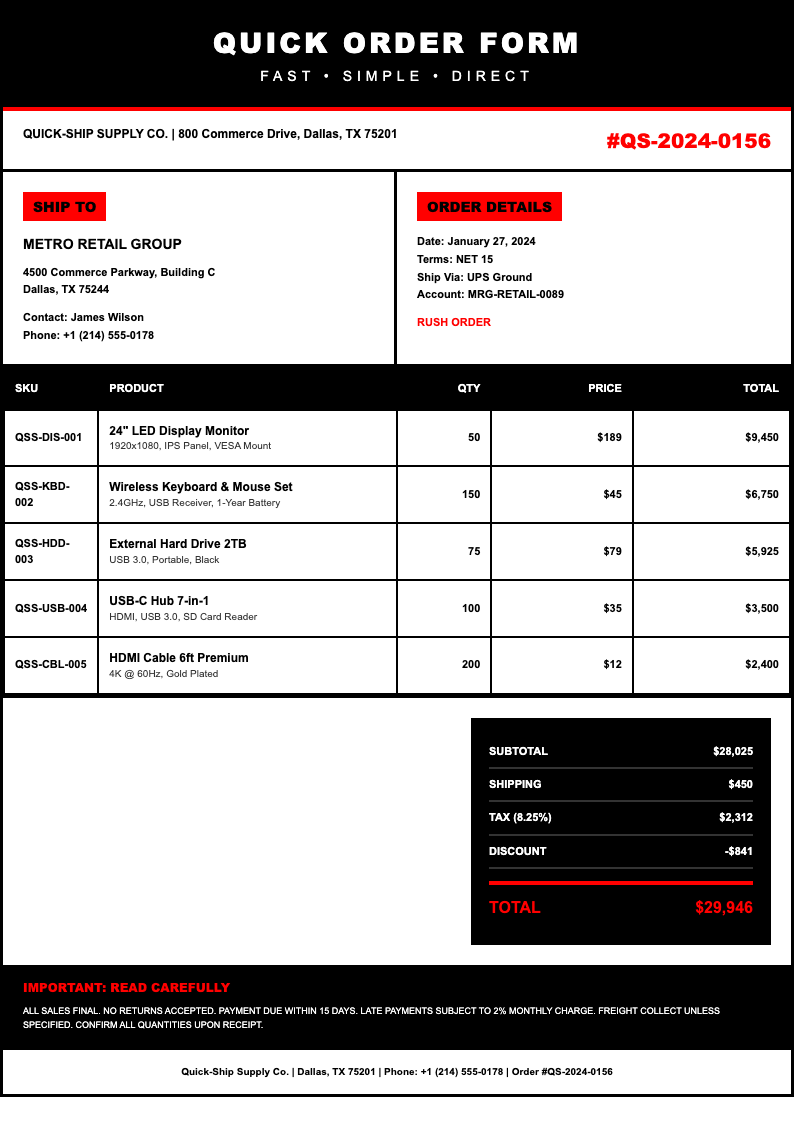
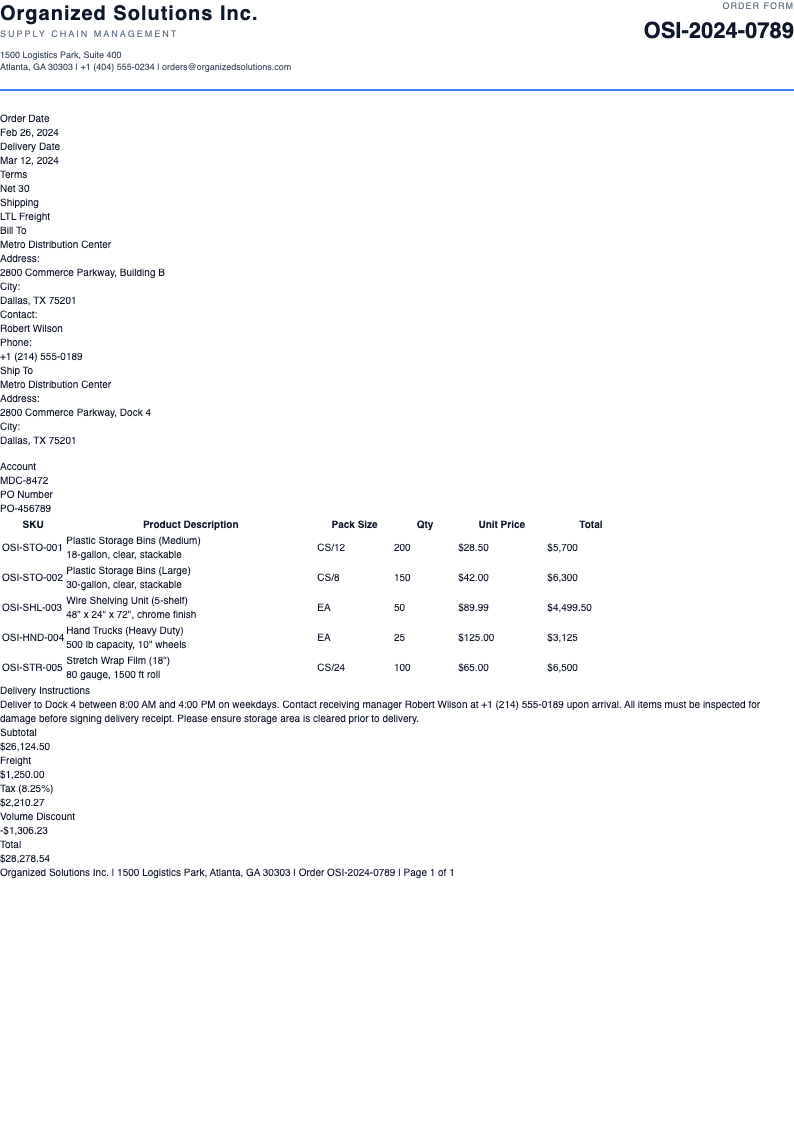
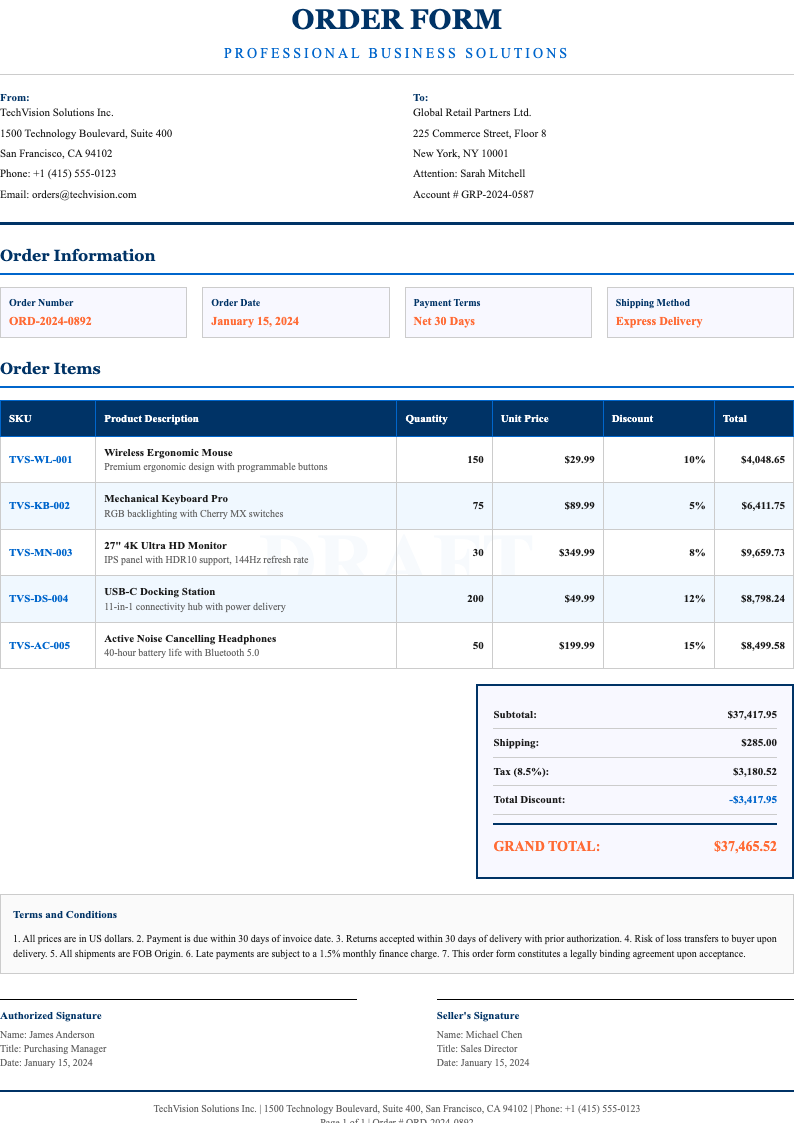
Create Your Custom Order Form with AI
Don't see the perfect template? Use our AI-powered document generator to create a custom order form tailored to your specific business needs in minutes.
Frequently Asked Questions About Order Form Templates
Find answers to common questions about our order form templates.
What is an order form?
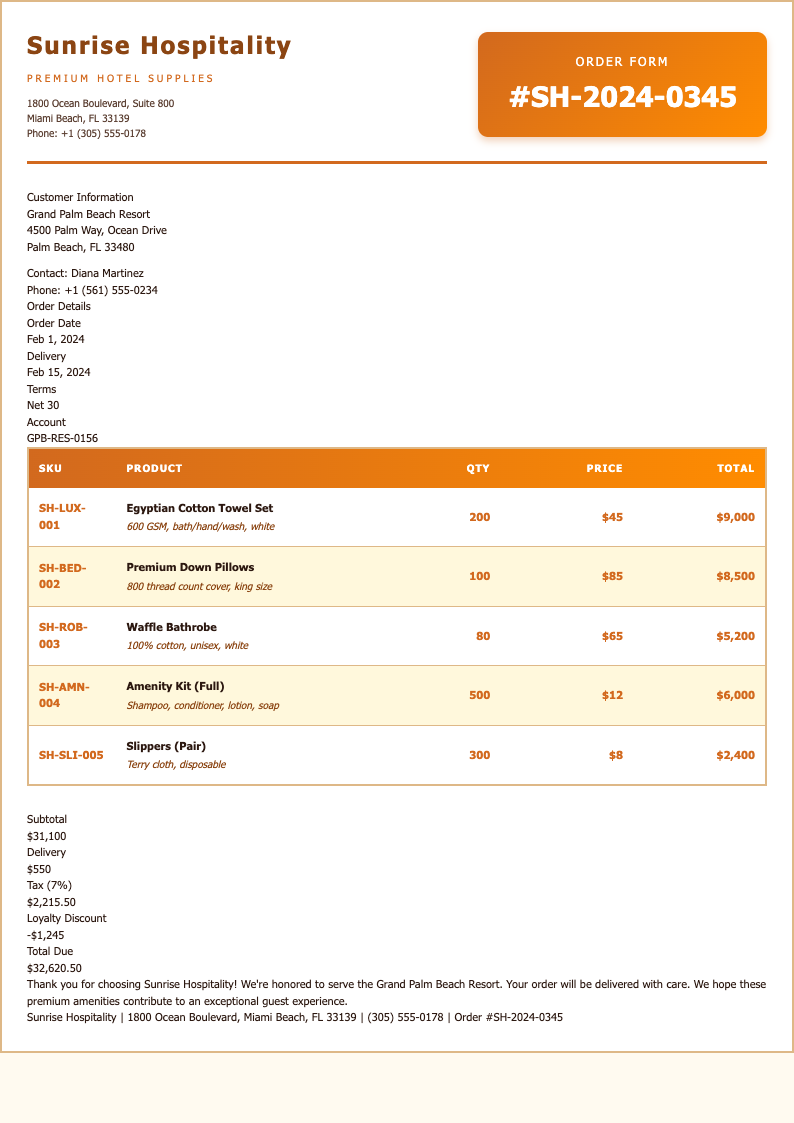
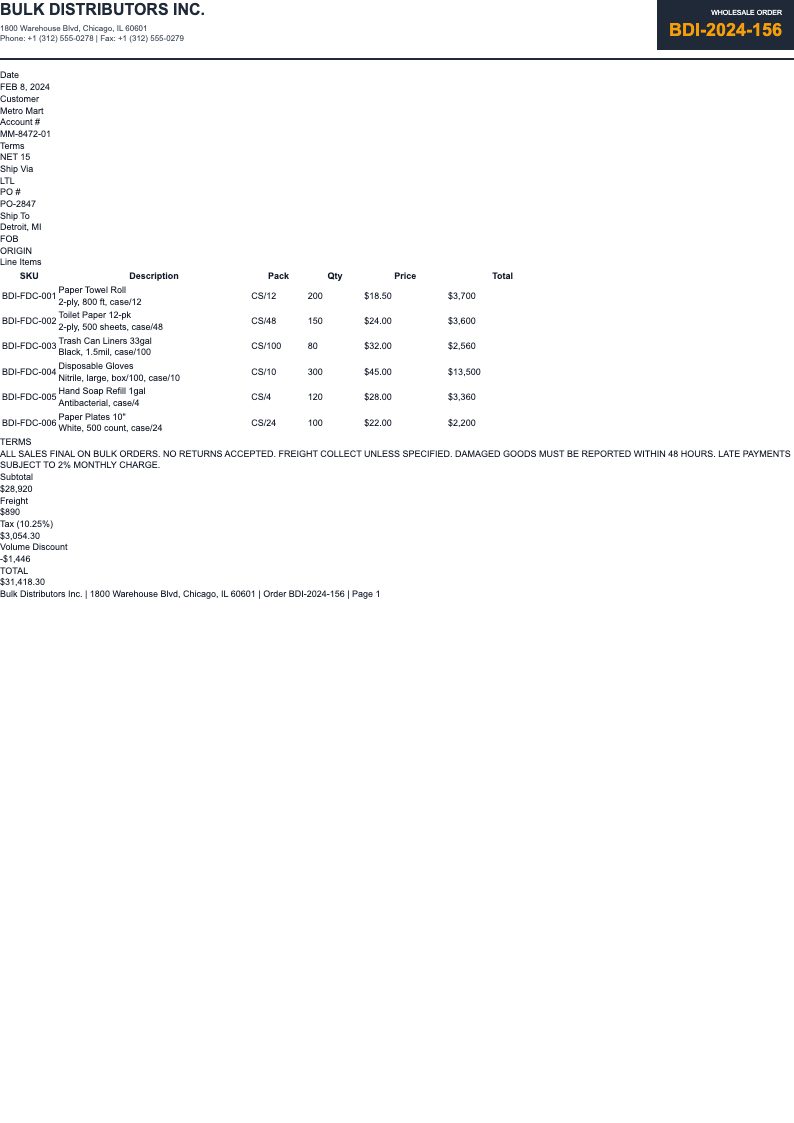
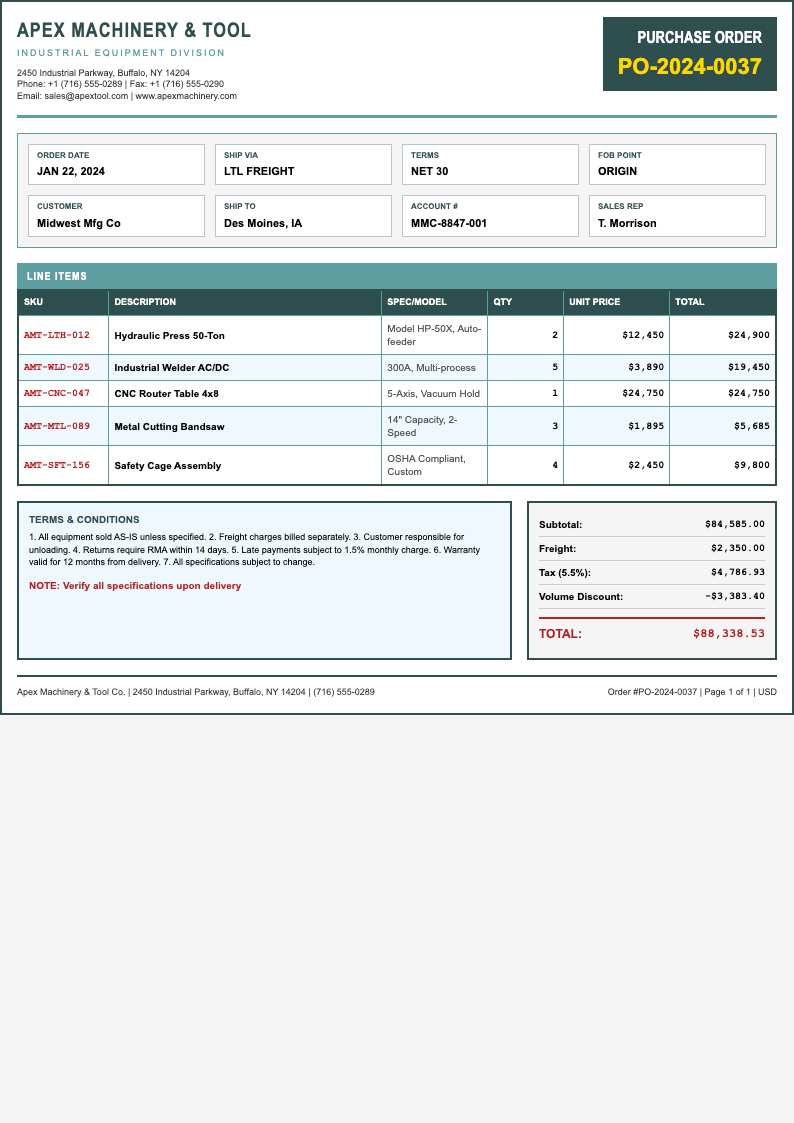
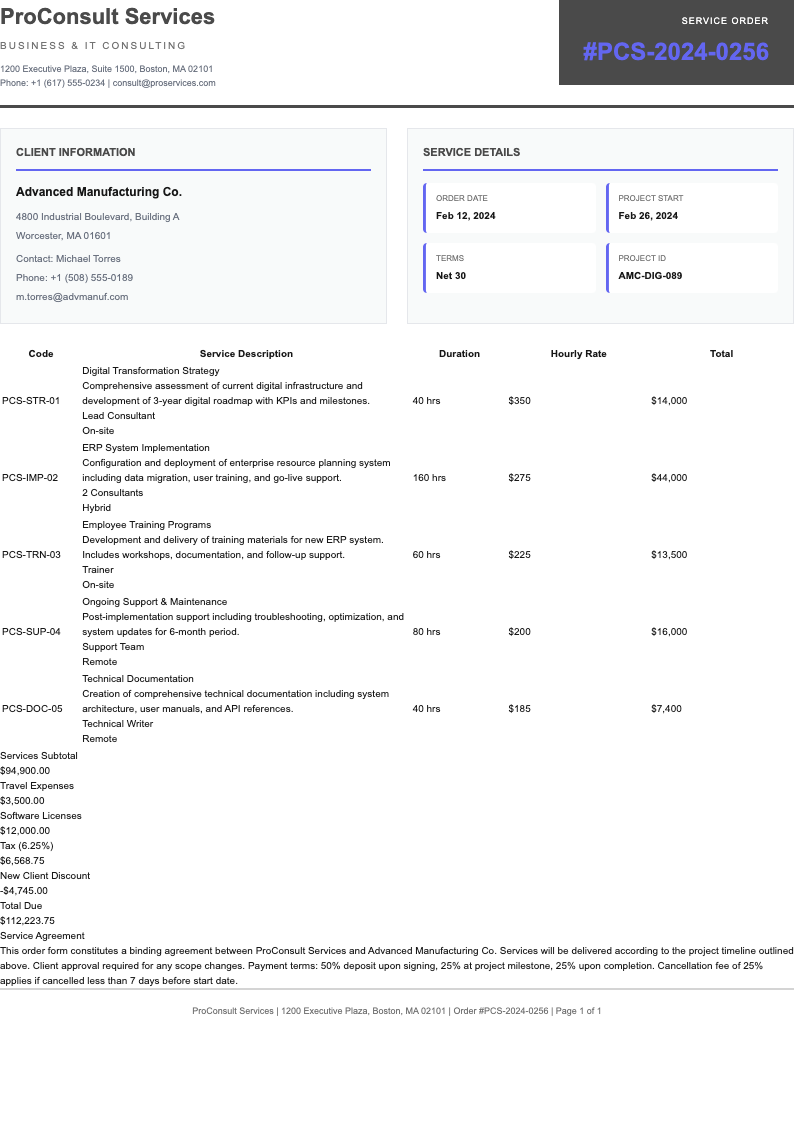
- An order form is a structured document that businesses use to collect customer orders efficiently. It serves as a standardized way to capture order details, quantities, pricing, and customer information. Our order form templates provide a professional framework you can customize online and export to PDF.
How do I use these order form templates?
- Simply browse our collection, click on any order form template to preview it, then click Edit button. You can customize the order form online in our editor, add your business information, adjust fields, and export to PDF format after editing.
Are these order form templates free?
- Yes! All our order form templates are completely free to use. You can browse, preview, and edit any order form template without signing up. Choose a template that fits your business needs and start customizing.
Can I customize these order form templates?
- Absolutely! Every order form template is fully customizable. You can edit text fields, modify sections, add your logo, change pricing structures, add or remove product categories, adjust shipping fields, and export to PDF after editing.
What should I include in an order form?
- A comprehensive order form should include customer contact information, order details with product names and quantities, pricing information including subtotal and taxes, delivery details, payment information, and terms and conditions. Each order form can be tailored to your specific business requirements.
Do I need to install any software to use order form templates?
- No installation required! All order form templates can be edited directly in your web browser using our online editor. Access them from any device with internet connection—desktop, tablet, or mobile. Just open the order form template, edit online, and export to PDF.
Can I save my edited order forms?
- Yes! When you create a free account, you can save all your edited order forms to your dashboard. Return later to make changes, create multiple order forms for different purposes, or access previously customized templates for quick editing.
What format will my completed order form be in?
- After editing your order form online, you can export it as a PDF file. This ensures professional formatting, preserves your customizations, and makes it easy to share with customers via email or print for physical records.
Are these order form templates suitable for different industries?
- Yes! Our order form templates are designed for versatility across industries. Whether you run a restaurant, retail store, wholesale business, or service company, we have order form templates that can be adapted to your specific business needs.
Can I create order forms for multiple purposes?
- Certainly! You can create multiple order form templates for different purposes—such as wholesale orders, retail sales, food and beverage orders, service bookings, or special events. Each order form template can be customized independently and saved separately.
How do I add my company branding to the order form template?
- Adding your branding is simple! While editing the order form online, you can insert your company logo, use your brand colors, include your business name and contact information prominently, and customize fonts to match your brand identity.
Can I use these order form templates for both online and offline orders?
- Yes! Our order form templates work perfectly for both scenarios. After customizing and exporting to PDF, you can share the order form digitally via email or embed it in your website, or print physical copies for in-person sales.
What payment information should I include in my order form?
- Your order form should include clear payment options such as cash, credit card, or bank transfer. Include space for payment details, show tax and shipping calculations in the order form, and provide payment terms like due dates or deposit requirements.
Can the AI generator help me create a custom order form?
- Absolutely! Our AI-powered document generator can help you create a fully customized order form from scratch. Just answer questions about your business type and ordering process, and AI will generate a tailored order form template optimized for your needs.
Why should I use professional order form templates?
- Professional order form templates help streamline your business operations by ensuring consistent data collection, reducing errors in customer orders, and presenting a polished image to clients. Our order form templates save time and maintain professional standards.
How many order form templates are available?
- We offer 50+ professional order form templates covering various industries and use cases. Each order form template is designed to be easily customizable, allowing you to find the perfect match for your specific business requirements.