Edit Table Of Contents With Content Templates Online for Free
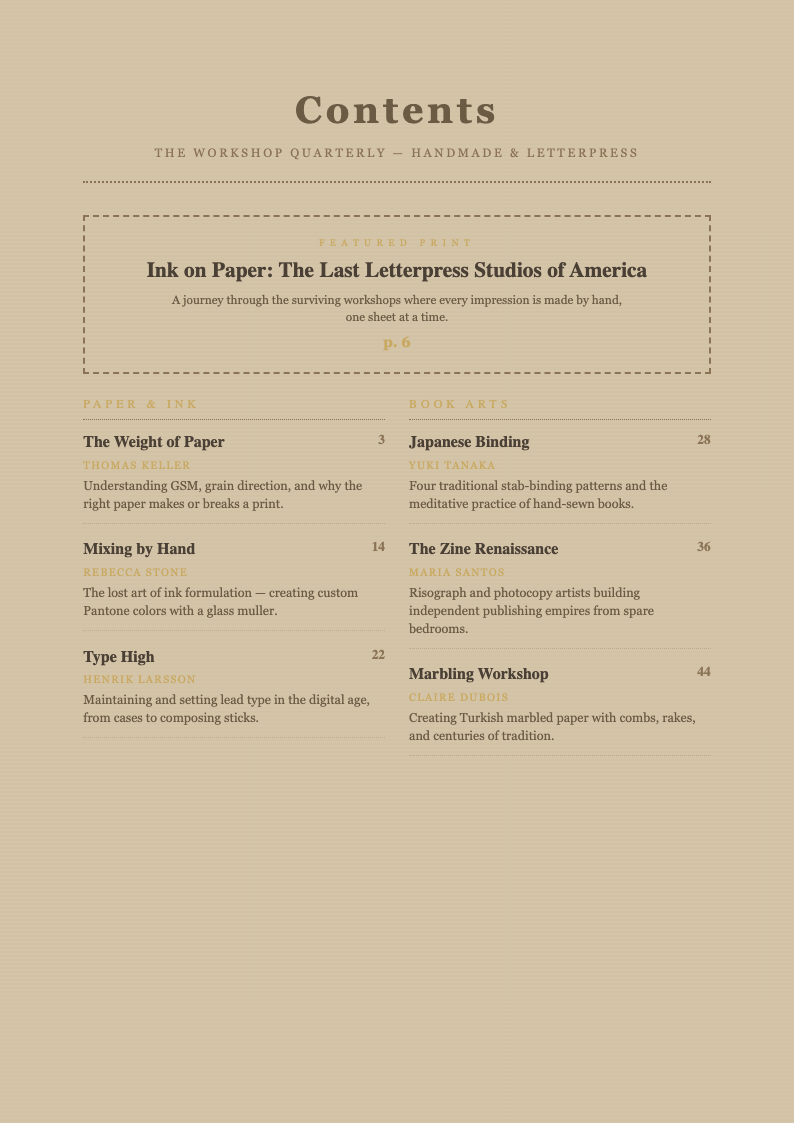
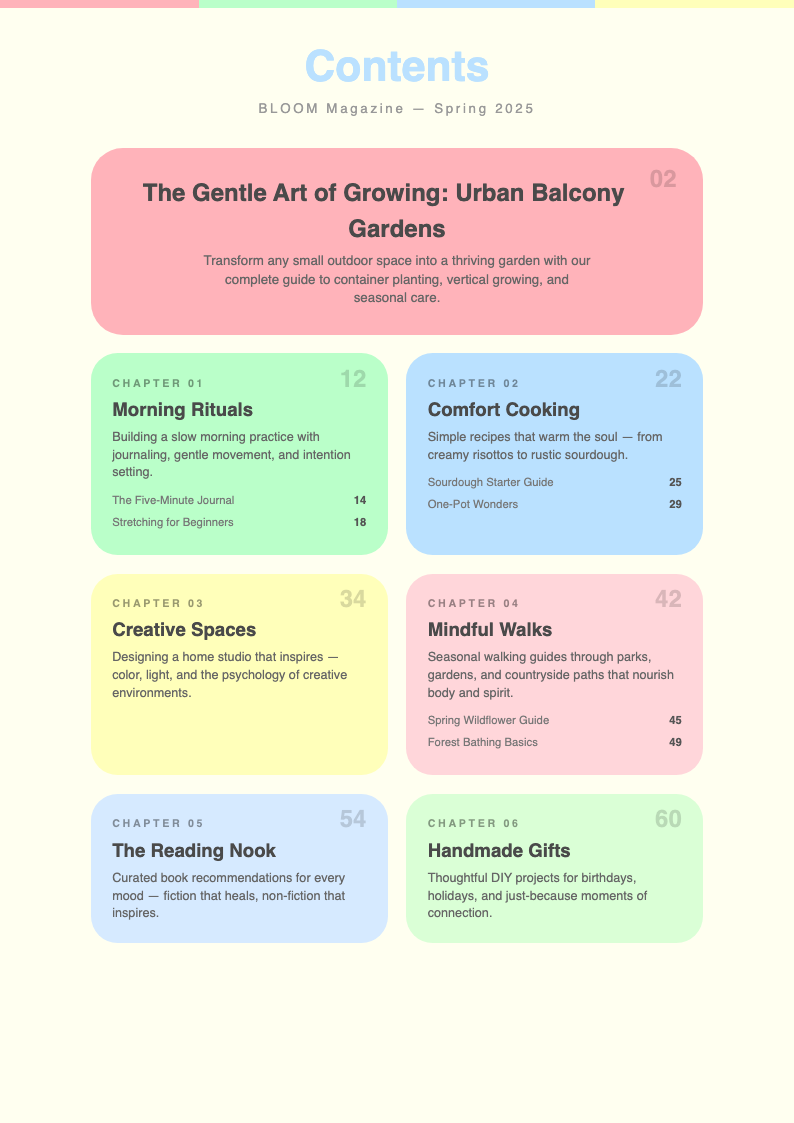
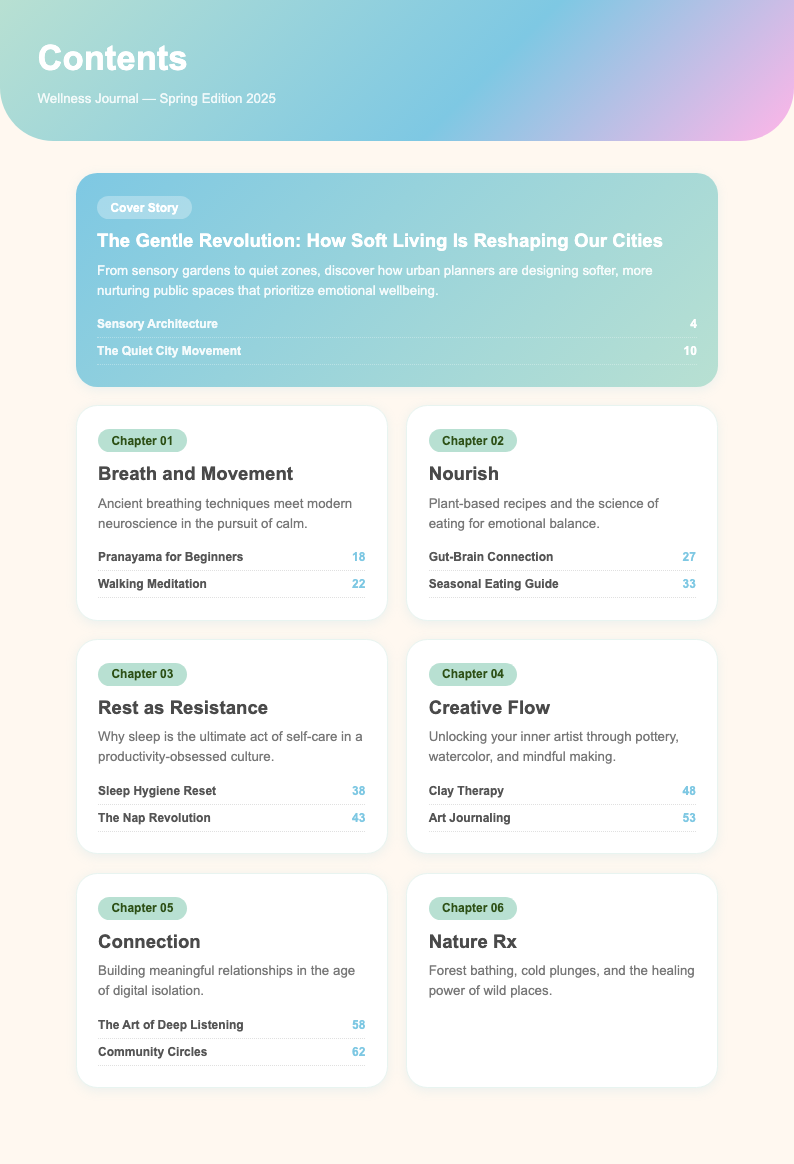
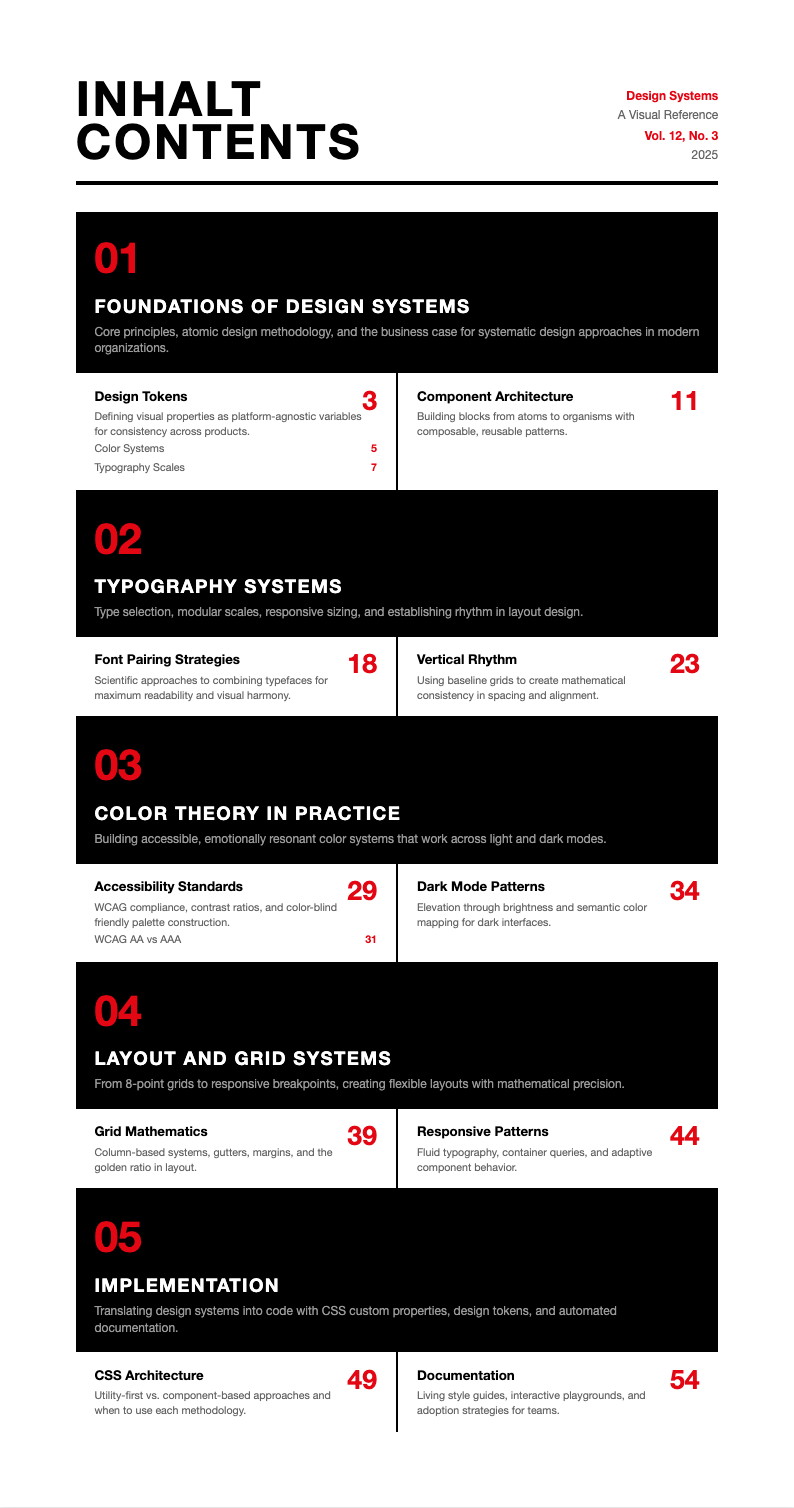
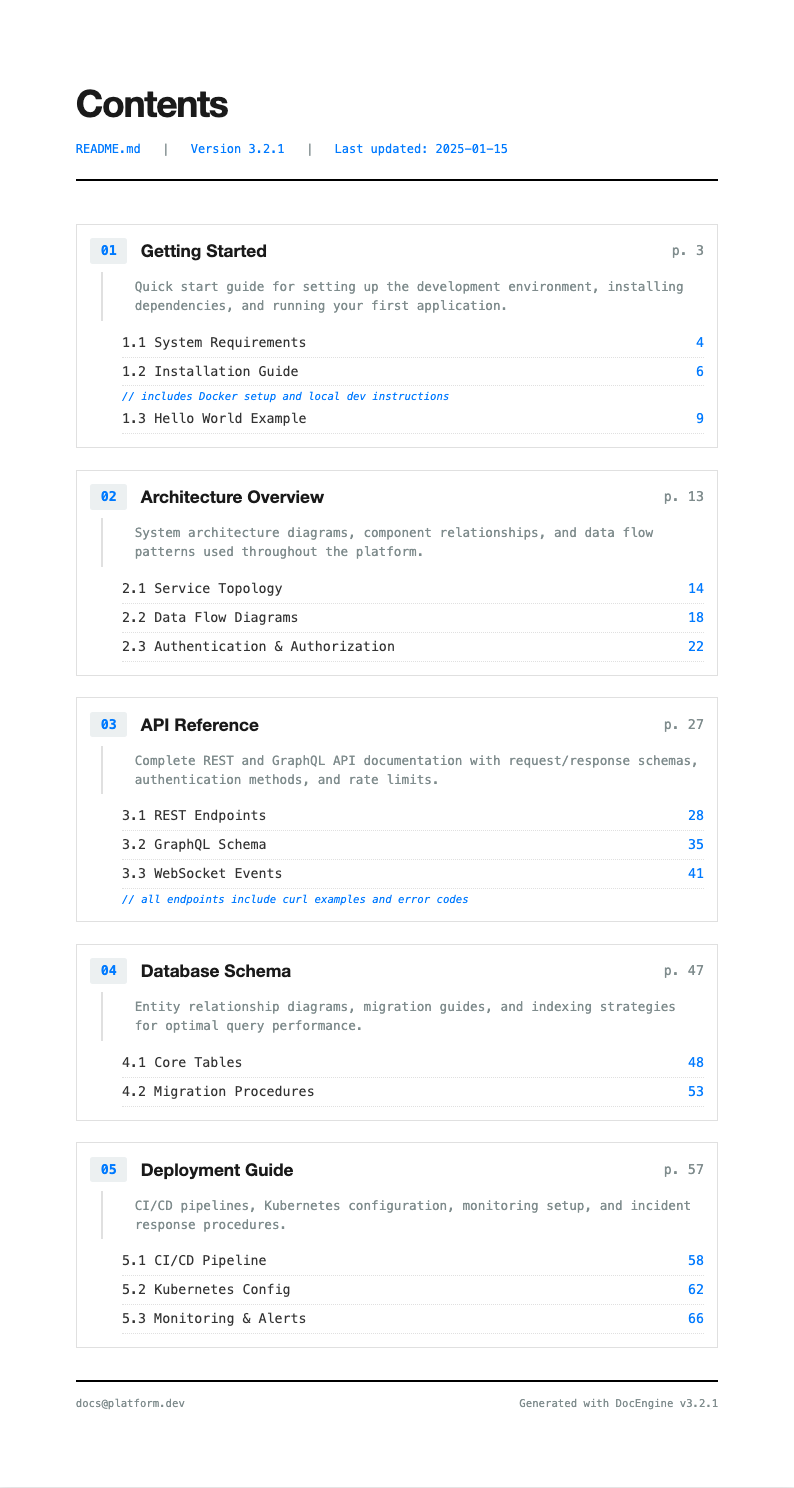
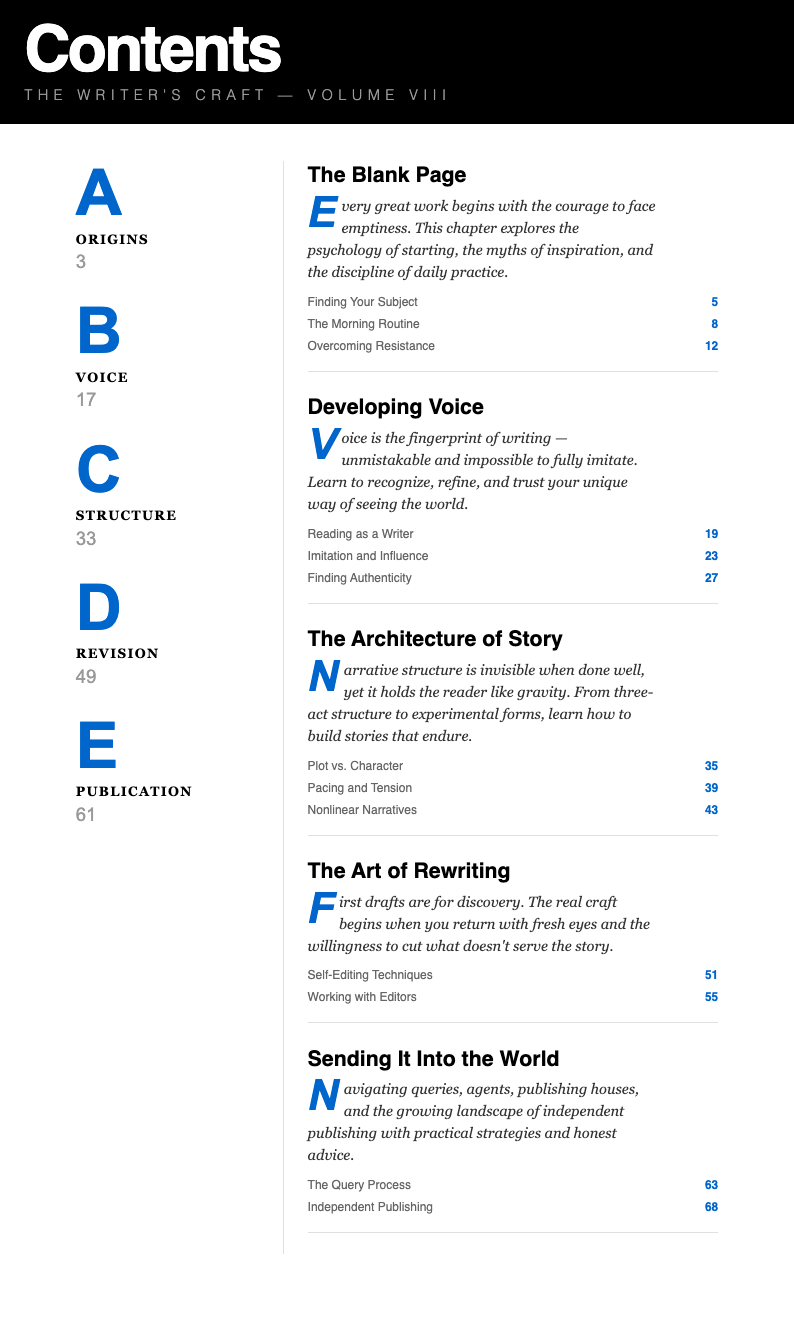
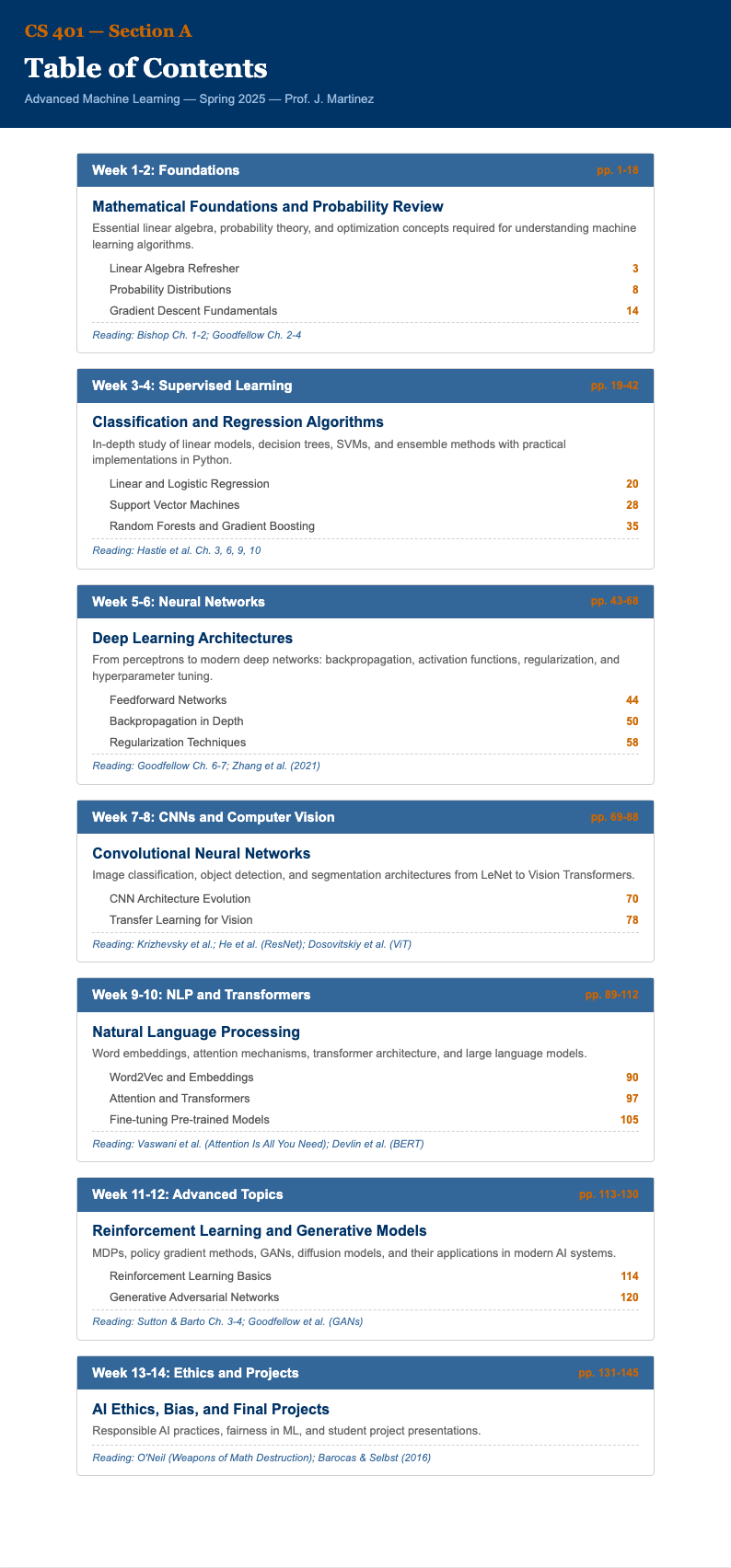
Organize your documents with clarity using professionally designed templates that combine structured table of contents layouts with built-in content sections. Our collection is ideal for reports, manuals, proposals, and any multi-section document that needs both navigation and substance in a single, cohesive format that readers can easily follow.
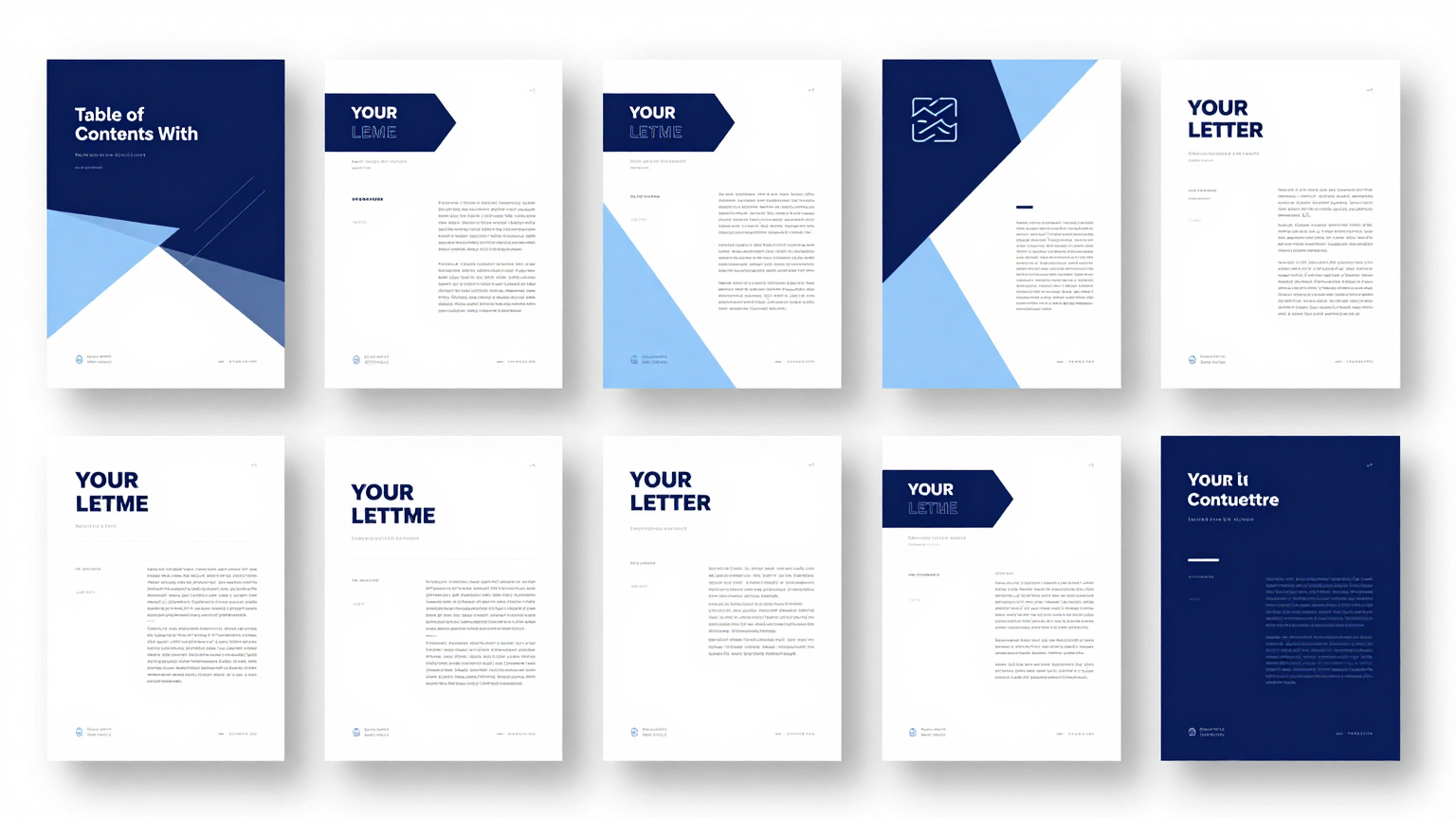
Showing 10 of 30 templates
Frequently Asked Questions About Our Templates
Find answers to common questions about using our document organization template collection.
- What is a Table Of Contents With Content Template?
- A this structured format is a pre-designed document format that combines a navigable table of contents with corresponding content sections in a single layout. This type of template is especially useful for lengthy reports, training manuals, and project documentation where readers need to quickly locate specific sections and access the related content without scrolling through pages of unrelated material.
- How do I customize a Table Of Contents With Content Template?
- Customizing a this structured format is simple with our online editor. You can add or remove chapters, rename section headings, adjust the page numbering, and edit the content within each section. The editor lets you tailor the layout to fit your specific document structure without any technical skills or specialized software required.
- Can I download a free Table Of Contents With Content Template?
- Yes, every this structured format in our collection is completely free to use, edit, and download. There are no subscriptions, hidden fees, or account requirements. You can select a template, customize it online with your own headings and content, and export it as a high-quality document at absolutely no cost for unlimited personal or commercial use.
- What formats are available for the Table Of Contents With Content Template?
- Our collection supports export in PDF, DOCX, and other popular document formats. This ensures compatibility with whatever software your team or audience prefers to use. Each document preserves its clean formatting, accurate page references, and professional layout across all supported export types without any issues or inconsistencies. This cross-platform compatibility ensures your document looks polished and professional regardless of how your audience chooses to view it.
- Is the Table Of Contents With Content Template suitable for training manuals?
- Yes, a this structured format is an excellent choice for training manuals. It allows you to create a clear navigation structure with corresponding lesson content built right in. Training coordinators appreciate how this format keeps educational materials organized, making it easy for learners to find specific topics and work through the material systematically at their own pace.
- What types of documents work best with this format?
- This format works best for multi-section documents such as business reports, policy manuals, project proposals, research papers, employee handbooks, and technical documentation. Any document that benefits from clear navigation and structured content sections is well served by a this structured format that integrates both elements seamlessly into one professional presentation. Trainers and instructional designers appreciate how this integrated approach streamlines content delivery and improves knowledge retention.
- Can I use the Table Of Contents With Content Template for academic papers?
- Absolutely. Students and researchers frequently use these templates to organize dissertations, theses, and research papers. The template provides a structured framework that meets academic formatting requirements while keeping the document well-organized. This approach helps maintain consistency throughout lengthy academic writing projects and satisfies institutional formatting standards. By combining navigation with content, this approach saves significant time for both authors and readers.
- Do I need an account to use the Table Of Contents With Content Template?
- No account or sign-up is required to use any our templates from our collection. You can browse, select, customize, and download templates instantly without creating an account. This makes our library one of the most accessible options for professionals and students who need to produce well-organized documents quickly and without unnecessary registration steps.
- Can I add custom sections to the layout?
- Yes, our editor gives you full flexibility to add, remove, and rearrange sections within your Table Of Contents With Content Template. You can create custom chapter headings, sub-sections, and appendices as needed. The table of contents updates automatically as you modify the structure, ensuring your document always reflects the current layout accurately.
- What makes a good Table Of Contents With Content Template?
- A good layout should provide a clear, logical hierarchy of sections with accurate navigation references and well-formatted content areas. The best layouts balance readability with comprehensive coverage, using consistent formatting, appropriate heading levels, and sufficient content space to produce documents that are both useful and professional in appearance for any reader.
- Can I share the Table Of Contents With Content Template with collaborators?
- Yes, once you download your document as a DOCX file, you can share it with team members for collaborative editing in Google Docs, Microsoft Word, or other collaboration platforms. Multiple contributors can work on different sections simultaneously, and the template maintains its structure throughout the collaborative editing process for a cohesive final result.
- Is the Table Of Contents With Content Template suitable for business proposals?
- Yes, this format is highly effective for business proposals that need to present multiple sections such as executive summaries, methodology, timelines, and pricing. Using this layout ensures your proposal looks professional and allows potential clients to navigate directly to the sections most relevant to their decision-making process efficiently and without confusion.
- How many sections can a Table Of Contents With Content Template have?
- There is no strict limit on the number of sections you can include. You can add as many chapters and sub-sections as your document requires. Whether you need a simple three-section document or a comprehensive manual with dozens of entries, the format scales to accommodate your content while maintaining a clean, organized structure throughout.
- Can I use the Table Of Contents With Content Template for policy documents?
- Yes, policy documents are a perfect use case for this format. Organizations use these templates to create employee handbooks, compliance guides, and standard operating procedures where employees need to quickly reference specific policies. This ensures that all policy sections are properly organized and easily accessible for reference during day-to-day operations.
- What is the difference between a basic table of contents and this combined format?
- A basic table of contents provides only section titles and page numbers as a navigation aid. This combined format goes further by including the actual content sections alongside the navigation structure in one integrated document. This combined format eliminates the need to maintain separate files and ensures navigation references always match the actual content layout precisely.
Ready to Create Your Table Of Contents?
Pick from our professional options and create a well-organized document in minutes.
Free templates • AI-powered editing • No sign-up required