Edit Summarize Text Templates Online for Free
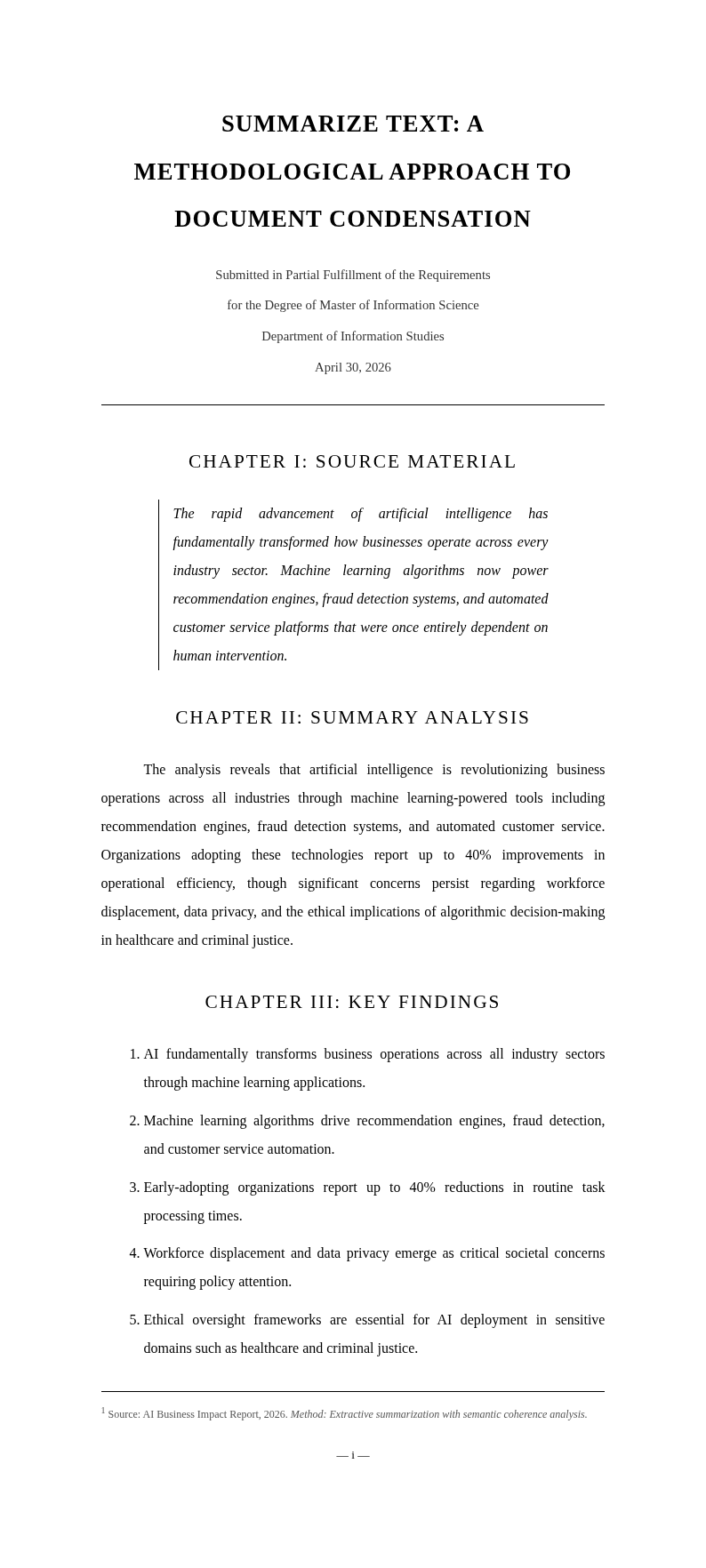
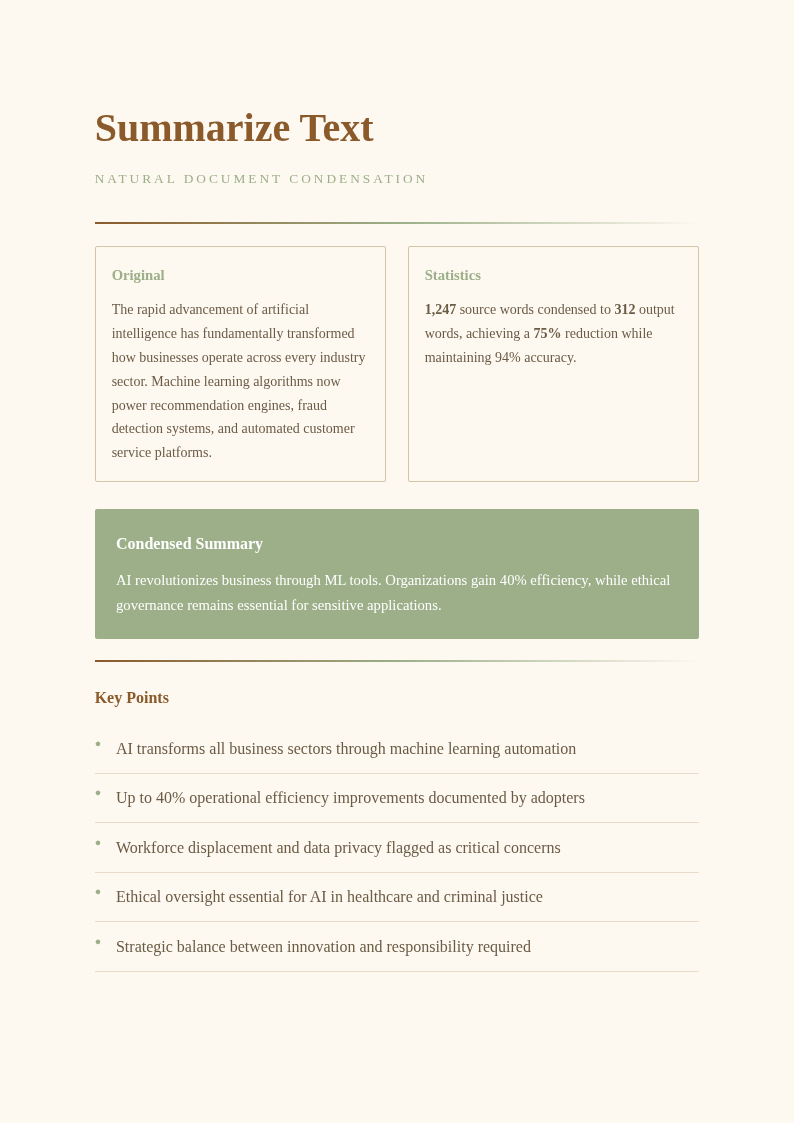
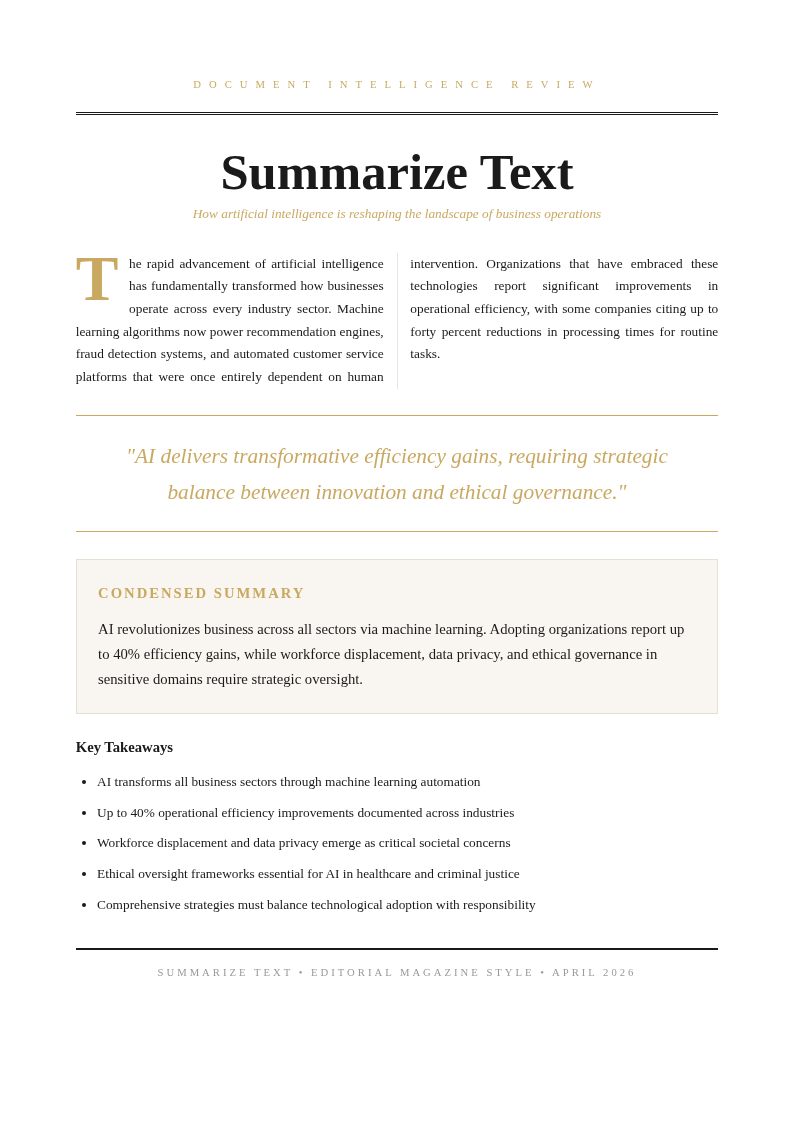
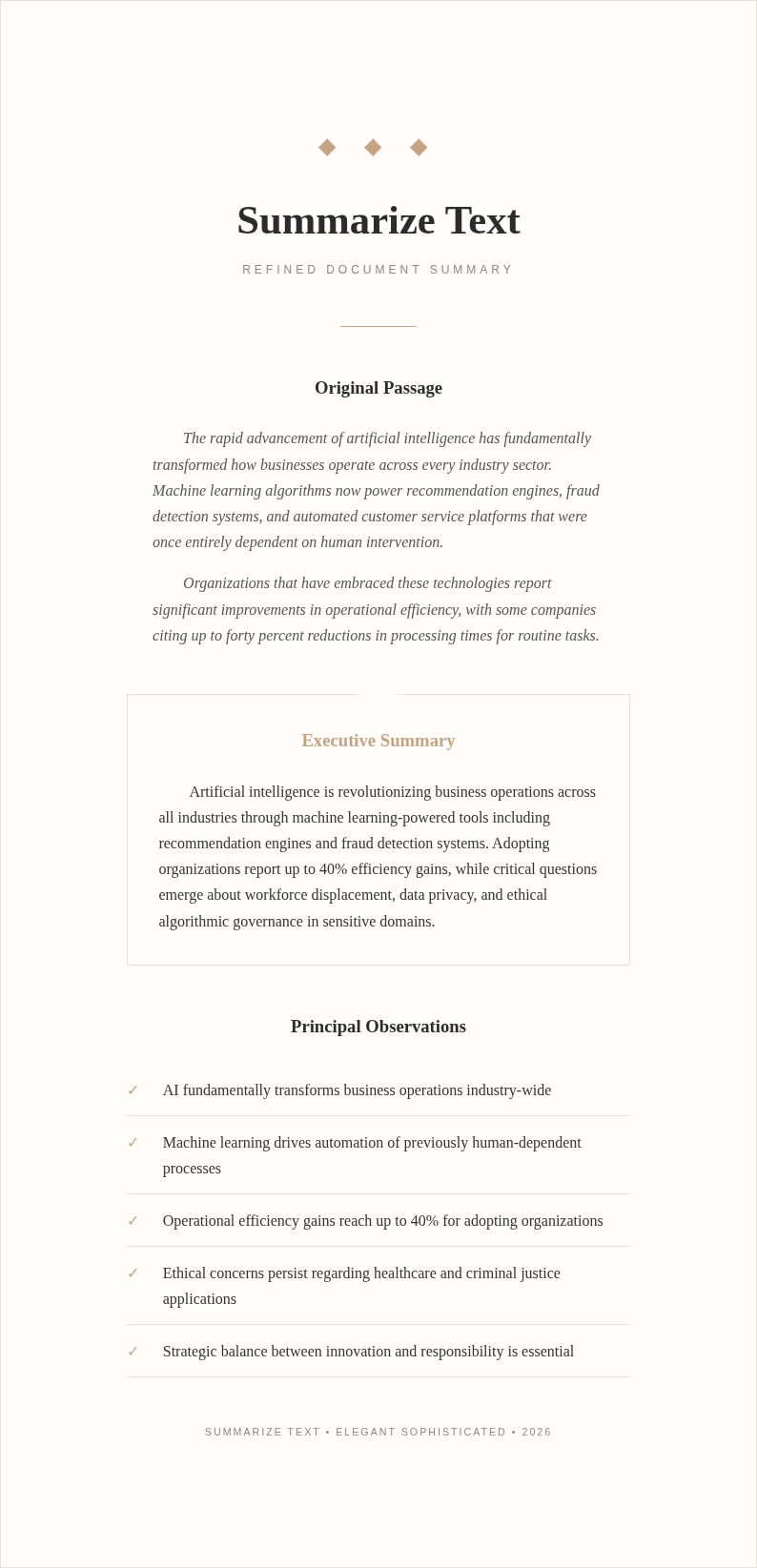
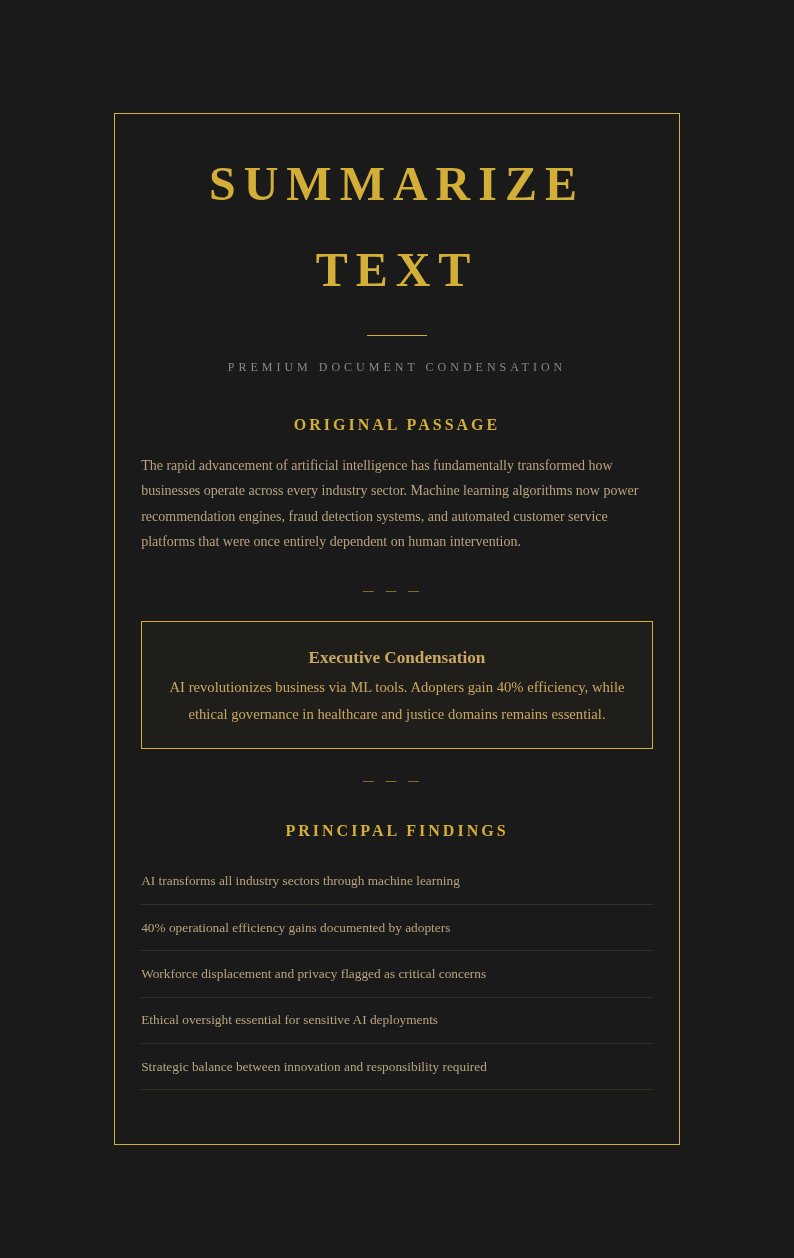
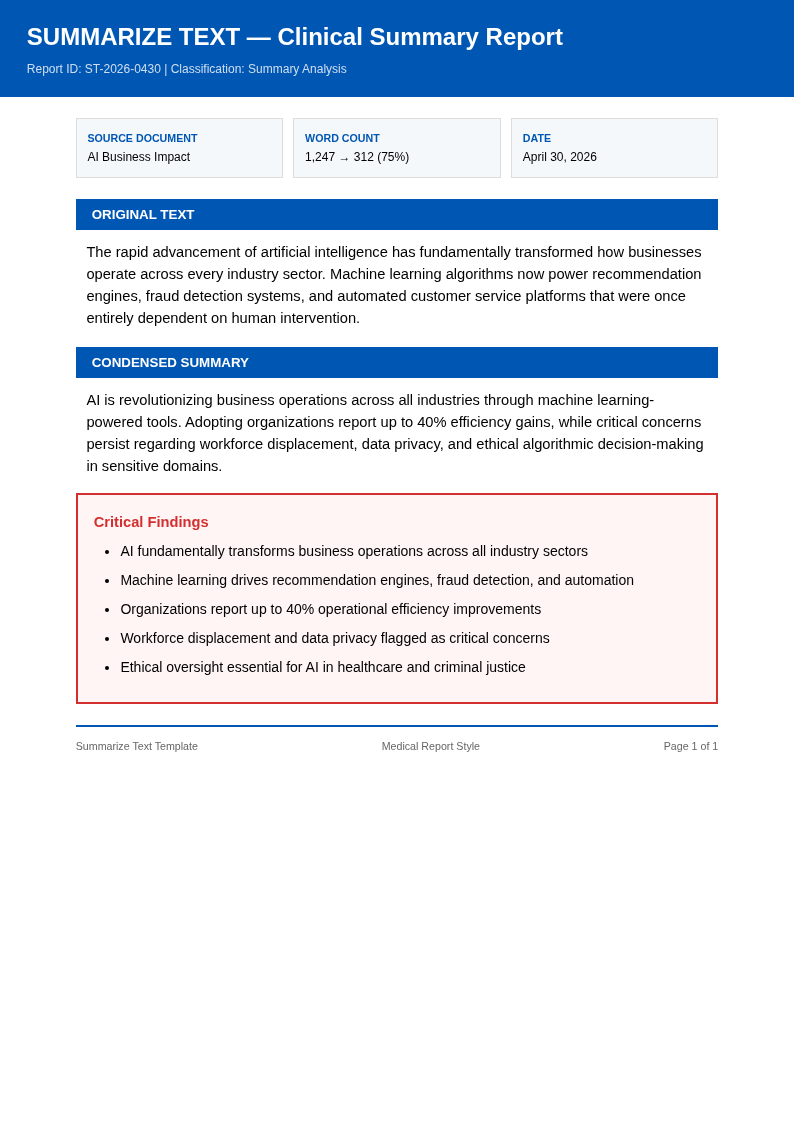
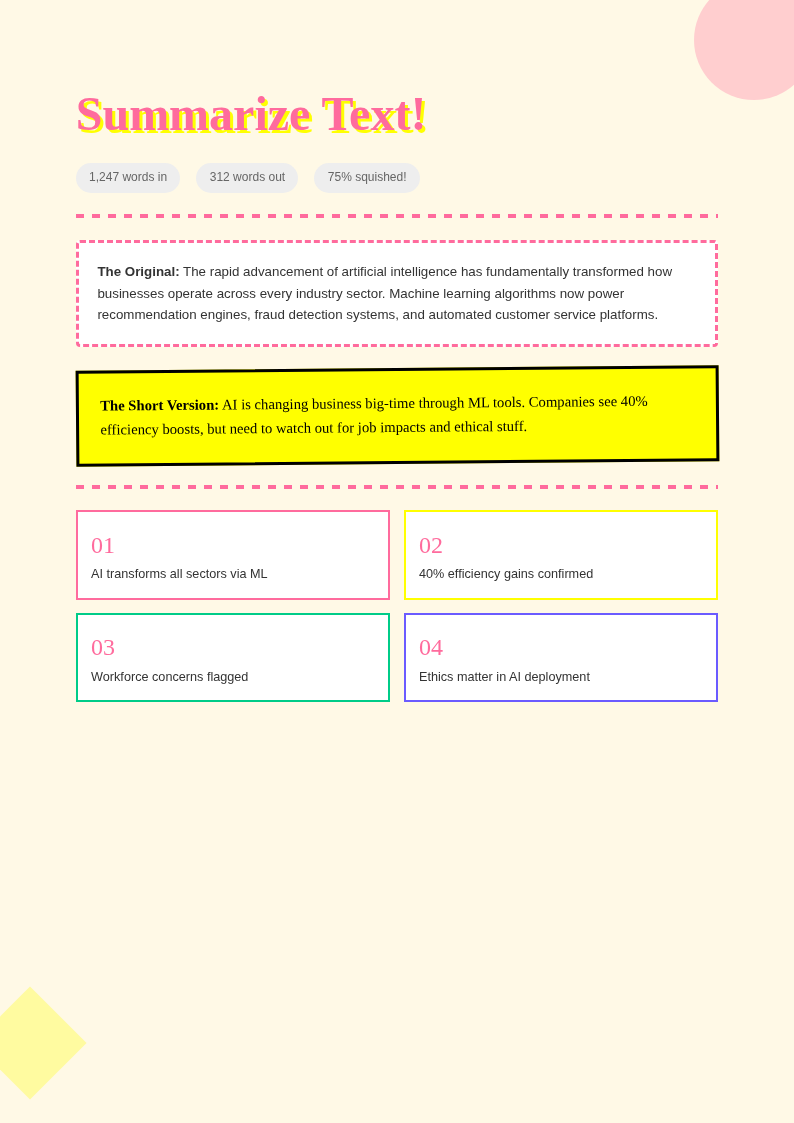
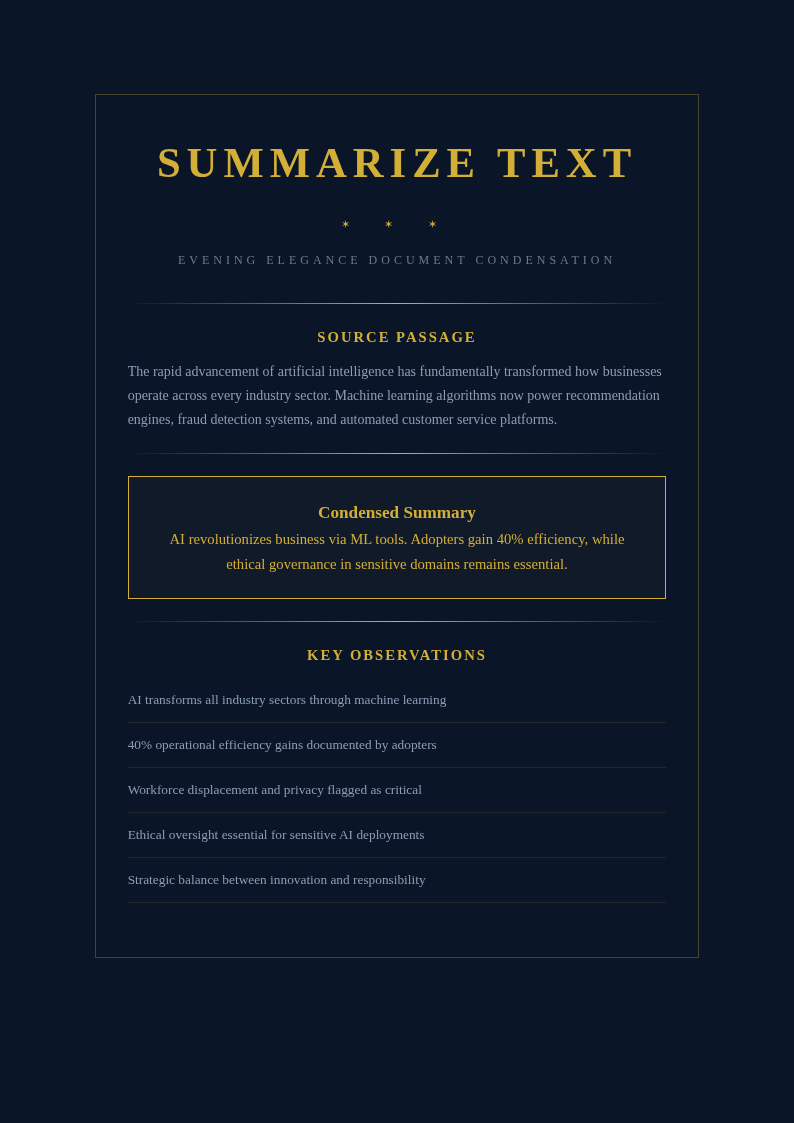
Create clear, concise text summaries with AI Formatter's collection of Summarize Text templates. Choose from academic abstracts, executive summaries, meeting notes, and article condensations that you can edit online or download for Word.
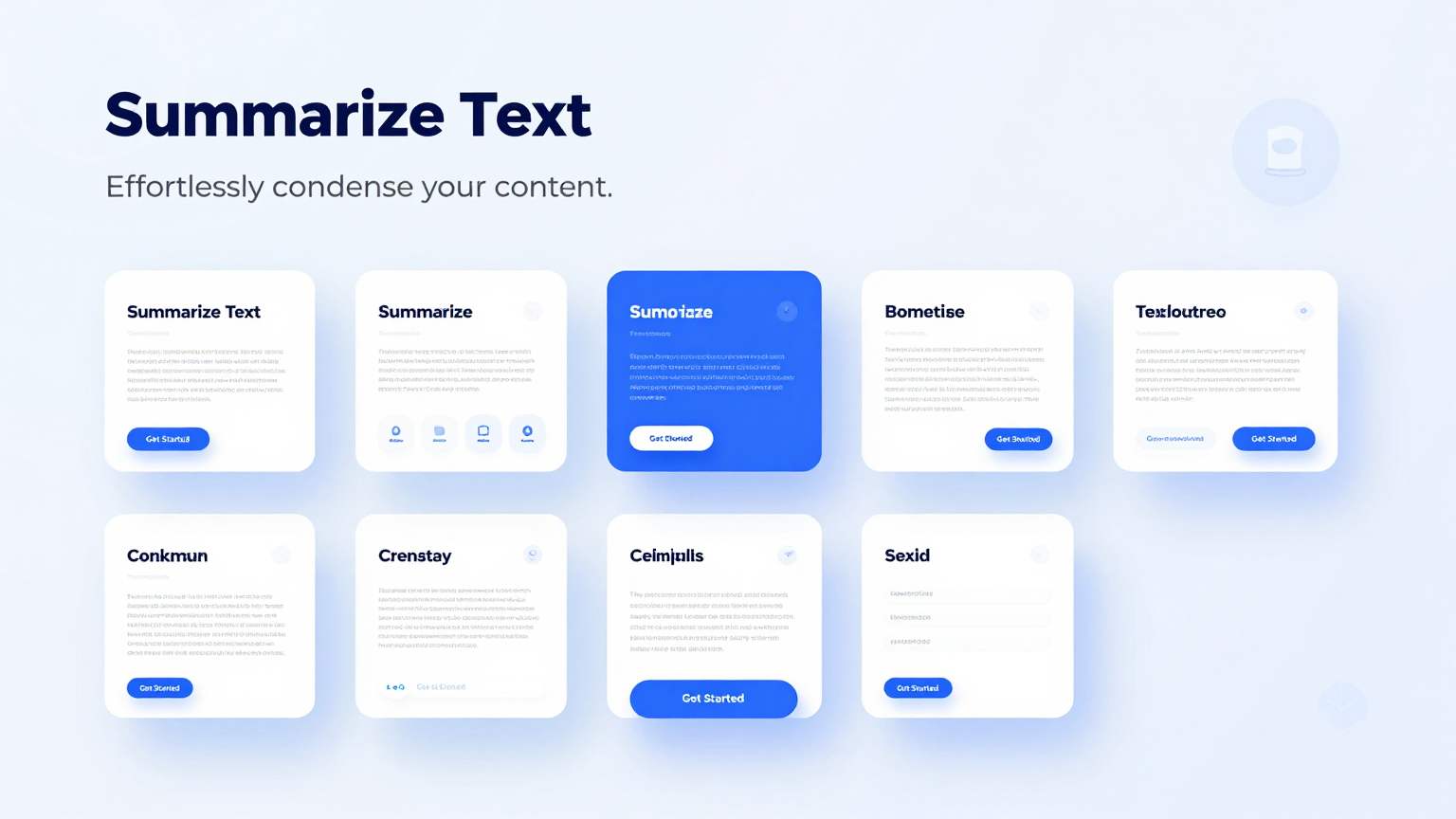
Showing 20 of 30 templates
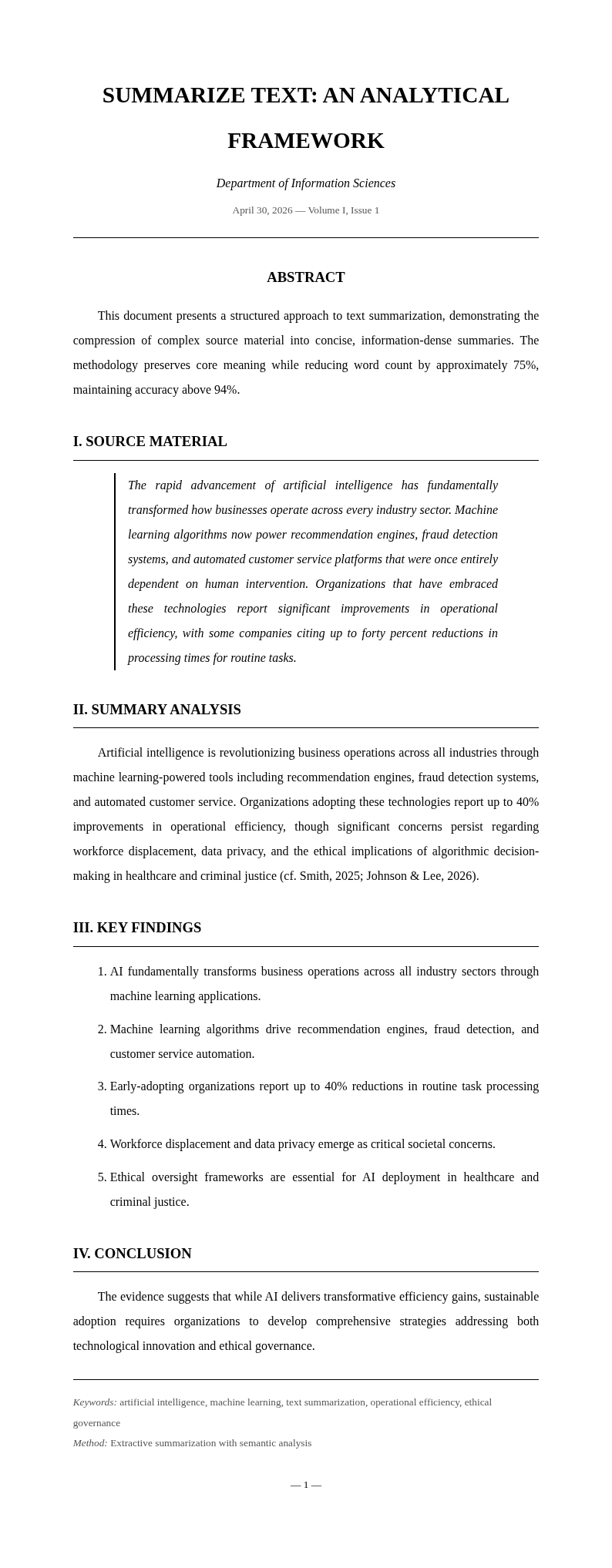
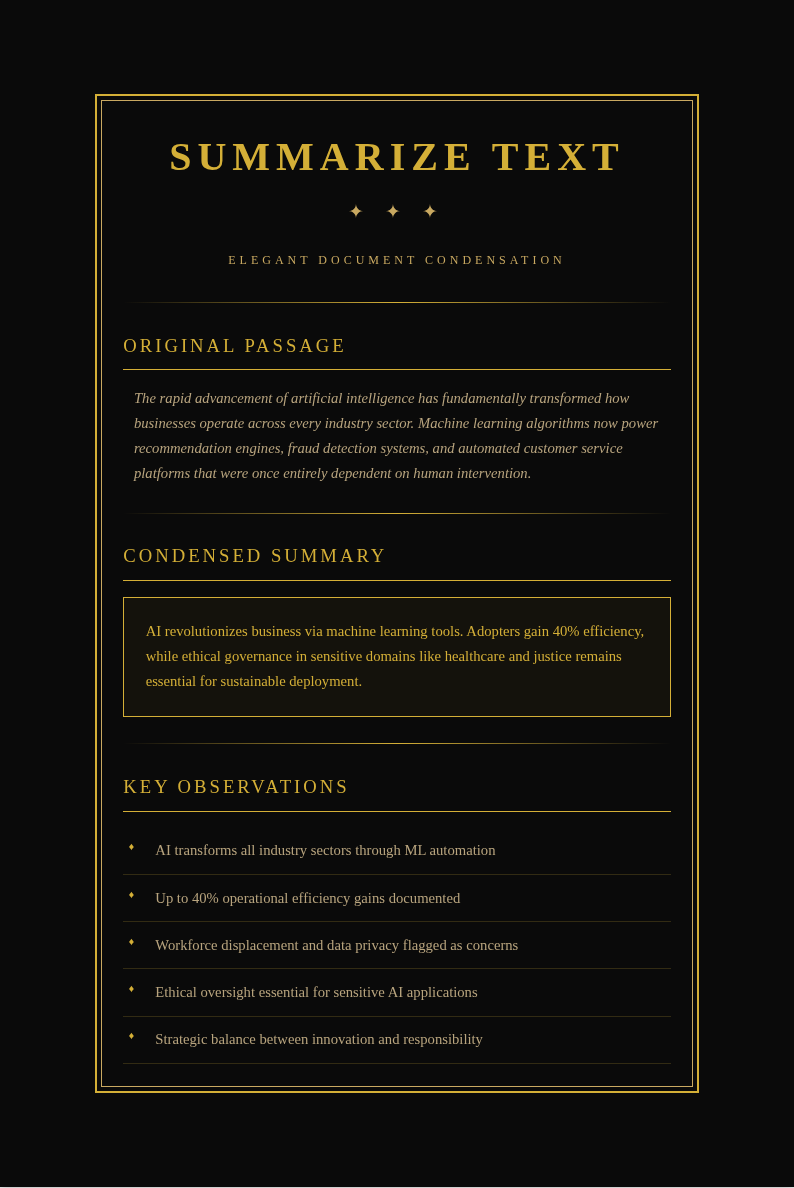
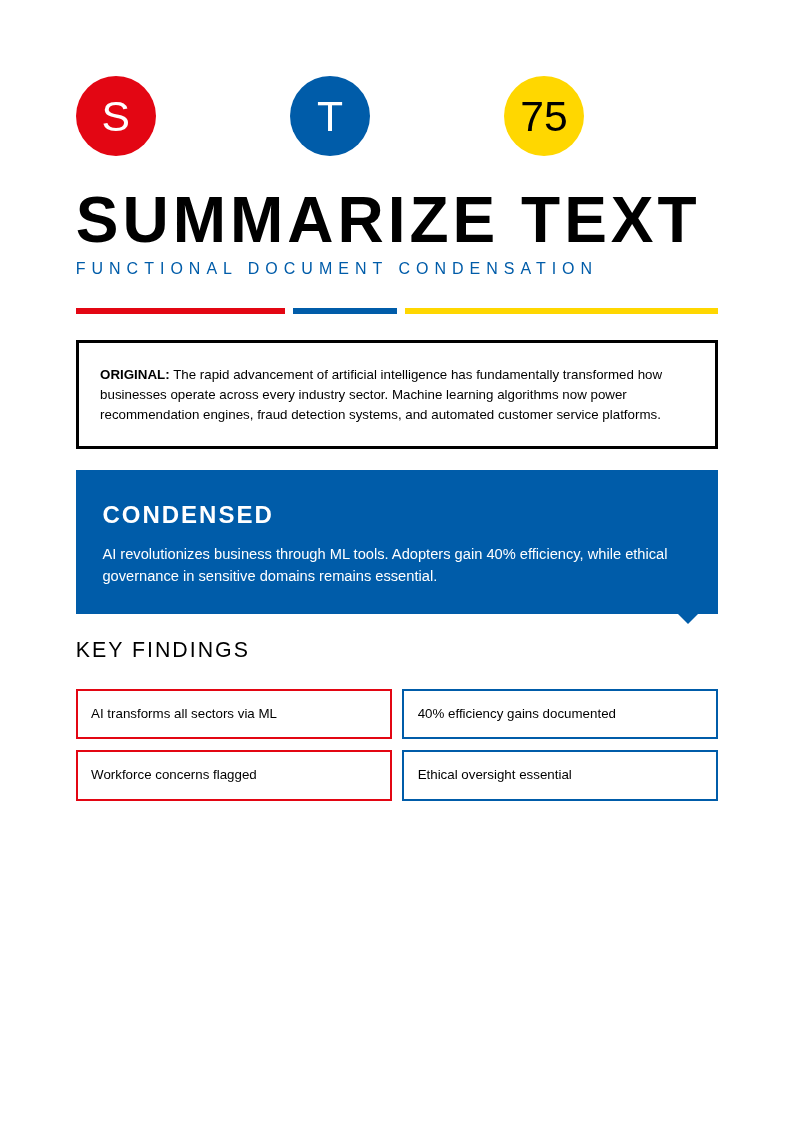
Frequently Asked Questions About Our Templates
Common questions about using our Summarize Text templates for creating concise document summaries.
- Are these Summarize Text templates free to use?
- Yes, all Summarize Text templates are completely free to download, edit, and use for personal, academic, or professional purposes. There are no hidden fees or required sign-ups to access any the template in our collection. You can customize each the template directly in AI Formatter without paying anything. Users appreciate how much time they save by starting with a pre-formatted layout.
- What formats are available for Summarize Text templates?
- Our Summarize Text templates are available in Microsoft Word (.docx), PDF, and plain text formats. You can download any the design in your preferred format. The Word version of each it allows full editing, while the PDF is great for sharing finished summaries. Users appreciate how much time they save by starting with a pre-formatted layout.
- Can I use a Summarize Text template for academic papers?
- Yes, several Summarize Text templates are designed specifically for academic use, including abstract formats, literature review summaries, and research paper condensations. Each academic each layout follows standard formatting conventions used in universities and research institutions. You can download and start using it right away for your specific needs. This ensures you get a professional result every time without spending hours on formatting.
- How do I use a Summarize Text template for meeting notes?
- Select a Summarize Text template with a meeting notes layout, paste or type the key discussion points into the designated sections, and the template organizes them into a clean summary. The this template includes sections for attendees, action items, decisions made, and follow-up tasks. This ensures you get a professional result every time without spending hours on formatting.
- Can I customize a Summarize Text template for executive summaries?
- Absolutely. Each Summarize Text template is fully editable so you can adjust it for executive summaries, project briefs, or report condensations. The flexible layout of a this template lets you add sections for key findings, recommendations, and financial highlights. You can download and start using it right away for your specific needs. You can download and start using it right away for your specific needs and requirements.
- What makes your Summarize Text templates different from others?
- Our Summarize Text templates are built for use with AI Formatter, meaning you can edit them online with AI-powered assistance. Each the design features structured layouts that guide you to capture key information concisely. Unlike plain text editors, a the template from our collection provides the framework for organized, professional summaries. This ensures you get a professional result every time without spending hours on formatting.
- Do Summarize Text templates include word count guidelines?
- Yes, many of our Summarize Text templates include suggested word counts for each section to help you stay concise. Following the word count guidance in a our template ensures your summary remains focused and avoids unnecessary detail that can overwhelm the reader. You can download and start using it right away for your specific needs.
- Can I use a Summarize Text template for book summaries?
- Yes, we offer Summarize Text templates designed for book and article summaries with sections for key themes, chapter highlights, main arguments, and personal takeaways. A book-focused it helps you capture the essence of a long text in a structured, readable format. You can download and start using it right away for your specific needs. Users appreciate how much time they save by starting with a pre-formatted layout for their documents.
- Are Summarize Text templates suitable for business reports?
- Yes, several the layouts are tailored for business use, including project update summaries, quarterly report condensations, and competitive analysis briefs. Each business the template is formatted to highlight metrics, key findings, and actionable recommendations clearly. This ensures you get a professional result every time without spending hours on formatting. You can download and start using it right away for your specific needs and requirements.
- How many sections can I add to a Summarize Text template?
- There is no fixed limit. Each the design can be expanded with additional sections as needed. You can add headings for different topics, data highlights, or appendices within the our layout to match the complexity of the source material. You can download and start using it right away for your specific needs. This ensures you get a professional result every time without spending hours on formatting.
- Can I share my completed Summarize Text template with a team?
- Yes, you can download your finished the template as a PDF or Word file and share it with colleagues or classmates. The standardized format of a the template ensures everyone receives a clear, consistent summary they can reference and discuss. Users appreciate how much time they save by starting with a pre-formatted layout. Users appreciate how much time they save by starting with a pre-formatted layout for their documents.
- Do Summarize Text templates work for legal documents?
- Yes, we offer its with layouts suitable for condensing legal documents, contracts, and policy papers. A legal-focused it includes sections for key clauses, obligations, dates, and parties involved, making lengthy legal text easier to navigate. Users appreciate how much time they save by starting with a pre-formatted layout. This ensures you get a professional result every time without spending hours on formatting.
- Are Summarize Text templates printable?
- Yes, all this templates are designed to print cleanly on standard letter-size and A4 paper. Download a the layout as a PDF and print it for meetings, study sessions, or filing in project folders for easy offline reference. You can download and start using it right away for your specific needs. This ensures you get a professional result every time without spending hours on formatting.
- Can I use multiple Summarize Text templates for one project?
- Yes, you can use different the layouts for different aspects of a project. For example, use one the template for an executive overview and another for detailed section summaries, then combine them into a complete project brief. Users appreciate how much time they save by starting with a pre-formatted layout. You can download and start using it right away for your specific needs and requirements.
- Where can I get help with my Summarize Text template?
- If you need assistance editing or downloading a the design, contact us through our support channels. We also provide tips on how to write effective summaries using each the design, including advice on identifying key points and maintaining clarity. Users appreciate how much time they save by starting with a pre-formatted layout. Users appreciate how much time they save by starting with a pre-formatted layout for their documents.
Ready to Summarize Your Text?
Start with a professionally designed our template from AI Formatter. Capture key points clearly and create concise, organized summaries in minutes.
Free templates • AI-powered editing • No sign-up required