Edit Proforma Invoice Templates Online for Free
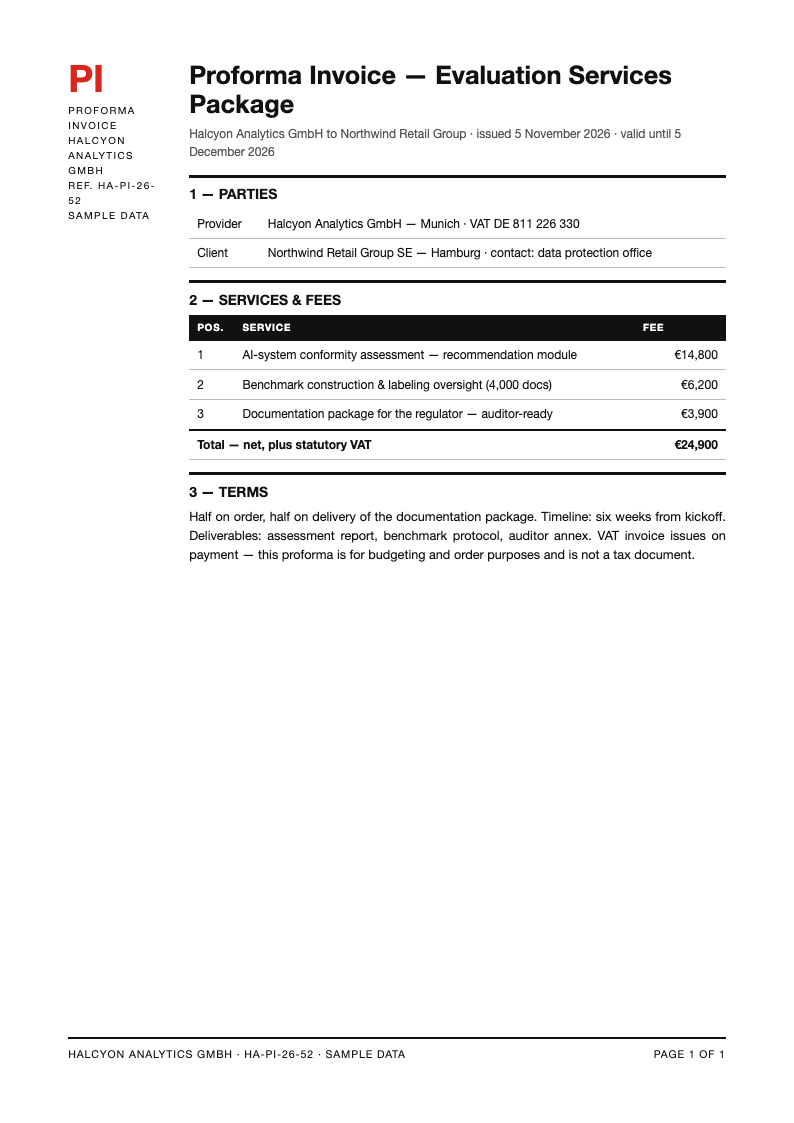
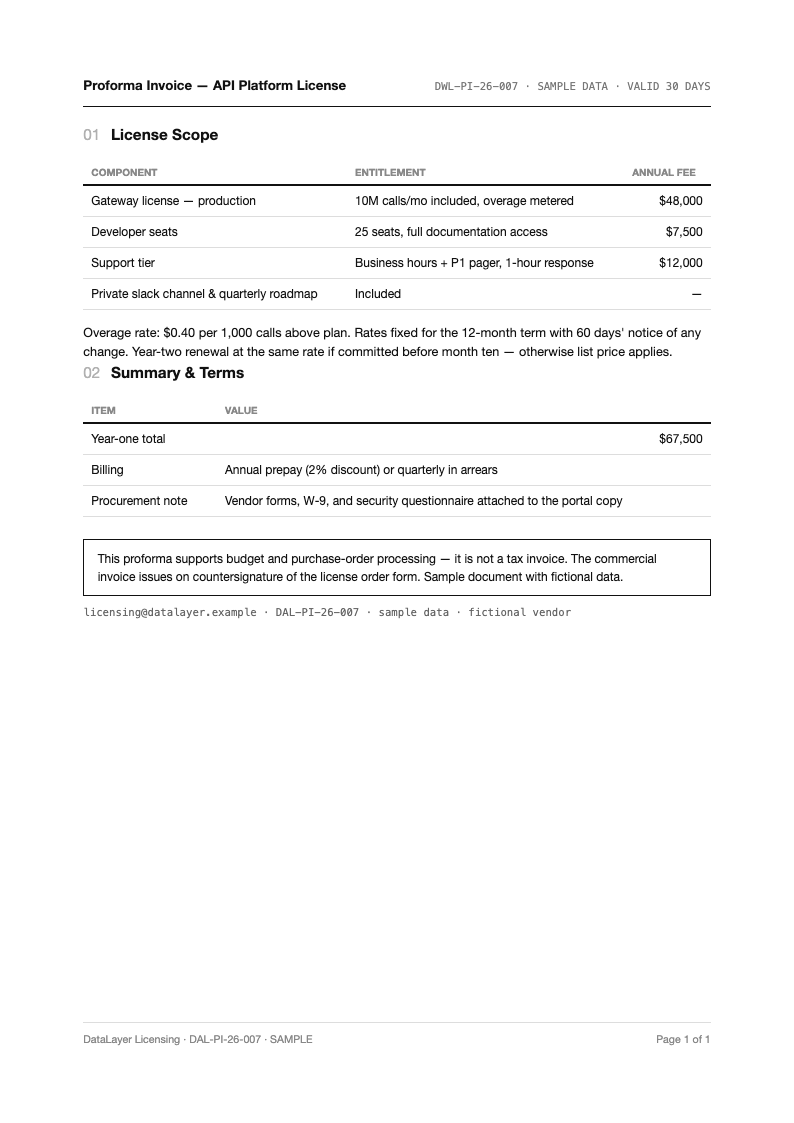
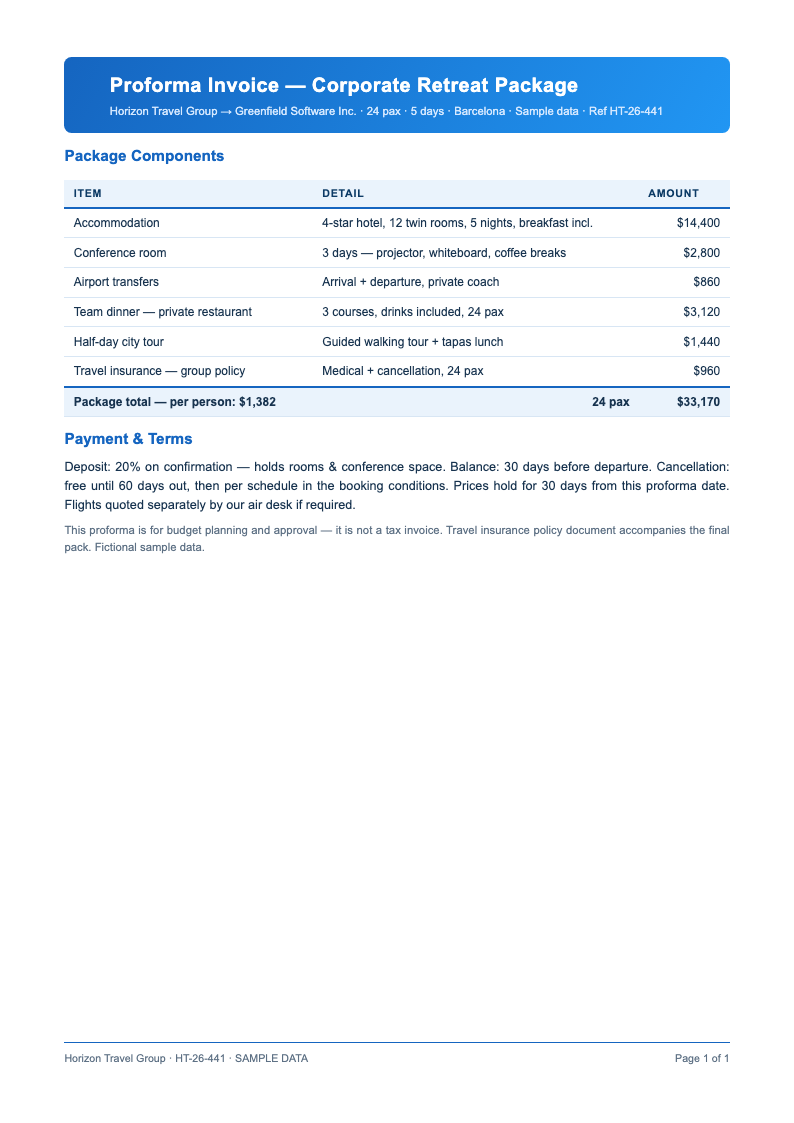
Confirm orders and clear customs smoothly with AI Formatter's Proforma Invoice templates. Each layout is editable online, so you can detail goods, quantities, unit prices, Incoterms and payment terms in a document buyers, banks and customs officers all recognize.
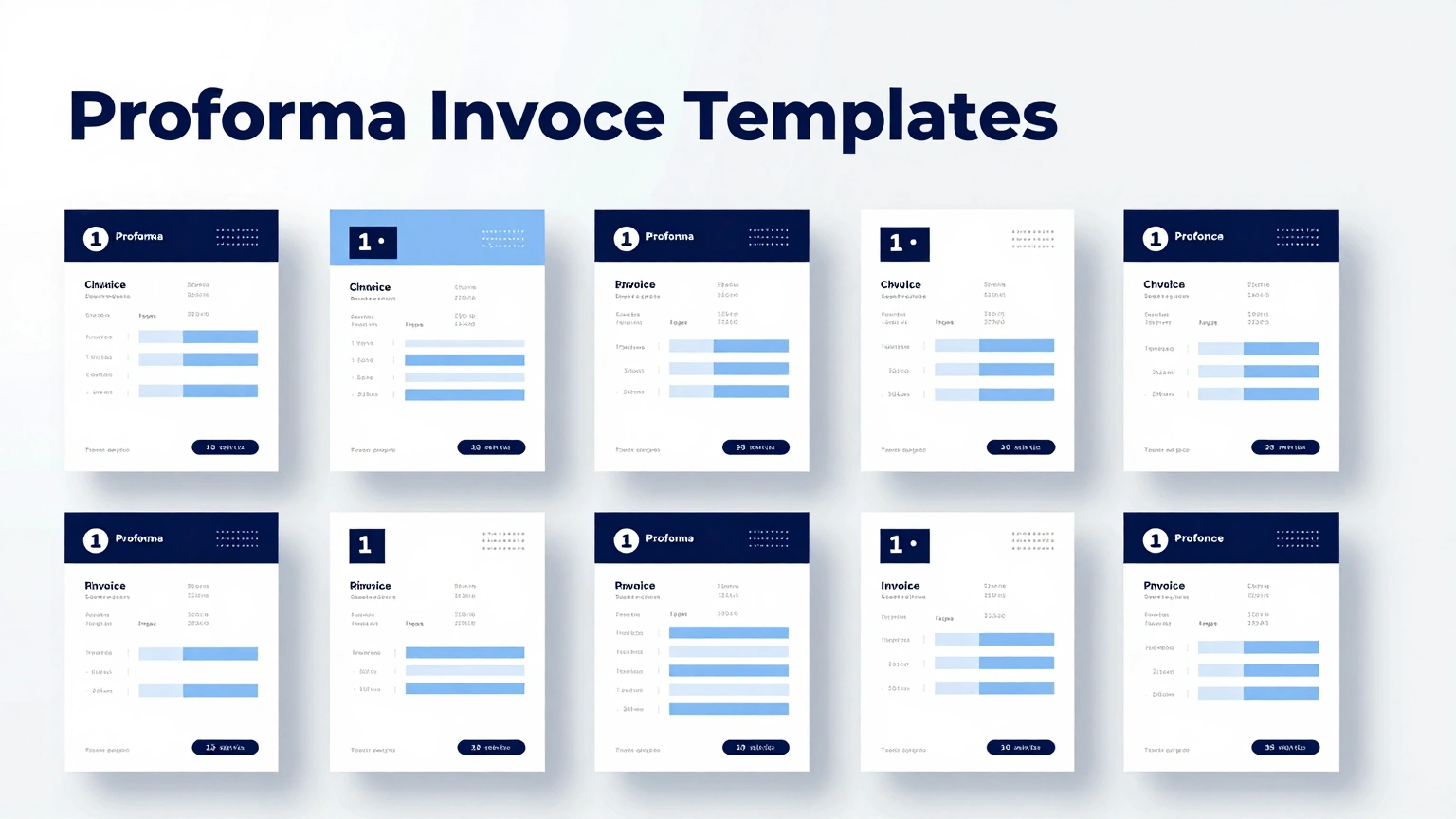
Showing 10 of 30 templates
Frequently Asked Questions About Our Templates
Common questions about creating and using our Proforma Invoice templates.
- Are these Proforma Invoice templates free to use?
- Yes, every Proforma Invoice template is completely free to open, edit and download. There are no watermarks or export limits. Exporters, importers and freelancers quoting international work can produce as many preliminary invoices as deals require without cost. The whole process happens in your browser, so there is nothing to install and nothing to configure before you start editing your document.
- What sections does a Proforma Invoice template include?
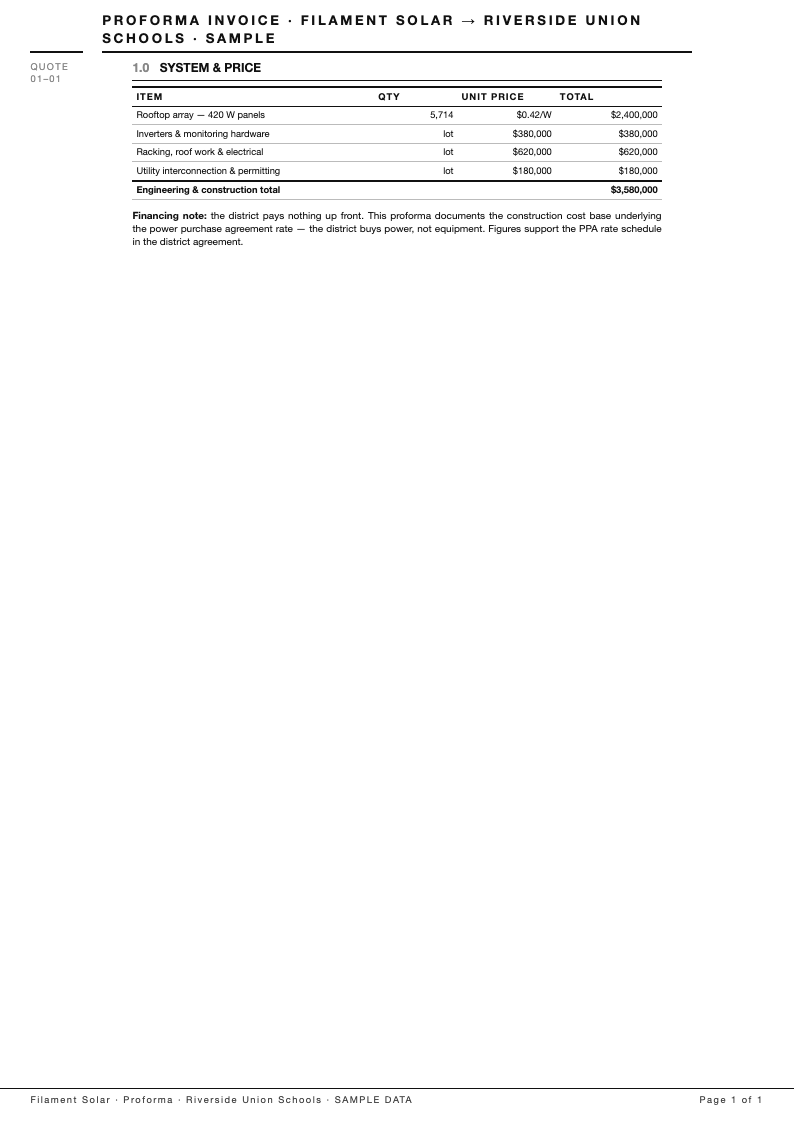
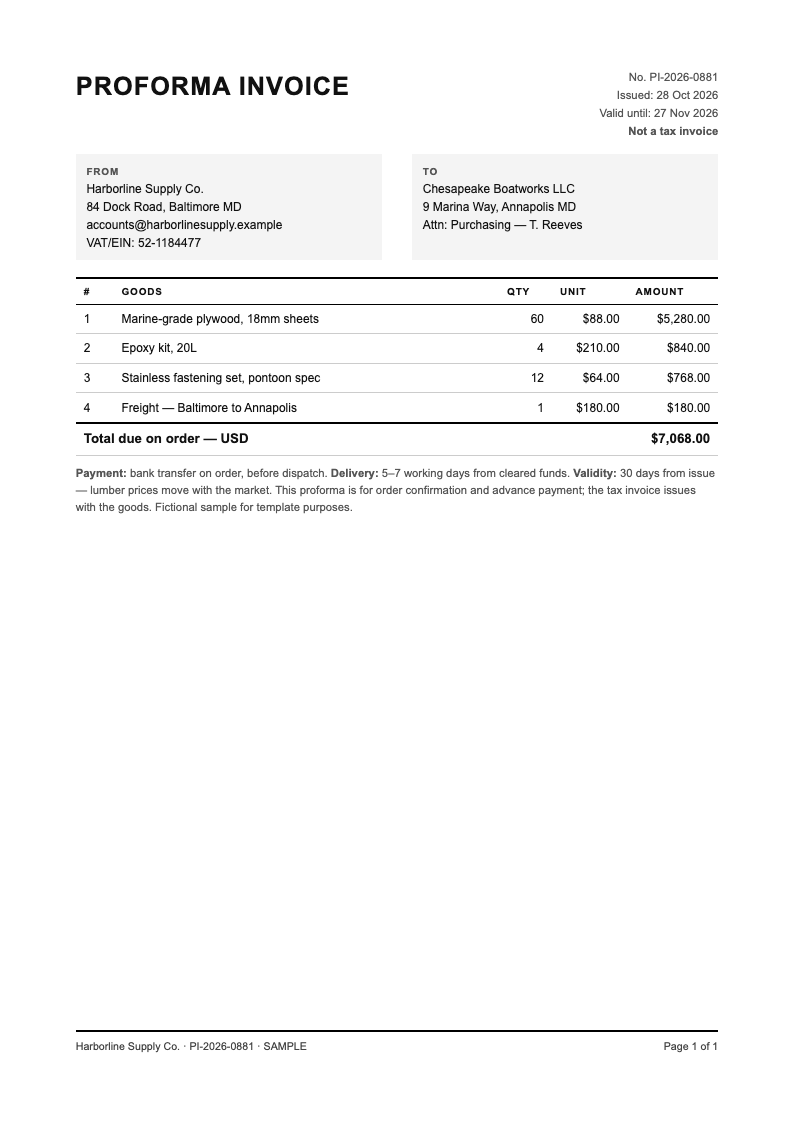
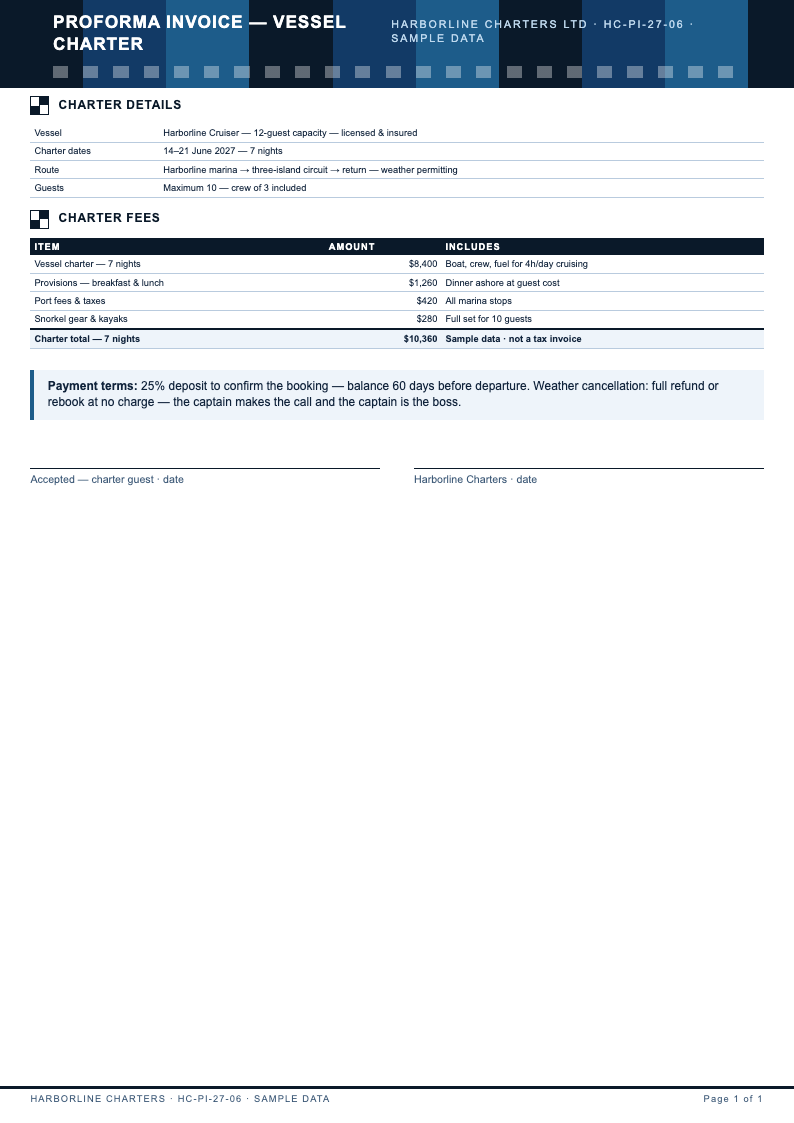
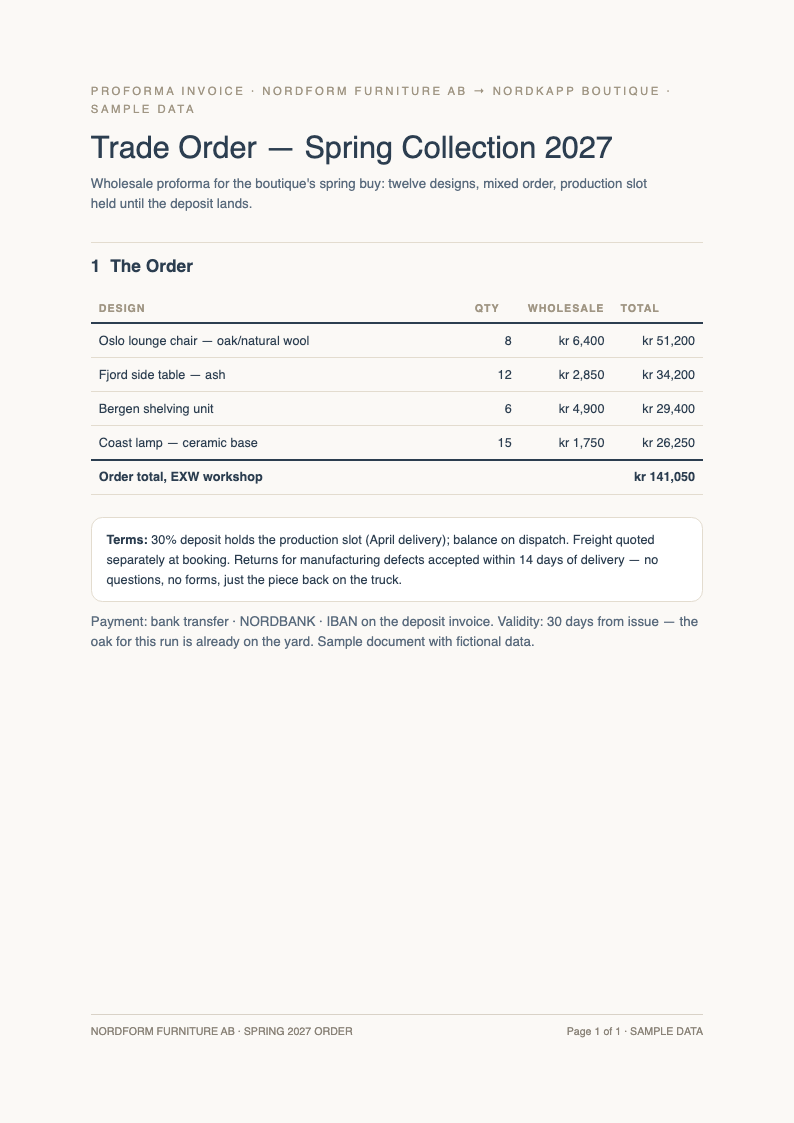
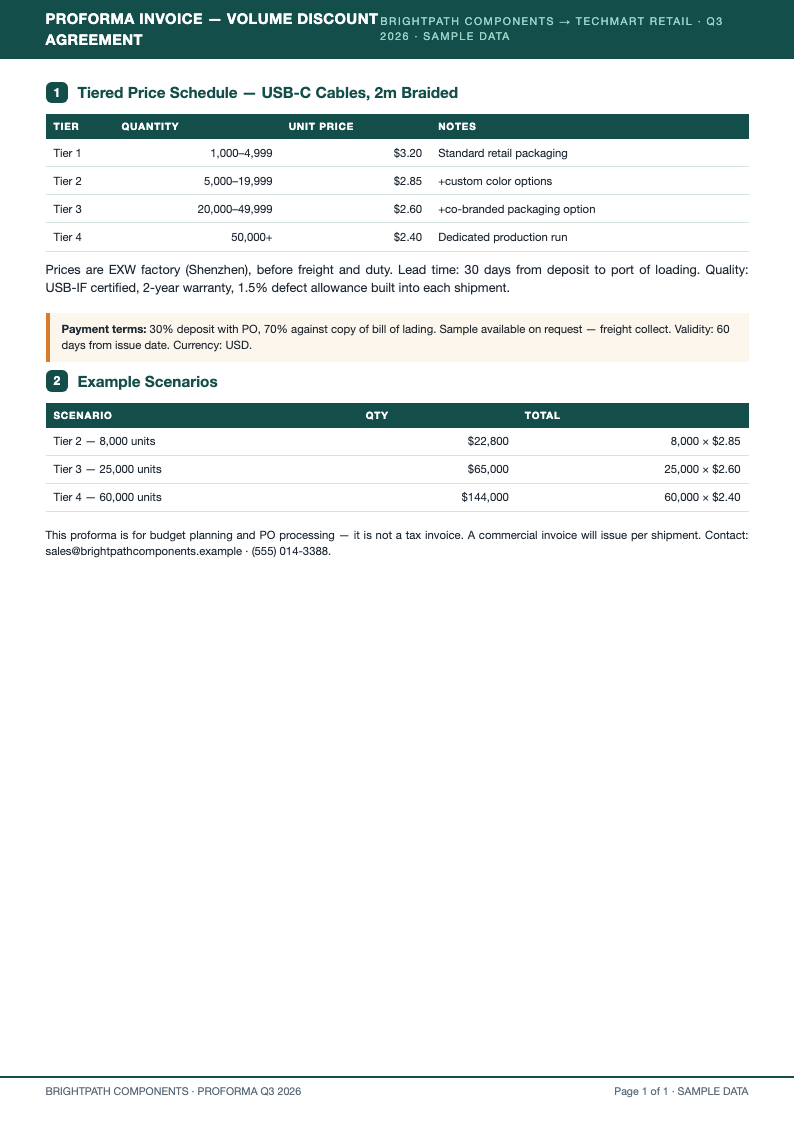
- A complete Proforma Invoice template carries seller and buyer details, a document number and date, a goods table with quantities and unit prices, currency, Incoterms, payment terms, validity period and signature block. Customs officers and banks rely on exactly this structure. If anything looks off, you can adjust fonts, spacing, and section order until the page reads exactly the way you want it to.
- What is the difference between a Proforma Invoice and a commercial invoice?
- A Proforma Invoice is a preliminary quote issued before the sale, while a commercial invoice is the final billing document that triggers payment. The Proforma Invoice layouts mark documents clearly as proforma, preventing confusion at customs or during bank processing. You can adapt any Proforma Invoice template in just a few minutes, swapping in your own details while the underlying structure keeps everything organized and easy to follow.
- Can I customize the goods table in the template?
- Yes. Add or remove columns such as HS codes, weight, packaging and country of origin. Because every Proforma Invoice table is editable, you can match the layout your buyer, freight forwarder or bank prefers without starting from scratch. A well-built Proforma Invoice template saves you from starting on a blank page, which means your energy goes into the content instead of spacing, margins, and alignment.
- What file formats can I export my Proforma Invoice to?
- Export your finished Proforma Invoice as PDF for buyers and banks or Word for internal edits. PDF is the standard for quotations traveling by email, and the locked layout ensures quantities and prices appear exactly as you typed them. Feel free to compare several Proforma Invoice template versions before committing, because every layout in the collection downloads instantly and opens in the same simple editor.
- Do the templates support Incoterms like FOB and CIF?
- Yes. Each Proforma Invoice layout includes a terms field where you enter FOB, CIF, EXW or DAP with the named port or place. Stating Incoterms precisely prevents disputes about who pays freight, insurance and duties later in the transaction. The goal of every Proforma Invoice template on this page is simple: professional results for anyone who needs a reliable document without a steep learning curve.
- Can I include banking details for the buyer's payment?
- Yes. Add beneficiary name, account number, SWIFT code and bank address in the payment terms section. International buyers use your Proforma Invoice to arrange transfers and letters of credit, so accurate banking details keep the deal moving. If you are unsure which Proforma Invoice template fits your situation best, start with the most popular layout and adjust individual sections as your requirements become clearer.
- Do you have filled Proforma Invoice examples?
- Yes. Completed samples accompany the blank layouts. Reviewing a finished Proforma Invoice shows how professional goods descriptions, HS codes and total calculations are actually presented in trade, which helps first-time exporters avoid customs queries and buyer confusion. Because each Proforma Invoice template loads directly in the browser editor, you can preview every change in real time and undo anything that does not look right.
- How long is a Proforma Invoice valid?
- Most quotes state a validity period of fifteen to thirty days, since prices and freight rates move. The Proforma Invoice templates include a validity field, and stating it explicitly protects you from honoring outdated prices months later. Teams often standardize on a single Proforma Invoice template so every submitted document looks consistent, which makes reviews faster and feedback much easier to act on.
- Can I use the template for a letter of credit?
- Yes. Banks frequently require a Proforma Invoice when opening a letter of credit. The layouts provide the structure banks check: consistent buyer names, precise goods descriptions and totals that match the credit application, reducing amendment cycles. Downloading your Proforma Invoice template in Word or PDF format keeps the file portable, so you can email it, archive it, or print it without formatting surprises.
- Is the template suitable for service businesses?
- Yes. Replace the goods table with service line items, milestones and rates. A Proforma Invoice for consulting or creative work gives clients a formal quote to approve internally before the final commercial invoice is issued. A thoughtfully designed Proforma Invoice template also protects you from omissions, since its preset sections prompt you for the details that readers tend to look for first.
- Can I add my company logo and branding?
- Yes. Insert your logo, brand colors and fonts into any Proforma Invoice layout. Branded documents reinforce professionalism, and the editor keeps table alignment intact, so your logo never crowds the figures buyers and customs officers need to read. You keep full control over every Proforma Invoice template you download, with no watermarks and no hidden steps standing between you and the finished file.
- How do taxes appear on a Proforma Invoice?
- The totals section supports tax lines such as VAT or GST, calculated per your jurisdiction and the destination country's rules. State tax treatment clearly on your Proforma Invoice, since exporters often note zero-rated or buyer-responsible taxes. Many visitors download a Proforma Invoice template first and customize it afterward, which is a practical way to meet a tight deadline without sacrificing overall quality.
- Can I number my Proforma Invoices consistently?
- Yes. The layouts include document number and date fields, and a common practice prefixes proforma numbers differently from final invoices, such as PI-2026-001. Consistent numbering makes your Proforma Invoice archive easy to audit and reference. Whichever Proforma Invoice template you choose, the editing controls work the same way, so learning one layout means you already know how to use them all.
- Do I need accounting software to create one?
- No. The Proforma Invoice templates handle layout, tables and totals presentation online. If you can list your goods and prices, the editor produces a document that looks like it came from dedicated trade software, ready for any buyer or bank. Bookmark the Proforma Invoice template collection that matches your workflow, and you will always have a dependable starting point ready the next time a document is due.
Ready to Confirm Your Next Order?
Issue a professional Proforma Invoice in minutes. Edit goods, Incoterms and payment terms online, then export a document buyers, banks and customs officers accept without questions.
Free templates • AI-powered editing • No sign-up required