Edit Lab Report Cover Page Templates Online for Free
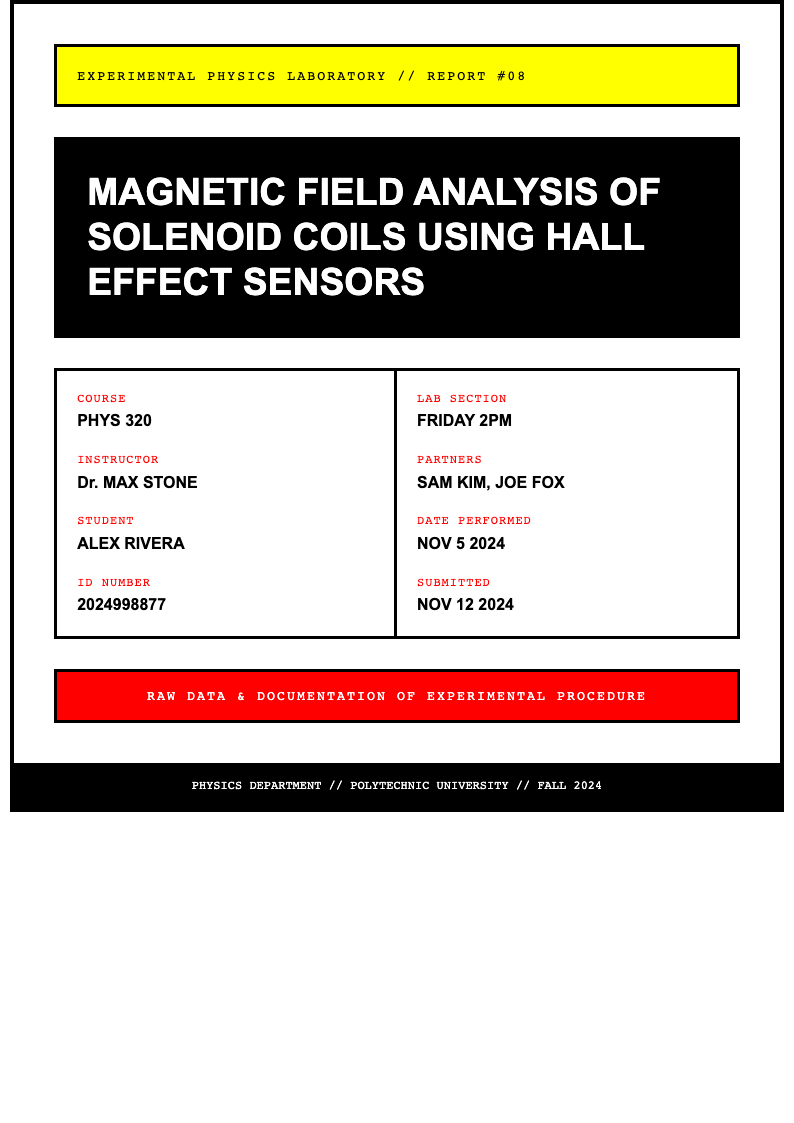
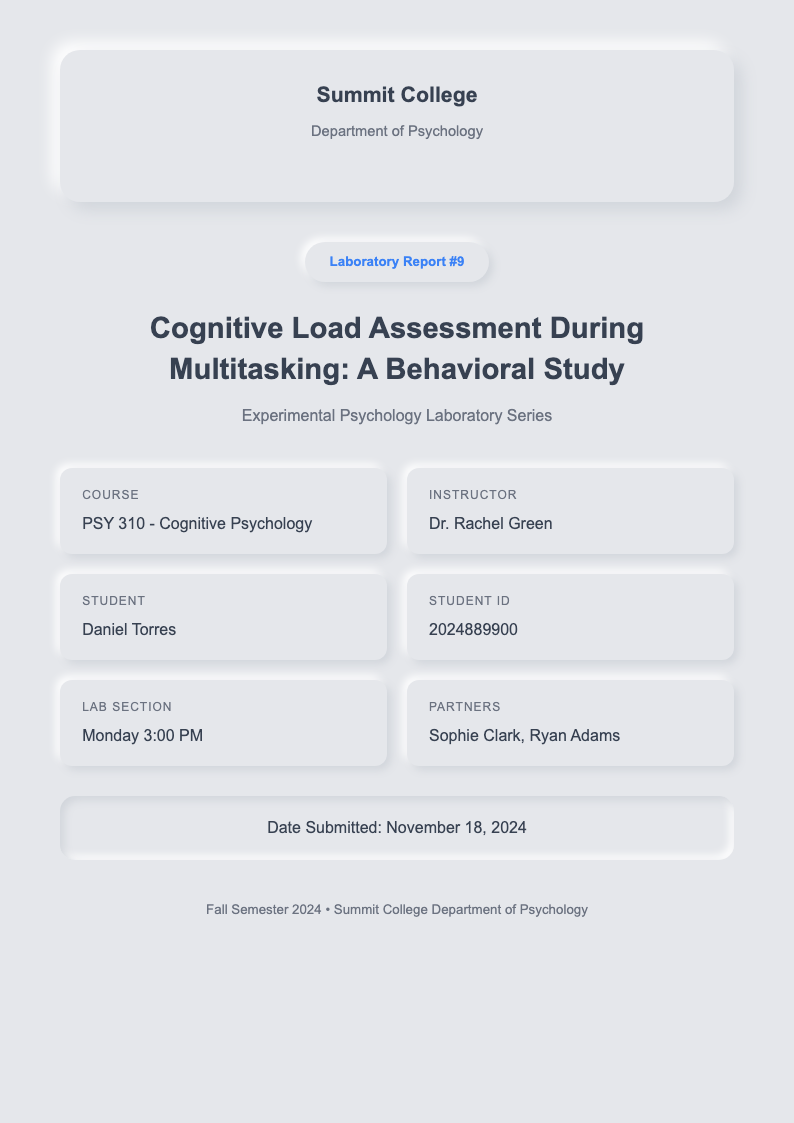
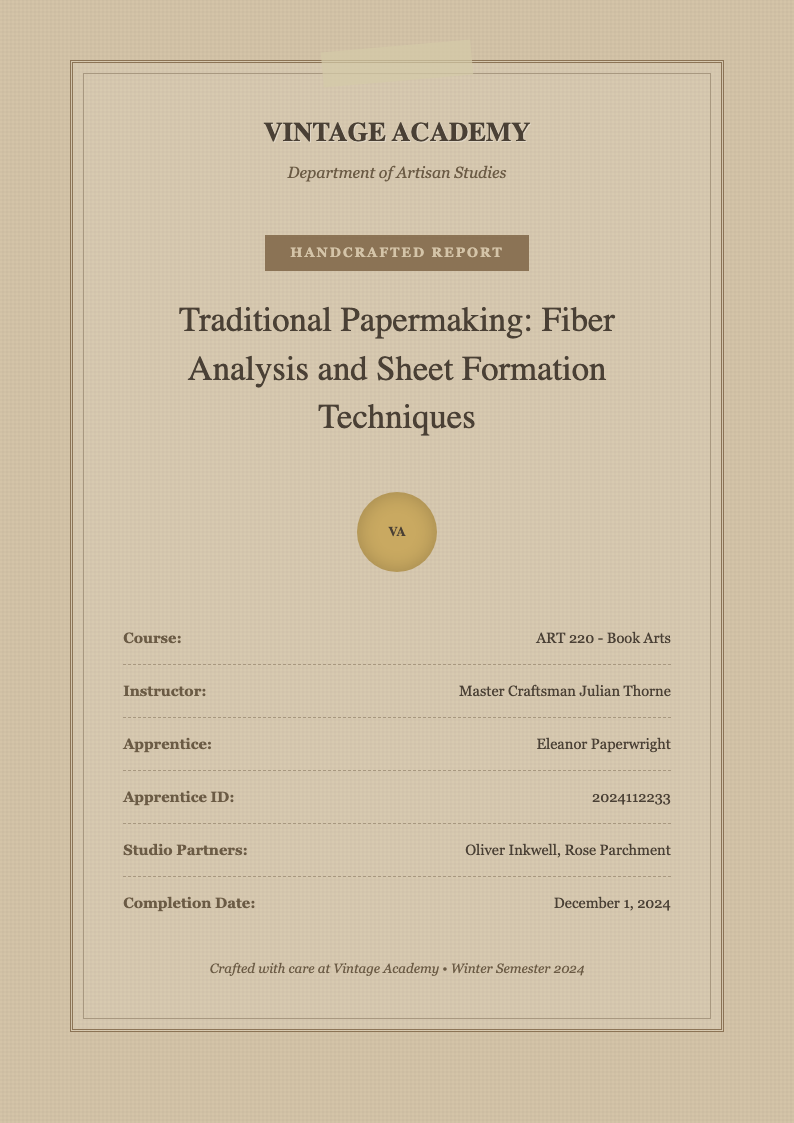
Use AI Formatter to quickly customize professional lab report cover page templates online—no software needed. Choose from a variety of clean, academic designs, edit text in your browser, and download or print your finished cover page in seconds.
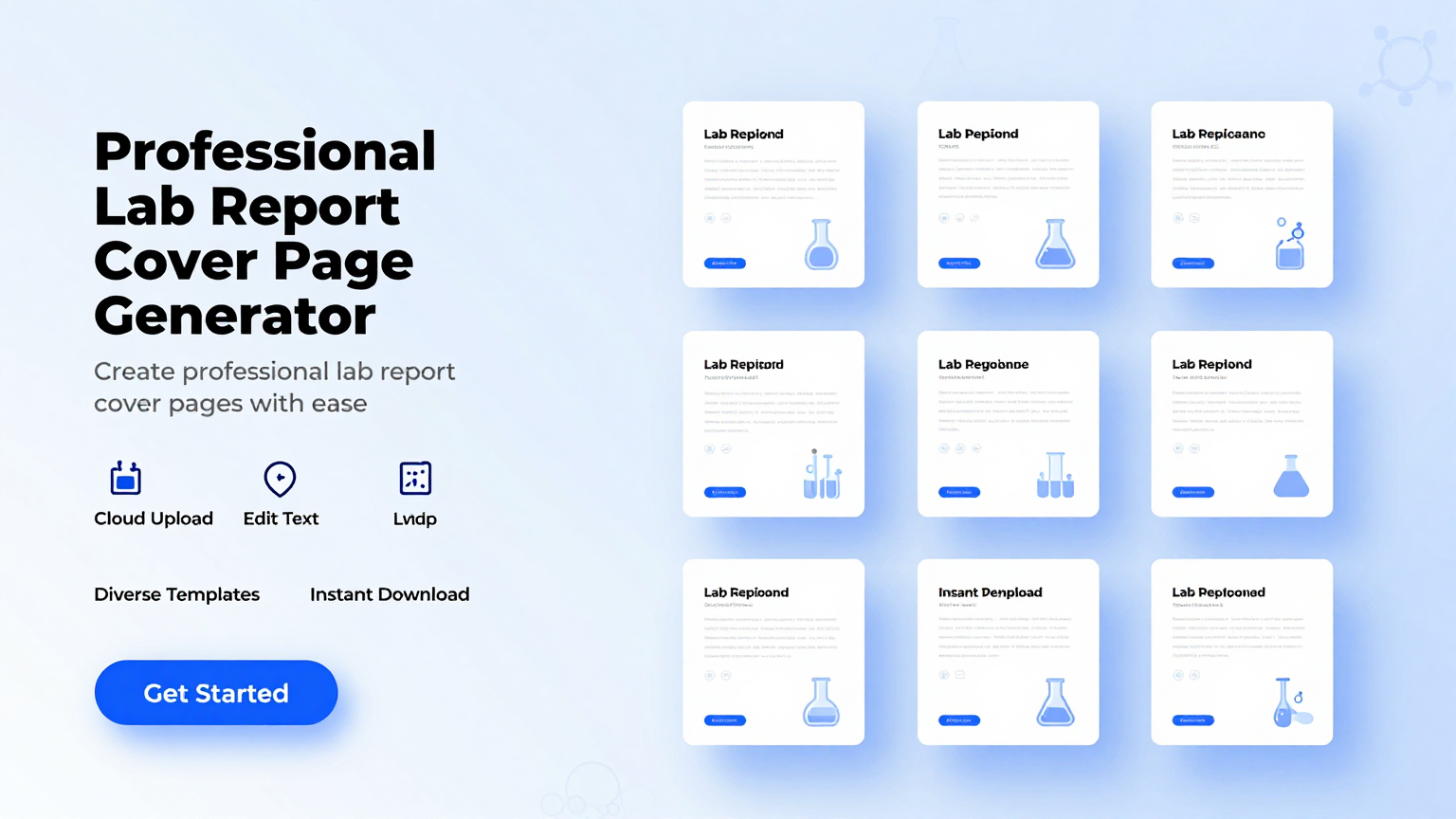
Showing 10 of 30 templates




Frequently Asked Questions About Our Templates
Get answers to common questions about our professional template collection and how to use them effectively.
- Are your lab report cover page templates really free to use?
- Yes, all our lab report cover page templates are completely free to use with no restrictions. You can view, edit, download, and print them without paying anything or creating an account. We believe students and educators should have easy access to professional-looking academic materials without any financial barriers or hidden fees.
- Can I edit a lab report cover page template in Microsoft Word?
- Absolutely. Every lab report cover page template is available in standard .docx (Word) format, which opens seamlessly in Microsoft Word, Google Docs, and other word processors. Once downloaded, you can modify fonts, colors, spacing, and content just like any regular document, giving you full control over the final appearance.
- How do I customize a lab report cover page using your tool?
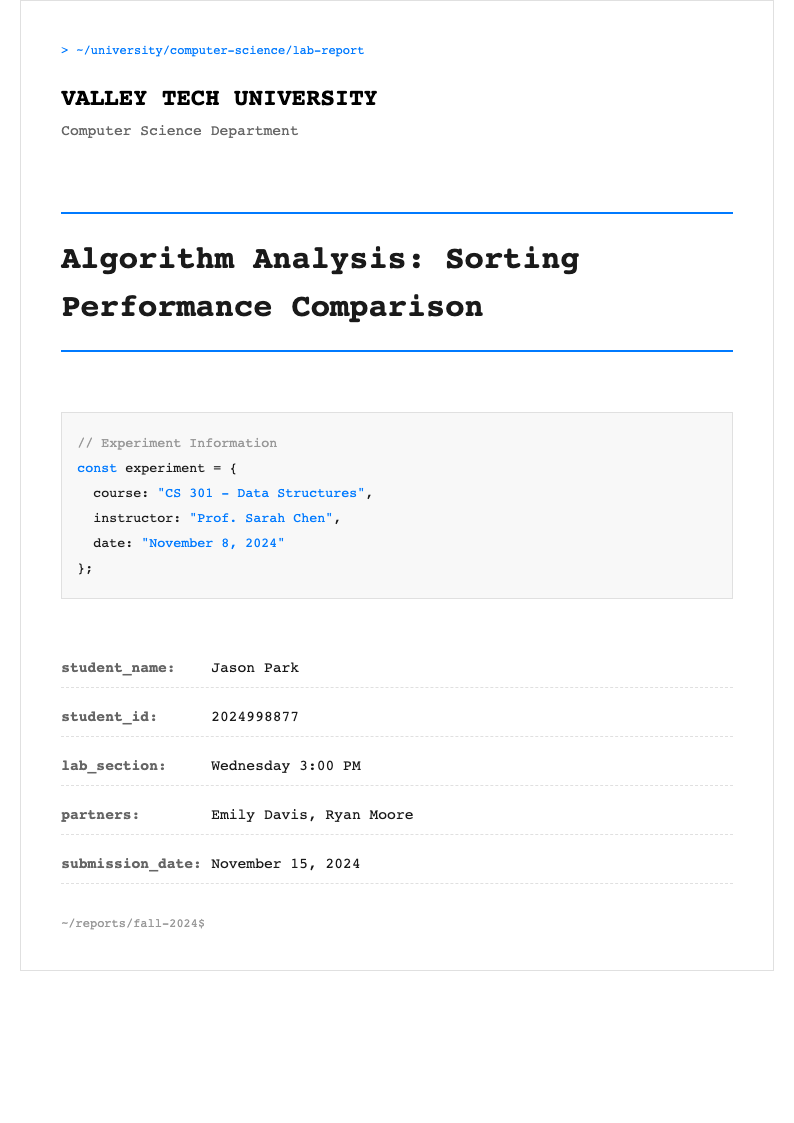
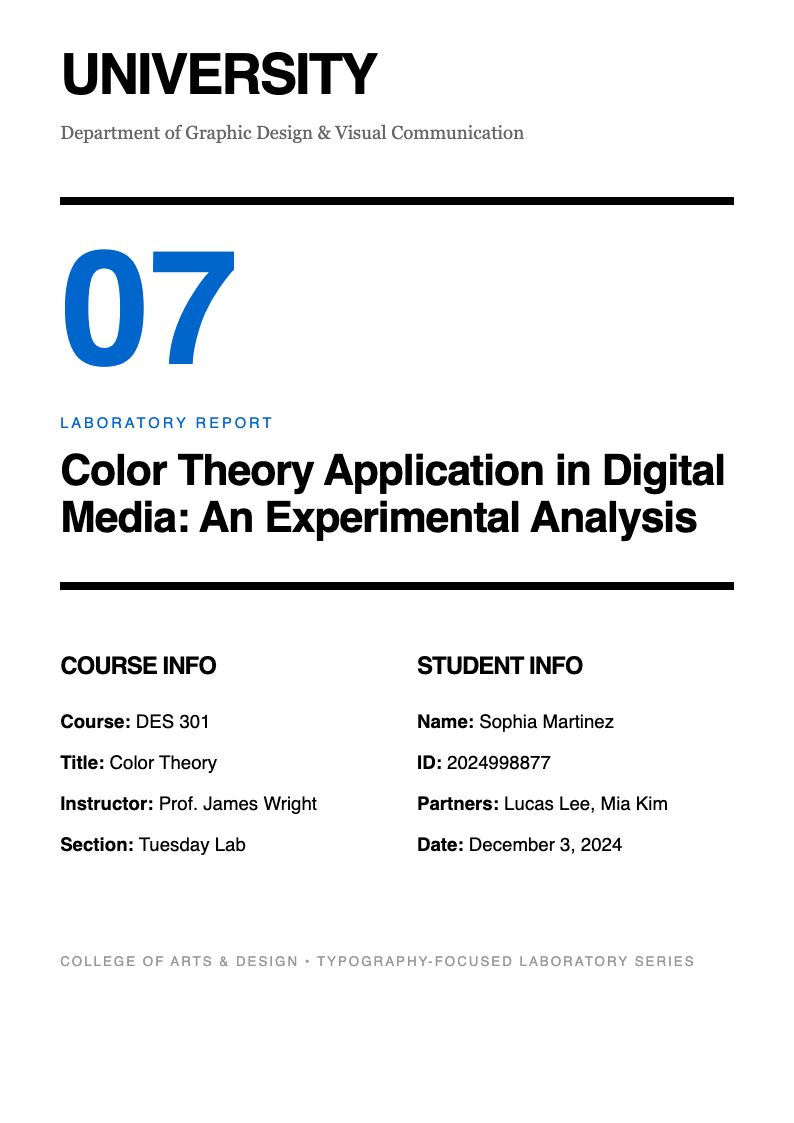
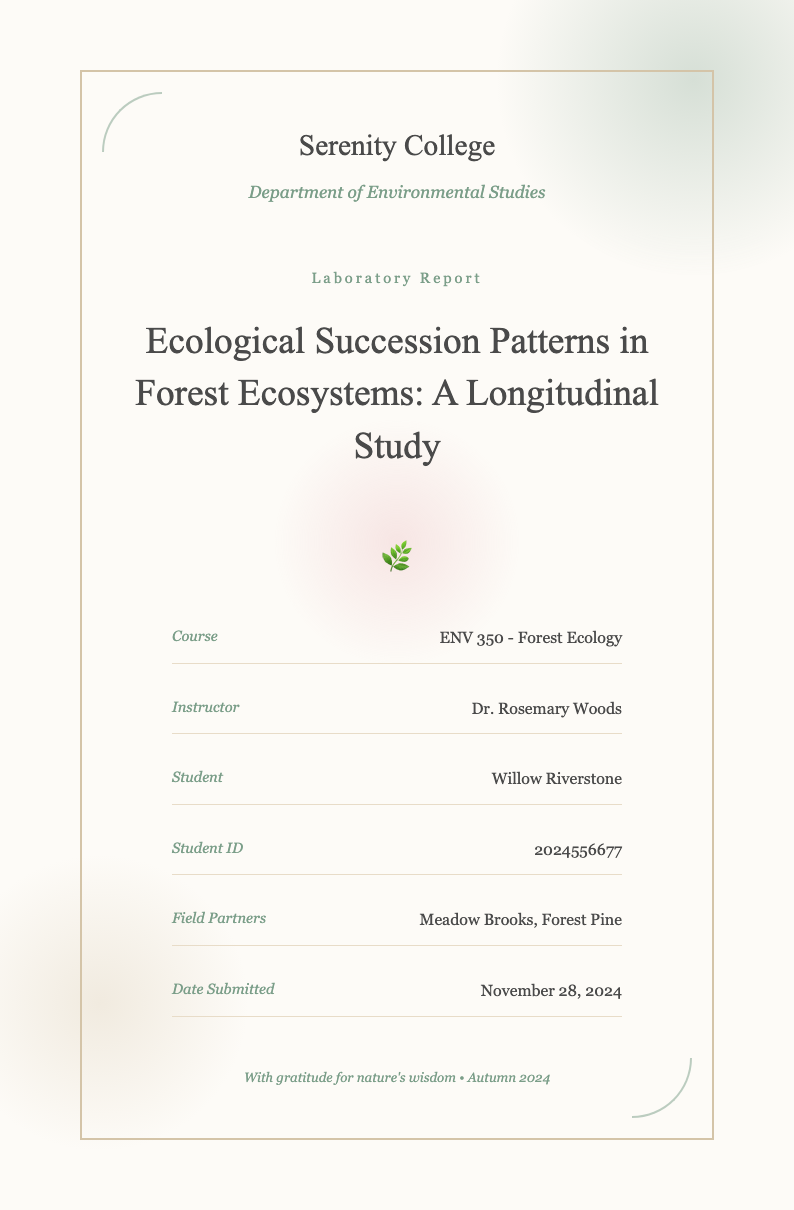
- Customizing a lab report cover page is simple and intuitive. First, select a template that catches your eye, then click the Edit Online button to start making changes. You can type directly into the fields for your name, course, instructor, date, and title. You can also adjust formatting, add your school logo, or change layout elements—all within your browser.
- What file formats are available for the lab report cover page templates?
- Our lab report cover page templates are primarily offered in editable .docx (Microsoft Word) format for maximum flexibility and easy customization. Some designs also include a printable PDF version for quick printing when you don't need to make changes. Both formats maintain professional styling and are compatible with most devices and operating systems.
- Can I print my customized lab report cover page directly?
- Yes, once you've edited your lab report cover page template, you can print it immediately from your browser or after downloading the file. The templates are designed with standard letter-size (8.5" x 11") margins and clear typography to ensure crisp, professional results on any home or office printer, giving you a polished document every time.
- Do I need to sign up to download a lab report cover page template?
- No sign-up is required at all to use our service. You can browse, edit, and download any lab report cover page template instantly without providing an email address or creating an account. We keep the process fast and private so you can focus on your assignment without unnecessary steps, distractions, or privacy concerns.
- Are these lab report cover page templates suitable for high school and college?
- Yes, our lab report cover page templates are designed to meet academic standards for both high school and college-level coursework. They include appropriate fields for student name, course number, instructor, date, experiment title, and institution—ensuring your submission looks polished and professional regardless of your education level or institution.
- Can I add my school's logo to a lab report cover page?
- Yes, you can easily insert your school or university logo into any lab report cover page template. When editing online or in Word, simply click where you want the logo to appear and upload your image file. Make sure it's not too large so it doesn't disrupt the clean layout of the cover page, and position it appropriately for a professional look.
- Will my edited lab report cover page save automatically?
- While editing online, changes appear in real time, but they aren't saved permanently to our servers. To keep your customized lab report cover page template, click the download button to save it to your device. This ensures you always have a copy you can reuse, print, or share later without worrying about losing your work or changes.
- How many lab report cover page templates do you offer?
- We currently offer over twenty professionally designed lab report cover page templates, ranging from minimalist and modern to classic academic styles. New designs are added regularly based on user feedback and educational trends, so you'll always find a layout that matches your course requirements, personal preference, or institutional guidelines.
- Can I use these lab report cover page templates for group projects?
- Yes, our lab report cover page templates work exceptionally well for group assignments. Simply edit the student name field to include all group members' names, or add a separate line for Group Members. The layout remains clean and organized, ensuring your collaborative work maintains a professional appearance that instructors will appreciate for team submissions.
- Are the lab report cover page templates compatible with Google Docs?
- Yes, all our lab report cover page templates in .docx format can be opened and edited in Google Docs. Just upload the downloaded file to your Google Drive, then open it with Docs. You'll retain full editing capabilities, including font changes, text alignment, and image insertion, making it easy to collaborate with classmates online.
- Do the templates follow standard academic formatting guidelines?
- Our lab report cover page templates are designed with common academic conventions in mind, including centered titles, clear headings, and appropriate spacing. While specific department requirements may vary, these templates provide a strong foundation that aligns with general university and high school expectations for lab submissions, helping you meet most standards.
- Can I reuse a lab report cover page template for multiple reports?
- Definitely. Once you download a lab report cover page template, you can reuse it as many times as you like for different assignments. Just update the relevant fields—such as experiment title, date, and course—for each new report. This saves significant time and ensures consistency across all your lab submissions throughout the semester or year.
- Is technical support available if I have trouble editing a lab report cover page?
- While we don't offer live support, our templates are built for simplicity and require no special skills to use effectively. If you encounter issues, check that you're using a modern browser or try opening the .docx file in Word or Google Docs. Most editing tasks—like changing text or adjusting margins—are straightforward and intuitive for any user.
Ready to Create Professional Documents with Our Templates?
Choose from our extensive collection of professionally designed templates. Start building polished, professional documents today with our free templates and AI-powered formatting tools.
Free templates • AI-powered editing • No sign-up required