Edit Google Docs Screenplay Templates Online for Free
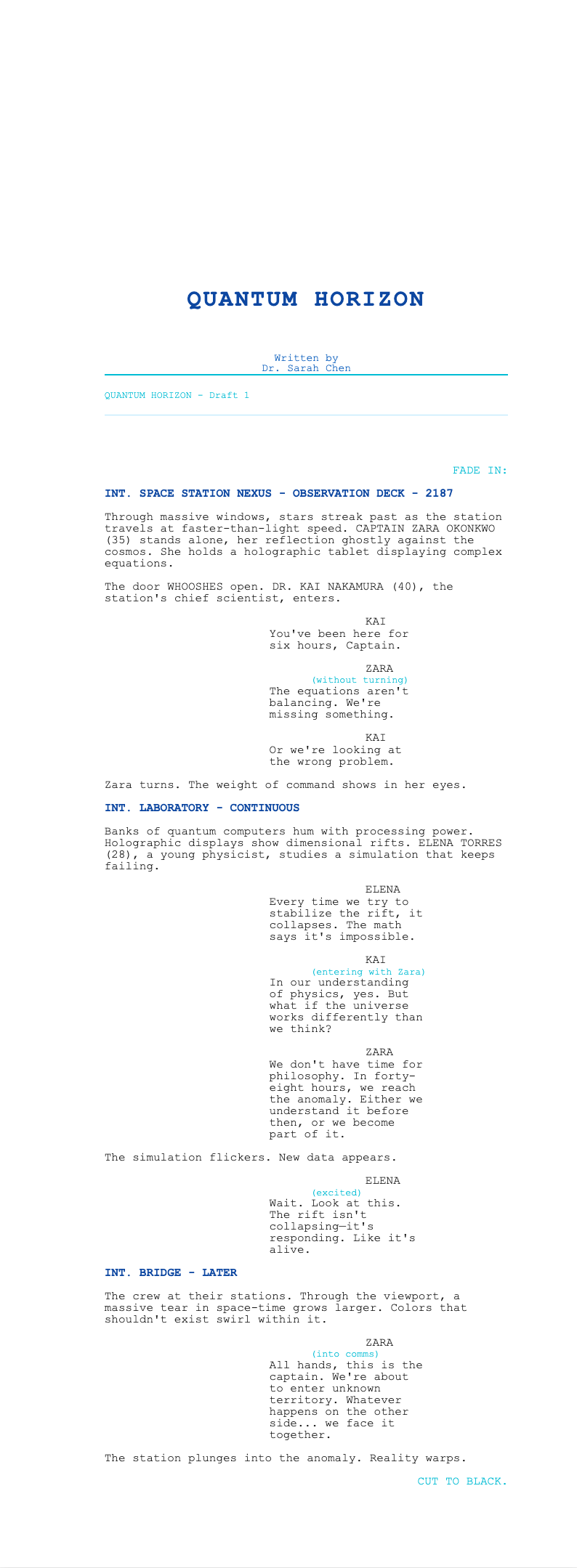
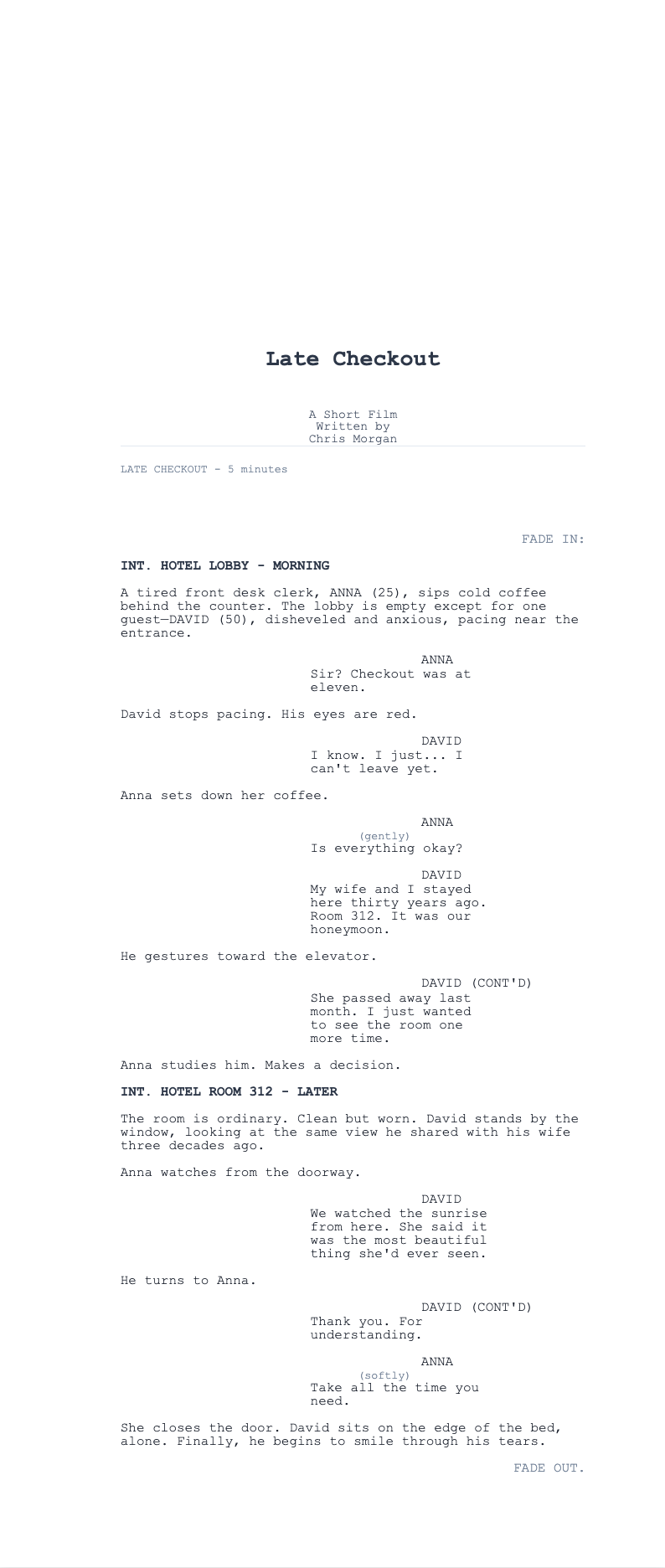
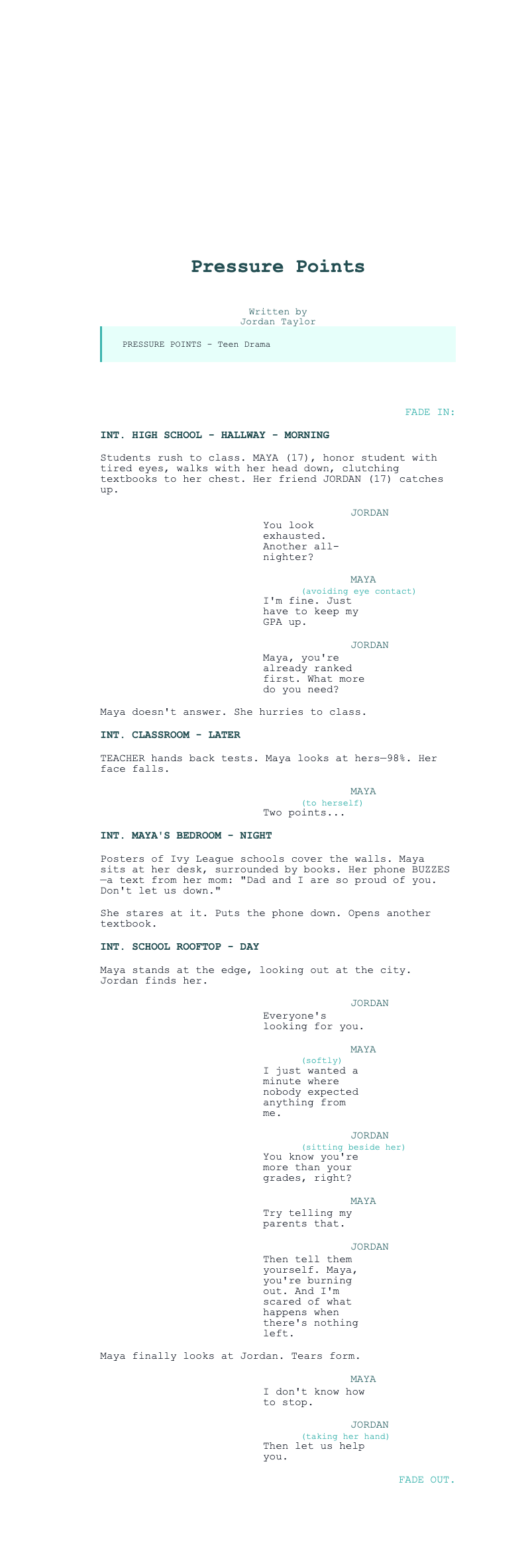
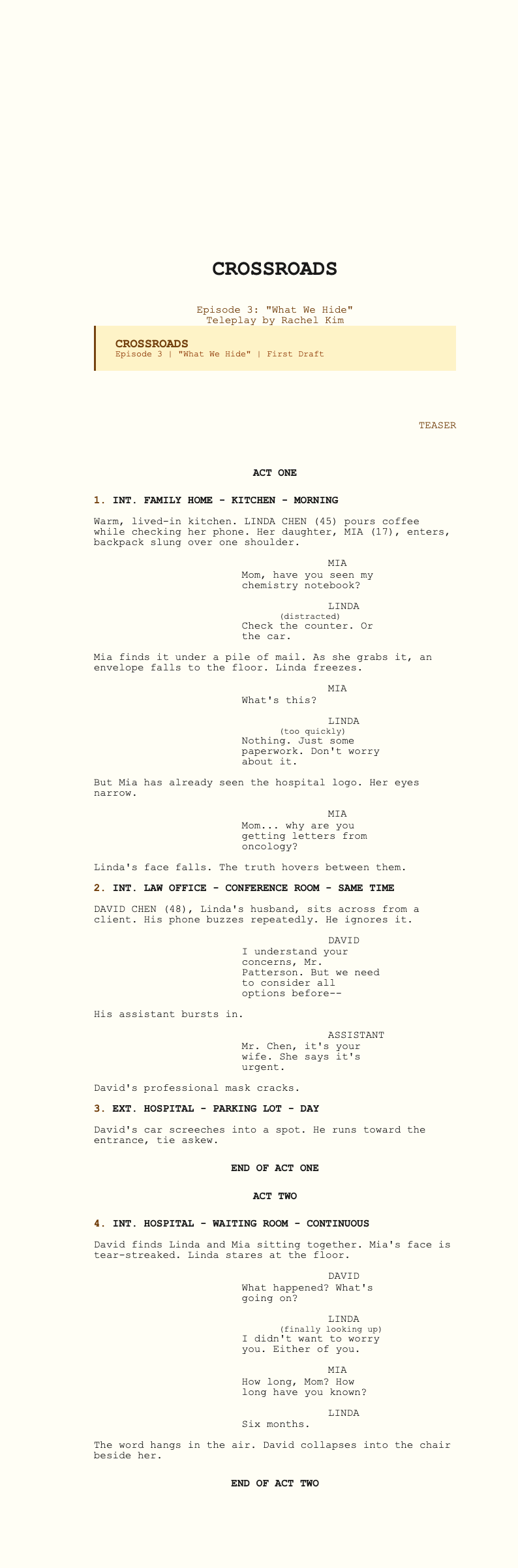
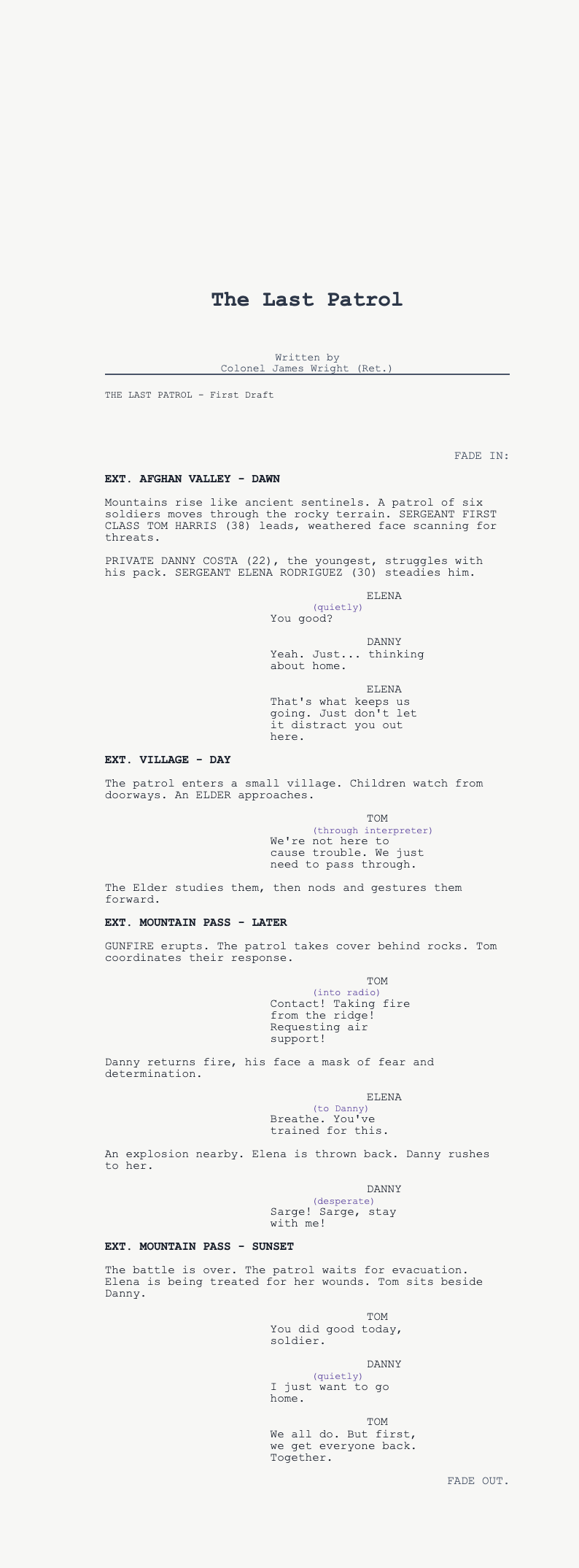
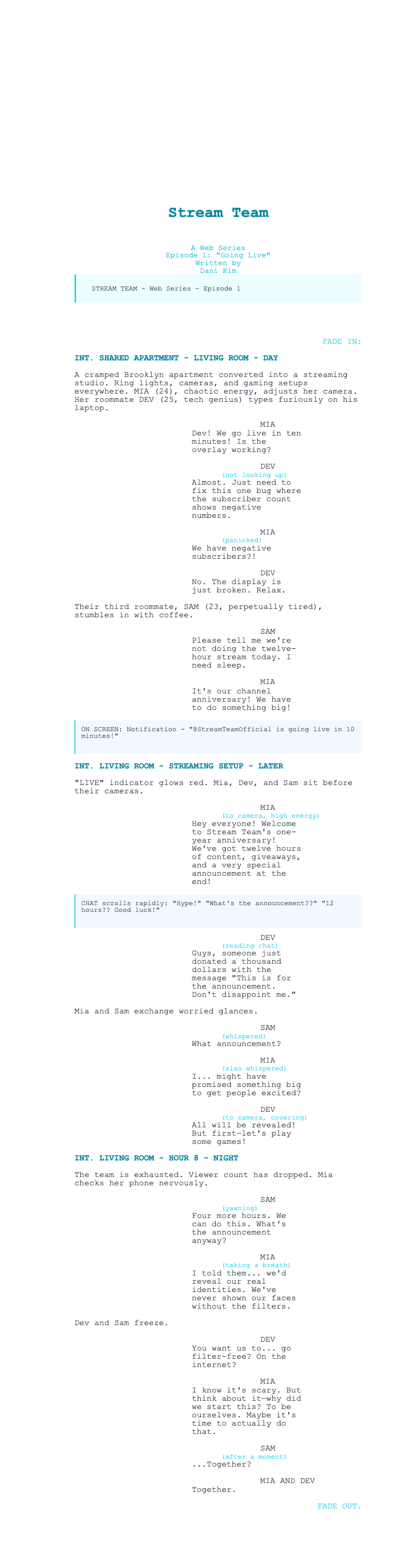
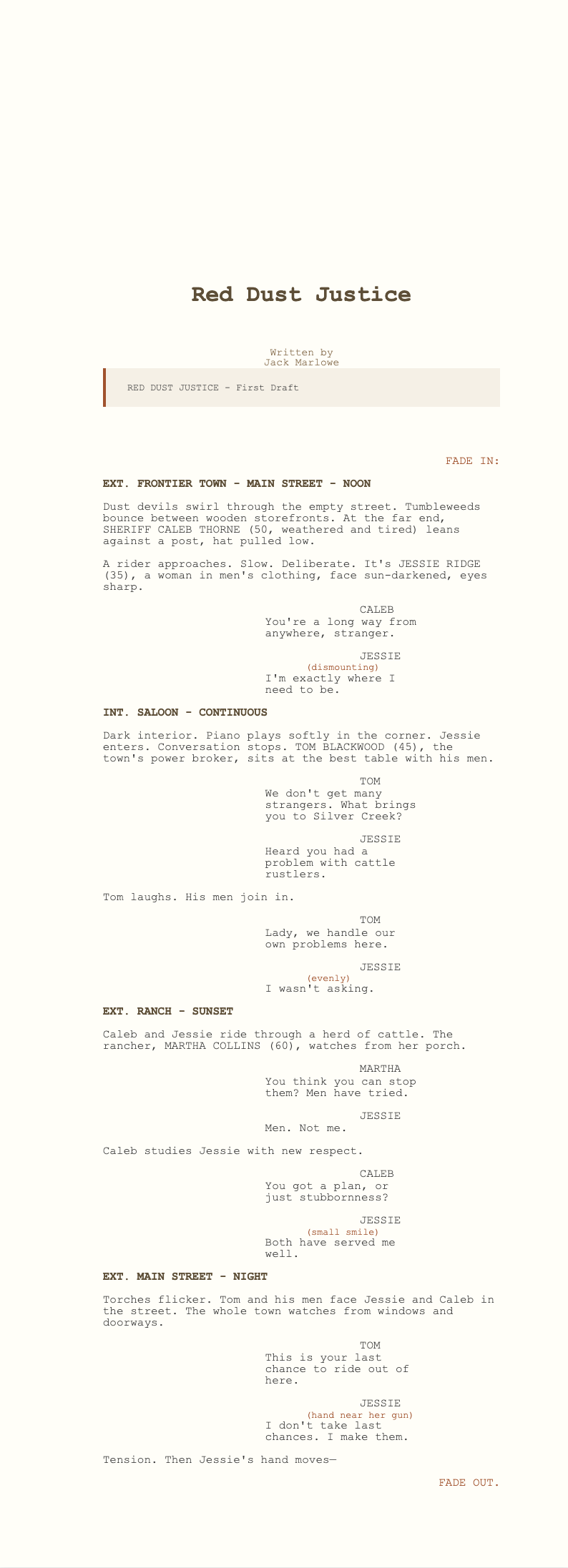
Write screenplays in Google Docs with AI Formatter's collection of Google Docs Screenplay templates. Edit online or download for Word to create professional scripts with proper formatting.
Showing 10 of 30 templates
Frequently Asked Questions About Our Templates
Common questions about using our Google Docs Screenplay templates for your writing projects.
- Are these Google Docs Screenplay templates free to use?
- Yes, all Google Docs Screenplay templates are completely free to download, edit, and use for your screenwriting projects. There are no hidden fees or watermarks. You can access and customize any Google Docs Screenplay template directly through AI Formatter without paying anything.
- Can I use these templates directly in Google Docs?
- Absolutely! Our Google Docs Screenplay templates are designed to work seamlessly with Google Docs. Simply download the Google Docs Screenplay template and upload it to your Google Drive, or copy and paste the formatting directly into a new Google Docs Screenplay document.
- Do these templates follow proper screenplay formatting?
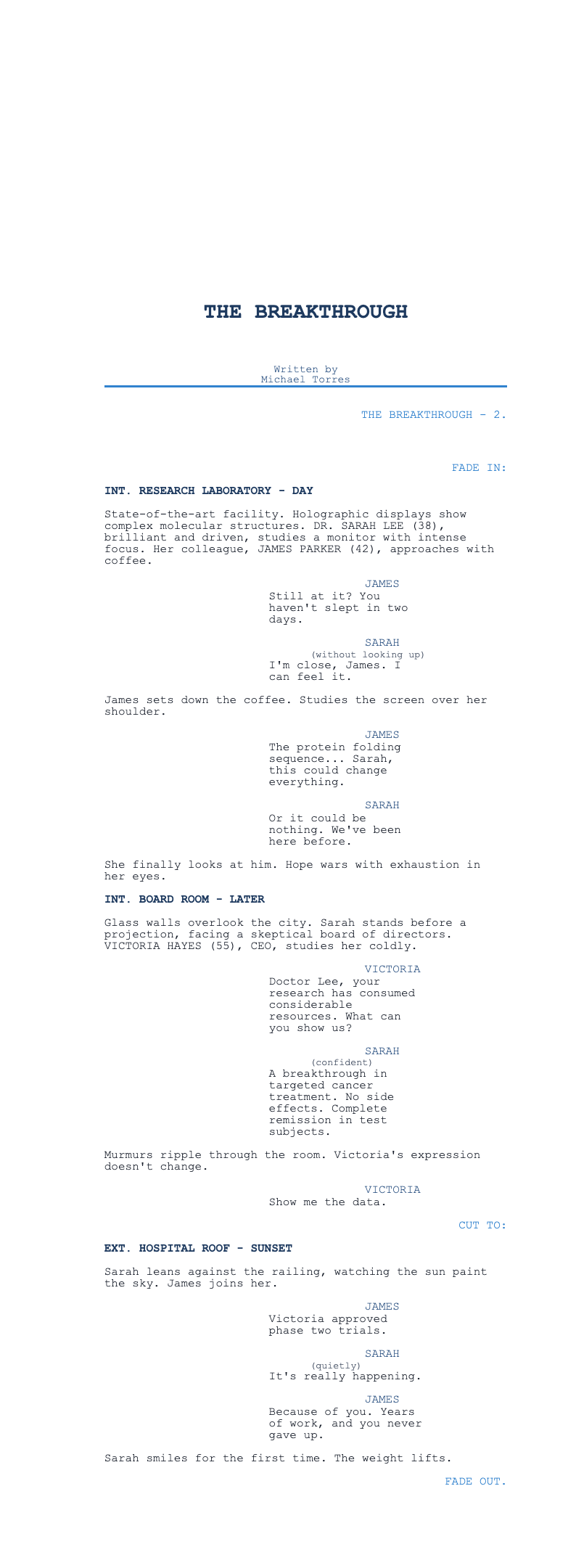
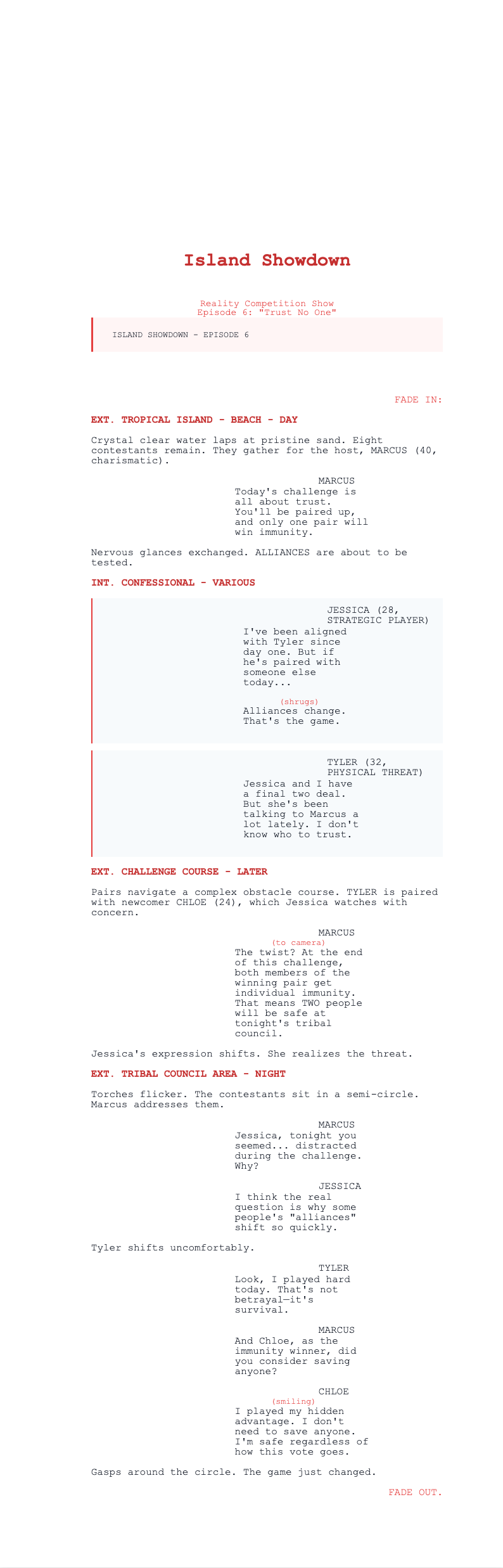
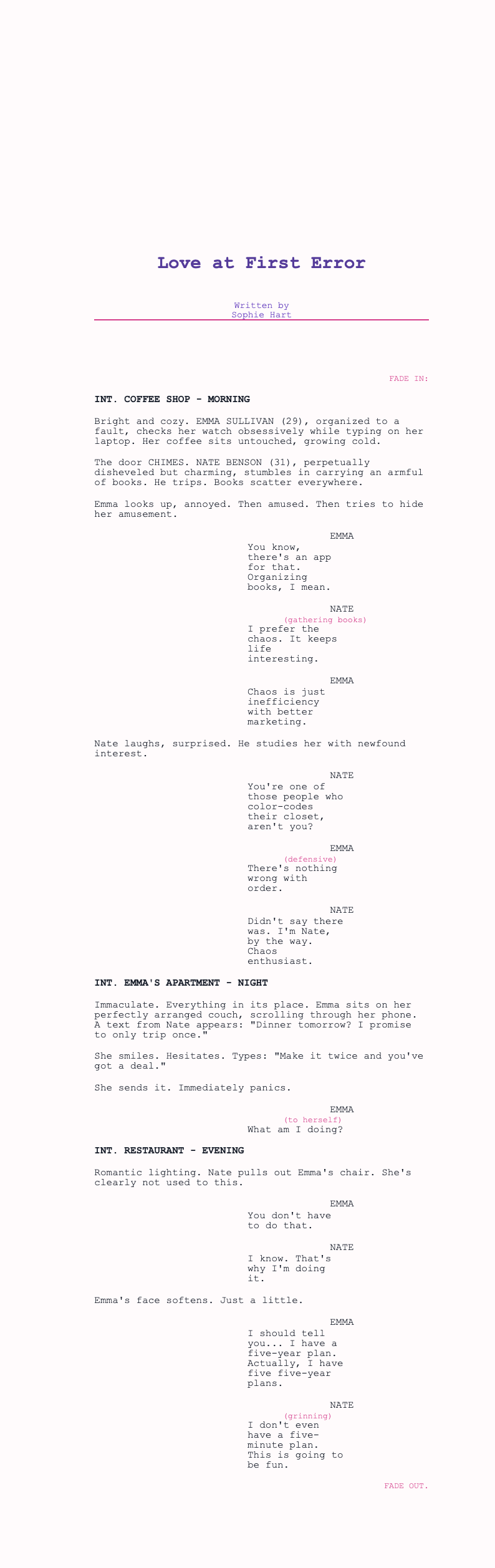
- Yes, every Google Docs Screenplay template in our collection follows industry-standard screenplay formatting conventions. This includes proper scene headings, character names, dialogue formatting, action lines, and transitions that meet Hollywood standards in each Google Docs Screenplay template.
- Can I share Google Docs Screenplay templates with collaborators?
- Yes! Since these Google Docs Screenplay templates work in Google Docs, you can easily share them with writing partners, script consultants, or collaborators. Google Docs Screenplay template sharing allows real-time collaboration and commenting on your screenplay.
- What font should I use for Google Docs Screenplay formatting?
- Our Google Docs Screenplay templates use Courier or Courier New 12pt font, which is the industry standard for screenplays. The Google Docs Screenplay template comes pre-formatted with correct font settings so you don't have to worry about typography.
- Are Google Docs Screenplay templates suitable for TV scripts?
- Yes, our Google Docs Screenplay template collection includes templates for various formats including feature films, TV pilots, and short films. Each Google Docs Screenplay template is properly structured for its intended use.
- How do I set up margins in Google Docs Screenplay templates?
- Our Google Docs Screenplay templates come with pre-set margins that meet industry standards. When you use a Google Docs Screenplay template, the margins are already configured correctly, typically 1.5 inches on the left and 1 inch on other sides.
- Can I convert Google Docs Screenplay templates to PDF?
- Yes, you can easily convert any Google Docs Screenplay template to PDF format directly from Google Docs. Simply go to File > Download > PDF Document to create a professional PDF of your Google Docs Screenplay template.
- Do Google Docs Screenplay templates auto-save?
- Yes! One advantage of using Google Docs Screenplay templates is Google Docs' automatic save feature. Your Google Docs Screenplay template saves automatically to Google Drive, preventing loss of your screenplay work.
- Can I access Google Docs Screenplay templates offline?
- Yes, you can enable offline access in Google Docs to work on your Google Docs Screenplay template without internet connection. Any changes made offline will sync when you reconnect to the internet.
- Are there Google Docs Screenplay templates for different genres?
- Yes, our Google Docs Screenplay template collection includes templates optimized for various genres including drama, comedy, action, horror, and more. Each Google Docs Screenplay template maintains proper formatting while accommodating genre-specific elements.
- Can beginners use these Google Docs Screenplay templates?
- Absolutely! Our Google Docs Screenplay templates are designed to be user-friendly for writers of all experience levels. Beginners can learn proper screenplay formatting by studying the Google Docs Screenplay template structure.
- How do I print a Google Docs Screenplay template?
- Printing a Google Docs Screenplay template is simple. Go to File > Print in Google Docs, and your Google Docs Screenplay template will print with proper formatting. Ensure your page settings match the template specifications.
- Can I customize the Google Docs Screenplay template styles?
- Yes, you can customize styles in your Google Docs Screenplay template. However, we recommend maintaining industry-standard formatting. The Google Docs Screenplay template uses paragraph styles that you can modify if needed.
- Do Google Docs Screenplay templates include sample content?
- Yes, each Google Docs Screenplay template includes sample content demonstrating proper formatting for scene headings, dialogue, and action descriptions. This sample Google Docs Screenplay content serves as a helpful guide for correct structure.
Ready to Write Your Screenplay in Google Docs?
Start writing your screenplay with confidence using our professionally designed Google Docs Screenplay templates. Collaborate easily and format professionally.
Free templates • AI-powered editing • No sign-up required