Edit Book Table Of Contents Templates Online for Free
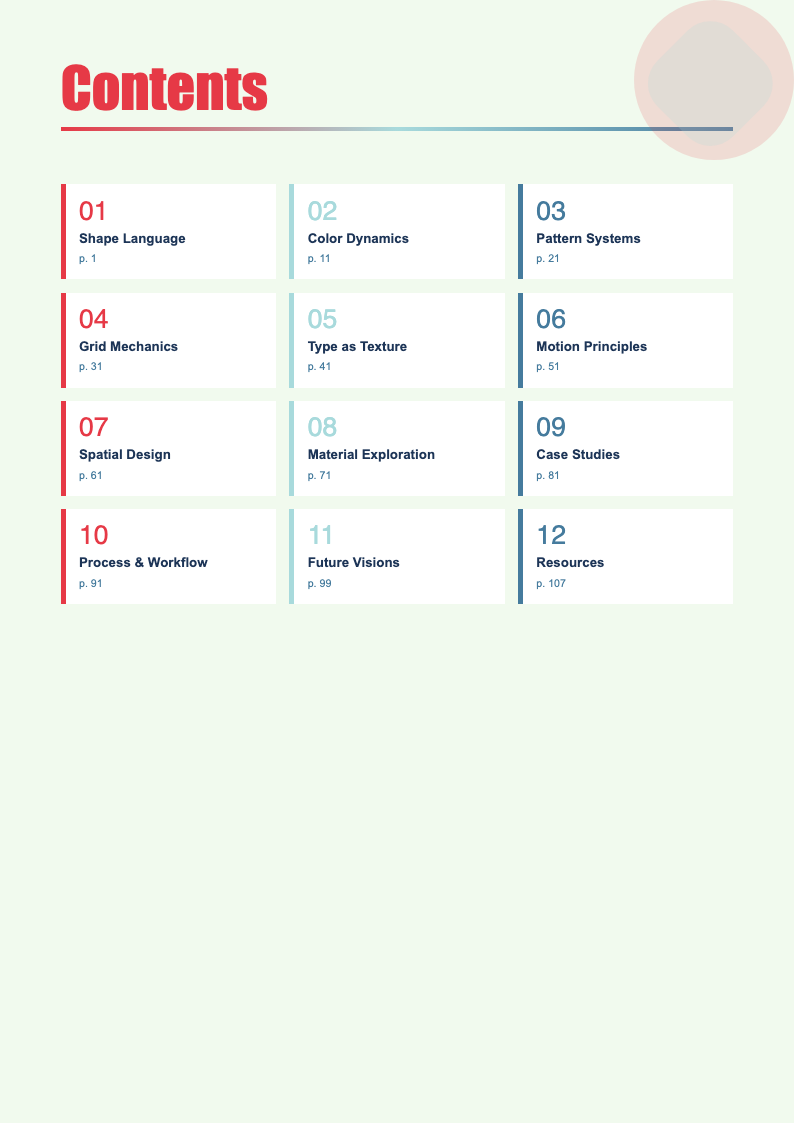
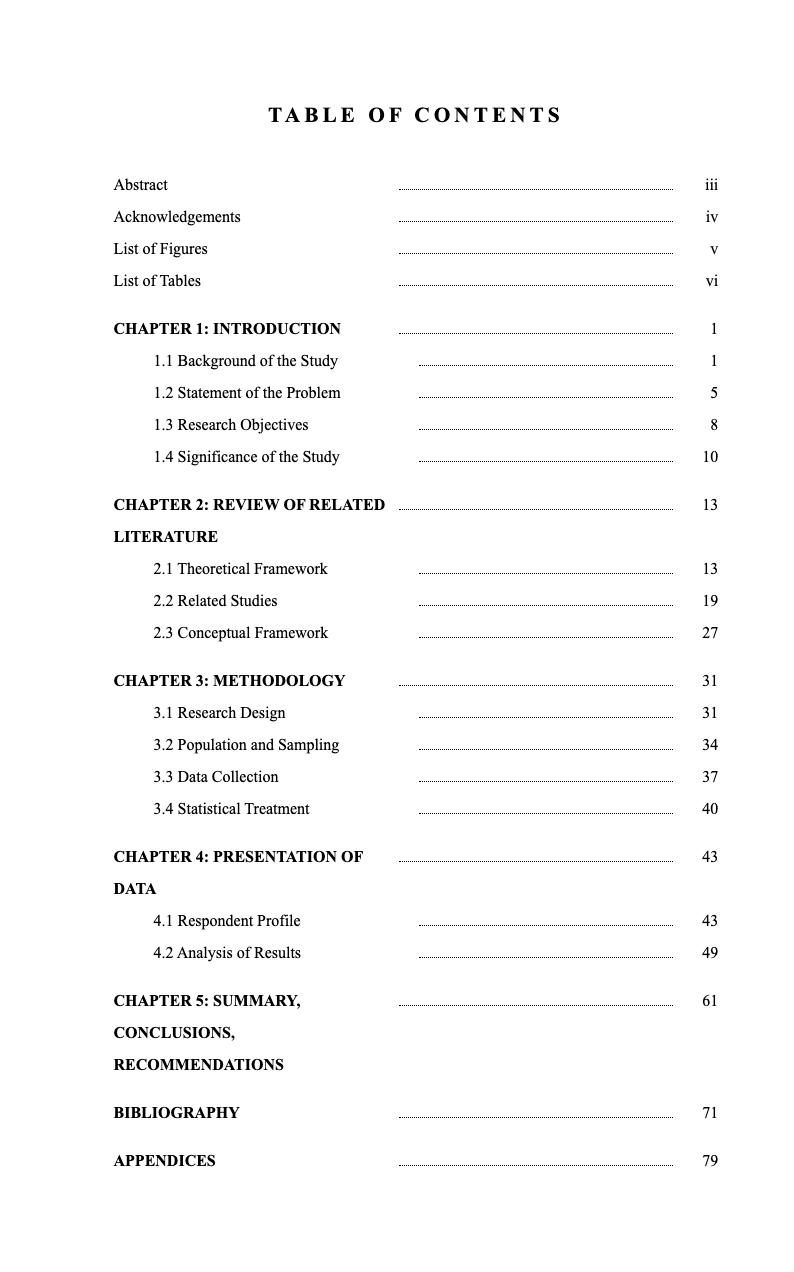
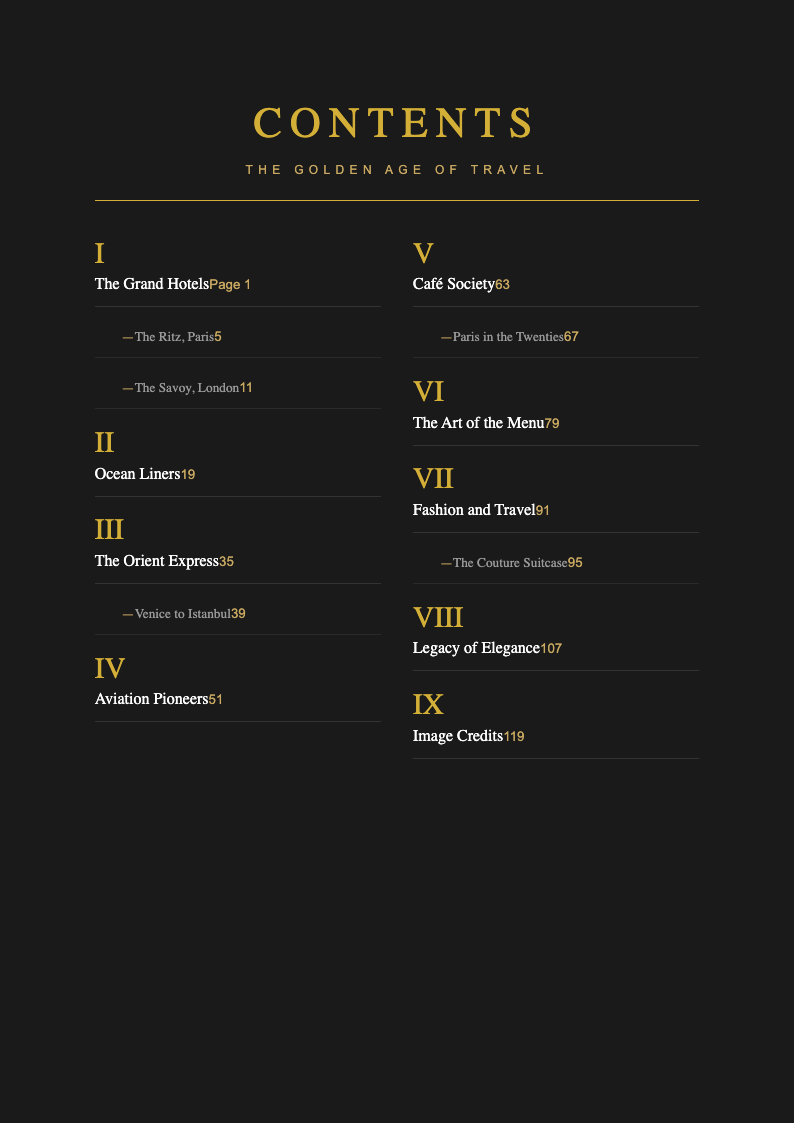
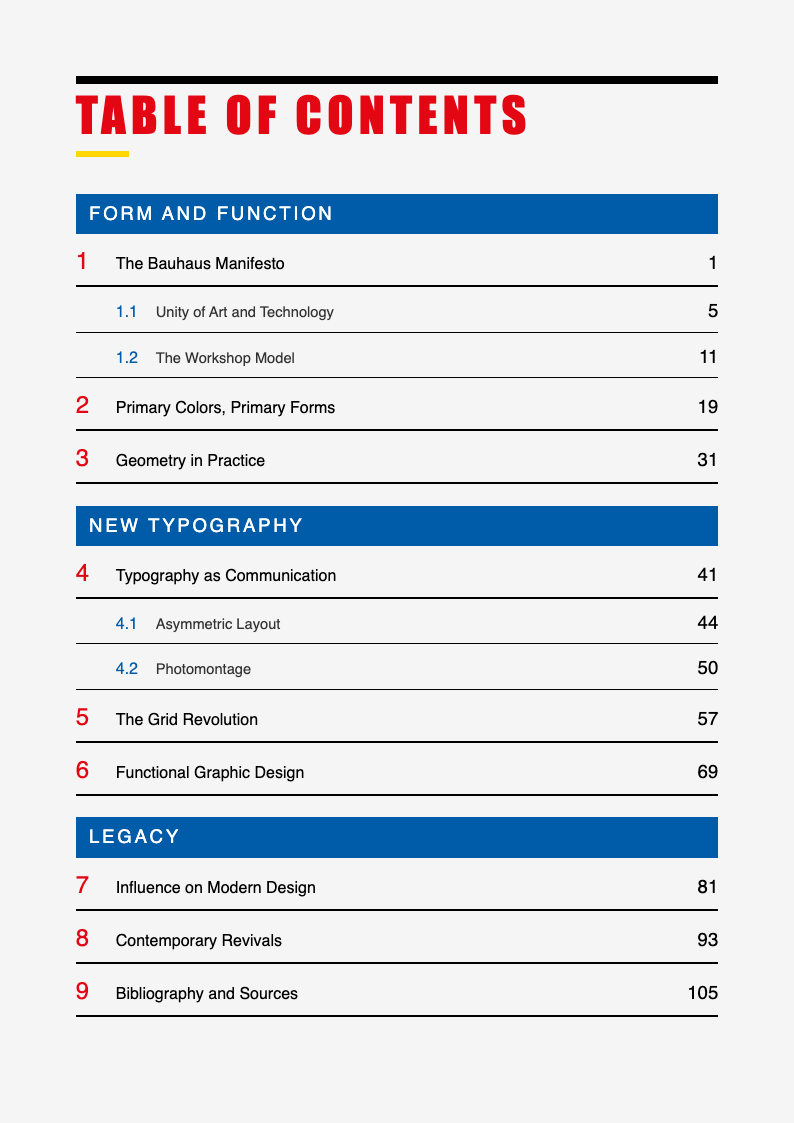
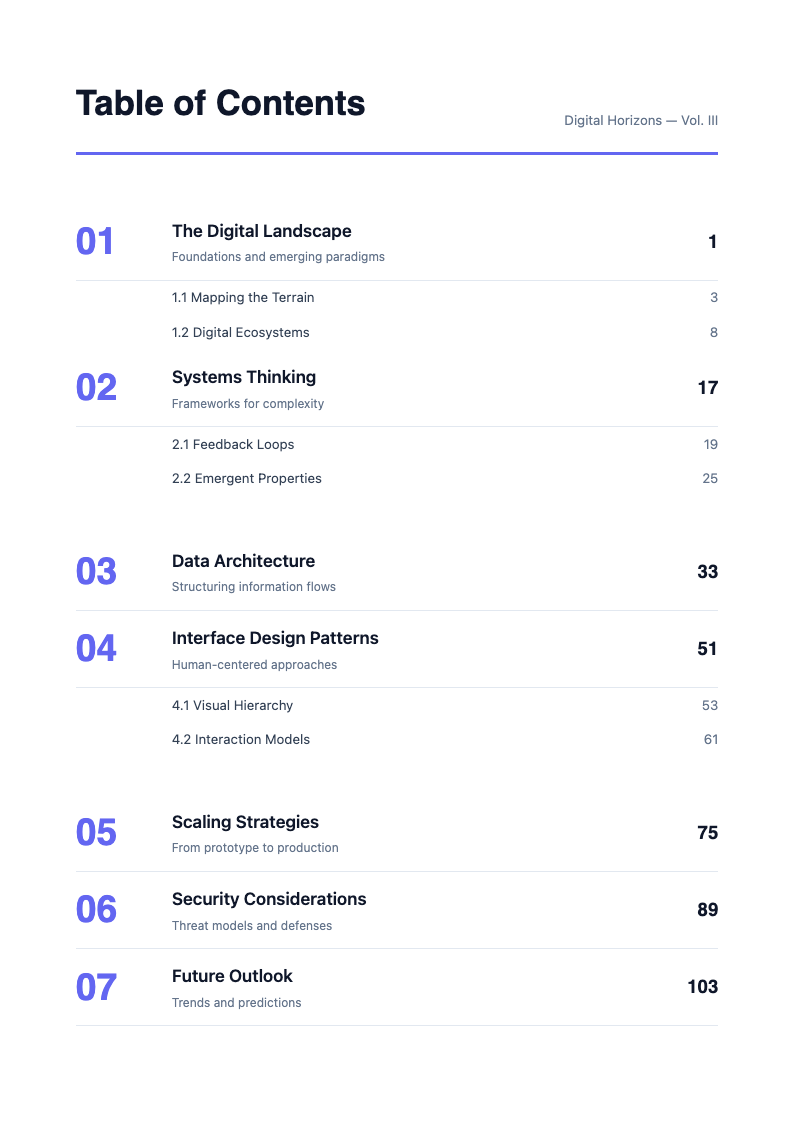
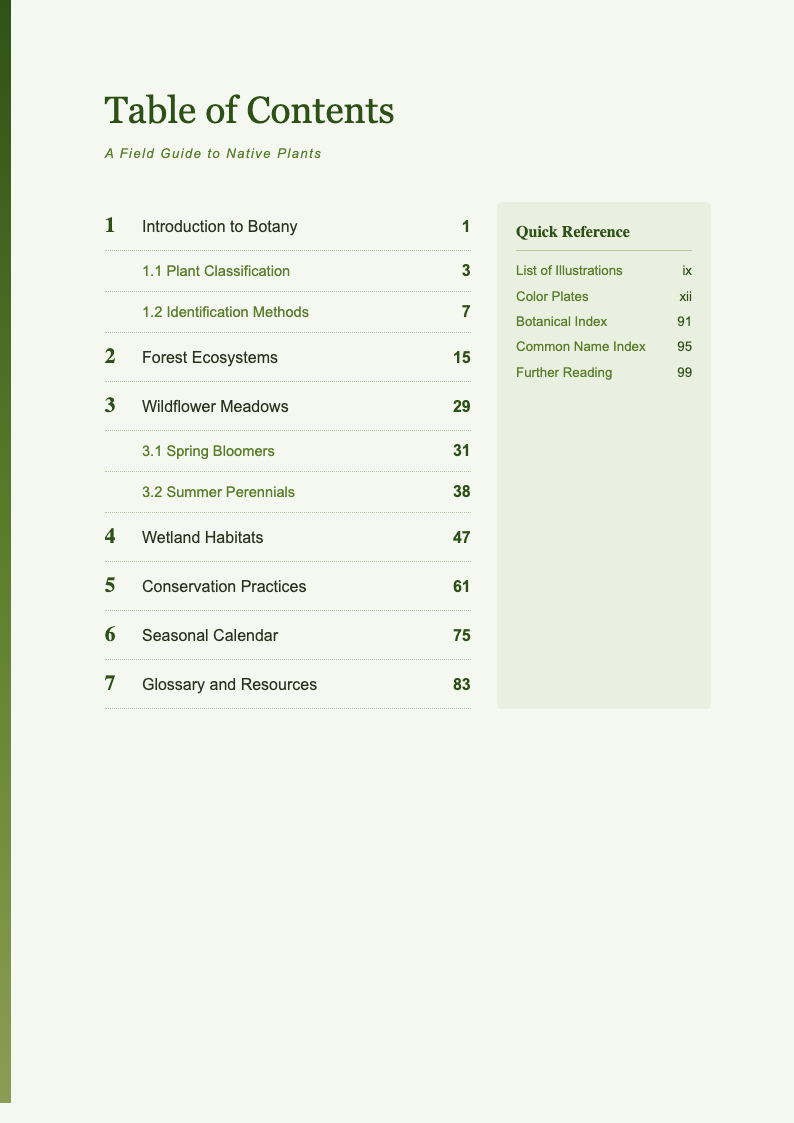
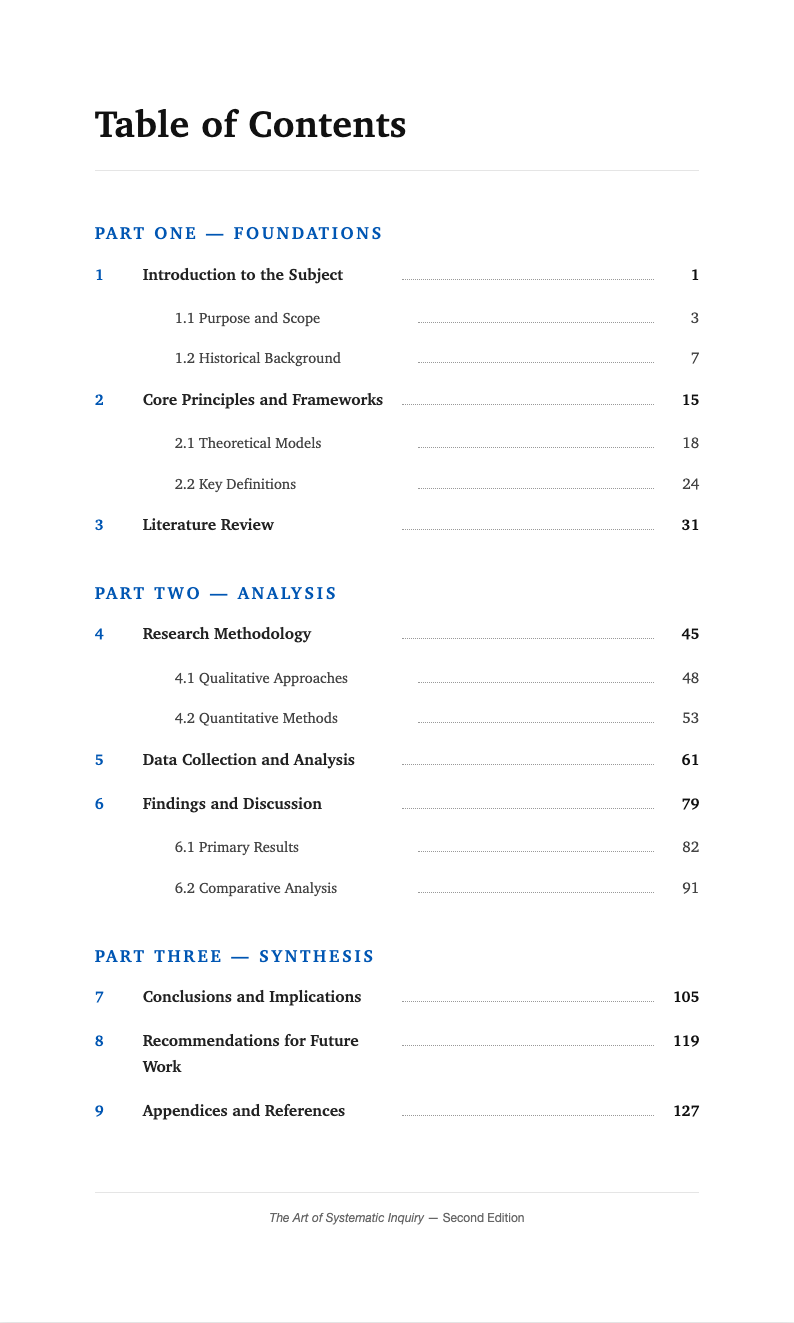
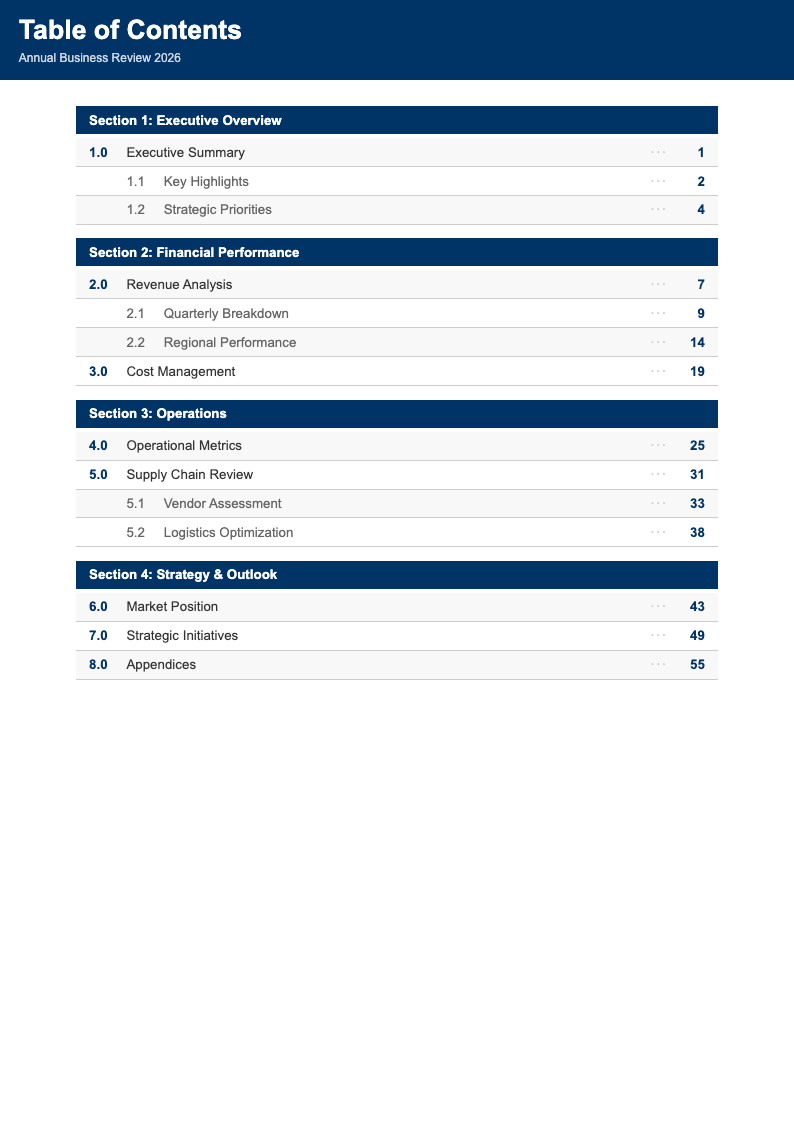
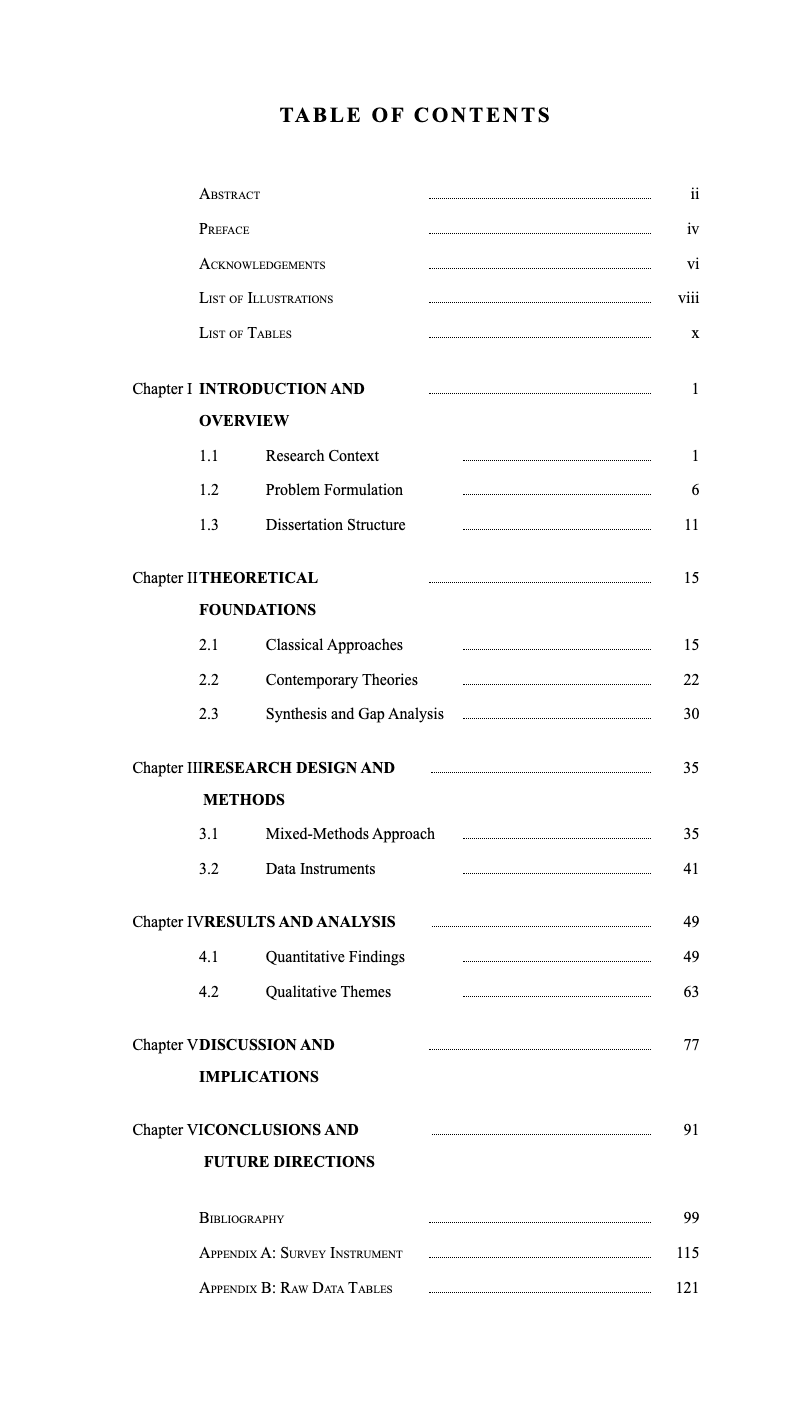
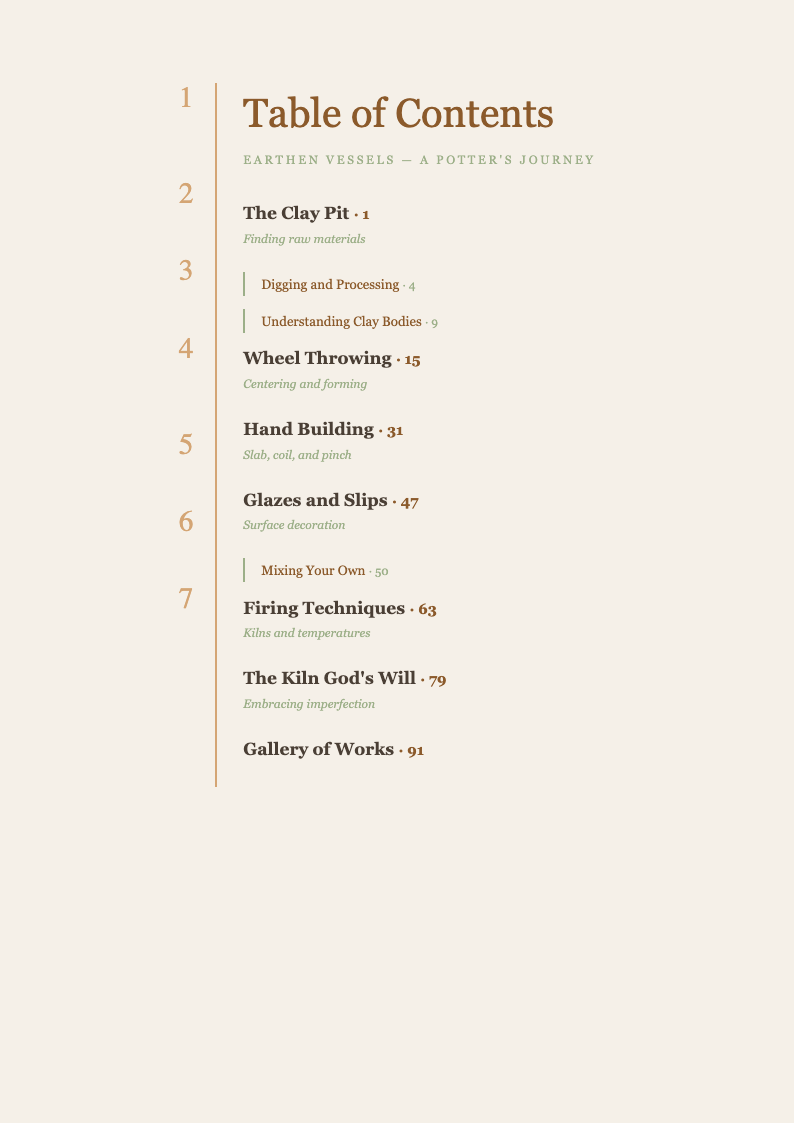
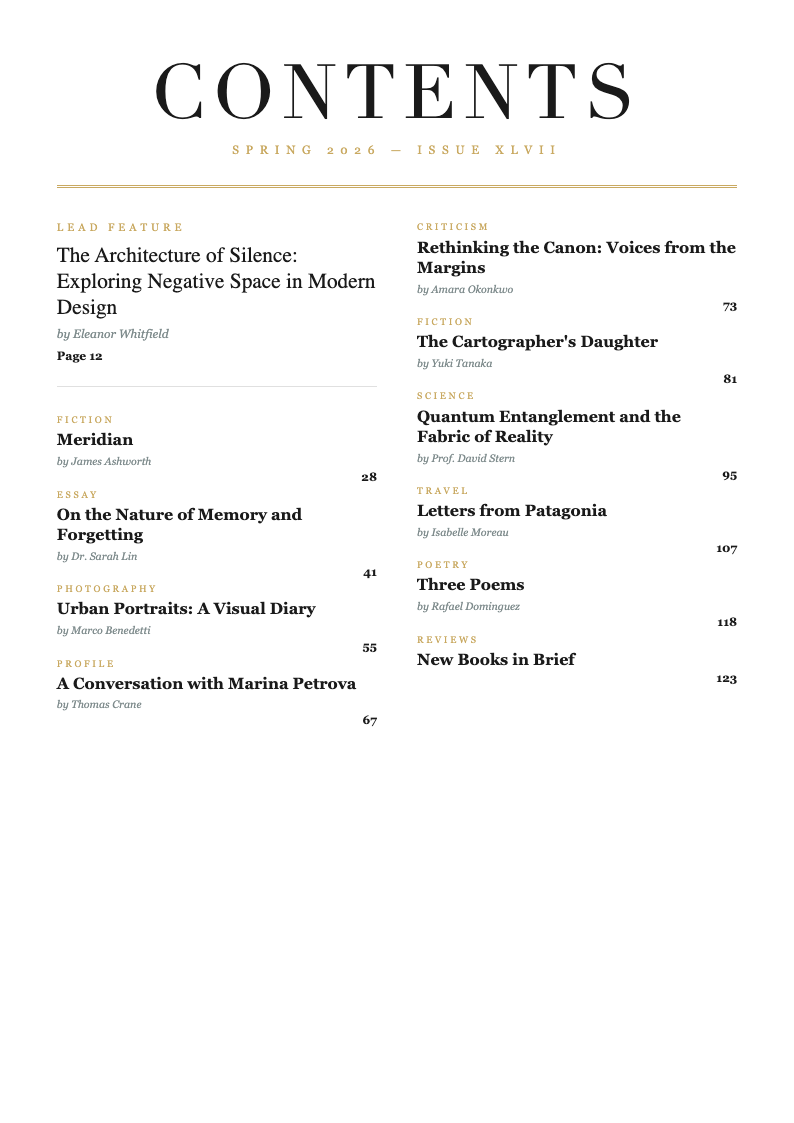
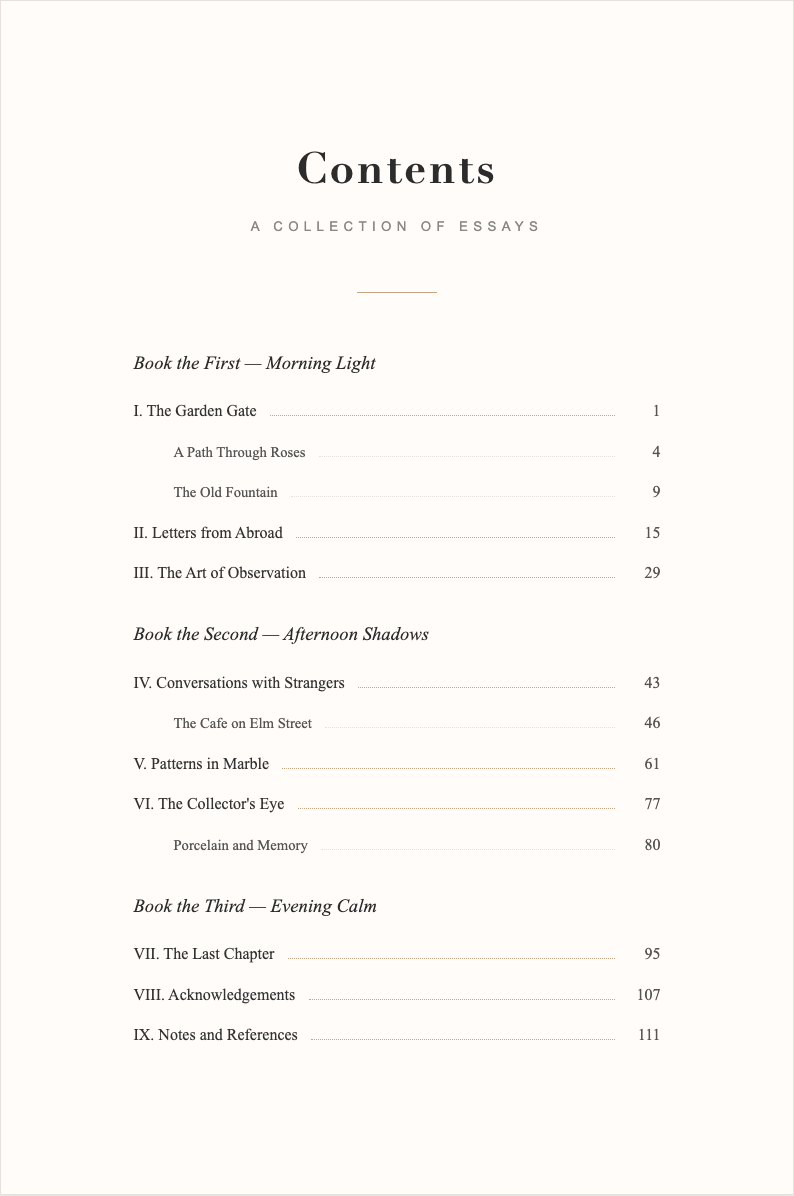
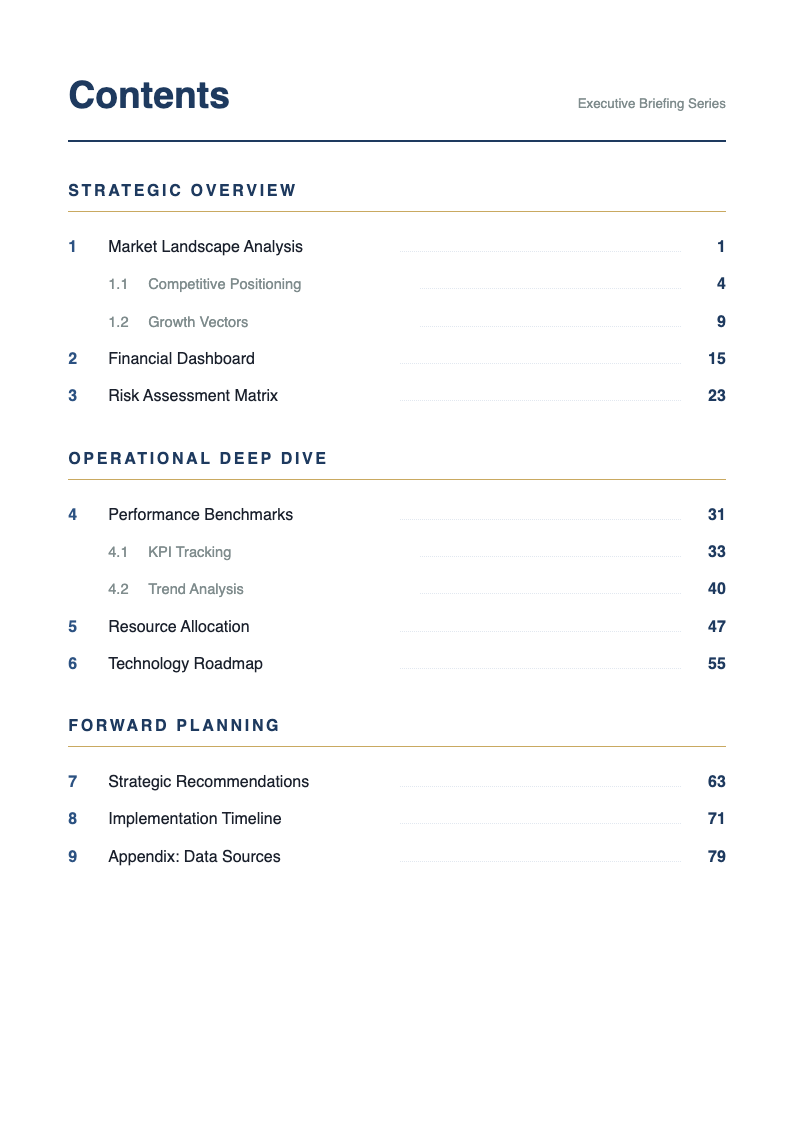
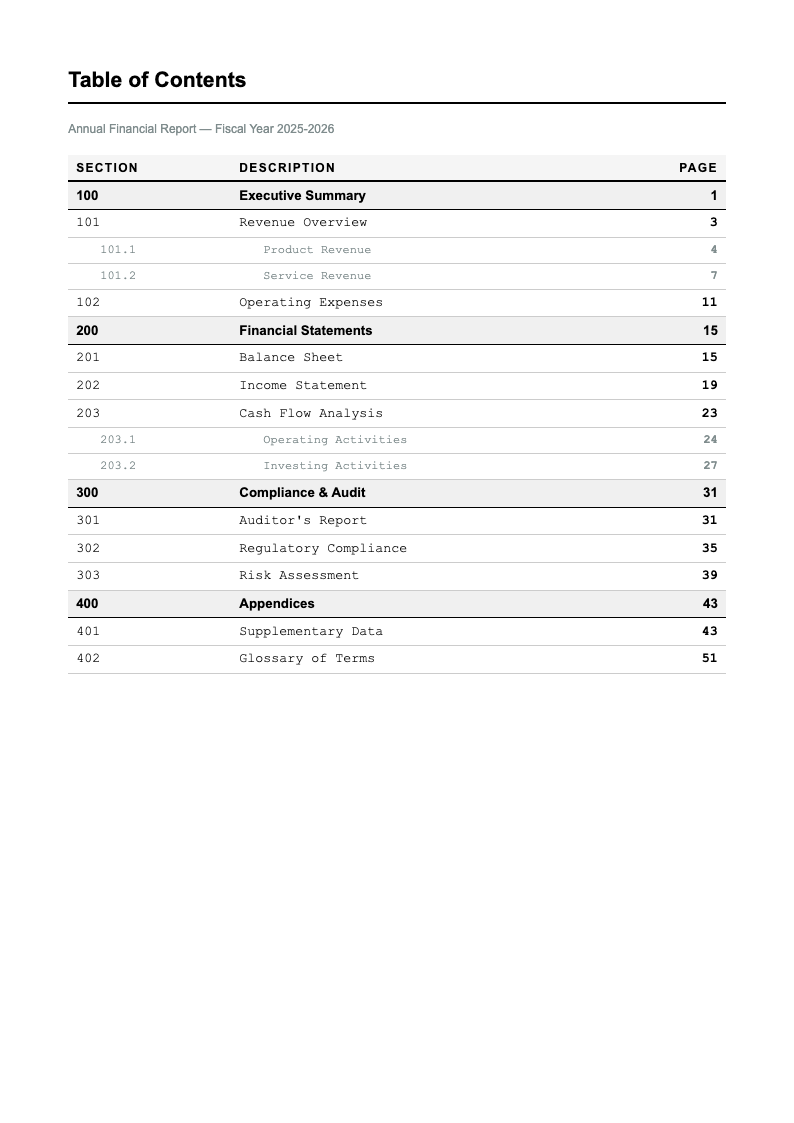
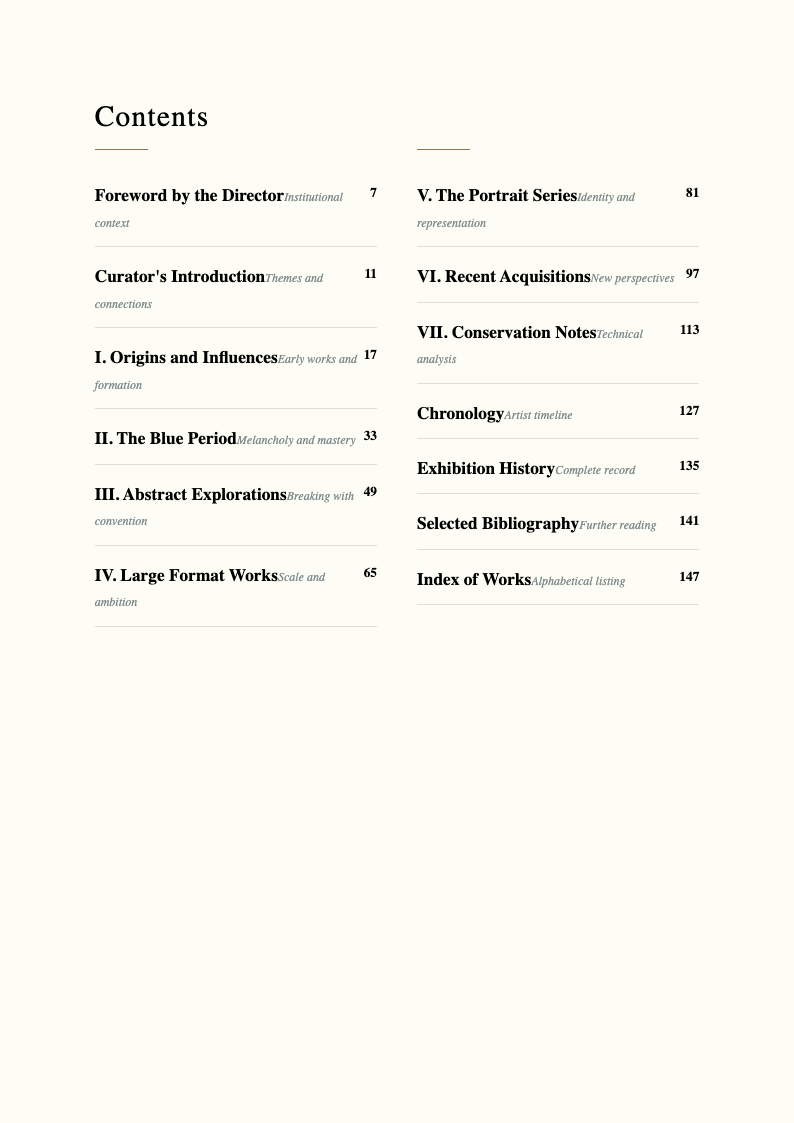
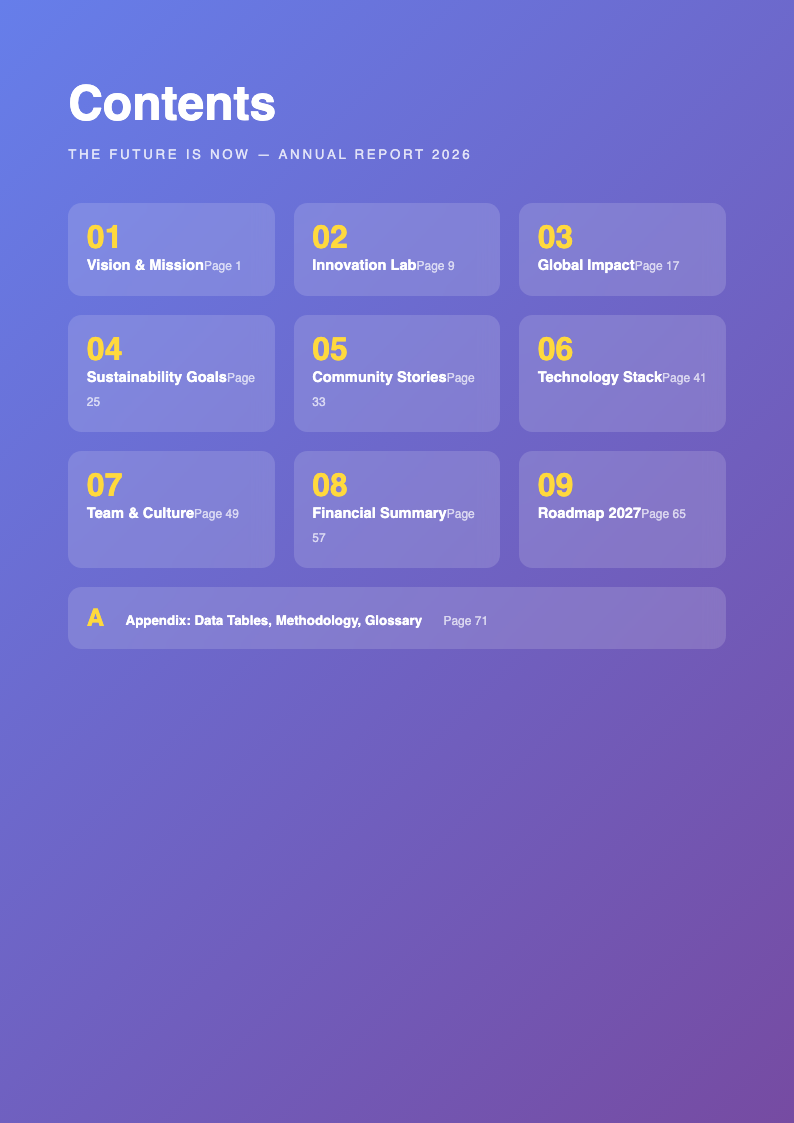
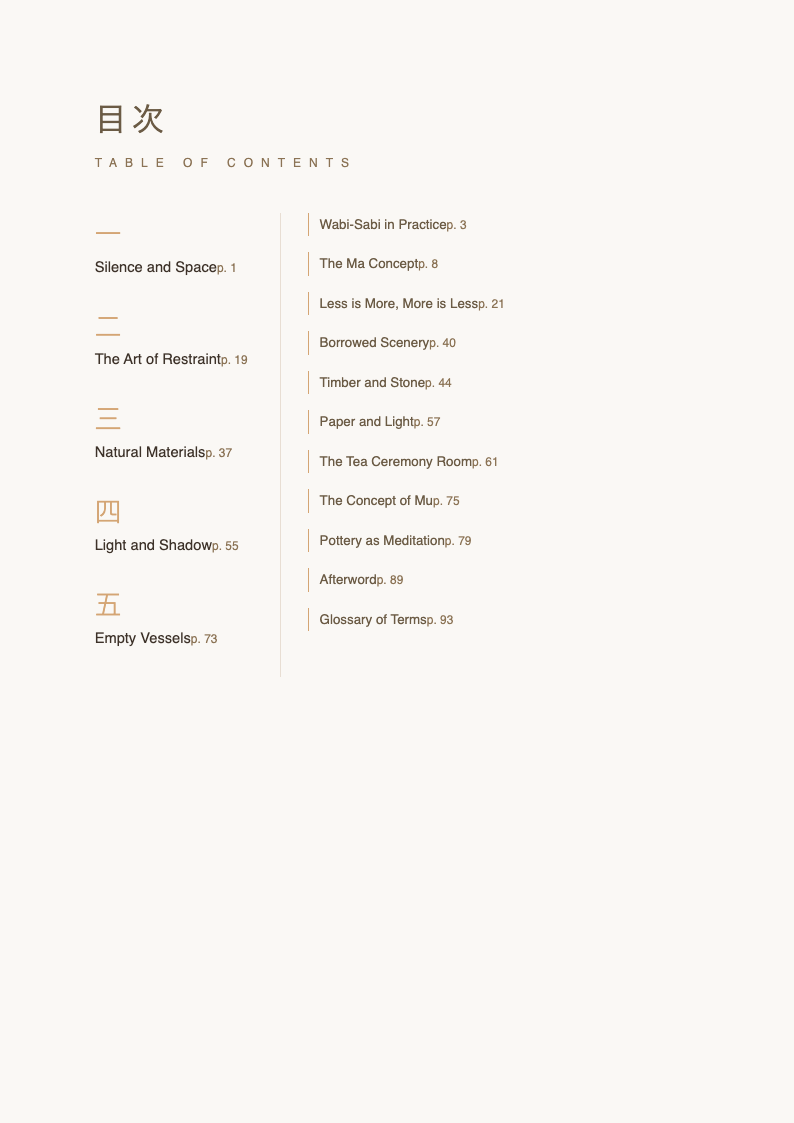
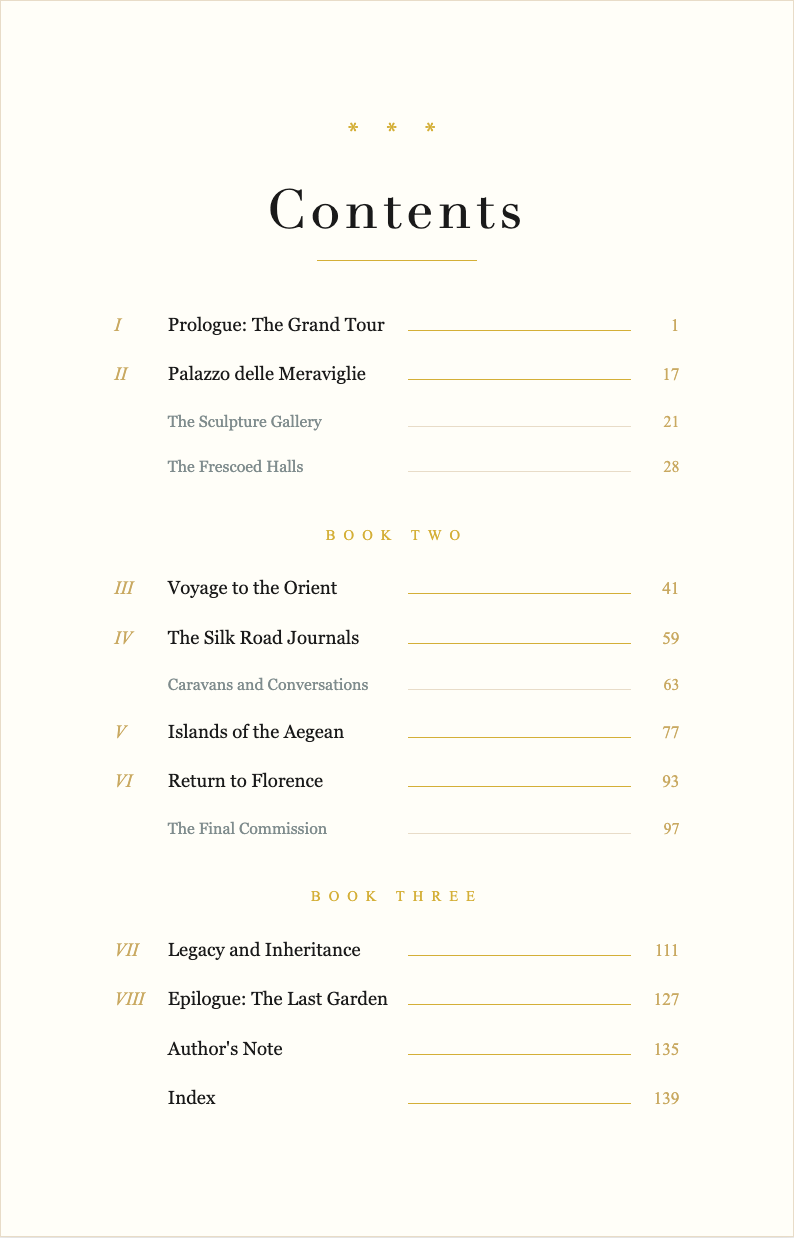
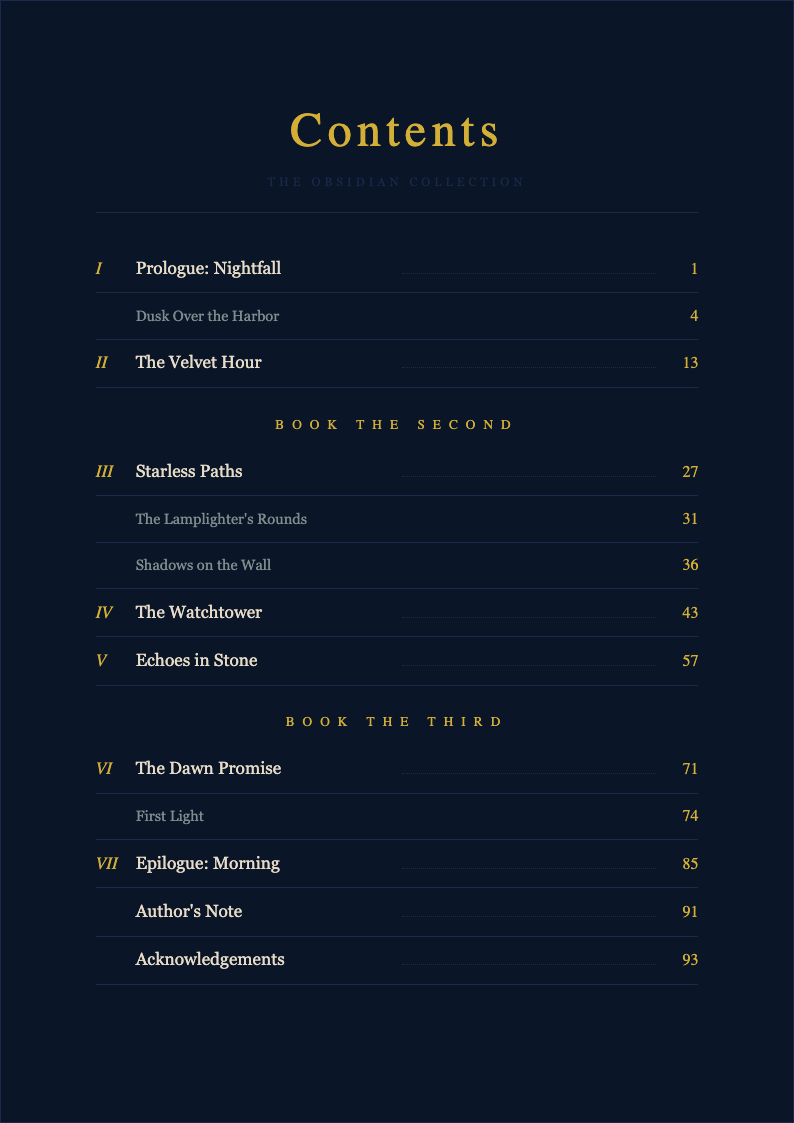
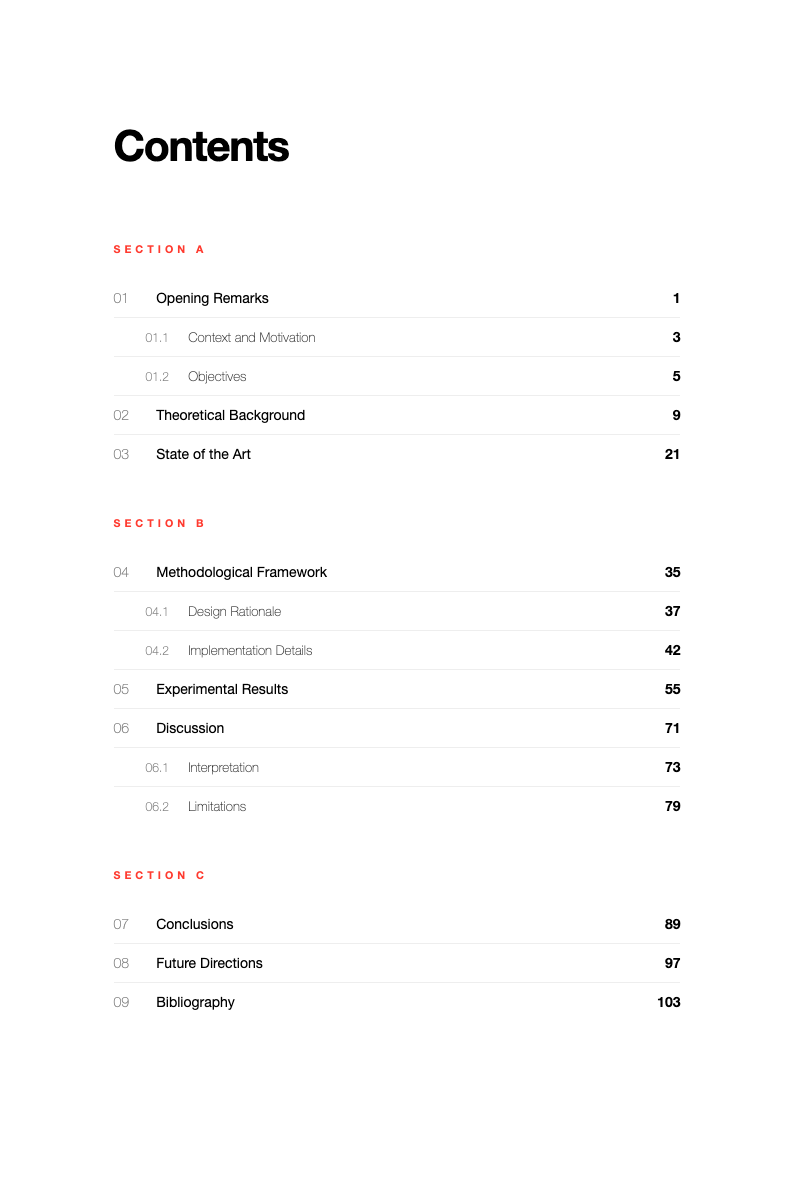
Structure your book professionally with AI Formatter's collection of Book Table Of Contents templates. Whether you are publishing a novel, a textbook, a research report, or a non-fiction guide, our chapter listing layouts help you organize chapters, sections, and subsections with clarity. Each content directory format is pre-formatted with proper indentation and page reference fields so your readers can navigate your work easily.
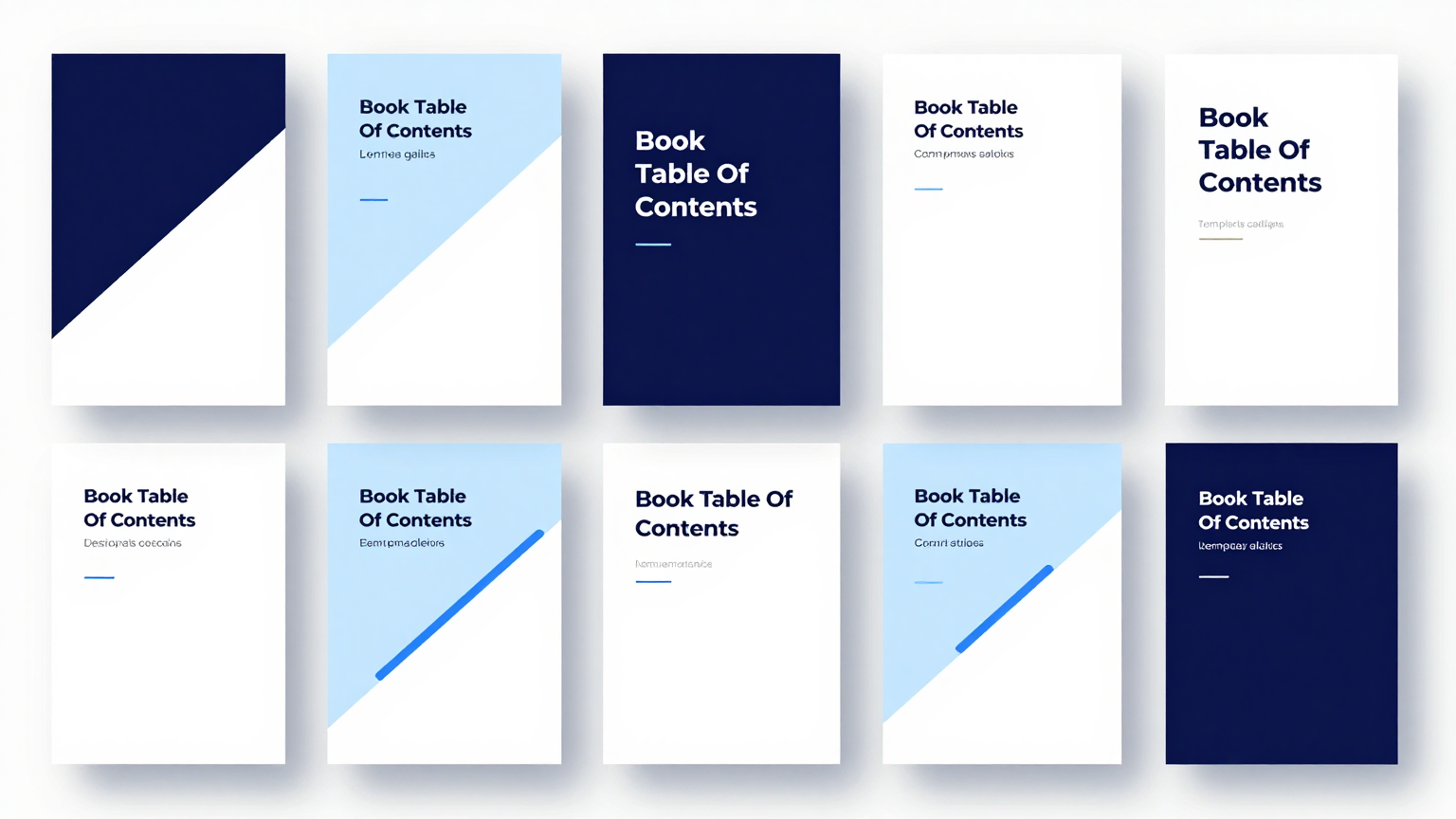
Showing 20 of 30 templates
Frequently Asked Questions About Our Templates
Common questions about using our book table of contents templates for your publishing projects.
- Are these Book Table Of Contents templates free to use?
- Yes, all Book Table Of Contents templates on AI Formatter are completely free to download, edit, and use for your publishing projects. There are no hidden fees, watermarks, or subscription requirements to access any chapter listing layout in our collection. You can customize and export as many documents as you need without paying anything.
- What types of Book Table Of Contents templates are available?
- Our collection includes Book Table Of Contents templates for fiction novels, non-fiction books, academic textbooks, research reports, anthologies, and multi-volume works. Each TOC layout is designed for a specific publication type and can be fully adapted to fit your chapter structure, section hierarchy, and formatting preferences. Whether you are publishing a short story collection or a multi-chapter textbook, our templates provide the right layout for your needs.
- Can I edit a Book Table Of Contents template in Word or Google Docs?
- Absolutely. Every Publication TOC format can be downloaded in Microsoft Word format, making it easy to edit in Word, Google Docs, or any compatible word processor. You can also edit your chosen content directory format directly in our online editor before downloading, which gives you full control over chapter titles, page numbers, and indentation levels.
- Is my data secure when I use a Publication index format?
- Yes, your privacy is our priority. When you use a Contents page design through AI Formatter, your information is processed securely and is not stored on our servers after your session ends. Each chapter outline design is handled with strict data protection measures to safeguard your unpublished manuscript details, chapter titles, and intellectual property.
- How do I create an effective Book Table Of Contents?
- An effective Book Table Of Contents should list all chapters and major sections in order, use consistent formatting for hierarchy levels, include accurate page numbers, and reflect the logical flow of your content. Using a Publication TOC format helps ensure proper formatting and structure, whether your book has simple chapter divisions or complex multi-level subsections with appendices and index references.
- Can I customize the indentation and hierarchy in a Book navigation layout?
- Yes, you can adjust indentation levels, font styles, and numbering formats in any Chapter directory using our online editor. Whether your publication index format needs simple chapter listings or detailed sub-section hierarchies with part numbers, chapter numbers, and section headings, our editing tools give you complete control over the visual structure.
- Do Contents page designs work for both printed books and ebooks?
- Yes, our Book structure layouts are designed to work for both print and digital formats. You can export your finished chapter guide template as a PDF for print-ready output or as a Word document for ebook conversion. The layouts account for both static page references and hyperlinked navigation, depending on your distribution format.
- How quickly can I generate a Book Table Of Contents document?
- With AI Formatter, you can select a Chapter listing layout, enter your chapter titles and section headings using our online editor, and download the finished document in under five minutes. The process is designed to be efficient so you can focus on the content and structure of your book rather than spending time on manual formatting.
- Can I share a Chapter directory with my co-authors?
- With AI Formatter, you can select a layout, enter your chapter titles and section headings using our online editor, and download the finished document in under five minutes. The process is designed to be efficient so you can focus on the content and structure of your book rather than spending time on manual formatting, indentation, and page reference alignment.
- What format options are available for downloading a Book Table Of Contents?
- Yes, you are welcome to share any layout with co-authors, editors, and collaborators. Since our templates are free and fully downloadable, your entire team can use the same consistent format. This ensures uniform style and structure across multi-author or edited volume projects, making collaboration smoother and more efficient throughout the publishing process.
- Are Chapter listing layouts suitable for academic publications?
- Every layout can be exported as a PDF for print-ready output or as a Word document for further editing and collaboration. Some formats also support additional export options depending on the complexity of your chapter hierarchy, the depth of subsections, and your specific publishing workflow requirements. You can choose the format that best fits your production pipeline.
- Do I need to create an account to use a TOC layout?
- No account is required. You can browse, select, and edit any Book contents page layout directly without signing up or providing any personal information. We believe accessing a quality book structure layout should be as simple and straightforward as possible for every author, editor, and publisher who needs professionally formatted documentation.
- Can I customize the styling on a Content directory format?
- Yes, you can adjust fonts, spacing, leader dots, page number alignment, and heading styles in any layout using our online editor. Our editor lets you fully personalize the appearance so it matches your book's interior design and publishing standards perfectly. You have complete control over every visual element, ensuring a professional and cohesive look throughout.
- What makes AI Formatter's Chapter outline designs different from others?
- AI Formatter offers AI-powered editing, a clean online interface, and instant export options that make customizing a Chapter guide template significantly faster than building one from scratch in a word processor. Every TOC layout in our library is designed for clarity, proper hierarchy, and ease of use right in your browser, with no software installation needed.
- How often are new Book contents page layouts added?
- We regularly update our library with new Book navigation layouts based on user feedback and evolving publishing industry standards. If you need a specific type of content directory format that is not currently available, you can reach out to our team with your request and we will consider adding it to the collection in a future update.
Ready to Create Your Chapter Listing?
Choose from our professionally designed Book Table Of Contents templates and customize your document in minutes. Structure your book with clarity and professionalism using AI Formatter.
Free templates • AI-powered editing • No sign-up required